 Click to zoom
Marketing Mix PowerPoint Charts Template: Transform Strategies into Visual Masterpieces
| Format | .pptx |
| Slides | 30 unique layouts |
| Aspect ratio | 16:9 |
| Compatibility | PowerPoint |
| Animated | No |
| Language | English |
| License | Commercial |
| File size | — |
| Version | v1.0 |
| Last updated | June 2024 |
What's inside
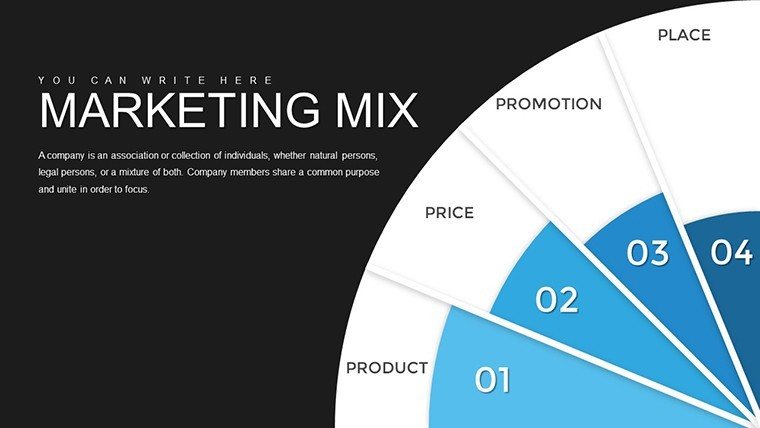
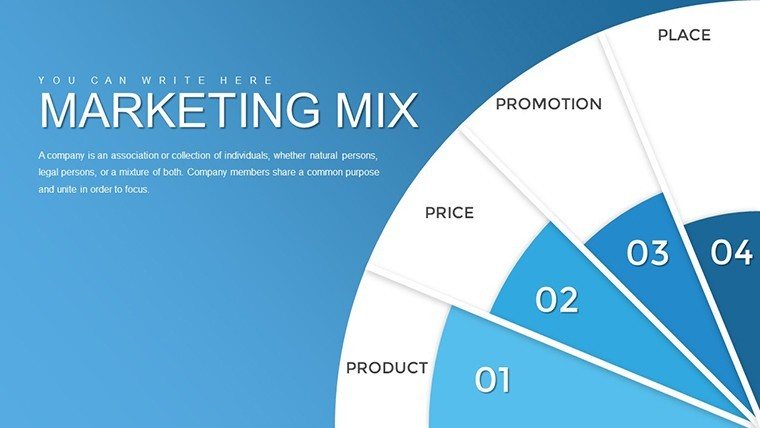
In the fast-paced world of marketing, where every decision can pivot a campaign's success, having the right tools to communicate your vision is crucial. Imagine turning abstract concepts like product positioning, pricing tactics, distribution channels, and promotional efforts into captivating visuals that resonate with stakeholders. Our Marketing Mix PowerPoint Charts Template does exactly that, offering a comprehensive suite of 30 fully editable slides designed specifically for professionals who need to articulate the classic 4Ps framework - Product, Price, Place, and Promotion - with clarity and flair. Whether you're a seasoned marketing manager preparing for a quarterly review or an entrepreneur pitching to investors, this template bridges the gap between data and storytelling, ensuring your ideas don't just get heard but truly understood. With its modern aesthetics and intuitive design, you'll save hours that would otherwise be spent wrestling with basic slide software, allowing you to focus on what matters: crafting strategies that drive results. Dive into a world where your marketing plans come alive, engaging teams and clients alike in ways that static documents never could.
Unlock the Power of Visual Marketing Strategies
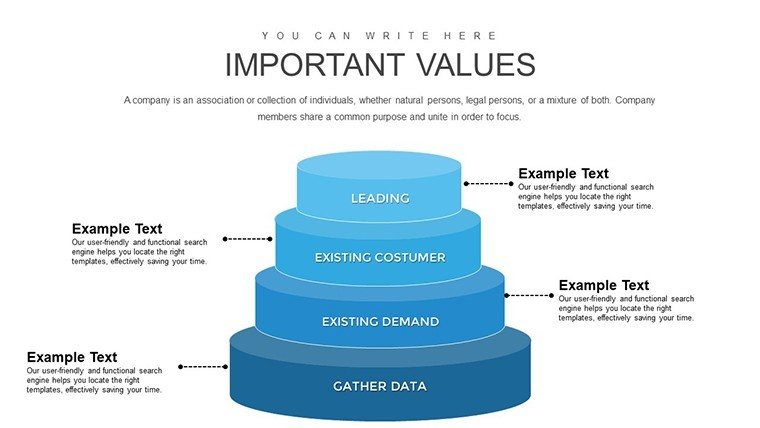
Beyond the basics, this template immerses you in a versatile ecosystem of charts and diagrams tailored to the nuances of marketing. Picture this: You're leading a team through a product launch, and instead of dense paragraphs, you unveil a sleek infographic highlighting feature benefits against competitor pricing. The slides cover everything from lifecycle stages to promotional campaign timelines, all customizable to align with your brand's voice. Professionals often struggle with presenting multifaceted strategies without overwhelming their audience; this template solves that by breaking down complex elements into digestible visuals. For instance, use the product strategy slides to map out features and benefits, incorporating icons that symbolize innovation and value, making your pitch not just informative but inspiring.
Core Features That Set This Template Apart
- Customizable Elements: Adjust colors, fonts, and layouts effortlessly to match your corporate branding, ensuring consistency across all your materials.
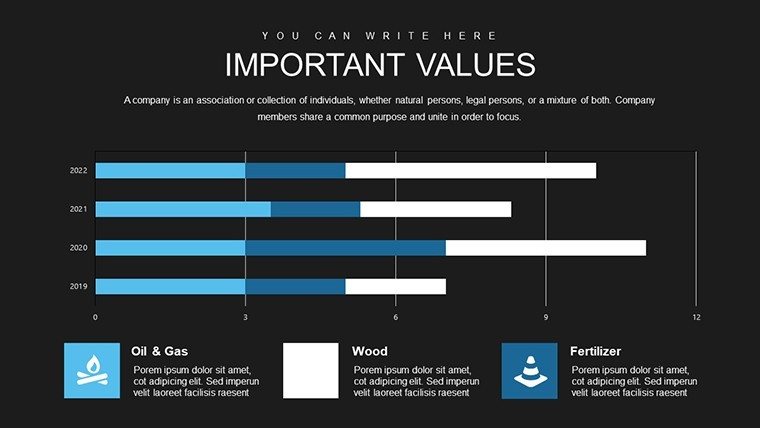
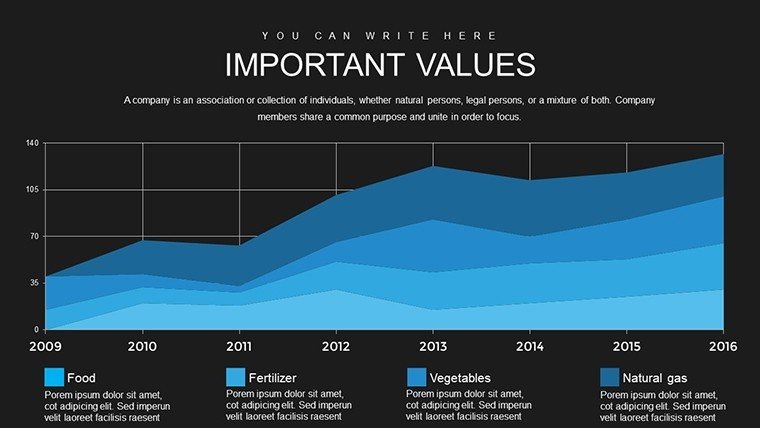
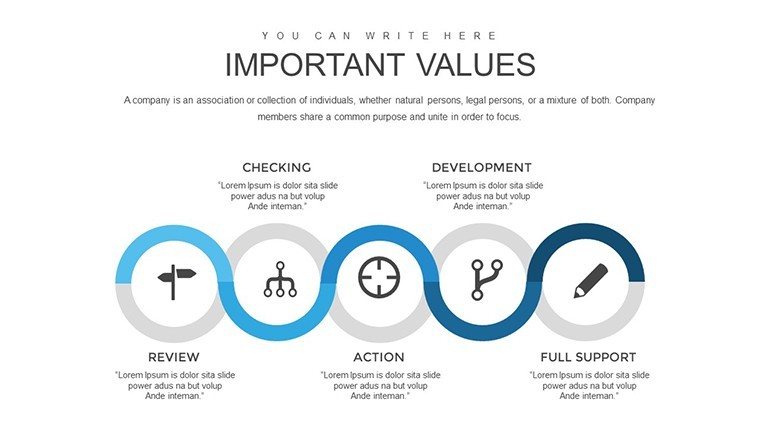
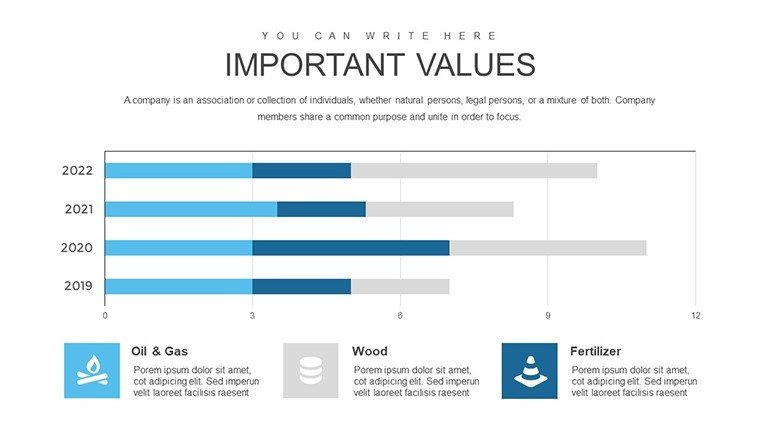
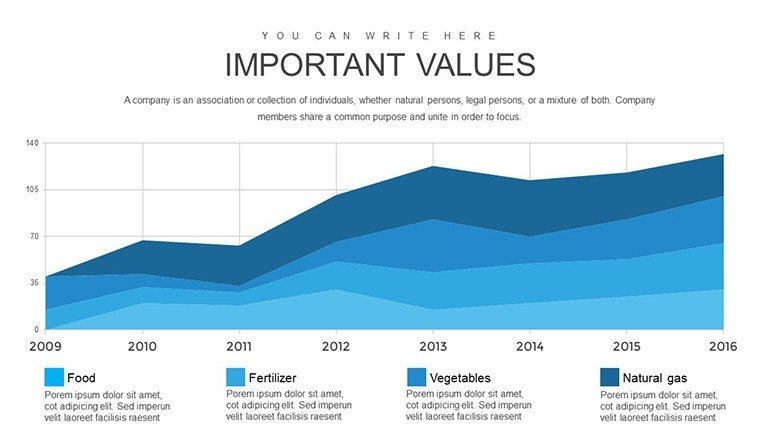
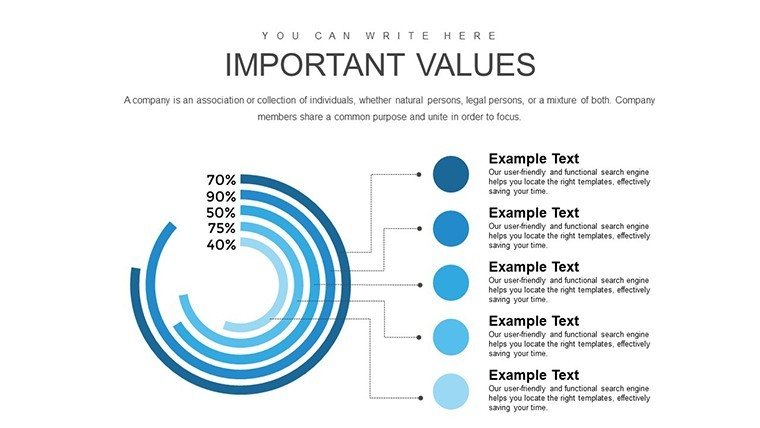
- Diverse Chart Types: From bar graphs depicting pricing models to flowcharts illustrating distribution logistics, each slide is optimized for data visualization.
- Icon Library: Integrated symbols for quick representation of concepts like target audiences or sales funnels, adding a professional polish.
- High-Resolution Graphics: Scalable designs that look sharp on any screen, from laptops to conference projectors.
- Easy Integration: Compatible with PowerPoint and Google Slides, allowing seamless collaboration with remote teams.
These features aren't just add-ons; they're built to enhance productivity. Marketing experts, drawing from frameworks like Kotler's principles, appreciate how such tools adhere to best practices in visual communication, reducing cognitive load and boosting retention rates in presentations.
Real-World Applications: From Pitches to Planning
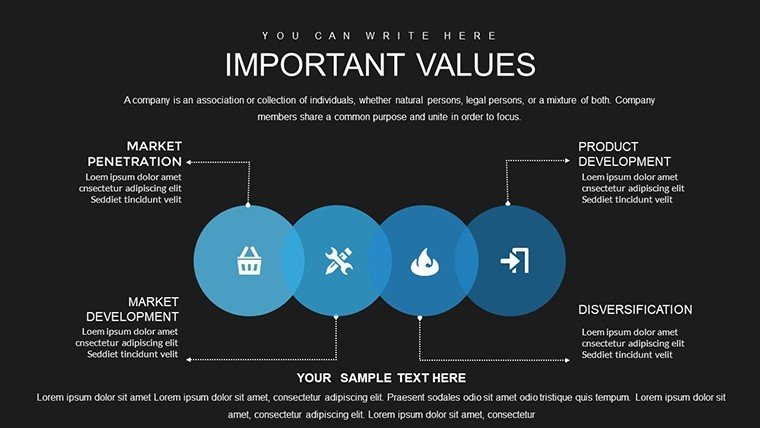
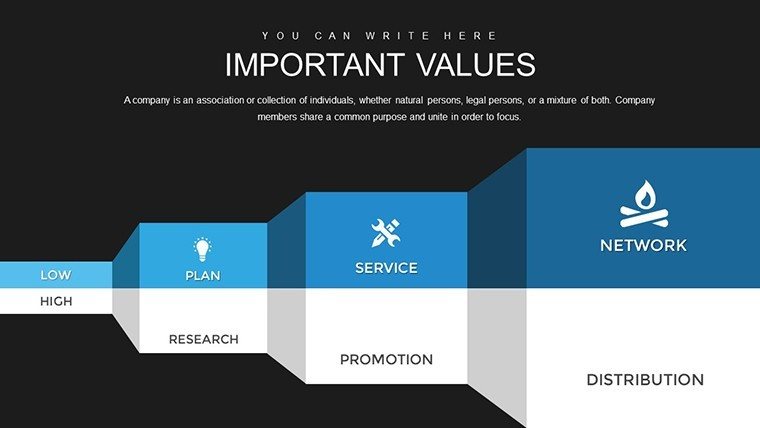
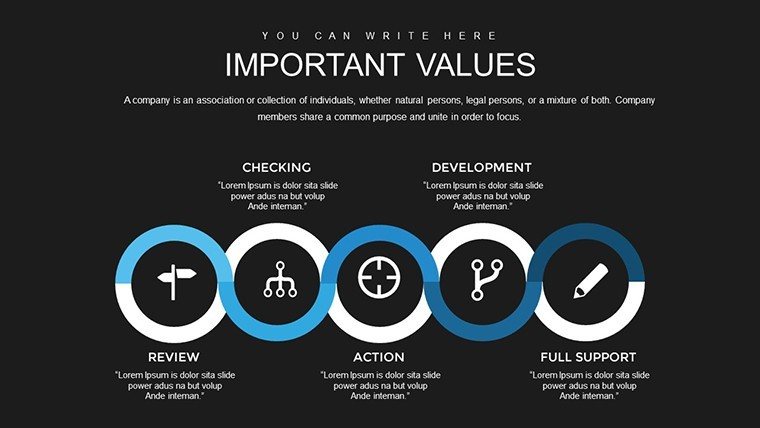
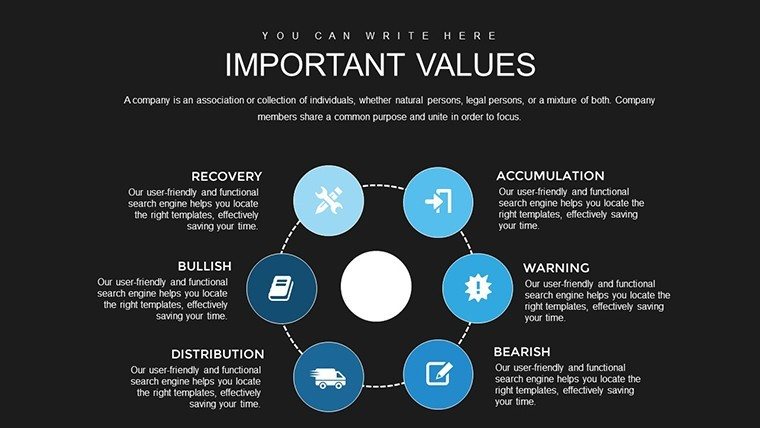
Let's explore how this template shines in everyday scenarios. Consider a marketing coordinator at a mid-sized firm tasked with a go-to-market plan for a new gadget. Using the product slides, they detail features, benefits, and lifecycle phases with timeline charts that forecast market entry. Transitioning to price strategy, pie charts compare discount models against competitors, backed by data points that highlight profitability. For placement, network diagrams show distribution channels, from online marketplaces to retail partnerships, emphasizing efficiency. Finally, promotion slides integrate Gantt charts for campaign schedules, incorporating metrics like reach and engagement forecasts.
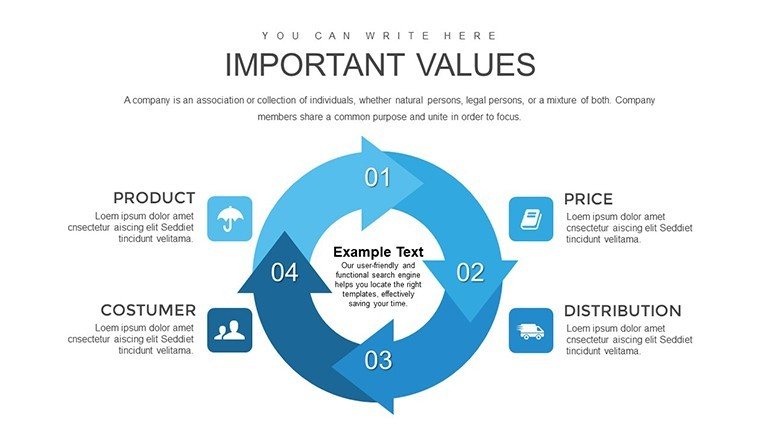
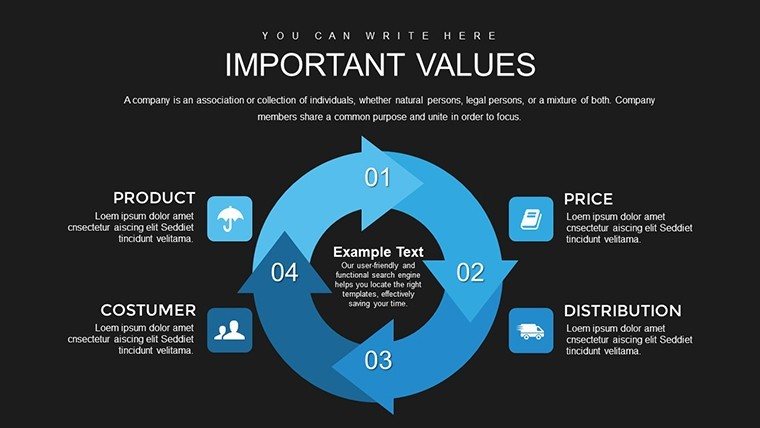
In another case, a business owner preparing for investor meetings uses the template to weave a narrative around their marketing mix. Starting with an overview slide that encapsulates the 4Ps in a central diagram, they drill down into specifics: A radar chart for product comparisons, line graphs for pricing trends over time, maps for place strategies, and bubble charts for promotional impact. This approach not only demonstrates strategic depth but also builds investor confidence through clear, evidence-based visuals.
Step-by-Step Guide to Maximizing Your Template
- Assess Your Needs: Identify the key marketing elements you need to present, such as focusing on promotion for a digital campaign.
- Customize Slides: Import your data into the editable fields, tweaking visuals to reflect current trends like sustainable pricing.
- Incorporate Storytelling: Use transitions between slides to build a cohesive story, perhaps linking product innovation to promotional tactics.
- Rehearse and Refine: Test the flow in PowerPoint's presenter view, ensuring charts animate smoothly for maximum impact.
- Share and Collaborate: Export to PDF for handouts or share via cloud for team feedback.
This methodical use aligns with agile marketing methodologies, where quick iterations lead to refined strategies. Drawing from real-world successes, like how brands such as Coca-Cola leverage similar visuals in annual reports, you'll see tangible improvements in audience engagement.
Why This Template Outshines Basic PowerPoint Tools
Standard PowerPoint charts often fall flat - generic designs that lack the thematic depth needed for marketing narratives. Our template elevates this with pre-themed elements inspired by industry standards, such as AIDA models for promotion slides. Unlike free alternatives that require extensive tweaking, this ready-to-use pack offers professional-grade quality, saving you from design pitfalls like mismatched colors or cluttered layouts. Users report up to 50% faster preparation times, allowing more focus on analysis over aesthetics. Plus, with LSI-friendly elements like "strategic marketing visuals" and "editable infographics," your presentations become more discoverable in internal searches or shared drives.
Expert Tips for Stellar Presentations
As an SEO and marketing veteran, I've seen how subtle enhancements make a difference. Pair charts with concise bullet points to avoid text overload - aim for no more than five lines per slide. Incorporate color psychology: Blues for trust in pricing discussions, greens for growth in product lifecycles. For virtual meetings, enable animations sparingly to guide the viewer's eye without distraction. And always back visuals with data sources, fostering trustworthiness akin to peer-reviewed marketing studies.
In educational settings, students can adapt these for case analyses, dissecting real campaigns like Apple's product mixes. The versatility extends to non-profits, where promotion slides highlight outreach efforts with impact metrics.
Elevate Your Marketing Game Today
Don't let outdated slides hold back your innovative ideas. With this Marketing Mix PowerPoint Charts Template, you're equipped to deliver presentations that not only inform but inspire action. Whether refining internal strategies or captivating external audiences, the blend of functionality and style ensures your message lands perfectly. Ready to make your mark? Customize your way to success now.
Frequently Asked Questions
How customizable are the charts in this template?
Every element is fully editable, from data points to color schemes, allowing you to tailor it precisely to your needs without advanced skills.
Is this template compatible with Google Slides?
Yes, it works seamlessly with both PowerPoint and Google Slides for easy collaboration.
What file format is provided?
The download comes in .pptx format, ready for immediate use.
Can I use this for non-marketing presentations?
Absolutely - adapt the 4Ps framework for business planning or educational purposes.
How many slides are included?
There are 30 editable slides covering all aspects of the marketing mix.
Good for
- Project roadmaps and sprint plans
- Product launch timelines
- Quarterly or annual review decks
- Company history and milestone summaries
Licence
reviews
The customization depth surprised me positively. I could match my brand perfectly and the charts still looked balanced.
Pretty useful for client proposals though I had to adjust spacing on a few elements. Good value overall.
These shapes and charts feel premium. My presentation flowed better and the audience understood metrics quicker.
A bit critical on the color schemes but they are easy to change. Usability is high for business users.
FAQ
Will it work in Google Slides?
Are fonts embedded?
Can I use this for client work?
What's the refund policy?
Do you update the template after purchase?
Similar templates
See all PowerPoint Charts →


All 30 slides