 Click to zoom
Internet Marketing Landing PowerPoint Charts Template
| Format | .pptx |
| Slides | 32 unique layouts |
| Aspect ratio | 16:9 |
| Compatibility | PowerPoint |
| Animated | No |
| Language | English |
| License | Commercial |
| File size | — |
| Version | v1.0 |
| Last updated | December 2020 |
What's inside
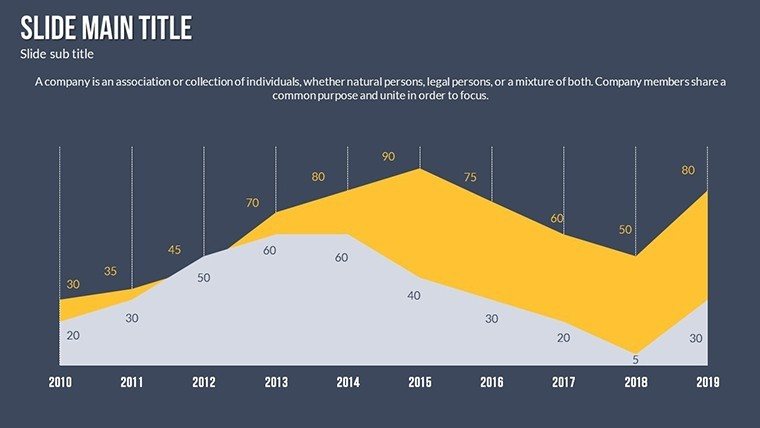
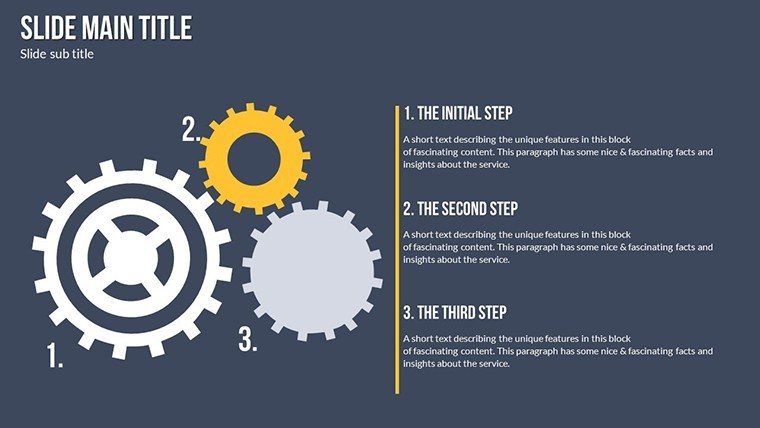
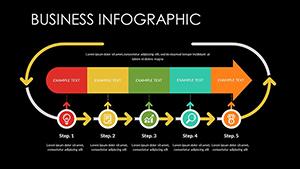
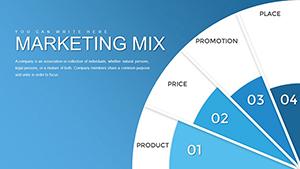
In the digital age, effective internet marketing hinges on clear data visualization that cuts through the noise. Our Internet Marketing Landing PowerPoint Charts Template delivers exactly that with 32 editable slides packed with custom animations, color variations, and vector icons. Perfect for marketers, agencies, and entrepreneurs, this template turns metrics like conversion rates or SEO performance into engaging stories. Imagine landing a client pitch with a animated funnel chart depicting customer journeys, inspired by successful campaigns from brands like HubSpot - highlighting benefits such as enhanced clarity and faster decision-making in a competitive online landscape.
Visualizing Digital Success with Precision
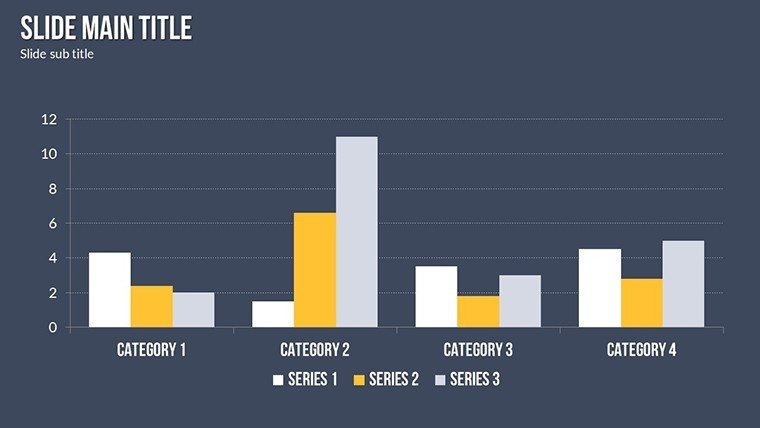
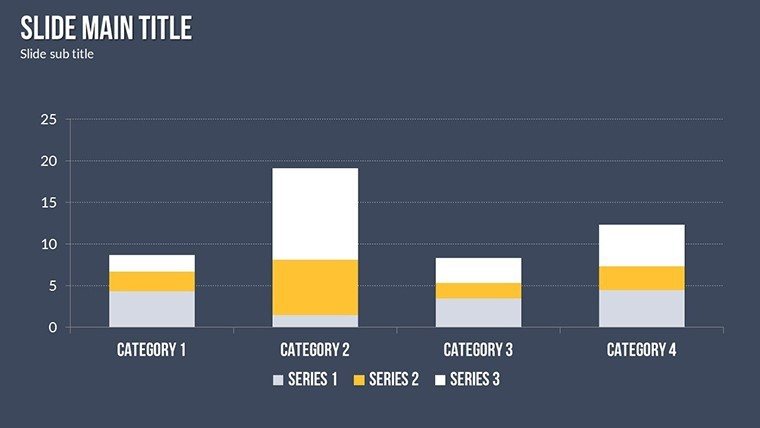
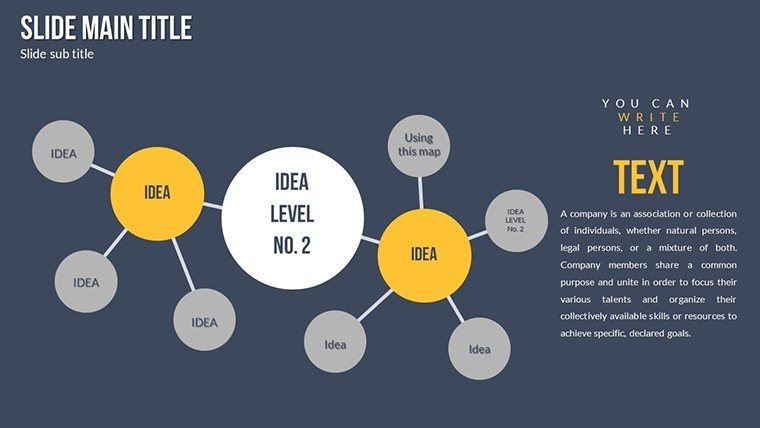
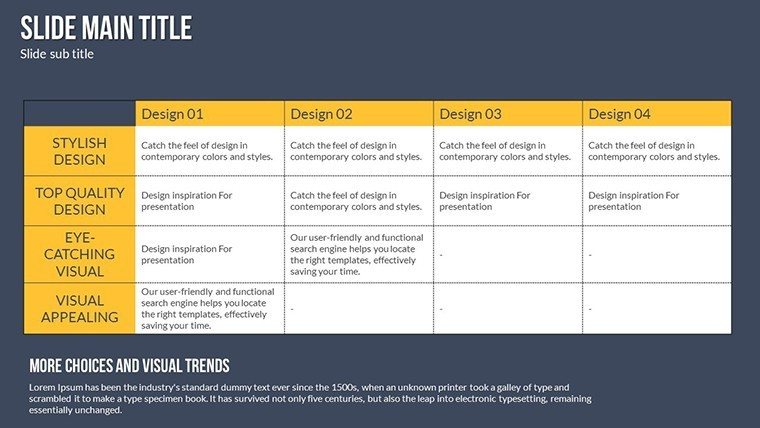
Internet marketing thrives on relationships between data points, and this template excels at graphing dependencies, from traffic sources to engagement metrics. With features like high-quality inscriptions and expandable animations, it facilitates comparisons, such as A/B testing results via side-by-side bar charts. Drawing expertise from digital gurus like Neil Patel, slides ensure authoritative presentations, weaving LSI terms like "content funnel" naturally for SEO-friendly narratives.
Core Features Enhancing Marketing Pitches
- Animation Effects: Custom transitions that build suspense in revealing marketing insights.
- Colorful Variations: Multiple palettes to align with campaign themes.
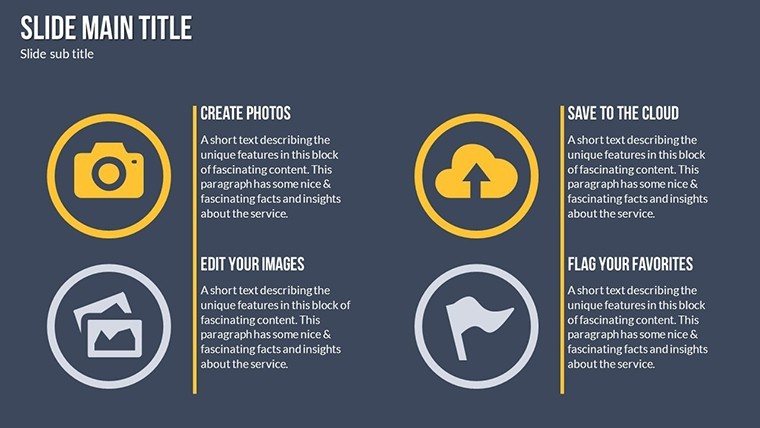
- Vector Icons: Scalable graphics for social media, email, and SEO representations.
- Multimedia Support: Insert videos or audio for dynamic landing page simulations.
- Full Editability: Change text, images, and layouts with ease.
These align with best practices from Google Analytics visualizations, boosting trustworthiness.
Use Cases in Digital Marketing
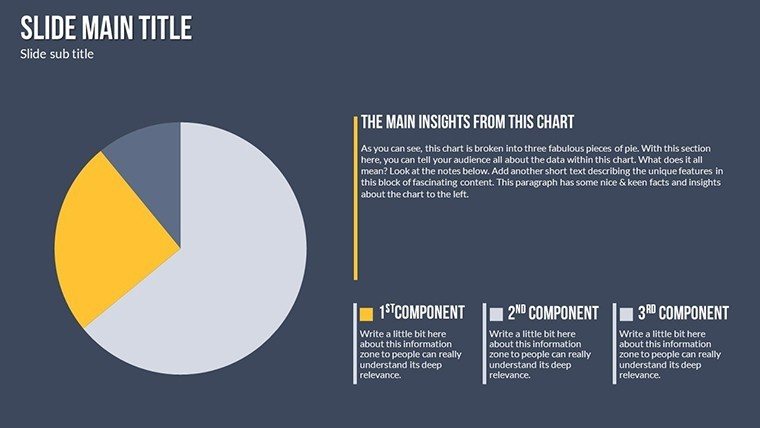
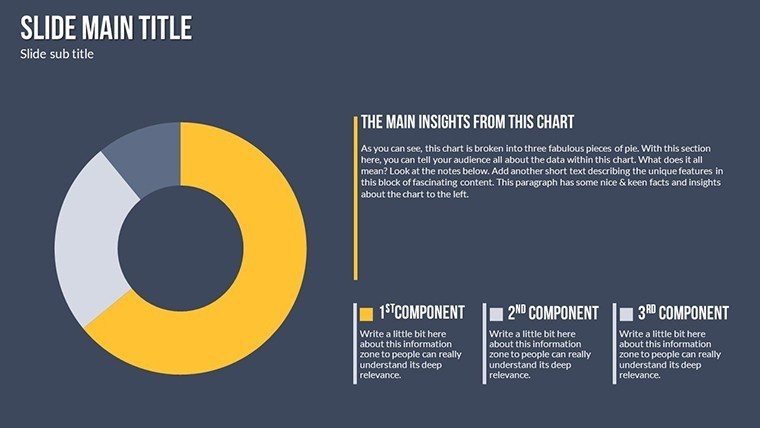
For agencies, use it to report ROI with pie charts on ad spend, referencing case studies from Moz. Entrepreneurs can map e-commerce funnels, showing drop-off points with Sankey diagrams.
In training, animate slides to teach PPC strategies, making concepts like bid adjustments interactive.
Step-by-Step Marketing Workflow
- Download and launch in PowerPoint.
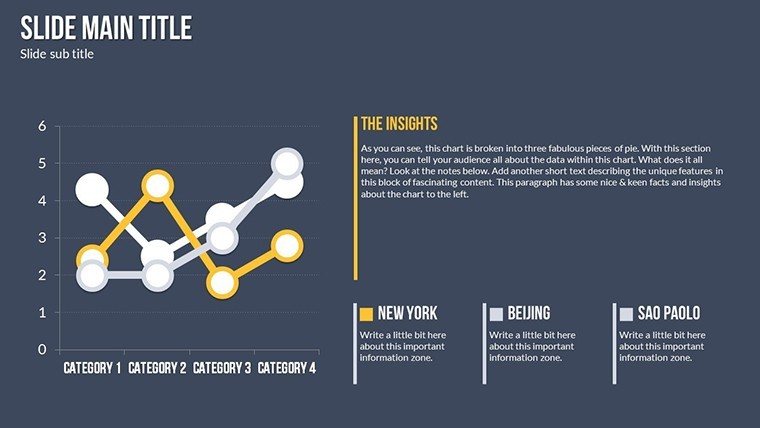
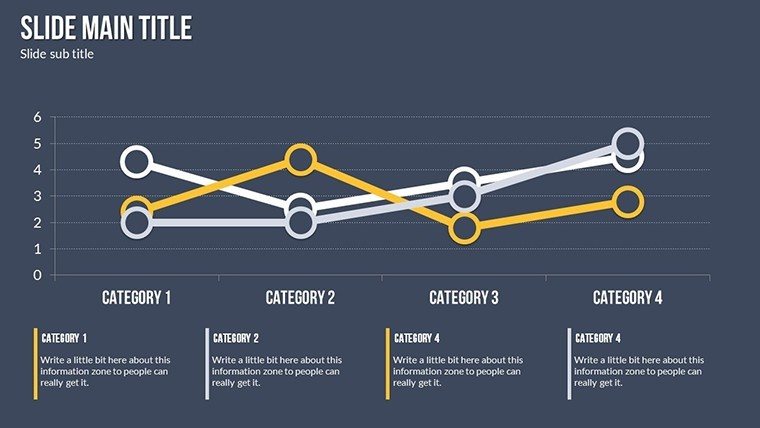
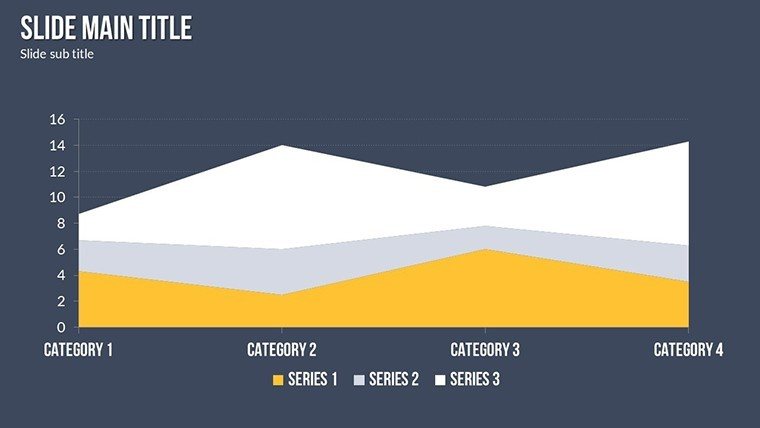
- Select a chart for your metric, like line for traffic trends.
- Customize with brand colors and data.
- Add animations for emphasis.
- Present or export for online sharing.
This accelerates creation, focusing on strategy over setup.
Edge Over Generic Marketing Tools
Unlike basic charts, this includes JPG exports and audio integration for comprehensive landing page reviews, outperforming standards with marketing-specific designs.
Tips on data storytelling enhance expertise, ensuring captivating deliveries.
Land Your Marketing Wins
Elevate your internet marketing with visuals that convert. Download this template today and transform data into digital triumphs.
Frequently Asked Questions
How editable are the animations?
Fully customizable for timing and effects.
Supports video inserts?
Yes, embed for richer presentations.
Ideal for SEO reports?
Perfect for visualizing keyword performance.
File inclusions?
.pptx, vectors, and JPGs.
Slide total?
32 editable slides.
Good for
- Project roadmaps and sprint plans
- Product launch timelines
- Quarterly or annual review decks
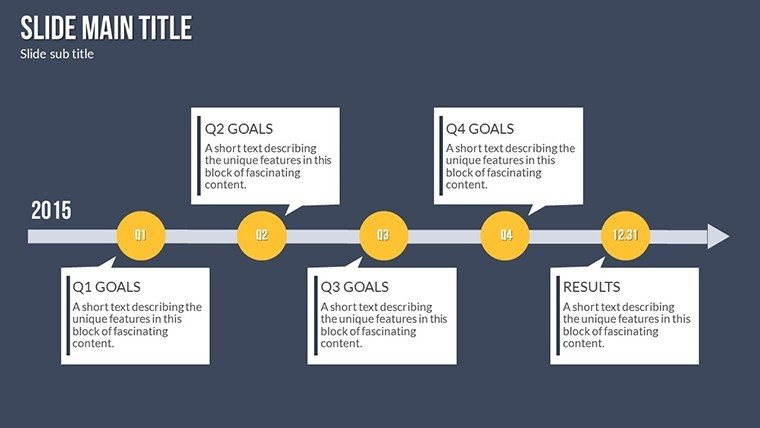
- Company history and milestone summaries
Licence
reviews
Clean enough for a quick finance update and the timeline slides didn’t need much fixing.
I liked the simple charts because I hate moving objects around in PowerPoint.
Some text boxes were weirdly placed but overall it was okay for my project.
Needed something fast for a university presentation and the layouts looked decent on screen.
The color mix felt slightly old school but the graphs were readable.
FAQ
Will it work in Google Slides?
Are fonts embedded?
Can I use this for client work?
What's the refund policy?
Do you update the template after purchase?
Similar templates
See all PowerPoint Charts →
All 32 slides