 Click to zoom
Marketing Mix Keynote Charts Template - Editable Keynote | ImagineLayout
| Format | .pptx |
| Slides | 30 unique layouts |
| Aspect ratio | 16:9 |
| Compatibility | PowerPoint |
| Animated | No |
| Language | English |
| License | Commercial |
| File size | — |
| Version | v1.0 |
| Last updated | April 2026 |
What's inside
30 Slides, One .KEY File, Every Marketing Mix Element Covered
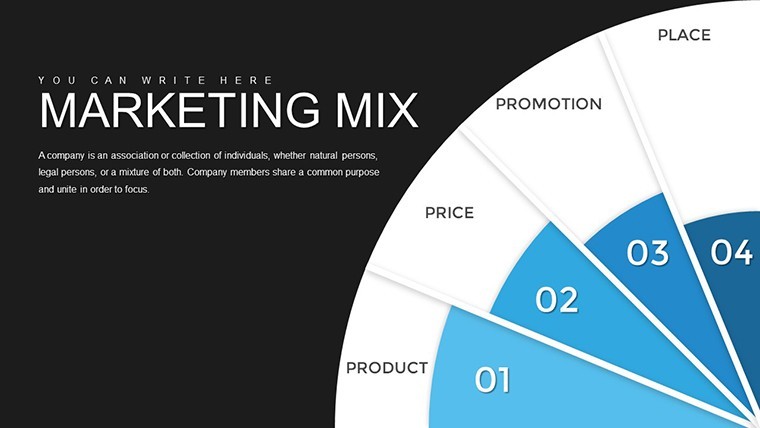
This Keynote chart template (product ID KC00719) delivers 30 editable slides for presenting marketing mix frameworks - from the classic 4Ps to 7Ps expansions - in widescreen 16:9 format at $15.00. It suits corporate marketers, brand strategists, and product managers who need to show how product, price, place, and promotion interact without building diagrams from scratch in Keynote.
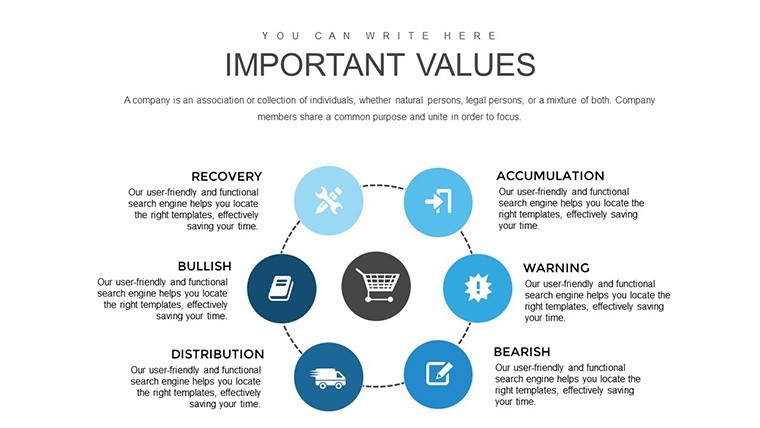
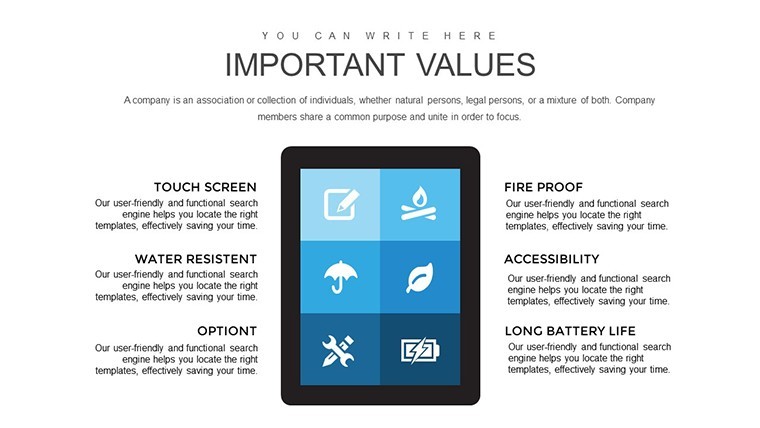
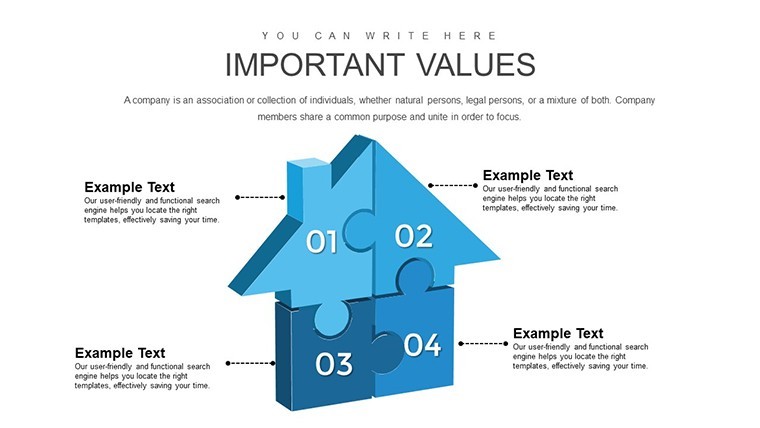
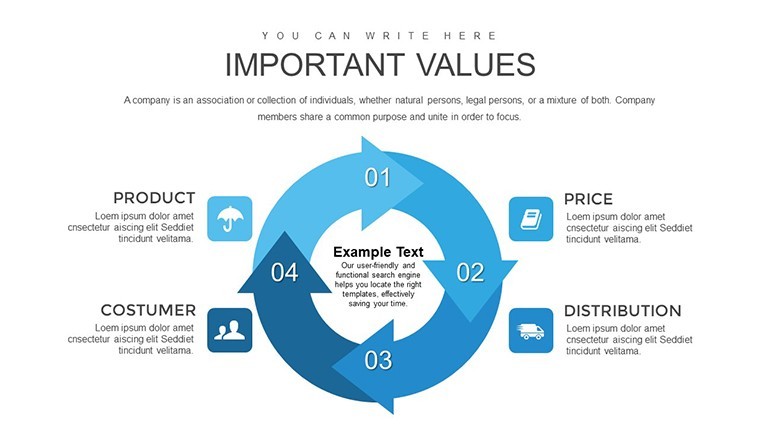
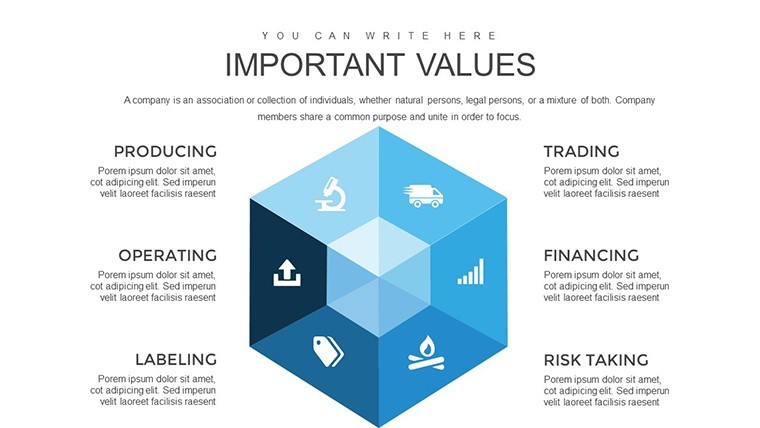
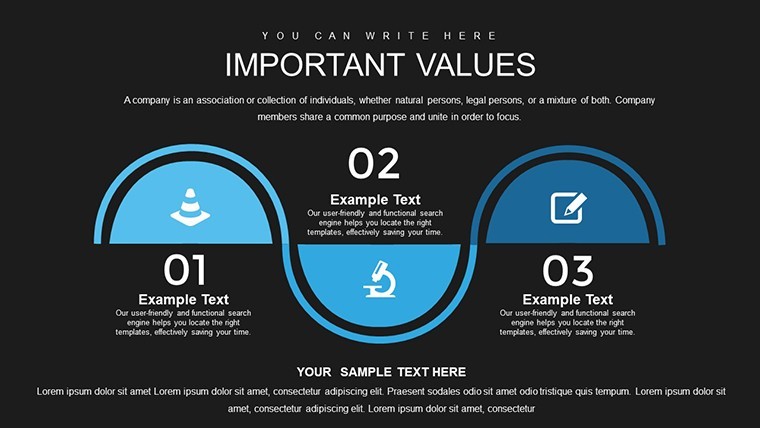
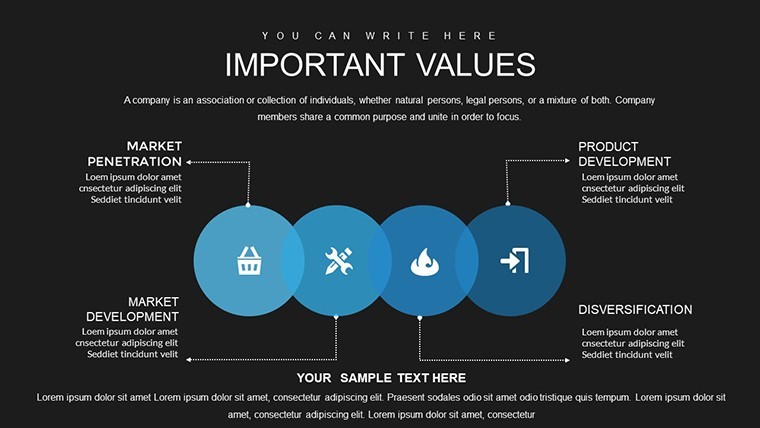
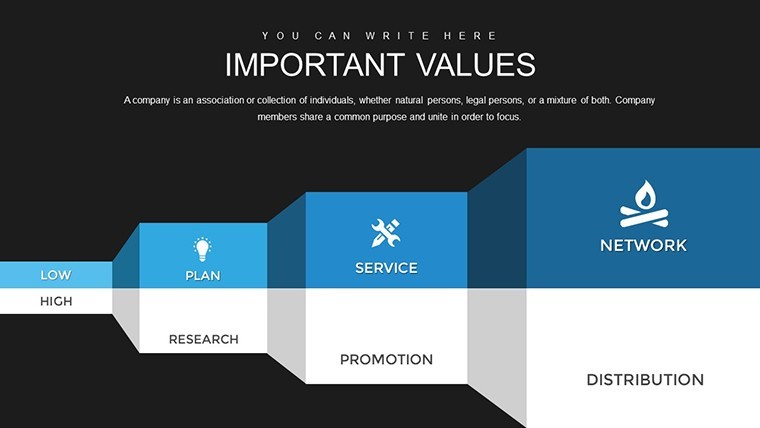
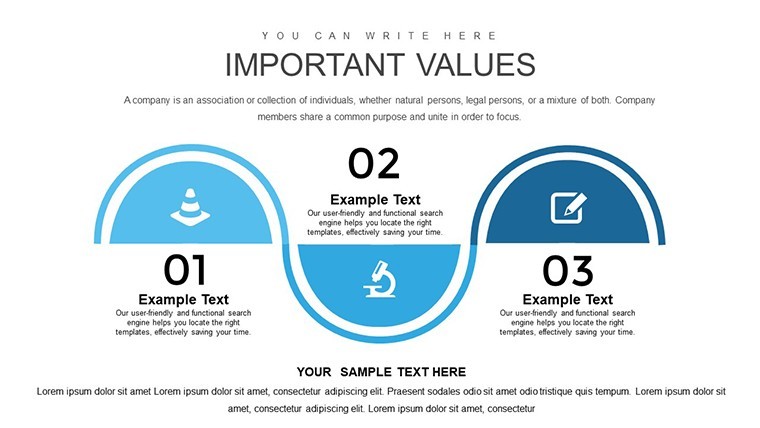
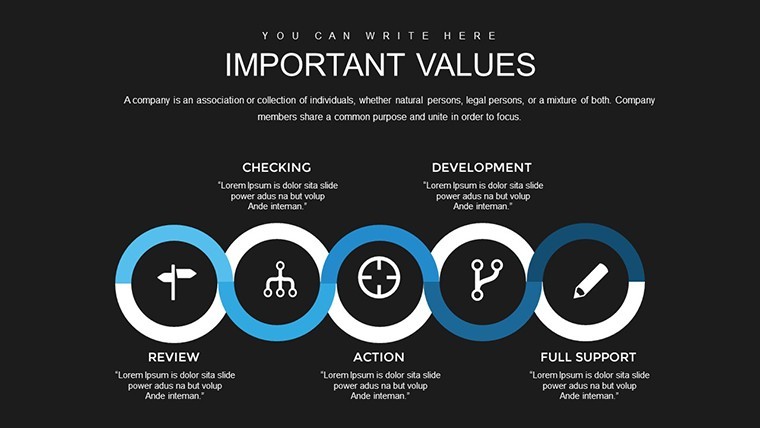
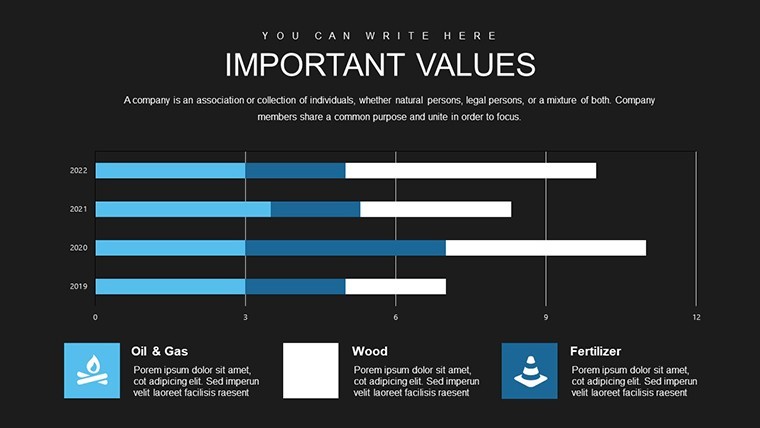
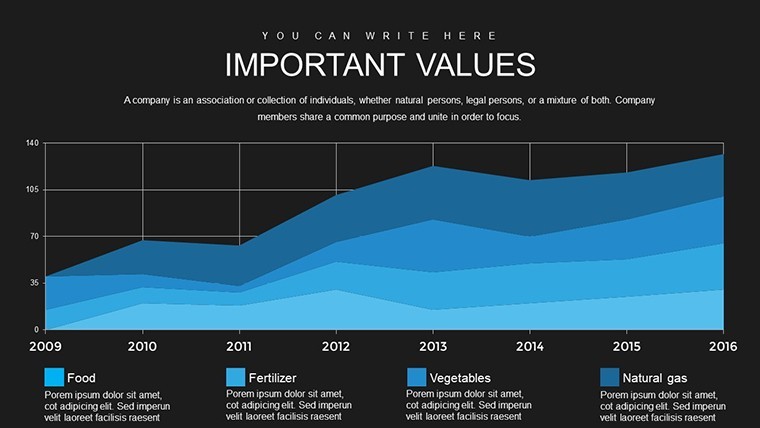
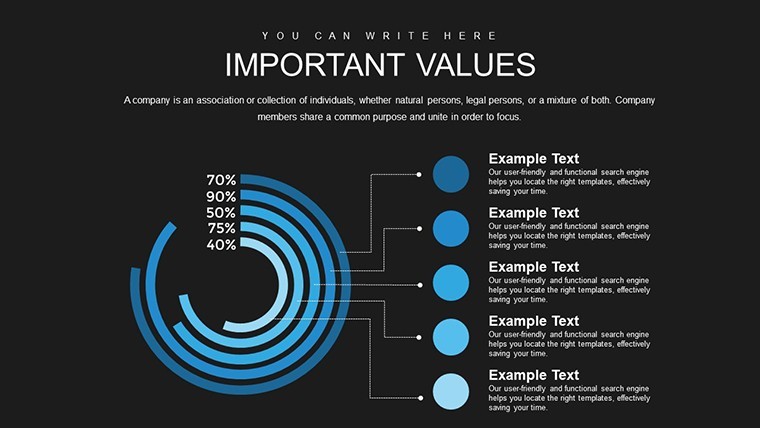
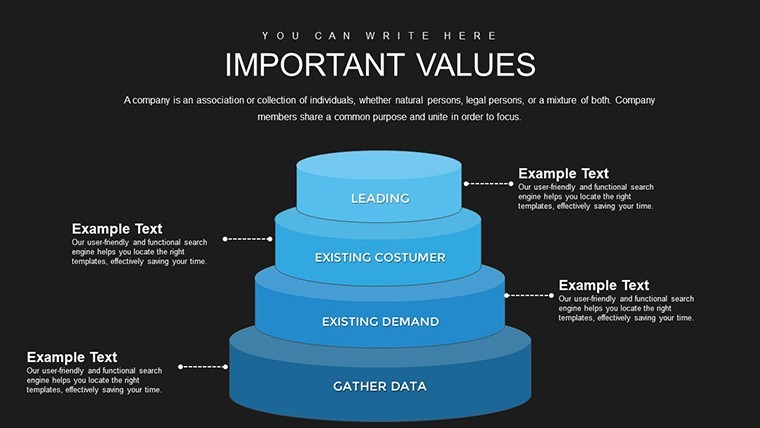
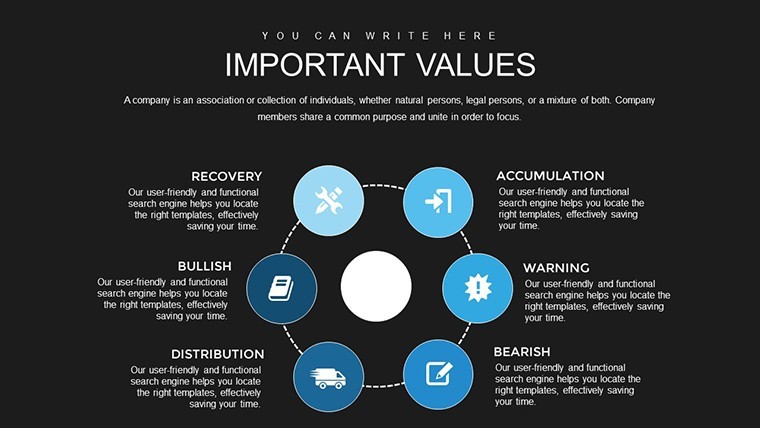
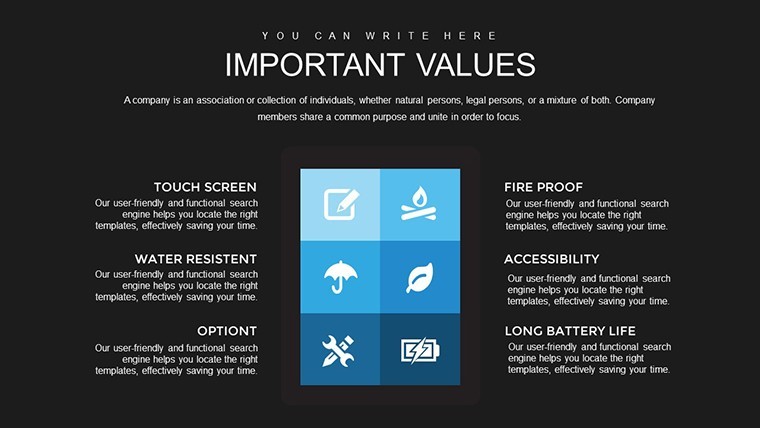
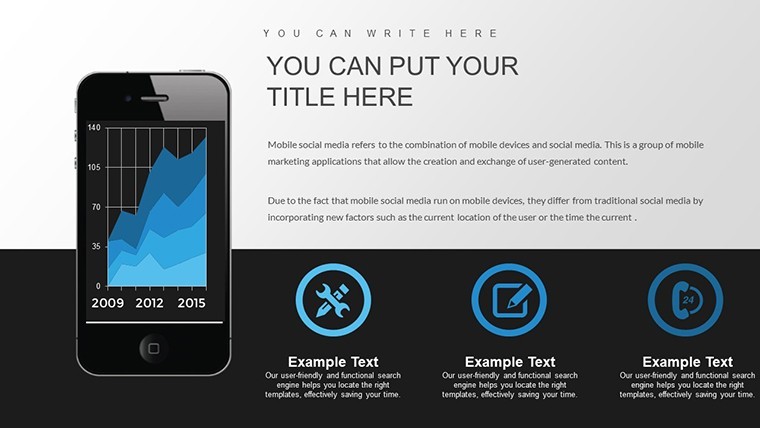
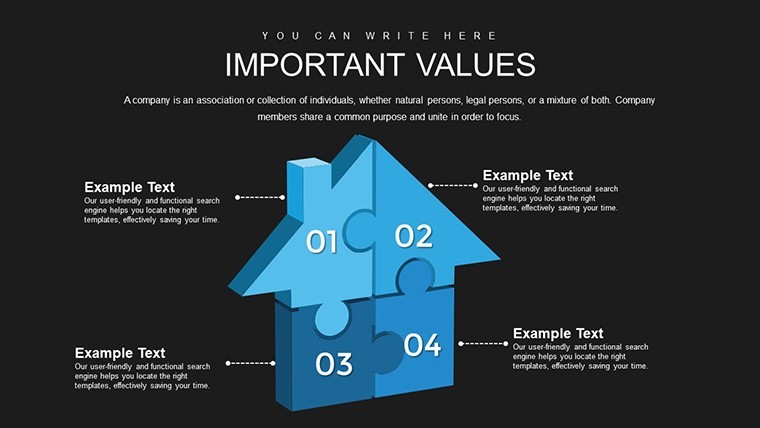
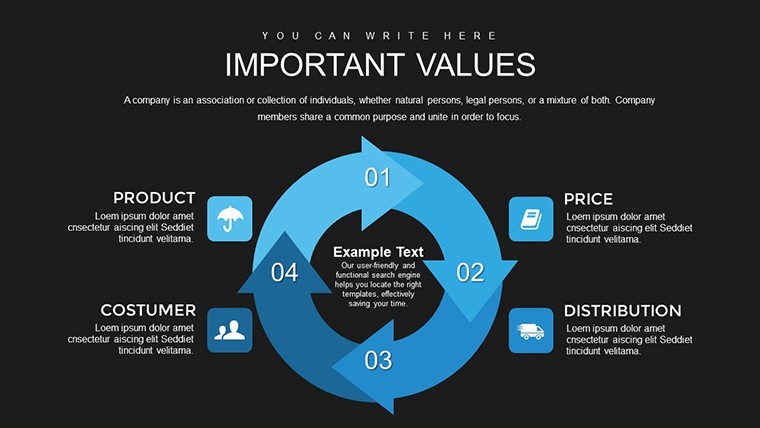
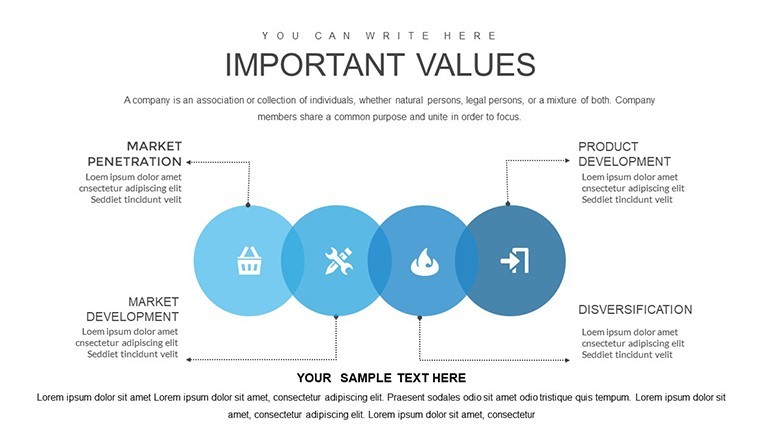
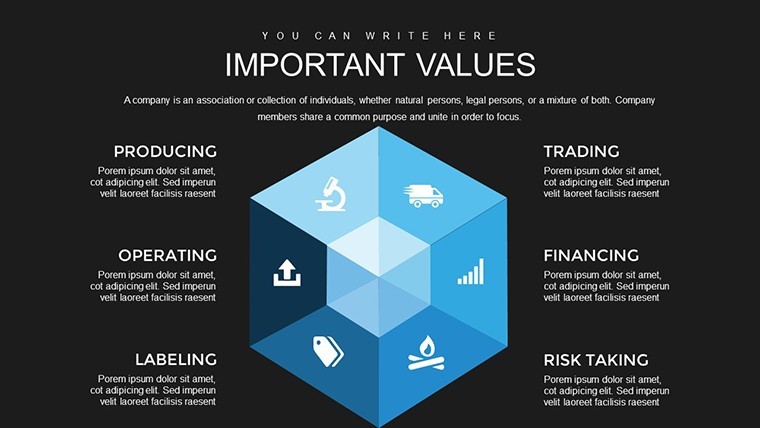
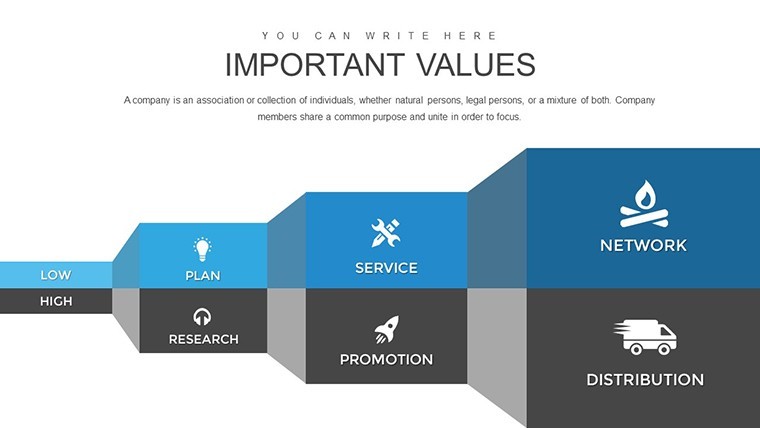
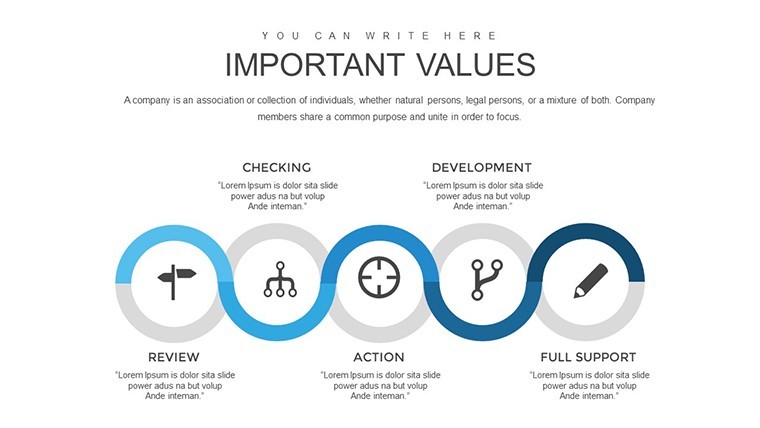
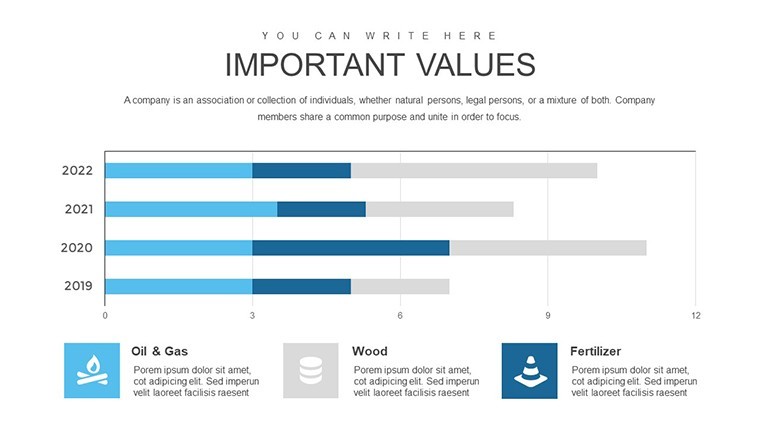
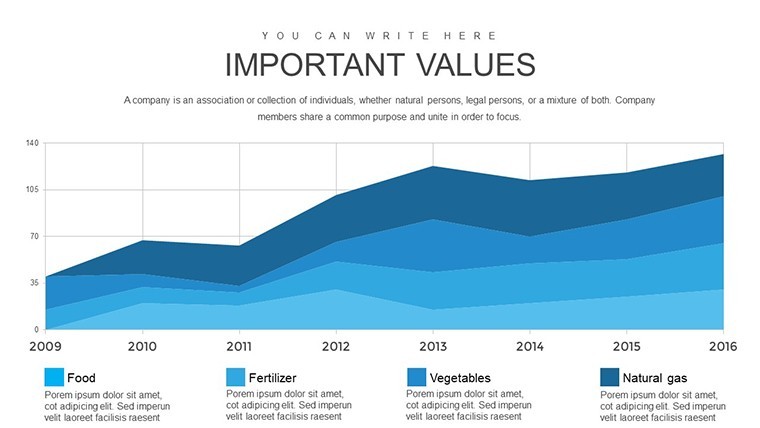
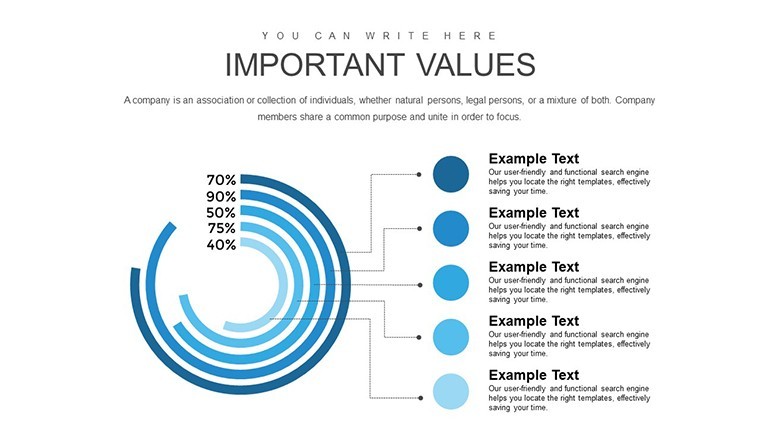
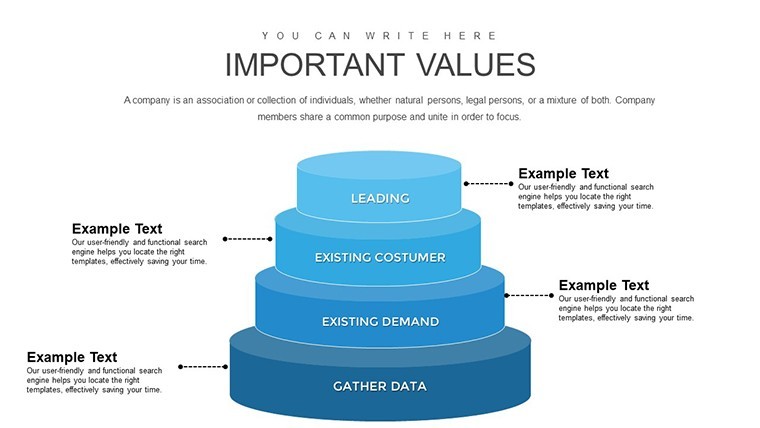
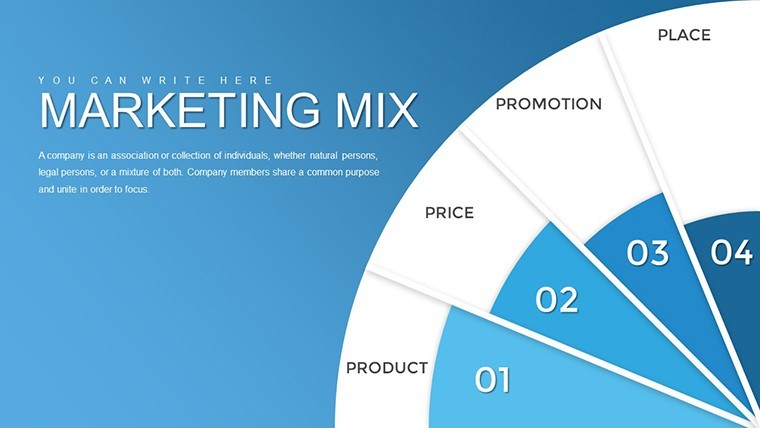
The slides follow a modular, grid-based layout with flat icon sets - each "P" gets dedicated chart space rather than sharing a single crowded slide. Structures include value proposition radar charts, distribution flowcharts arranged left-to-right, and SWOT-hybrid matrices that place strategic variables in four-quadrant grids. The layout density is airy: each diagram element has clear separation, which keeps the content readable at typical boardroom projection distances.
In practice, you open the .key file and find slides already divided into logical groups: slides 2-10 address product and price with radar overlays, slides 11-20 cover place and promotion using horizontal distribution flows, and slides 21-30 integrate all elements with action-planning frames. You replace text labels and swap colors - color changes propagate via the slide master, so you don't update each slide individually. Typically, teams complete the full deck customization in one sitting.
The practical value here is relational analysis. When you need to show stakeholders how a pricing decision affects channel strategy - or how a product repositioning ripples across promotion - the matrix slides make those connections visible in a single view rather than across multiple text documents. A brand manager presenting a market entry plan, for example, can walk through each P sequentially and then show the integrated view on the final slides.
Use this instead of assembling mix diagrams manually in Keynote from basic shapes. The predefined structures handle alignment, so you spend time on the strategy rather than the formatting. The deck can be reused for recurring quarterly strategy reviews by duplicating slides and updating figures.
Not ideal for data-heavy dashboards or presentations that rely on live chart data pulled from spreadsheets - the diagrams are static and designed for visual explanation, not dynamic data binding. Works best when the goal is structured argument, not raw data display.
Specifications
FeatureDetailsSlides30 editable slides - mix element diagrams, strategy matrices, SWOT hybrids, action plan framesFile format.key (Keynote)SoftwareKeynote (macOS / iOS); exact version not specified on page - standard .key format compatible with current Keynote installationsAspect ratio16:9 widescreenColor schemesNot specified on page; color changes apply via slide masterEditable elementsText labels, icon colors, chart values, shape fills - all independently editableFree vs PaidSingle paid tier at $15.00; no free version listedProduct IDKC00719Everything is already structured. Download and start editing immediately
How do I change the color scheme across all 30 slides at once?Color changes in this file work through Keynote's slide master system. Open the file, go to View > Edit Master Slides, select the master applied to your slides, and update the fill or accent color there. Keynote propagates the change to every slide using that master automatically - you don't need to recolor shapes one by one. For elements not tied to a master (manually placed shapes), select all on a slide with Command+A and use Format > Change All to update remaining fills.
Can I use this template for client work or commercial presentations?The standard license from ImagineLayout covers personal and internal business use. For client-facing deliverables - where the presentation is handed off to or presented on behalf of a client - review the Terms of Use at imaginelayout.com/terms/ to confirm whether an extended license applies to your use case. When in doubt, contact ImagineLayout support before delivering the file to a third party.
Is there a free version of this template?The page lists a single paid version at $15.00. No free or preview-only version is mentioned. The full 30-slide deck is available as a one-time purchase with no subscription required.
What is the refund policy if the file doesn't work as expected?ImagineLayout's refund conditions are outlined at imaginelayout.com/refund-policy/. Digital products are typically non-refundable once downloaded, but exceptions may apply if the file is corrupted or does not match the listed specifications. Contact support with your order details if you encounter a technical issue immediately after purchase.
Which Keynote version and macOS do I need to open this file?The page does not list a minimum Keynote version, but the file uses the standard .key format compatible with current Keynote installations on macOS and iOS. To be safe, use Keynote 12 or later (available on macOS Monterey and above). Older Keynote versions may render fonts or shapes differently, so updating Keynote before opening is recommended.
For more marketing mix and business model chart options, browse the Business Models Keynote Charts category or explore the full Keynote Charts library.
Good for
- Project roadmaps and sprint plans
- Product launch timelines
- Quarterly or annual review decks
- Company history and milestone summaries
Licence
reviews
I used this during a rushed group project.
The charts were simple enough for everyone in the team to edit.
Some icons looked kind of generic.
The timeline slide actually looked pretty nice on screen.
Not perfect but definitely useful.
FAQ
Will it work in Google Slides?
Are fonts embedded?
Can I use this for client work?
What's the refund policy?
Do you update the template after purchase?
Similar templates
See all Keynote Charts →

All 30 slides