 Click to zoom
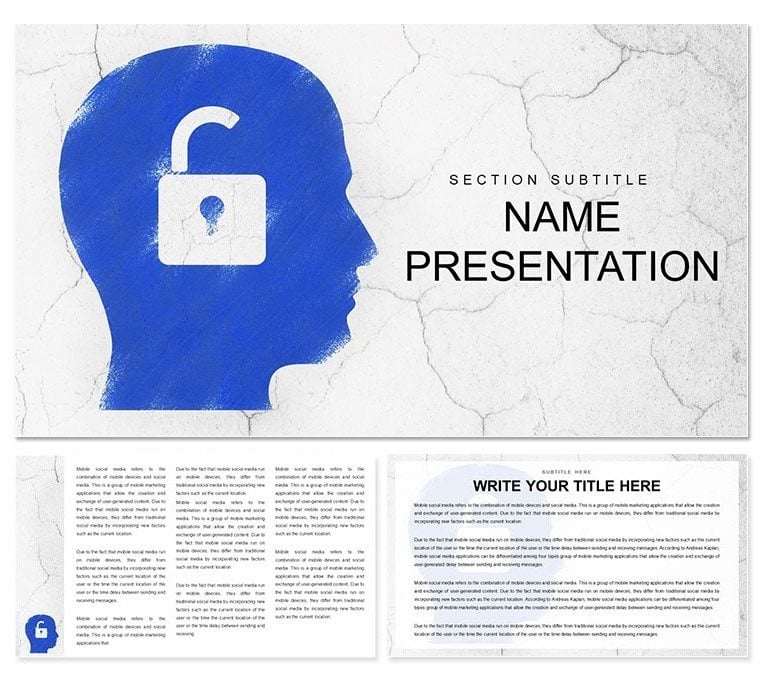
Information Protection Keynote Template: Fortify Narratives with Secure Design
| Format | .pptx |
| Slides | 3 unique layouts |
| Aspect ratio | 16:9 |
| Compatibility | PowerPoint |
| Animated | No |
| Language | English |
| License | Commercial |
| File size | — |
| Version | v1.0 |
| Last updated | November 2024 |
What's inside
Shield sensitive insights behind visuals that command trust. The Information Protection Keynote Template arms IT specialists, compliance officers, and policy presenters with 28 fortified diagram slides, three masters, three backgrounds, and seven color schemes in Keynote. It transforms dry audits into dynamic defenses, where encryption flows and threat maps engage without exposing vulnerabilities.
Facing the deluge of data dilemmas, it provides bulwarks like layered access diagrams or breach timeline tracers - reminiscent of NIST frameworks, streamlined for swift slides. For guardians of info in consulting corridors or corporate citadels.
Robust Features for Resilient Presentations
Masters triple: intro vault with lock motifs, core cipher for content, outro oath for outcomes. Backgrounds: steel grays for solidity, alert ambers for urgency, clean whites for clarity - project-proof.
Slide 2's firewall fan shields ports. Slide 8's chain links audit logs.
- Shield Schemes: Seven tones, from iron to ice, for threat levels.
- Guard Graphics: Pads, keys, shields stock.
- Link Locks: Flows that fortify on flux.
Fortify fast: sidebar secures styles. Auditors armor in afternoons.
Protection Plays: Defending Decks
An officer deploys slide 15's risk radar, pings pulsing threats - teams triage targets. In trainings, slide 23's policy pyramid peaks compliance.
Secure sequence:
- Seal: Keynote key, master mount, back blanket.
- Stuff: Stats to slide 4's bar via bond.
- Strengthen: Vid vuln on slide 10's slot.
- Send: Animate alerts, cloud cast.
For breaches, slide 19's response ring circles steps. Remote-resilient - zippy for VPNs.
Slide Sentinels: Vigilant Visions
Slide 1 scouts scopes. Slide 7 gauges gaps in grids. Slide 28 beacons bests.
Alert: Build breaches on slide 14's breach bar for drama. Outshines odds by odds. Officers orbit slide 21's encrypt enigmas.
Pair with Visio vectors. It guards gigs gracefully.
Defend with Distinction
Space scans scans on slide 11's sieve. Trainers twin masters for trials. Audits assert authority.
Lock in legacy - download the Information Protection Keynote Template for $22 and barricade brilliance.
Frequently Asked Questions
Version vault?
2016+, fortified for future.
Tweak tiers?
All: armors, auras, annotations.
IT ideal?
From solo to squads.
Doc docks?
OneDrive, PDF plugs.
Alert actions?
Set sentries, shift speeds.
Good for
- Project roadmaps and sprint plans
- Product launch timelines
- Quarterly or annual review decks
- Company history and milestone summaries
Licence
reviews
Information Protection template's lock and shield icons give a strong secure vibe. Great for compliance training. The dark professional schemes feel trustworthy.
IT manager review: the data flow security diagrams are detailed and editable. Helped in board presentation. Seven variants useful for different depts.
Fortified my narrative nicely with cybersecurity visuals. Clean design, easy text integration. One or two diagrams a bit crowded.
Practical security-focused layouts. Colors convey seriousness well. Student cybersecurity project benefited hugely.
The fortify design style matches the topic perfectly. Good mix of icons and charts. Minor load time in Keynote.
Used under pressure for audit prep - the protection matrix slides were lifesavers. Professional and on-point.
FAQ
Will it work in Google Slides?
Are fonts embedded?
Can I use this for client work?
What's the refund policy?
Do you update the template after purchase?
Similar templates
See all Keynote templates →

All 1 slides