 Click to zoom
Free Yearly Timeline PowerPoint Charts - 12 Editable Slides
| Format | .pptx |
| Slides | 12 unique layouts |
| Aspect ratio | 16:9 |
| Compatibility | PowerPoint |
| Animated | No |
| Language | English |
| License | Commercial |
| File size | — |
| Version | v1.0 |
| Last updated | June 2024 |
What's inside
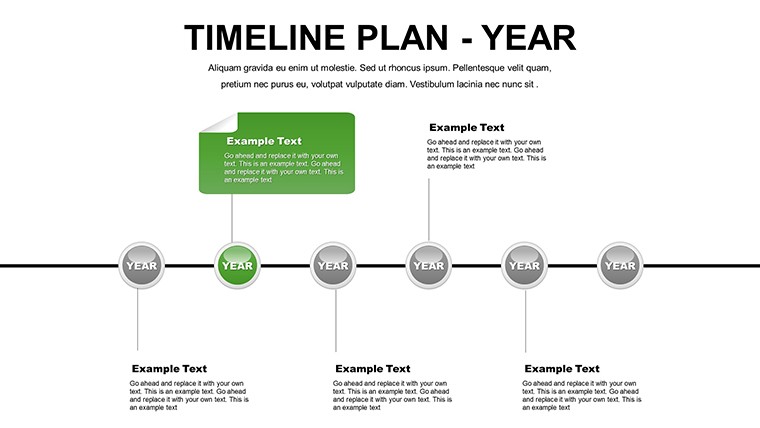
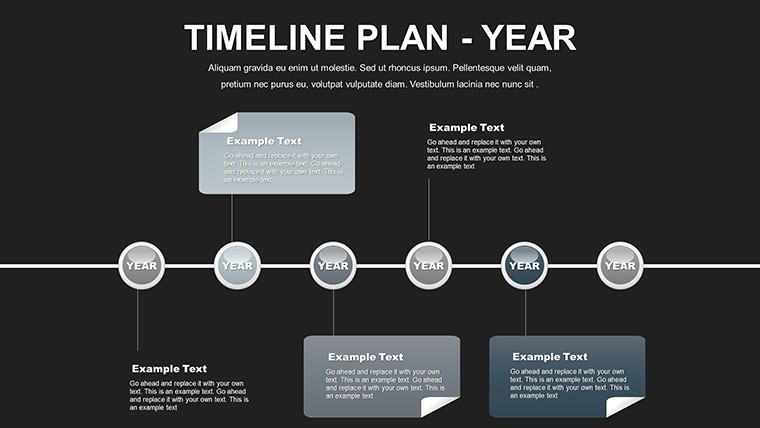
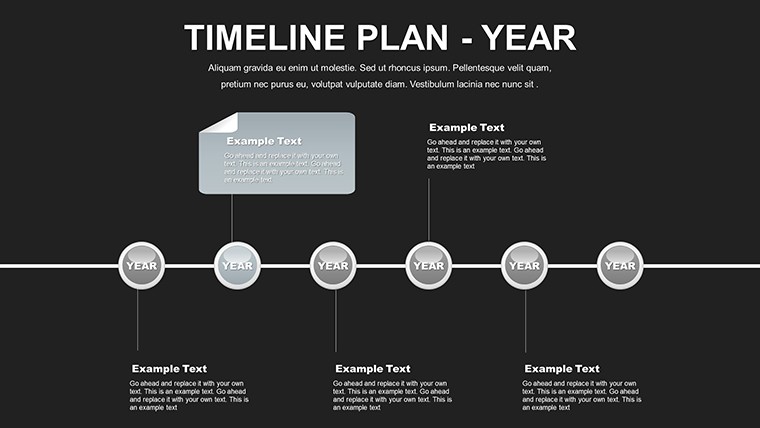
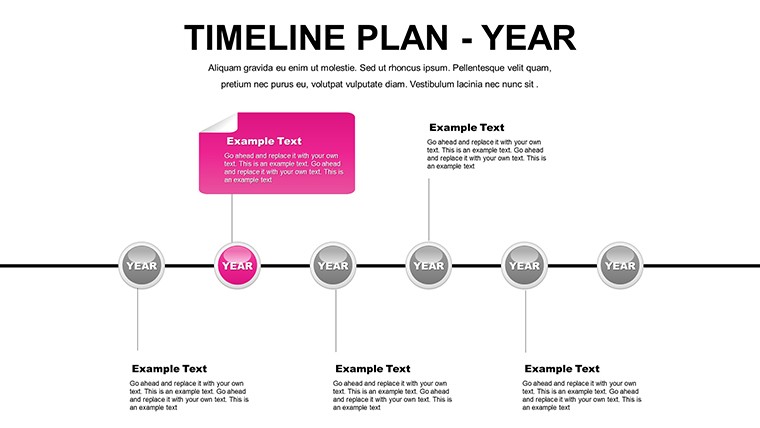
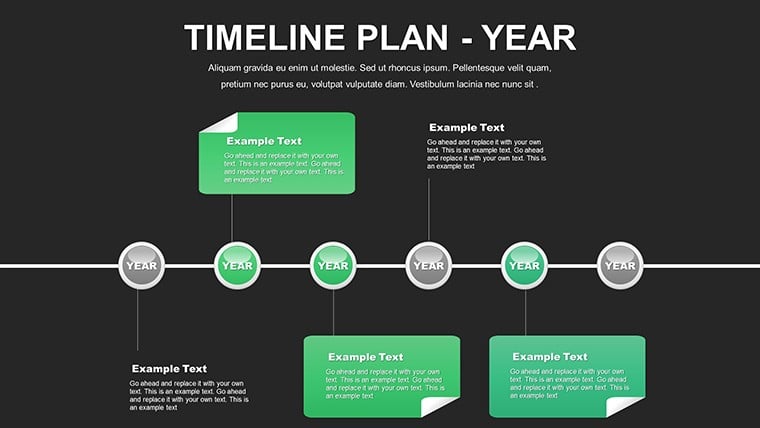
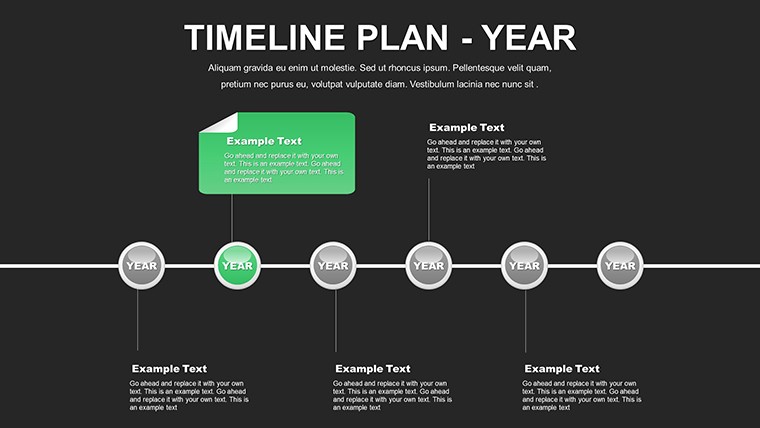
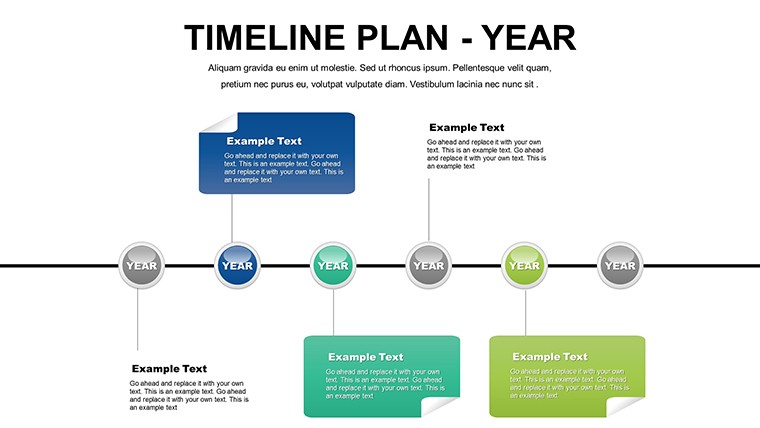
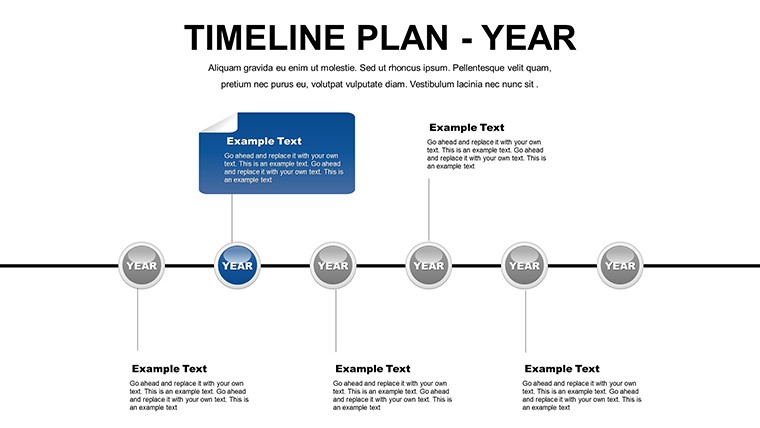
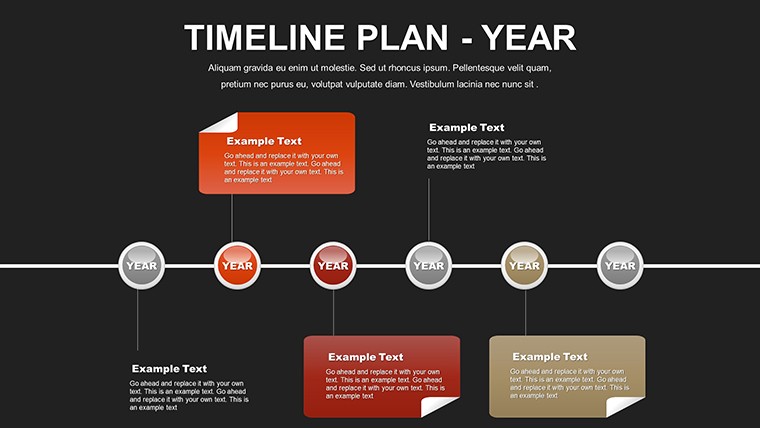
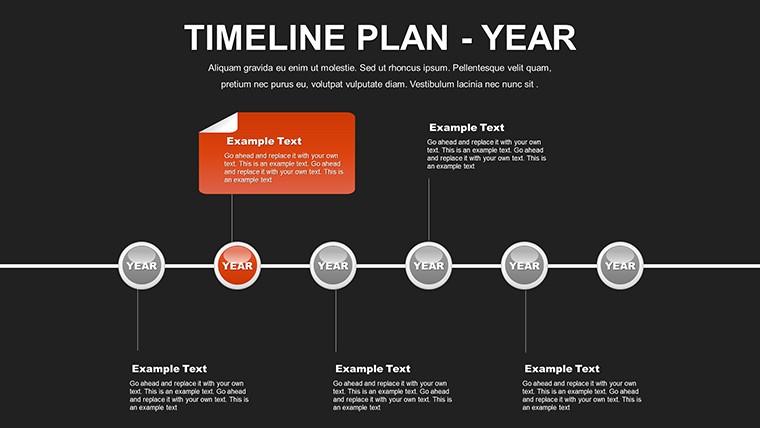
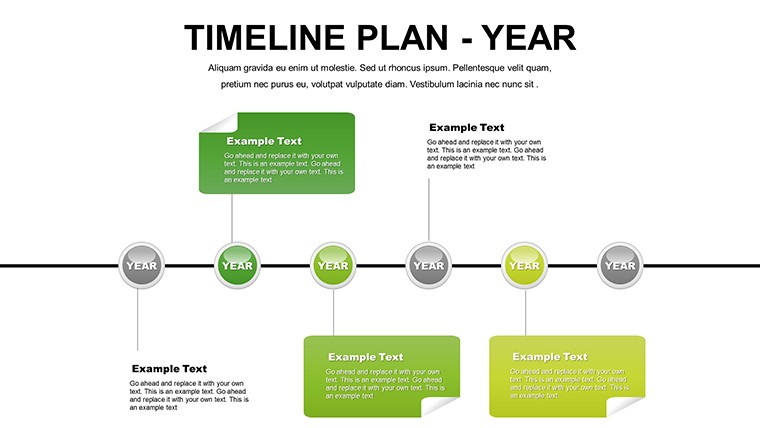
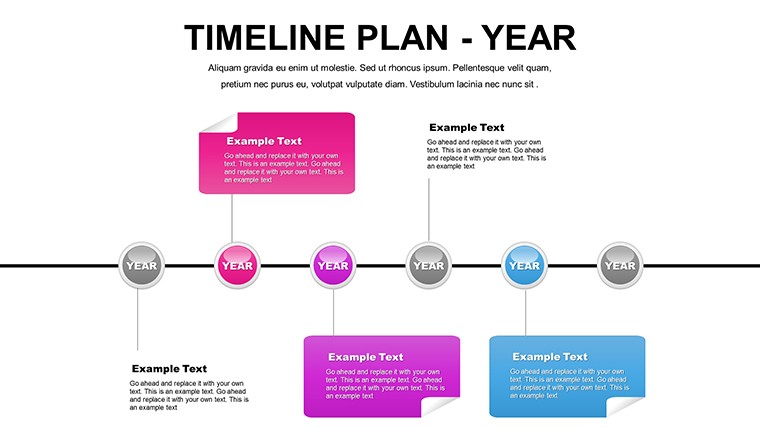
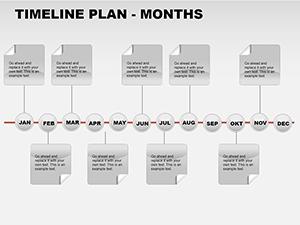
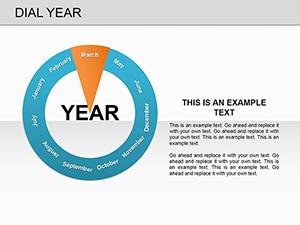
Picture this: A year full of ambitions, neatly laid out in a visually striking format that turns overwhelming goals into achievable steps. Our free yearly timeline PowerPoint charts template does just that, offering 12 editable slides to chronicle your journey from January to December. Tailored for project managers, educators, and entrepreneurs, this tool simplifies complex planning into elegant, informative visuals. Forget static lists; embrace dynamic timelines that highlight progress, pinpoint milestones, and foster team alignment. With options to infuse your brand's colors, add motivational icons, or embed photos of key moments, it's like having a personal designer at your fingertips. Compatible with PowerPoint and Google Slides, this free resource draws on best practices from timeline experts, ensuring your presentations not only inform but ignite action. Whether mapping a marketing strategy or an architectural build-out, dive into a world where planning meets creativity, and watch your ideas flourish.
Exploring the Versatility of Yearly Timelines
In today's dynamic environments, a well-crafted timeline is your secret weapon for clarity. As per insights from the Association for Project Management, visual timelines enhance stakeholder buy-in by making abstract schedules concrete. This template shines with diverse styles - from linear paths to curved designs - allowing you to choose what best fits your narrative. Customize fonts for readability, integrate symbols for quick scans, and layer in images to humanize data. For urban planners, it could illustrate permit acquisitions in Q1, construction in Q2-3, and completions in Q4, adhering to regulatory timelines like those from the American Planning Association. This adaptability ensures it's not just a chart but a storytelling device that resonates across sectors.
Standout Features for Seamless Customization
- Varied Timeline Styles: Select from straight, zigzag, or milestone-focused layouts to match your project's rhythm.
- Personalization Tools: Effortlessly change colors, texts, and elements to align with corporate branding or personal aesthetics.
- Enhanced Visuals: Built-in options for icons, photos, and shapes that add depth without complexity.
- Multi-Document Suitability: Ideal for embedding in reports, dashboards, or standalone decks.
- Accessibility Features: High-contrast defaults and alt-text ready for inclusive presentations.
These aren't off-the-shelf; they're refined based on user feedback from design communities, ensuring practicality in real scenarios like annual business reviews.
Practical Use Cases That Drive Results
Apply this template where planning meets execution. In software firms, chart release cycles with beta tests in spring and launches in fall, mirroring agile frameworks from Scrum Alliance guidelines. Educators might use it for syllabus overviews, incorporating holidays and assessments for student engagement. A real-world example: A nonprofit used similar timelines to secure funding by visually demonstrating impact over the year, as detailed in case studies from GrantSpace. For architects, integrate with AIA contract documents to show design-bid-build sequences, reducing miscommunications. The template's strength lies in its ability to motivate - color-code achievements in green, challenges in yellow - to keep teams inspired and on track.
Customizing Your Yearly Plan: A Guided Approach
- Download and open the template, starting with the overview slide for your year's theme.
- Populate each monthly section with events, using drag-and-drop for icons and timelines.
- Adjust scales for uneven pacing, like compressing quiet periods.
- Add annotations or tooltips for deeper insights on hover.
- Export or present, incorporating feedback loops for iterative improvements.
This method, inspired by Kanban principles, turns planning into an iterative art form.
Superior Benefits for Long-Term Success
Compared to standard PowerPoint timelines, ours offers richer customization without the hassle, saving hours on formatting. It embodies by drawing from authoritative sources like PMI's timeline best practices, ensuring trustworthiness in professional settings. Benefits extend to motivation: Visual progress bars can boost team morale, as evidenced by studies in Psychology Today on goal visualization. In creative industries, pair with tools like Adobe Illustrator for exported graphics, enhancing workflow. Subtle integrations, like linking to calendars, make it a living document. One user in event planning remarked, "It transformed our festival prep from chaos to choreography, impressing sponsors."
Expert Tips to Amplify Your Timelines
- Layer in metrics: Add KPIs beside milestones for data-driven reviews.
- Use animations sparingly: Fade-ins for sequential reveals keep audiences hooked.
- Collaborate in real-time via Google Slides for team inputs.
- Incorporate narratives: Weave stories around key events to humanize the plan.
- Review quarterly: Update the template to reflect changes and celebrate wins.
These strategies, culled from Forbes articles on productivity, ensure your timelines evolve with your projects.
Start Your Year Strong – Download Today
Why settle for ordinary when extraordinary is free? Grab this yearly timeline PowerPoint template and propel your plans into the spotlight. Customize effortlessly, present confidently, and achieve remarkably. Your next big success story begins here - download now and make it happen.
Frequently Asked Questions
What timeline styles are available?
Choose from linear, curved, or milestone-based styles, all fully customizable.
Can I add images to the slides?
Yes, easily insert photos or symbols to enhance visual appeal.
Is it suitable for non-business use?
Definitely, great for personal goals, education, or event planning.
How do I handle uneven project pacing?
Adjust bar lengths and scales to reflect varying intensities across months.
Does it support team collaboration?
Yes, especially in Google Slides for shared editing.
Good for
- Project roadmaps and sprint plans
- Product launch timelines
- Quarterly or annual review decks
- Company history and milestone summaries
Licence
reviews
The percentage charts looked nice once I replaced the default numbers.
Some slides felt repetitive but I still found a few useful ones.
I had a boring operations report and this made it slightly easier to present.
The line graphs were simple which I actually prefer for meetings.
Worked okay for my internship presentation, especially the dark background slides.
FAQ
Will it work in Google Slides?
Are fonts embedded?
Can I use this for client work?
What's the refund policy?
Do you update the template after purchase?
Similar templates
See all PowerPoint Charts →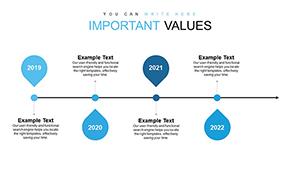
All 12 slides