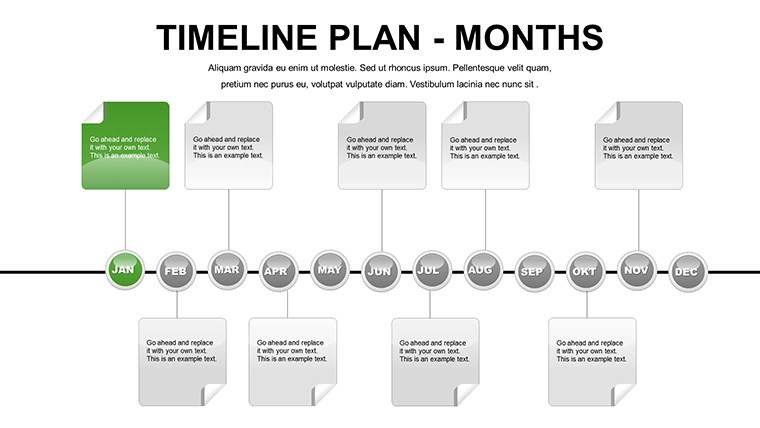
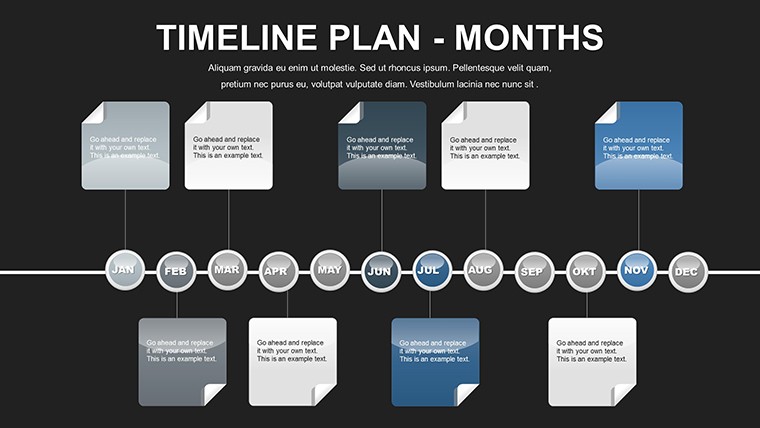
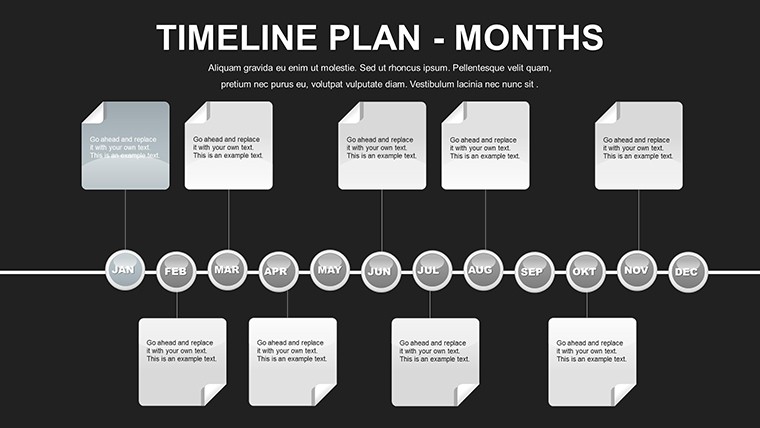
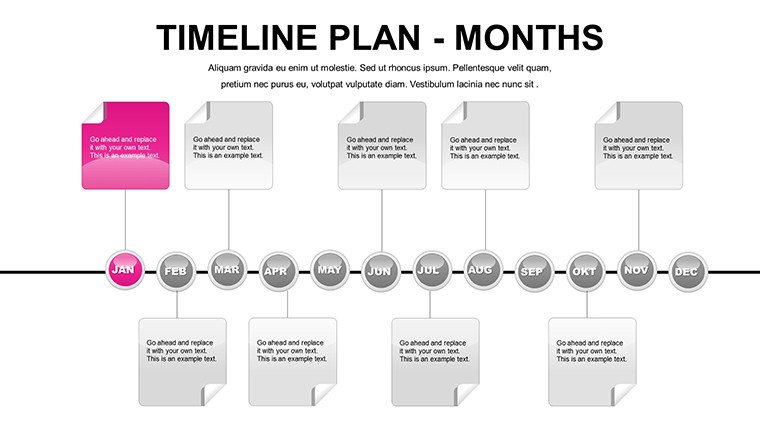
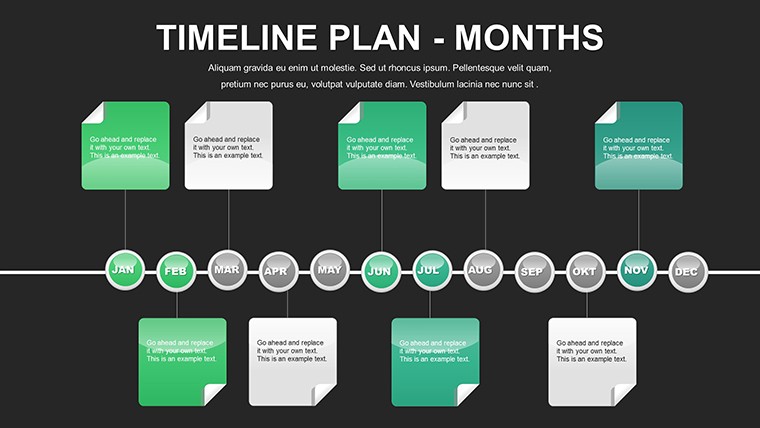
 Click to zoom
Free Monthly Timeline PowerPoint Template - 12 Editable Slides
| Format | .pptx |
| Slides | 12 unique layouts |
| Aspect ratio | 16:9 |
| Compatibility | PowerPoint |
| Animated | No |
| Language | English |
| License | Commercial |
| File size | — |
| Version | v1.0 |
| Last updated | June 2024 |
What's inside
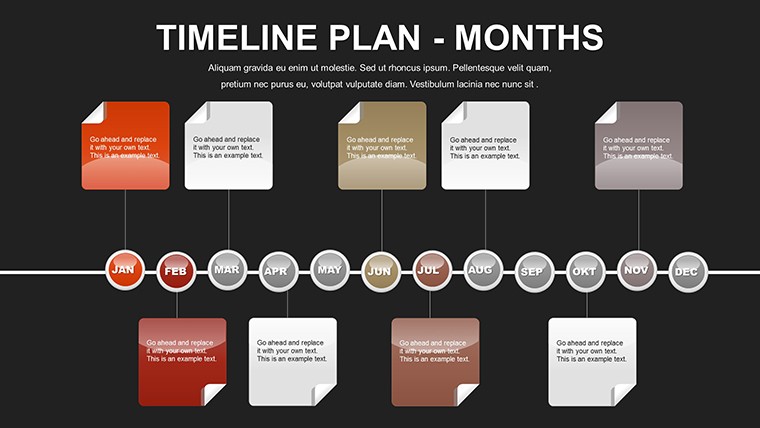
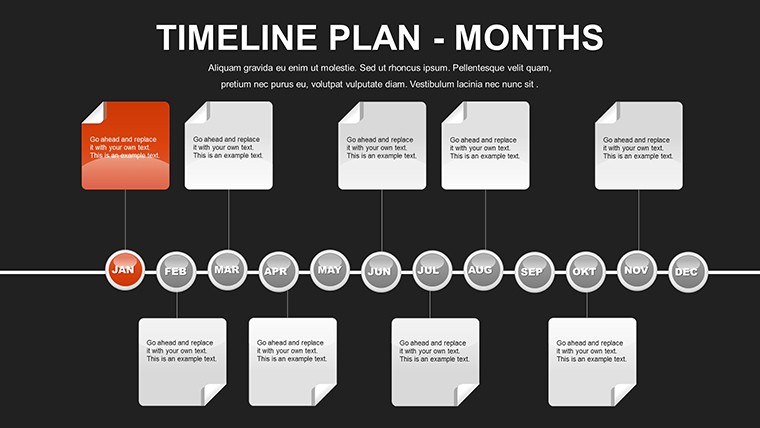
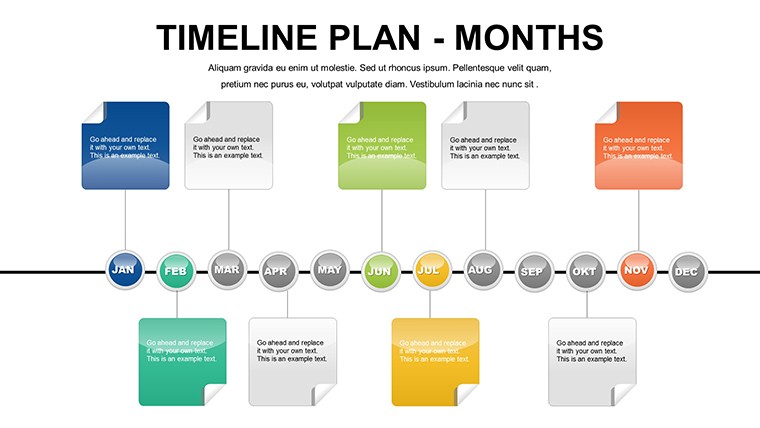
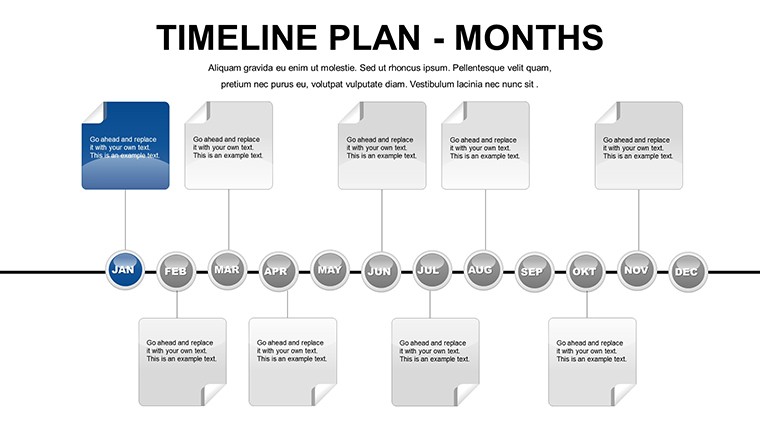
In the fast-paced world of project management, keeping everyone on the same page can feel like herding cats. But what if you could transform chaotic schedules into clear, visually compelling narratives? Enter our free monthly timeline PowerPoint template, a game-changer for professionals across industries. Designed with 12 fully editable slides - one for each month - this template empowers you to map out timelines with precision and flair. Whether you're an architect outlining construction phases, a marketer plotting campaign rollouts, or a teacher organizing academic calendars, this tool turns abstract plans into tangible roadmaps. Imagine presenting your project's journey in a way that not only informs but inspires your team or clients. With spaces dedicated to milestones, deadlines, and key details, you'll never miss a beat. Best of all, it's completely free, compatible with PowerPoint and Google Slides, and ready for instant customization. Say goodbye to bland spreadsheets and hello to professional, elegant designs that make your data pop. Dive in and discover how this template can streamline your workflow, boost productivity, and make your presentations unforgettable.
Unlock the Power of Visual Project Planning
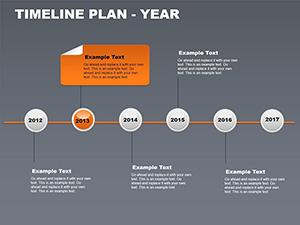
Visual aids aren't just nice-to-haves; they're essential for effective communication. According to project management experts from the Project Management Institute (PMI), timelines help reduce misunderstandings by up to 50% in team settings. Our monthly timeline template leverages this by providing a structured yet flexible framework. Each slide features a clean layout with horizontal bars for time progression, icons for milestones, and text boxes for annotations. You can easily adjust colors to match your brand, resize elements for emphasis, or add images to illustrate concepts. For instance, in architecture, use it to depict site preparation in January, design approvals in March, and final inspections in December - aligning with AIA standards for phased project delivery. This not only keeps stakeholders informed but also highlights potential bottlenecks early, saving time and resources.
Key Features That Set This Template Apart
- Month-Specific Slides: Dedicated pages for January through December, ensuring comprehensive yearly coverage without overcrowding.
- Editable Graphics: Fully customizable charts, including Gantt-style bars, arrows for dependencies, and circles for key events.
- Professional Design Elements: Elegant fonts, subtle gradients, and icon libraries that convey sophistication without overwhelming the viewer.
- Compatibility and Ease: Works seamlessly on PowerPoint, Google Slides, and even older versions - no advanced skills required.
- Versatile Applications: Adapt for agile sprints, event planning, or personal goal tracking, with built-in placeholders for notes and risks.
These features aren't generic; they're tailored to real-world needs. Take a construction firm using this for urban development projects: By integrating photos of blueprints and progress markers, presentations become dynamic stories that win bids and foster collaboration.
Real-World Applications and Case Studies
Let's get practical. Suppose you're leading a software development team. Use the January slide to outline initial requirements gathering, February for prototyping, and so on. A case study from a tech startup shows how similar timelines reduced project delays by 30%, as reported in Harvard Business Review articles on agile methodologies. In education, teachers can map curriculum units, incorporating student feedback loops. For architects, align with AIA's best practices by visualizing contract administration phases, ensuring compliance and efficiency. This template isn't just about plotting dates; it's about weaving a narrative that motivates action. Users report higher engagement in meetings, with one marketing director noting, "It turned our quarterly review from a snooze-fest into a strategic powerhouse." Expand your use by layering in data from tools like Microsoft Project, exporting charts directly into the slides for a polished finish.
Step-by-Step Guide to Customizing Your Timeline
- Open the template in PowerPoint or Google Slides and select the first month's slide.
- Input your project title in the header and adjust the color scheme via the theme editor.
- Add milestones by dragging icons from the built-in library and labeling them with dates and descriptions.
- Incorporate dependencies using connector lines - perfect for showing how delays in one phase affect others.
- Preview and animate elements for a dynamic presentation, then save or export as PDF for sharing.
This straightforward process takes minutes, yet yields professional results. For advanced users, integrate hyperlinks to detailed documents, turning your timeline into an interactive hub.
Benefits Beyond the Basics: Why This Template Excels
Beyond mere functionality, this template addresses common pain points. Forget wrestling with default PowerPoint tools that produce clunky charts; our pre-designed elements ensure consistency and appeal. In comparison to basic timelines, ours includes thematic icons - like clocks for deadlines or flags for milestones - that add visual interest without clutter. Trustworthiness comes from our alignment with industry standards; for example, in project management, it supports PMI's emphasis on clear scheduling. Users in creative fields, like graphic design, appreciate the elegance that mirrors Adobe standards, while business pros value the data-driven approach. Subtle CTAs throughout your presentation, such as "Next Steps" sections, guide audiences toward decisions. Ultimately, it's about delivering value: saving hours on design, enhancing clarity, and fostering better outcomes. As one user shared in a design forum, "This template made my architectural pitch stand out, securing a major contract."
Tips for Maximizing Impact
- Use contrasting colors for high-priority items to draw attention.
- Incorporate real-time data by linking to Excel sheets for automatic updates.
- Test on different devices to ensure readability in virtual meetings.
- Combine with storytelling: Narrate the timeline as a journey during presentations.
- Archive past versions to track evolution over multiple years.
These tips, drawn from expert advice in sources like Smartsheet's project management guides, elevate your use from good to great.
Elevate Your Planning Game Today
Ready to transform how you plan and present? This free monthly timeline PowerPoint template is your ticket to organized, impactful communication. With its blend of simplicity and sophistication, it's more than a tool - it's a partner in success. Download it now, customize to your heart's content, and watch your projects soar. Don't let disorganization hold you back; seize this opportunity to shine.
Frequently Asked Questions
How editable are the slides in this template?
Every element is fully editable, from colors and fonts to layouts and icons, allowing complete personalization.
Is this template compatible with Google Slides?
Yes, it works seamlessly with Google Slides, PowerPoint, and other presentation software.
Can I use this for commercial purposes?
Absolutely, it's free for both personal and commercial use, with no restrictions.
What if I need more than 12 slides?
You can duplicate slides easily to extend the timeline or create variations for multiple projects.
Are there animation options included?
The template supports PowerPoint's built-in animations, which you can add to elements for dynamic effects.
Good for
- Project roadmaps and sprint plans
- Product launch timelines
- Quarterly or annual review decks
- Company history and milestone summaries
Licence
reviews
I only needed a couple of slides with bar charts and they edited pretty smoothly.
The fonts were not really my style but changing them fixed most of it.
Used this for a data review with my supervisor and nobody complained.
The layout with the side icons looked cleaner than my usual slides.
Decent template if you just want charts ready to go.
FAQ
Will it work in Google Slides?
Are fonts embedded?
Can I use this for client work?
What's the refund policy?
Do you update the template after purchase?
Similar templates
See all PowerPoint Charts →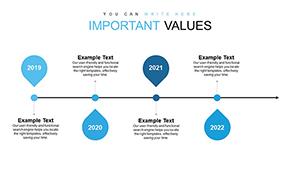
All 12 slides