 Click to zoom
Timeline PowerPoint Charts - Instant Download | ImagineLayout
| Format | .pptx |
| Slides | 36 unique layouts |
| Aspect ratio | 16:9 |
| Compatibility | PowerPoint |
| Animated | No |
| Language | English |
| License | Commercial |
| File size | — |
| Version | v1.0 |
| Last updated | March 2026 |
What's inside
36 Slides and Linear Timelines: Package Contents
36 editable slides arrive in one PPTX file.
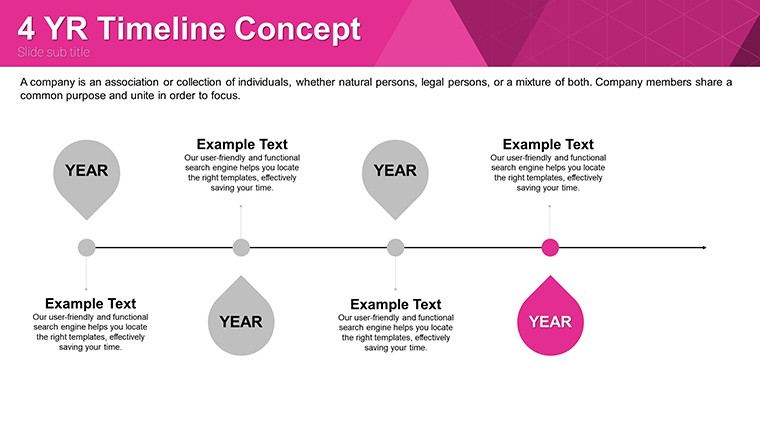
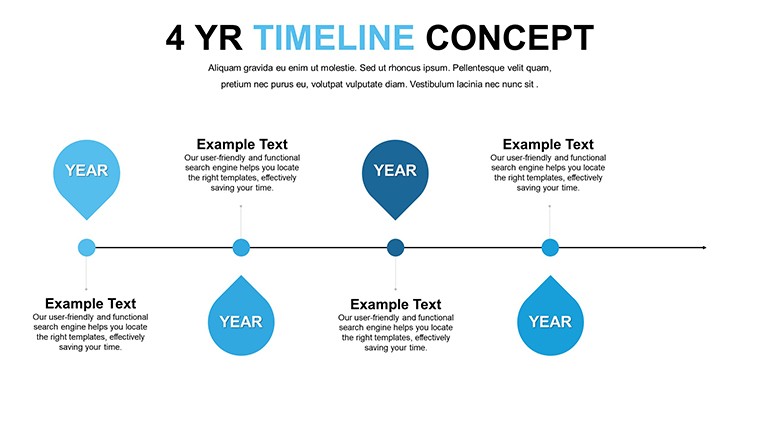
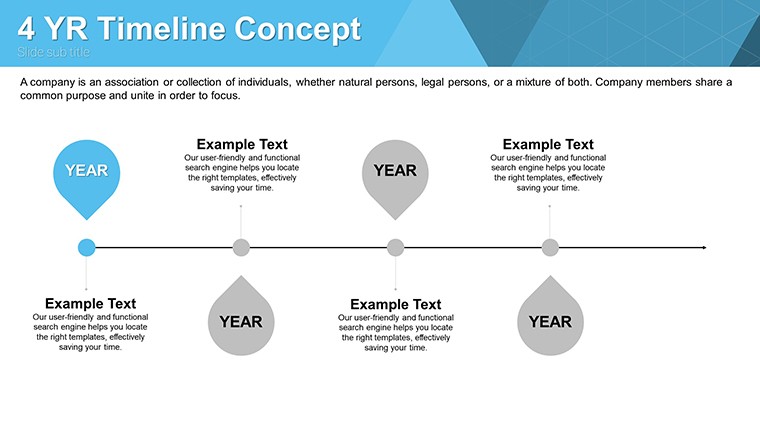
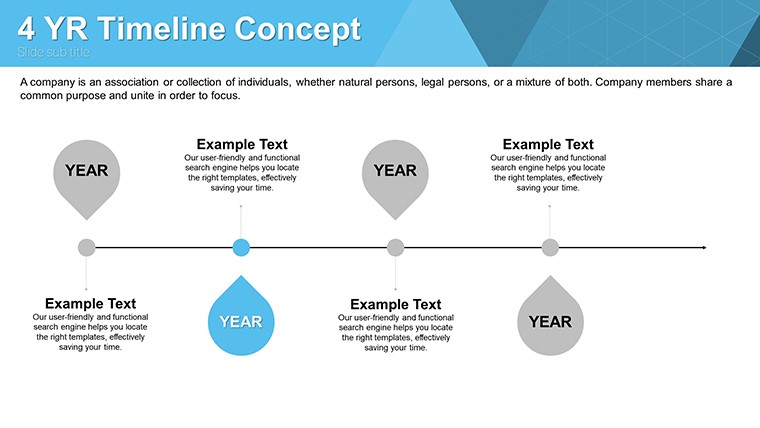
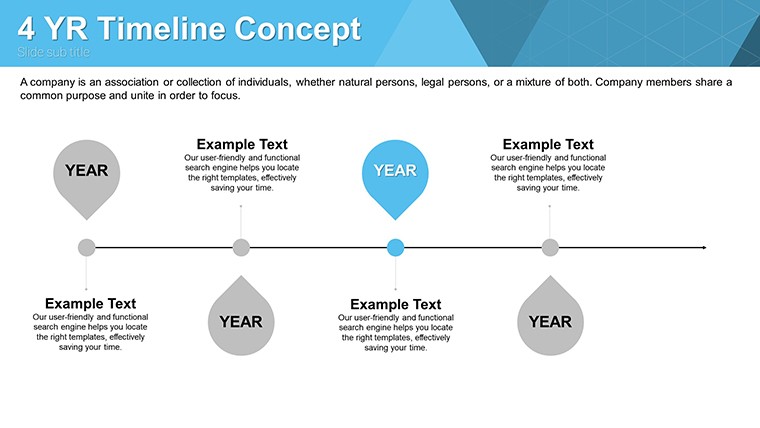
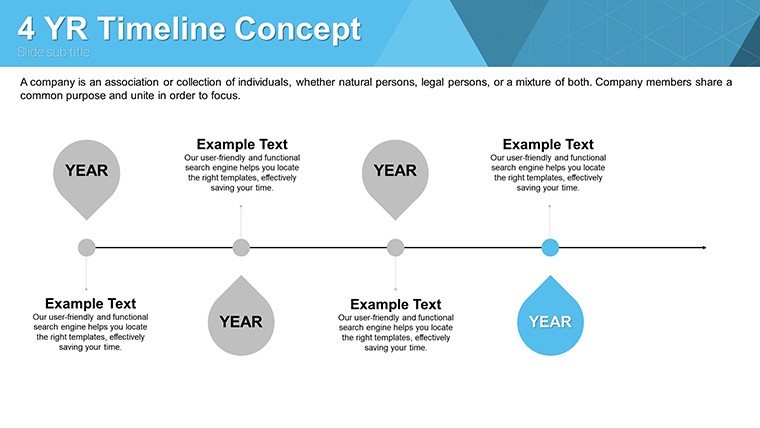
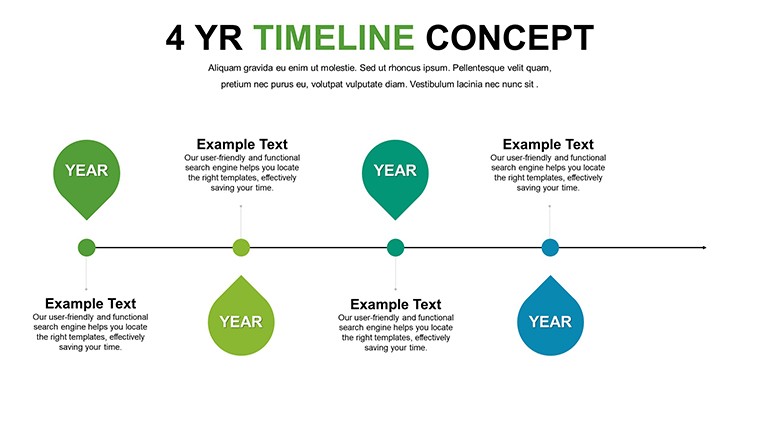
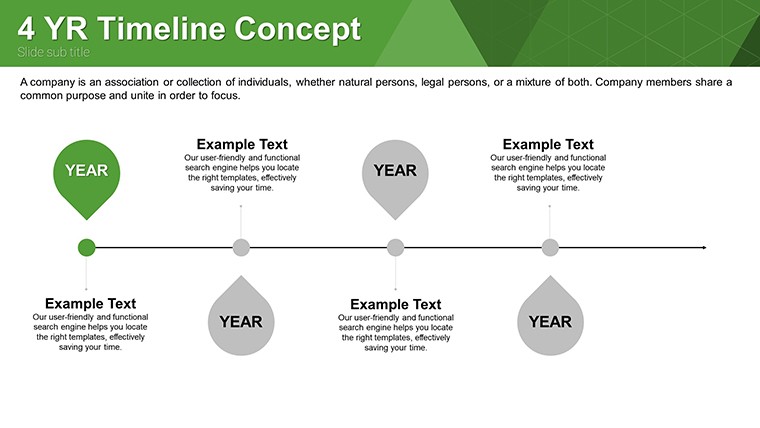
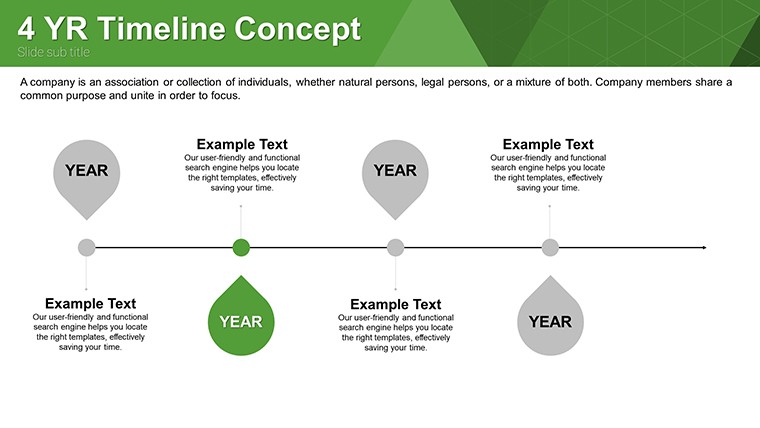
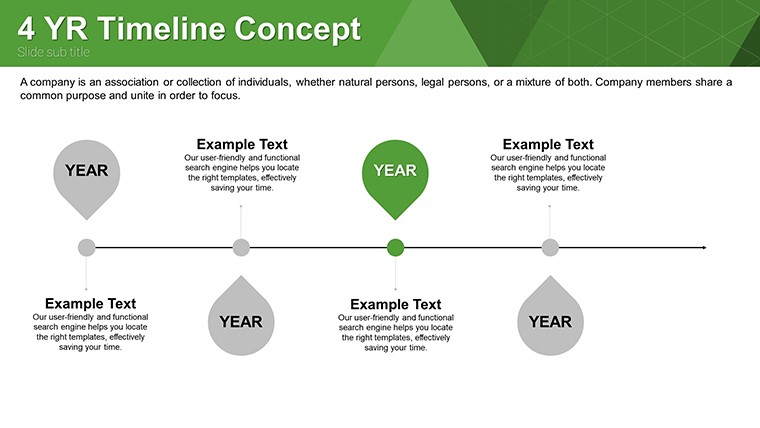
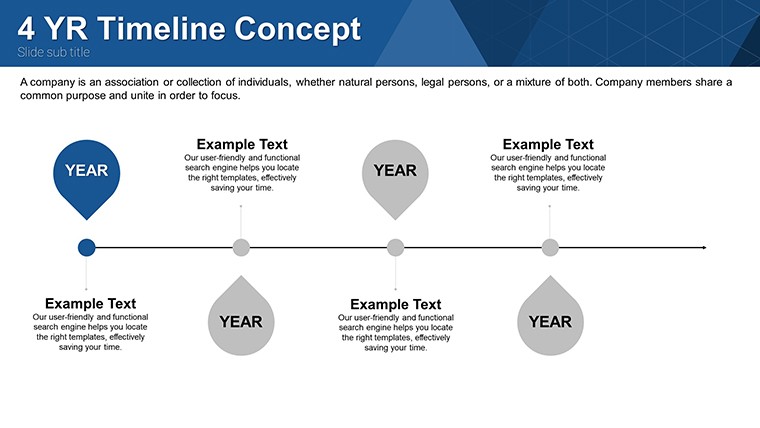
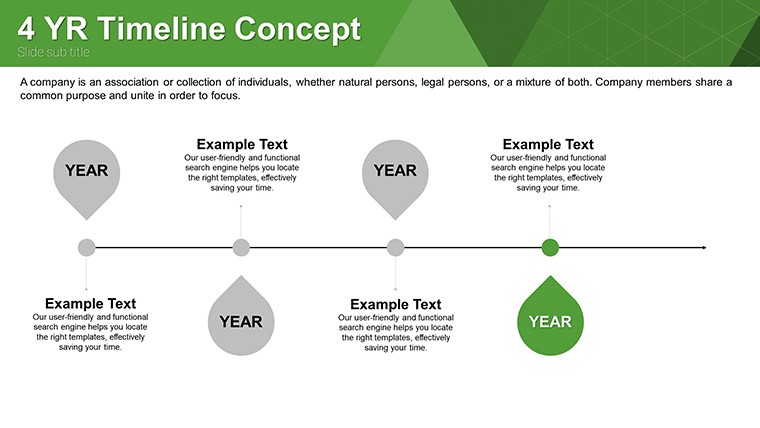
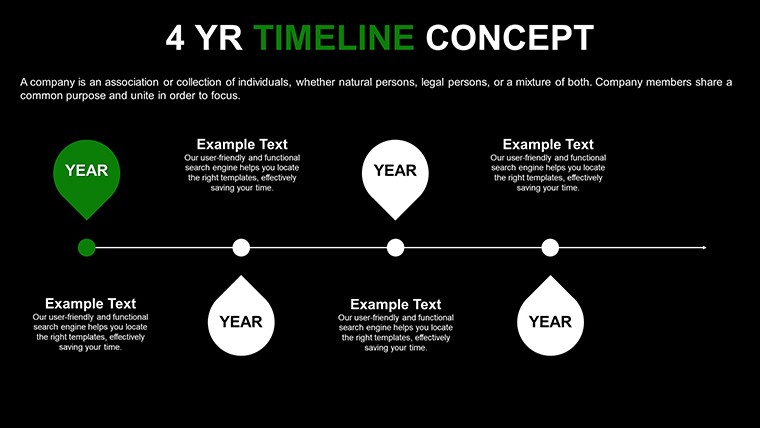
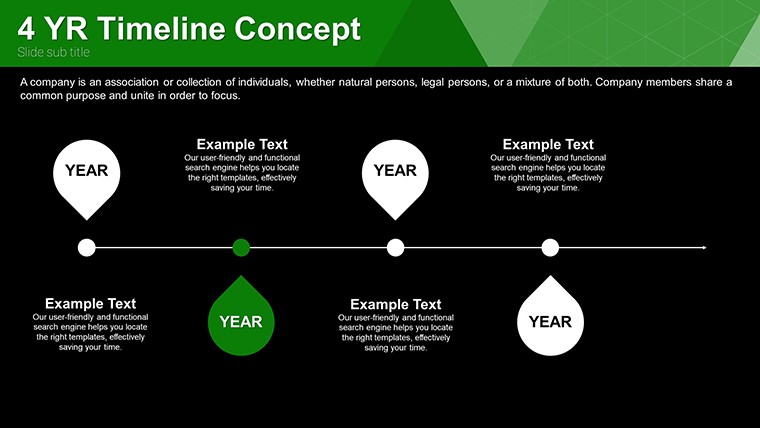
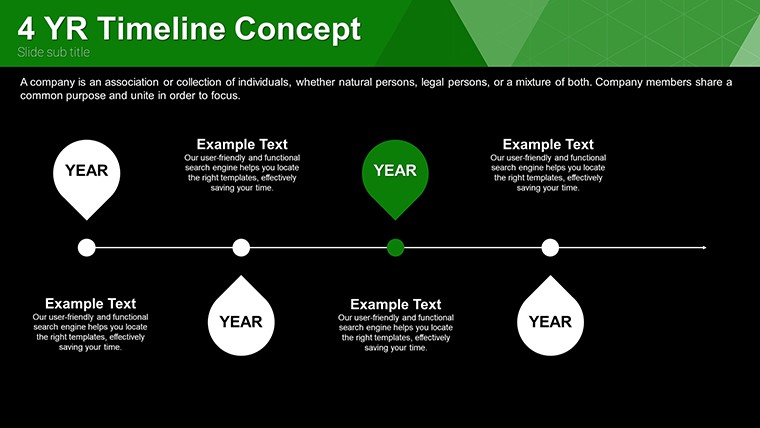
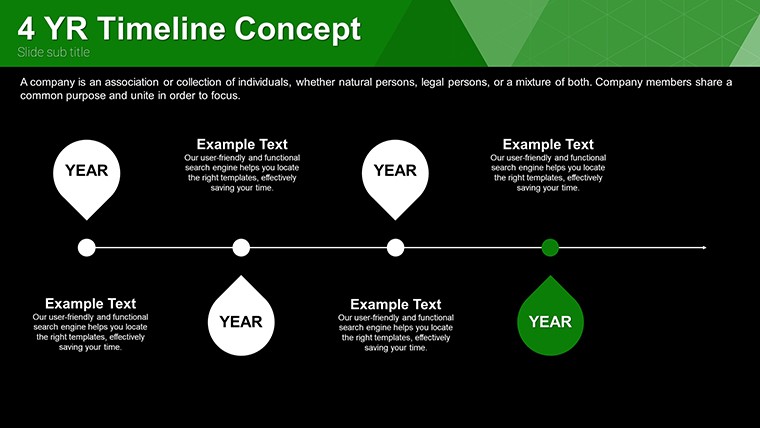
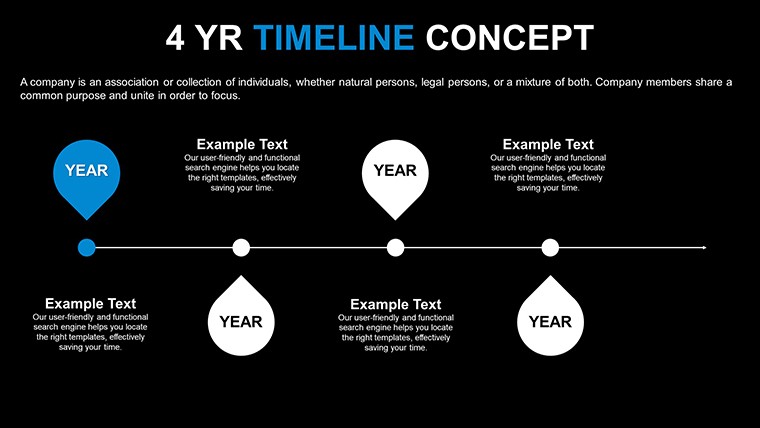
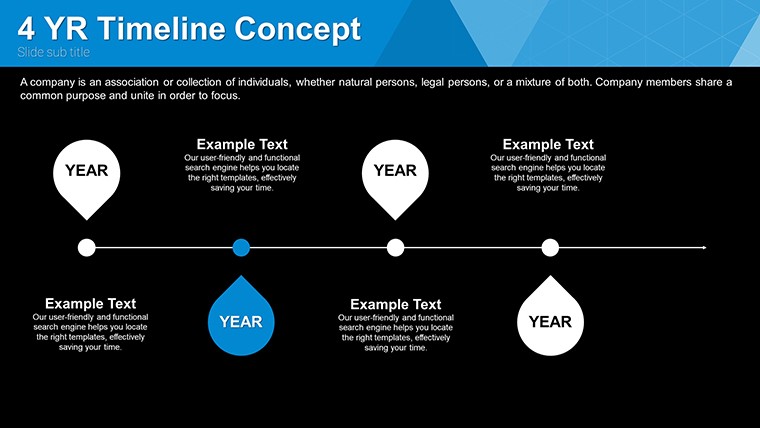
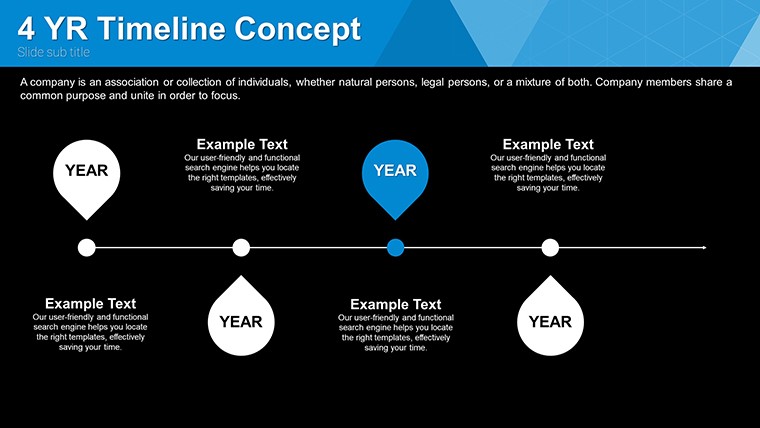
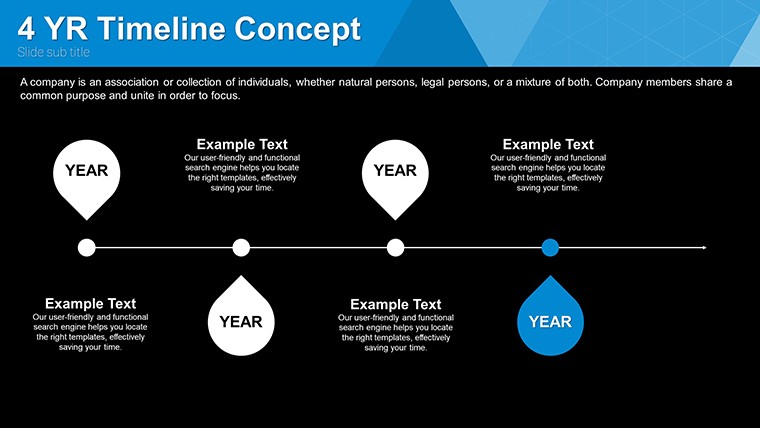
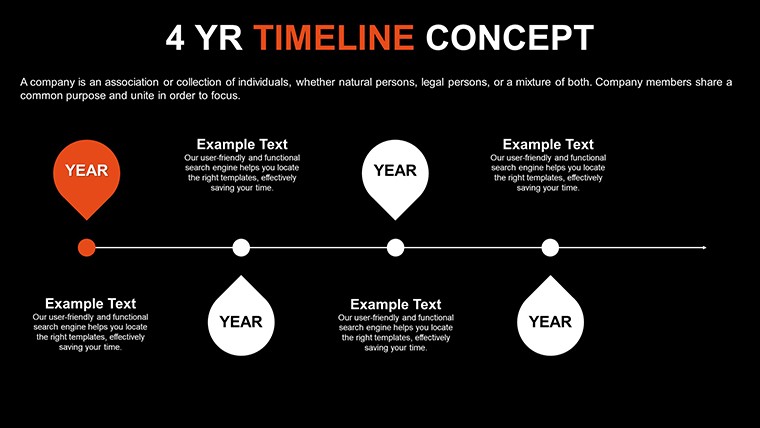
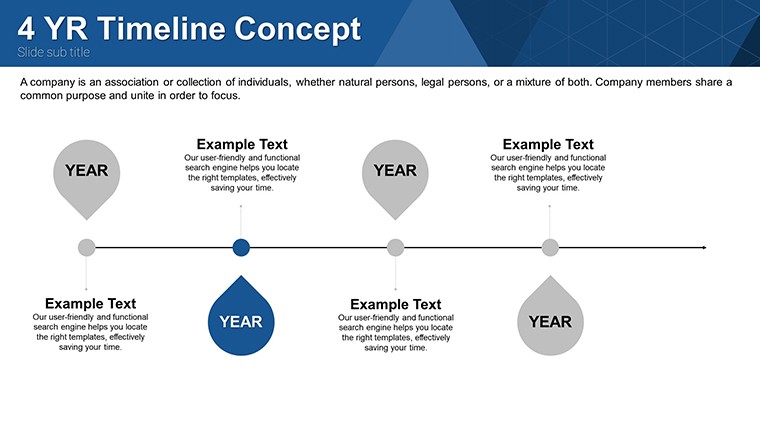
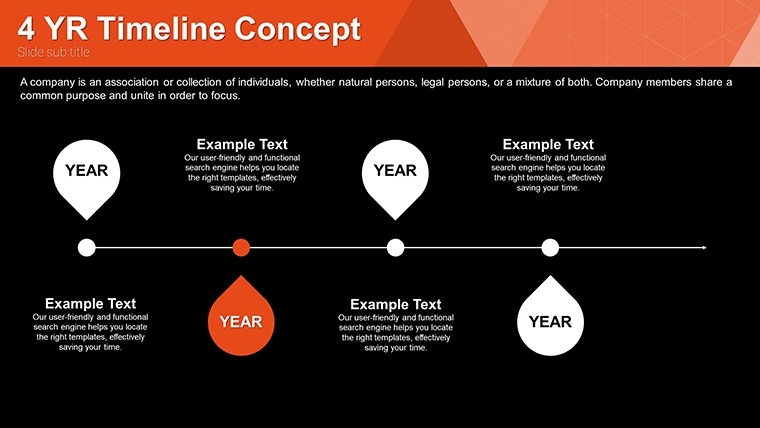
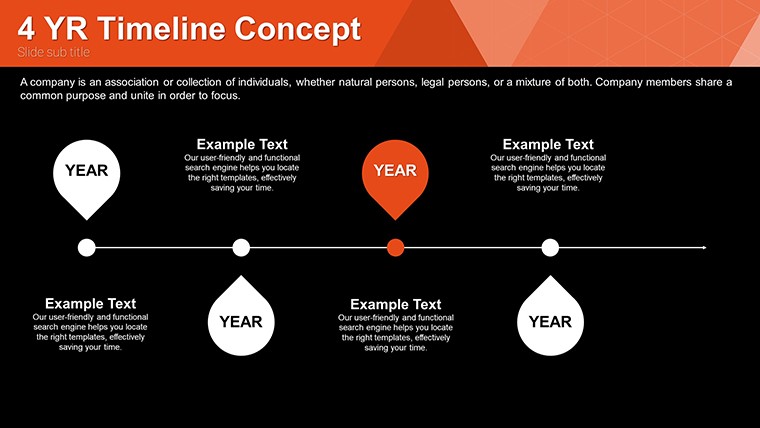
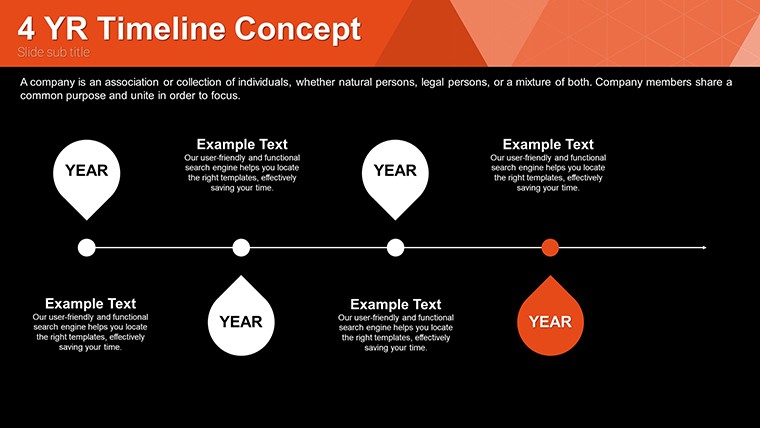
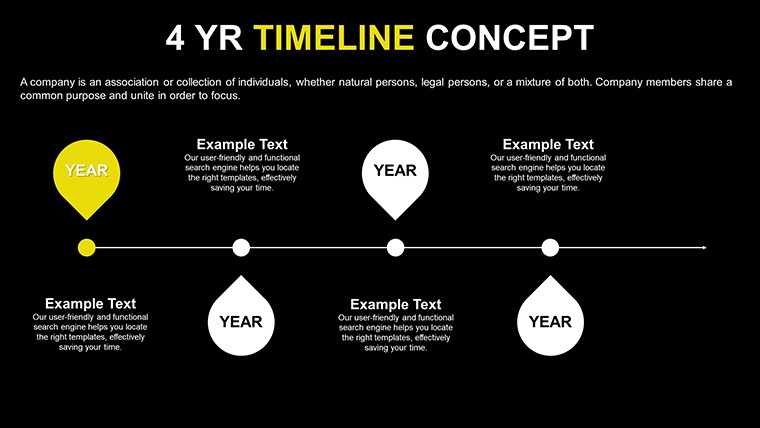
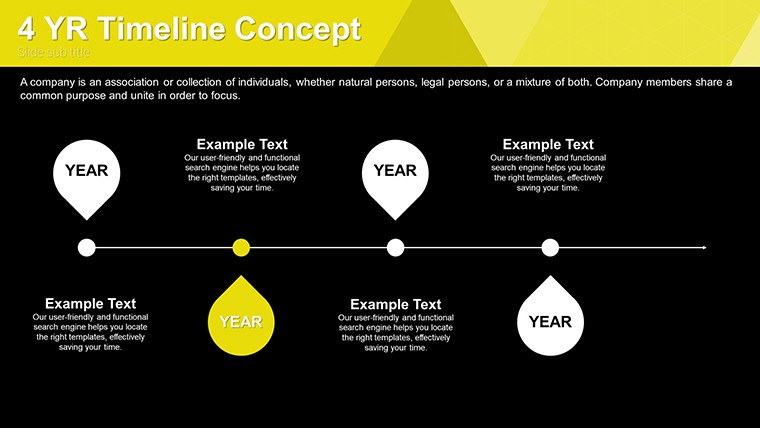
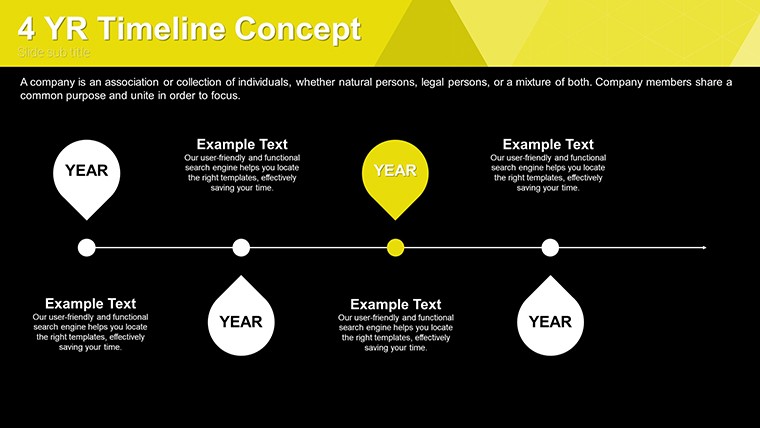
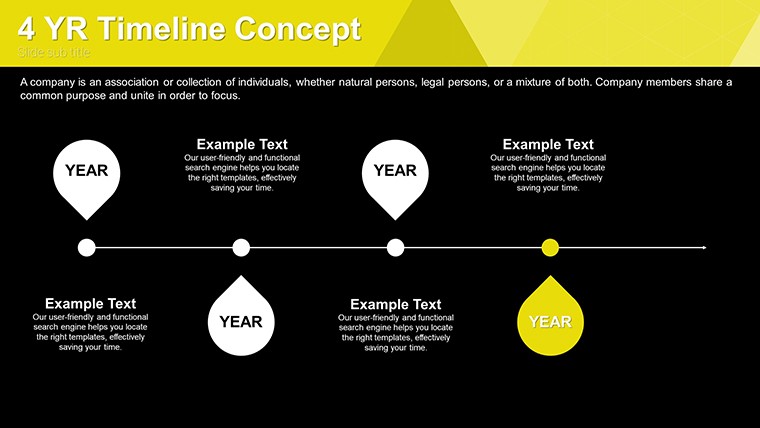
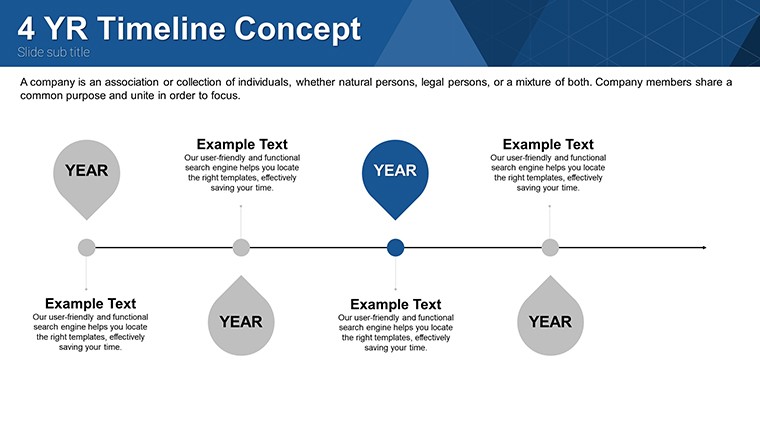
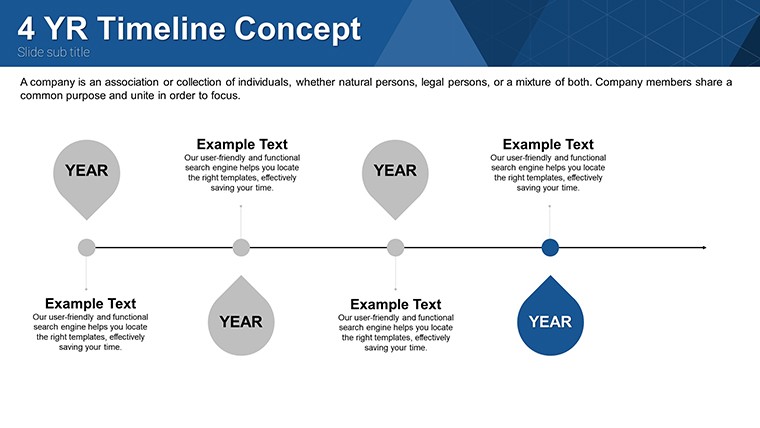
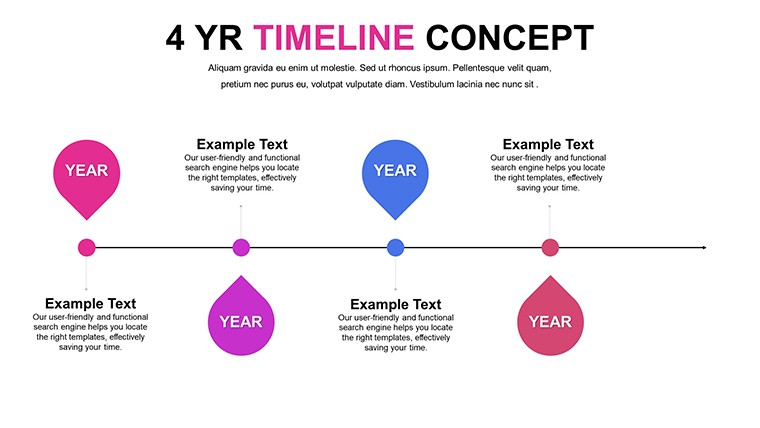
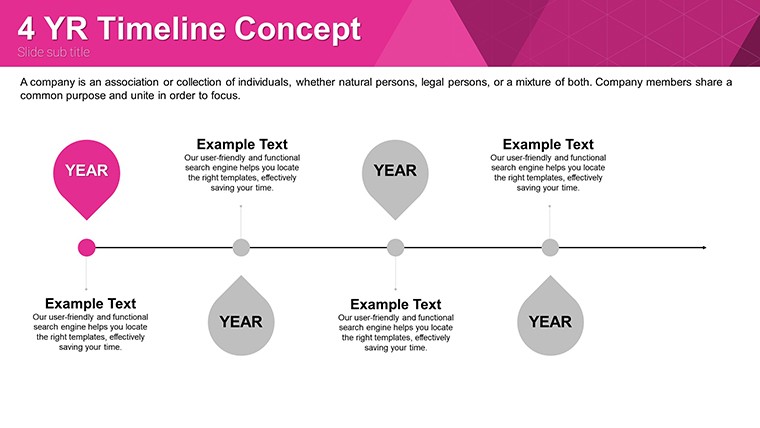
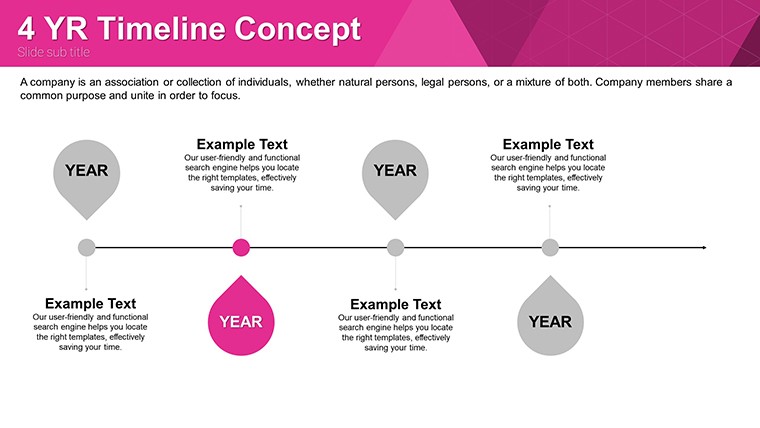
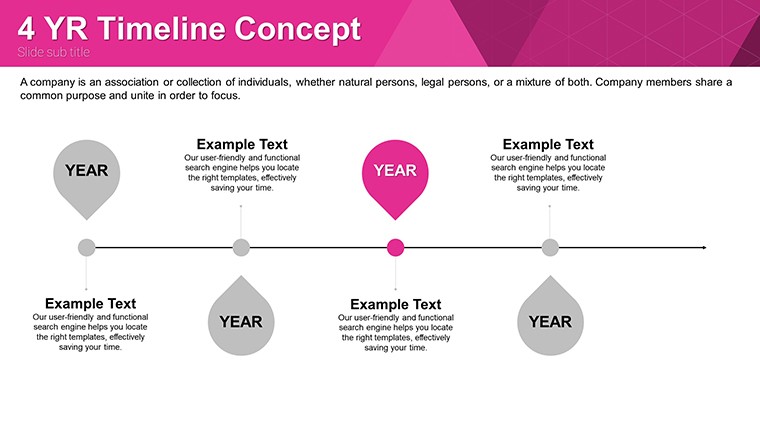
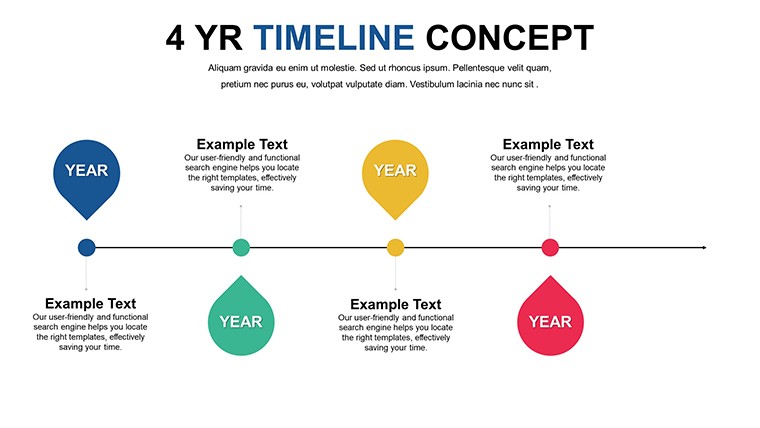
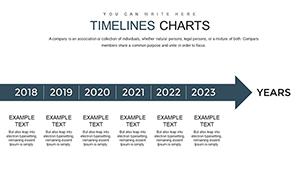
Each slide combines milestone markers with phase segments along a single axis to cover complete project sequences from planning to delivery.
These elements integrate for any chronological task by letting color contrast mark deadlines while diagram connectors maintain information spacing.
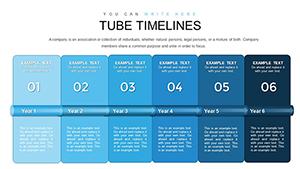
The straight-line layout with specific outside label placement stands apart from circle-based trend visuals or tube narrative styles because it mirrors exact time progression without added complexity.
This setup works best for roadmap alignment in strategy meetings since the flow direction matches chronological data better than neighbors focused on trend circles or management overviews.
The free download covers all 36 slides with full editable milestones and connectors.
Key Specifications
FeatureDetailsSlides included36 timeline layouts with markers and segmentsEditable shapesmilestone segments resize and recolor independentlyText placeholderslabels update without unlocking grouped elementsColor theme adjustmentscompatible with PowerPoint slide master paletteDiagram connectorsarrows adjust in direction and weightFile formatsPPTX for editing and PDF exportTypical Use Cases by Role
Project managers in construction prepare client proposals with the timeline and cut deck preparation from three hours to 45 minutes.
Financial analysts in banking adapt the same file for quarterly reviews and reuse it across three consecutive reports by swapping color schemes.
Download the free timeline template now
Customization in 5 Steps
- Open the .pptx file in PowerPoint 2016 or later (1 minute)
- Replace placeholder text with your content (3 minutes)
- Adjust brand colors via the slide master (2 minutes)
- Edit diagram labels and connectors (4 minutes)
- Export as PPTX or PDF (1 minute)
Editing difficulty: Moderate.
Why This Template, Not a Blank Slide
Creating timelines from scratch requires two hours and intermediate design skill for proper alignment.
Labels sit outside diagram shapes rather than inside because that approach works on a laptop screen but becomes harder to read on a projection screen.
This layout places labels outside the shapes connected by thin lines and maintains readability during live meetings without adding editing complexity.
Get the timeline charts now
Which PowerPoint versions does the file support?The template opens in PowerPoint 2016, 2019 and Microsoft 365 on Windows and Mac. Compatibility extends to older versions with limited support for advanced connectors. Users report smooth performance in version 2019 without plugins. Test the slide master for any custom fonts if your installation differs.
How do I change the color scheme?Open the slide master view in PowerPoint. Select the timeline elements and update colors through the theme palette. Apply changes to all slides at once via the master. Save the file and the new scheme propagates across every layout.
What license applies to client work?The free download permits use in internal presentations and paid client deliverables. You may not resell the file or sublicense it to third parties. Internal company training sessions fall under allowed use. Always keep the original attribution if required by the download terms.
What file formats open the template?The PPTX format opens in PowerPoint on Windows or Mac. Export options include PDF for distribution or image formats for sharing. Keynote users convert via import tools with minor layout checks. The single file contains everything needed for editing.
Is animation support included?Basic entrance animations appear on markers and connectors. Remove or add them through the animation pane in PowerPoint. The layouts remain fully editable after any animation changes. No advanced motion paths ship with the file.
Good for
- Project roadmaps and sprint plans
- Product launch timelines
- Quarterly or annual review decks
- Company history and milestone summaries
Licence
reviews
The templates here are quite versatile. Used for marketing analytics and received positive comments. Easy to work with overall.
Not perfect but definitely better than average free options. Some designs shine while others are average. Time saver nonetheless.
This pack helped during crunch time before big meeting. The clean look boosted confidence. Workflow is efficient.
Customization depth is nice. I tweaked most elements successfully. Minor complaint about documentation but intuitive enough.
Good modern feel to these charts. They make numbers interesting. Compatibility across versions worked without issues for me.
FAQ
Will it work in Google Slides?
Are fonts embedded?
Can I use this for client work?
What's the refund policy?
Do you update the template after purchase?
Similar templates
See all PowerPoint Charts →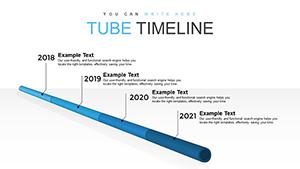
All 36 slides