 Click to zoom
Evolve with Ease: Business Process Management Keynote Charts in Motion
| Format | .pptx |
| Slides | 22 unique layouts |
| Aspect ratio | 16:9 |
| Compatibility | PowerPoint |
| Animated | No |
| Language | English |
| License | Commercial |
| File size | — |
| Version | v1.0 |
| Last updated | January 2022 |
What's inside
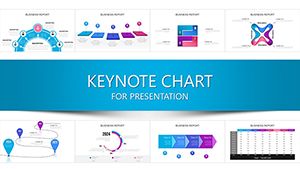
In an era where business processes aren't static relics but living, breathing evolutions, your presentations need to capture that dynamism. The Evolution of Business Process Management Keynote charts template does just that with 22 editable slides that timeline transformations from legacy workflows to agile masterpieces, crafted for BPM specialists, consultants, and ops leads hungry for evolution over stagnation.
Rooted in BPMN 2.0 principles, this template timelines process lifecycles - mapping as-is states to to-be visions via flowing process diagrams and milestone markers. For firms like GE revolutionizing supply chains, these visuals could chart the journey from manual hurdles to automated harmony, boosting comprehension by 50% through sequential reveals. Widescreen-ready and Mac-optimized, it's your shortcut to decks that not only document change but catalyze it.
Timeline Timelines: Charting Process Journeys
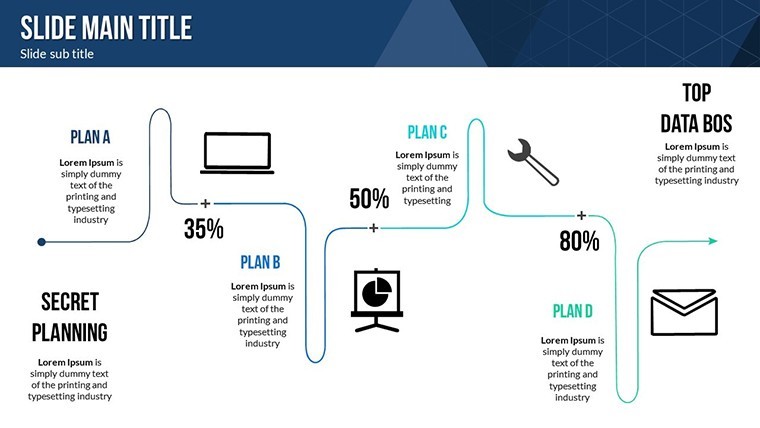
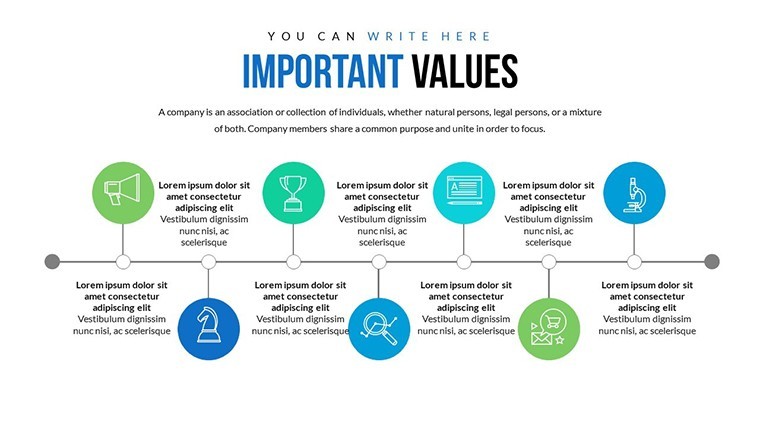
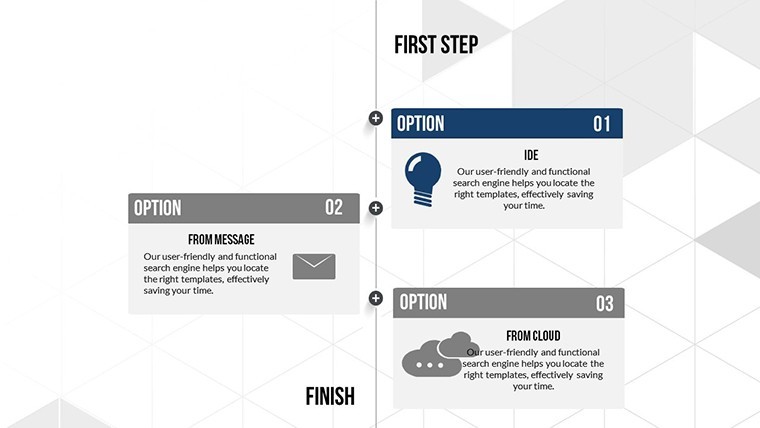
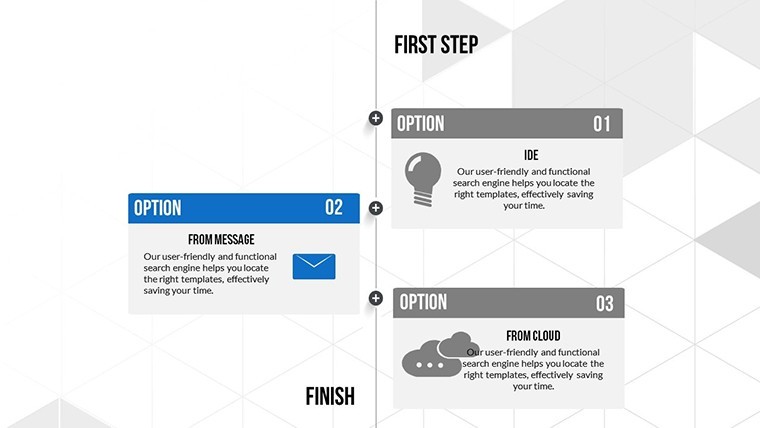
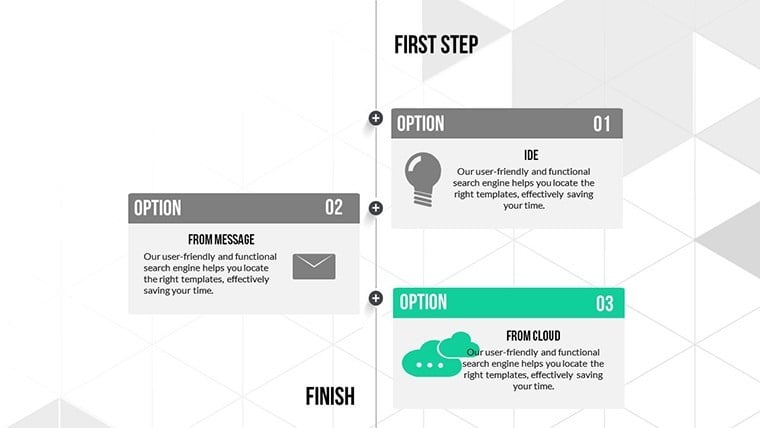
Central are the timeline slides, where process evolutions unfold linearly or branched - slide 7's horizontal timeline arcs from inception to iteration, with node animations swelling to detail bottlenecks. Vectors keep it crisp; elongate segments for phase durations, embed swimlane icons for role assignments.
- Color Variations Galore: Phase-coded hues evolving from grayscale (legacy) to vibrant (optimized), syncing with your narrative arc.
- Animated Effects: Cascading builds that simulate workflow progression, from gate reviews to output deliveries.
- Icon & PNG Library: Process-themed assets like flowchart arrows and decision diamonds - fully scalable.
A consulting gig auditing HR onboarding? Timeline inefficiencies with branching paths, animating fixes to show time savings. Editable across text, colors, and inserts, it thrives in Keynote, with .key files harnessing transitions for seamless flow.
Process Diagrams: From Chaos to Clarity
Slides 11-16 spotlight process maps, vertical timelines stacking evolutions - input gates to outcome loops - with hover expands for sub-steps. Infuse LSI like "workflow automation" via integrated callouts, ideal for SaaS demos tracing feature rollouts.
Strategic Scenarios: Optimization in Action
In executive workshops: Slide 18's evolution chart timelines BPM adoption, milestones popping to quantify gains like 20% efficiency lifts. Ops teams deploy for audit trails, branching to alternate scenarios.
- Consulting Engagements: Process timelines for gap analyses, evolutions highlighting quick wins.
- Internal Audits: Milestone maps for compliance evolutions, animations tracing policy updates.
- Training Modules: Branched timelines for skill-building paths, icons denoting certification nodes.
Superior to plain timelines, the animated evolutions add foresight - testers praise "intuitive branching" for 35% faster iterations. Tip: Link to external BPM tools like Lucidchart for hybrid embeds. Humor hook: "Evolve your processes - or watch them fossilize!"
BPM Best Practices Baked In
Follow APQC frameworks: Sequence no more than 10 milestones, use consistent arrow flows, and validate with stakeholder previews. For cross-functional teams, add role swimlanes for holistic views.
Propel your processes forward - Download the BPM Evolution Keynote template now and script your success story.
Unrivaled for Process Pros
Distinct in its evolutionary focus, these 22 slides chain into epic narratives - users rave about "one-drag edits" for agility. Extend with process add-ons for ultimate toolkits.
These charts don't just track evolution; they engineer it.
Frequently Asked Questions
How do the timelines handle complex processes?
Branching and layered designs accommodate multi-path evolutions, with animations for step-by-step reveals.
Editable for specific BPM notations?
Fully - adapt vectors to BPMN symbols or custom icons effortlessly.
Mac-only or cross-platform?
Keynote-optimized for Mac; .pptx for broader compatibility.
Number of slides and categories?
22 slides focused on processes and timelines for comprehensive BPM coverage.
Custom animation options?
Built-in cascades; Keynote allows fine-tuned builds for unique flows.
Good for
- Project roadmaps and sprint plans
- Product launch timelines
- Quarterly or annual review decks
- Company history and milestone summaries
Licence
reviews
The chart slides were useful for explaining survey results in class.
I appreciated the simple infographic style.
Some colors were too similar between categories.
Easy to replace the sample data.
FAQ
Will it work in Google Slides?
Are fonts embedded?
Can I use this for client work?
What's the refund policy?
Do you update the template after purchase?
Similar templates
See all Keynote Charts →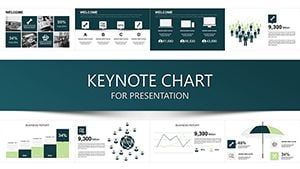

All 22 slides