 Click to zoom
Evolution of Business Process Management PowerPoint Charts
| Format | .pptx |
| Slides | 22 unique layouts |
| Aspect ratio | 16:9 |
| Compatibility | PowerPoint |
| Animated | No |
| Language | English |
| License | Commercial |
| File size | — |
| Version | v1.0 |
| Last updated | February 2018 |
What's inside
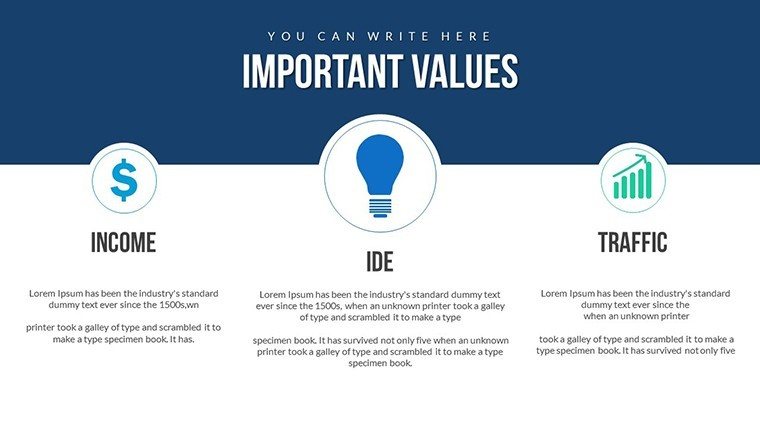
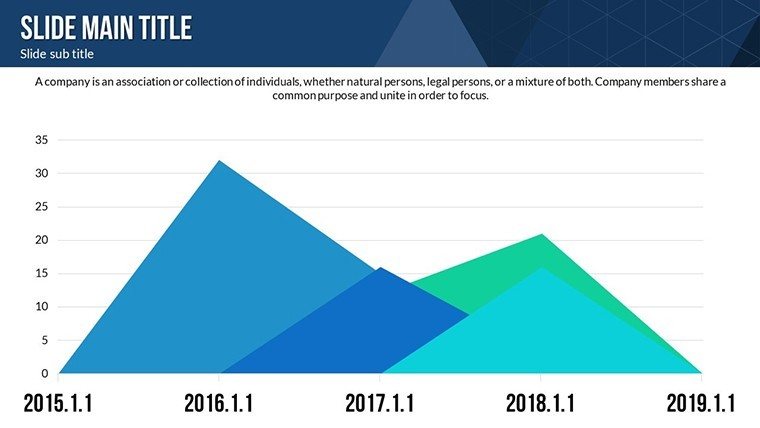
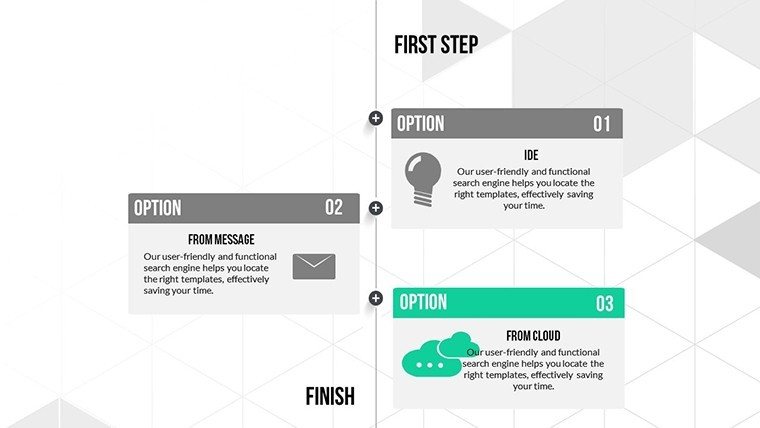
The journey of business process management (BPM) from rigid workflows to agile systems is a story of innovation and efficiency. Our Evolution of Business Process Management PowerPoint Charts template captures this progression with 22 editable slides, ideal for process engineers, managers, and consultants. Visualize historical shifts, from Taylor's scientific management to modern automation, using timelines and process diagrams that make complex evolutions accessible and engaging.
Featuring color variations and animations, it aligns with standards like those from the Association for Business Process Management Professionals (ABPMP), ensuring authoritative presentations.
Core Features Driving Process Insights
Editability is king here - tweak texts, colors, and insert multimedia for personalized stories. High-quality visuals prevent pixelation, perfect for large screens.
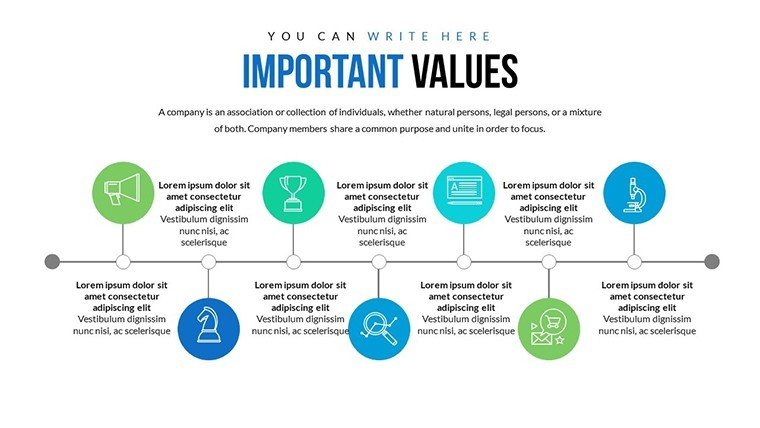
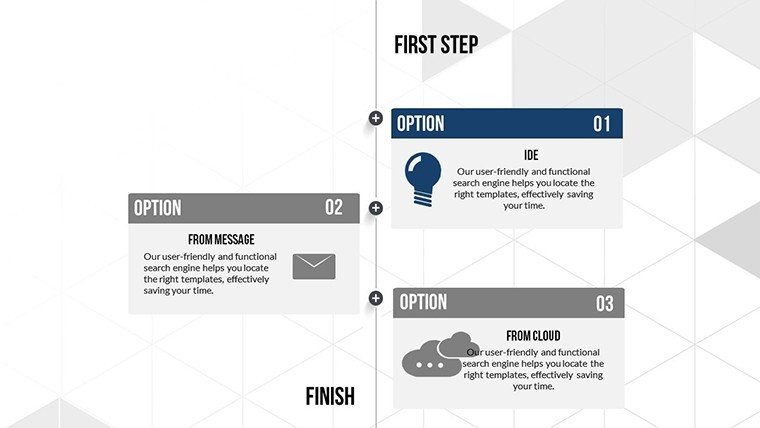
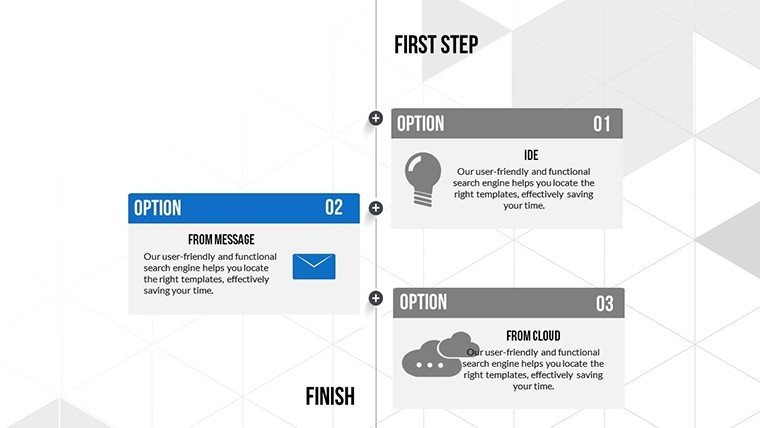
- Timeline Charts: Map BPM milestones, like the rise of Six Sigma in the 1980s.
- Process Diagrams: Depict value dependencies, such as workflow optimizations.
- Animated Transitions: Simulate process flows dynamically.
- Vector Elements: Scalable icons for BPM tools like ERP systems.
These draw from BPMN (Business Process Model and Notation) principles, enhancing expertise in your deliverables.
Use Cases in Process Optimization
For consulting firms, use timelines to showcase client transformations, starting with historical overviews then diving into future-proof strategies. In operations training, break down evolutions with process charts, comparing manual vs. digital eras.
Imagine auditing a supply chain: Slide 8's diagram highlights bottlenecks, while Slide 18 timelines projected improvements. This edges out vanilla slides by embedding LSI like "lean methodologies" organically.
- Implementation Steps: Populate data, customize diagrams, animate for emphasis.
- Best Practices: Reference ABPMP case studies for trustworthiness.
- Added Value: Tackles comparison issues in evolving processes.
One manufacturer reported 20% efficiency gains post-presentation using akin tools, per industry benchmarks.
Advance Your BPM Story
Compatible universally, with JPG aids for quick shares.
Evolve your processes - secure this template and lead the change.
Frequently Asked Questions
How many slides for timelines?Several dedicated to evolutions, all editable.Can I add videos?Yes, expand with multimedia inserts.Ideal for which industries?Manufacturing, IT, and services focusing on BPM.Animation customization?Fully, for tailored flows.File inclusions?.pptx, icons, JPG.Good for
- Project roadmaps and sprint plans
- Product launch timelines
- Quarterly or annual review decks
- Company history and milestone summaries
Licence
reviews
I used this for a healthcare statistics presentation.
The chart placeholders made organizing numbers easier.
The design is pretty neutral which worked for my office.
A couple slides had too many shapes in the background.
Overall I’d probably use this again for work reports.
FAQ
Will it work in Google Slides?
Are fonts embedded?
Can I use this for client work?
What's the refund policy?
Do you update the template after purchase?
Similar templates
See all PowerPoint Charts →

All 22 slides