 Click to zoom
Download Editable Hungary PowerPoint Maps: Ignite Your Regional Insights
| Format | .pptx |
| Slides | 44 unique layouts |
| Aspect ratio | 16:9 |
| Compatibility | PowerPoint |
| Animated | No |
| Language | English |
| License | Commercial |
| File size | — |
| Version | v1.0 |
| Last updated | May 2024 |
What's inside
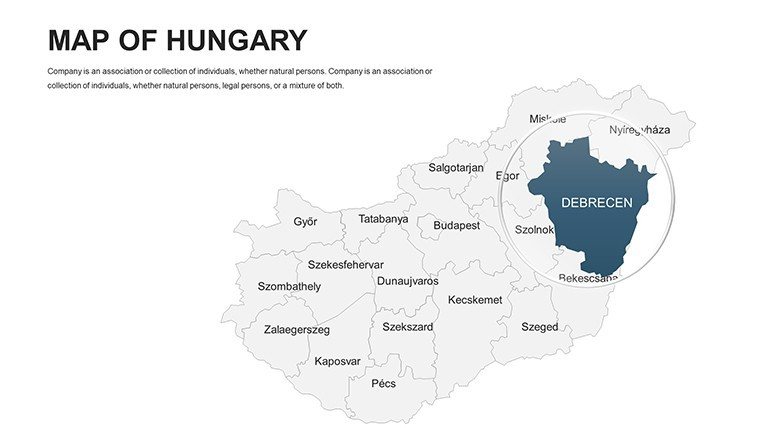
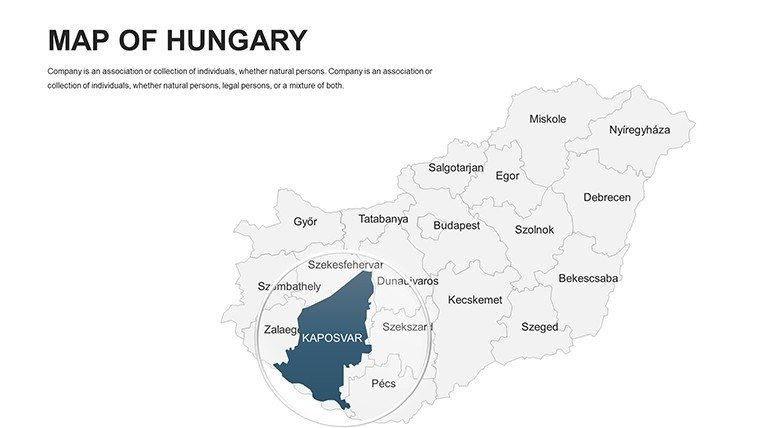
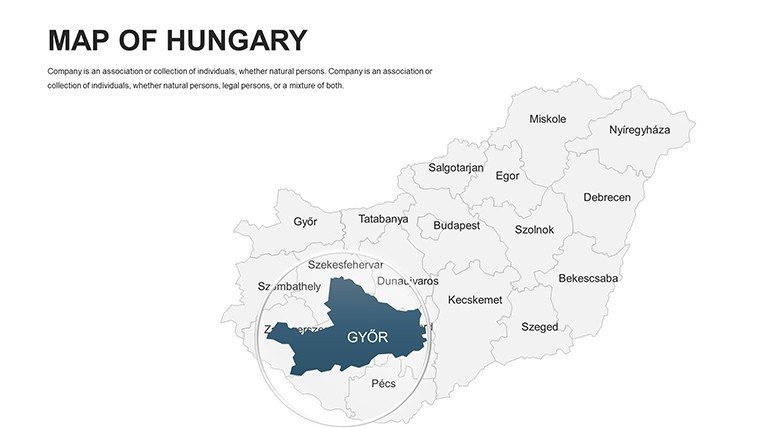
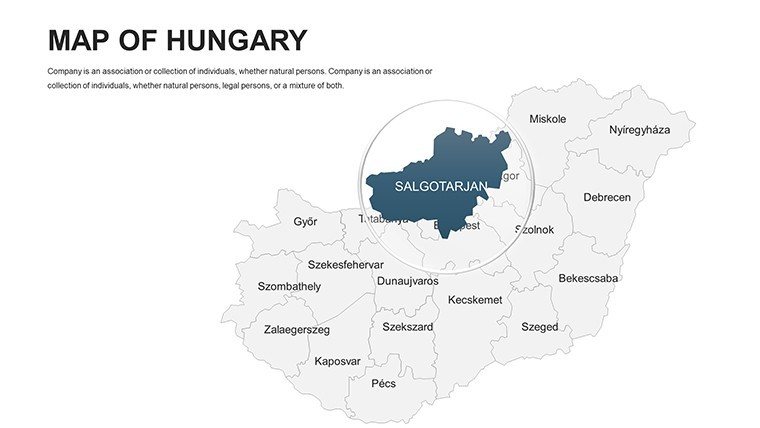
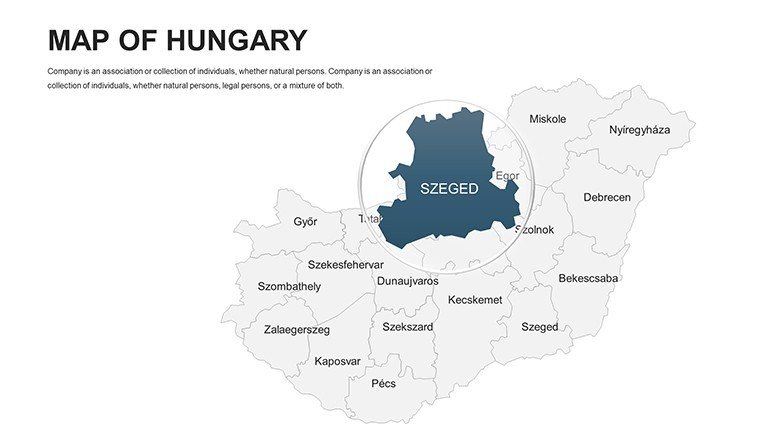
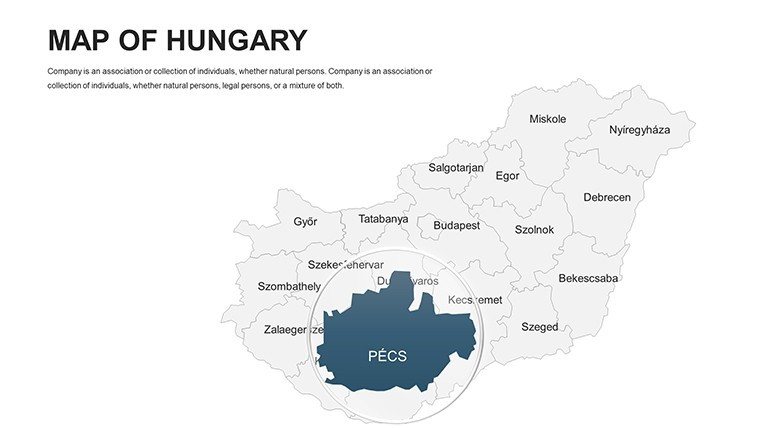
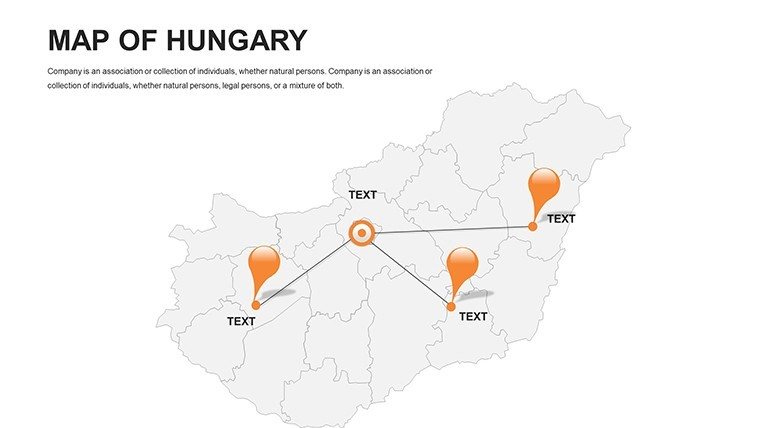
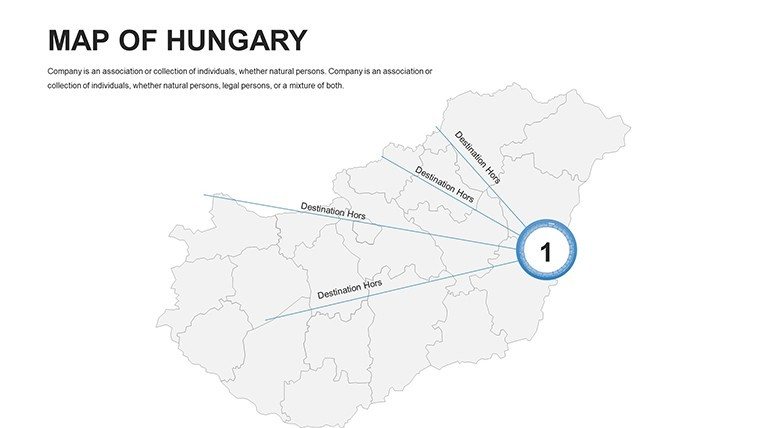
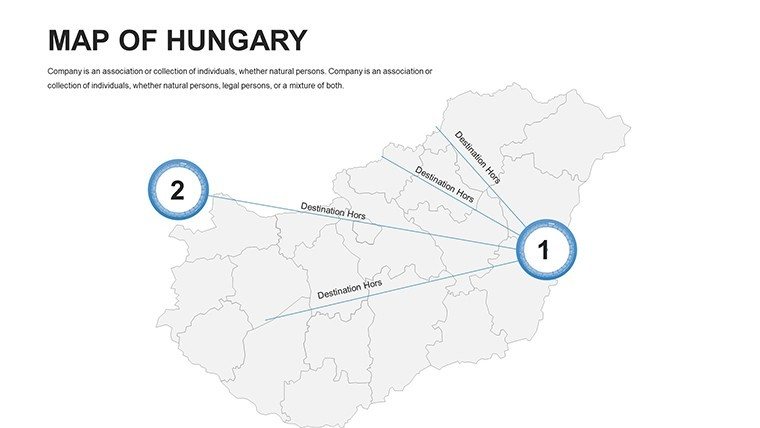
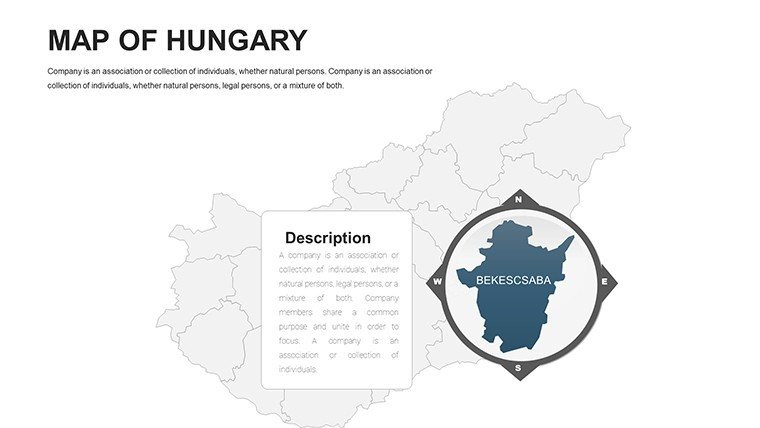
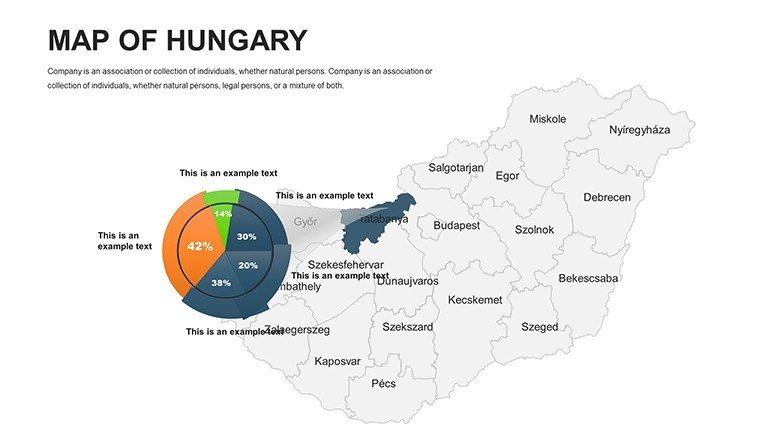
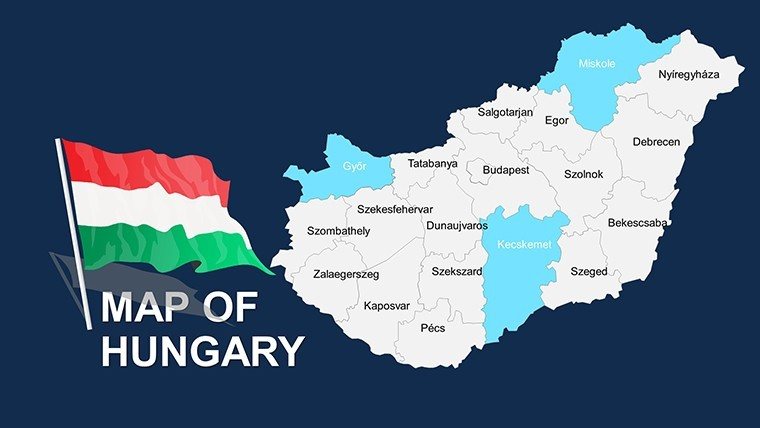
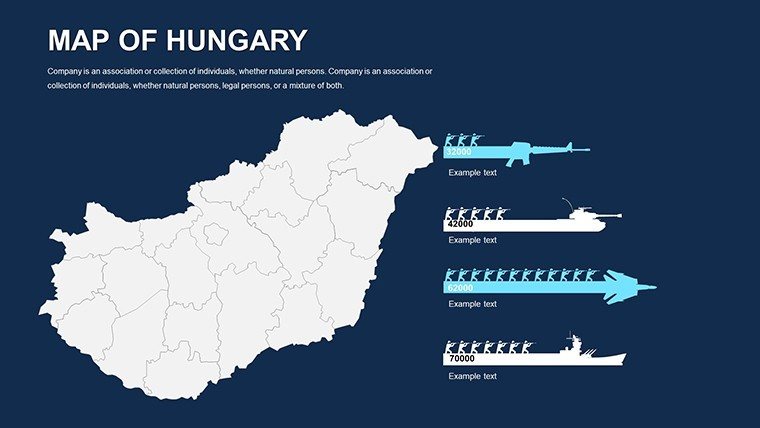
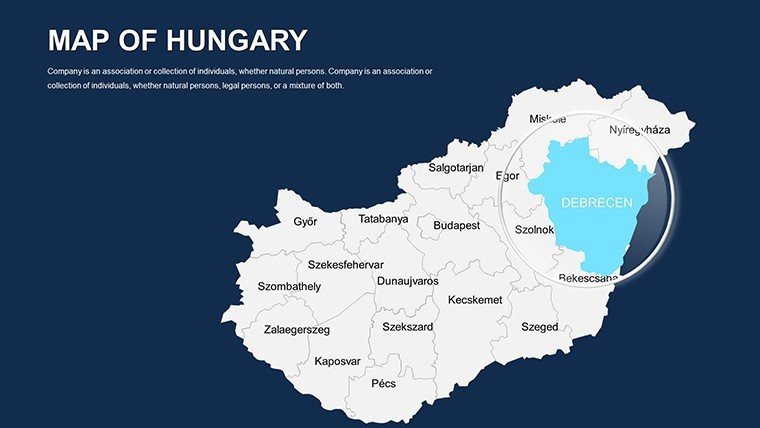
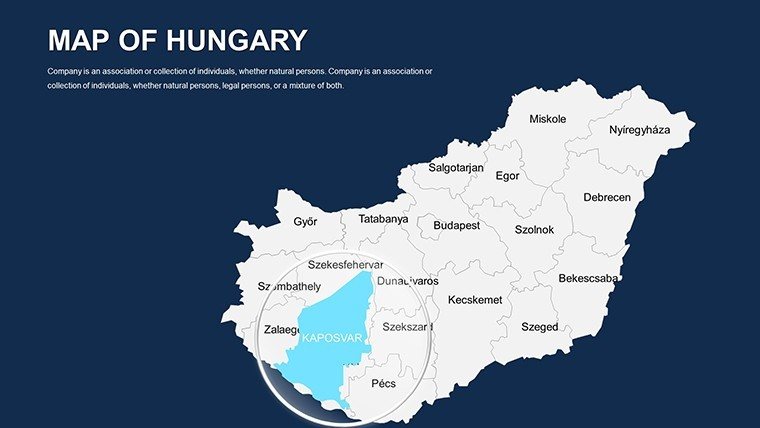
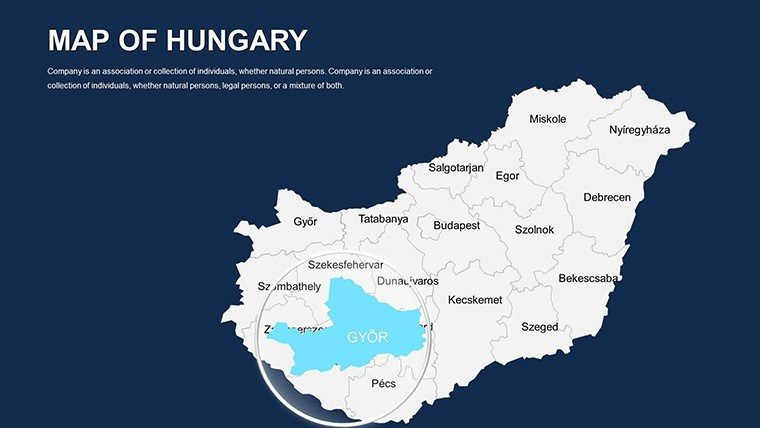
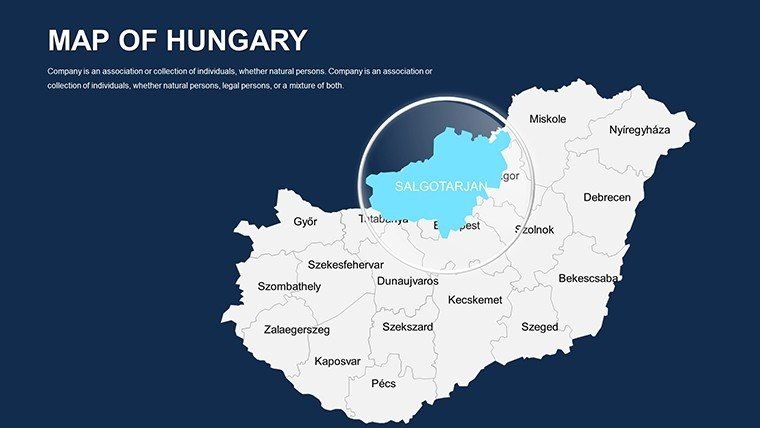
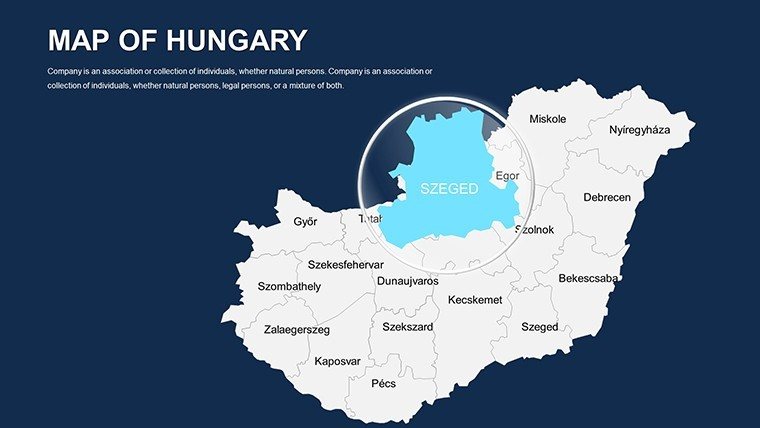
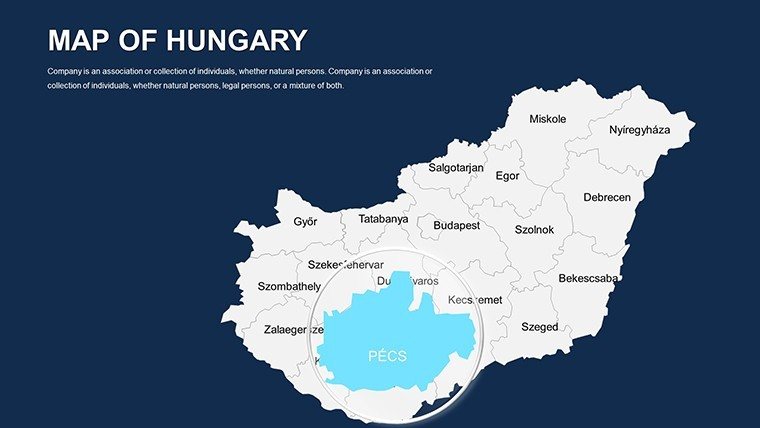
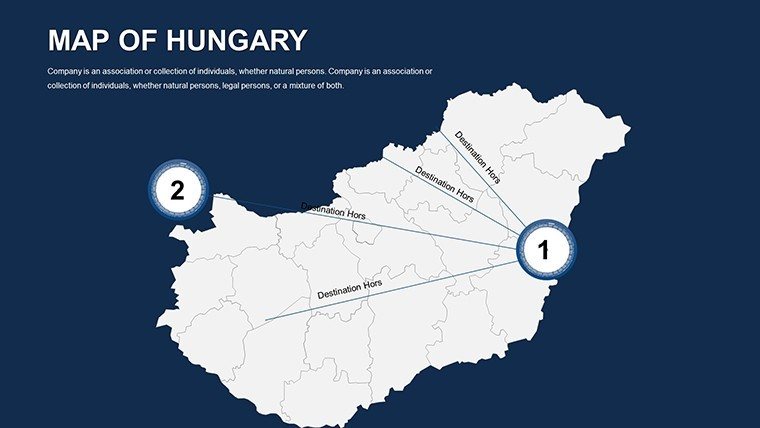
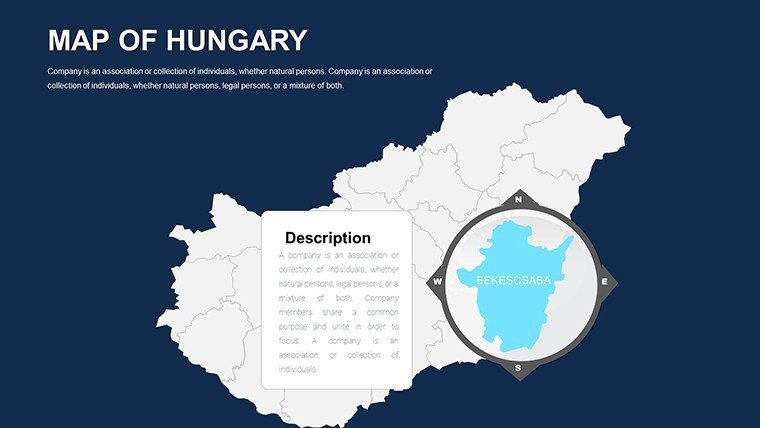
Hungary's rich tapestry of history, economy, and geography demands presentations that capture its nuances - from the Danube's flow to Budapest's urban pulse. Our Editable Hungary PowerPoint Maps template delivers exactly that through 44 versatile slides, ideal for economists charting GDP variances, historians tracing Ottoman influences, or planners outlining infrastructure. Compatible with both PowerPoint and Google Slides, it equips you to create visuals that not only inform but also evoke the vibrancy of Central Europe.
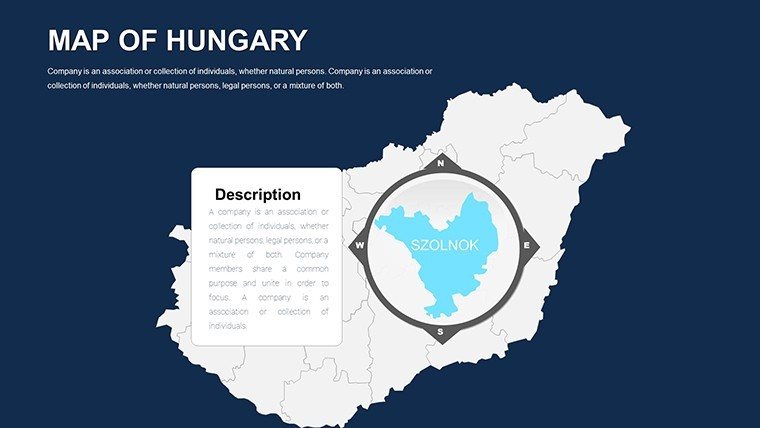
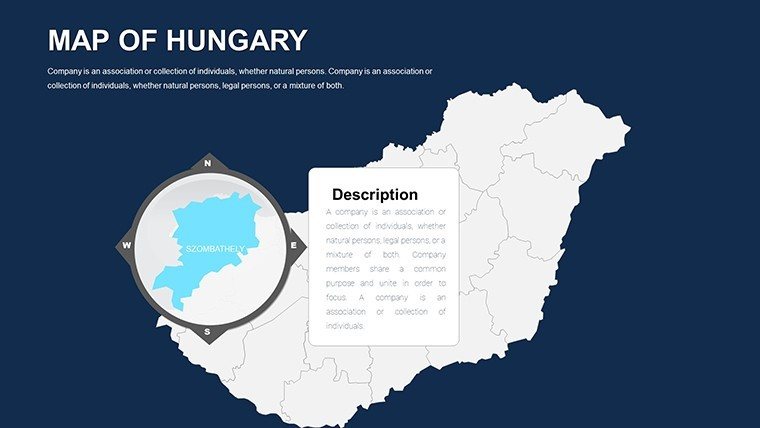
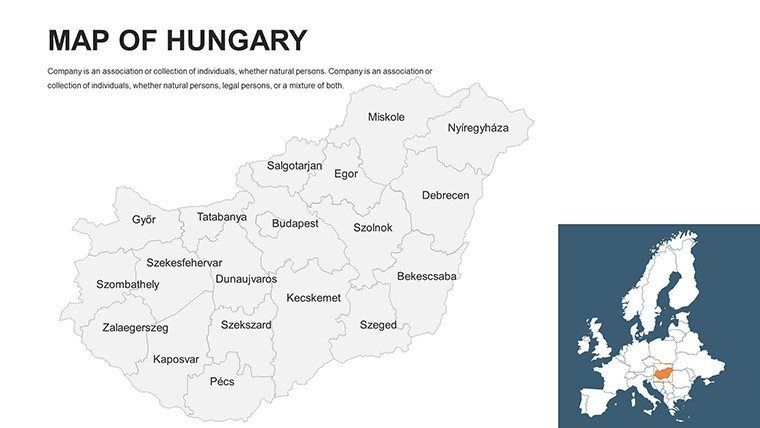
This template stands out by offering a suite of map types - political for divisions, geographical for terrain, economic for stats, and blank for creativity - each editable to weave your data seamlessly. In professional settings, where clarity can clinch deals, these tools save precious time while amplifying your message's impact. Whether collaborating in Google Slides for team edits or presenting in PowerPoint, experience hassle-free customization that aligns with your objectives.
Highlighting the Essential Features of Hungarian Maps
Engineered for depth and ease, the template's diverse formats cater to multifaceted needs, ensuring your Hungary-focused content is both accurate and engaging.
- Complete Customizability: Tweak colors for economic sectors, fonts for labels, and styles for thematic consistency across regions and cities.
- Professional Visuals: High-res elements that maintain integrity on projectors or screens, spotlighting features like Lake Balaton.
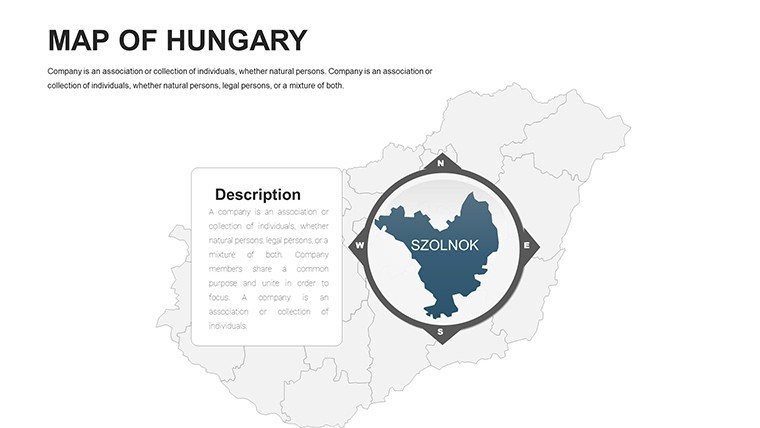
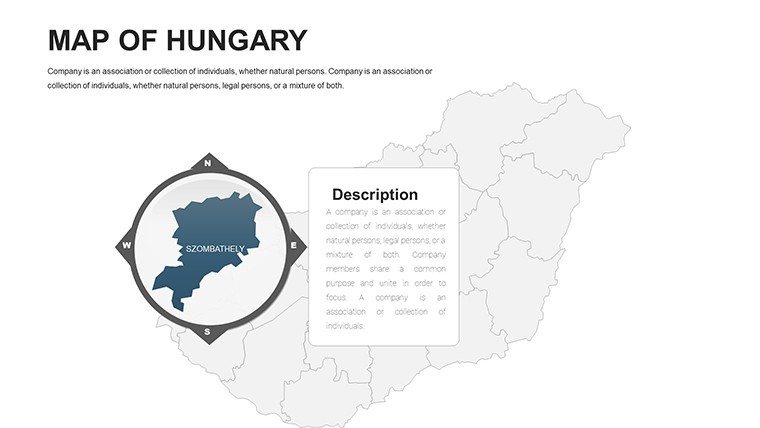
- Slide Variety: 44 options spanning national to local scales, with built-in regions for targeted focus.
- Cross-Platform Support: Flawless in PowerPoint and Google Slides, plus .ppt/.pptx downloads for flexibility.
Leveraging insights from economic forums, such visuals have clarified regional disparities in EU reports, aiding policy decisions. This template replicates that authority, making complex info accessible.
Strategic Use Cases: Hungary Through Your Lens
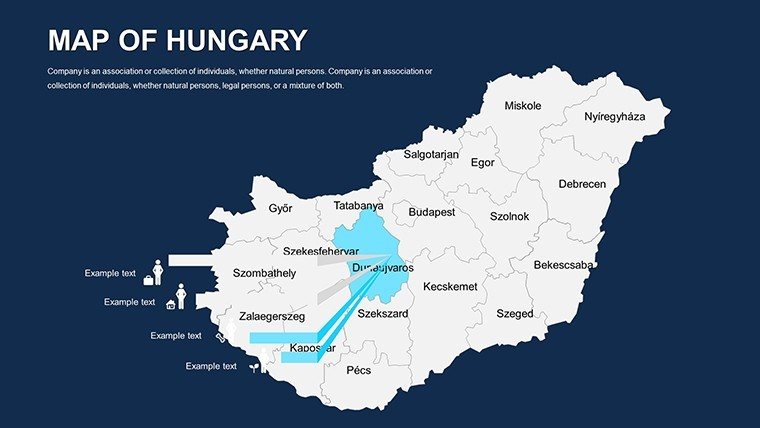
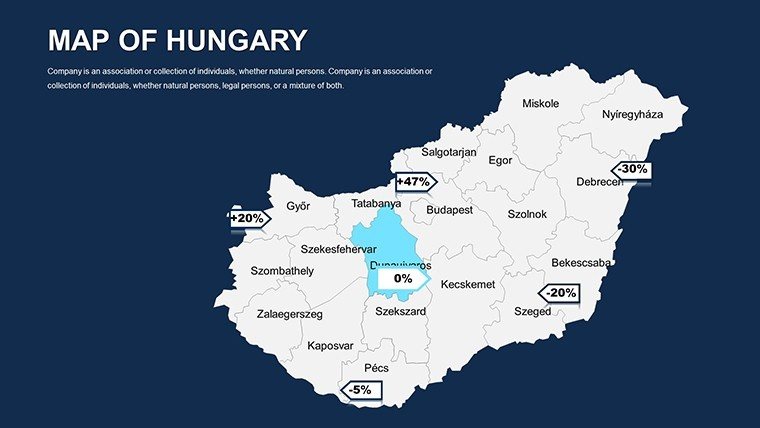
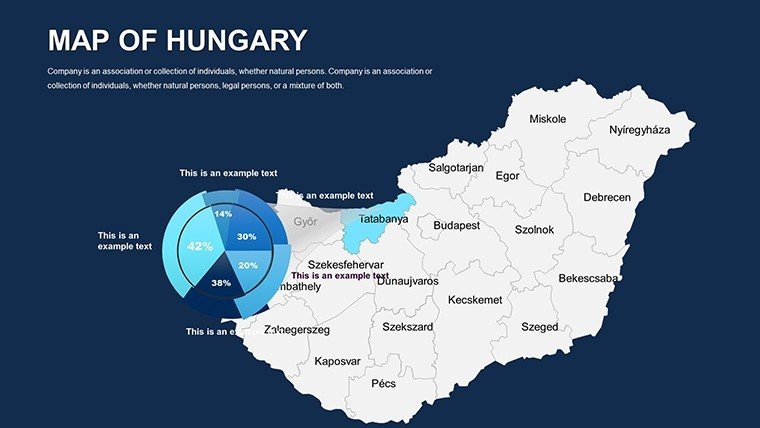
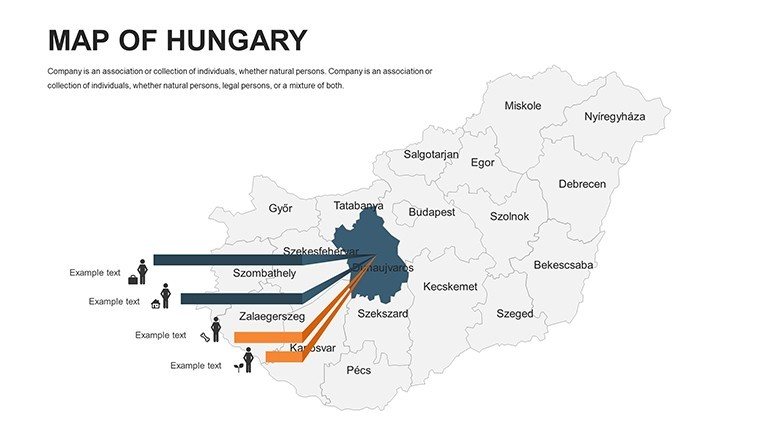
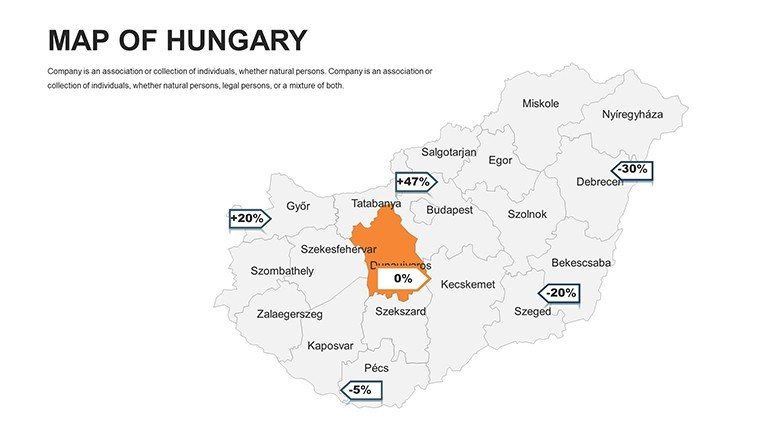
For economic analysts, economic map slides 15-20 shine. Customize to shade counties by investment levels, overlaying growth arrows for forecasts. This has empowered consultancies to influence funding allocations effectively.
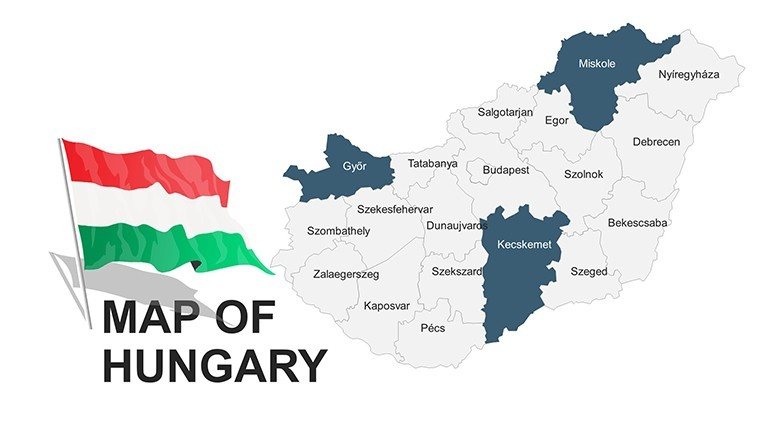
Historians appreciate political maps on slides 5-10. Edit to highlight historical borders, adding timelines for eras like the Austro-Hungarian Empire, enriching lectures with interactive depth.
Customization Walkthrough: Economic Development Pitch
- Base Selection: Begin with an economic template slide 25 for statistical readiness.
- Data Fusion: Populate with GDP figures, using color scales for variances across Pest and rural areas.
- Detail Enhancement: Label hubs like Debrecen with projection notes.
- Visual Polish: Incorporate icons for industries, adjusting for visual balance.
- Dynamic Finish: Set Google Slides animations to unveil metrics progressively.
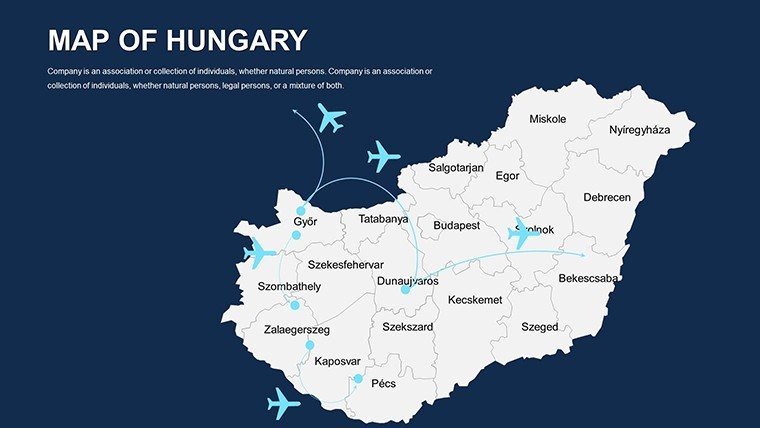
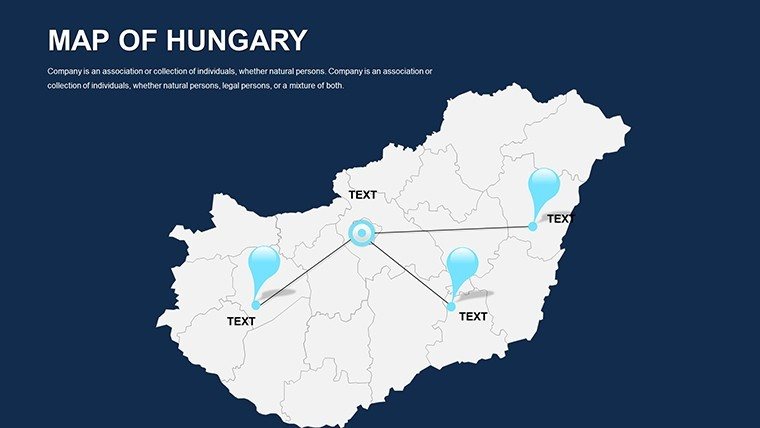
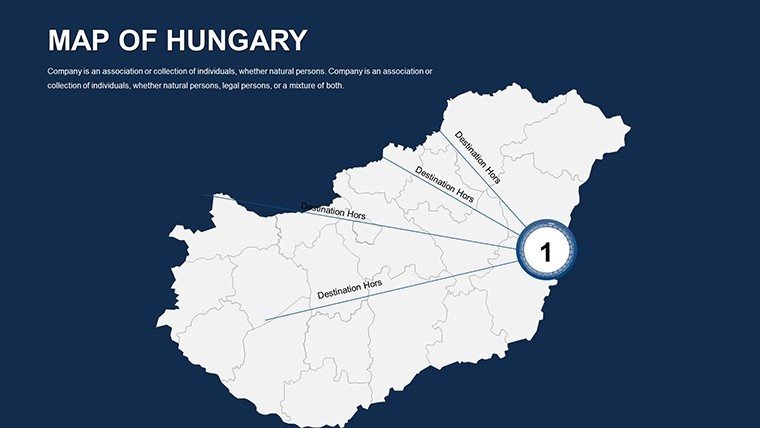
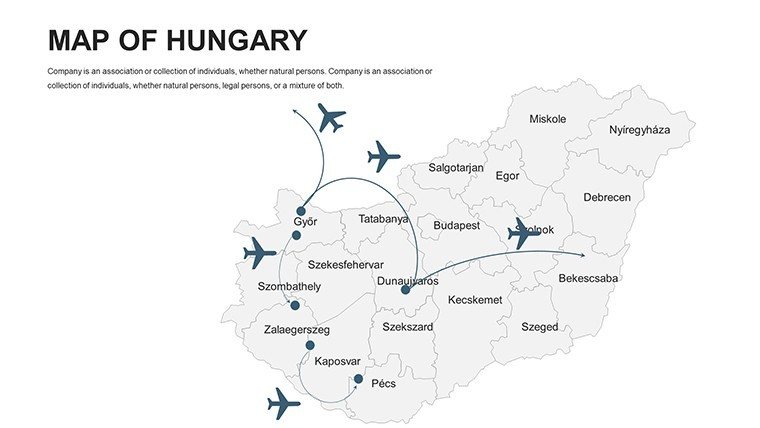
Planners use blank maps for conceptual sketches. Map transport upgrades, embedding feasibility icons to persuade stakeholders - mirroring successes in Hungarian development projects.
Advantages Over Conventional Mapping
This template trumps basic tools with Hungary-specific precision, avoiding generic errors. Naturally incorporate LSI like "data visualization templates" via integrated charts, boosting relevance.
Enhancement idea: Use hyperlinks for deeper dives, a staple in interactive Google Slides setups. This interactivity fosters engagement, setting your work apart.
Don't miss out - Download the Editable Hungary PowerPoint Maps template today and unlock a world of presentation possibilities.
Frequently Asked Questions
What map types does the Hungary template offer?
Political, geographical, economic, and blank maps for comprehensive coverage.
Is Google Slides compatibility full-featured?
Yes, all edits and animations transfer smoothly from PowerPoint.
Can fonts and colors be theme-matched?
Completely - adjust to any scheme for branded consistency.
Are cities and regions pre-labeled?
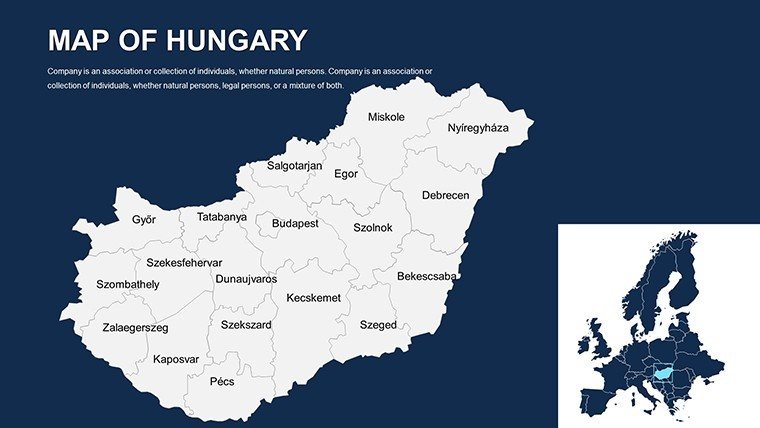
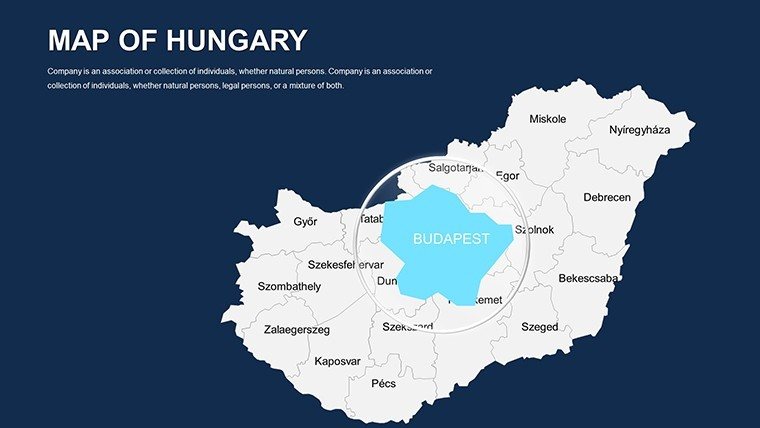
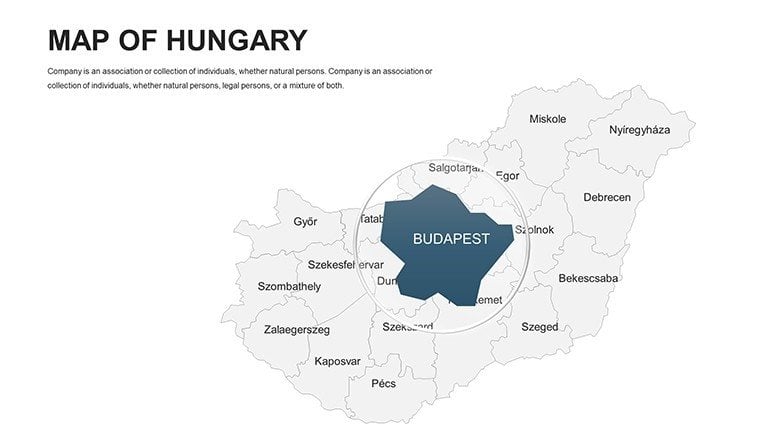
Yes, with editable labels for major areas like Budapest.
How suitable for team collaborations?
Perfect for Google Slides sharing, enabling real-time edits.
Does it include economic data placeholders?
Yes, ready for stats integration to visualize trends.
Good for
- Project roadmaps and sprint plans
- Product launch timelines
- Quarterly or annual review decks
- Company history and milestone summaries
Licence
reviews
The map graphics helped make my report less boring.
I appreciated the simple slide structure.
Some pages had too much empty space.
Worked okay during our office meeting.
FAQ
Will it work in Google Slides?
Are fonts embedded?
Can I use this for client work?
What's the refund policy?
Do you update the template after purchase?
Similar templates
See all PowerPoint Maps →
All 44 slides