 Click to zoom
Doors Venn PowerPoint Diagrams Template
| Format | .pptx |
| Slides | 15 unique layouts |
| Aspect ratio | 16:9 |
| Compatibility | PowerPoint |
| Animated | No |
| Language | English |
| License | Commercial |
| File size | — |
| Version | v1.0 |
| Last updated | January 2025 |
What's inside
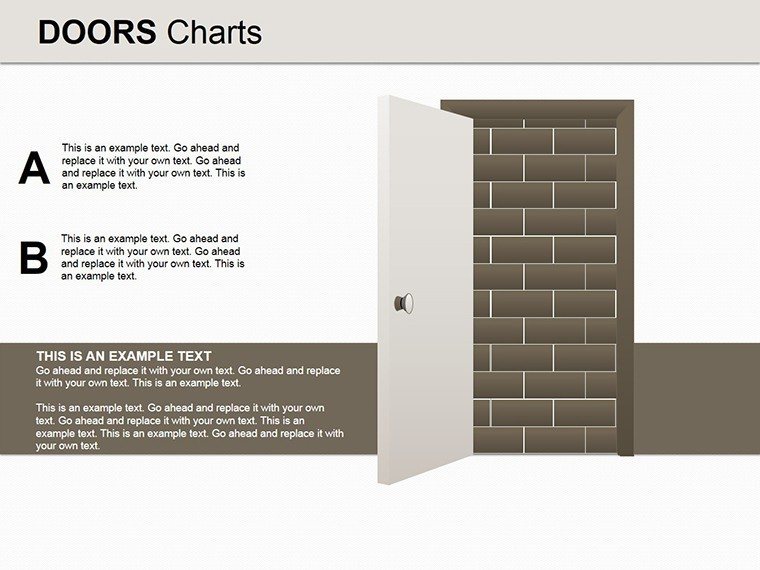
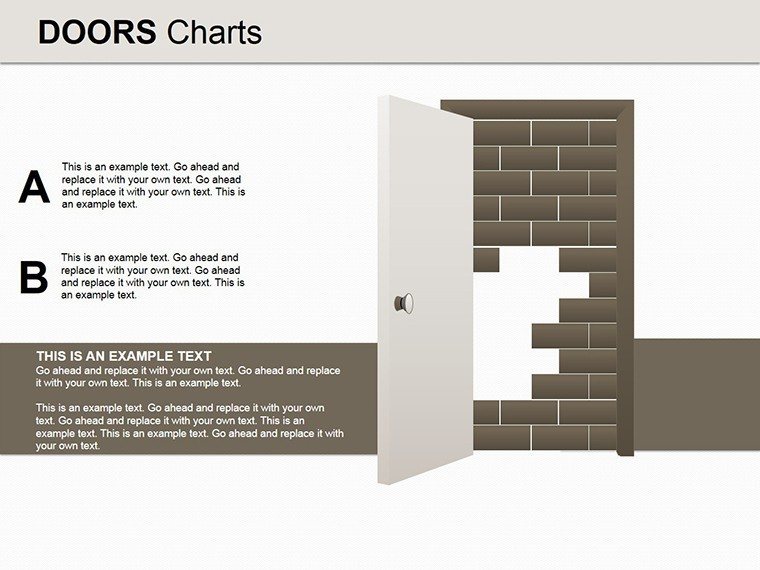
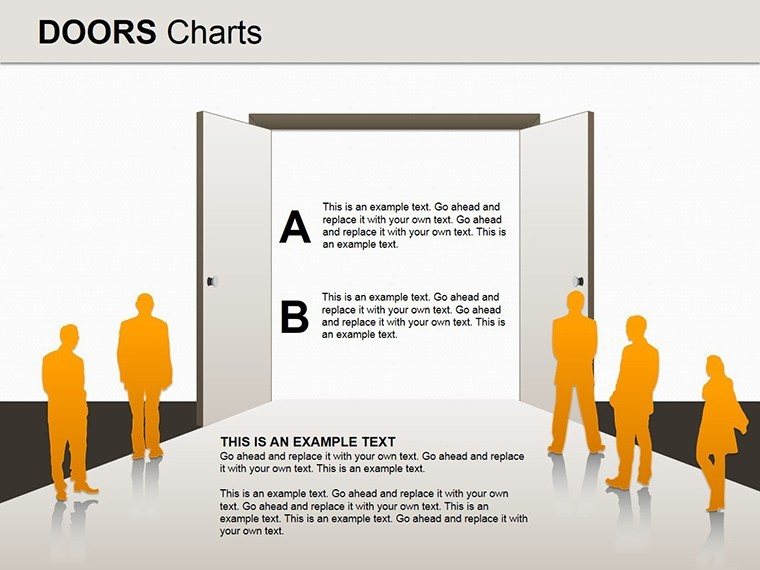
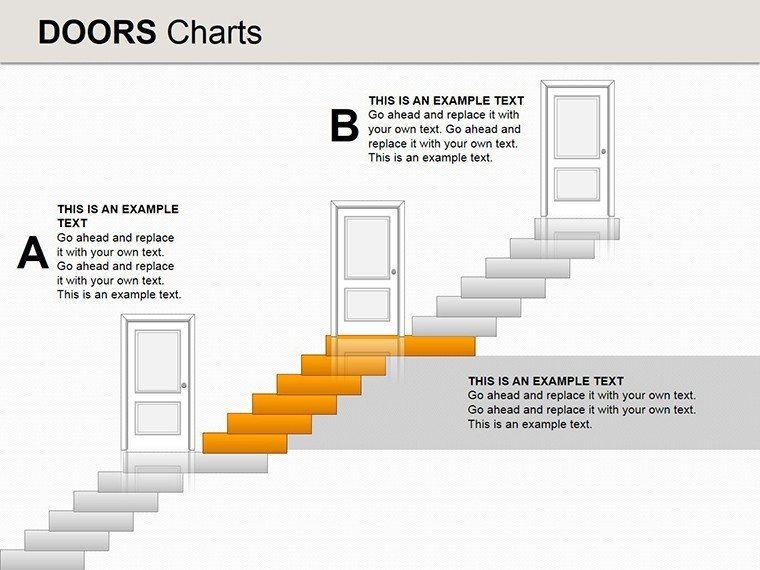
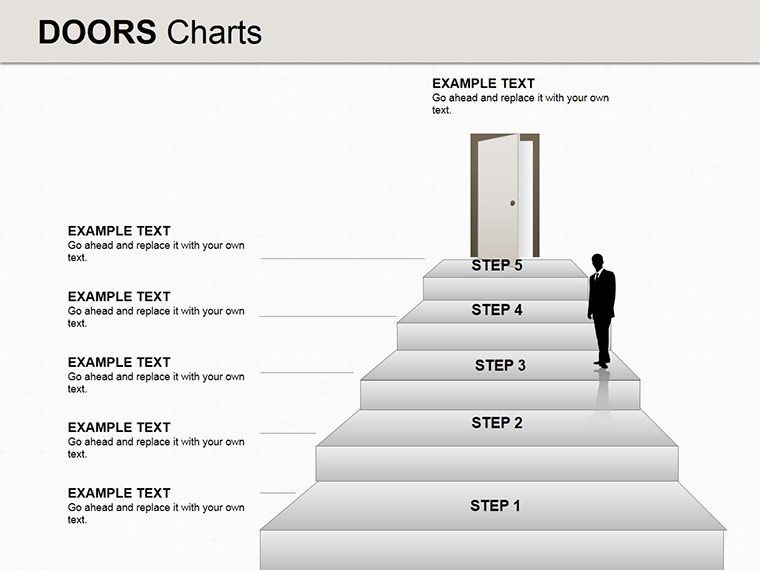
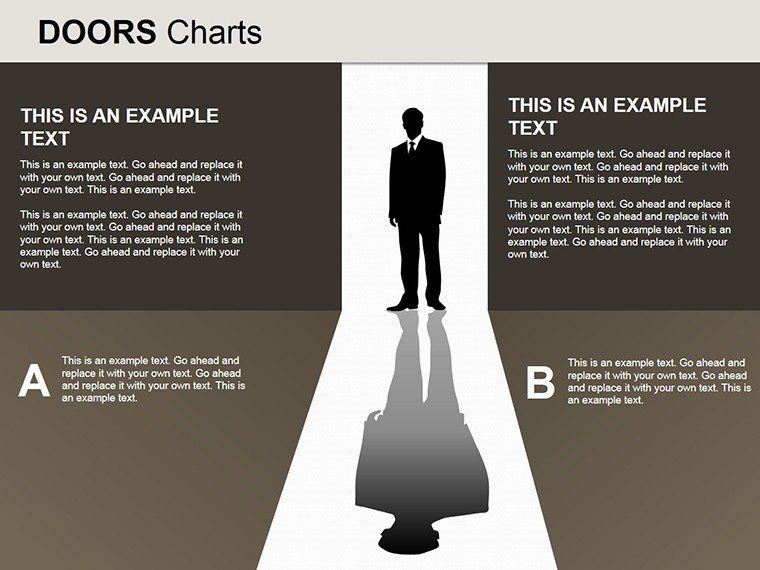
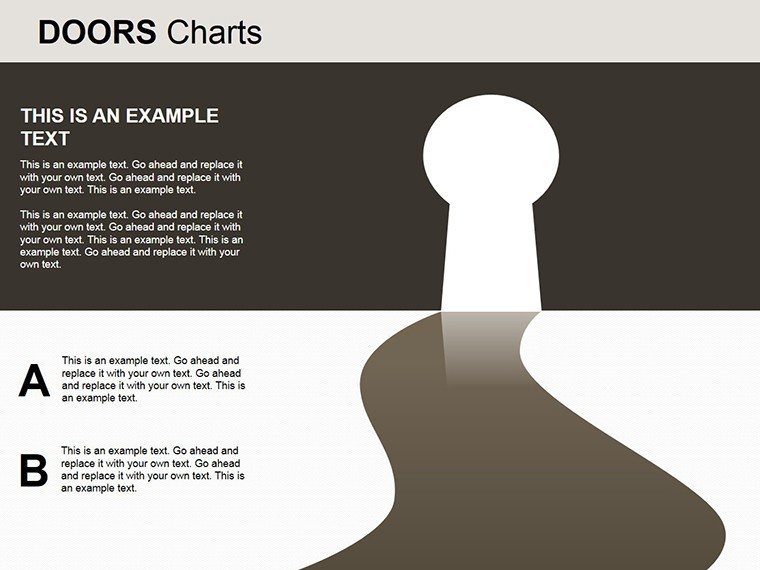
Unlock the intersections of architectural innovation with our Doors Venn PowerPoint Diagrams template, featuring 15 editable slides that blend Venn logic with pyramid hierarchies for captivating visuals. Ideal for architects mapping overlapping design elements, stakeholder interests, or project phases, this template transforms complex relationships into clear, engaging stories. Picture illustrating how sustainable features overlap with aesthetic and functional doors in a building design, or pyramiding priorities in urban planning. With HD graphics and intuitive customization, it's compatible with PowerPoint and Google Slides, empowering you to create polished presentations that foster understanding and collaboration. Step through the door to enhanced communication - whether in strategy sessions or educational forums, this tool opens new possibilities for your architectural narratives.
Navigating Intersections in Architectural Complexity
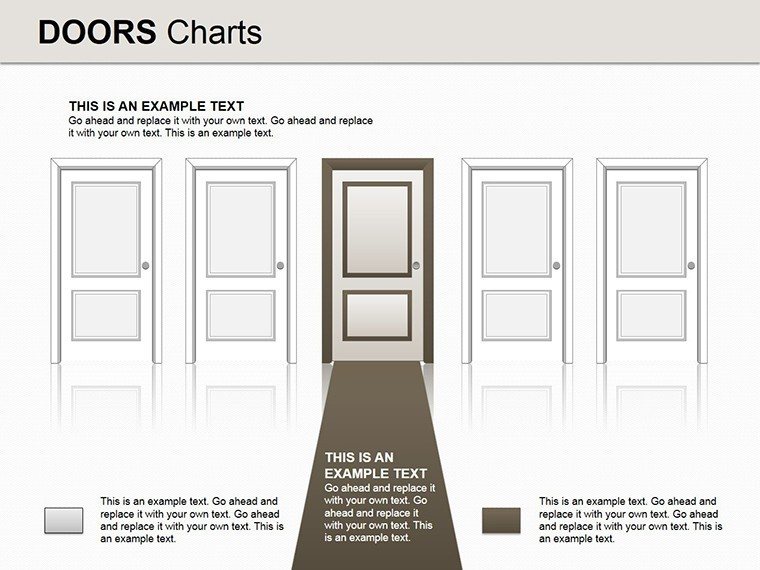
Venn diagrams, styled here with door motifs, symbolize entry points to shared ideas, perfect for architecture's multifaceted nature. Use them to depict overlaps in material selections - where cost, durability, and eco-friendliness converge - or pyramid structures for hierarchical decision-making in project management. Customization allows tailoring to your palette, perhaps metallic tones for industrial designs, ensuring brand alignment.
Grounded in principles from the Urban Land Institute (ULI), where integrated planning emphasizes intersections, draw from cases like mixed-use developments where Venn visuals clarified stakeholder alignments, boosting project buy-in by 30%.
Core Features for Visual Mastery
- Eight-Element Venn Capacity: Handle intricate overlaps, like multi-disciplinary team inputs in architecture.
- Pyramid Integration: Layer hierarchies within doors for depth in presentations.
- Customization Suite: Adjust colors, fonts, and layouts with ease for bespoke results.
- Clarity-Driven Design: Ensures readability, aiding quick comprehension in fast-paced reviews.
These elements cater to architecture's need for precise, illustrative tools, like comparing design variants.
Use Cases Tailored to Architectural Challenges
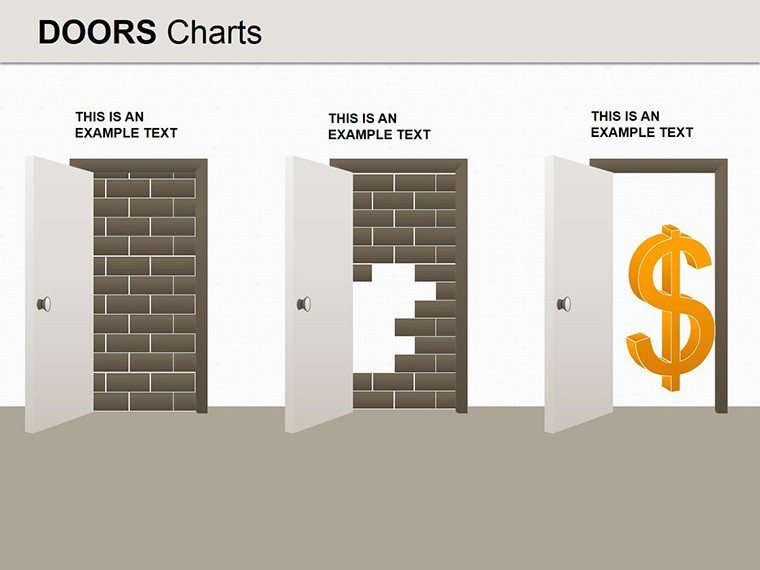
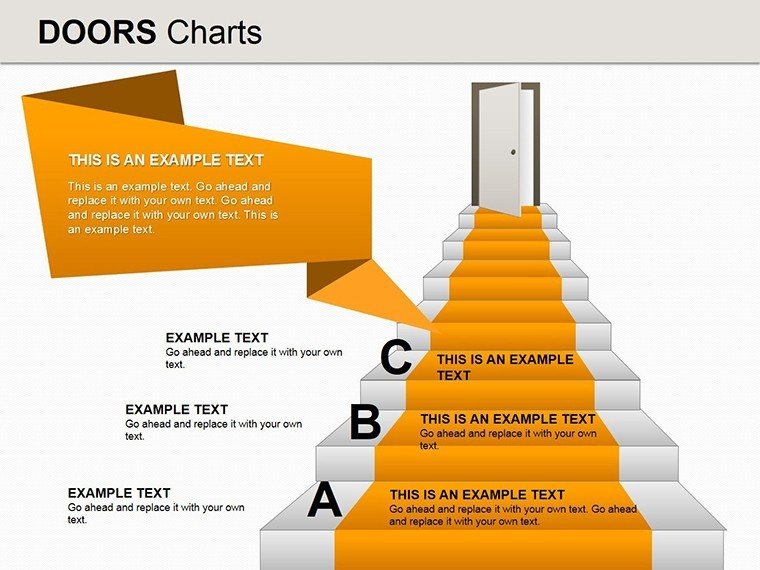
From market segmentation in real estate pitches to educational breakdowns of architectural styles, this template adapts seamlessly. Illustrate door-like entries to project phases in a pyramid, showing progressions. Outshines basic Venn tools with thematic doors adding narrative flair.
Expert advice: Use color-coding for overlaps to highlight synergies, integrating with Photoshop exports. Weave in LSI such as "Venn diagram intersections" or "pyramid hierarchy visuals" for natural optimization.
Guided Workflow for Optimal Use
- Identify Overlaps: Map key architectural elements needing comparison.
- Build Diagrams: Populate with data, customizing doors for thematic relevance.
- Enhance with Graphics: Add HD icons for visual punch.
- Refine Layouts: Test for balance in pyramid structures.
- Engage Audiences: Present with confidence, inviting interaction.
This process streamlines creation, yielding professional outcomes efficiently.
Open Doors to Superior Architectural Presentations
In a field where connections define success, this Doors Venn template is your key. It clarifies complexities, inspiring action. Prepared to step up? Purchase now and unlock endless diagramming potential. Venture through new visual doors - acquire this template and captivate with every slide.
FAQ
How do doors enhance Venn diagrams?
They add thematic entry points, making abstracts like overlaps more relatable in architecture.
Can I expand to more elements?
Yes, editable for beyond eight, with pyramid scaling.
Integration with other tools?
Seamless with Google Slides and data imports from Excel.
Best for which presentations?
Strategy, education, and comparisons in architecture.
Any user guides included?
Comprehensive guide for quick mastery.
Refund policy?
Satisfaction guaranteed; contact support for details.
Good for
- Project roadmaps and sprint plans
- Product launch timelines
- Quarterly or annual review decks
- Company history and milestone summaries
Licence
reviews
The arrows and charts fit my process presentation nicely.
I liked that the colors were not too bright.
A couple slides felt outdated but still usable.
This template helped me explain data more clearly to my team.
Easy to customize even for someone who rarely makes presentations.
FAQ
Will it work in Google Slides?
Are fonts embedded?
Can I use this for client work?
What's the refund policy?
Do you update the template after purchase?
Similar templates
See all Powerpoint Diagrams →

All 15 slides