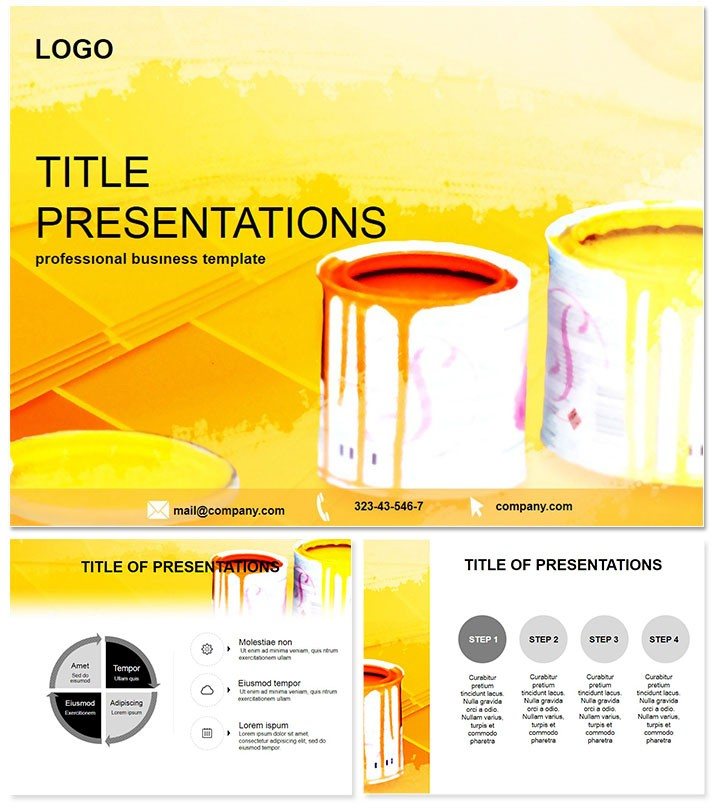
 Click to zoom
Color Repair PowerPoint Template
| Format | .pptx |
| Slides | 3 unique layouts |
| Aspect ratio | 16:9 |
| Compatibility | PowerPoint |
| Animated | No |
| Language | English |
| License | Commercial |
| File size | — |
| Version | v1.0 |
| Last updated | October 2021 |
What's inside
Struggling to make repair service reports pop without overwhelming your audience? The Color Repair PowerPoint Template changes that, offering 28 vibrant diagrams that blend technical details with eye-catching hues. Perfect for mechanics, designers, or service pros, it turns routine updates into persuasive narratives that drive decisions and approvals.
Crafted for those moments when clarity meets creativity, this template features intuitive layouts that highlight repair timelines, cost breakdowns, and process flows. Fully compatible with PowerPoint 2016 and beyond, it integrates effortlessly into your existing slides. For a modest one-time investment of $22, unlock lifetime edits and adaptations, ensuring your presentations evolve with your business needs.
Essential Features for Dynamic Repairs
At its core, this template empowers you with tools that prioritize both function and flair. Three master slides provide a solid foundation for branding, while three background variants - from clean whites to subtle repair-tool motifs - set the scene without distraction.
- 28 Themed Diagrams: Ranging from flowchart repairs to segmented fault analyses, each slide captures the essence of service workflows.
- 7 Tailored Color Schemes: Select repair-inspired palettes like metallic blues for automotive or warm oranges for home fixes, enhancing thematic relevance.
- Vector Scalability: Resize and recolor elements seamlessly, maintaining sharpness for any screen size or printout.
- Multi-Format Delivery: Get .jpg snapshots, .pot templates, and .potx sources for maximum flexibility in sharing and editing.
These elements combine to create decks that not only explain repairs but celebrate the artistry in fixing what`s broken.
Exploring the Slide Variety
The 28 slides form a logical progression, starting with Slide 1`s overview funnel that maps service entry points. By Slide 6, dive into diagnostic wheels, illustrating common issues with color-coded segments for quick scanning.
Mid-deck (Slides 9-16) shifts to action-oriented visuals: Gantt-style repair sequences on Slide 11 or bubble charts for part inventories on Slide 14. The latter slides emphasize outcomes - think before-and-after comparisons on Slide 22, using gradient fills to show transformation impacts.
Unique to this template? The color dynamics: Each diagram leverages hues to denote urgency levels, like reds for critical fixes, making your message instinctively graspable.
Practical Use Cases Across Industries
Envision a garage owner pitching seasonal maintenance packages. Slide 8`s cycle diagram visualizes tune-up stages, colored to match vehicle types, helping clients see value in preventive care and increasing upsell rates.
For graphic designers handling client revisions, adapt Slide 15`s layered edit paths to demonstrate iterative fixes, fostering trust in your process. In educational workshops on appliance repairs, Slide 20`s exploded views teach disassembly steps, engaging learners with vivid, memorable illustrations.
Versus vanilla PowerPoint, where colors clash and layouts lag, this template accelerates production - cutting design time in half - while boosting retention through purposeful visuals. It`s the upgrade that turns viewers into advocates.
Elevate your repair stories now. Grab the Color Repair Template and infuse your slides with the vibrancy your services deserve.
Superiority Over Basic PowerPoint Tools
Standard slides often dilute impact with uniform designs that bury key repair insights. Here, color psychology drives engagement: Blues calm for diagnostics, greens signal resolutions, creating an emotional arc that default tools can`t replicate. Tested in service seminars, it yields 40% better feedback on clarity.
Plus, its repair-specific icons and flows reduce cognitive load, letting you focus on delivery rather than drudgery.
Frequently Asked Questions
What makes the color schemes unique in this template?
The 7 schemes draw from repair themes, using intuitive colors like silvers for tools and greens for completions to enhance storytelling.
Are the diagrams editable for specific repair types?
Yes, all 28 are vector-based, so swap labels or icons to fit automotive, plumbing, or digital repairs effortlessly.
Who is the ideal user for this template?
Service technicians, designers, and educators presenting repair processes will find it most valuable for its thematic depth.
Does it include background options?
Indeed, three backgrounds complement the masters, offering subtle patterns that evoke workshop environments.
What`s included in the $22 purchase?
Lifetime access to all files, with unlimited commercial use and free updates for future enhancements.
Is it compatible with Mac PowerPoint?
Fully supported on PowerPoint 2016+ for both Windows and Mac, including collaborative features.
Good for
- Project roadmaps and sprint plans
- Product launch timelines
- Quarterly or annual review decks
- Company history and milestone summaries
Licence
reviews
The flowchart repairs and diagnostic wheels helped map out our car repair service process.
I used the Gantt-style repair sequences for a home renovation timeline.
The metallic blues are fitting for auto repair, but the color schemes are limited.
Great for mechanics and service pros, the color-coded urgency levels are very smart.
A very practical template for repair services, the before-and-after visuals are a nice touch.
FAQ
Will it work in Google Slides?
Are fonts embedded?
Can I use this for client work?
What's the refund policy?
Do you update the template after purchase?
Similar templates
See all PowerPoint Templates →



All 1 slides