 Click to zoom
Collection Cycle Keynote Charts - Fully Editable | ImagineLayout
| Format | .pptx |
| Slides | 24 unique layouts |
| Aspect ratio | 16:9 |
| Compatibility | PowerPoint |
| Animated | No |
| Language | English |
| License | Commercial |
| File size | — |
| Version | v1.0 |
| Last updated | March 2026 |
What's inside
Package Contents
24 slides include line graphs, bar charts, and pie segments.
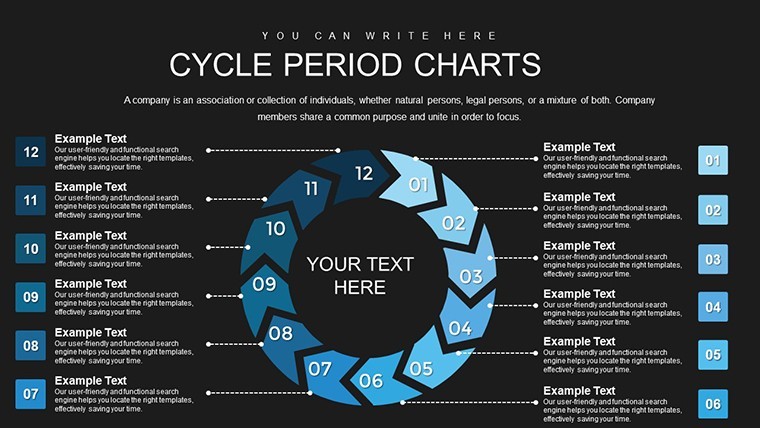
Unlike Dynamic Cycle Charts Keynote Template, Incoming Cycle Charts Keynote Template or 12-Step Cycle Arrows in related products this embeds DSO calculations directly into financial collection visuals.
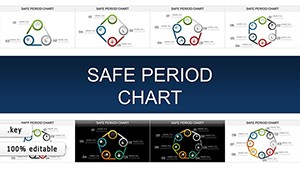
Professional blues and greens for period coding serve as the one specific visual characteristic that signals efficiency versus delay zones.
It works best for financial reporting tasks in accounting because combined charts on single slides enable complete flow stories over generic cycle neighbors.
Paid version includes the full editable .key file with all diagrams while free previews remain static images only.
Editing Capabilities at a Glance
FeatureDetailsEditable shapesdiagram segments resize and recolor independentlyIcon placeholdersicons replaceable or recolorable without affecting layoutText labelseach label editable without unlocking grouped elementsColor themescompatible with Keynote slide master paletteDiagram connectorslines adjustable in direction and weightExport optionsPDF for distribution or Keynote for editingFrom Download to Final Deck
Customization follows four steps in Keynote.
- Open the .key file (1 minute).
- Replace placeholder text and DSO values (3 minutes).
- Adjust color-coded periods via slide master (4 minutes).
- Add icons then export (2 minutes).
Difficulty: Moderate. Financial analysts often pair this with Gauge Charts Keynote Template for performance dashboards in business presentations.
Typical Use Cases by Role
Financial analysts in banking prepare quarterly reviews and cut deck preparation from 3 hours to 45 minutes by swapping color schemes across reports.
Controllers in manufacturing update collection timelines for internal reporting and reuse the file across three client proposals.
Download now and simplify your next investor deck.
Why This Template, Not a Blank Slide
Replicating combined line-bar-pie charts from scratch demands 4 hours plus alignment skills. The ready structure avoids data mismatch errors.
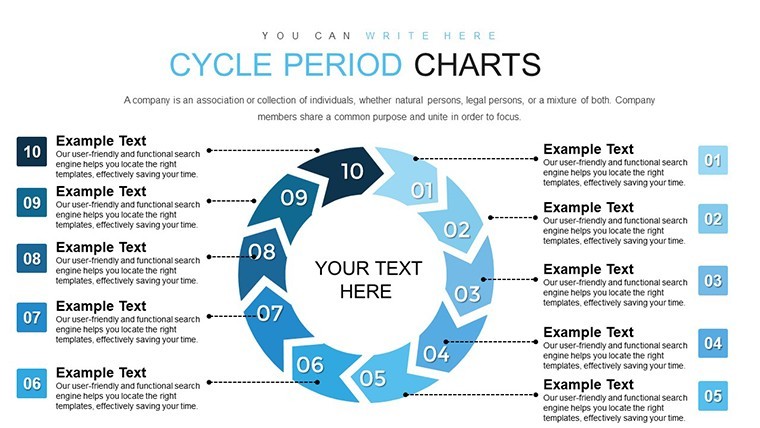
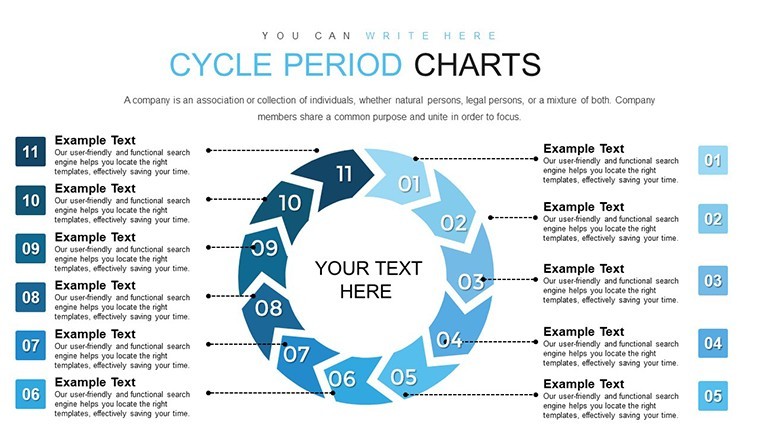
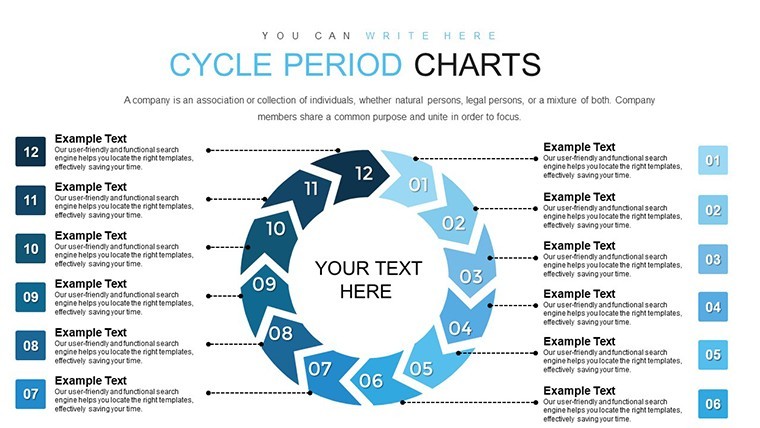
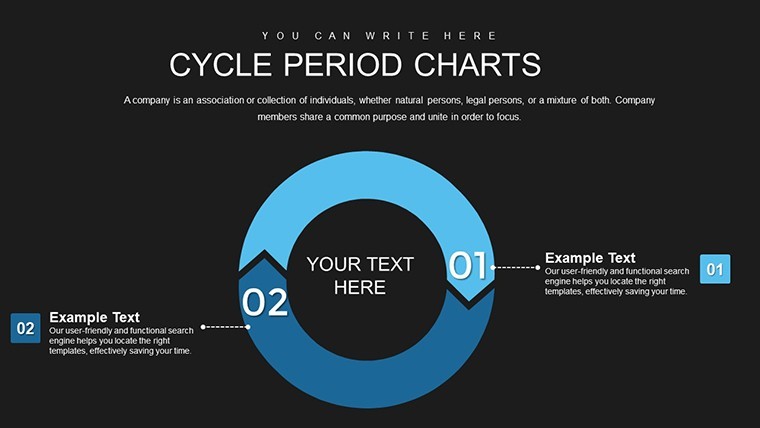
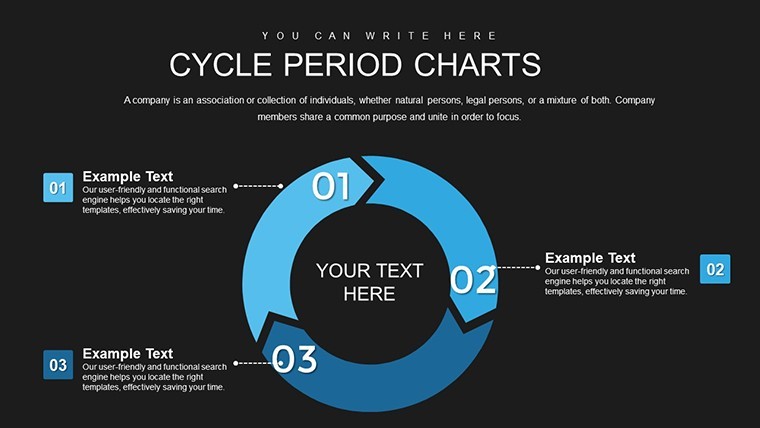
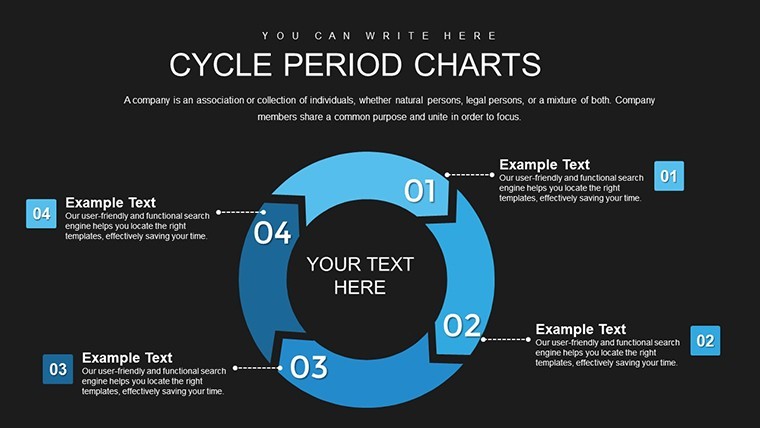
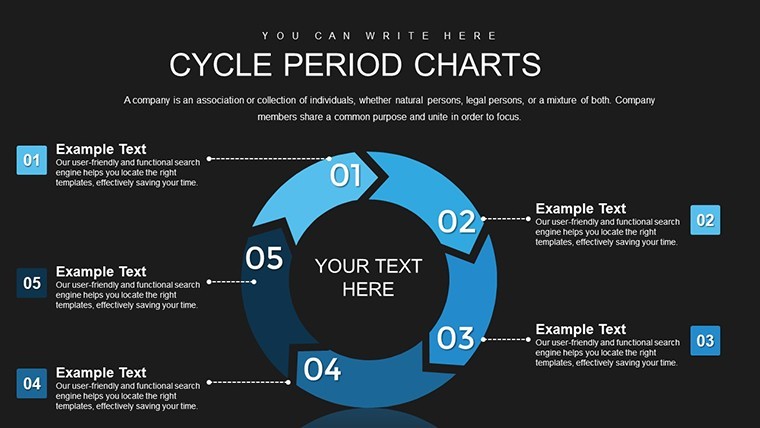
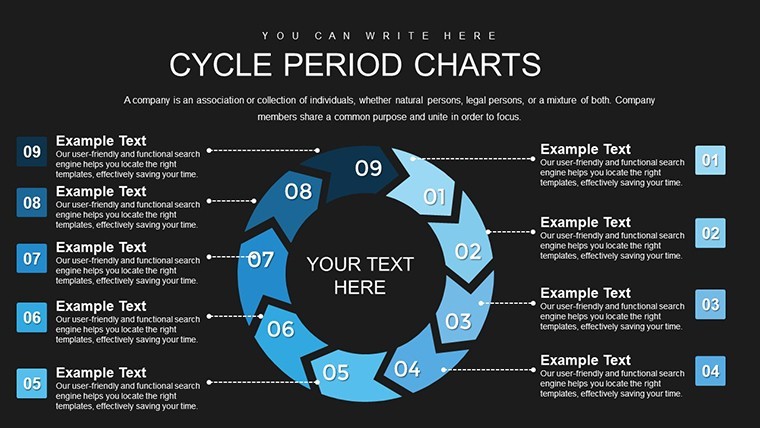
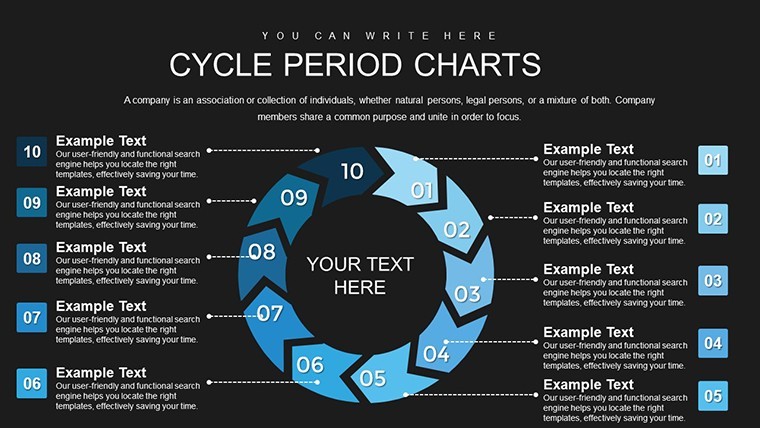
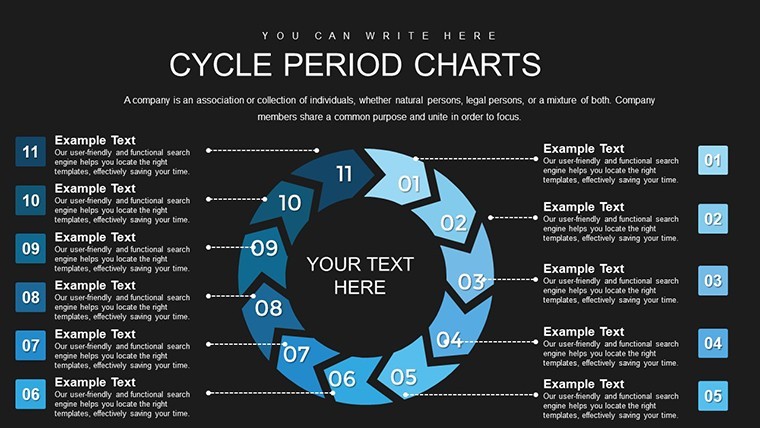
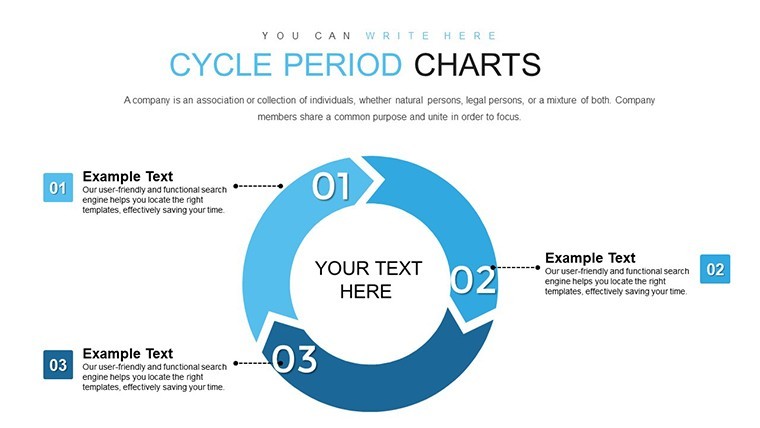
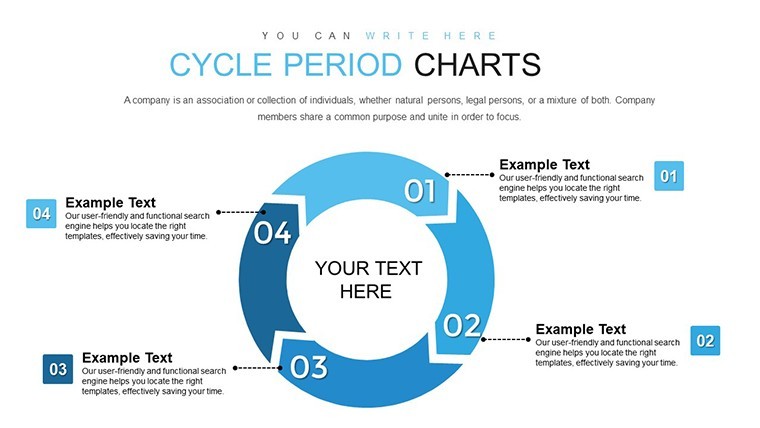
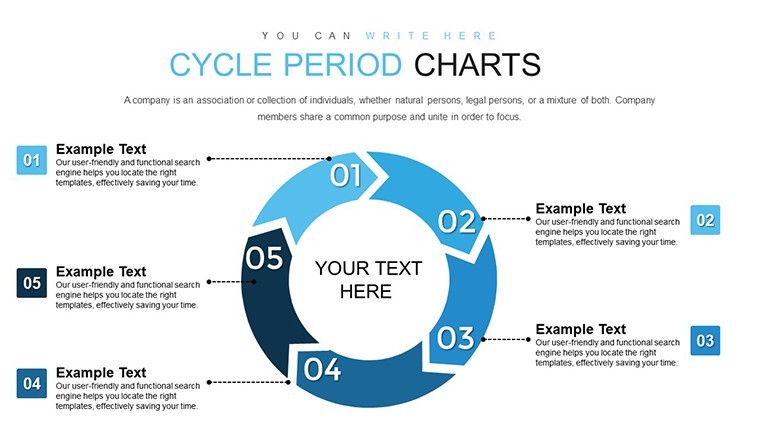
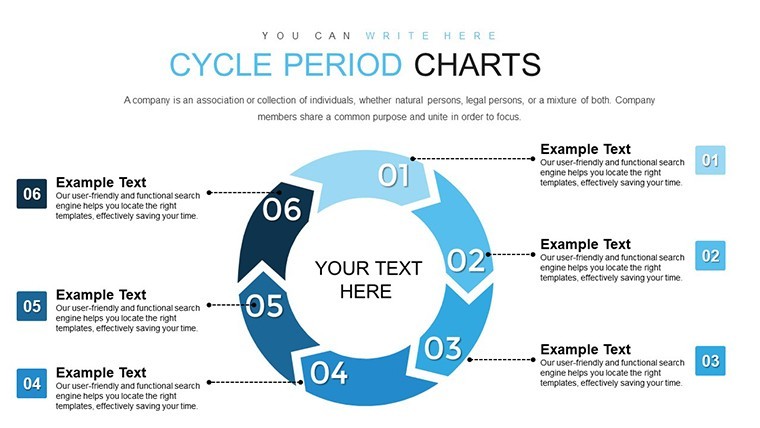
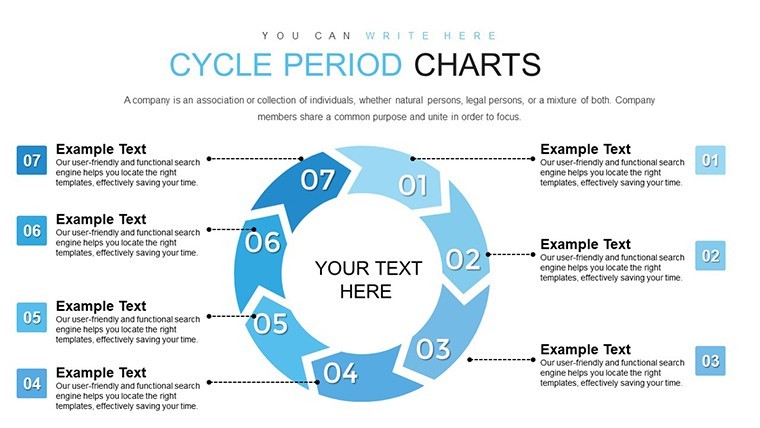
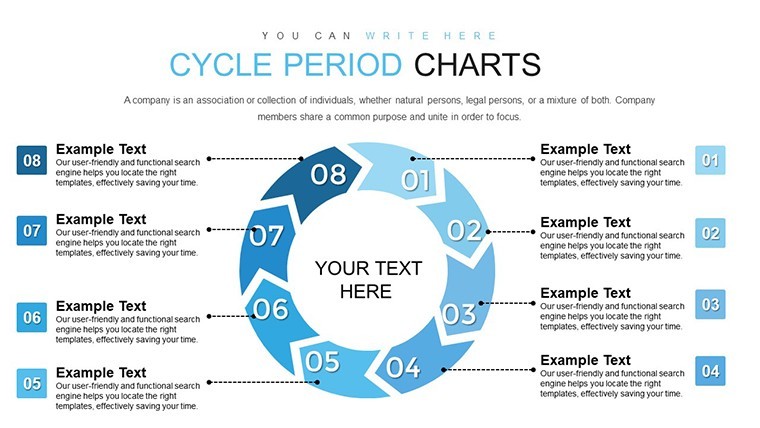
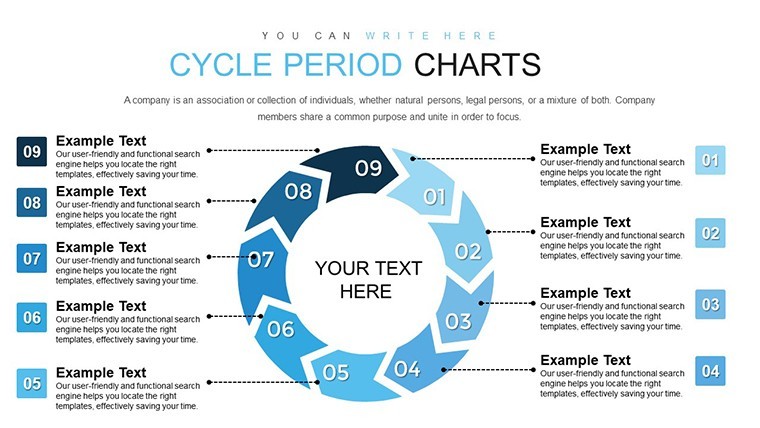
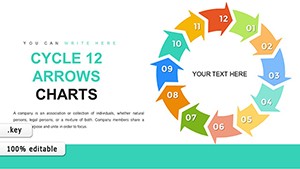
Arrows move left-to-right for natural flow direction while color contrast zones divide phases clearly unlike random placement that confuses viewers in live meetings.
Get the full file and save hours on your next quarterly briefing.
Which Keynote versions does this file support?The file opens in Keynote 12 and newer on Mac or iOS devices. Earlier versions may lack sequential quadrant reveal animations. Test the slide master immediately after download. Support requests remain available under license if compatibility problems appear.
How do I change the color scheme?Switch to slide master view in Keynote. Update the palette for all quadrants and accents to propagate automatically across slides. Fine-tune individual highlights afterward if required. The process preserves diagram structure and flow direction in under five minutes.
What does the license permit?Use is allowed for paid client work and internal business presentations or strategy meetings. Resale of the file itself or sublicensing remains prohibited. One user per purchase applies. Combine with other Keynote Charts templates like Gauge Charts Keynote Template for broader process narratives.
What is included in the paid version versus free?Paid download supplies the complete editable .key file with 30 full slides and diagrams. Free previews show only static images without editability. All text placeholders and icon layers unlock only in the paid file. Export options and animation support activate exclusively after purchase.
What file formats and software are required?The file arrives in .key format and requires Keynote on Mac or iOS. No other software opens it natively. PDF export works for distribution after editing. Compatible with latest Keynote versions only for full diagram connectors and color theme adjustments.
What is the refund policy?Refunds process within 30 days if the file fails to open in your Keynote version. Provide proof of incompatibility for review. No refunds after successful editing or export. License terms remain binding post-refund request.
Good for
- Project roadmaps and sprint plans
- Product launch timelines
- Quarterly or annual review decks
- Company history and milestone summaries
Licence
reviews
I used this for a budget report and the bar chart slides were useful.
The layouts looked simple but not boring.
A couple slides had too many arrows for my taste.
Helped me make a cleaner presentation than I usually do.
The whole thing was easy to customize in Keynote.
FAQ
Will it work in Google Slides?
Are fonts embedded?
Can I use this for client work?
What's the refund policy?
Do you update the template after purchase?
Similar templates
See all Keynote Charts →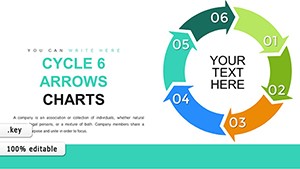

All 24 slides