 Click to zoom
Classic Pyramid Charts PowerPoint Template
| Format | .pptx |
| Slides | 36 unique layouts |
| Aspect ratio | 130/73 |
| Compatibility | PowerPoint |
| Animated | No |
| Language | English |
| License | Commercial |
| File size | — |
| Version | v1.0 |
| Last updated | December 2025 |
What's inside
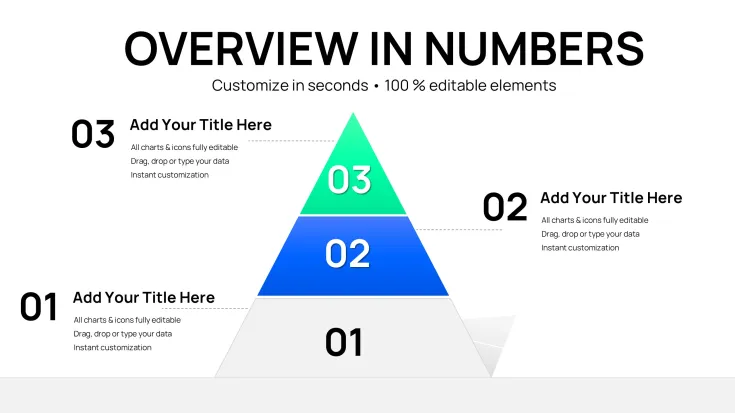
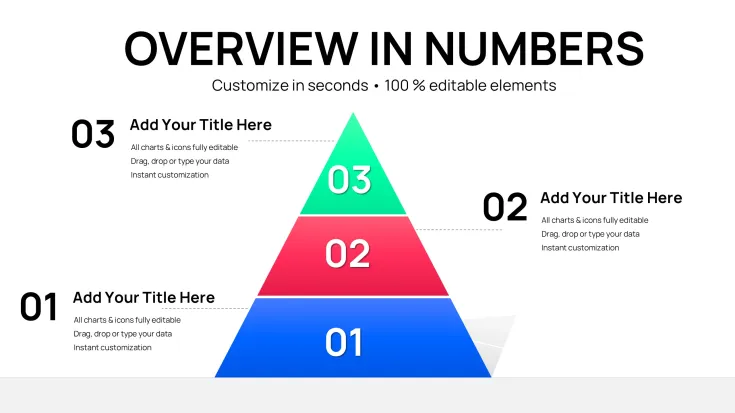
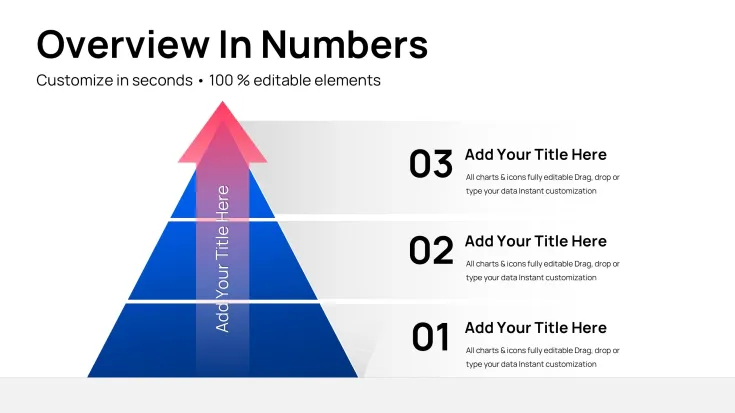
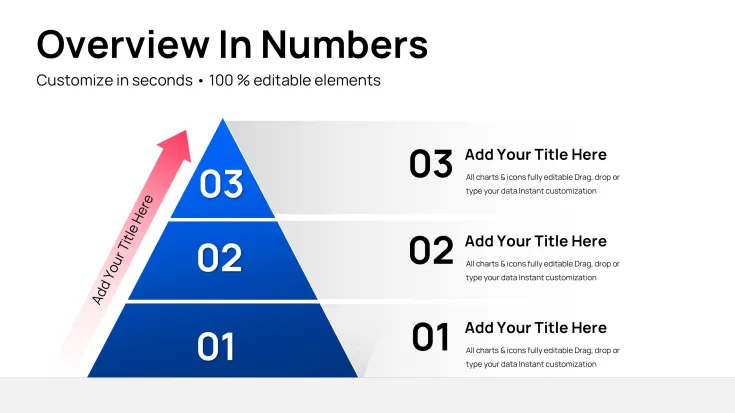
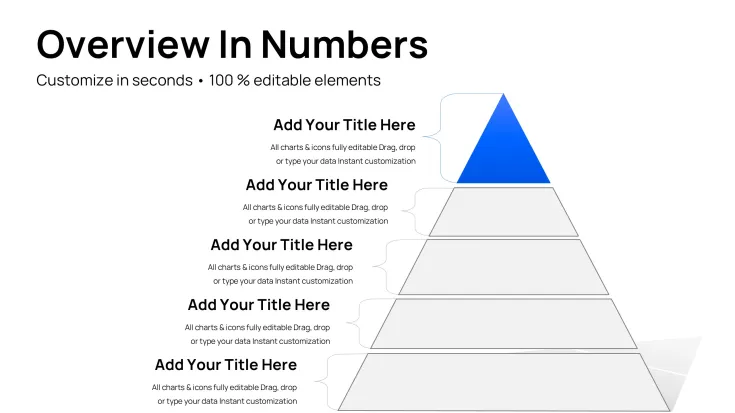
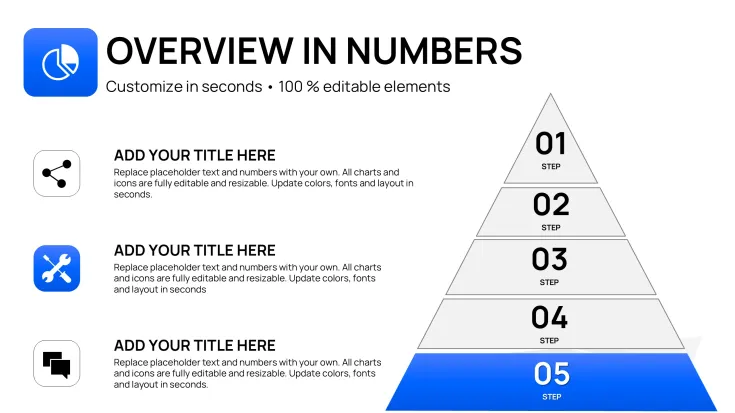
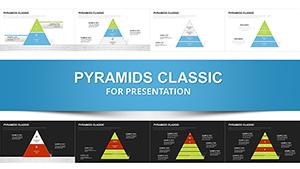
From my years crafting presentations for executives and startups, I`ve seen how a well-structured pyramid can turn scattered thoughts into a cohesive strategy. This classic pyramid chart template for PowerPoint, with its 36 editable slides, is designed precisely for layering ideas with precision and clarity. It`s the backbone for illustrating step-by-step progressions, from broad concepts at the base to focused outcomes at the peak. I`ve relied on it in investor meetings to outline business models, where the visual hierarchy helps stakeholders follow the logic without confusion. Ideal for managers simplifying processes or educators teaching foundational principles, this template delivers professional results every time, compatible with PowerPoint 2016 and beyond.
Diving into the Template`s Key Elements
Every slide in this template is built for impact, focusing on classic pyramid designs that emphasize progression and prioritization. No fluff - just practical tools for conveying layered information effectively.
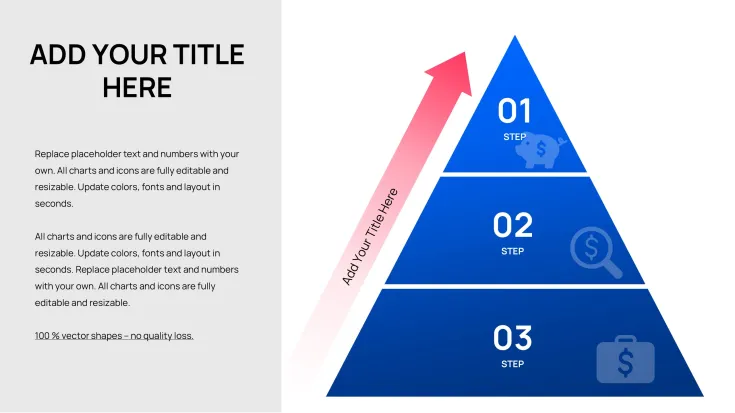
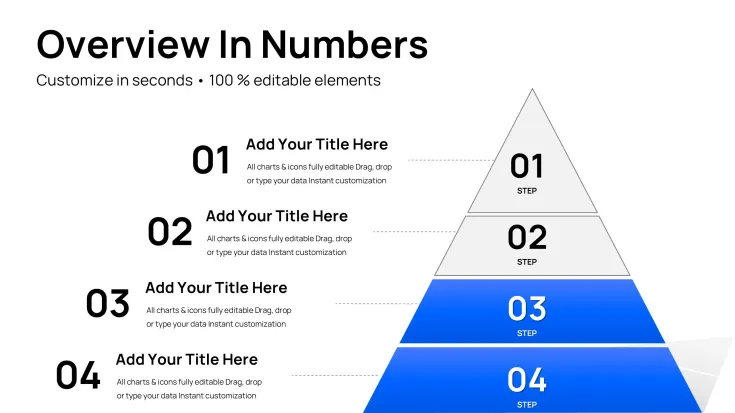
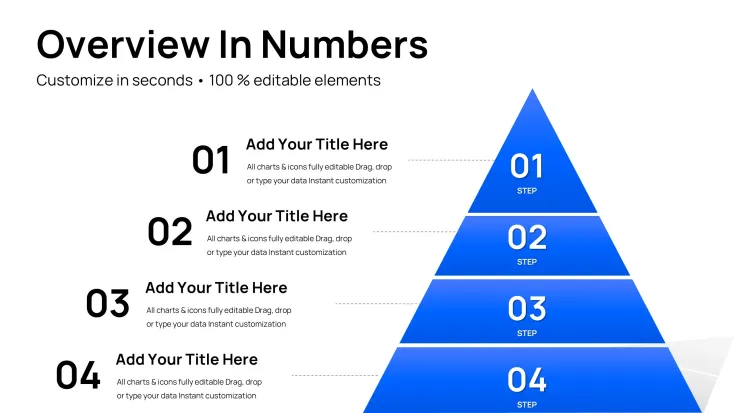
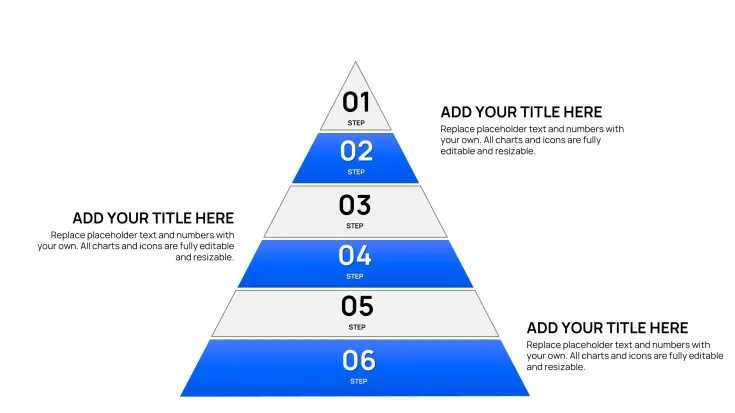
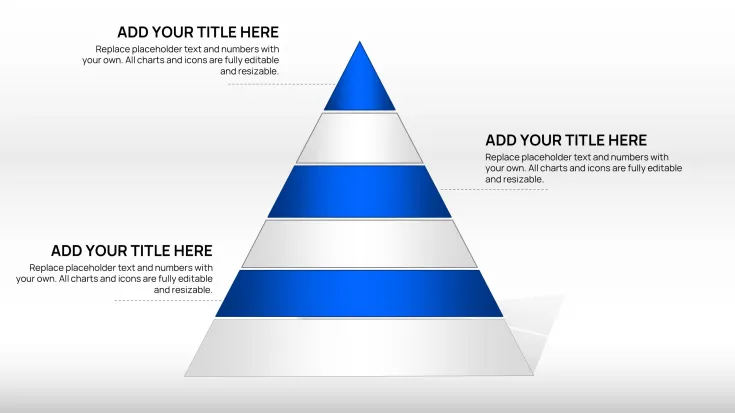
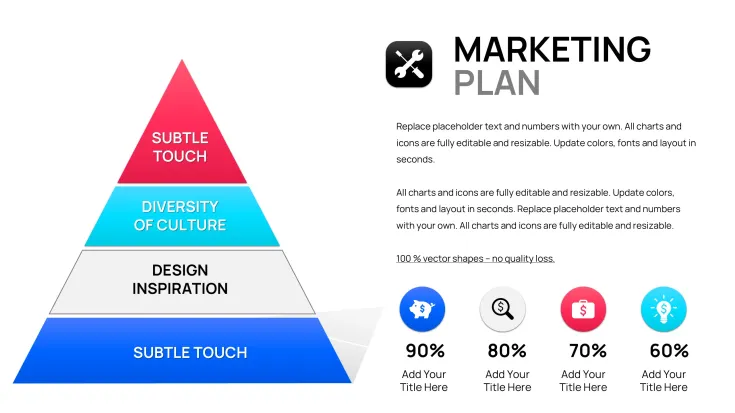
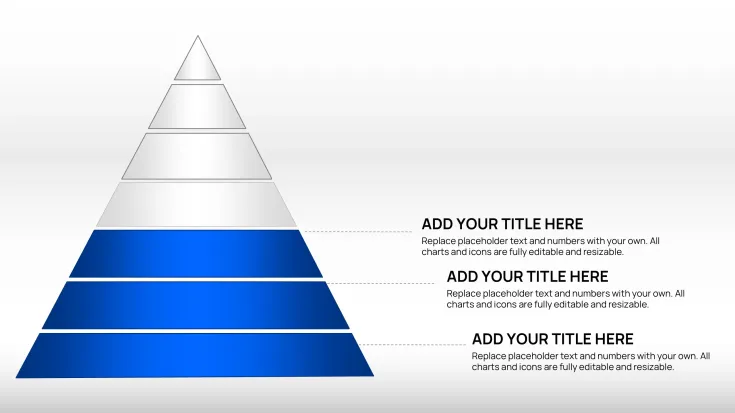
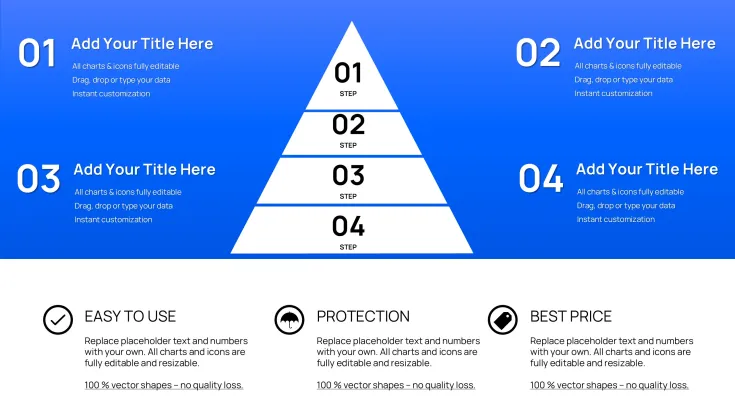
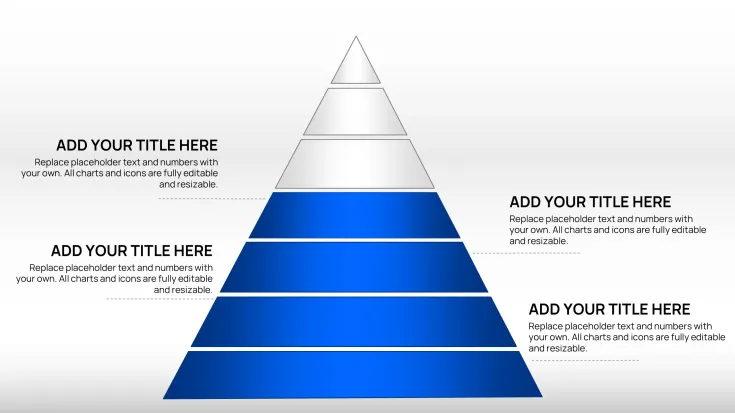
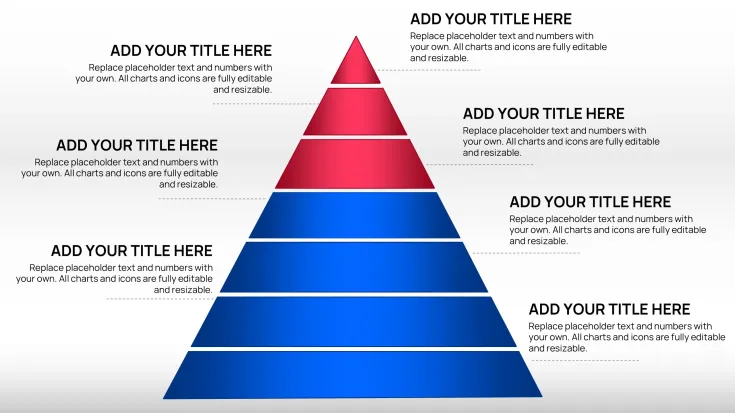
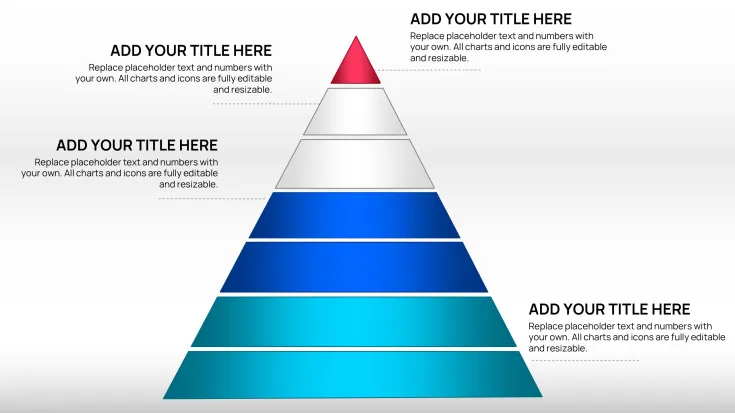
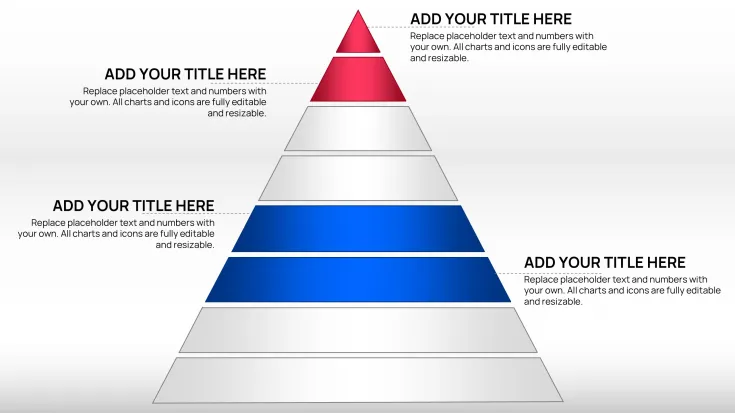
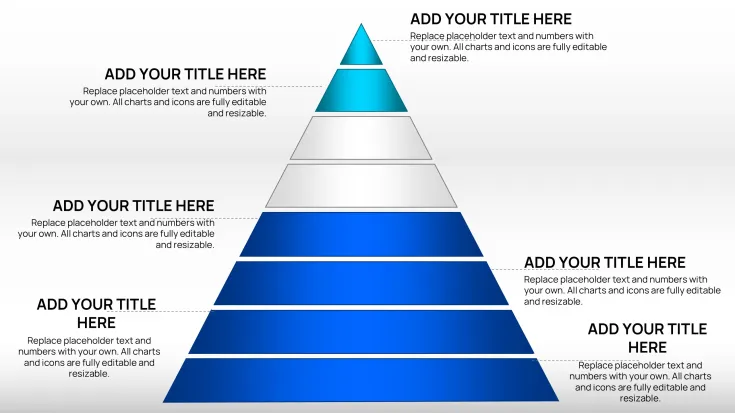
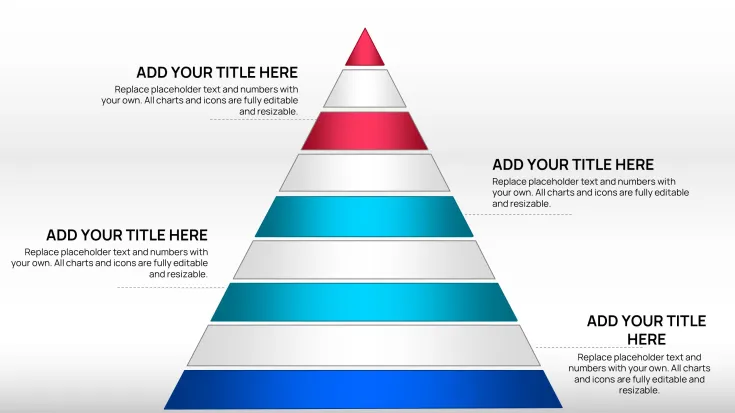
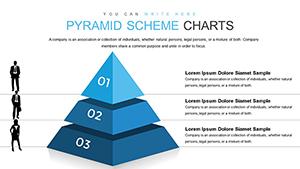
- Multi-Level Pyramids: Construct hierarchies with up to six levels, perfect for breaking down strategies from overarching goals to actionable steps. In a sales deck, I used this to map customer journeys.
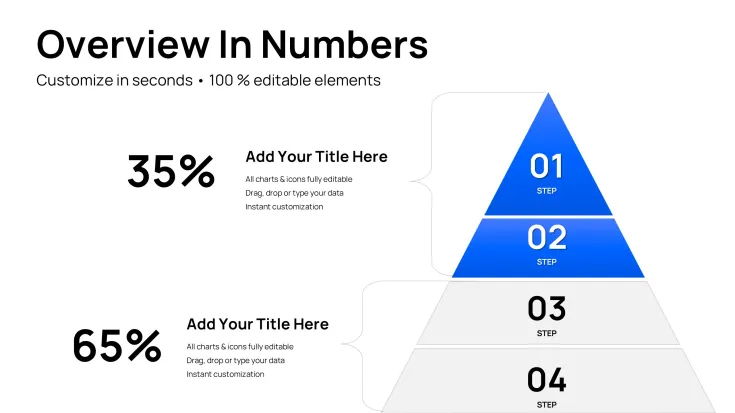
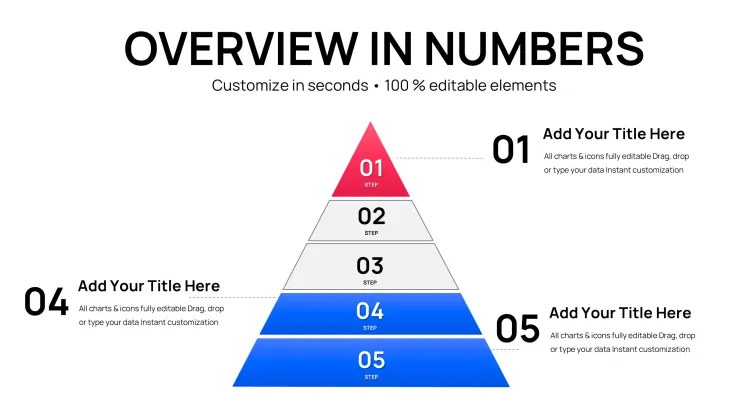
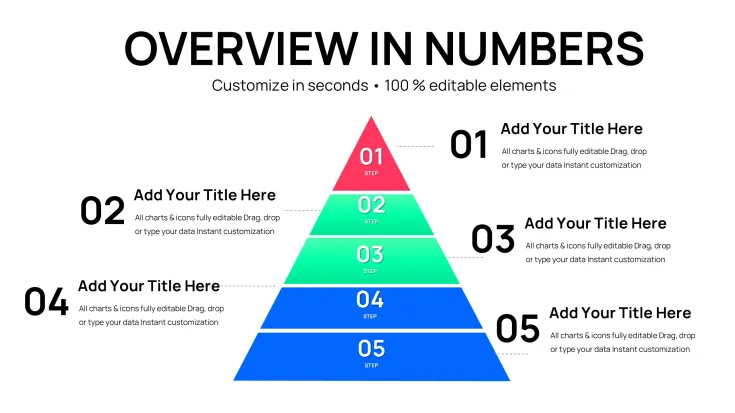
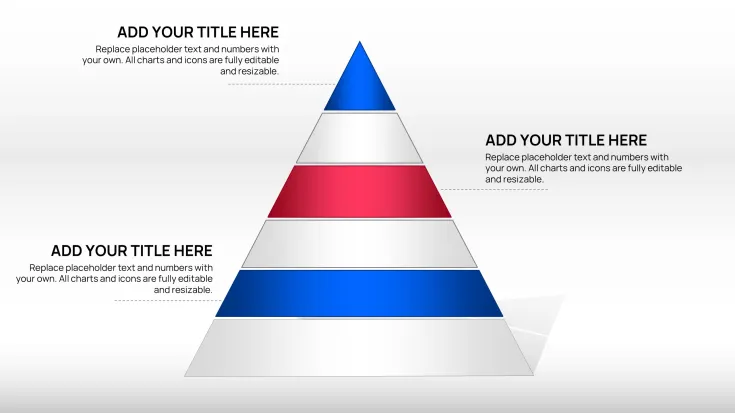
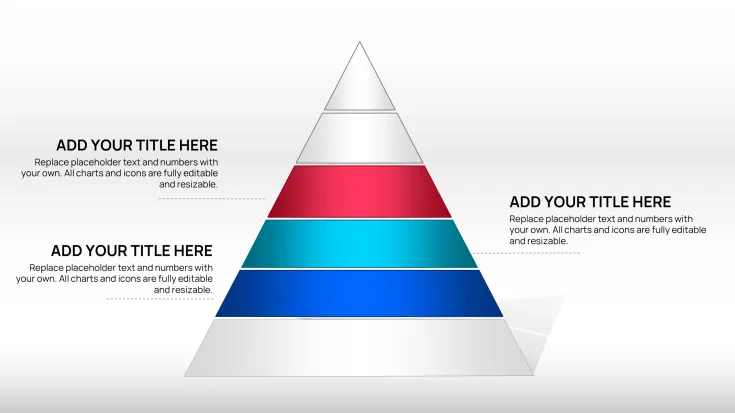
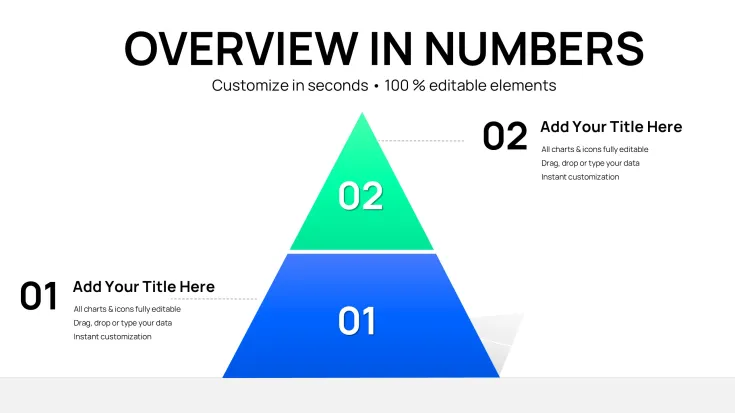
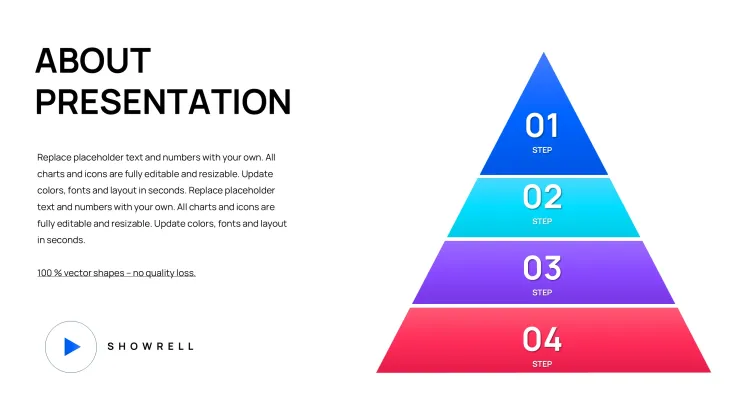
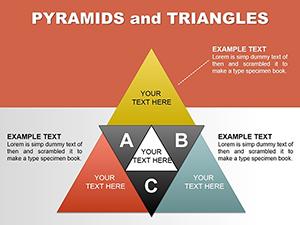
- Segmented Sections: Divide pyramids into color-coded parts for categorizing elements, like priorities in project management. Easy to adjust for emphasis.
- Font and Theme Adaptability: Switch styles swiftly to align with corporate guidelines, including dark mode for evening reviews.
- Placeholder Integration: Drop in text, numbers, or icons without reformatting, streamlining updates during revisions.
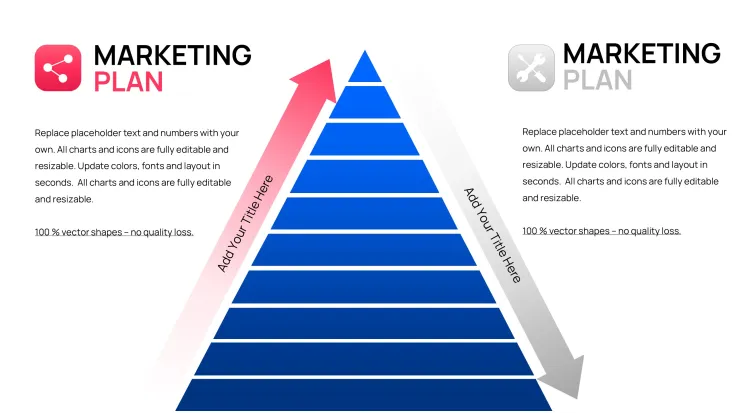
- Varied Layout Options: From inverted pyramids for risk funnels to stacked ones for growth models, offering flexibility for diverse narratives.
These elements ensure your presentations are not only informative but visually engaging, drawing from timeless design principles.
Professional Settings for This Template`s Application
In corporate boardrooms, this template excels for strategy sessions, where pyramids outline organizational charts or product roadmaps. Government advisors use it to layer policy implementations, from initial assessments at the base to final evaluations on top.
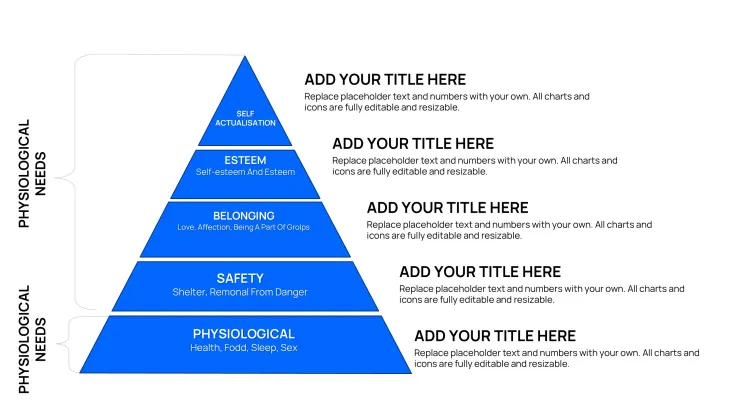
Educators in business schools employ it to teach management theories, stacking concepts like Maslow`s needs in a clear visual format. Investors appreciate its use in pitch decks, clarifying funding stages and milestones.
Workflow Incorporation for Efficient Deck Building
Fit this template into your routine effortlessly. Load the .pptx in PowerPoint or Google Slides - full compatibility means no feature loss. Begin by outlining your content in the master slide, then populate levels with data from reports or spreadsheets.
For team input, use shared editing; animations like fade-ins enhance reveals during live demos. In a recent strategy workshop, I inverted a pyramid to funnel ideas, integrating feedback in real-time.
Practical Examples from Client Engagements
Consider a marketing manager revamping a campaign: The pyramid base held market research, mid-levels tactics, and apex results projections - clients aligned immediately on priorities.
For a founder pitching to VCs, we layered the business model: Foundation as market need, building to revenue streams, peaking at scalability. It secured funding by making complexities digestible.
An educator in leadership training used segmented pyramids to depict decision-making processes, encouraging interactive discussions among participants.
Table: Template vs. Standard PowerPoint Alternatives
FeatureClassic Pyramid TemplateBuilt-in PowerPoint PyramidsSlide Variety36 pre-designed variations for quick adaptationLimited basic shapes, requiring custom buildsEditing SpeedIntuitive placeholders for instant content swapsManual resizing and layering, prone to errorsVisual EnhancementsBuilt-in color gradients and icon slotsBasic fills, extra steps for polishHierarchy FocusOptimized for idea layering with logical flowsGeneric, lacks progression cuesPresentation ReadinessProfessional themes ready out-of-boxNeeds extensive styling for impactOutshining defaults, this template accelerates creation while boosting audience retention.
Industry-Specific Use Cases
Business consultants layer strategies in advisory reports. Tech managers map software development cycles, base for requirements, top for deployment.
In finance, outline investment pyramids; healthcare pros structure patient care protocols. Versatile across sectors, it adapts to emphasize foundational builds.
Consider adding this to your toolkit for sharper, more structured decks.
Frequently Asked Questions
- What PowerPoint versions support this? Fully functional in 2016 and later editions.
- Can I invert the pyramids? Yes, layouts include inverted options for funnel visuals.
- How to integrate data? Use placeholders for text or link to external sources.
- Is it suitable for large audiences? High-contrast themes ensure clarity on big screens.
- Any limits on edits? Unlimited, with lifetime access post-purchase.
- Compatible with Mac? Yes, works seamlessly on PowerPoint for Mac.
Good for
- Project roadmaps and sprint plans
- Product launch timelines
- Quarterly or annual review decks
- Company history and milestone summaries
Licence
reviews
I used these charts for a project update at work.
The layouts were simple enough to follow during meetings.
Some pages had too much empty space.
The graphs copied into Google Slides pretty well.
Good quick option for reports and dashboards.
FAQ
Will it work in Google Slides?
Are fonts embedded?
Can I use this for client work?
What's the refund policy?
Do you update the template after purchase?
Similar templates
See all PowerPoint Charts →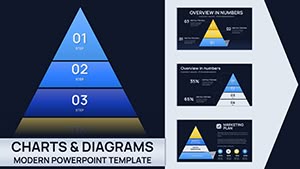
All 36 slides