 Click to zoom
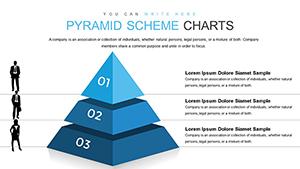
Pyramid Classic PowerPoint Charts: Layer Your Ideas with Impact
| Format | .pptx |
| Slides | 57 unique layouts |
| Aspect ratio | 16:9 |
| Compatibility | PowerPoint |
| Animated | No |
| Language | English |
| License | Commercial |
| File size | — |
| Version | v1.0 |
| Last updated | December 2025 |
What's inside
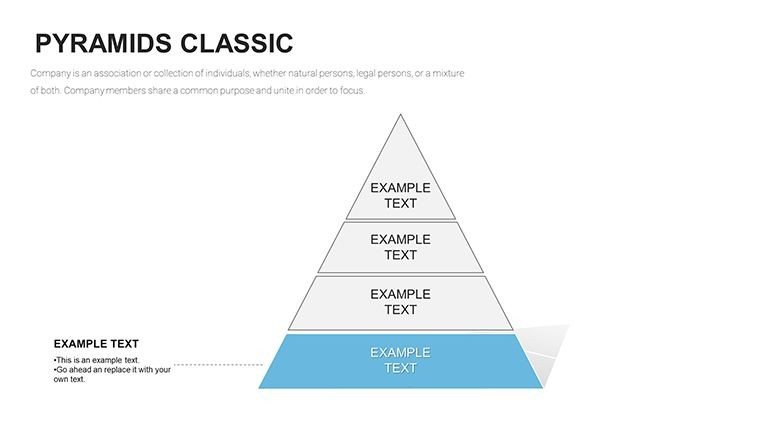
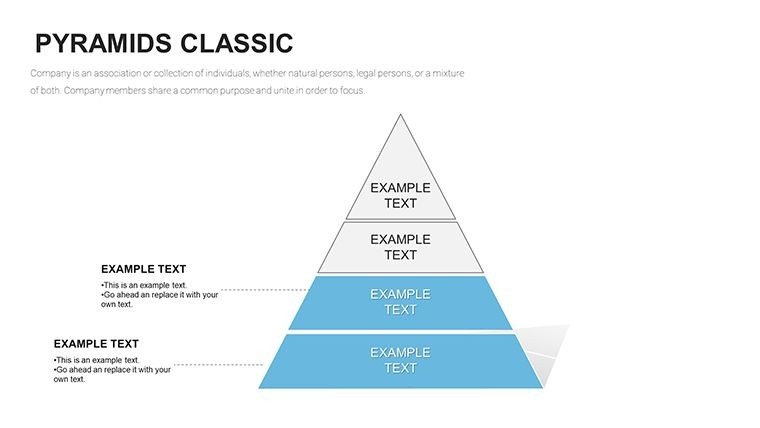
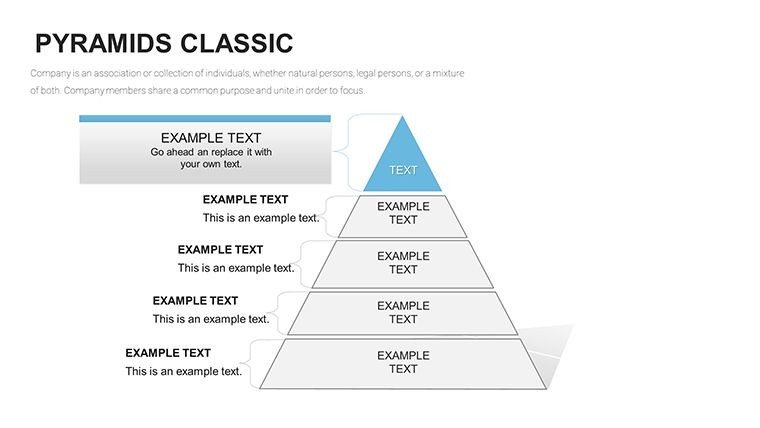
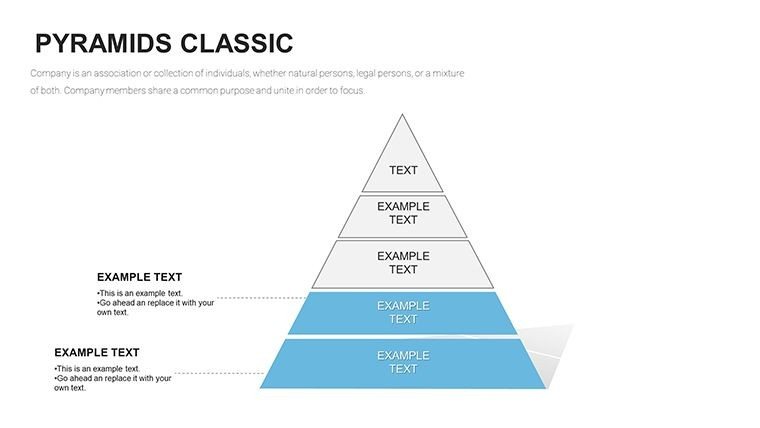
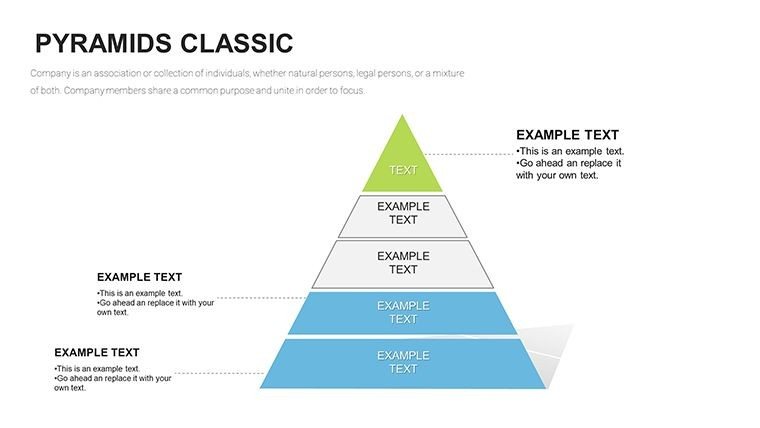
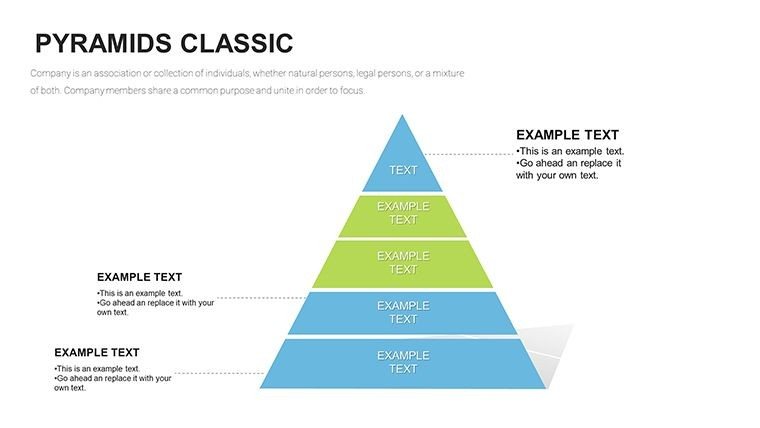
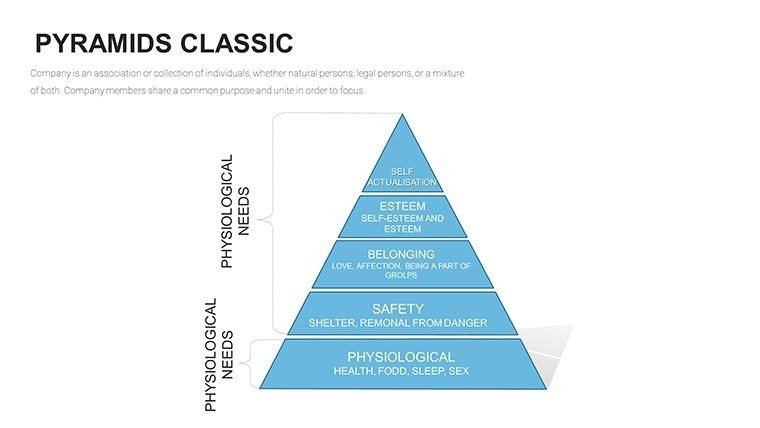
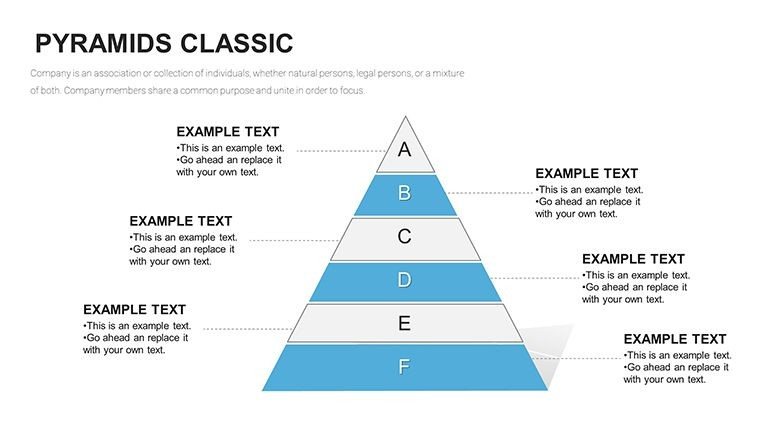
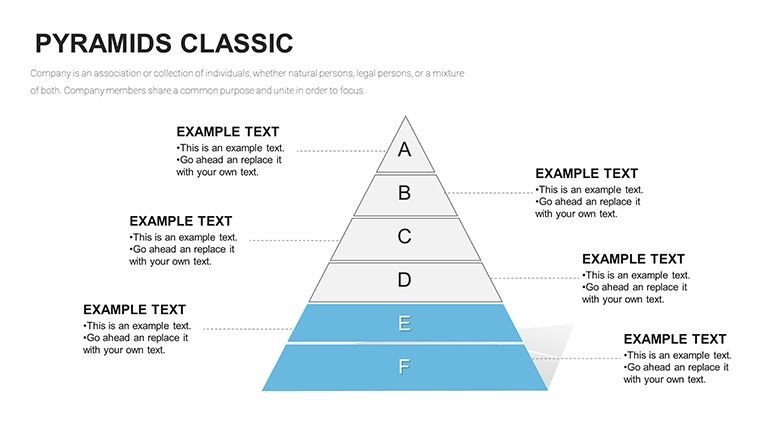
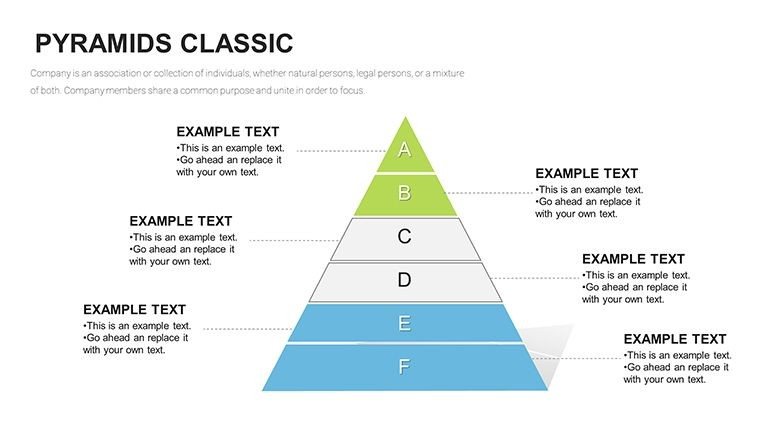
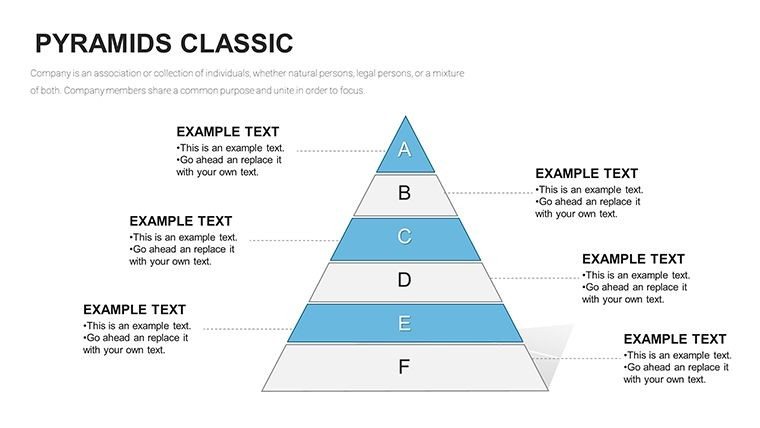
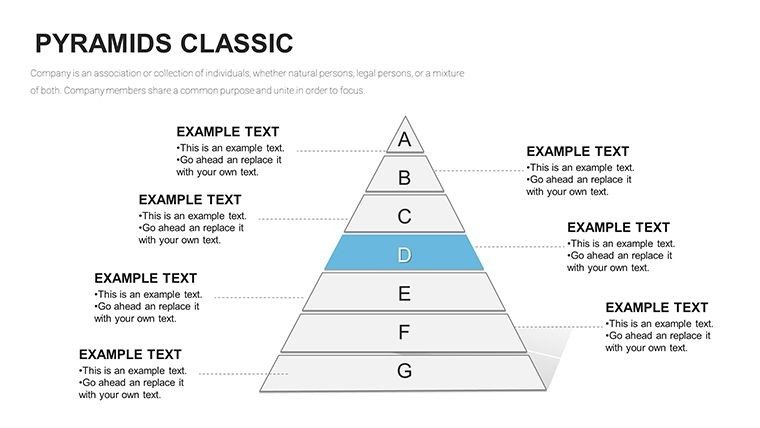
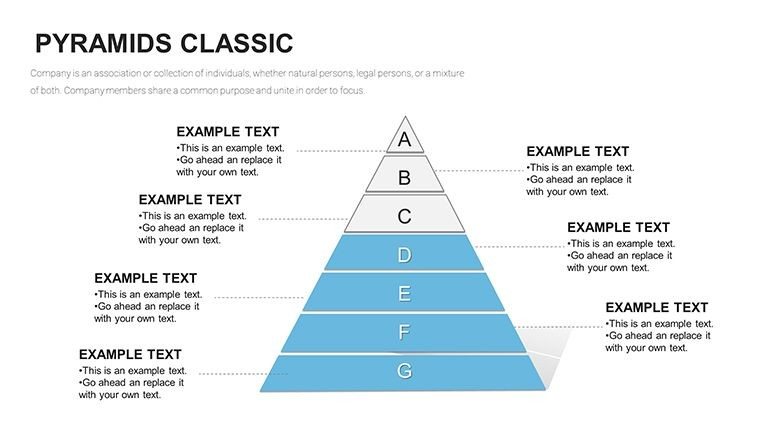
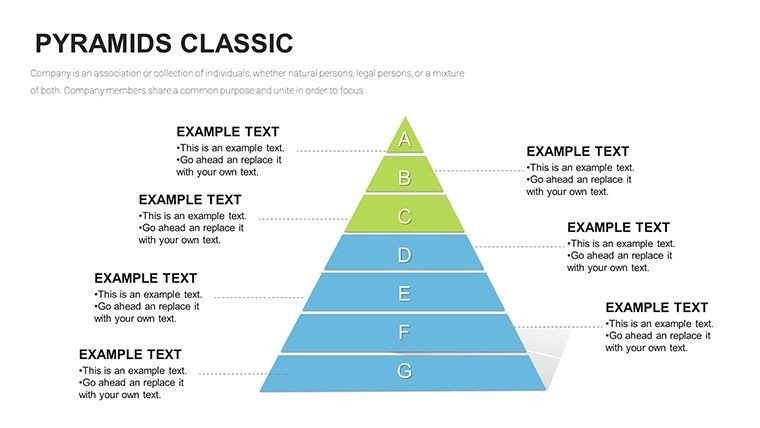
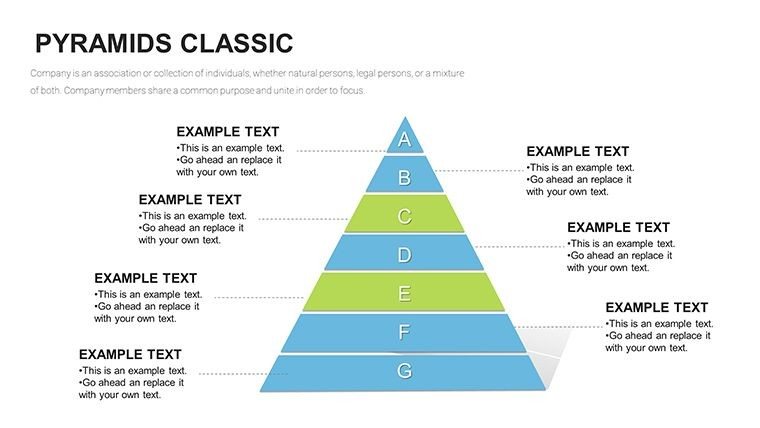
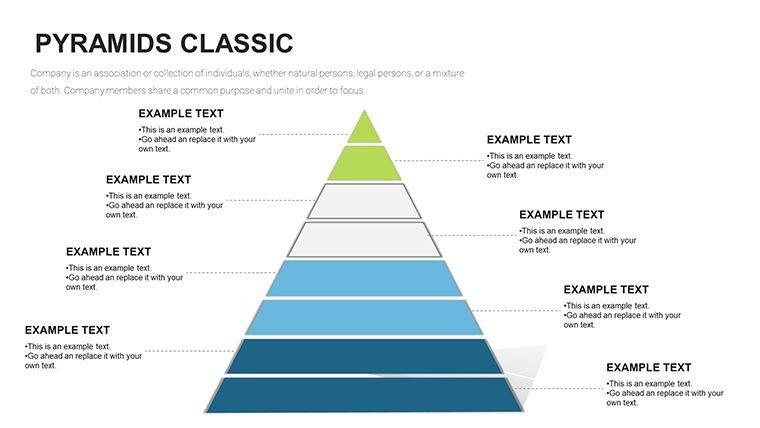
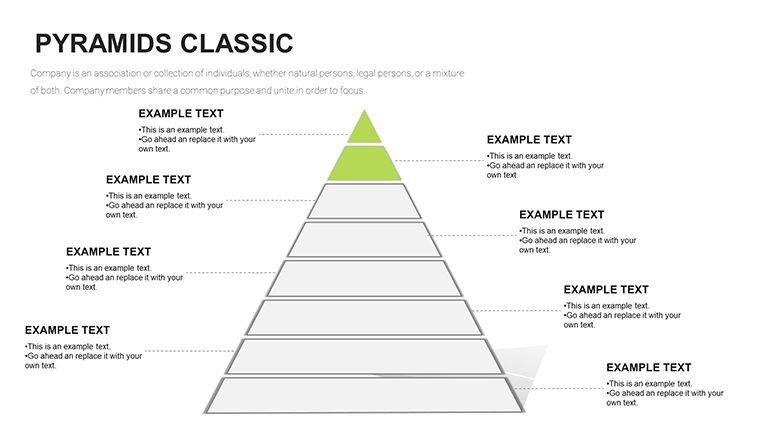
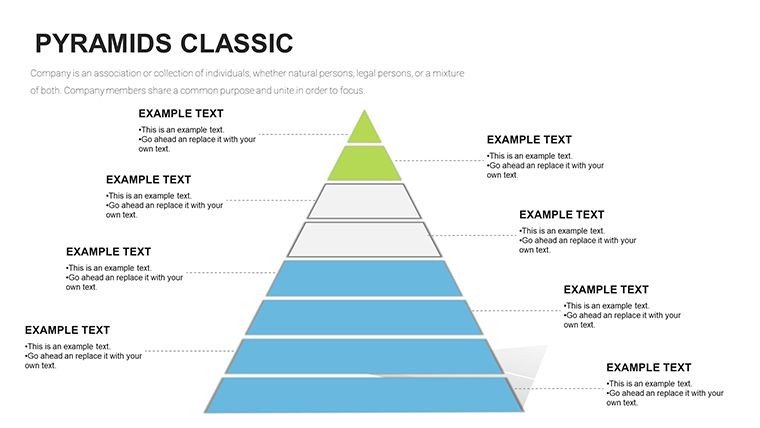
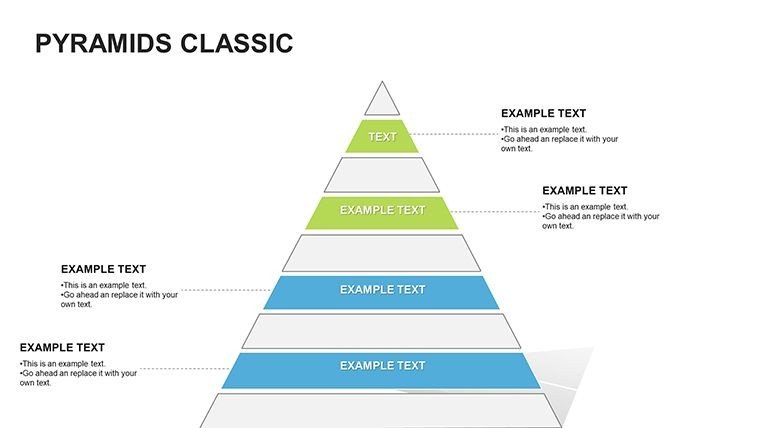
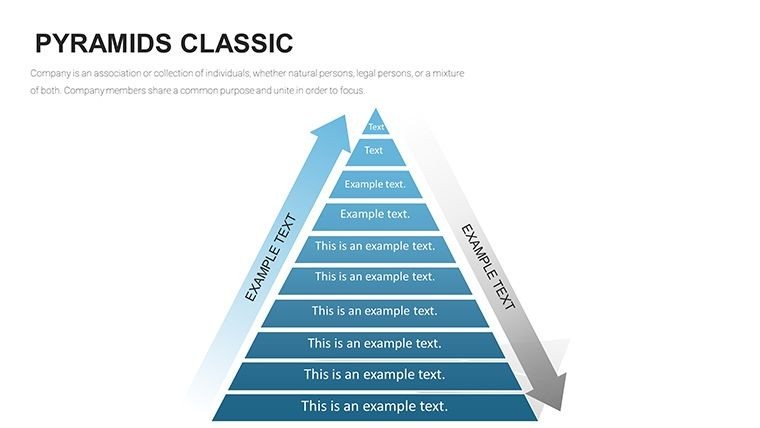
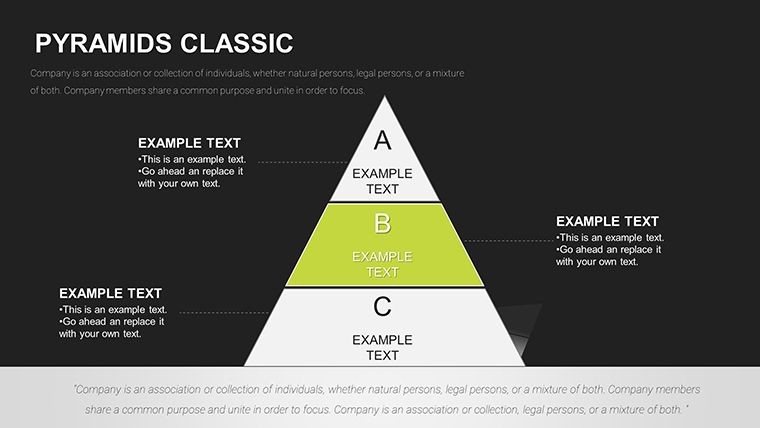
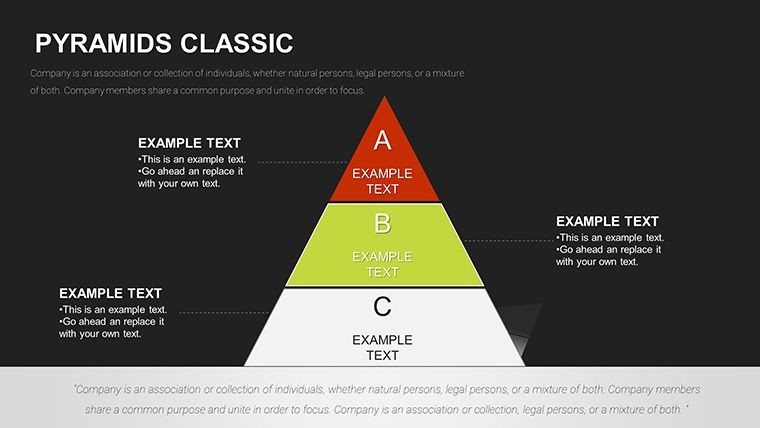
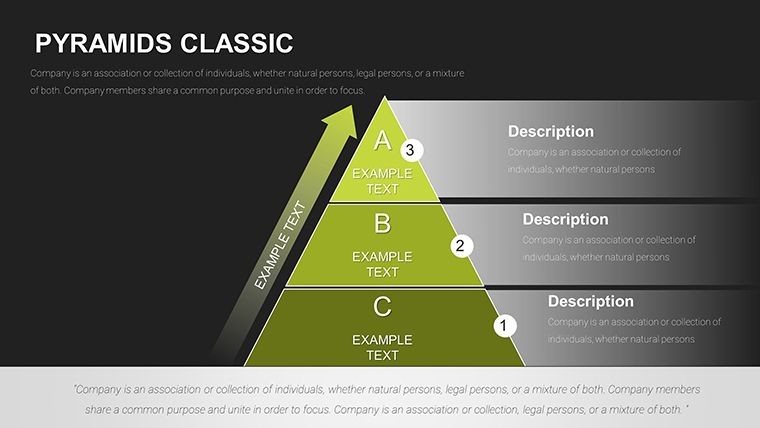
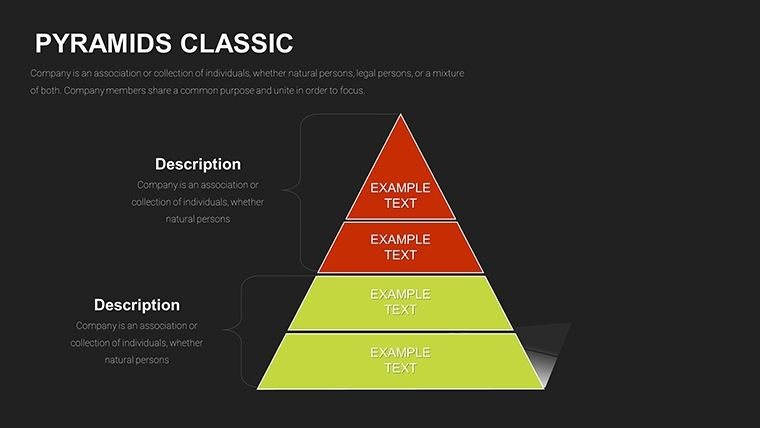
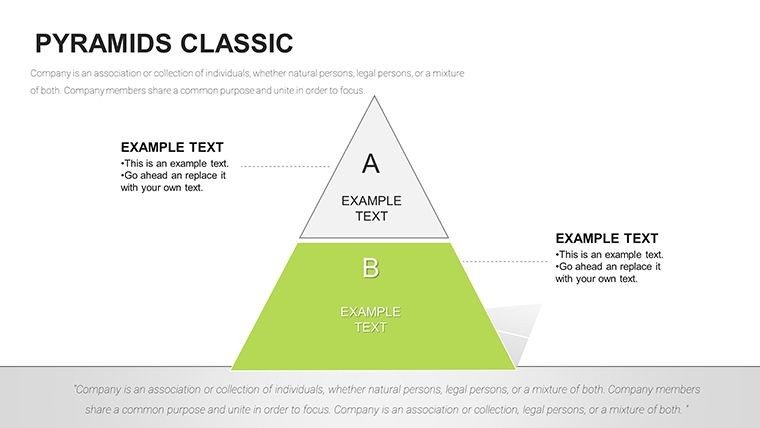
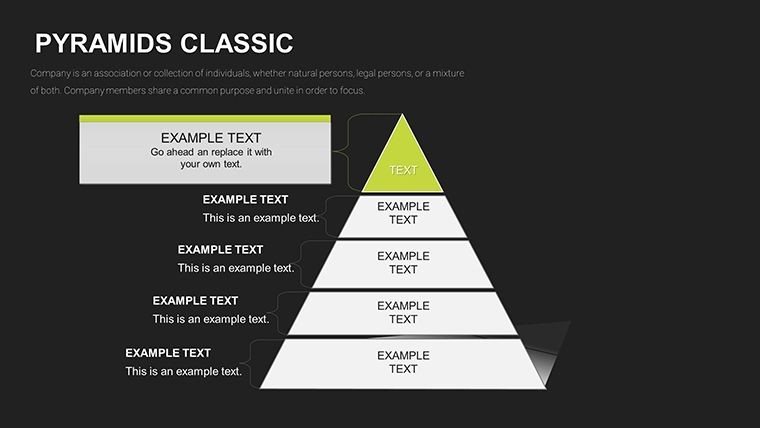
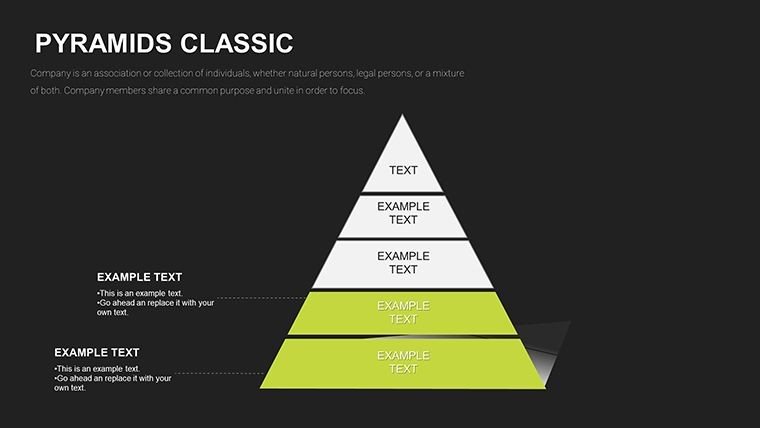
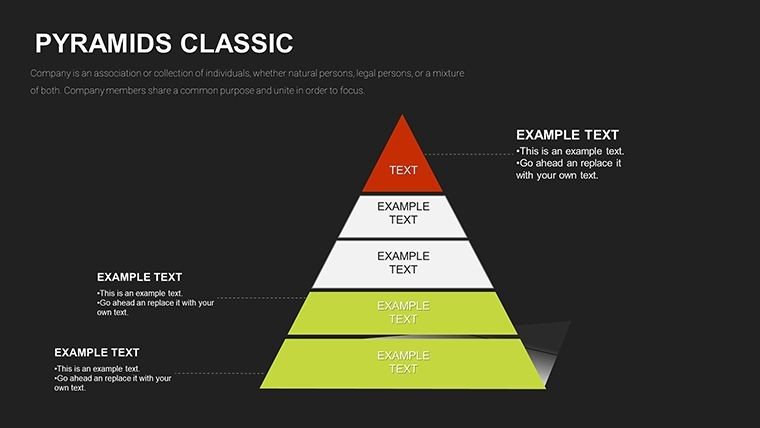
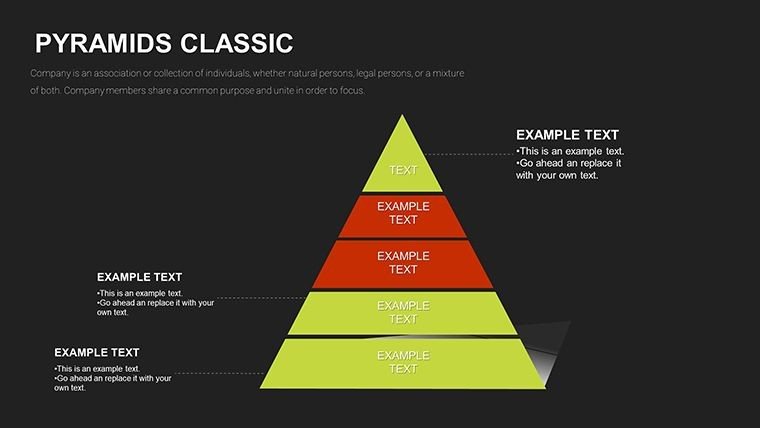
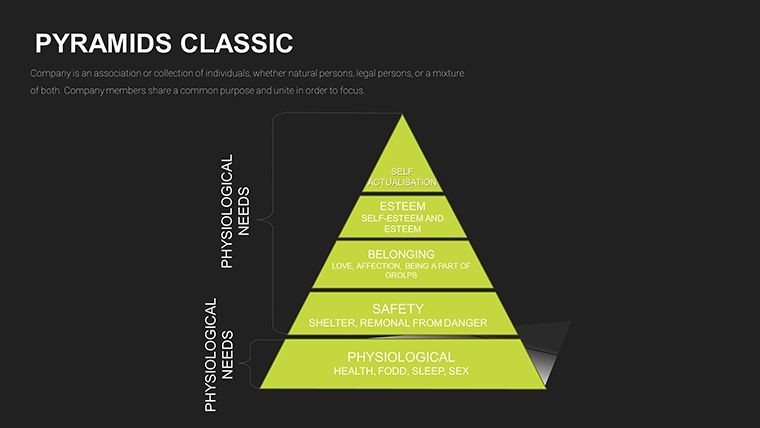
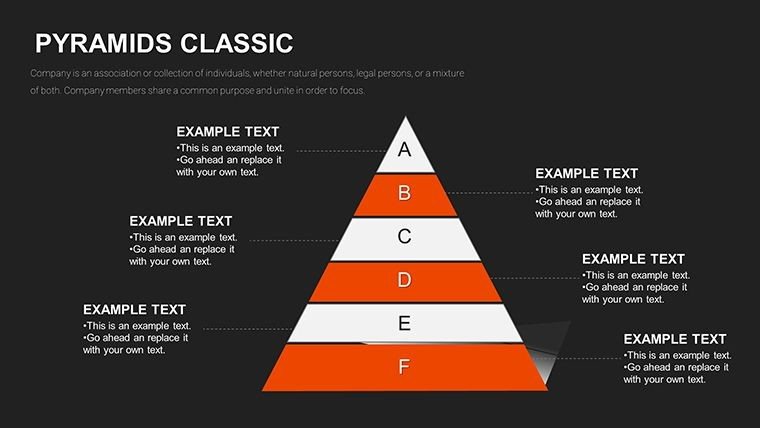
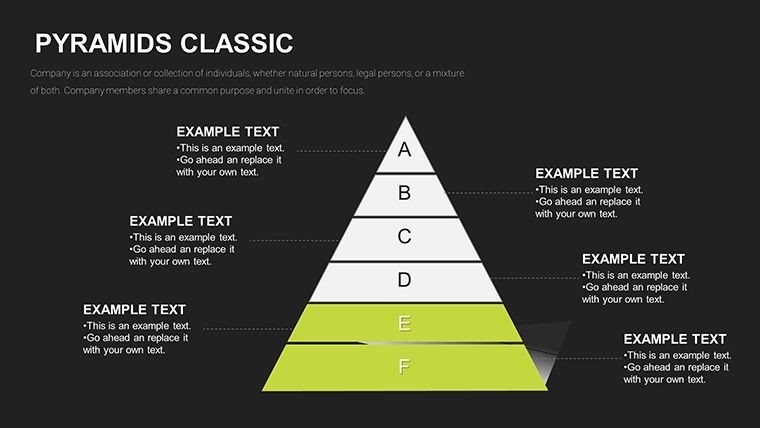
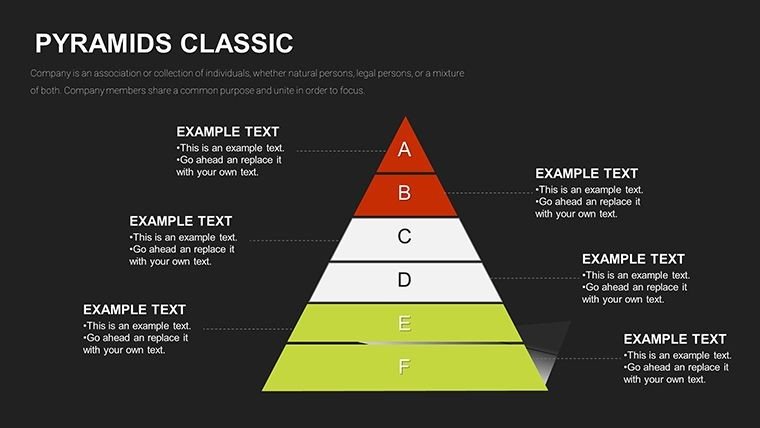
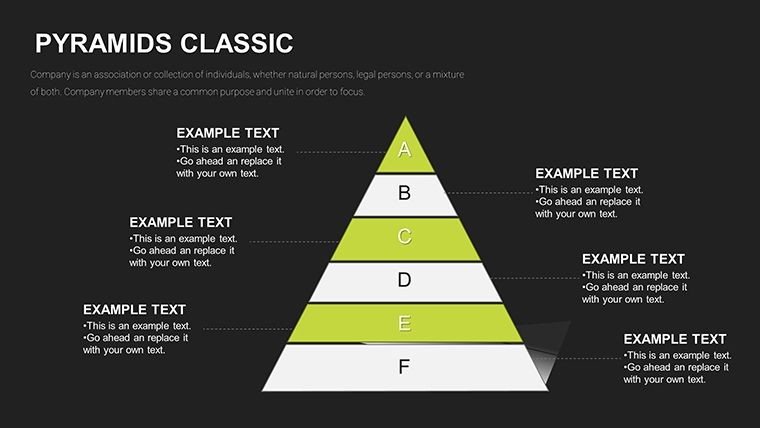
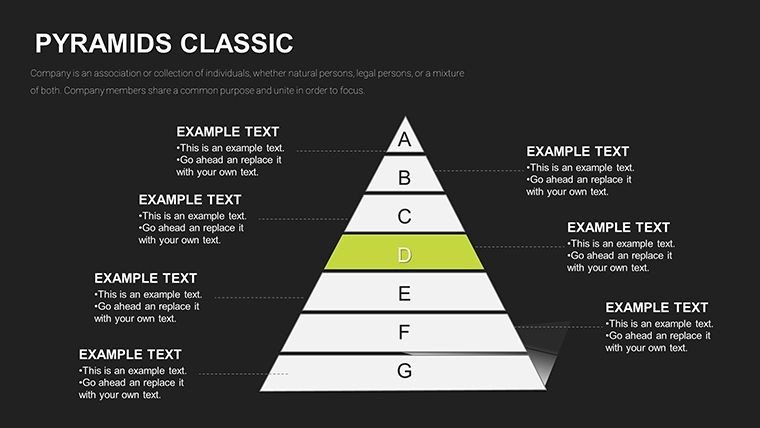
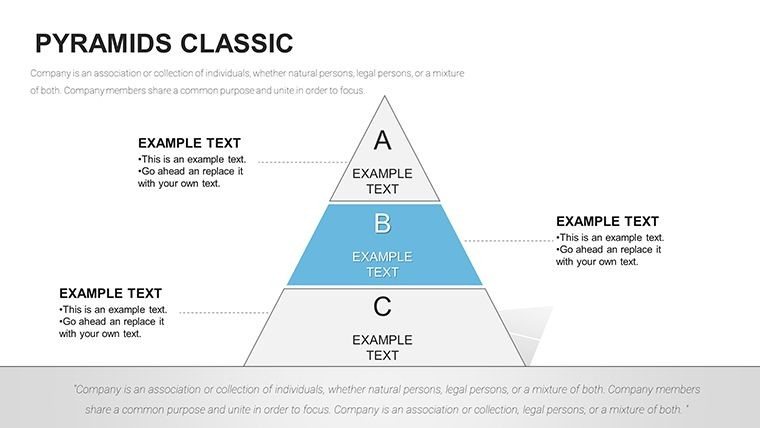
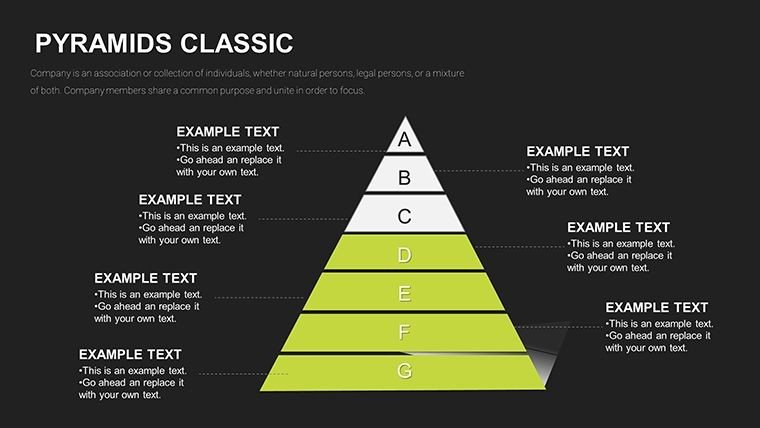
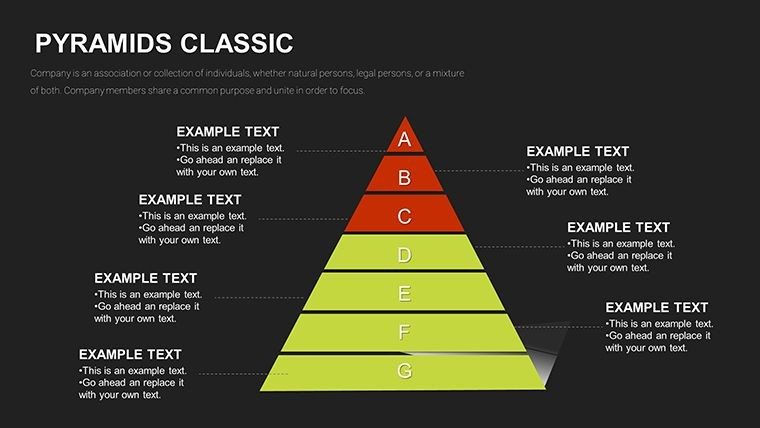
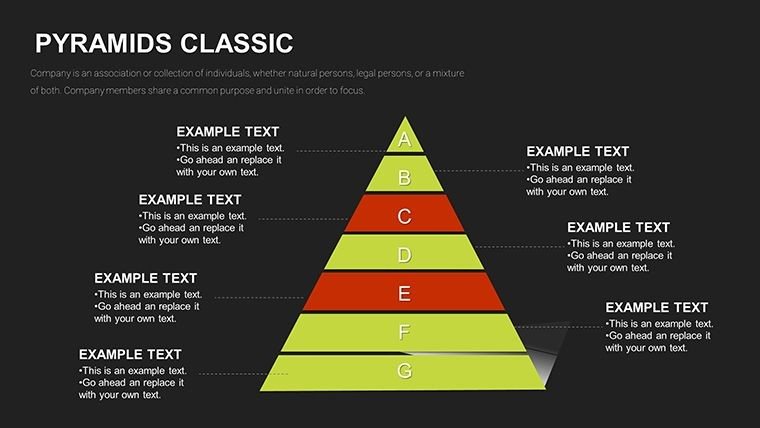
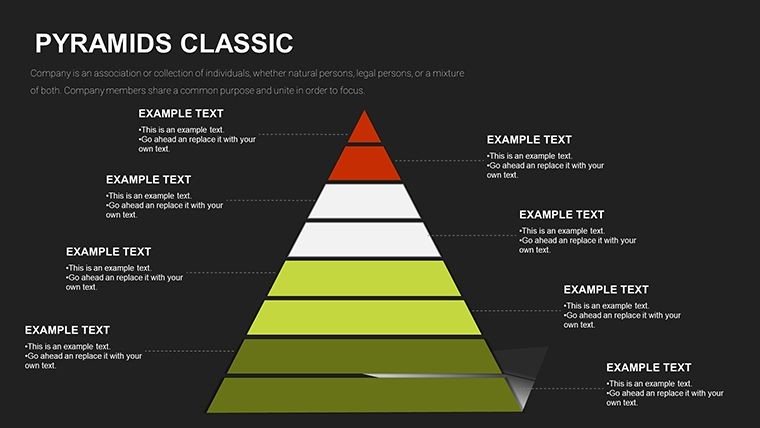
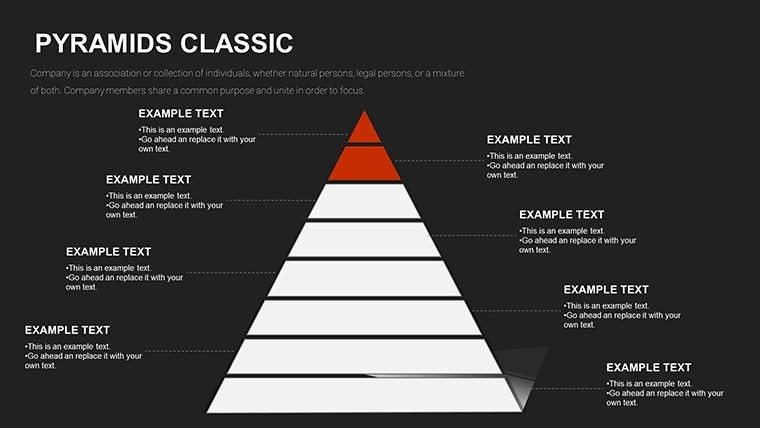
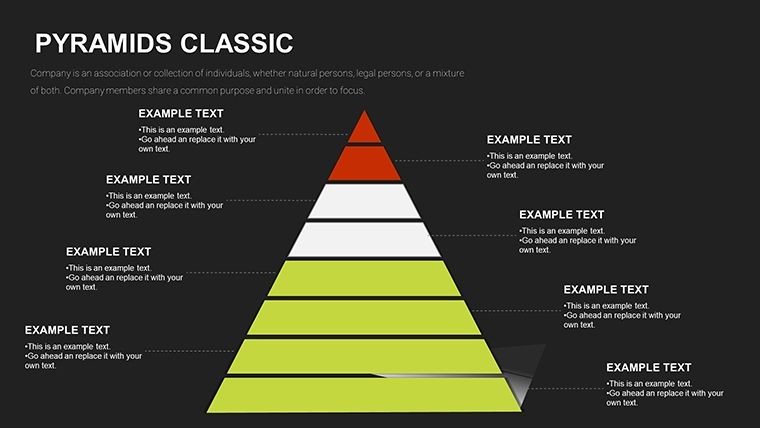
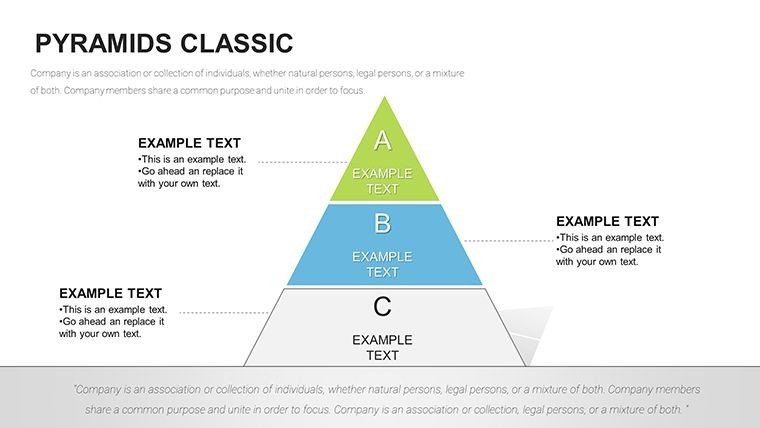
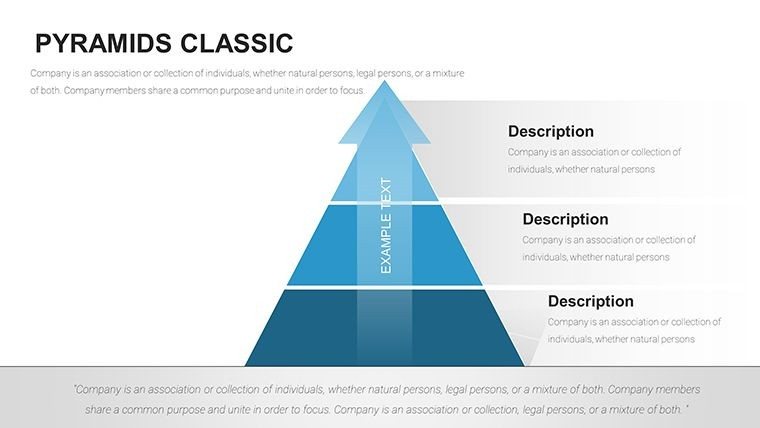
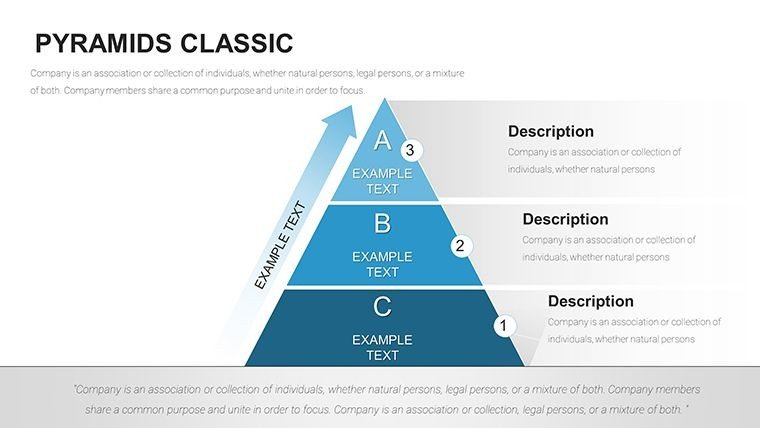
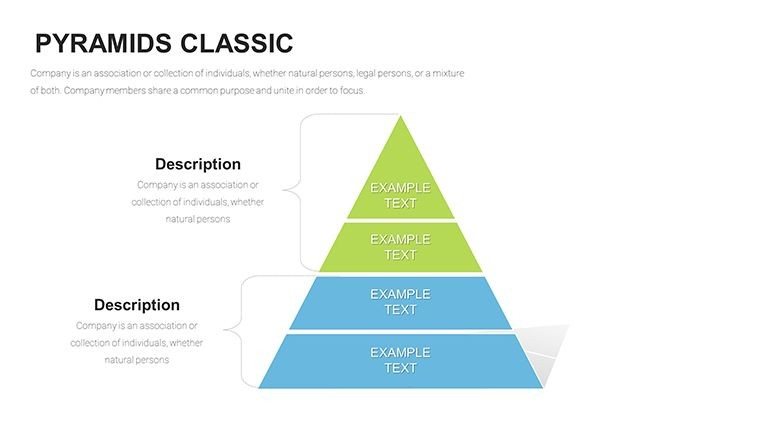
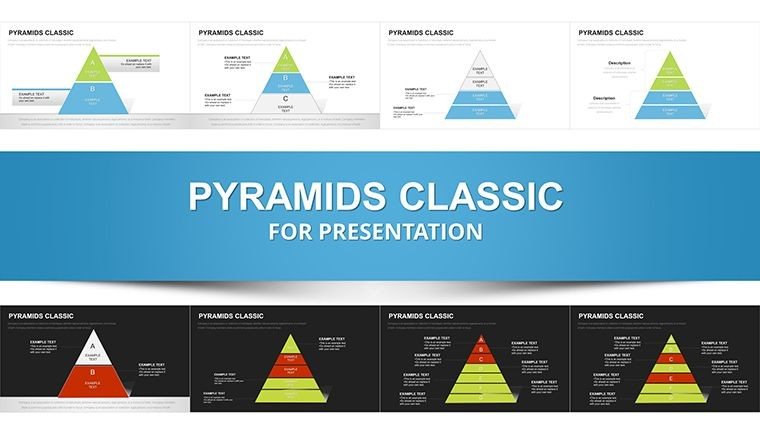
In the fast-paced world of business strategy and organizational design, clarity in hierarchy can make or break a pitch. Enter the Pyramid Classic PowerPoint Charts Template - a powerhouse of 57 editable slides that stack your concepts from base to pinnacle, making complex structures as approachable as a conversation. Tailored for executives, consultants, HR leaders, and academics, this template leverages pyramid visuals to depict priorities, processes, and pyramids of needs, echoing timeless frameworks like Maslow's but customized for modern boardrooms.
Why pyramids? They naturally guide the eye upward, symbolizing growth and escalation, much like a well-structured org chart that reveals reporting lines at a glance. Our design draws from interaction design principles in Don Norman's "The Design of Everyday Things," ensuring intuitive flow. Whether outlining a sales funnel or talent development ladder, these charts adapt to your narrative, with full compatibility for PowerPoint and Google Slides. Say goodbye to flat lists; hello to dimensional storytelling that resonates.
Master Hierarchical Visuals: From Base to Apex
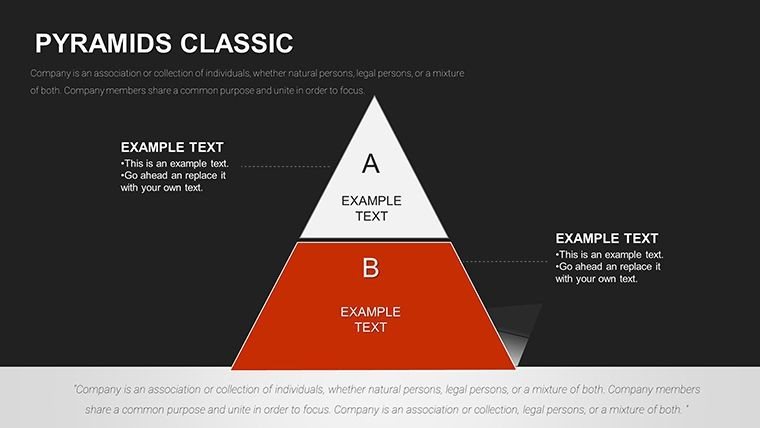
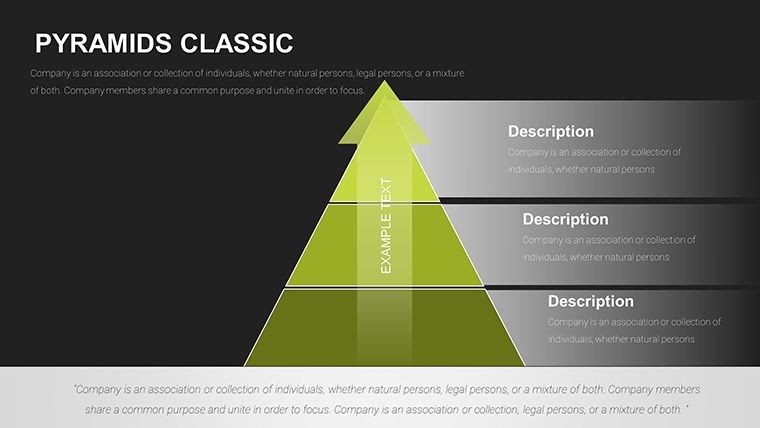
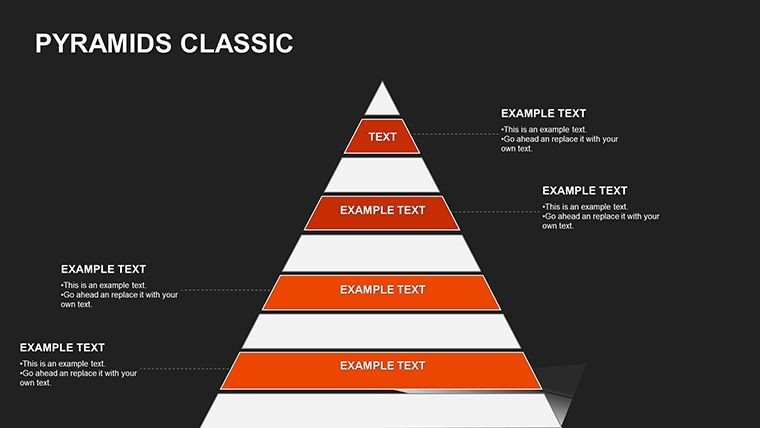
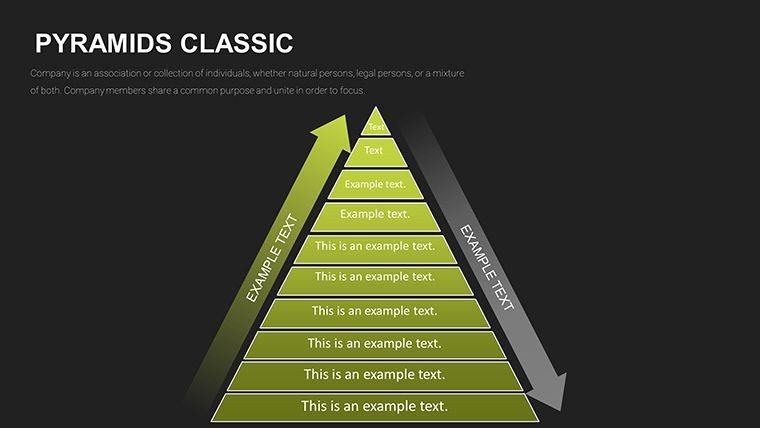
This template's strength lies in its diversity - simple ascending pyramids on early slides evolve into inverted ones for risk assessments by slide 40. Each is vector-scaled for crispness, with editable layers that let you peel back insights progressively.
- Foundational Pyramids: Slides 1-10 offer basic tiers for priority matrices, like customer service levels - adjust heights to emphasize urgency.
- Segmented Structures: Explore 3D-like builds on slides 25-30, ideal for supply chain breakdowns where each layer represents a vendor tier.
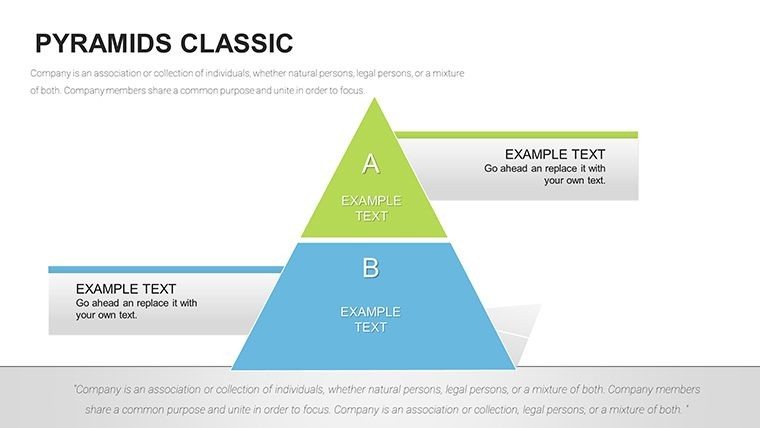
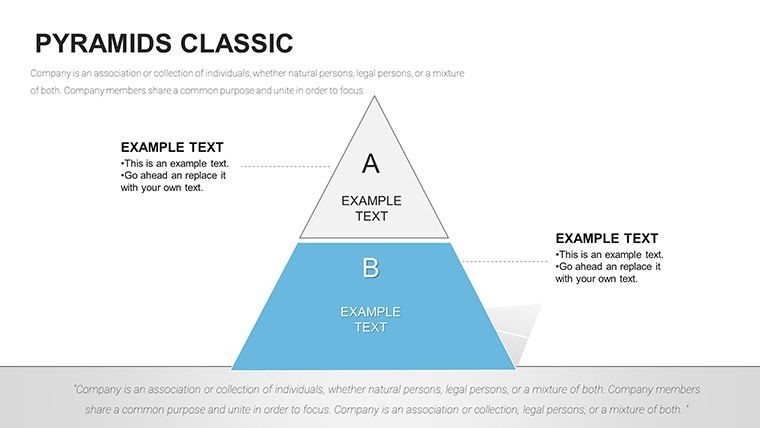
- Comparative Peaks: Side-by-side pyramids on slide 45 compare scenarios, such as budget allocations versus actuals, for finance deep dives.
Customization? Effortless. Theme colors via slide master, integrate icons from our 100+ library (think gears for processes), and animate ascents for dramatic reveals. A McKinsey report highlights that structured visuals like these can accelerate decision-making by 20%, proving their edge in high-stakes environments.
Tailored Use Cases: Scaling from Startups to Enterprises
Envision a startup founder using slide 15's growth pyramid to map product roadmaps, with base layers for MVP features scaling to enterprise add-ons - securing that seed round with visual conviction. In education, professors layer curriculum pyramids on slide 32 to show foundational skills building to advanced topics, fostering student buy-in.
For HR pros, it's a revelation: Slide 38's org pyramid visualizes diversity initiatives, stacking demographics to spotlight inclusion goals, aligned with SHRM best practices. Consultants, meanwhile, thrive on slide 50's funnel pyramids for client journey mappings, turning abstract strategies into actionable blueprints. These aren't hypotheticals - one Deloitte case study credits similar hierarchies for streamlining a merger's communication, reducing confusion by 35%.
- Assemble Your Base: Input data via grouped shapes for easy scaling.
- Build Dynamically: Use entrance animations to construct layers live during talks.
- Refine and Share: Export as interactive PDFs or embed in Notion for team wikis.
Elevate Beyond Standard Charts: The Pyramid Advantage
Unlike vanilla PowerPoint shapes, which demand manual tweaking, our pyramids come pre-aligned with smart guides and responsive resizing. Time savings? Monumental - focus on content, not cosmetics. They're also mobile-optimized, rendering beautifully on tablets for remote reviews.
Workflow integration is key: Link to Google Sheets for live updates or pair with Lucidchart for hybrid diagramming. Accessibility features include ARIA labels for screen readers, underscoring ethical design. Clients in tech and healthcare report using it for compliance pyramids, layering regulations from broad policies to specific protocols.
The verdict? It's more than slides - it's a strategic ally. Grab your Pyramid Classic Template now and architect hierarchies that inspire action. Check out our pyramid collection for more elevations.
Frequently Asked Questions
How many pyramid variations are included?
Over 20 unique designs across 57 slides, from simple tiers to complex inverted structures.
Does it support team collaboration?
Yes, via cloud sharing in PowerPoint Online - edits sync in real-time.
Can I resize pyramids without distortion?
Absolutely, all elements are vector-based for scalable, high-quality outputs.
What's best for org charts?
Slides 35-42 offer customizable tiers with connector lines for seamless hierarchies.
Are icons and animations included?
Yes, 100+ themed icons and build-in animations for engaging reveals.
Good for
- Project roadmaps and sprint plans
- Product launch timelines
- Quarterly or annual review decks
- Company history and milestone summaries
Licence
reviews
Used the pie chart for a budget breakdown and the explode slice effect highlighted the biggest cost.
The chart colors are okay but the legend font is too small I had to enlarge it.
Needed a doughnut chart for a progress indicator and the inner circle was editable.
It's okay but I wish the template had more than five chart types.
The file opened in PowerPoint and the charts were linked to Excel which was handy.
FAQ
Will it work in Google Slides?
Are fonts embedded?
Can I use this for client work?
What's the refund policy?
Do you update the template after purchase?
Similar templates
See all PowerPoint Charts →
All 57 slides