 Click to zoom
Pyramid Chart Keynote Template - 37 Fully Editable Slides | Instant Download
| Format | .pptx |
| Slides | 37 unique layouts |
| Aspect ratio | 130/73 |
| Compatibility | PowerPoint |
| Animated | No |
| Language | English |
| License | Commercial |
| File size | — |
| Version | v1.0 |
| Last updated | February 2026 |
What's inside
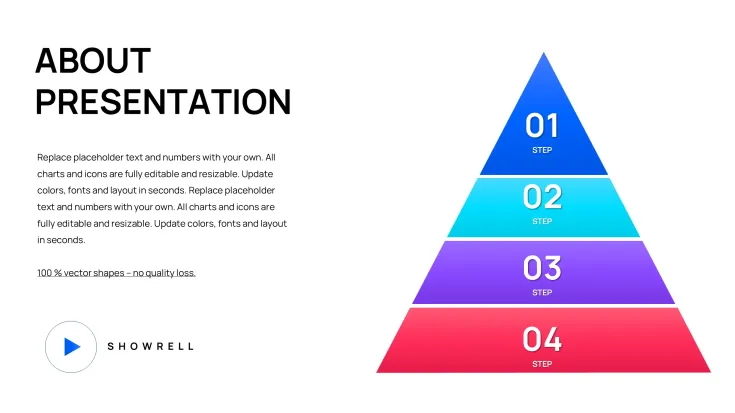
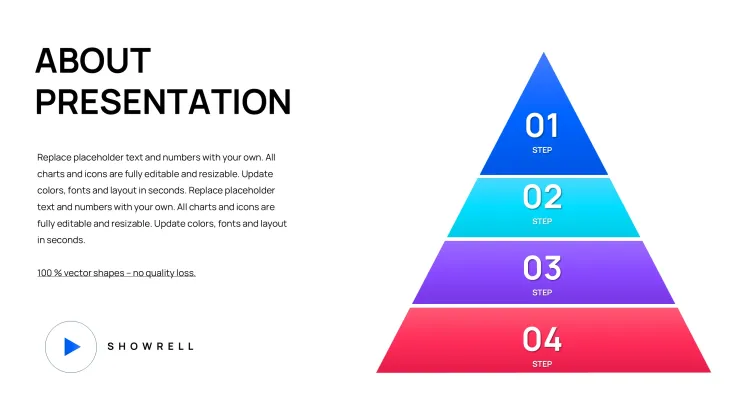
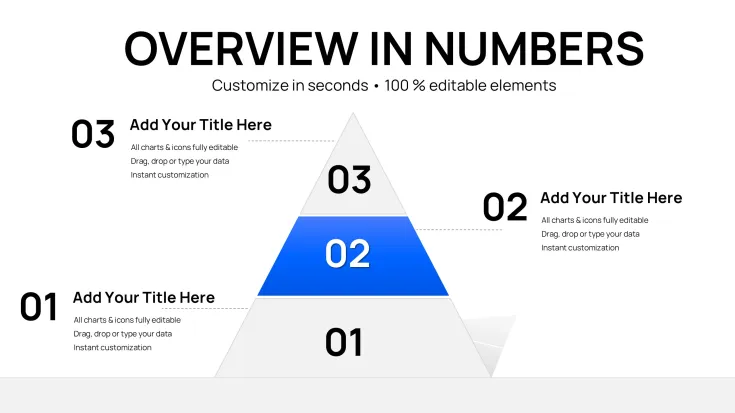
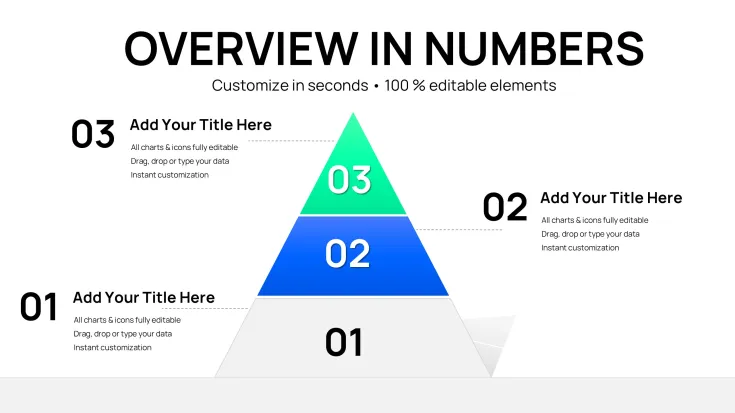
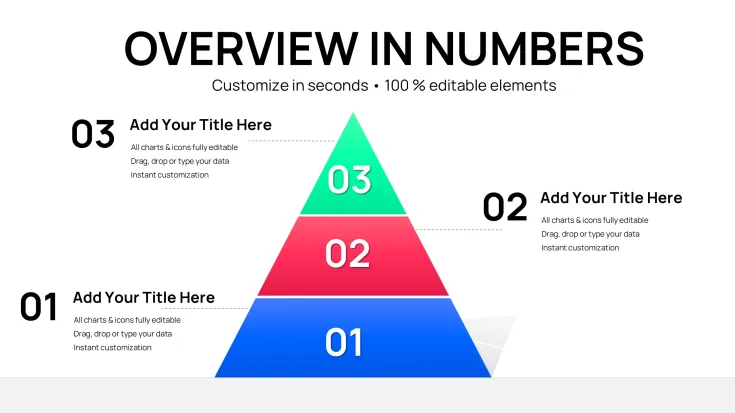
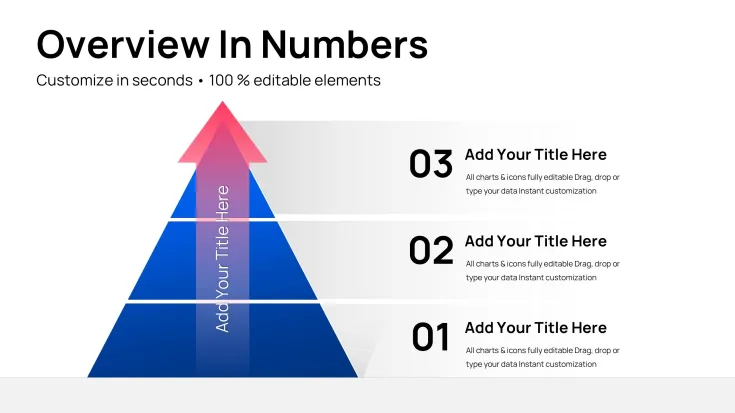
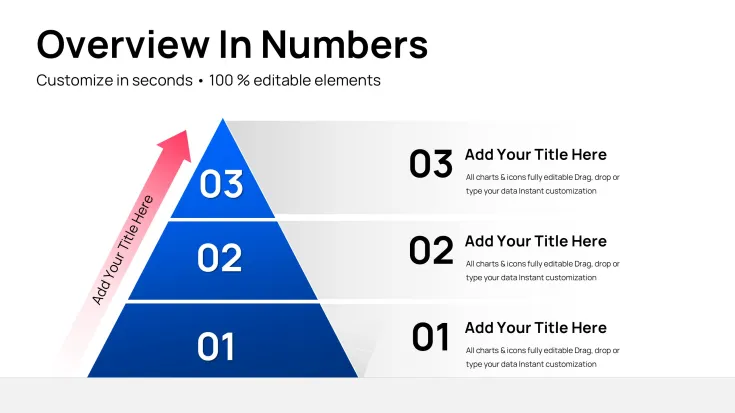
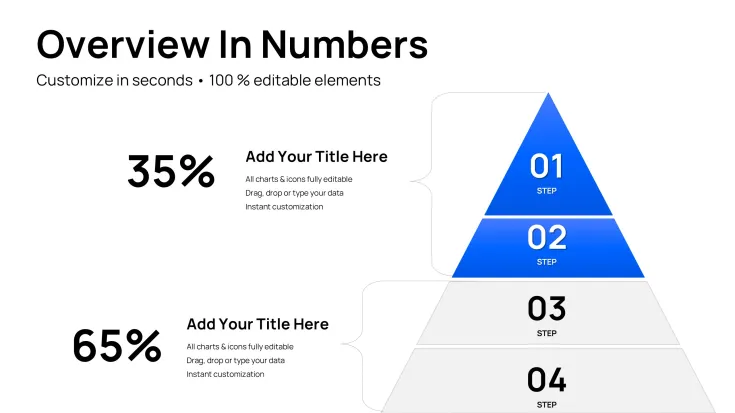
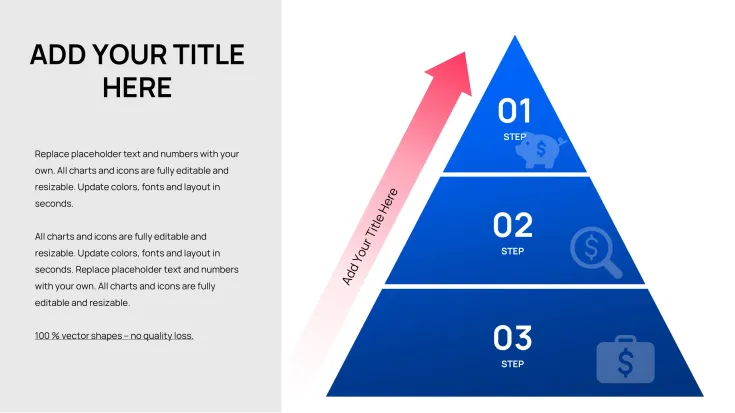
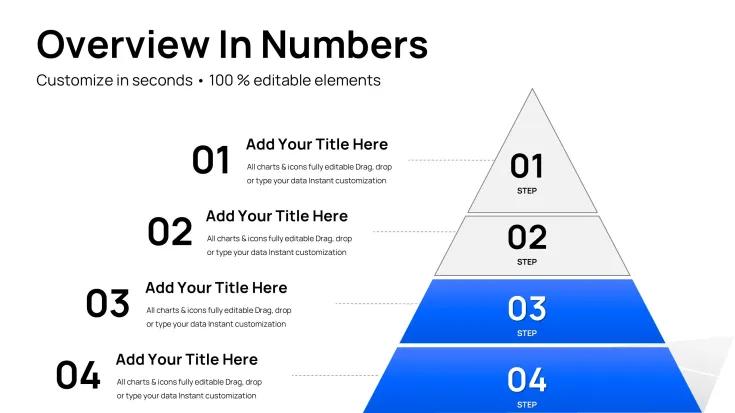
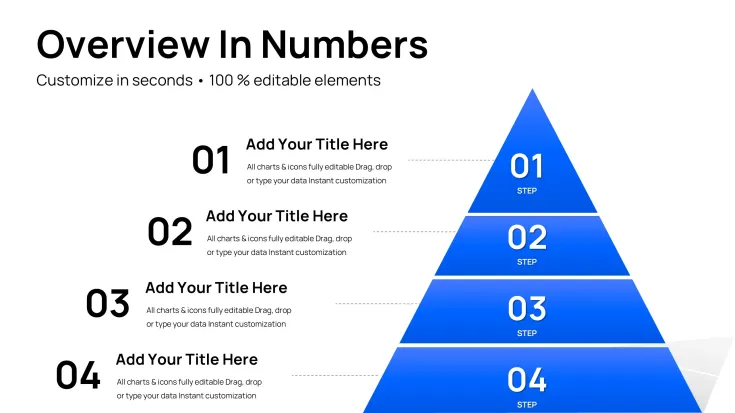
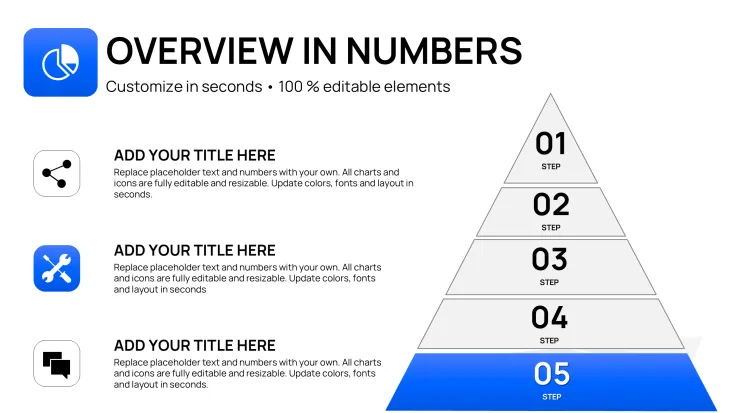
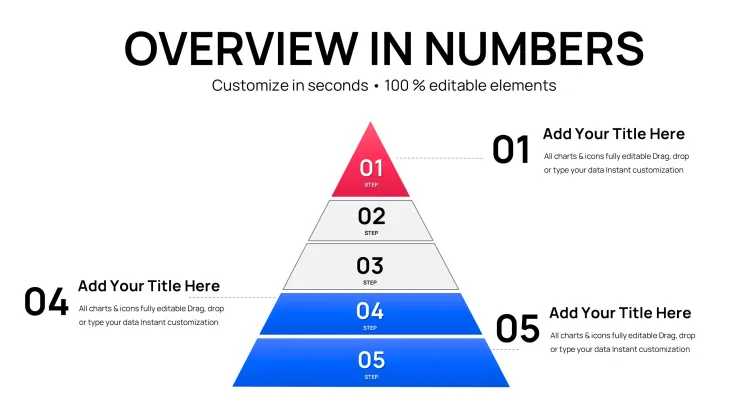
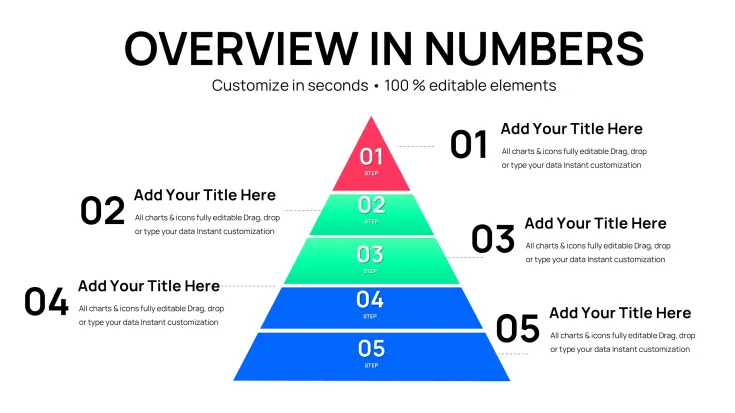
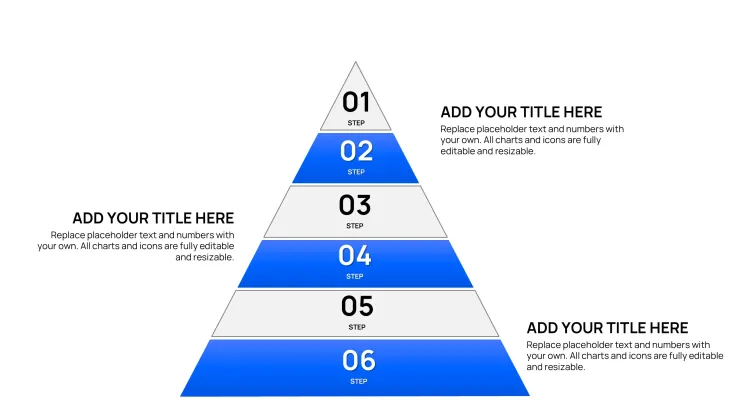
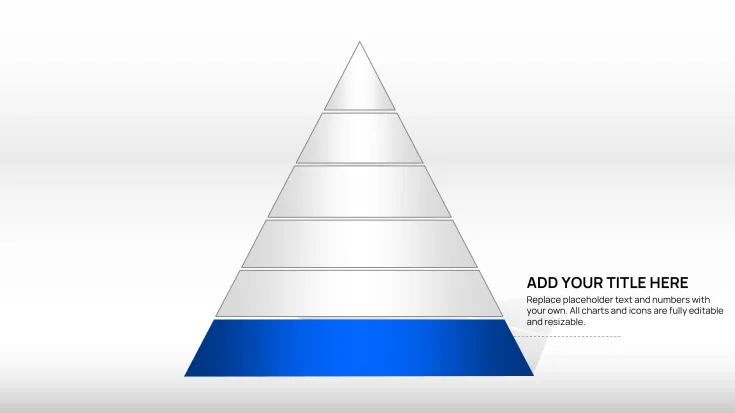
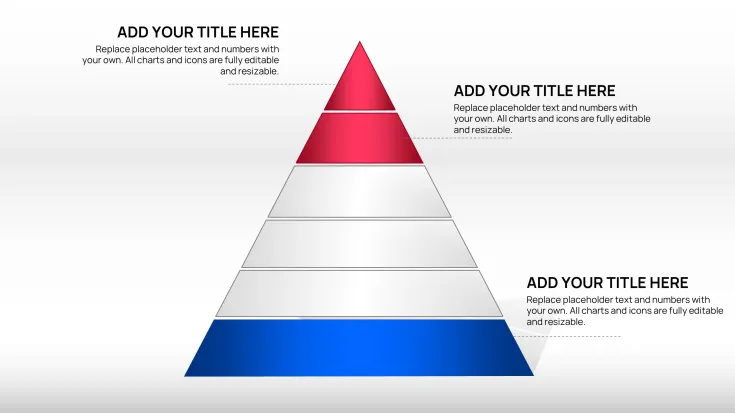
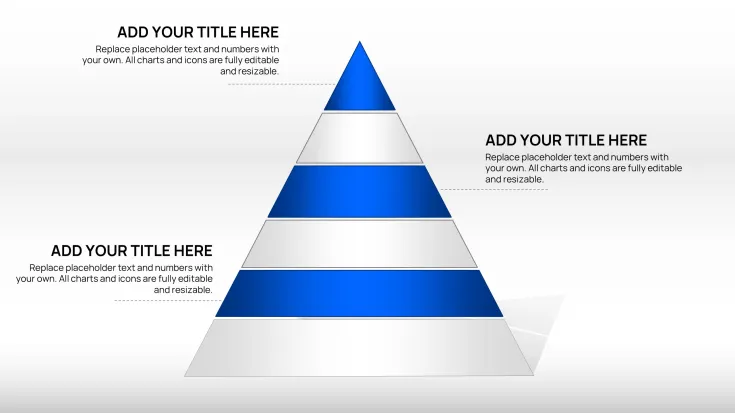
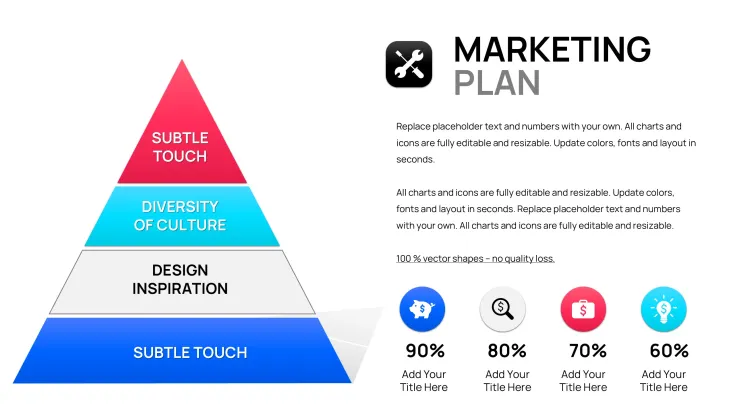
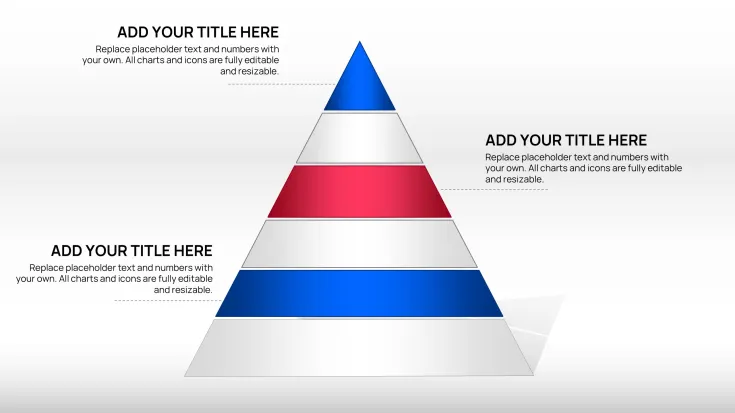
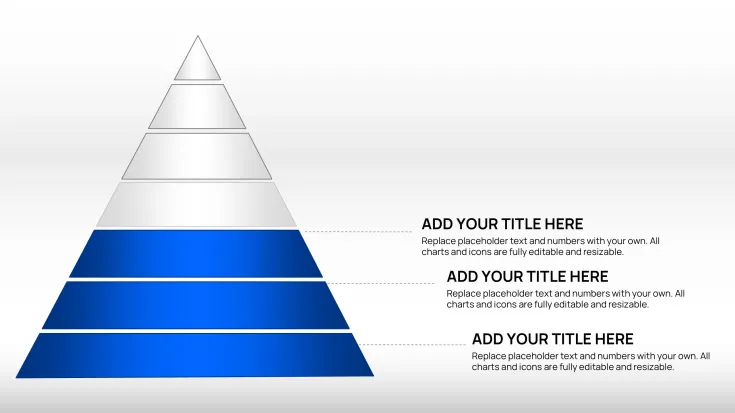
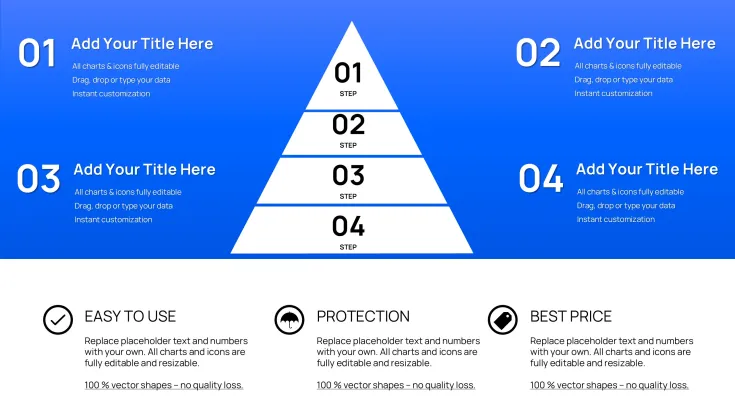
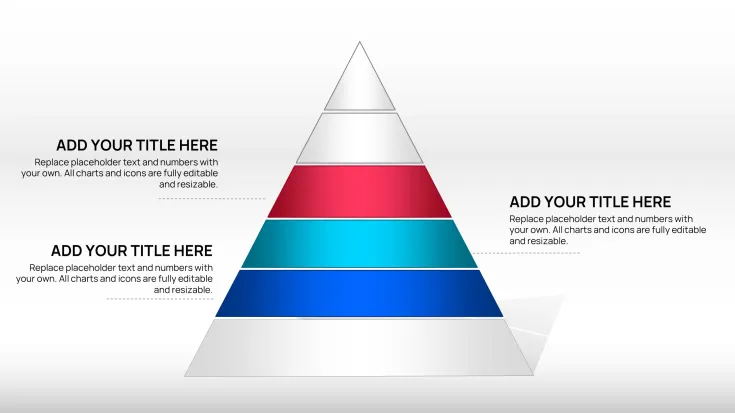
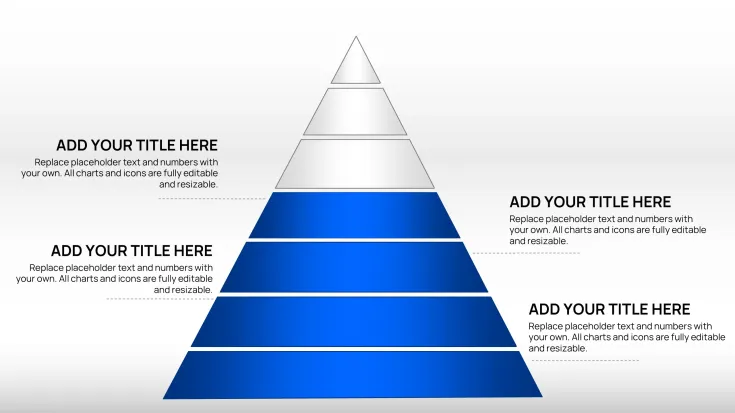
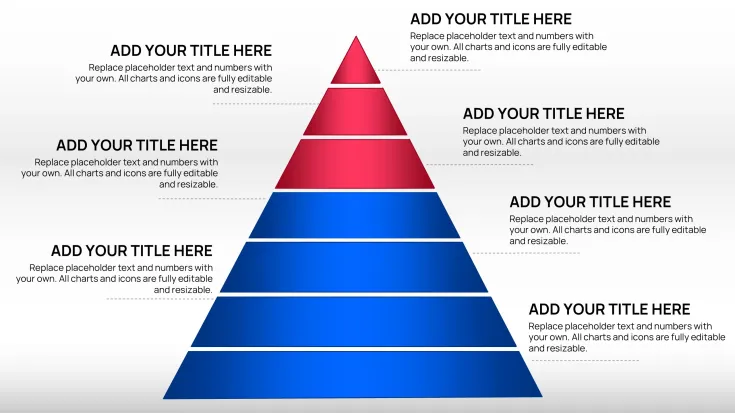
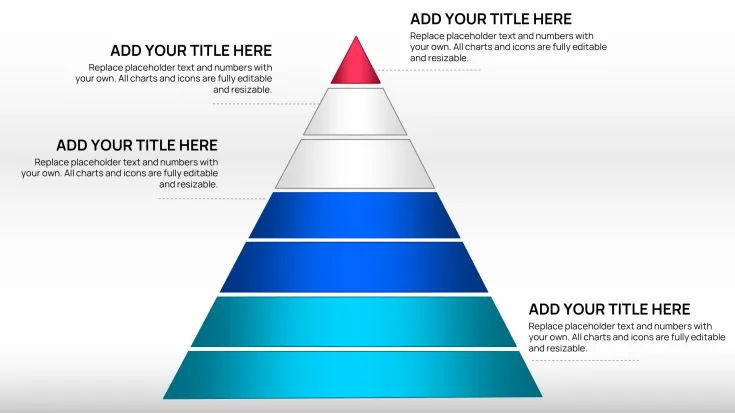
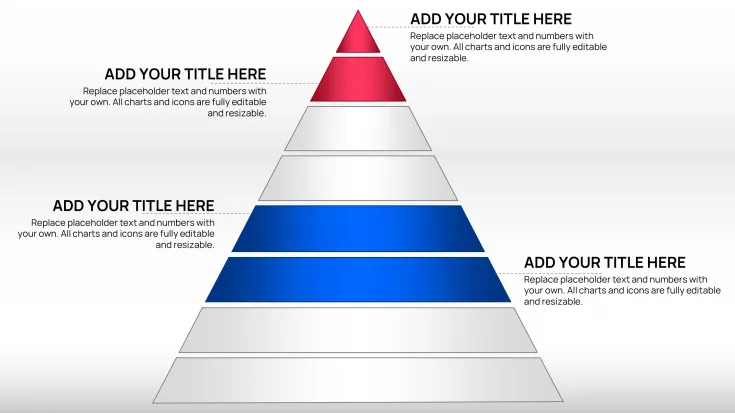
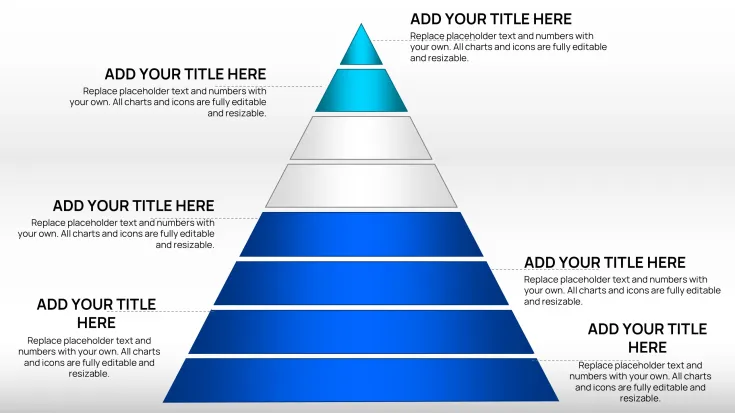
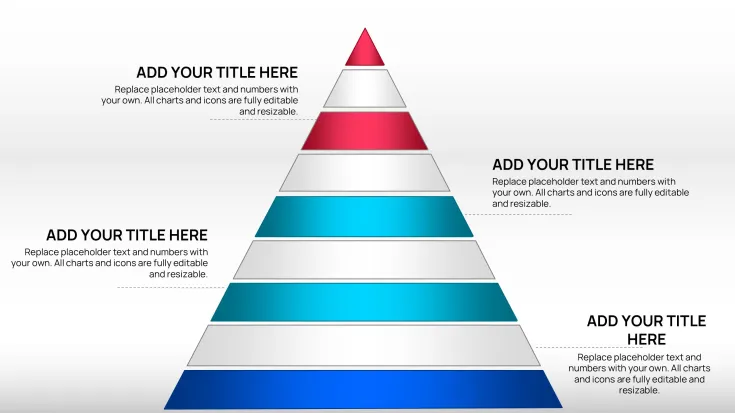
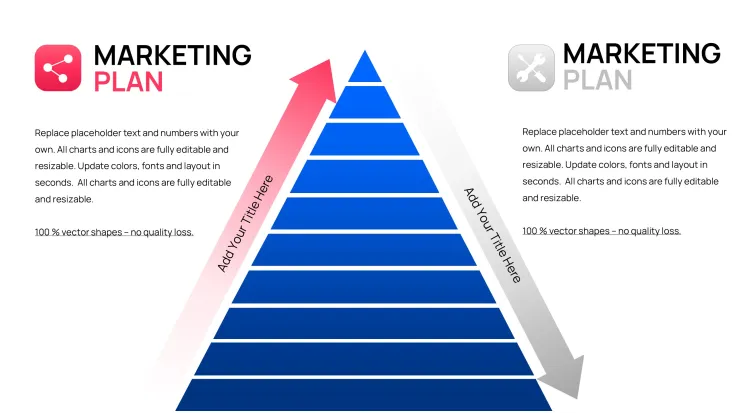
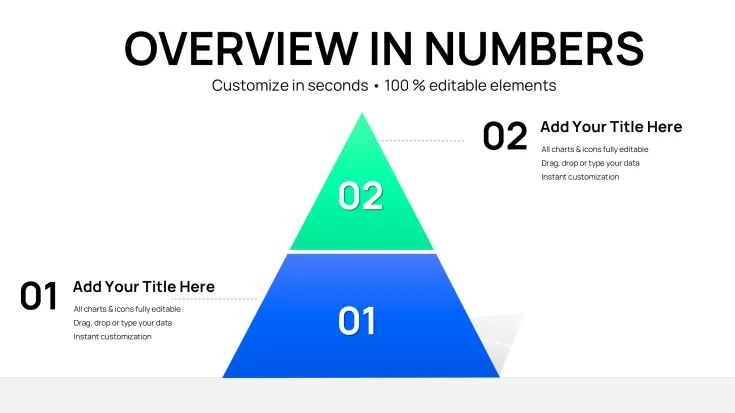
Create clear and impactful presentations with our Classic Pyramid Charts Keynote Template. These slides are designed to help you communicate layered information, strategic priorities, and hierarchical structures in a visually appealing and professional manner that resonates with your audience.
Benefits of Using Pyramid Charts
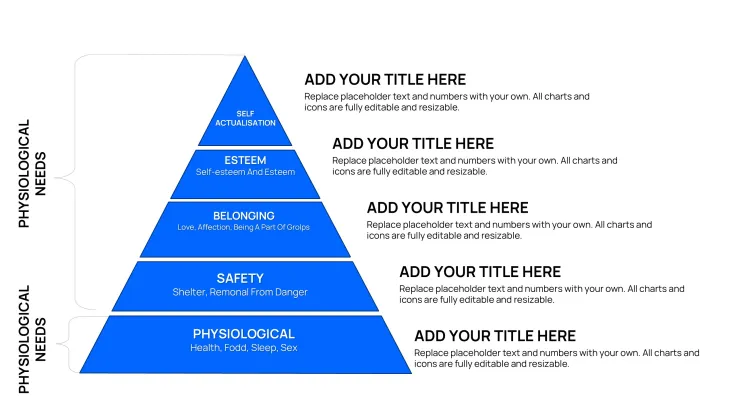
Pyramid charts are excellent for depicting levels of importance, progression from foundation to peak, or breakdown of complex systems into manageable layers. They provide a natural visual hierarchy that guides the viewer's eye and facilitates better comprehension of relationships between elements. In business environments, they help stakeholders quickly grasp key concepts without getting lost in details.
This template allows you to focus on your content rather than design, providing ready-made, high-quality pyramid visuals that maintain consistency across your deck. It is particularly useful for presentations where showing 'building blocks' or 'top-down' approaches is essential.
Professionals in consulting, management, and education often rely on these visuals to make their points more persuasive and memorable.
Key Features
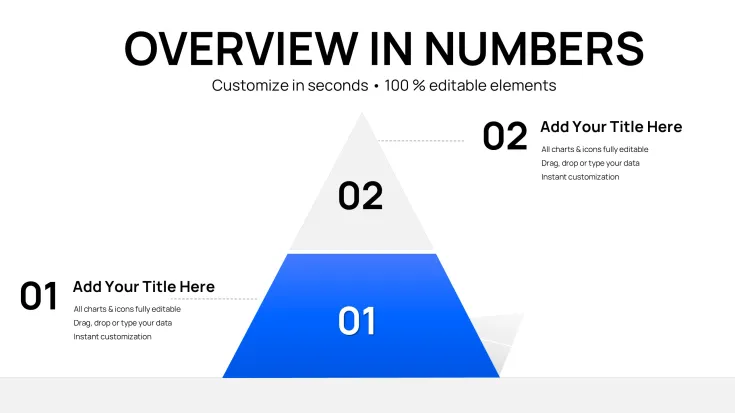
The template comes with 37 editable slides showcasing classic pyramid chart designs. All graphics are vector-based ensuring they look sharp on any screen or when printed as handouts. Placeholders for text, percentages, and numbers make updating data simple and fast.
You can change colors, fonts, and styles effortlessly to match your corporate identity. The designs are clean and classic, suitable for formal boardrooms or creative sessions alike.
How to Use This Keynote Template
Purchase and download the file instantly. Open the .key file in Apple Keynote on your Mac or iOS device. Click on any chart component to edit the content with your specific data and labels.
Customize the appearance by adjusting fill colors, outlines, and text formatting. You can copy individual slides into your main presentation file or build an entire deck around these visuals.
With minimal effort, you will have a polished presentation that looks like it took days to create.
Professional Scenarios
Business Strategy Meetings
Use the pyramid slides to present company vision, strategic pillars, or priority initiatives. Show how foundational operations support higher-level goals in a way that is easy for executives to follow.
Consulting and Client Presentations
Demonstrate analysis results, recommendation frameworks, or maturity models using the layered pyramid structure. It adds credibility and clarity to your advisory work.
Ready to enhance your next Keynote presentation? Get this template today and start creating compelling visuals immediately.
Frequently Asked Questions
Is the Pyramid Chart Keynote Template fully editable?Yes, all elements including shapes, colors, text, and data placeholders are fully editable in Apple Keynote.
How many slides are included?This template includes 37 editable pyramid chart slides.
What file format do I receive?You will receive a native .key Keynote file.
Can I customize colors and styles?Yes, the template is completely customizable to fit your brand colors and design preferences.
How soon can I use it after purchase?Instant download is available right after purchase, allowing you to start immediately.
Good for
- Project roadmaps and sprint plans
- Product launch timelines
- Quarterly or annual review decks
- Company history and milestone summaries
Licence
reviews
37 pyramid slides perfectly showed strategic priorities and hierarchies in my management presentation. Layered design guides the eye well. Easy color and text edits.
Classic pyramid charts for building block visuals. Used in consulting for maturity models. Clean professional look. Good for top-down approaches but limited for complex data.
The hierarchical structure in these pyramids helped explain vision pillars clearly. Vector quality excellent. Customization fast but some text alignment tweaks needed.
Professional and versatile pyramid template. 37 slides offer good variety for different levels. Matched my brand colors easily. Ideal for strategy sessions.
Educator view: great for breaking down concepts into layers. Slides look sharp. The progression visualization resonates with students. Minor complaint on overly similar layouts.
Rushed executive summary using these pyramids - communicated foundations to peak goals effectively. Reliable Keynote editing, timeless design style.
FAQ
Will it work in Google Slides?
Are fonts embedded?
Can I use this for client work?
What's the refund policy?
Do you update the template after purchase?
Similar templates
See all Keynote Charts →
All 37 slides