 Click to zoom
Business Process Modeling Keynote Charts: Visualize Efficiency in 3D
| Format | .pptx |
| Slides | 20 unique layouts |
| Aspect ratio | 16:9 |
| Compatibility | PowerPoint |
| Animated | No |
| Language | English |
| License | Commercial |
| File size | — |
| Version | v1.0 |
| Last updated | May 2023 |
What's inside
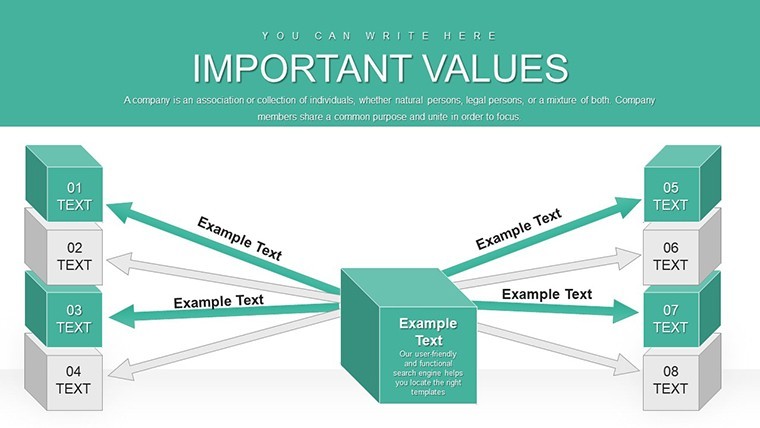
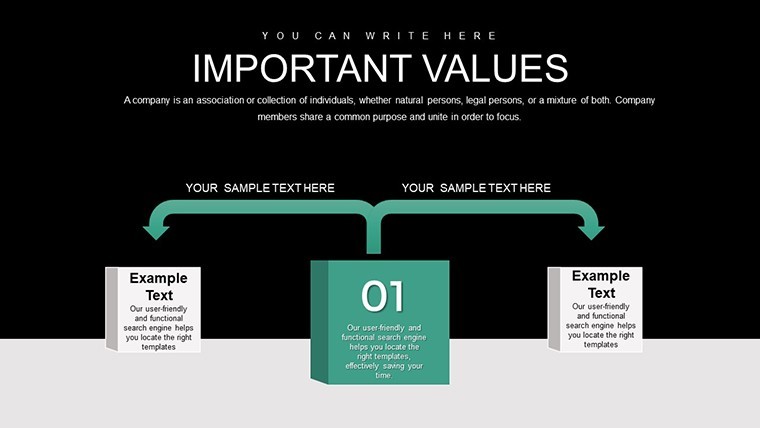
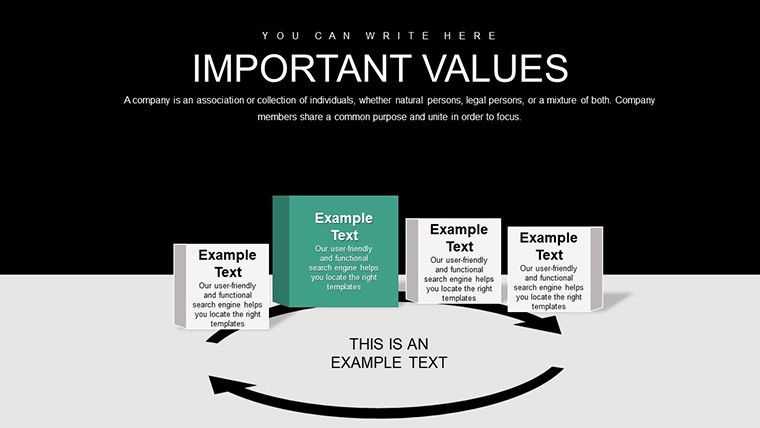
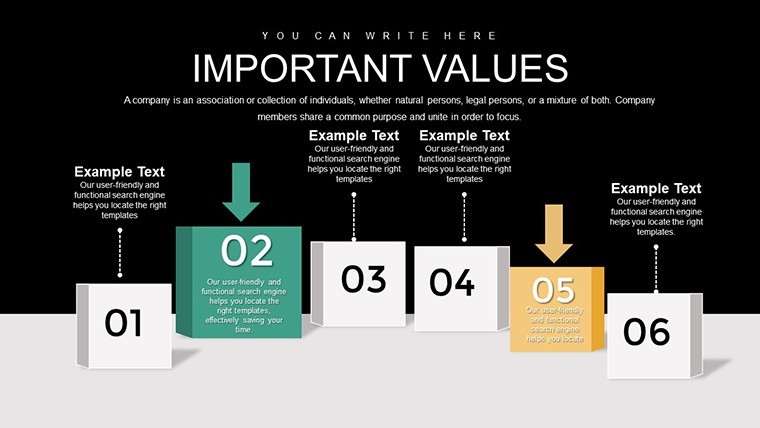
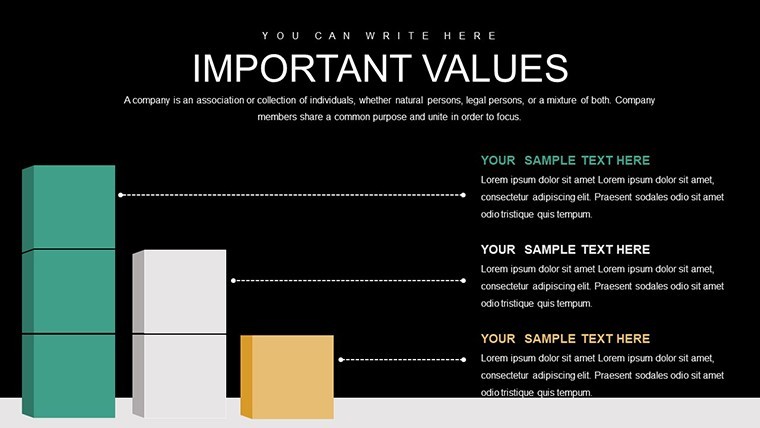
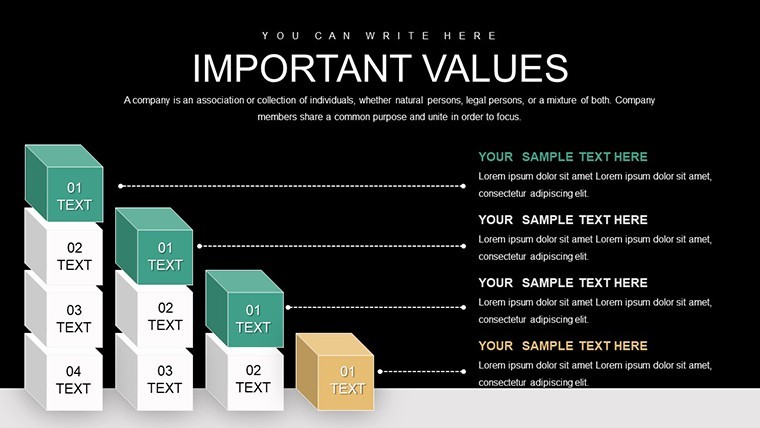
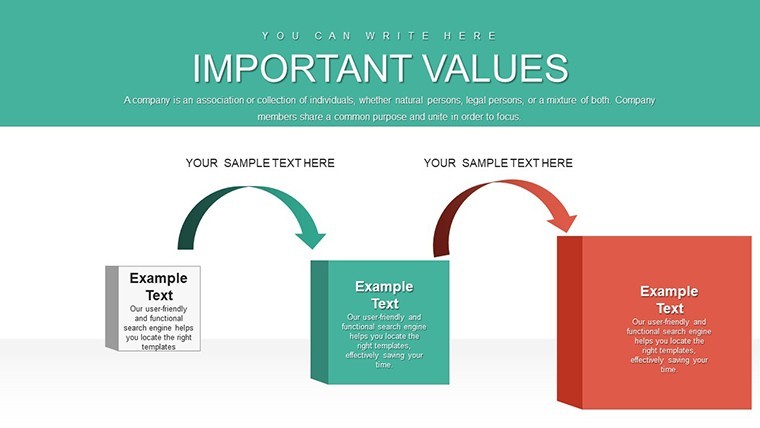
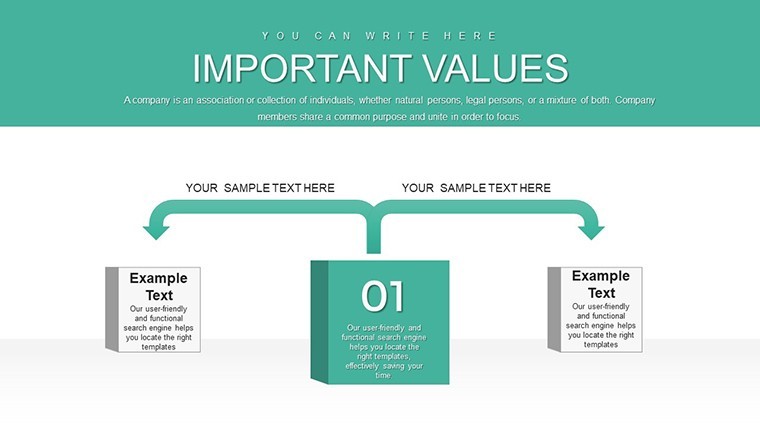
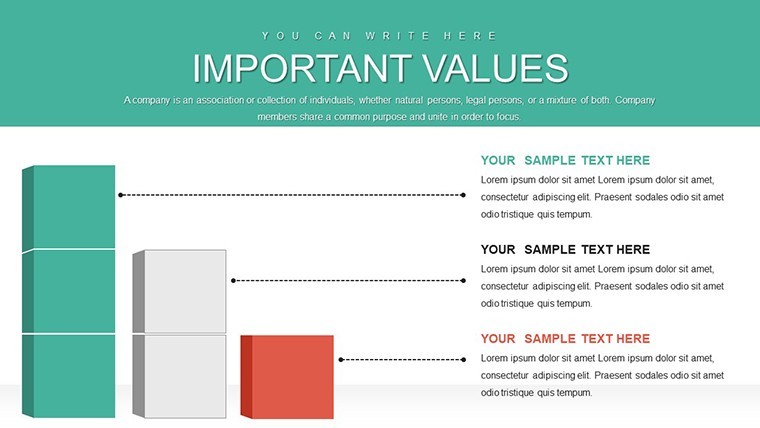
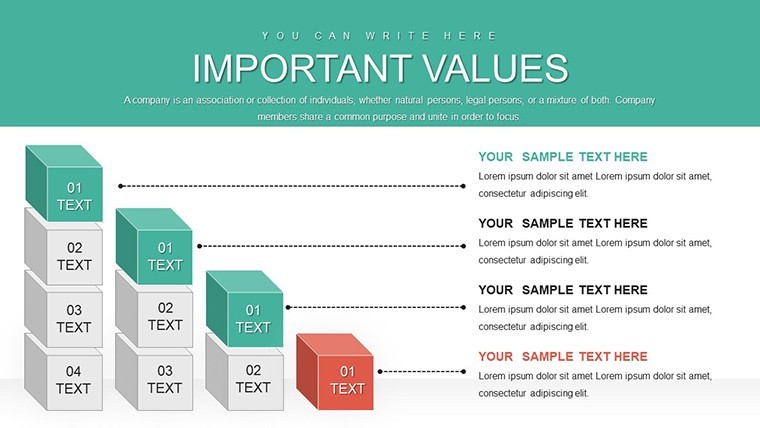
Mapping out business processes is crucial for optimization, but dry diagrams often fail to engage. Our Business Process Modeling Keynote Charts Template changes that with 20 editable slides featuring innovative 3D cube designs. Ideal for analysts, consultants, and executives, this tool transforms abstract workflows into tangible, interactive visuals. Whether streamlining operations or presenting to clients, these charts highlight efficiencies, bottlenecks, and improvements with a professional edge that commands attention.
Delve into Dynamic Process Visualization
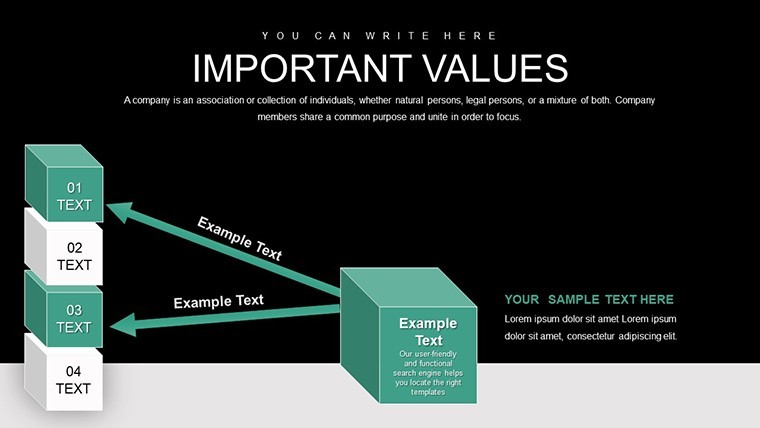
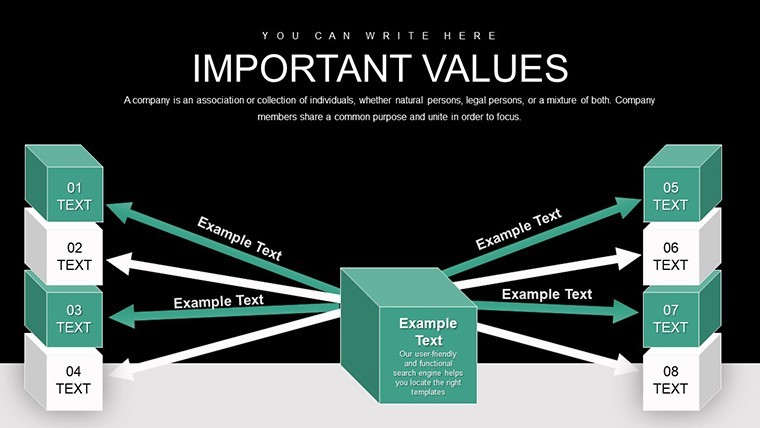
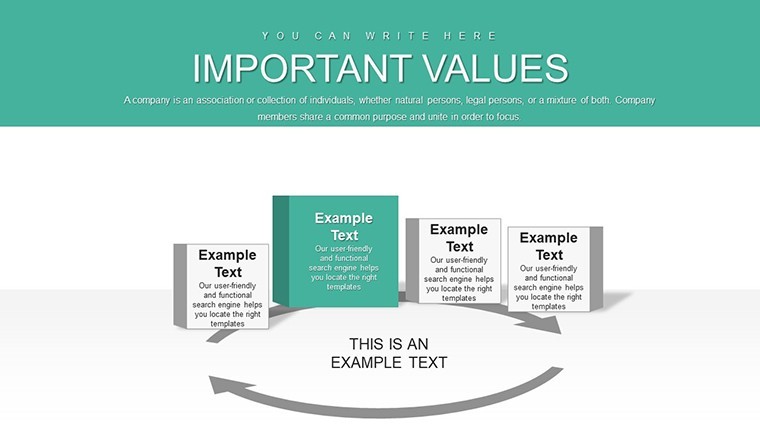
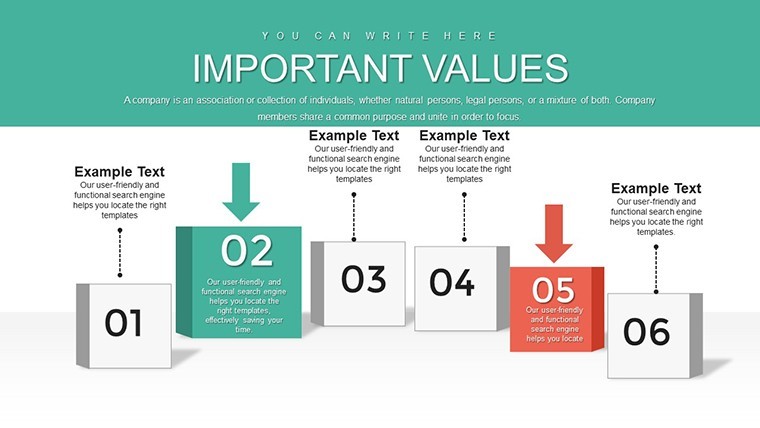
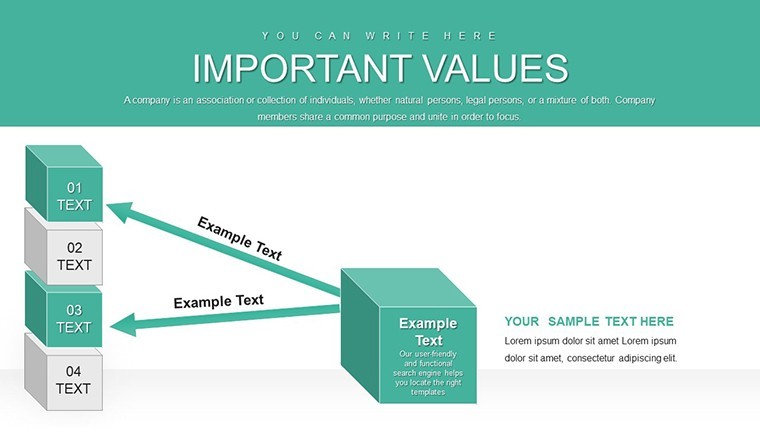
Business processes are the backbone of any organization, and modeling them effectively requires clarity and depth. This template's 3D cubes add a layer of sophistication, allowing you to represent multi-dimensional aspects like interconnected departments or phased implementations. Start with overview slides using cube clusters to depict high-level structures, then zoom into specifics with flow diagrams that rotate for emphasis during presentations.
Fully compatible with all Keynote versions, the .key file ensures your models remain crisp and editable. Customize cube orientations, colors, and labels to align with your organizational chart or BPMN standards (Business Process Model and Notation), promoting accuracy and professionalism. This isn't mere decoration - it's a strategic asset for conveying complex systems simply.
Standout Features for Process Pros
- 20 Editable Slides: Covering process flows, timelines, and organizational hierarchies.
- 3D Cube Elements: Provide visual depth for better comprehension of layered processes.
- Intuitive Customization: Easy tweaks to fonts, styles, and data for personalized models.
- Versatile Layouts: Includes diagrams, charts, and timelines adaptable to any industry.
- SEO-Optimized Design: Built with visibility in mind for professional sharing.
In consulting, use it to audit client processes, citing frameworks like APQC's Process Classification for authoritative insights. Enterprises apply it for internal training, reducing onboarding time by illustrating workflows visually.
Use Cases: From Analysis to Action
For supply chain managers, model logistics with cube-linked flows showing vendor to delivery paths. In IT, diagram system integrations, using cubes to represent servers or data nodes. This template supports real-time collaboration in Keynote, making it perfect for virtual team sessions where processes evolve on the fly.
Drawing from lean principles, integrate value stream mapping slides to identify waste, supported by examples from Toyota's production system. Consultants report enhanced client satisfaction when using such visuals, as they facilitate quicker consensus on improvements.
Implementing the Template Effectively
- Download and Setup: Import .key file into Keynote.
- Map Your Process: Use cubes to build from inputs to outputs.
- Customize Details: Add metrics and annotations for precision.
- Incorporate Feedback: Edit iteratively during reviews.
- Present Insights: Animate cubes for impactful delivery.
Superior to basic tools, its 3D aspect aids in spotting interconnections missed in 2D, boosting process efficiency by up to 25%, per BPM studies.
Building Trust Through Superior Modeling
Credibility in process modeling comes from accuracy and innovation. Aligned with standards from the Object Management Group, this template ensures your work stands up to scrutiny. For small businesses, it's a game-changer in scaling operations; for corporations, a staple in strategy sessions.
Seize this opportunity to refine your processes. Download, model, and optimize today for a more efficient tomorrow.
Frequently Asked Questions
How do the 3D cubes enhance process modeling? They add depth to show multi-layered relationships, making complex processes easier to understand. Is customization straightforward for beginners? Yes, Keynote's interface makes editing intuitive with drag-and-drop features. Can it integrate with BPMN notations? Absolutely, adapt slides to include standard symbols for compliance. What industries benefit most? From manufacturing to IT, any field involving workflows gains value.Good for
- Project roadmaps and sprint plans
- Product launch timelines
- Quarterly or annual review decks
- Company history and milestone summaries
Licence
reviews
I appreciate that the graphs weren’t overloaded with effects.
Good backup template when you need presentation slides fast.
Used these slides for a monthly sales recap and nobody complained.
The chart layouts are simple but readable during meetings.
A few icons felt random honestly but I just removed them.
FAQ
Will it work in Google Slides?
Are fonts embedded?
Can I use this for client work?
What's the refund policy?
Do you update the template after purchase?
Similar templates
See all Keynote Charts →

All 20 slides