 Click to zoom
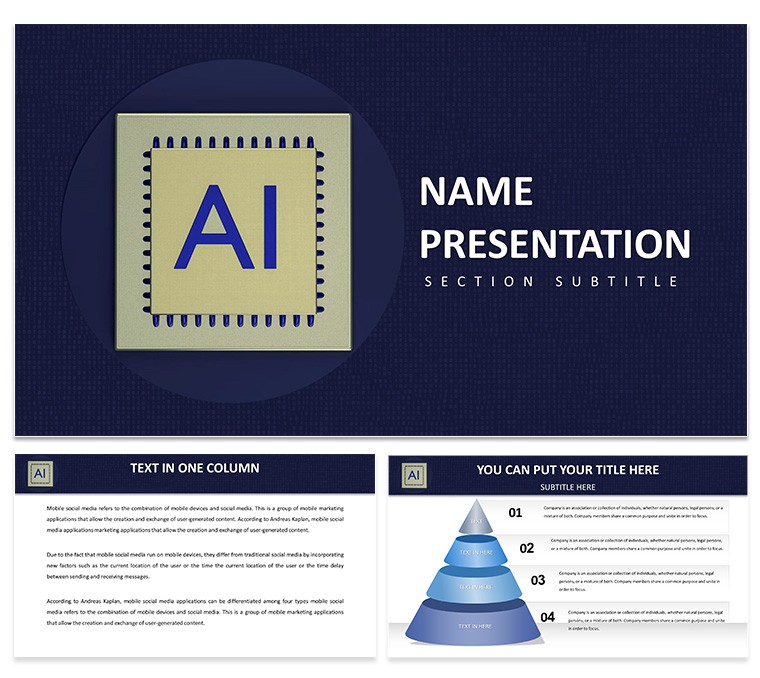
Artificial Intelligence PowerPoint Template: Igniting AI Discussions
| Format | .pptx |
| Slides | 3 unique layouts |
| Aspect ratio | 16:9 |
| Compatibility | PowerPoint |
| Animated | No |
| Language | English |
| License | Commercial |
| File size | — |
| Version | v1.0 |
| Last updated | December 2024 |
What's inside
The realm of artificial intelligence is vast and transformative, demanding presentations that capture its essence without overwhelming. Visualize explaining neural networks or predictive analytics with slides that flow intuitively. This AI PowerPoint Template serves experts, educators, and innovators, offering 28 editable diagrams in 7 schemes. Compatible with PowerPoint and Google Slides, it's perfect for demystifying AI ethics or algorithm applications. Bypass generic designs; embrace tools that integrate IEEE standards, enhancing credibility and engagement in tech meets or classrooms.
Exploring AI's Multifaceted World
AI spans from natural language processing to computer vision. Template slides facilitate this: cluster diagrams for data mining or decision trees for machine learning paths. Edit to include ACM research, lending authority.
Core Features for AI Enthusiasts
- AI-Specific Diagrams: 28 for models, ethics, and applications.
- Scheme Variety: Seven tech-inspired colors.
- Quality Visuals: Scalable AI icons.
- Data Tools: Embed algorithms easily.
- Inclusive Elements: For broad accessibility.
Use Cases Across AI Domains
Pitch AI startups with valuation charts; teach with evolution timelines like AlphaGo case.
Step-by-Step AI Customization
- Palette Pick: Match AI theme.
- Content Add: Insert models.
- Media Integrate: Add demos.
- Refine: Brand consistently.
- Present: Animate processes.
Tips to Amplify AI Narratives
Use arcs: problems to AI solutions, citing Turing Award insights.
Advantages in AI Visuals
Beyond basics with bias matrices, as in IBM's fairness tools.
Revolutionize your AI talks.
Download and Pioneer AI Stories
Grab this template to lead in AI discourse.
Frequently Asked Questions
Editable extent of AI diagrams?
Fully, for custom models.
Google Slides support?
Yes, seamless.
For conferences?
Ideal for tech talks.
Formats?
.pptx, etc.
Restrictions?
None.
Good for
- Project roadmaps and sprint plans
- Product launch timelines
- Quarterly or annual review decks
- Company history and milestone summaries
Licence
reviews
The node-and-link diagrams helped me map integration dependencies for a technical architecture review and the connector lines stayed aligned.
Used the bilateral tree structures for a stakeholder influence map and the airy spacing kept everything readable even on a small laptop screen.
Good for relationship visualization but not ideal for data-heavy dashboards or sequential process flows.
The vector shapes resized without quality loss and the flat-style design without gradients looked clean.
Wish I could change colors globally through a slide master but I had to use Keynote's format panel to update all matching fills which took extra time.
FAQ
Will it work in Google Slides?
Are fonts embedded?
Can I use this for client work?
What's the refund policy?
Do you update the template after purchase?
Similar templates
See all PowerPoint Templates →


All 1 slides