 Click to zoom
Alternative Solutions Keynote Charts Template: Innovate Your Decision Processes
| Format | .pptx |
| Slides | 22 unique layouts |
| Aspect ratio | 16:9 |
| Compatibility | PowerPoint |
| Animated | No |
| Language | English |
| License | Commercial |
| File size | — |
| Version | v1.0 |
| Last updated | October 2021 |
What's inside
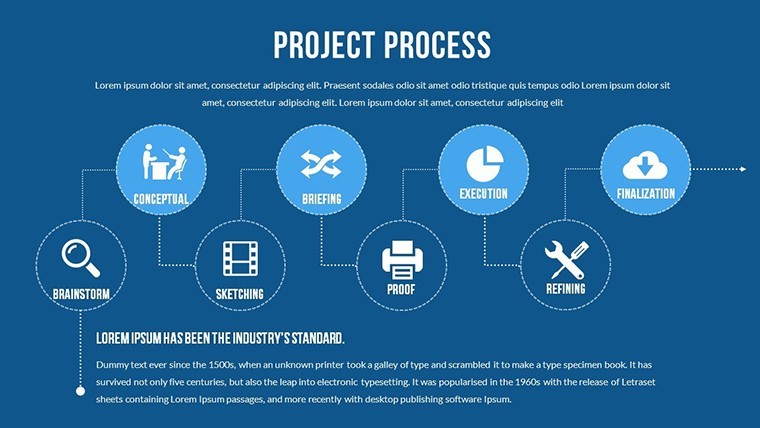
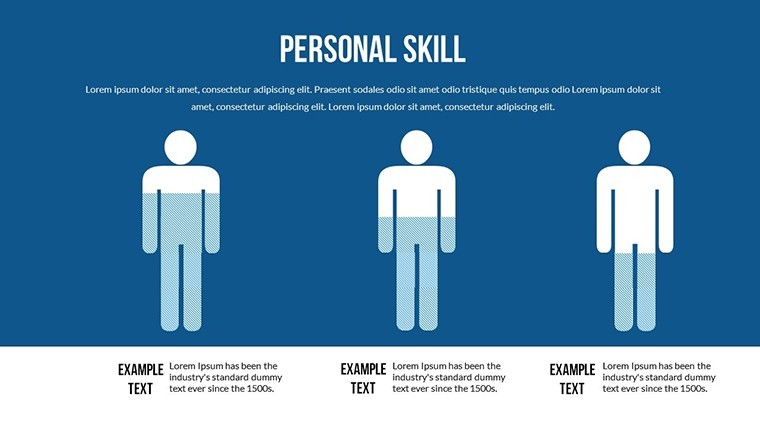
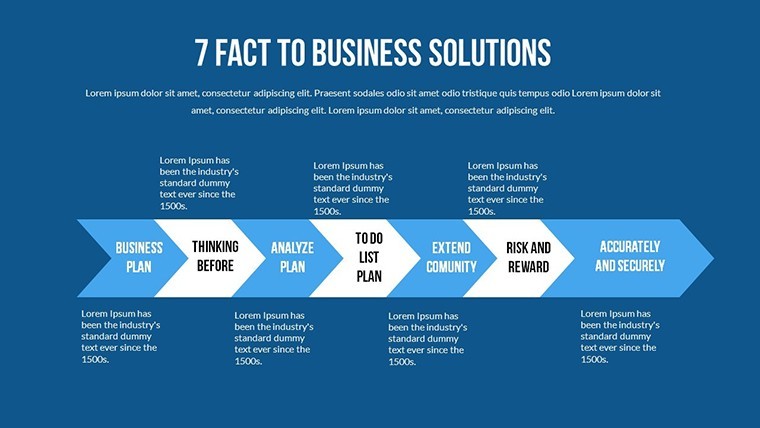
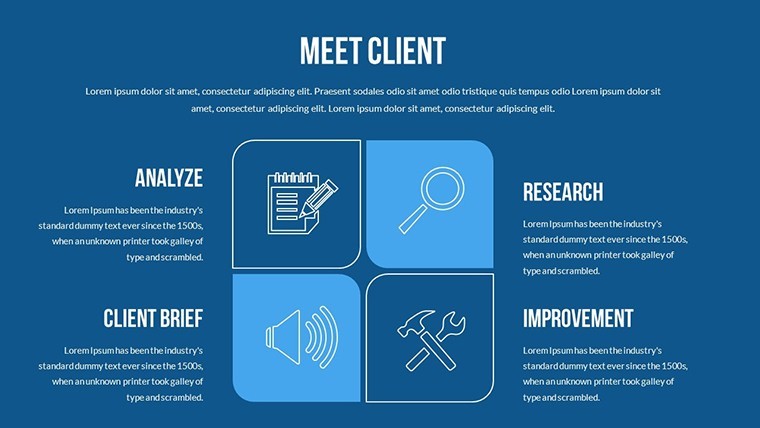
When faced with challenges, the ability to evaluate alternatives can define success. Our Alternative Solutions Keynote Charts Template provides a robust framework for mapping out options, cycles, and relationships in a visually intuitive way. With 22 editable slides, it's perfect for strategists, consultants, and teams brainstorming in fields like business planning or problem-solving. This template turns abstract ideas into concrete visuals, helping you weigh pros and cons seamlessly.
Think of navigating a product pivot: Use cycle charts to depict iterative processes or relationship diagrams to show stakeholder interconnections. Designed for creativity, it features color variations and animations that make your presentations pop. Exclusive to Keynote on Mac, with support for multiple aspect ratios like 16:9 widescreen, it adapts to any setup.
Core Features Enhancing Creativity
The template's strength lies in its editable core, allowing full control over every element. Vector icons and PNG files add polish, while animations bring dynamics to static concepts.
- Cycle and Relationship Focus: Specialized charts for looping processes and interconnected ideas.
- Animation Customization: Add effects to reveal alternatives progressively.
- Aspect Ratio Options: Choose from widescreen, standard, or 16:10 for perfect fit.
- Asset Inclusion: Vectors and PNGs for quick enhancements.
Tailored for decision frameworks, like SWOT alternatives in marketing, these features encourage innovative thinking beyond traditional slides.
Diverse Applications for Problem-Solvers
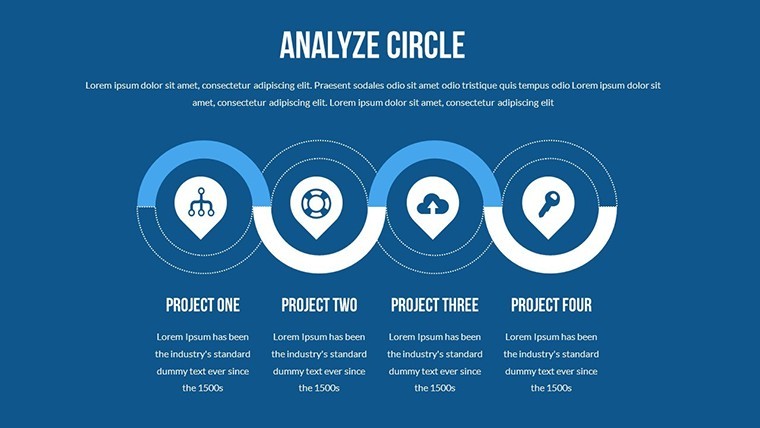
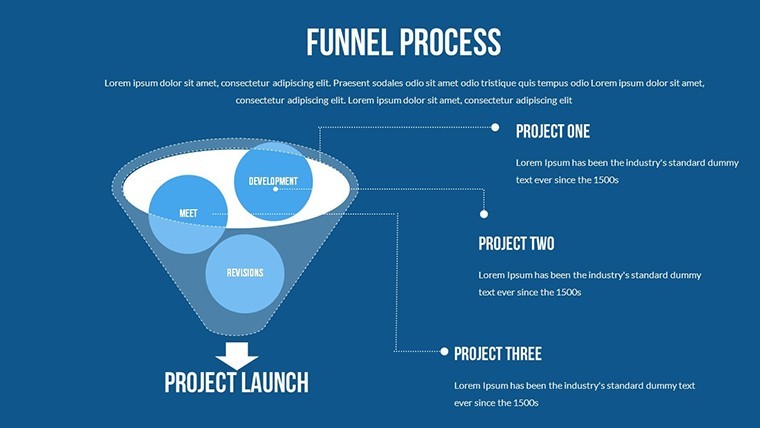
In consulting, use it to present multiple paths for client issues, such as supply chain optimizations with cycle charts showing feedback loops. For teams, relationship diagrams clarify roles in collaborative projects, inspired by real-world agile retrospectives. Educators can teach decision theory, visualizing branching scenarios in ethics classes.
Apply to risk management, charting alternative responses to market shifts, drawing from cases like Netflix's content strategy evolutions. The template fosters dialogue, turning meetings into idea incubators.
Effortless Workflow Adoption
- Acquire and Setup: Download .zip, extract .key, and launch in Keynote.
- Build Your Story: Insert options, customize visuals.
- Animate and Polish: Add effects for engagement.
- Deliver Impactfully: Present and solicit feedback.
Superior to plain templates, it offers thematic depth, streamlining complex idea mapping.
Real Benefits in Action
Experience clearer consensus-building, as visuals demystify alternatives. It enhances authority by aligning with methodologies like design thinking, building trust in your proposals.
Pair with tools like MindMeister for idea imports, keeping content dynamic in evolving scenarios.
Creative Tips for Success
Weave humor lightly, like joking about 'plan B' in alternatives. Use icons symbolically for quick recognition. Rehearse transitions for flow, and end with a preferred solution to guide discussions.
Ignite innovation in your next session with this template. Embrace alternatives and propel your ideas forward.
Frequently Asked Questions
Are the slides fully editable?Yes, change colors, text, photos, and animations freely.What aspect ratios are supported?Widescreen (16:9), standard (4:3), and 16:10.Is it Mac-only?Yes, compatible with iWork Keynote on Mac.Suitable for what fields?Any involving decisions, like business, education, or consulting.Included extras?Vector icons, PNG files, and custom animations.Slide count?22 editable slides emphasizing cycles and relationships.Good for
- Project roadmaps and sprint plans
- Product launch timelines
- Quarterly or annual review decks
- Company history and milestone summaries
Licence
reviews
Used in class presentation last night it worked okay
Maps and charts helped visualize numbers without confusion
Used this for a work report charts were clear and simple
Opened it once and finished my presentation fast
It works but some slides feel a bit crowded
FAQ
Will it work in Google Slides?
Are fonts embedded?
Can I use this for client work?
What's the refund policy?
Do you update the template after purchase?
Similar templates
See all Keynote Charts →


All 22 slides