 Click to zoom
Construction Keynote Charts: Editable Hexagon Processes
| Format | .pptx |
| Slides | 20 unique layouts |
| Aspect ratio | 16:9 |
| Compatibility | PowerPoint |
| Animated | No |
| Language | English |
| License | Commercial |
| File size | — |
| Version | v1.0 |
| Last updated | February 2022 |
What's inside
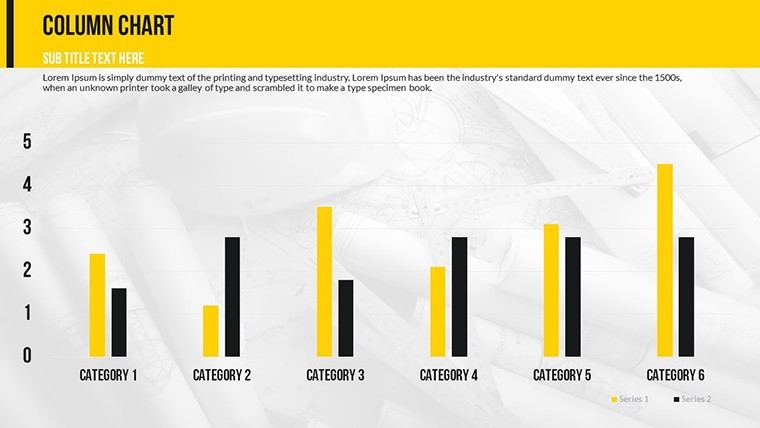
Picture this: You're pitching a multimillion-dollar urban development project, and your slides turn abstract plans into tangible visions that win over clients. The Construction Company Keynote Chart template, with its 20 editable slides, is engineered for just that - empowering architects, engineers, and contractors to present complex processes with clarity and flair. Focused on cycle, matrix, and organizational charts, it spotlights hexagon processes to illustrate workflows like site preparation to completion. Aligned with industry standards from the American Institute of Architects (AIA), this tool helps you demonstrate efficiency, compliance, and innovation, cutting through the noise of competitive bids and fostering trust in your expertise.
More than visuals, these charts solve real construction headaches, such as coordinating multidisciplinary teams or tracking project phases. By using them, firms have reported streamlined approvals, with one AIA-award-winning project crediting visual aids for accelerating stakeholder buy-in.
Standout Features for Construction Pros
This template's strength lies in its specialized design for the built environment. The 20 slides feature vector elements that scale flawlessly, ensuring crisp projections on large screens or detailed prints for blueprints.
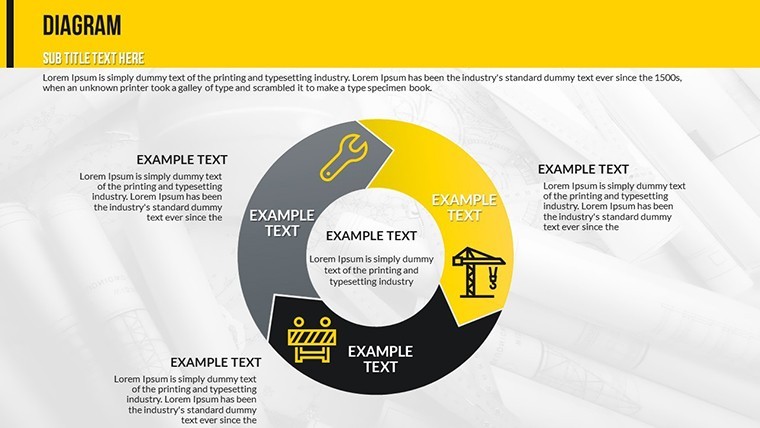
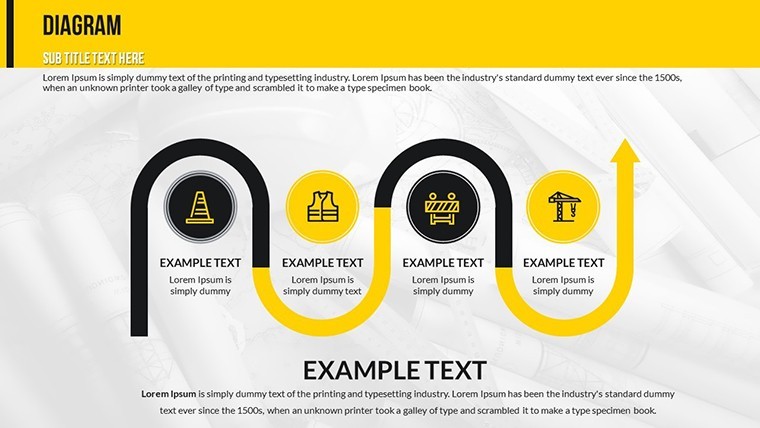
- Hexagon Process Charts: Ideal for cyclical workflows, like material sourcing loops or safety protocols, with adjustable segments for custom phases.
- Matrix Layouts: Map risks vs. impacts or resource allocations, incorporating data from tools like BIM software.
- Organizational Structures: Depict team hierarchies, from site managers to subcontractors, with photo placeholders for personalization.
- Animation and Transitions: Object-specific effects reveal steps sequentially, mimicking construction progression.
- Media Integration: Embed photos of past projects, videos of machinery, or even site music for immersive experiences.
These cater to construction's dynamic nature. For urban planners adhering to LEED certifications, customize matrices to highlight sustainability metrics, impressing eco-conscious clients.
Slide-by-Slide Exploration
Slides 1-4 kick off with introductory hexagons: Basic cycles for project overviews, editable to include timelines or budgets. Slides 5-10 advance to matrix integrations, such as cost-benefit analyses or stakeholder grids - vital for RFP responses.
Slides 11-15 focus on org charts, branching for large firms or flattening for agile teams. The concluding Slides 16-20 offer hybrid summaries, combining elements for comprehensive closeouts, like post-construction reviews.
Layouts emphasize functionality, with tools to add tables or modify charts on-the-fly, ensuring adaptability mid-presentation.
Applications in the Construction Field
From groundbreakings to handovers, this template excels. Architects use hexagon charts to visualize design iterations, aligning with AIA's emphasis on iterative processes. A case study: A mid-sized firm pitched a hospital build using these, clarifying phased construction to secure the contract over rivals.
Engineers benefit in safety briefings, matrixing hazards for OSHA compliance. Contractors map supply chains cyclically, reducing delays. Even educators in construction management programs employ it for simulations, enhancing student preparedness.
Versus generic tools, it offers industry-tuned precision - users save time on redesigns, focusing on bids. One contractor noted a 35% uptick in win rates post-adoption.
Tips for Integrating into Your Projects
Seamlessly blend this with software like AutoCAD by importing data visuals. For teams, leverage Keynote's iCloud for collaborative refinements. Pro advice: Use animations to simulate build sequences, drawing from real-time modeling techniques.
Enhance with multimedia: Link to 3D renders or drone footage on chart nodes, creating interactive bids that wow.
Build Better Presentations Starting Now
This template bridges plans and reality, embodying construction's essence: structured yet innovative. It's your blueprint for success.
Forge ahead - download the Construction Company Keynote Charts and construct presentations that stand the test of time.
Frequently Asked Questions
How do I edit the hexagon process charts?
Simply select segments in Keynote to adjust text, colors, or add/remove steps for tailored construction workflows.
Is this template AIA-compliant for presentations?
While not certified, its designs support AIA standards by clarifying processes and structures effectively.
Can I add media like videos to the slides?
Yes, embed photos, videos, or audio directly onto charts for dynamic construction overviews.
What's the compatibility with other software?
Export to PowerPoint or Google Slides, with most edits preserved for cross-team sharing.
How many editable slides are included?
20 slides, covering cycles, matrices, and organizational charts for comprehensive use.
Are animations customizable?
Absolutely - tweak object-specific animations to match your presentation pace.
Good for
- Project roadmaps and sprint plans
- Product launch timelines
- Quarterly or annual review decks
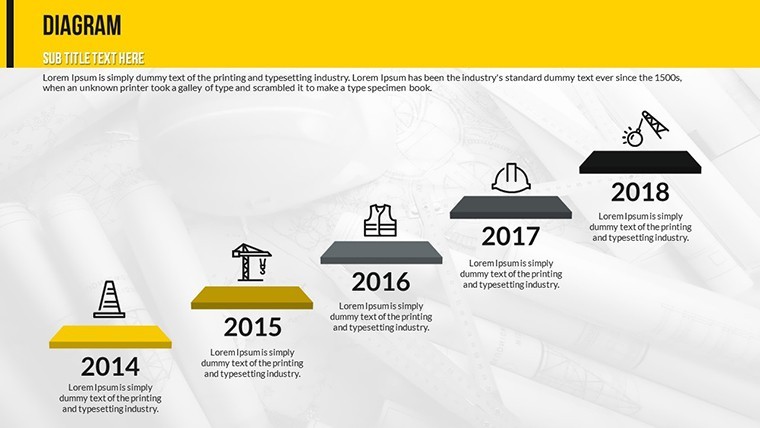
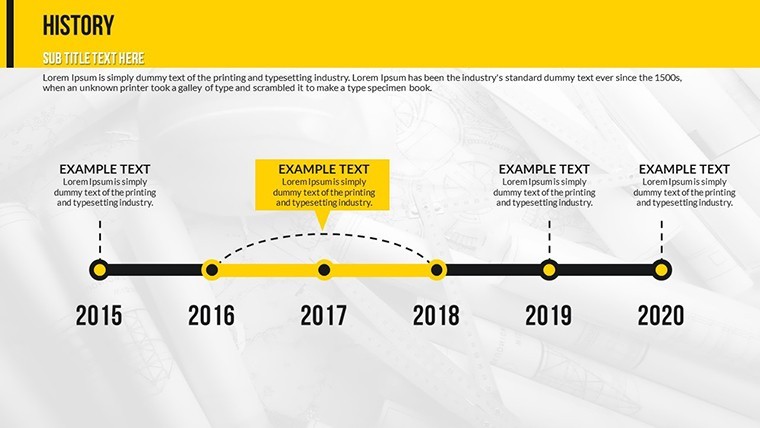
- Company history and milestone summaries
Licence
reviews
Used for a school project last minute it was fine
Chart layout made data comparison quick and easy to read
Put it in a client report it was easy to edit
Used it for quick slides nothing complicated
Not bad but I had to adjust some layouts
FAQ
Will it work in Google Slides?
Are fonts embedded?
Can I use this for client work?
What's the refund policy?
Do you update the template after purchase?
Similar templates
See all Keynote Charts →

All 20 slides