 Click to zoom
4 Elements Circle PowerPoint Template: Piecing Together Perfect Presentations
| Format | .pptx |
| Slides | 18 unique layouts |
| Aspect ratio | 16:9 |
| Compatibility | PowerPoint |
| Animated | No |
| Language | English |
| License | Commercial |
| File size | — |
| Version | v1.0 |
| Last updated | September 2023 |
What's inside
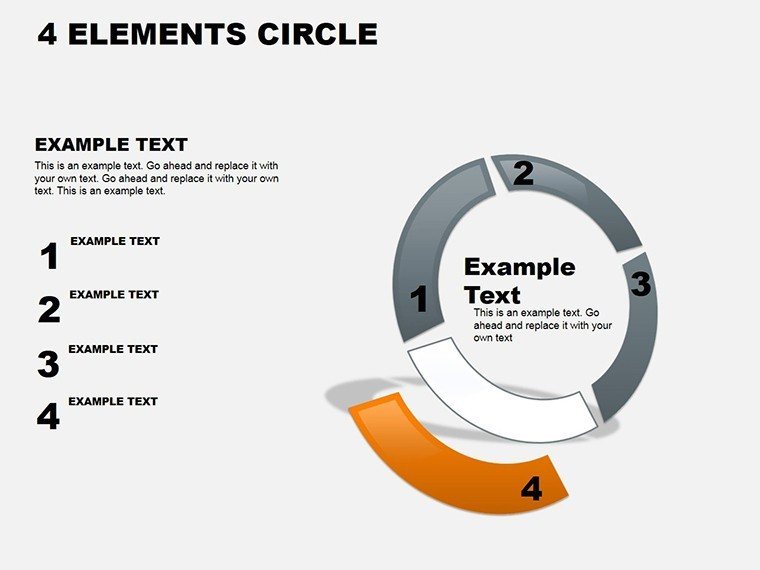
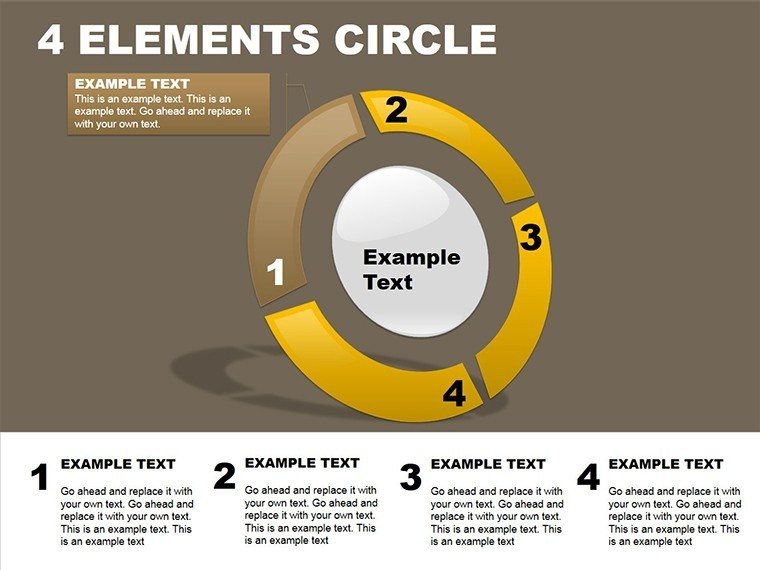
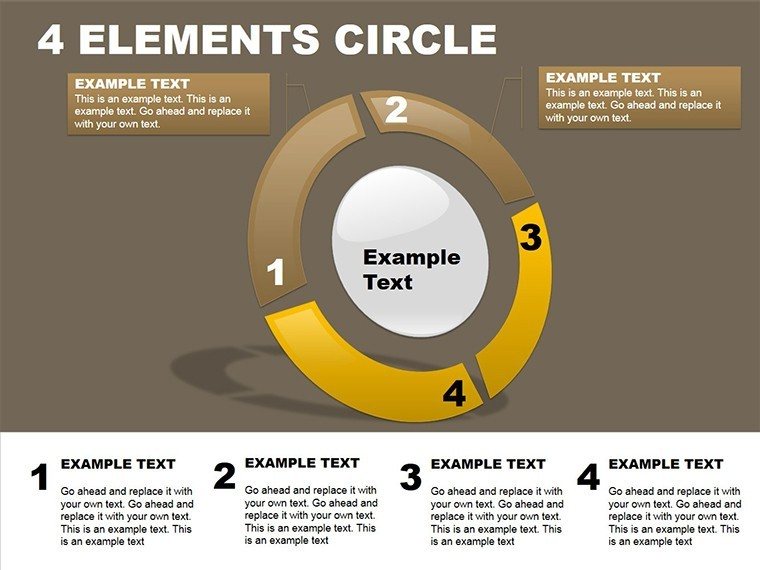
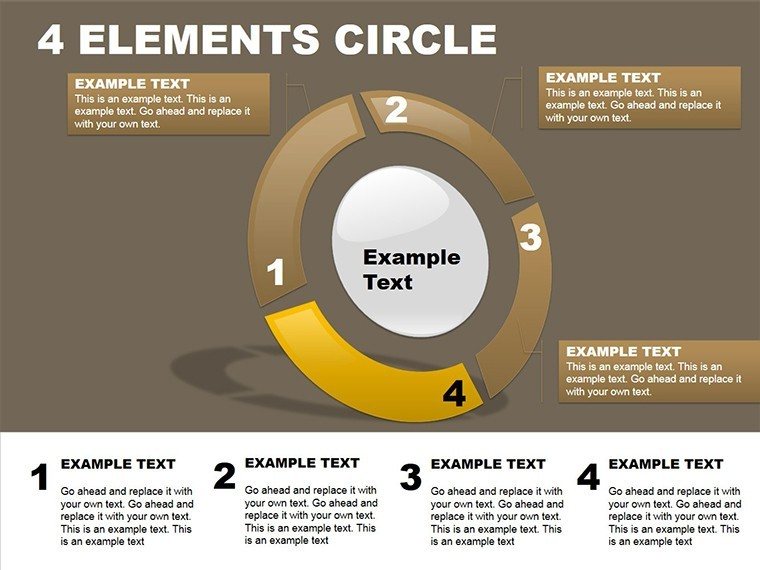
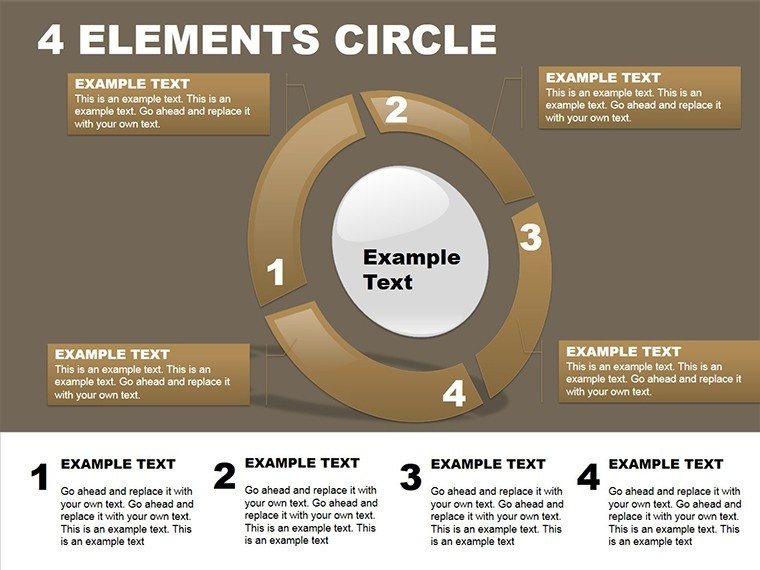
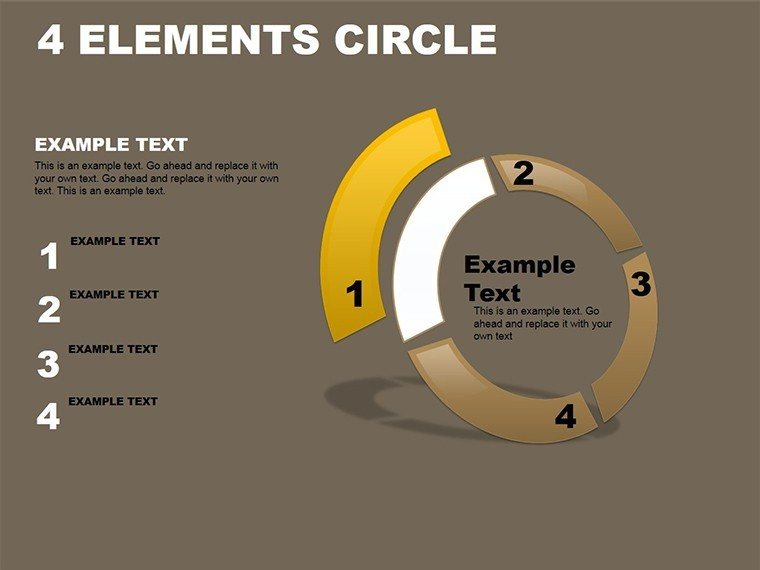
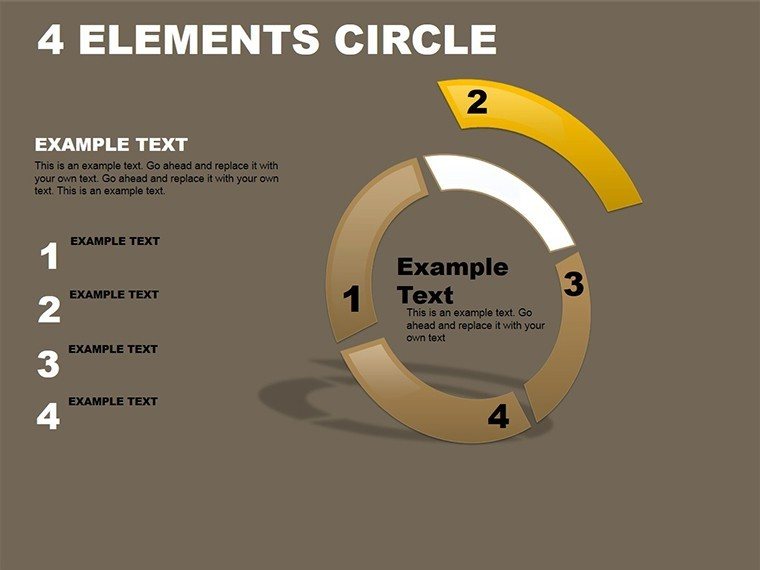
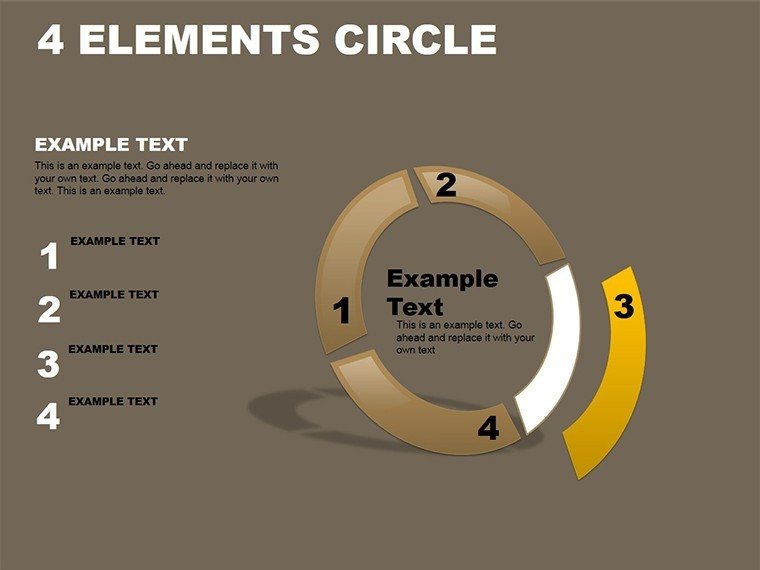
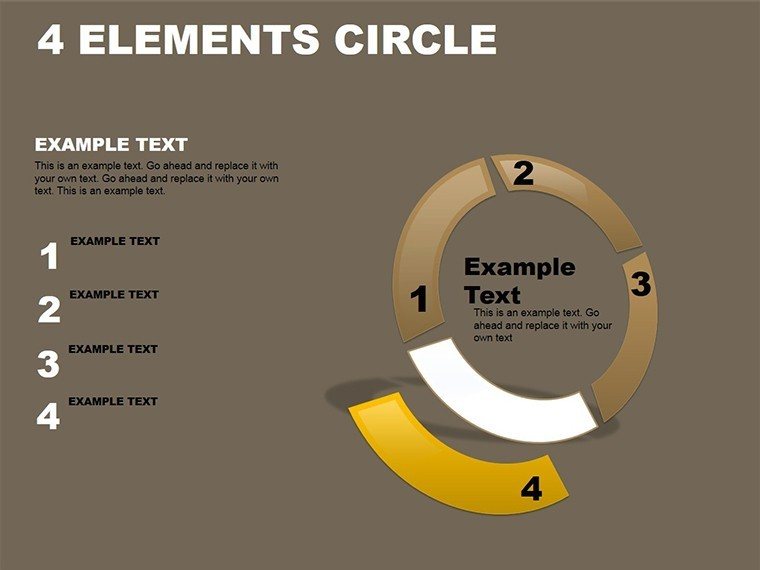
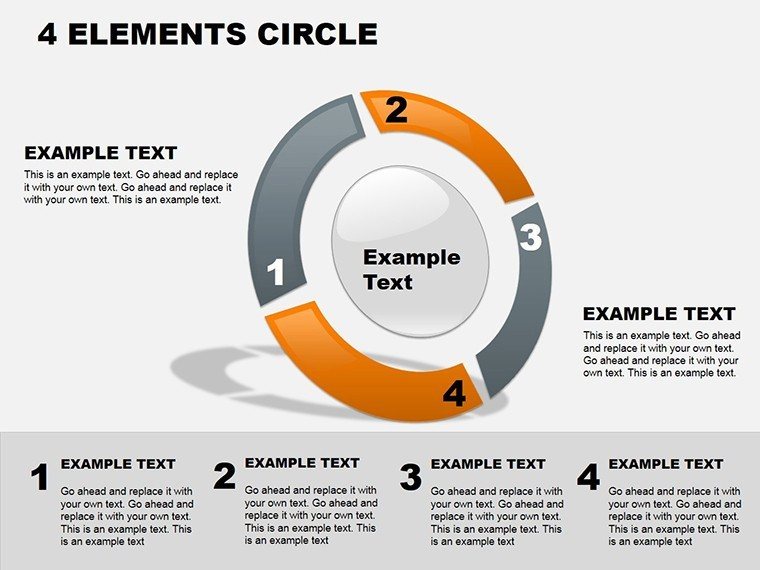
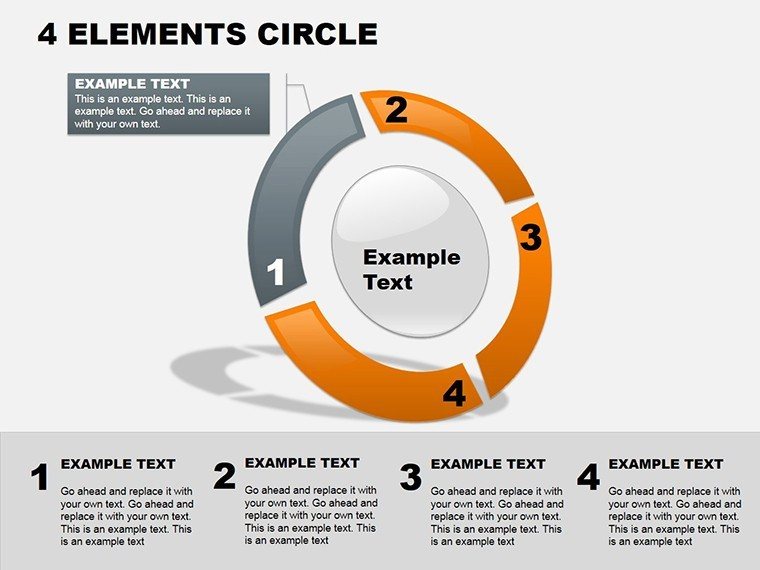
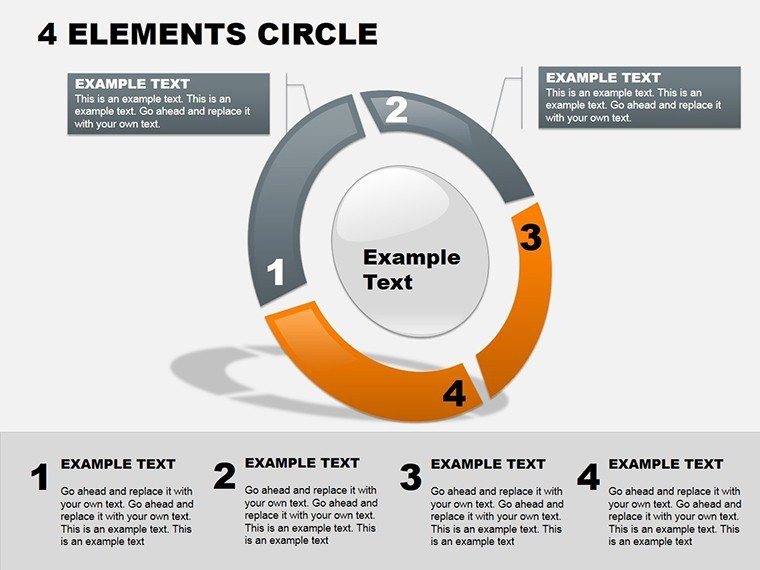
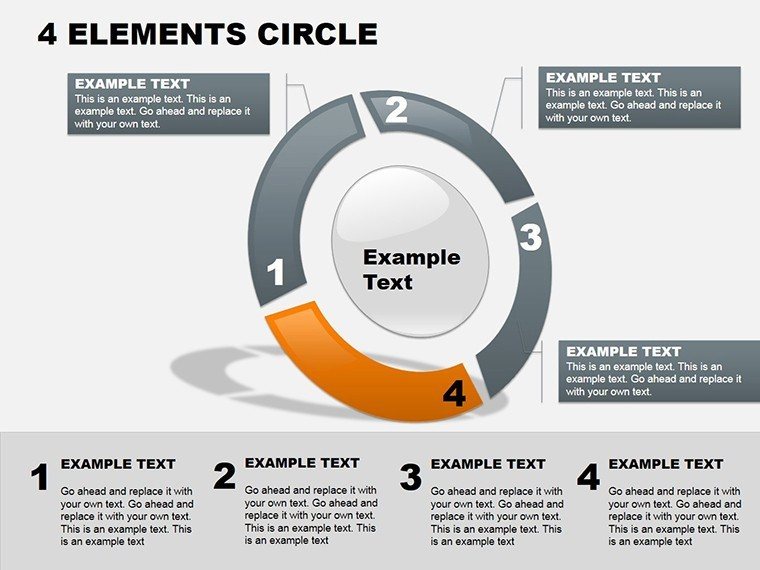
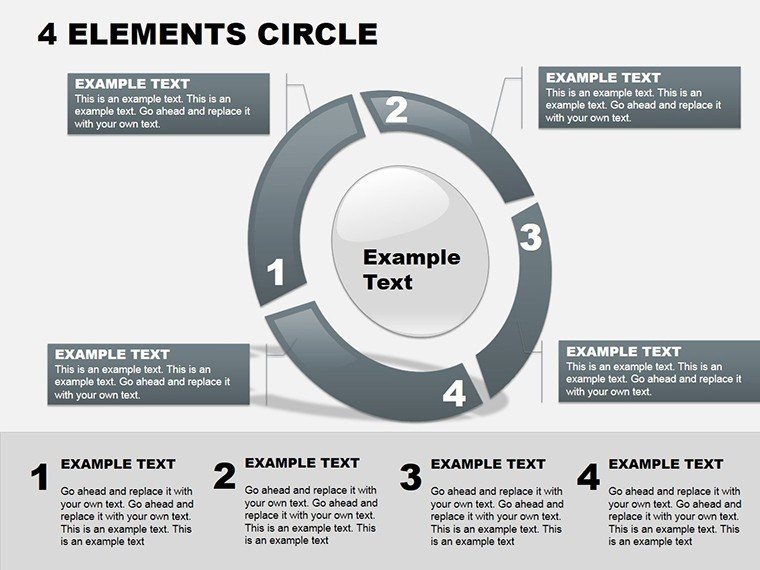
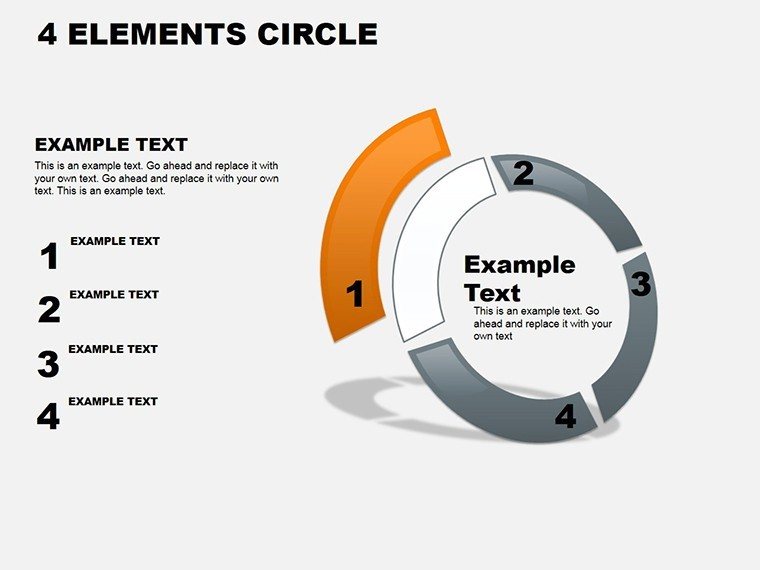
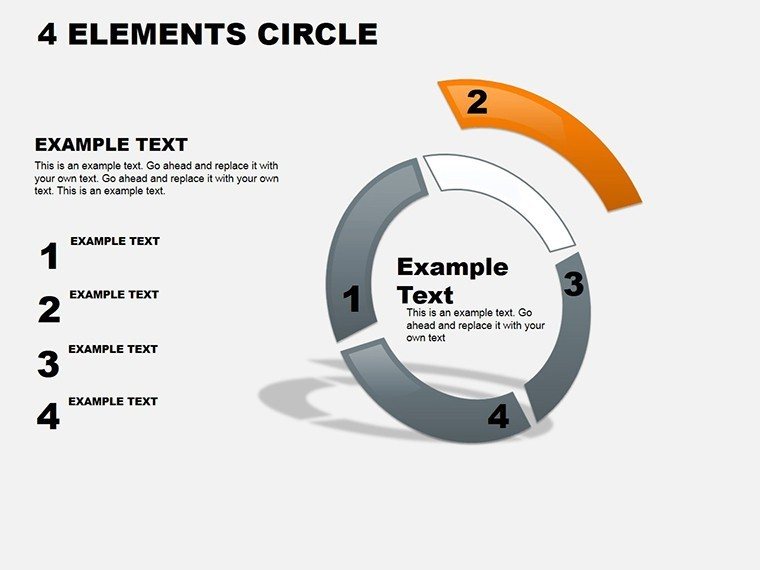
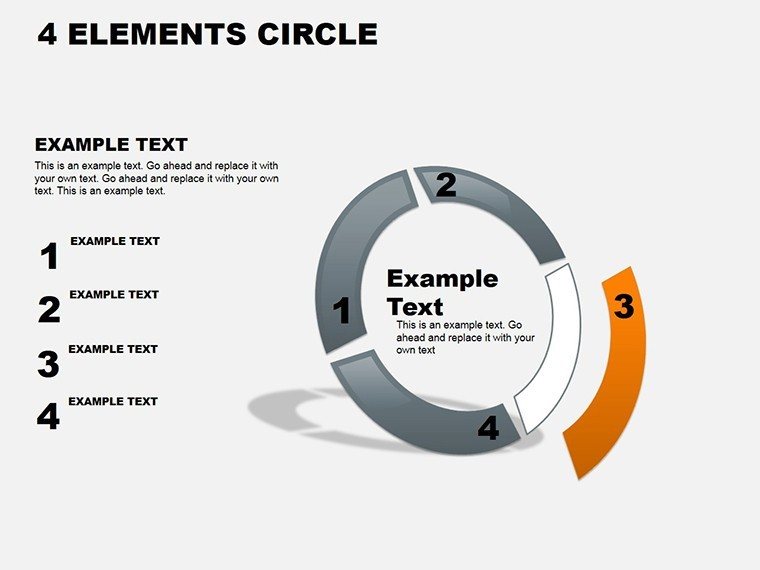
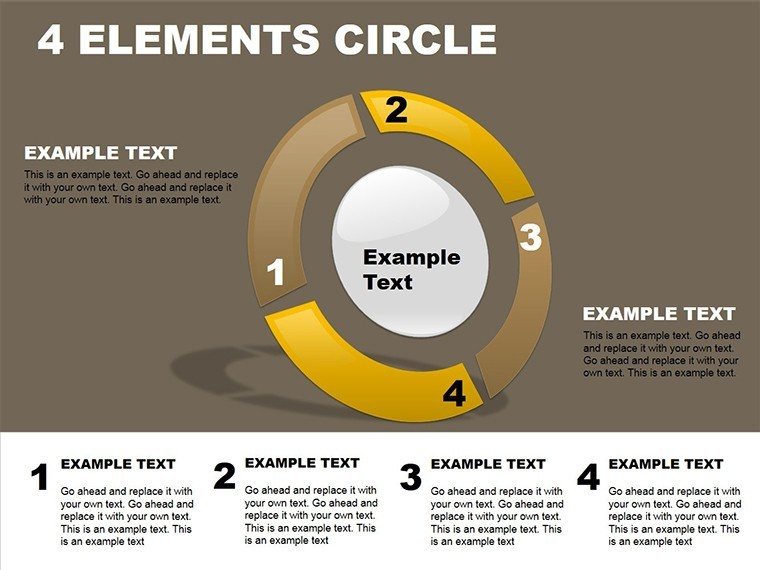
Balance is the art of presentations, and nothing captures it quite like a circle divided into four harmonious elements. The 4 Elements Circle PowerPoint Diagrams template brings this to life with 18 editable slides, each a pie chart variant ready to segment your data into digestible quarters. Aimed at strategists, project leads, and educators who juggle multiple facets, this tool turns overwhelming info into equilibrated visuals that highlight priorities without bias.
Envision slicing your quarterly goals into innovation, operations, risks, and growth - each wedge pulling equal weight yet distinct in hue and detail. Unlike rigid grids, these cycles evoke continuity, showing how elements interconnect in a perpetual loop. Perfect for SWOT analyses or stakeholder updates, where four-part breakdowns clarify without complicating. Editable segments mean you control the narrative: resize for emphasis, recolor for themes, or animate reveals to build suspense.
Formatted for PowerPoint 2010+, it integrates smoothly into existing decks. At $18, it's a circle of value - compact yet comprehensive, fostering discussions that revolve around insights rather than details.
Standout Features in Every Segment
The template's 18 slides span simple four-wedge pies to layered cycles, all emphasizing editability per presentation rules.
- Segment Flexibility: Four core editable areas, expandable to sub-wedges for nuance.
- Cycle Integration: Arrows within circles to denote flow, blending pie with process views.
- Theme Variety: Neutral bases ready for seasonal or brand overlays.
- Export Options: High-fidelity for print or digital sharing.
Rooted in classic diagramming, like elemental models in design thinking, it ensures equitable representation.
Assembling Your Circle Deck: A Sequential Guide
Crafting starts with the master circle - intuitive for all levels.
- Choose Wedge Style: Select from solid, gradient, or patterned pies for your base slide.
- Populate Quarters: Double-click segments to add labels and figures, like "Q1: 25% Market Share."
- Enhance Connections: Add radial lines or orbiting icons to link elements.
- Balance Visually: Adjust angles if needed, though defaults follow golden ratio for appeal.
- Sequence Animations: Fan out wedges one by one, unveiling the full picture progressively.
Build a cohesive set in under 30 minutes, eclipsing manual pie tools' tedium.
Use Cases: Circling Key Scenarios
Project managers circle timelines into phases: planning, execution, review, closure - each slice tracking milestones. In a tech rollout, it spotlights user, tech, budget, and timeline quadrants, easing status meetings.
Educators divide lesson plans similarly, balancing content, activities, assessment, and reflection for holistic overviews. This mirrors balanced scorecard approaches in strategy, promoting rounded views.
For reports, execs use it to partition performance: financials, customer, internal, learning - driving aligned actions.
Beyond Basic Pies
Stock PowerPoint pies lack cycle depth; this adds rotational dynamics, making static data feel alive.
Tips to Round Out Your Circles
Cap labels at 10 words; use shadows sparingly for depth. For inclusivity, test color contrasts. Reuse as templates for recurring reports, evolving segments over cycles.
Time to complete the circle? Get the 4 Elements template for $18 and segment smarter.
Frequently Asked Questions
How editable are the segments?
Fully - resize, recolor, and relabel each of the four elements independently.
What formats are supported?
Available in .pot and .potx for easy theme application.
Is it ideal for large datasets?
Best for high-level overviews; for details, link to appendices.
Can animations be customized?
Yes, PowerPoint's tools let you tweak timing and effects freely.
Does it work on older PowerPoint?
Optimized for 2010+, with graceful fallbacks for earlier.
Are there sub-segment options?
Yes, several slides include nested wedges for deeper dives.
Good for
- Project roadmaps and sprint plans
- Product launch timelines
- Quarterly or annual review decks
- Company history and milestone summaries
Licence
reviews
Used this during a strategy meeting and the process diagrams helped.
I changed the fonts immediately because they felt old.
The layouts were easy enough to customize.
Not bad for quick presentations.
The arrow graphics looked clean on screen.
FAQ
Will it work in Google Slides?
Are fonts embedded?
Can I use this for client work?
What's the refund policy?
Do you update the template after purchase?
Similar templates
See all Powerpoint Diagrams →
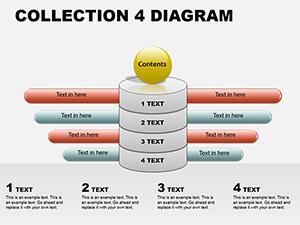

All 18 slides