 Click to zoom
PowerPoint Diagram Collection 4: Sculpting Ideas in 3D
| Format | .pptx |
| Slides | 15 unique layouts |
| Aspect ratio | 16:9 |
| Compatibility | PowerPoint |
| Animated | No |
| Language | English |
| License | Commercial |
| File size | — |
| Version | v1.0 |
| Last updated | September 2023 |
What's inside
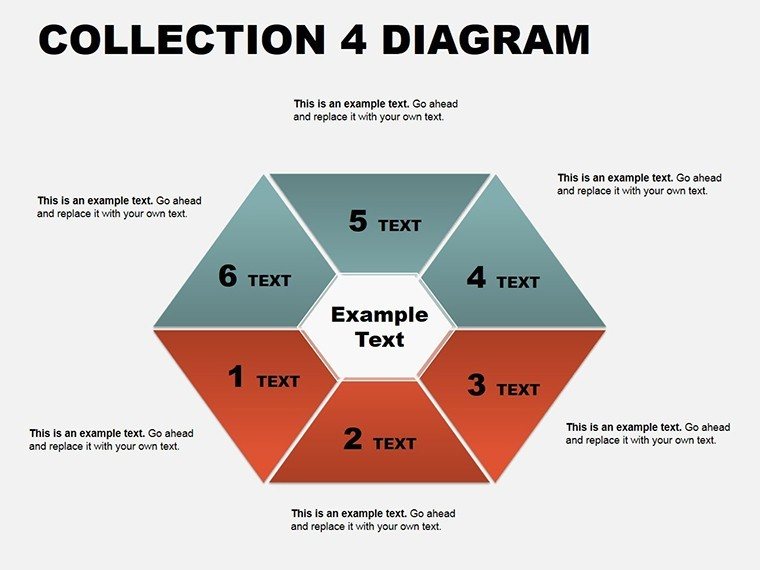
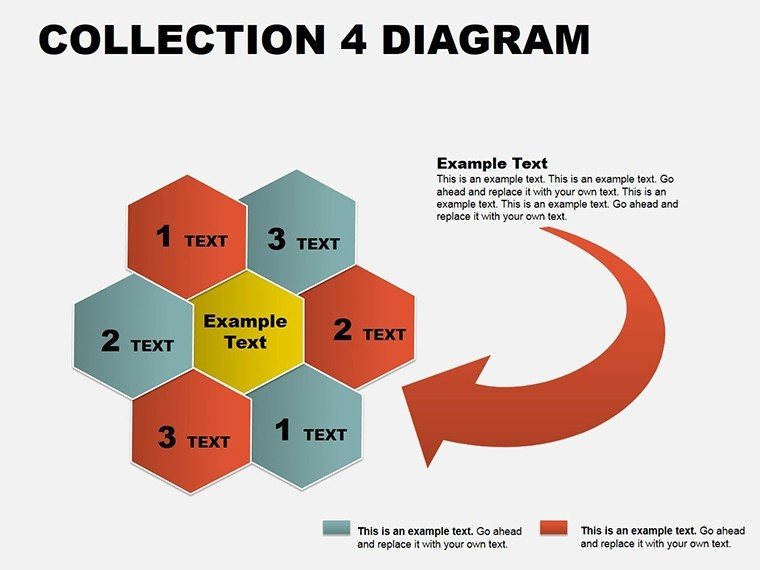
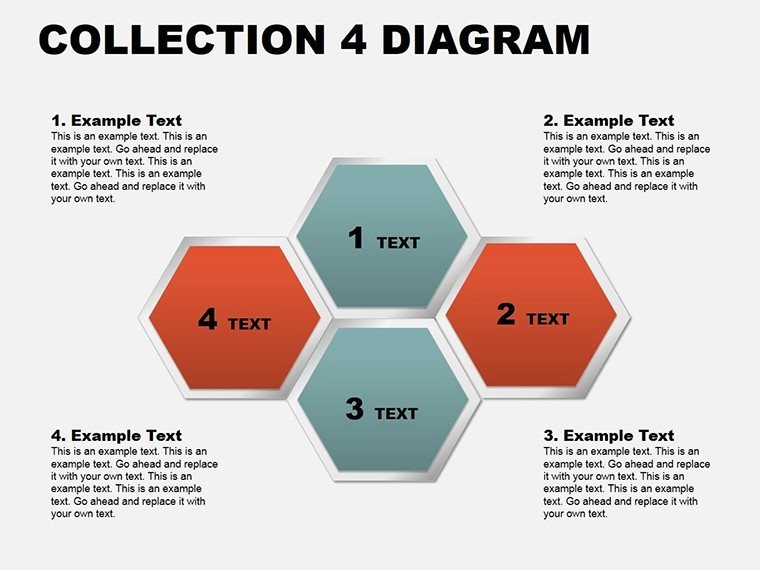
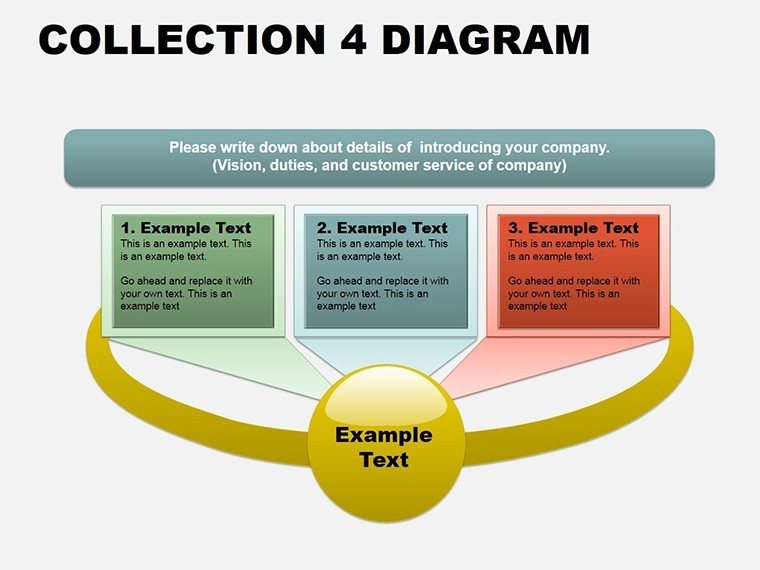
When presentations teeter on the edge of monotony, a well-placed pyramid or puzzle can tip them toward triumph. The PowerPoint Diagram Collection 4 delivers exactly that - fifteen innovative slides blending cycles, matrices, and 3D elements to elevate your discourse. Crafted for strategists decoding matrices, trainers assembling training trees, or analysts piecing together puzzles of performance, this set infuses depth and dimension into flat narratives.
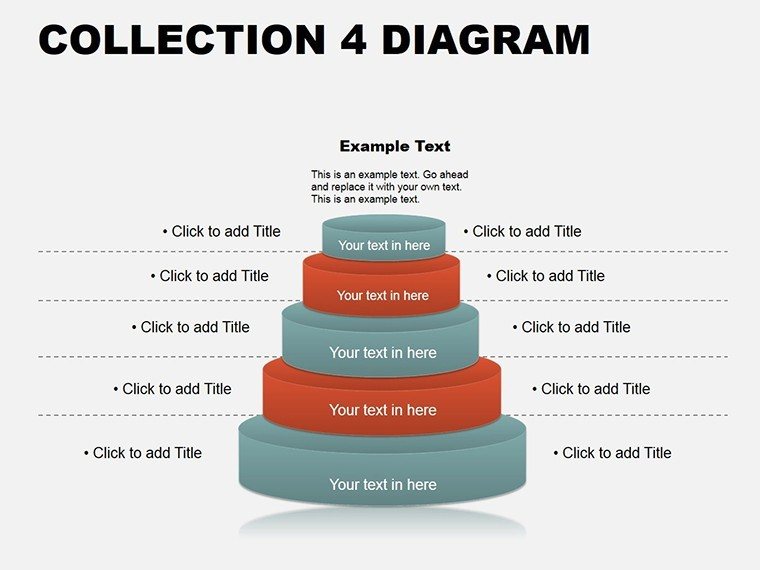
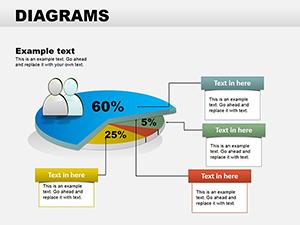
Delve into a world where diagrams aren't mere supports but sculptural stars: A pyramid ascending priorities, its tiers editable to stack risks or rewards; a 3D pie rotating to unveil segment secrets. Formatted in .potx for PowerPoint 2016+, it mirrors the multidimensional approaches in strategy sessions at Bain & Company, where visuals layer complexity without confusion. This collection isn't about flash - it's about forging connections that endure, turning viewers from spectators to stakeholders.
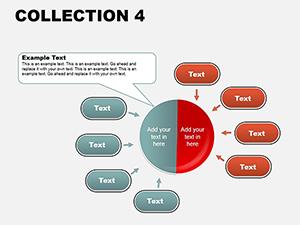
With its eclectic mix, adapt to any arc: From cycle wheels spinning supply chains to table grids tabulating trends. Customization whispers efficiency, yet roars impact. Claim the PowerPoint diagram collection 4 for $18 and carve out presentations that command attention.
Signature Components: Decoding the Diagram Diversity
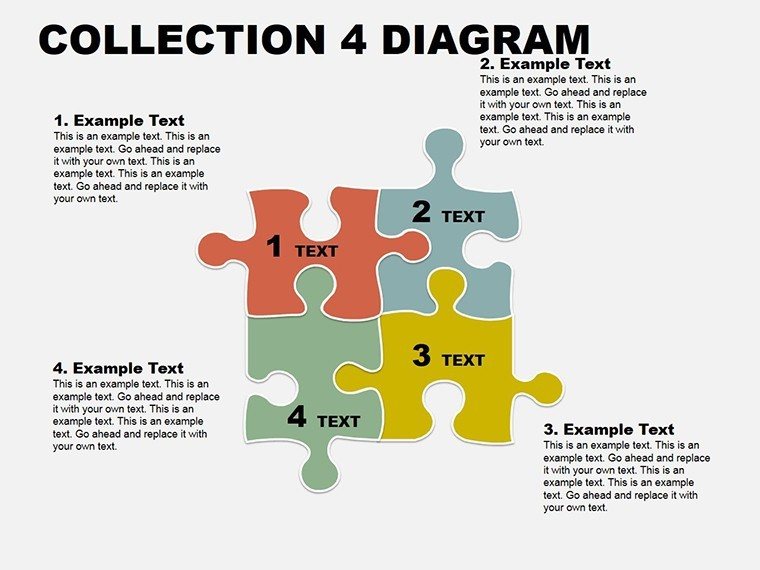
Spanning fifteen slides, this collection is a gallery of geometric ingenuity. The pyramid slide towers with adjustable layers - ideal for Maslow-inspired needs hierarchies or investment funnels, where base widths reflect foundational elements. Shift to puzzle interlocks, snapping segments for SWOT assemblies, with drag-to-fit mechanics for fluid reconfiguration.
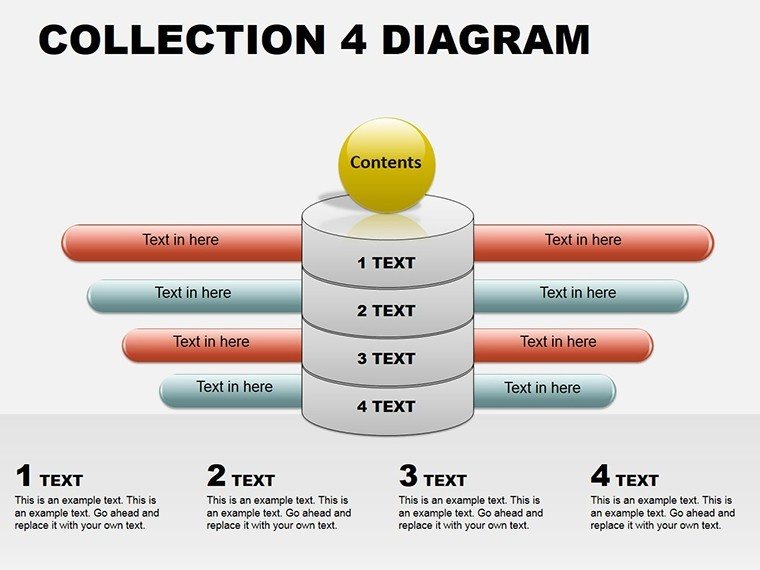
- 3D and Layered Forms: Pyramids, spheres, and extruded pies for volumetric storytelling.
- Modular Editing Suite: Relocate, recolor, and reshape in PowerPoint's native environment.
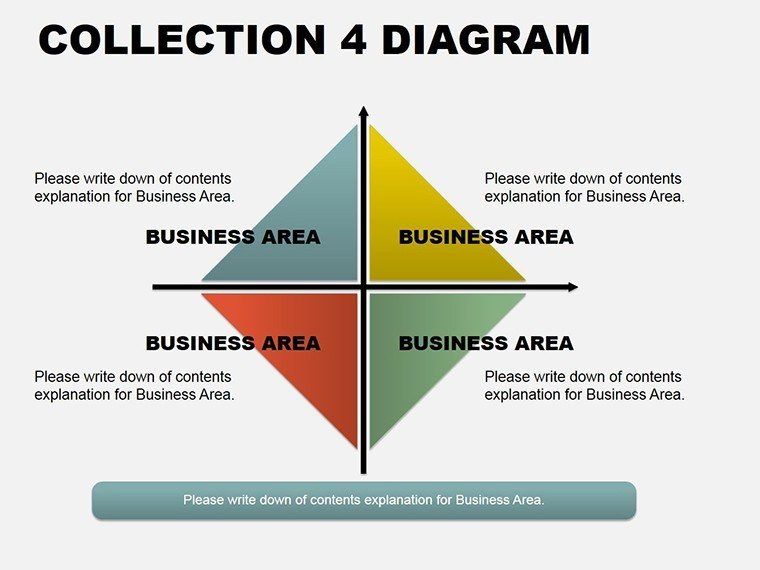
- Cycle and Matrix Mastery: Wheels for processes, grids for comparisons, all icon-infused.
- Tree and Table Hybrids: Branching structures merged with tabular data for comprehensive views.
These aren't isolated assets; they're interoperable, allowing hybrid builds - like a matrix overlaid on a cycle for phased evaluations. Outshining standard toolkits, the 3D renders add tactile illusion, drawing eyes deeper into your data's drama.
Practical Plays: Diagrams Deployed in Key Arenas
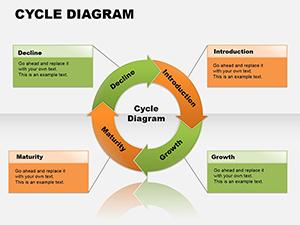
A consultant mapping client journeys might erect the cycle diagram: Spokes radiating touchpoints, animated to cycle through pain points to delights, akin to UX mappings at Frog Design. In training workshops, the tree slide branches competencies, with leaves as skill assessments, empowering learners to self-navigate growth paths. Analysts favor the 3D pie for budget breakdowns - tilt views to spotlight variances, clarifying fiscal narratives in finance huddles.
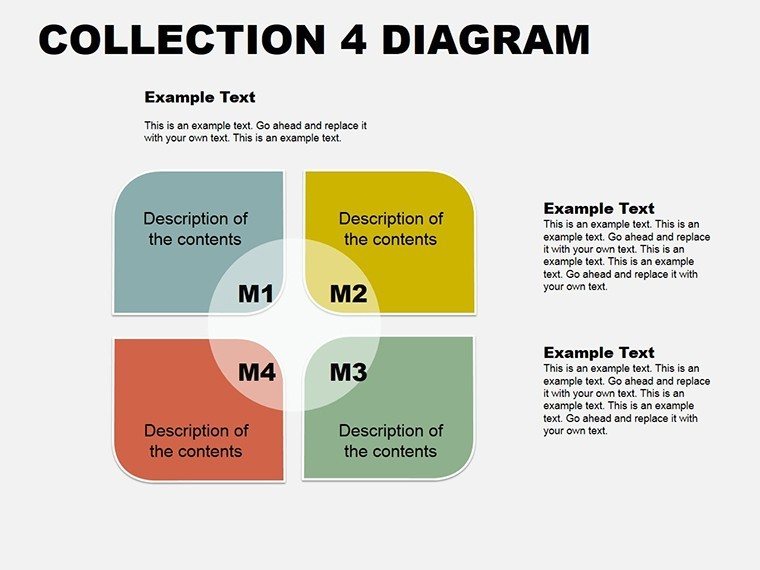
For operations, matrices tabulate vendor matrices, cells color-shifting by metrics. Puzzle slides unite fragmented reports, interlocking quarters into annual overviews. Creative directors puzzle mood boards, while HR pros pyramid talent pipelines. Versatility reigns, each diagram a Swiss Army tool for tailored triumphs.
Activate with ease: Embed in PowerPoint, select a slide like the matrix, and populate cells via table tools. Animate rotations on 3D elements for reveal flair; group objects for batch edits. Preview in outline view to sequence logic, refining as you go - this becomes your rhythmic rehearsal.
Artisan Advice: Shaping Diagrams to Shine
Infuse artistry by balancing dimension: Use 3D sparingly for emphasis, flat for density. Harmonize with a unified shadow scheme, evoking consistency like a cohesive sculpture series. For interactivity, embed formulas in tables linking to datasets, auto-populating as inputs change.
Pro alt texts: "3D pyramid diagram for strategic priority stacking." Against rote recreations, this collection's presets accelerate ideation, leaving room for narrative nuance. Witty aside: If your pyramid topples in edits, it's growth - rebuild stronger.
Roadmap: Constructing a Strategy Matrix Deck
- Integration Init: Apply .potx in PowerPoint's themes.
- Element Engage: Pick matrix; define axes with headers.
- Enrich and Edit: Fill cells, add borders and fills.
- Animate Assembly: Stagger cell highlights for methodical unmasking.
- Validate and Vector: Test transitions; export high-res variants.
This pathway paves decks that persuade profoundly, diagrams as dialogues.
Frequently Asked Questions
Which 3D elements are featured in Collection 4?
Pyramids, pies, and spheres with rotation and extrusion capabilities for immersive views.
Can puzzles be rearranged mid-presentation?
Yes, ungroup and reposition pieces dynamically during edits or builds.
How editable are the cycle diagrams?
Fully - alter spoke counts, angles, and labels to match any rotational process.
Does it support integration with Excel data?
Seamlessly; link charts to spreadsheets for live, refreshable updates.
Are there options for flat 2D versions of 3D shapes?
Built-in toggles flatten elements while preserving edit paths.
What's the slide count and format?
Fifteen slides in .potx, optimized for quick loads and shares.
Sculpt success stories - download PowerPoint Diagram Collection 4 for $18 and let dimensions define your discourse.
Good for
- Project roadmaps and sprint plans
- Product launch timelines
- Quarterly or annual review decks
- Company history and milestone summaries
Licence
reviews
Used the circle diagrams for explaining app features to a client.
Everything was editable which honestly matters more than fancy design.
The icon style felt a bit old but not enough to bother me.
My teammate copied half the slides into another deck and they still looked consistent.
Good if you need structured diagrams fast.
FAQ
Will it work in Google Slides?
Are fonts embedded?
Can I use this for client work?
What's the refund policy?
Do you update the template after purchase?
Similar templates
See all Powerpoint Diagrams →
All 15 slides