 Click to zoom
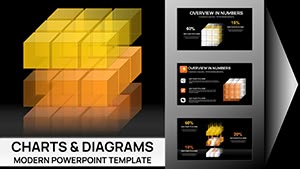
3D Triangles and Cubes Keynote Charts: Elevate Data to New Dimensions
| Format | .pptx |
| Slides | 18 unique layouts |
| Aspect ratio | 16:9 |
| Compatibility | PowerPoint |
| Animated | No |
| Language | English |
| License | Commercial |
| File size | — |
| Version | v1.0 |
| Last updated | May 2023 |
What's inside
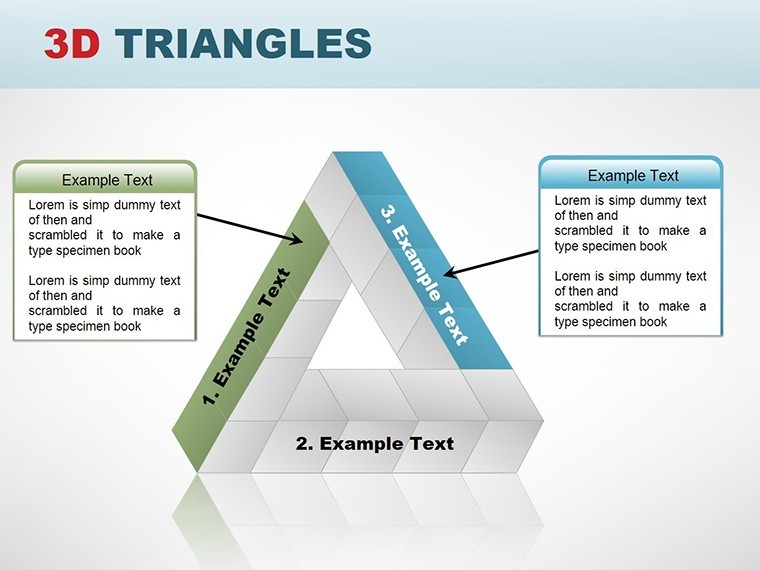
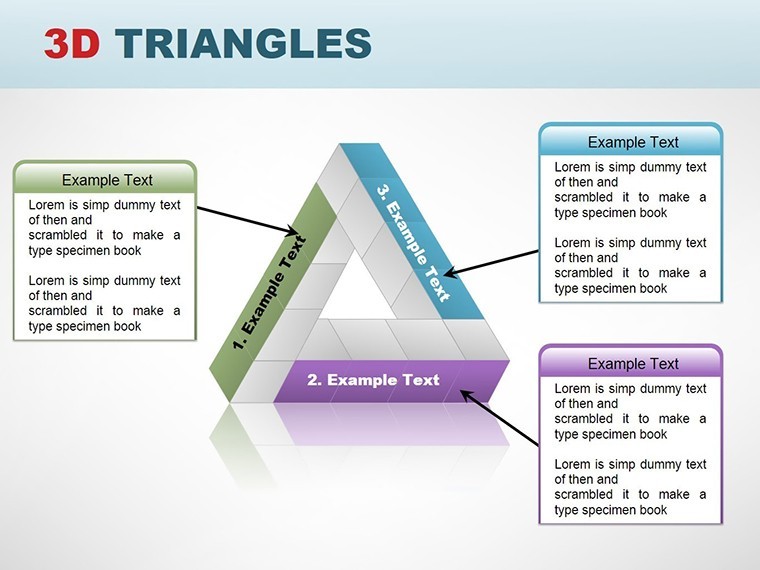
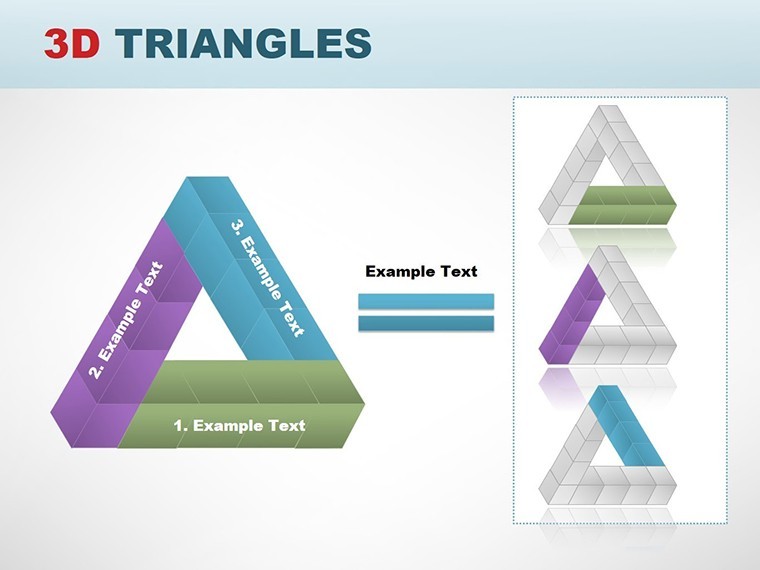
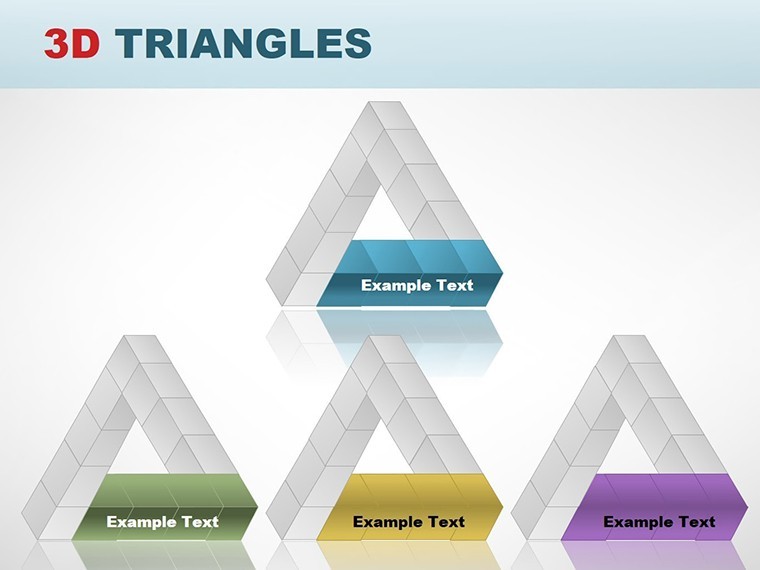
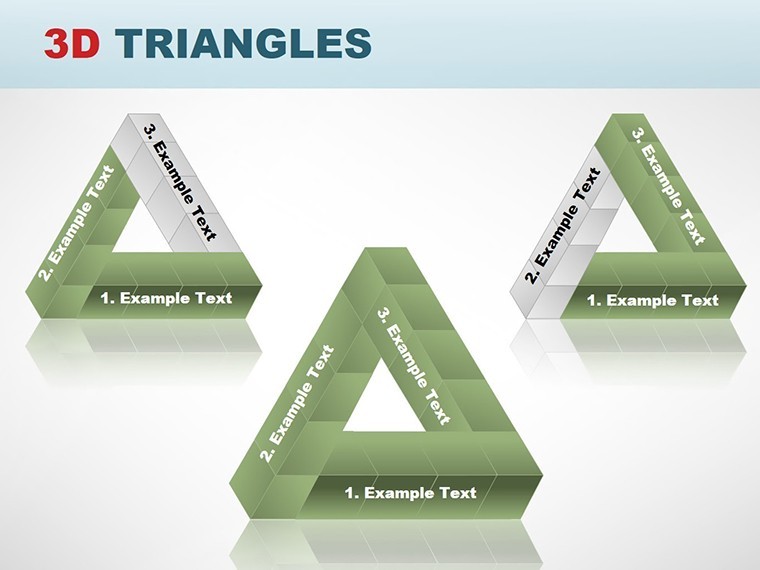
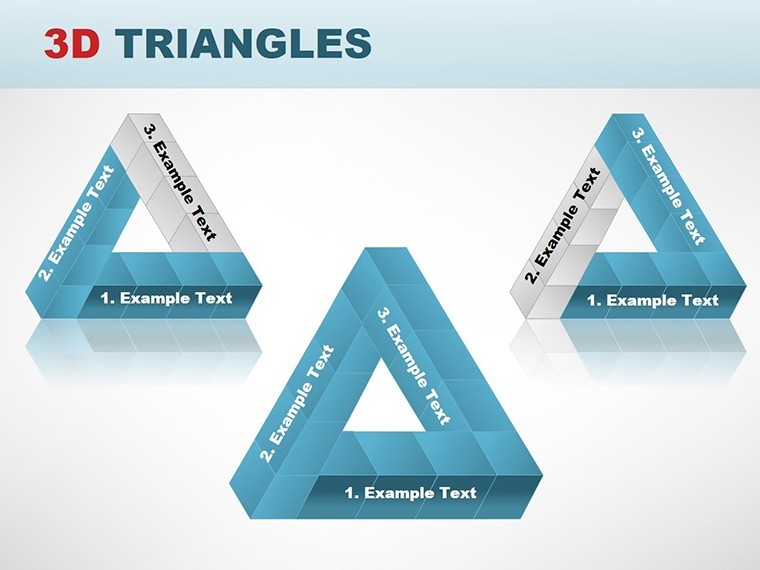
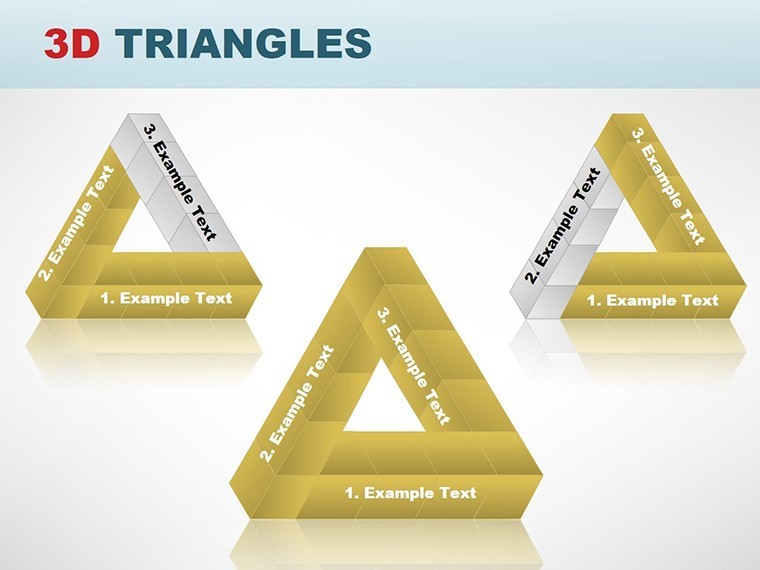
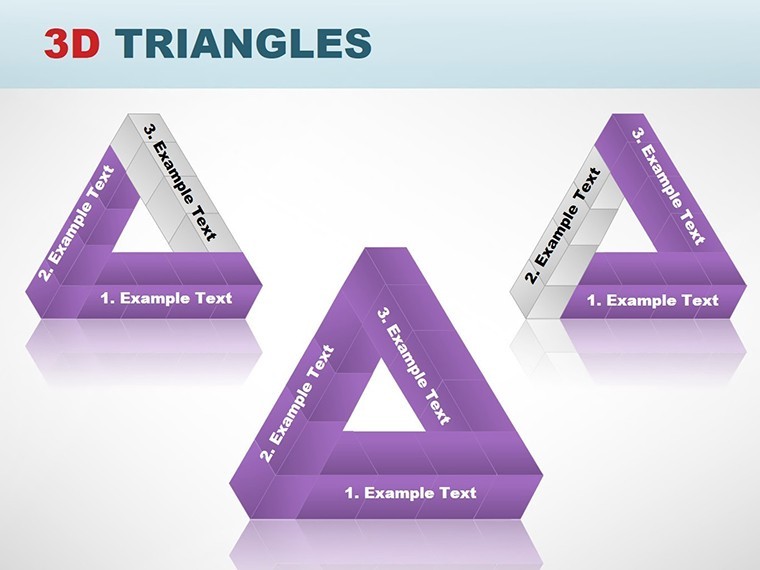
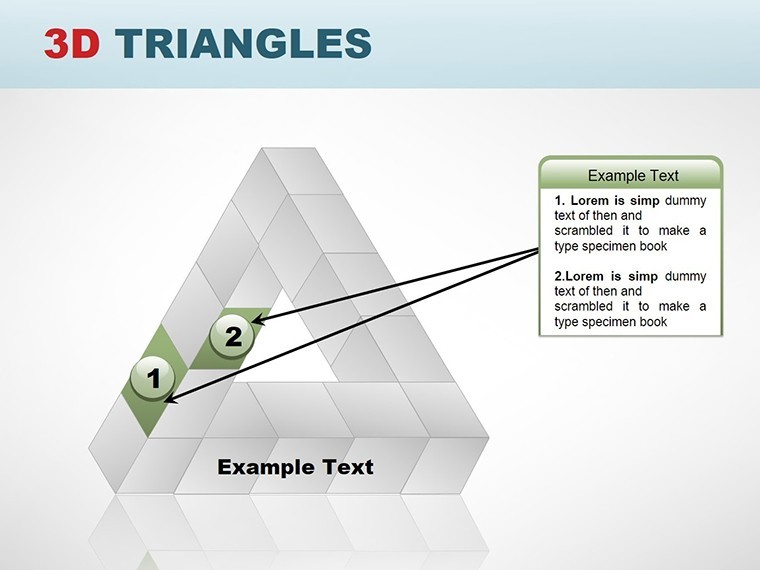
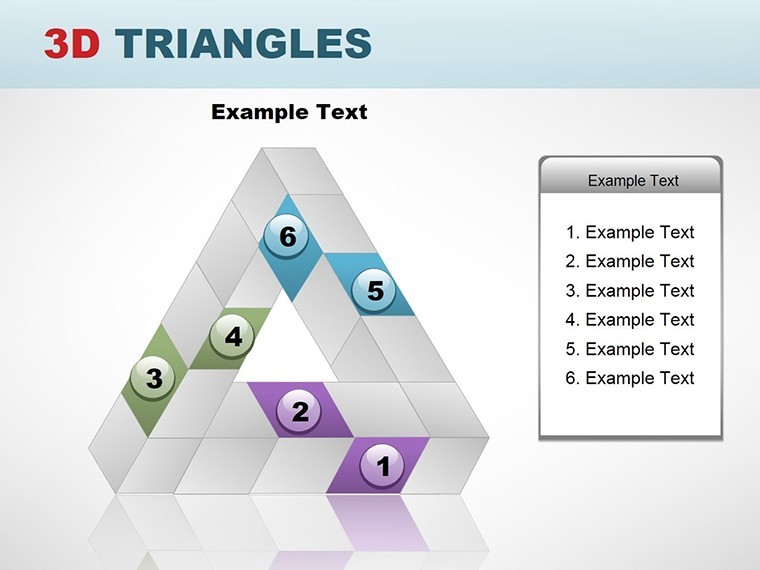
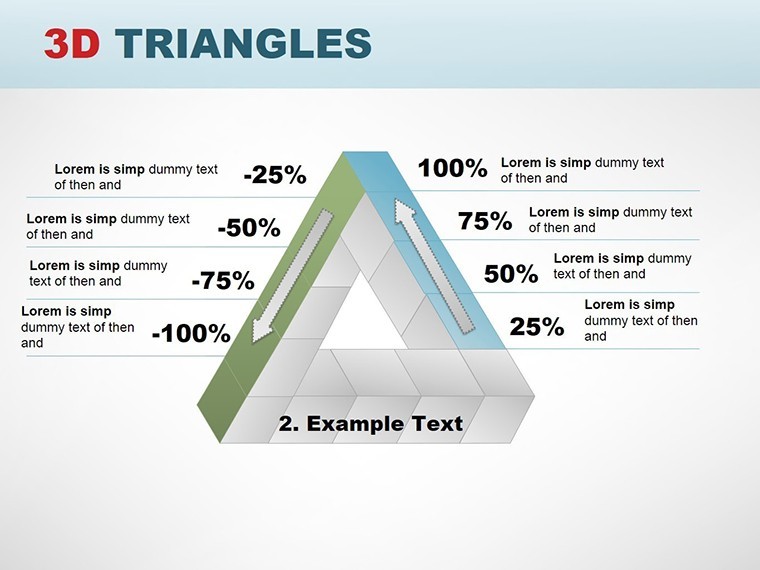
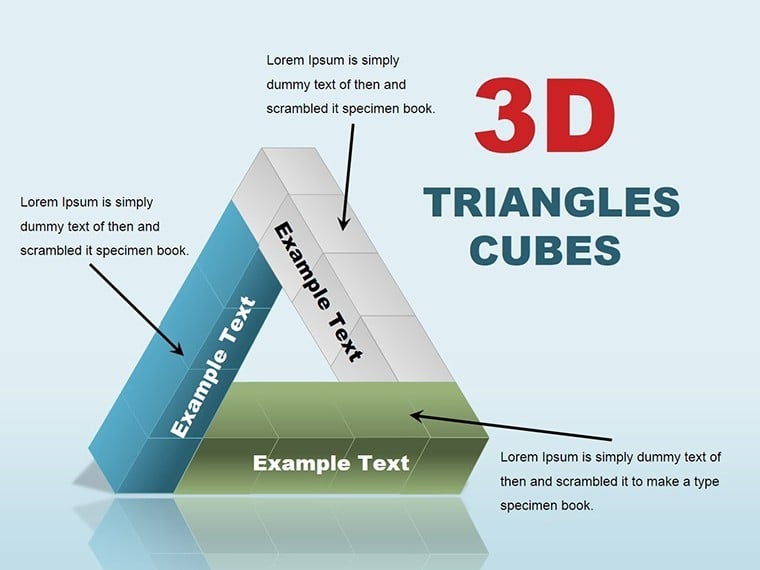
Picture this: You're in a high-stakes boardroom, unveiling a groundbreaking architectural model where every cube represents a modular building block and triangles denote innovative structural supports. Our 3D Triangles Cubes Keynote charts template brings such visions to life with 18 meticulously crafted, editable slides. Designed for architects, engineers, and business innovators, this template harnesses the power of 3D visuals to make data pop off the screen. Forget flat charts that fail to impress; here, bold typography meets contrasting colors and clean lines for a modern aesthetic that aligns with cutting-edge design principles. Fully compatible with Keynote on Mac and PC, it's your go-to for pitches that demand attention, like those vying for international architecture accolades. Transform tedious data dumps into dynamic stories, saving time while amplifying impact - because in design, dimension matters.
Exploring the Depth of 3D Design Elements
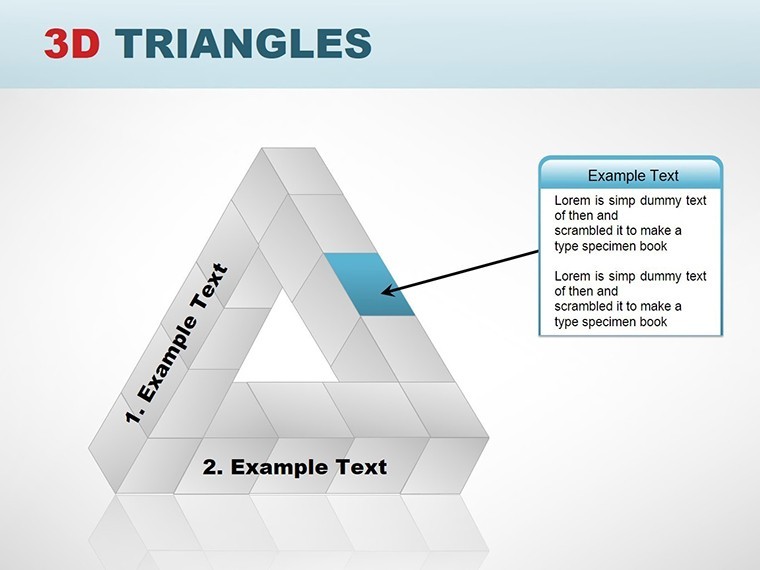
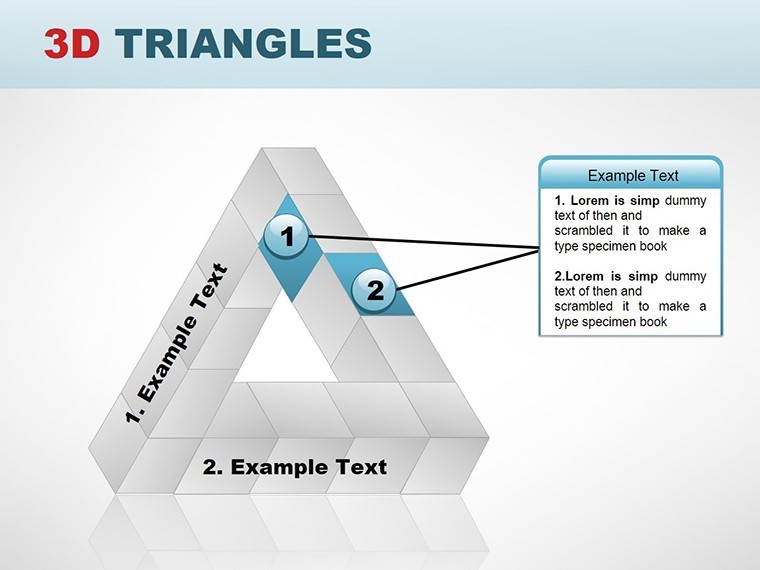
3D elements add a layer of realism that's invaluable in fields like architecture, where spatial understanding is crucial. Cubes can illustrate volumetric data, such as room layouts in a smart city proposal, while triangles evoke angular precision for roofing or facade designs. This template's sleek theme uses depth effects to create illusionary perspectives, making your presentations feel immersive. With 18 slides, you'll find a mix of standalone charts and integrated diagrams, all vector-editable for pixel-perfect adjustments. Imagine customizing a cube grid to show urban density metrics or layering triangles for a progressive reveal of project milestones.
Standout Features for Professional Polish
- Immersive 3D Cubes: Rotate and scale cubes to represent multi-dimensional data, like building volumes in sustainable developments.
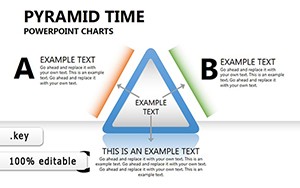
- Angular Triangle Graphs: Use for directional flows, such as energy efficiency pathways in green architecture.
- Full Customization Suite: Edit colors, add shadows, or import data seamlessly to fit your narrative.
- Visual Harmony: Pre-set palettes inspired by modern architecture trends, ensuring compliance with standards like those from the U.S. Green Building Council.
- User-Friendly Interface: Keynote's intuitive tools make tweaking effortless, even under tight deadlines.
Unlike standard Keynote defaults, these charts offer advanced shading and perspectives that can increase audience retention by highlighting key insights, as seen in case studies from design conferences.
Tailored Applications in Architecture and Beyond
For architects pitching adaptive reuse projects, this template excels by visualizing before-and-after cubes or triangular transformations. In research presentations, use 3D elements to depict simulation results, like stress tests on structural triangles. It's versatile enough for business strategies too, mapping out cubic growth models.
Guided Workflow: Building a Winning Presentation
- Setup and Personalize: Load the template and input your data into cube or triangle placeholders.
- Incorporate Details: Add custom icons for elements like windows or beams.
- Refine Visuals: Apply 3D rotations for emphasis on critical areas.
- Test Interactivity: Ensure smooth animations during rehearsals.
- Deliver Impact: Present with confidence, knowing your visuals stand out.
A real-world example: An engineering team used analogous 3D cubes to win a bid for a cubic modular housing project, clarifying complex assemblies for non-experts.
Pro Tips to Enhance Your 3D Storytelling
Layer narratives around the visuals - describe a cube as "a building block of innovation." Integrate with software like Rhino for accurate imports. For trustworthiness, cite data sources inline. Add a dash of wit: "These cubes aren't just square; they're revolutionary."
Seamless in workflows, export to video for virtual tours or share via iCloud for team feedback. With 18 slides, cover comprehensive topics without overload.
Invest in Dimensional Excellence Today
This template isn't mere graphics; it's a catalyst for clearer communication. Professionals report enhanced clarity in presentations, per insights from platforms like Dezeen. Ready to add depth to your designs? Secure your copy now and redefine how you present.
Frequently Asked Questions
How do I customize the 3D effects in Keynote?
Use Keynote's inspector tools to adjust rotations, shadows, and perspectives on cubes and triangles easily.
Is this template suitable for PC users?
Yes, fully compatible with Keynote on Windows via iCloud or exported files.
What types of data work best with these charts?
Volumetric or hierarchical data, like spatial planning in architecture or growth metrics in business.
Are icons included?
Yes, a selection of architecture-themed icons is bundled for quick enhancements.
Can I add animations to the 3D elements?
Absolutely - build-ins and transitions are pre-configured for smooth reveals.
What's the file size and format?
Compact .key file under 10MB, optimized for fast loading.
Good for
- Project roadmaps and sprint plans
- Product launch timelines
- Quarterly or annual review decks
- Company history and milestone summaries
Licence
reviews
Used the comparison bars for a before/after metric and it was clear.
Does the job. Nothing fancy but that's fine with me.
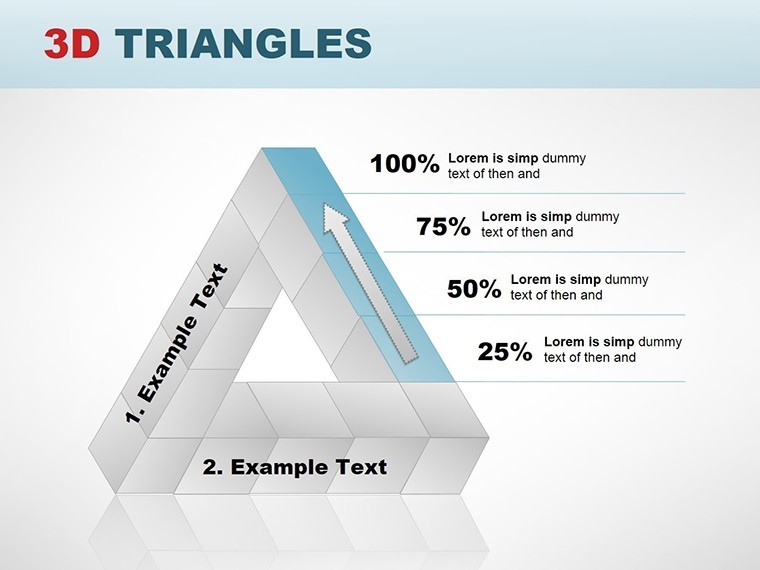
The percentage markers are easy to read from across the room.
Had to resize a few charts but the quality didn't break.
Good for monthly reports where you just need consistency.
FAQ
Will it work in Google Slides?
Are fonts embedded?
Can I use this for client work?
What's the refund policy?
Do you update the template after purchase?
Similar templates
See all Keynote Charts →
All 18 slides