 Click to zoom
3D Tape Triangles Keynote Charts: Dynamic Designs That Stick
| Format | .pptx |
| Slides | 16 unique layouts |
| Aspect ratio | 16:9 |
| Compatibility | PowerPoint |
| Animated | No |
| Language | English |
| License | Commercial |
| File size | — |
| Version | v1.0 |
| Last updated | January 2025 |
What's inside
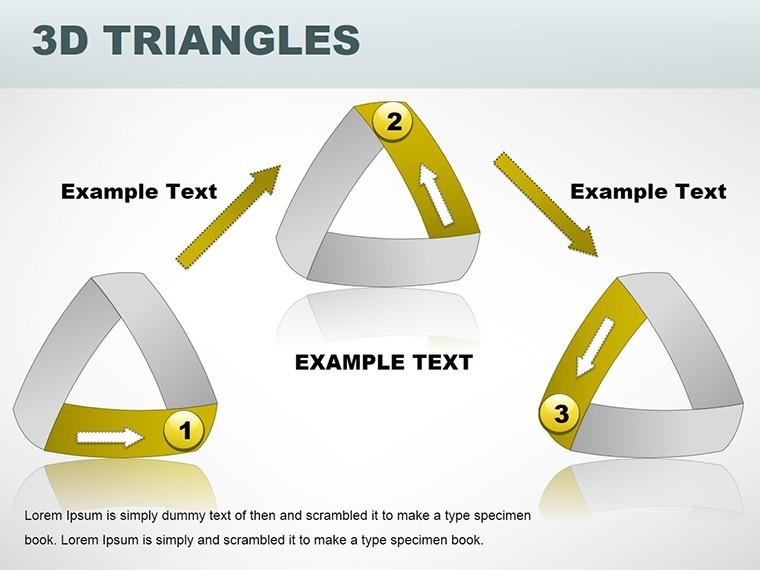
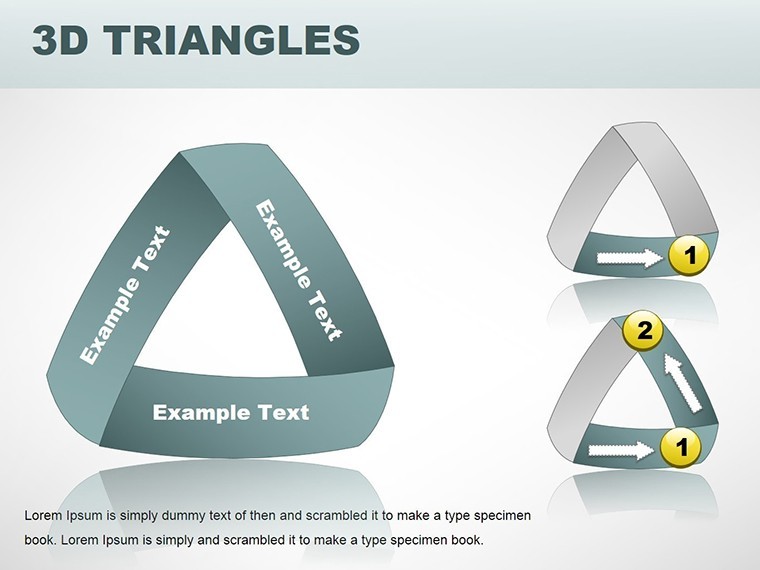
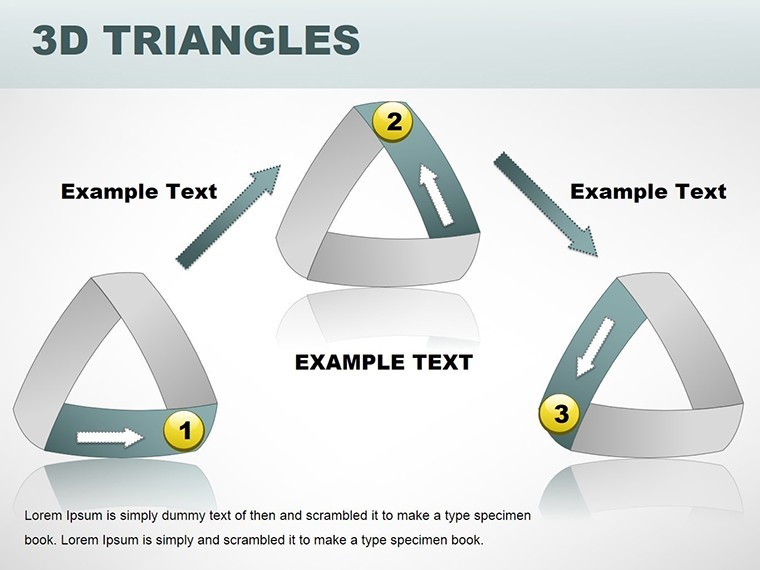
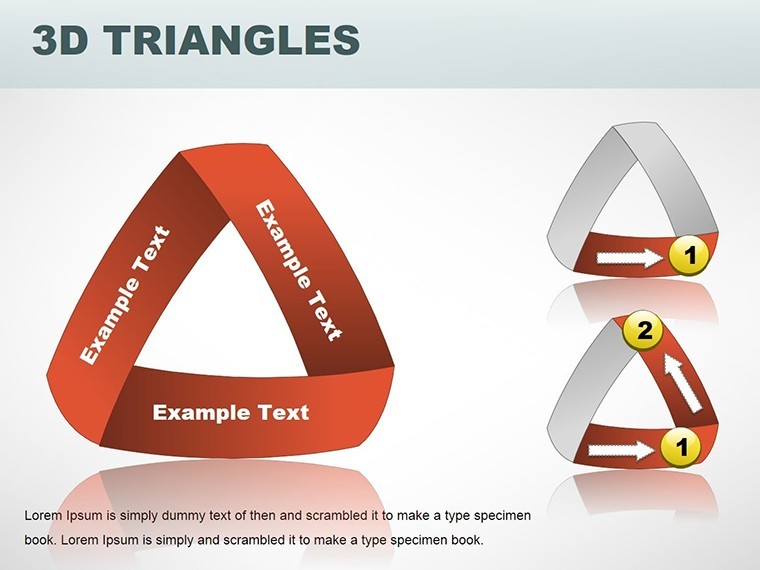
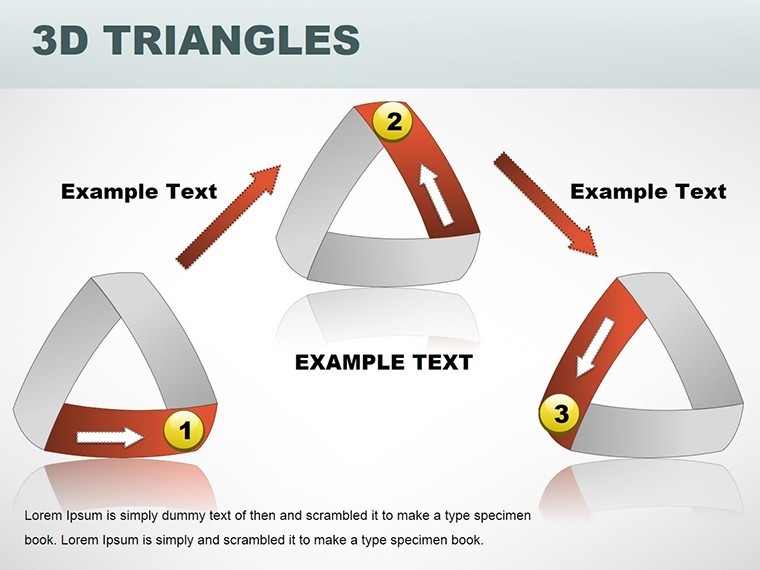
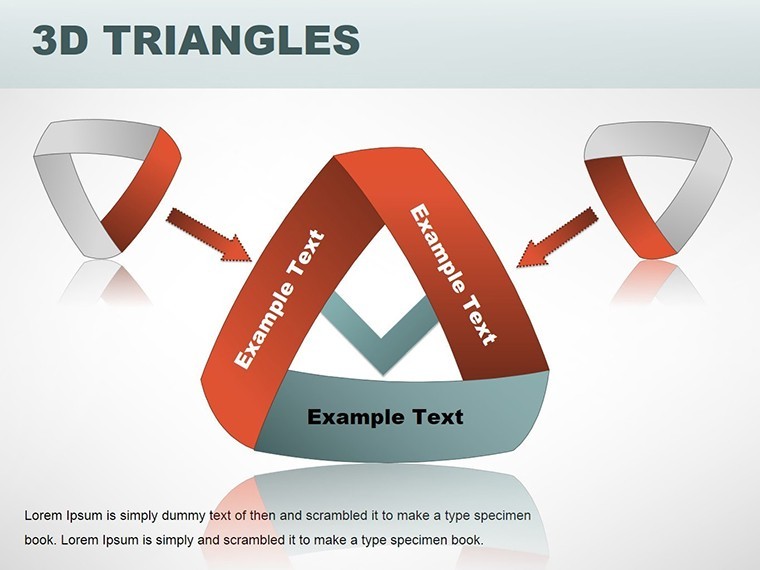
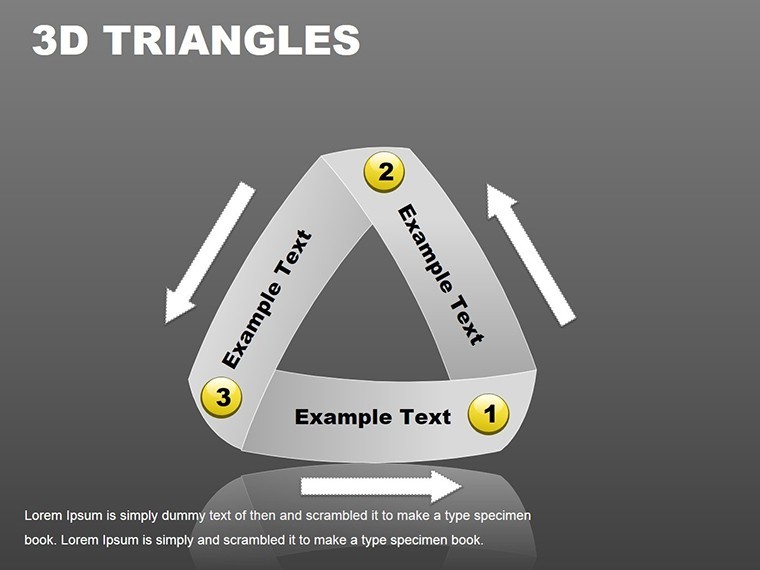
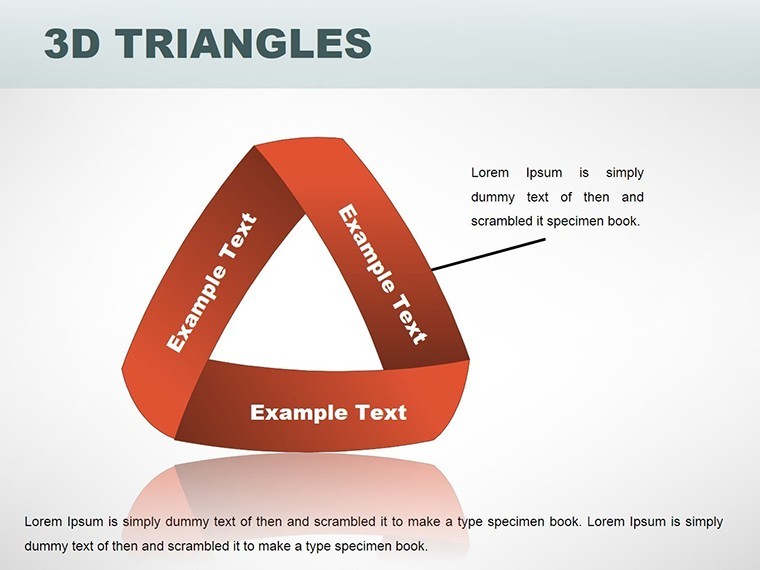
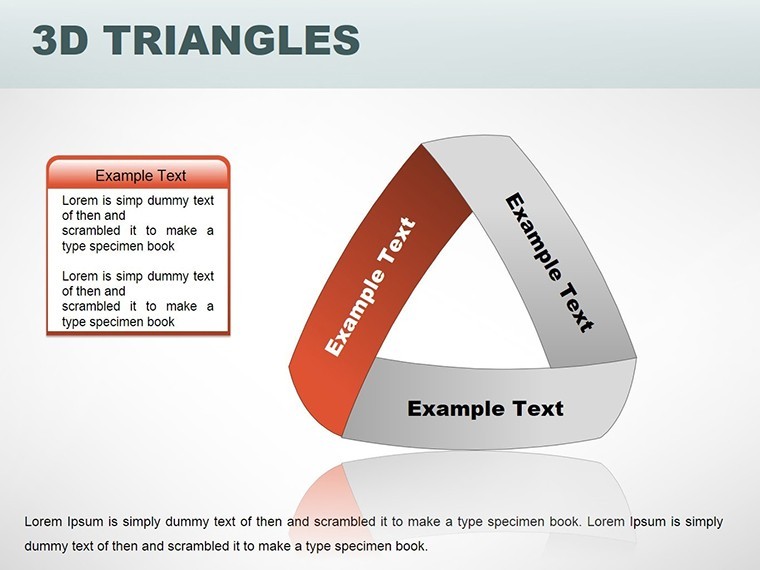
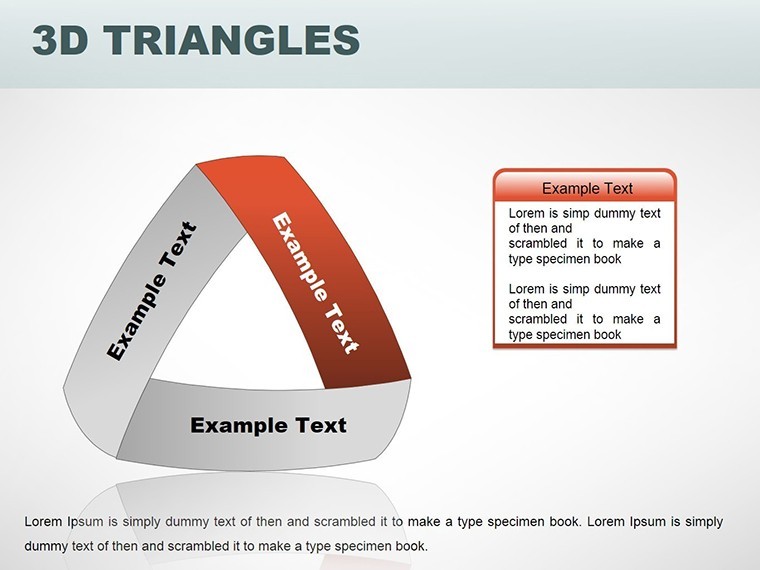
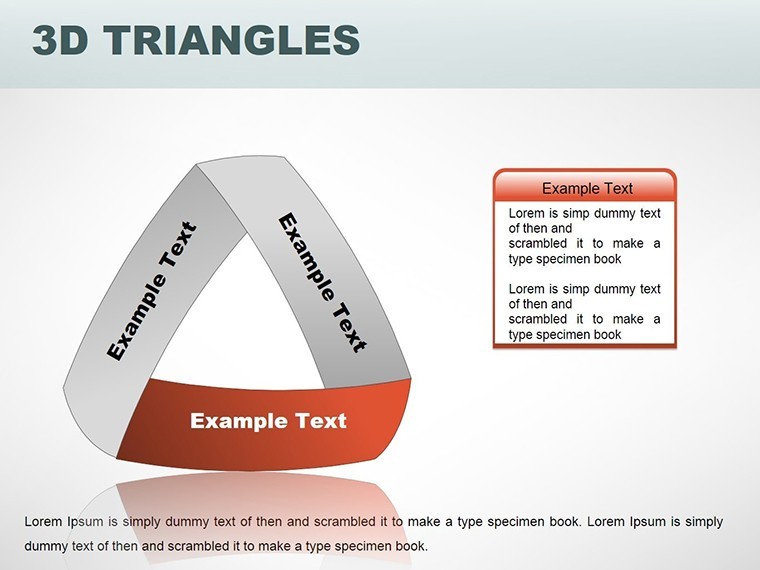
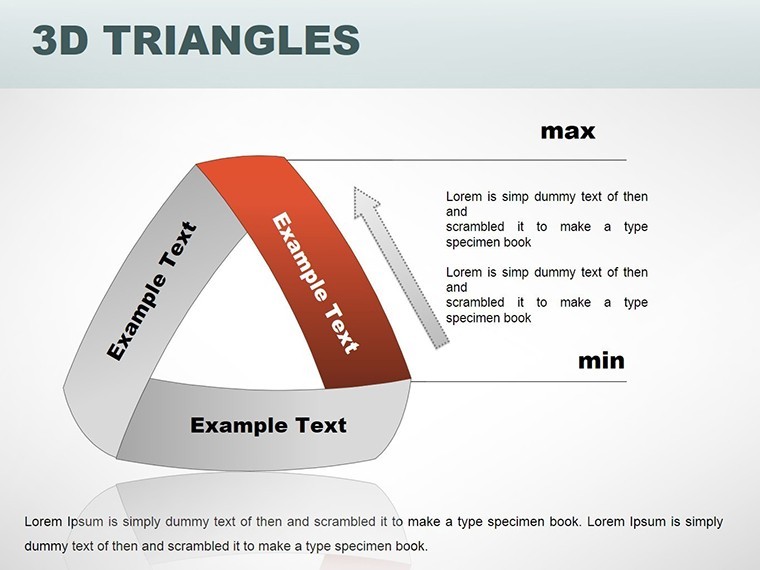
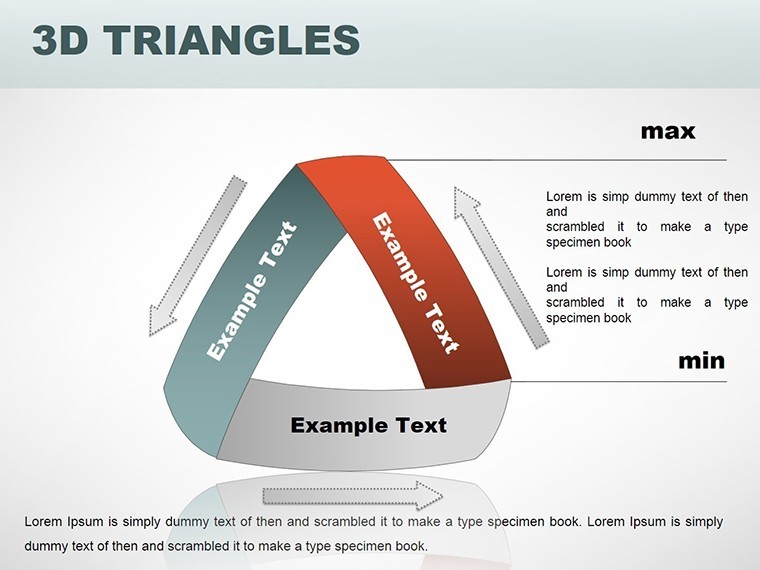
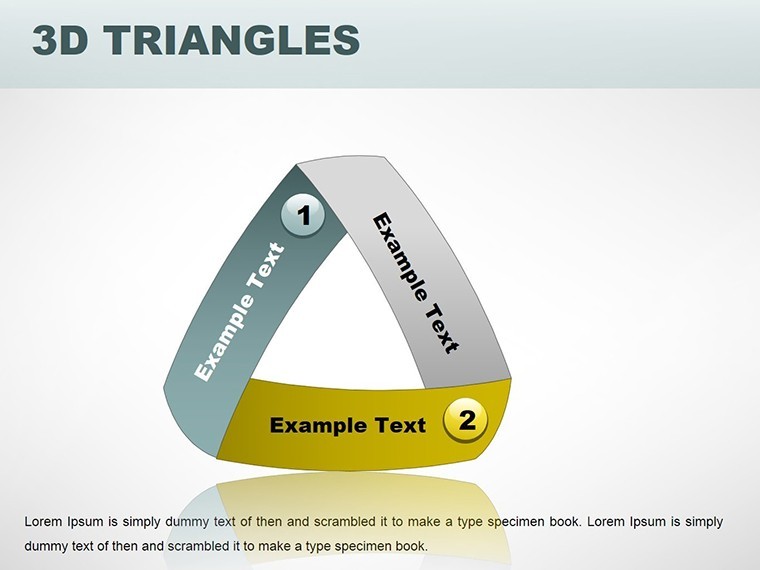
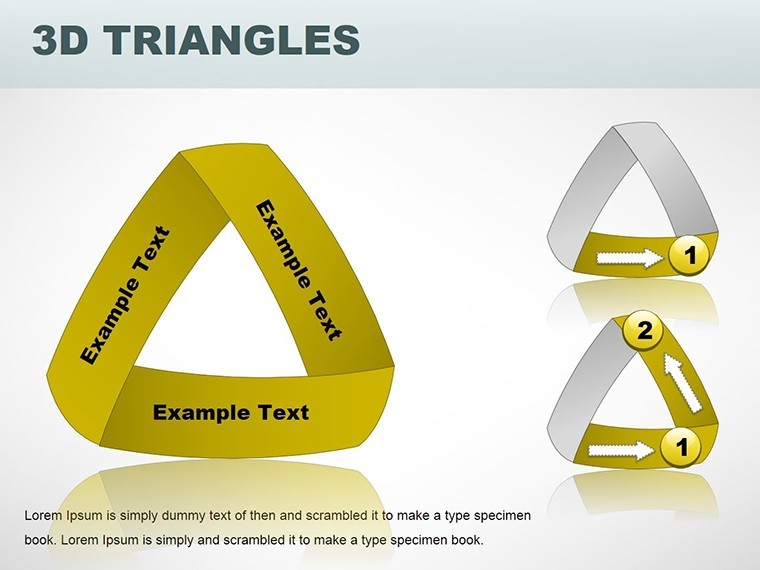
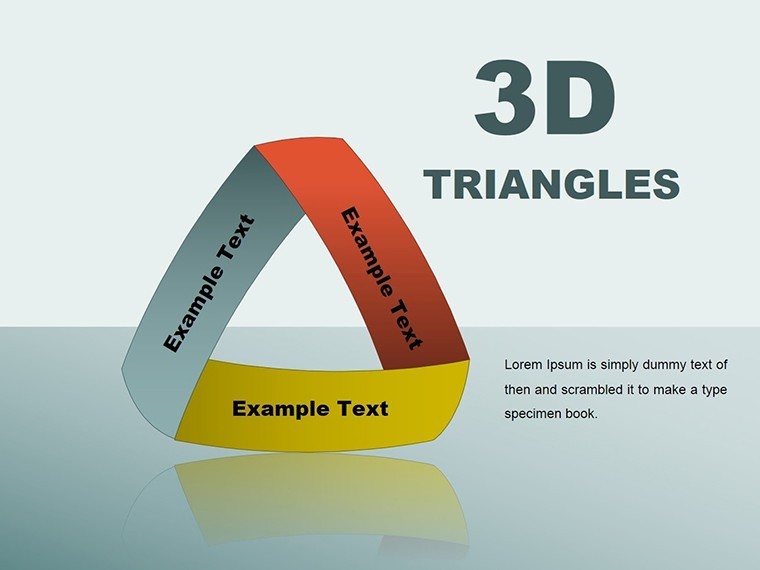
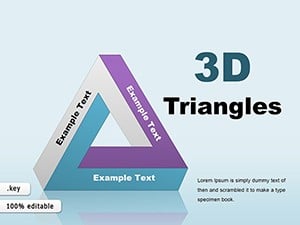
Imagine unraveling a tape measure across a digital canvas, forming triangles that twist and turn in 3D space to illustrate your most ambitious architectural concepts. The 3D Tape Triangles Keynote charts template delivers this innovation with 16 editable slides, blending U-shaped angles for a comfortable, eye-pleasing flow. Aimed at architects and creative professionals, it turns static data into fluid visuals, ideal for demonstrating tape-like progressions in ribbon buildings or spiraling structures. Keynote-compatible on all devices, this template simplifies complex visualizations, enhancing your pitches for events like the World Architecture Festival. It's where functionality meets flair, reducing design fatigue while elevating your message to new, adhesive heights.
Harnessing Tape-Like Dynamics in 3D
Tape triangles evoke continuity and measurement, perfect for architecture's precise yet flowing nature. This template's dynamic theme uses U-angles for smooth transitions, creating charts that feel alive - like unrolling plans for a curvilinear facade.
Core Features for Captivating Creations
- Fluid Tape Triangles: Stretch and bend for timeline or path diagrams in landscape architecture.
- 3D U-Angle Effects: Add depth without complexity, for views like sectional elevations.
- Editable Versatility: Modify paths, colors, and data for bespoke fits.
- Aesthetic Appeal: Aligns with global standards from organizations like RIBA.
- Effortless Handling: Intuitive in Keynote for rapid iterations.
Beyond basics, these provide narrative flow that engages more than flat alternatives, as noted in design workflow studies.
Applied Innovation: Tape Triangles at Work
For parametric design pitches, tape elements map evolutionary forms. In pie-chart hybrids, segment project budgets with triangular precision.
Process Guide: From Idea to Impactful Slide
- Launch and Load: Open and feed in your metrics.
- Shape the Tape: Adjust U-angles for custom curves.
- Layer Details: Embed icons for contextual depth.
- Polish and Preview: Test dynamics in presentation mode.
- Present Persuasively: Let the tape unfold your story.
Example: A studio used tape visuals to depict a winding pathway project, securing community approval.
Tips from the Trade for Tape Mastery
Narrate as "unrolling the future." Link with CAD for precision. Build trust with embedded sources. Lightly jest: "Tape that holds ideas together - literally."
Fits into tools like Zoom for remote reviews. 16 slides balance depth and conciseness.
Adhere to Excellence with This Template
Revolutionize your visuals, as praised in architecture forums. Time to stick with success - acquire yours and craft compelling tales.
Frequently Asked Questions
How do I manipulate the tape angles?
Drag handles in Keynote to curve and extend tape paths intuitively.
Compatible with pie chart integrations?
Yes, hybrid slides allow segmented tape designs for multifaceted data.
Suitable for team collaborations?
Absolutely, shareable via Keynote's cloud features.
What themes are supported?
Dynamic, measurement-focused themes with customizable palettes.
Built-in transitions?
Yes, for unfolding tape animations that mesmerize.
File details?
.key format, lightweight for easy distribution.
Good for
- Project roadmaps and sprint plans
- Product launch timelines
- Quarterly or annual review decks
- Company history and milestone summaries
Licence
reviews
Those stacked bar charts made my quarterly data actually readable.
Wish there were more than five chart styles but it's fine.
Used this for a finance presentation and the numbers popped out well.
The labels are easy to edit which is more than I can say for some templates.
Good for a quick stats update but not for deep analytics.
FAQ
Will it work in Google Slides?
Are fonts embedded?
Can I use this for client work?
What's the refund policy?
Do you update the template after purchase?
Similar templates
See all Keynote Charts →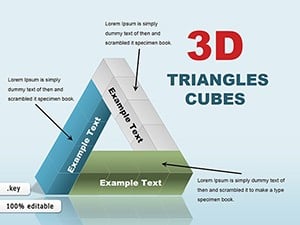
All 16 slides