 Click to zoom
3D Pyramid PowerPoint Charts - Editable PPTX | ImagineLayout
| Format | .pptx |
| Slides | 28 unique layouts |
| Aspect ratio | 16:9 |
| Compatibility | PowerPoint |
| Animated | No |
| Language | English |
| License | Commercial |
| File size | — |
| Version | v1.0 |
| Last updated | March 2026 |
What's inside
X Diagrams Across Y Layouts: Full Contents
28 editable slides arrive in one PPTX file.
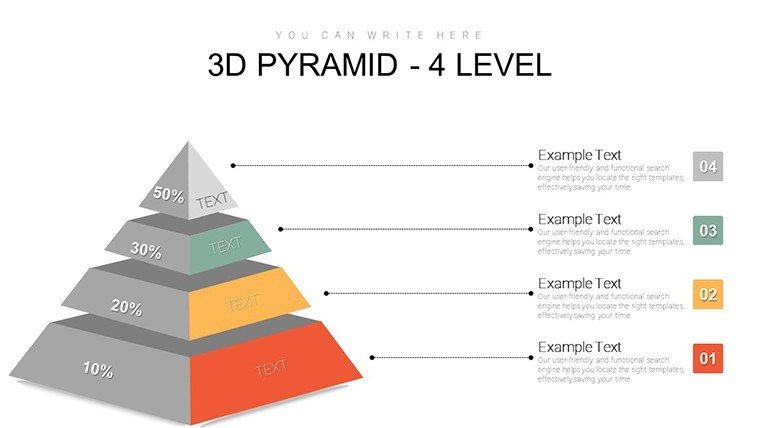
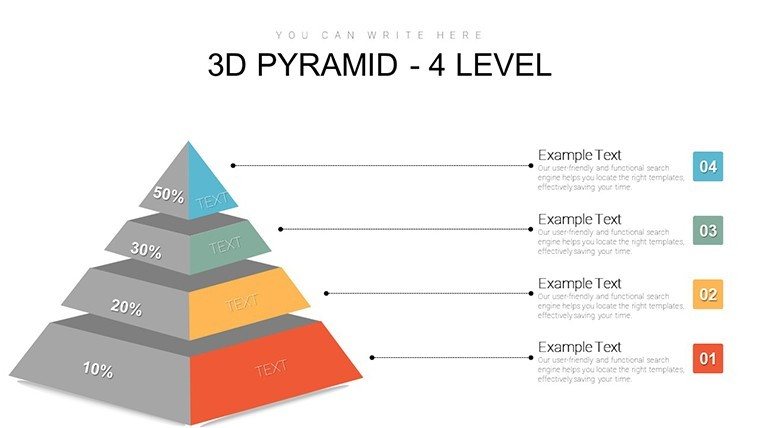
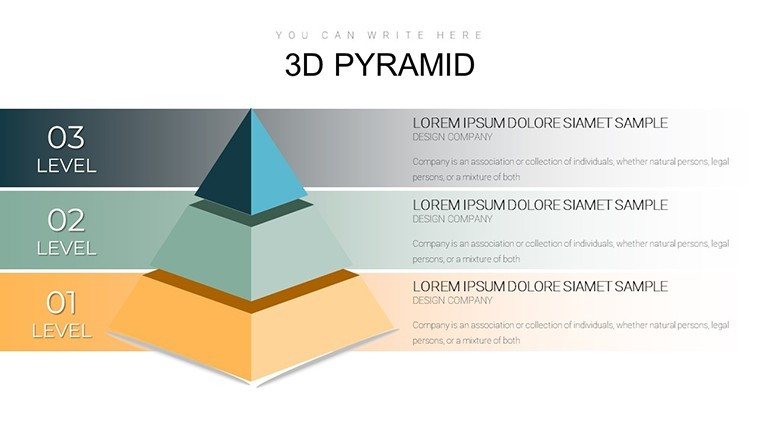
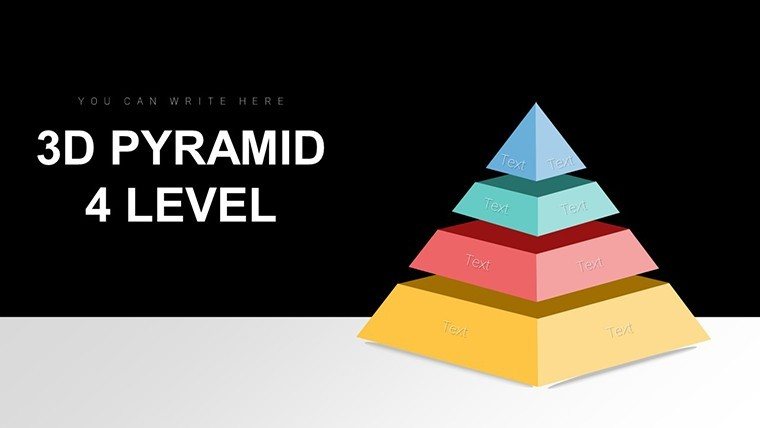
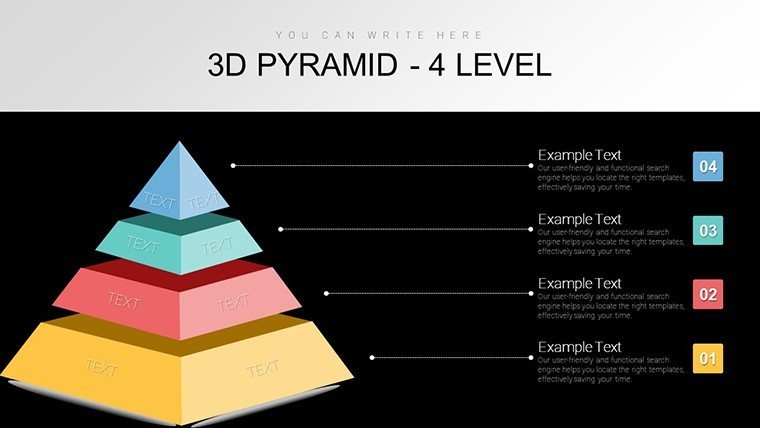
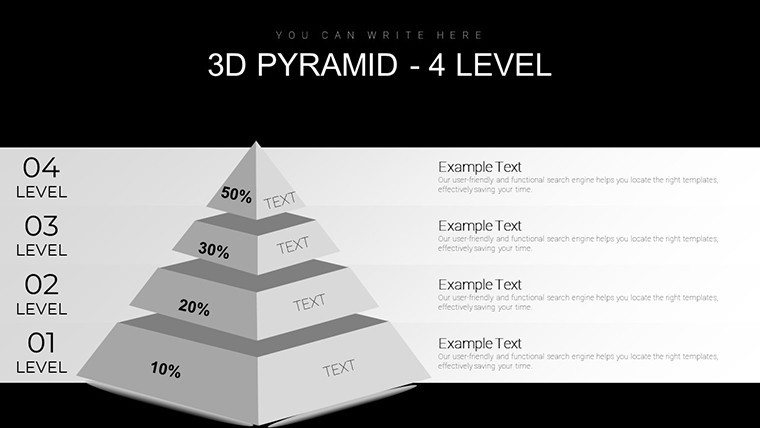
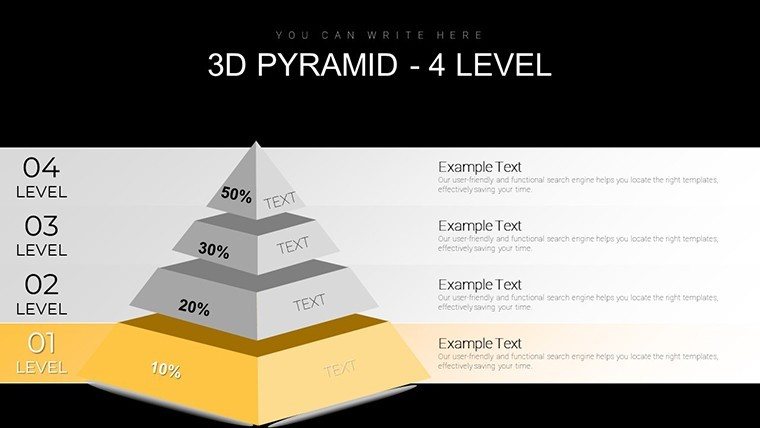
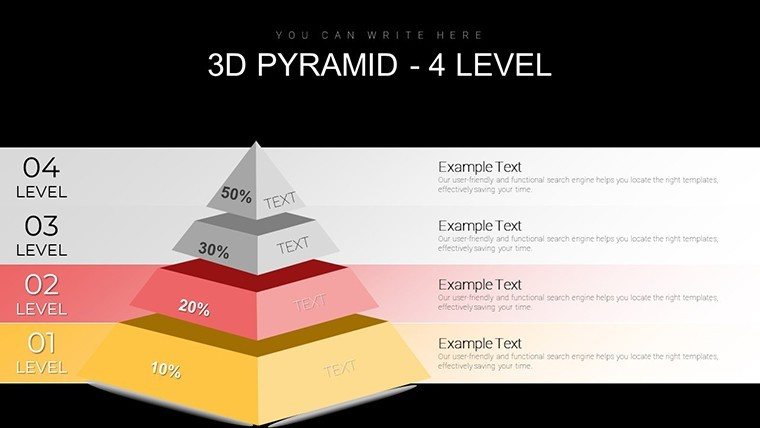
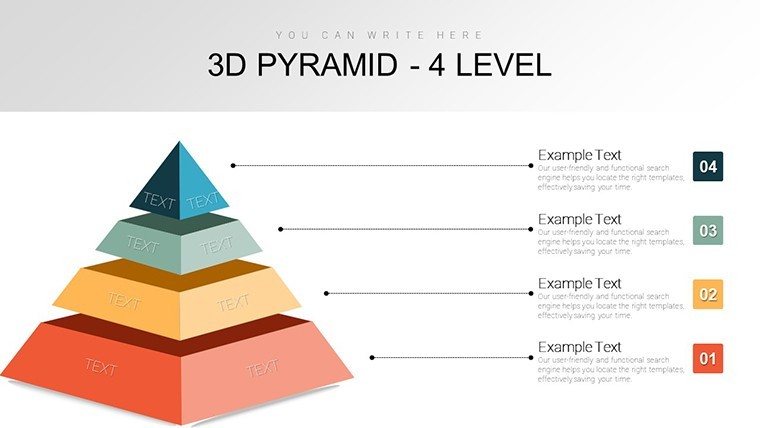
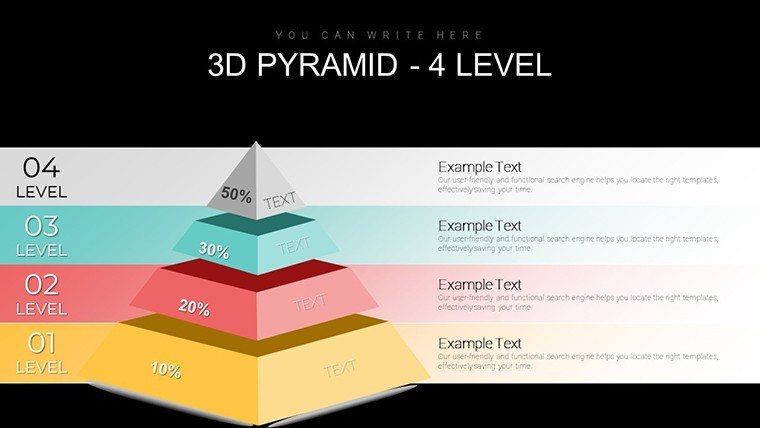
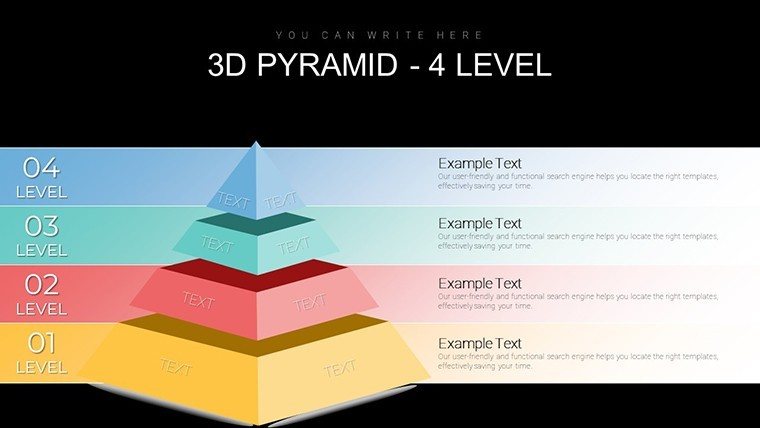
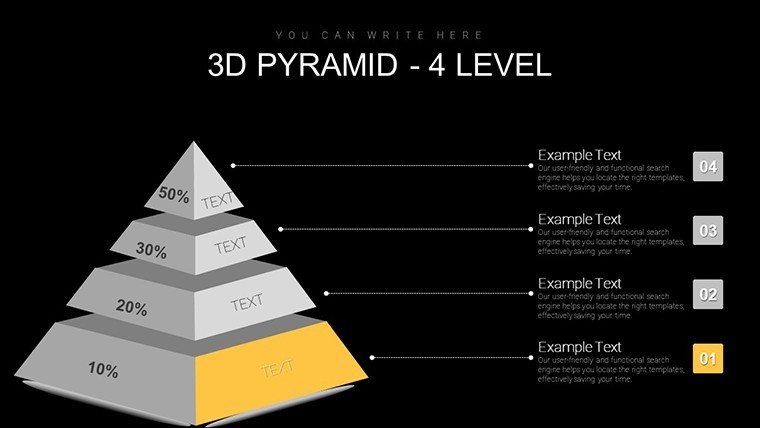
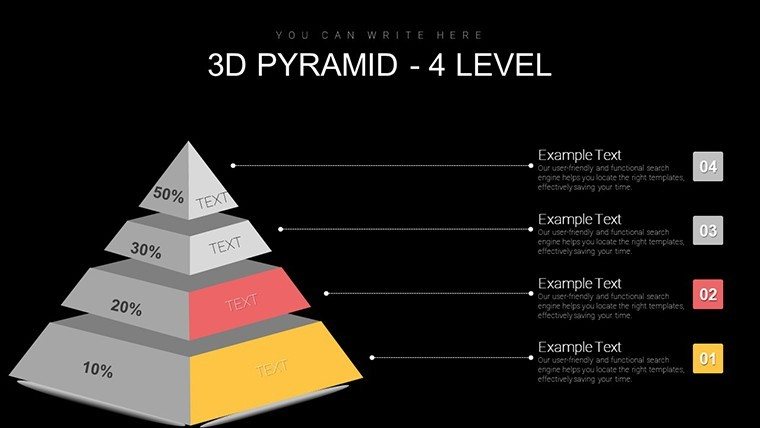
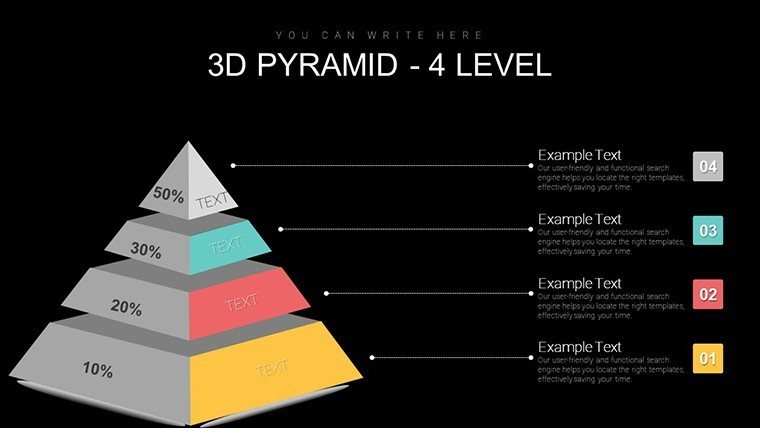
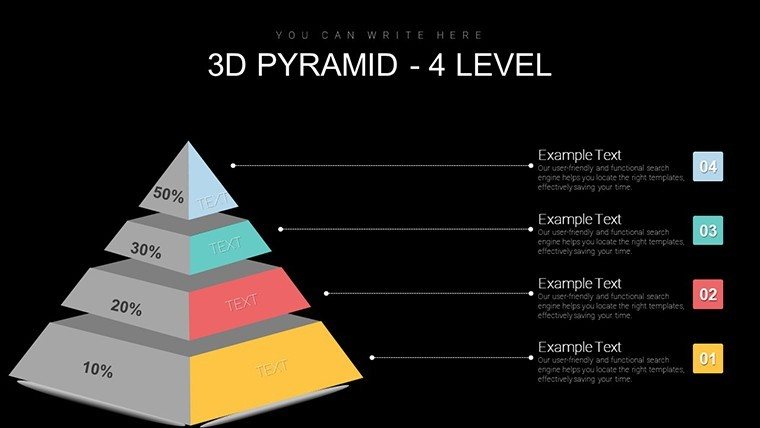
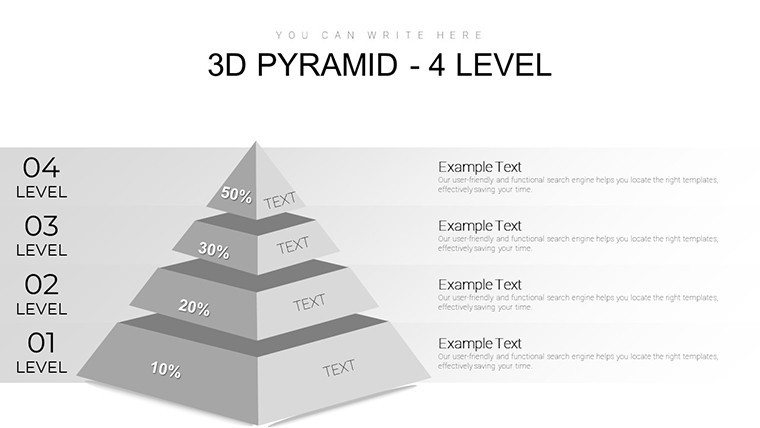
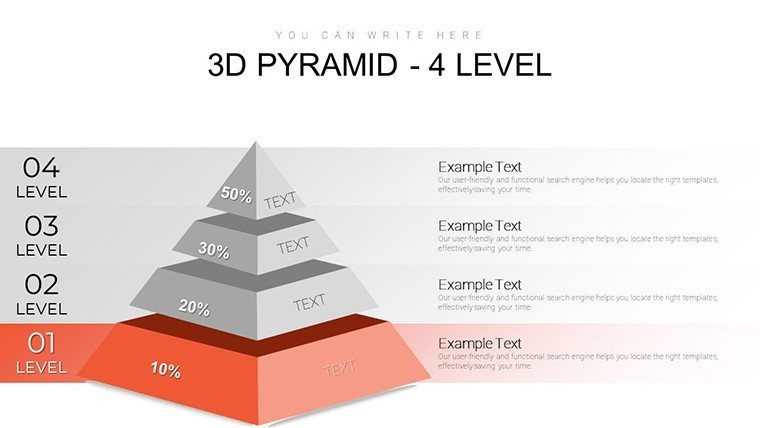
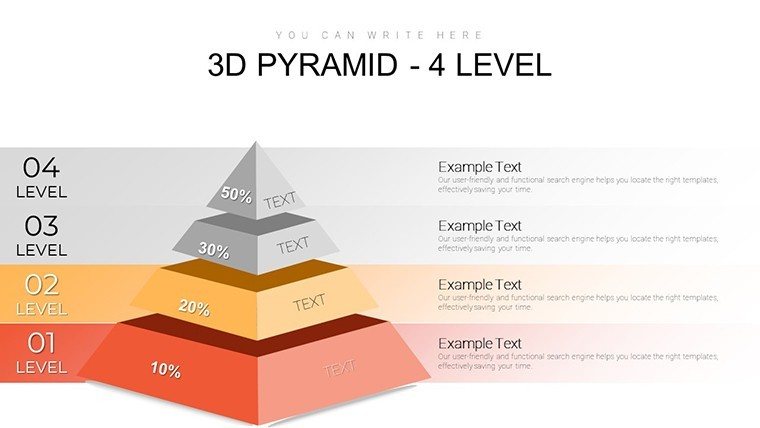
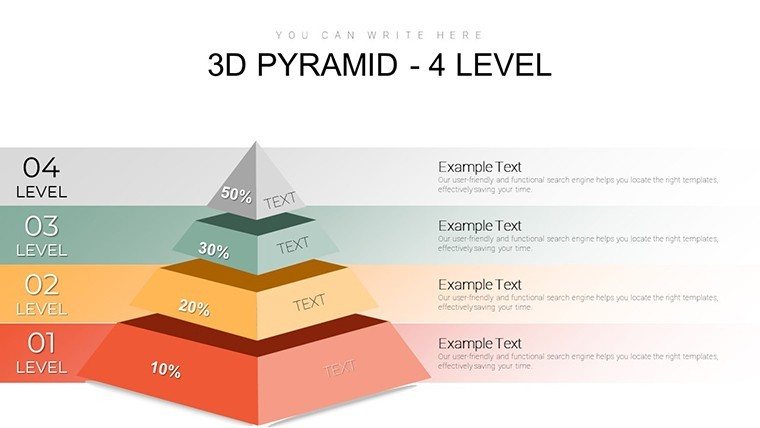
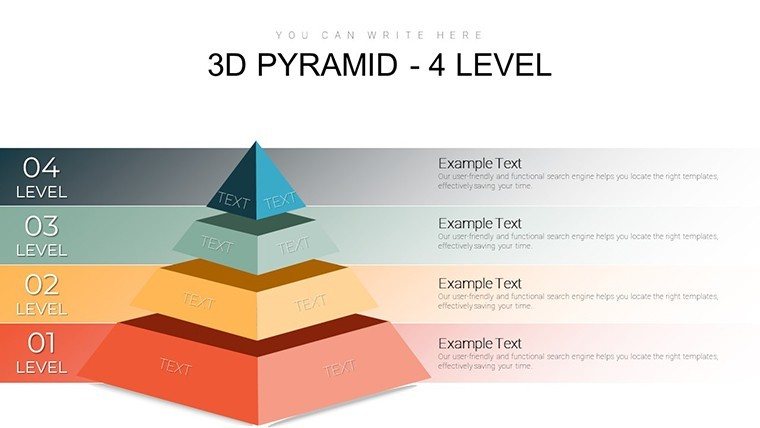
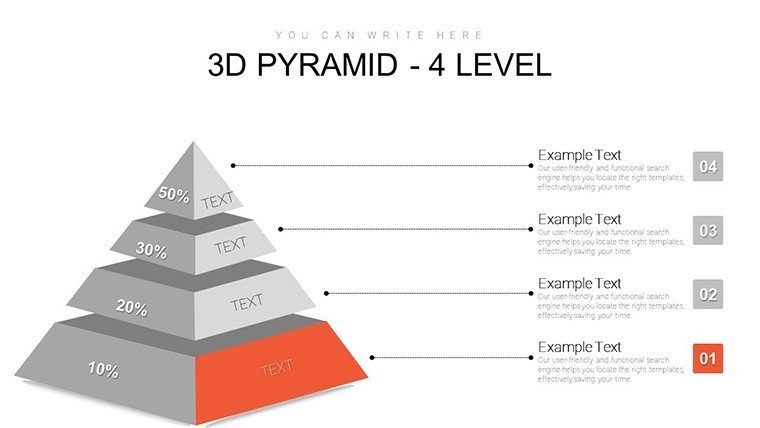
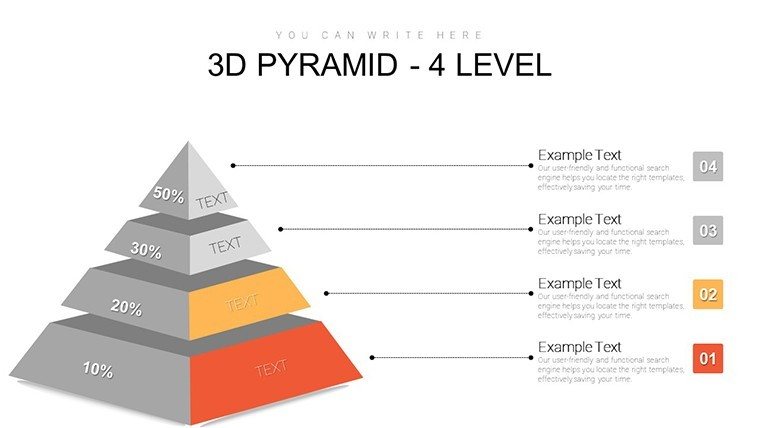
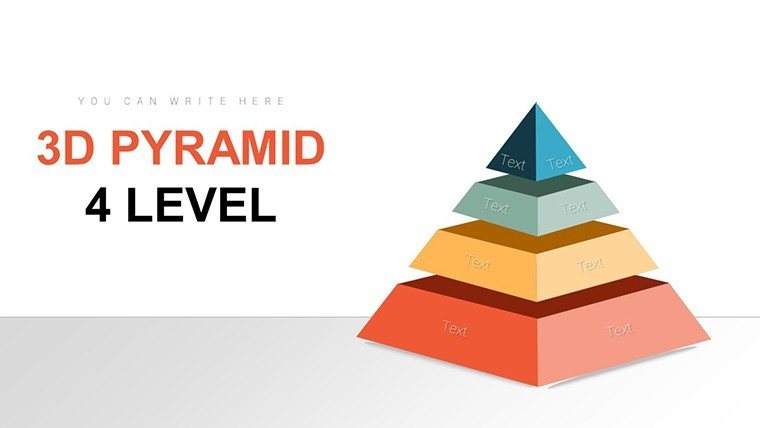
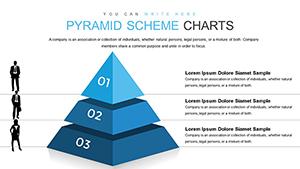
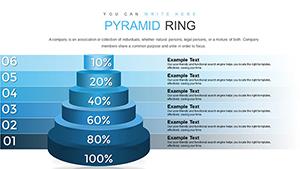
Four-level 3D pyramids combine perspective depth with zone segmentation to cover organizational hierarchies from top strategy to base execution.
These pyramids integrate for structure tasks by letting flow direction guide layers while color contrast defines priority during investor presentations.
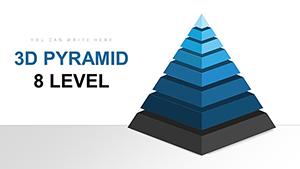
The fixed four-level 3D perspective sets it apart from seven-level immersive variants or block pyramid alternatives because it balances depth with editing simplicity.
This template works best for organizational structure in board briefings since the 3D hierarchy perception aids layer understanding better than neighbors focused on nutrition pyramids or cube builds.
The paid version covers all 28 slides with full editable 3D shapes.
Technical Specs
FeatureDetailsSlides included28 four-level 3D pyramid layoutsEditable shapespyramid segments resize and recolor independentlyText placeholderslabels update without unlocking grouped elementsColor theme adjustmentscompatible with PowerPoint slide master paletteDiagram connectorslines adjust in direction and weightFile formatsPPTX for editing and PDF exportCustomization in 5 Steps
- Open the .pptx file in PowerPoint 2016 or later (1 minute)
- Replace placeholder text with your content (3 minutes)
- Adjust brand colors via the slide master (2 minutes)
- Edit pyramid labels and shading (4 minutes)
- Export as PPTX or PDF (1 minute)
Editing difficulty: Moderate.
Three Situations Where This Pays Off
Corporate executives in consulting map organizational hierarchies and cut deck preparation from three hours to 45 minutes.
HR specialists in tech firms adapt the same file for performance reviews across five consecutive briefings by swapping color schemes.
Download the 3D pyramid template now
The Cost of Not Using a Template
Replicating 3D pyramids from scratch requires two hours and advanced design skill for perspective alignment.
3D perspective aids hierarchy perception because flat layers lose depth on projection screens.
This layout keeps labels outside pyramid segments and avoids the distortion issues that commonly appear in manual 3D builds.
Purchase the 3D pyramid charts
Which PowerPoint versions does the file support?The template opens in PowerPoint 2016, 2019 and Microsoft 365 on Windows and Mac. Compatibility extends to older versions with limited support for 3D shading. Users report smooth performance in version 2019 without plugins. Test the slide master for any custom fonts if your installation differs.
How do I change the color scheme?Open the slide master view in PowerPoint. Select the pyramid elements and update colors through the theme palette. Apply changes to all slides at once via the master. Save the file and the new scheme propagates across every layout.
What license applies to client work?The paid download permits use in internal presentations and paid client deliverables. You may not resell the file or sublicense it to third parties. Internal company training sessions fall under allowed use. Always keep the original attribution if required by the download terms.
What file formats open the template?The PPTX format opens in PowerPoint on Windows or Mac. Export options include PDF for distribution or image formats for sharing. Keynote users convert via import tools with minor layout checks. The single file contains everything needed for editing.
Is animation support included?Basic entrance animations appear on pyramid layers. Remove or add them through the animation pane in PowerPoint. The layouts remain fully editable after any animation changes. No advanced motion paths ship with the file.
Good for
- Project roadmaps and sprint plans
- Product launch timelines
- Quarterly or annual review decks
- Company history and milestone summaries
Licence
reviews
This helped me finish a late night assignment way faster.
The charts lined up correctly without me fixing every object.
The darker theme looked good during projection in class.
One or two slides felt unnecessary but there were enough useful ones.
Would probably use it again for data presentations.
FAQ
Will it work in Google Slides?
Are fonts embedded?
Can I use this for client work?
What's the refund policy?
Do you update the template after purchase?
Similar templates
See all PowerPoint Charts →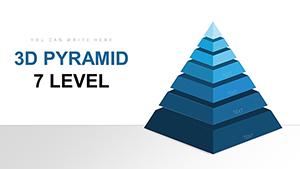
All 28 slides