 Click to zoom
Pyramid Ring PowerPoint Charts Template
| Format | .pptx |
| Slides | 24 unique layouts |
| Aspect ratio | 16:9 |
| Compatibility | PowerPoint |
| Animated | No |
| Language | English |
| License | Commercial |
| File size | — |
| Version | v1.0 |
| Last updated | August 2023 |
What's inside
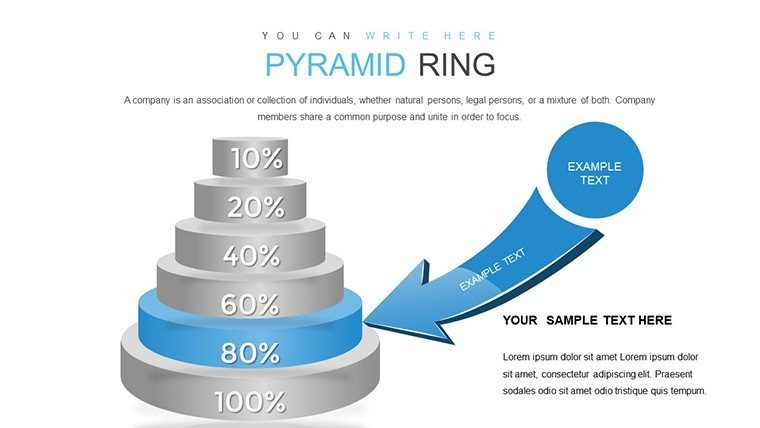
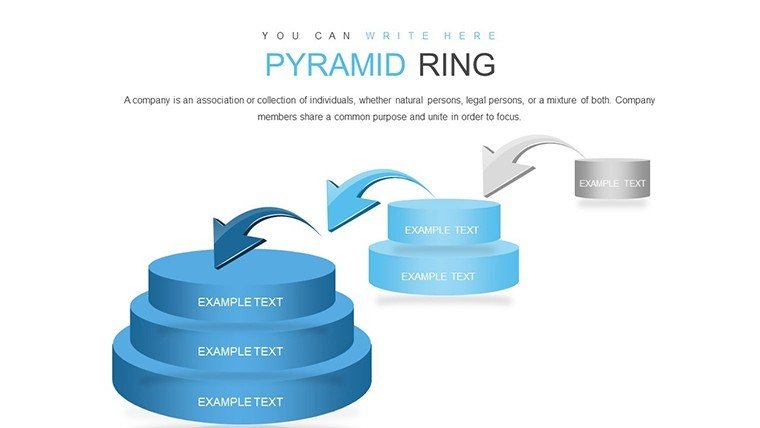
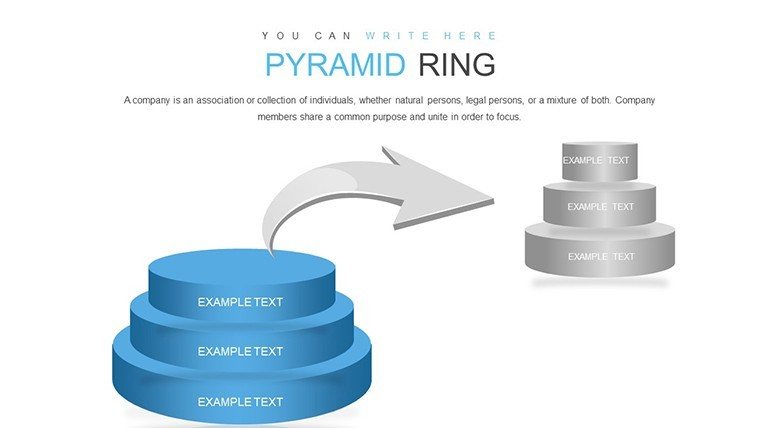
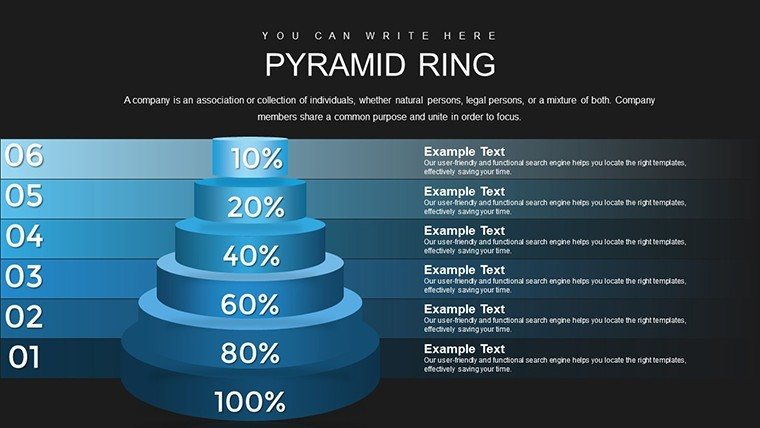
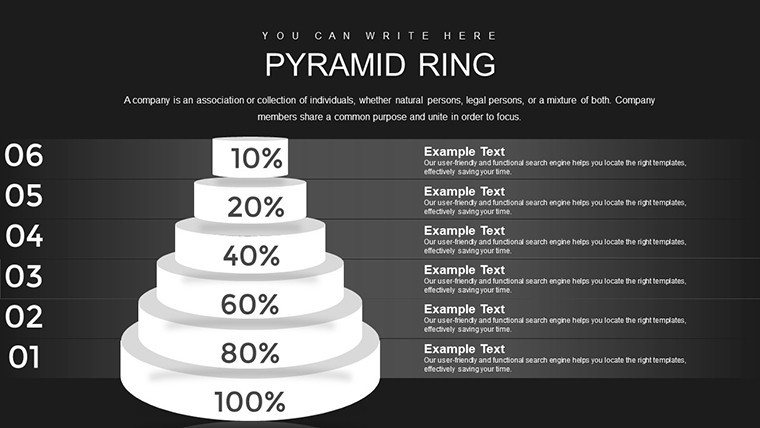
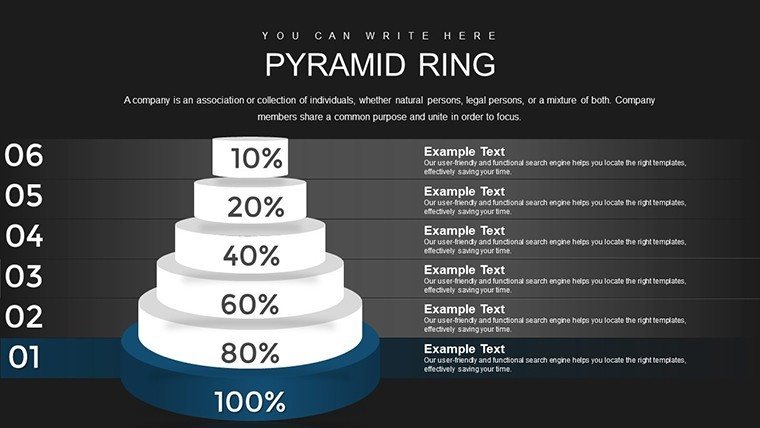
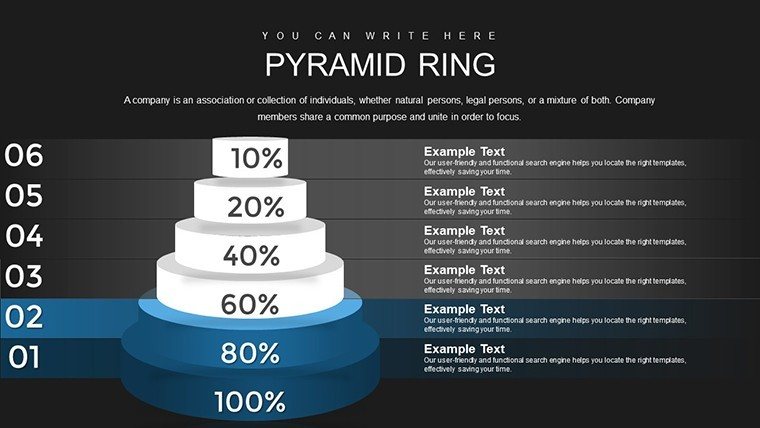
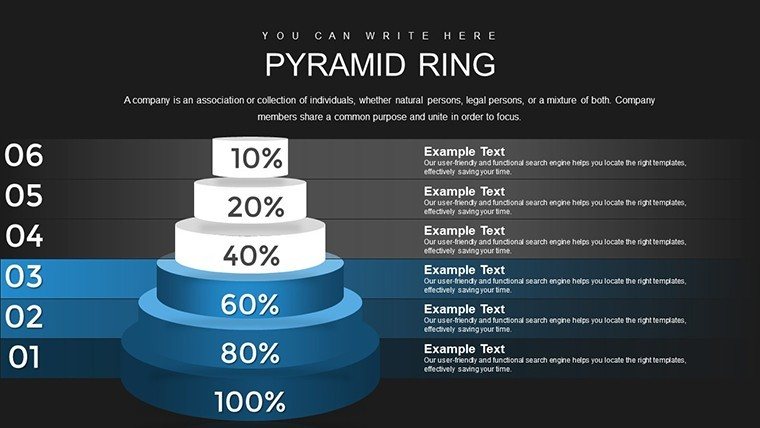
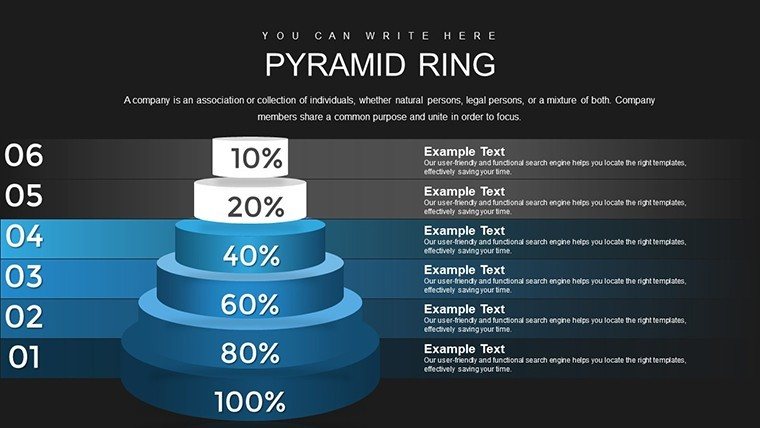
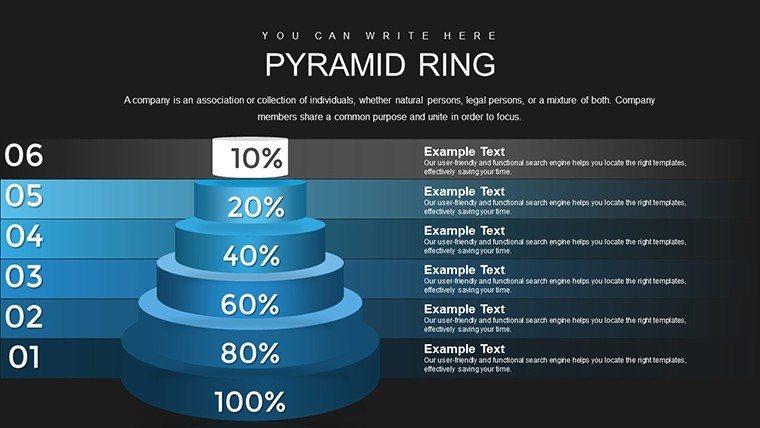
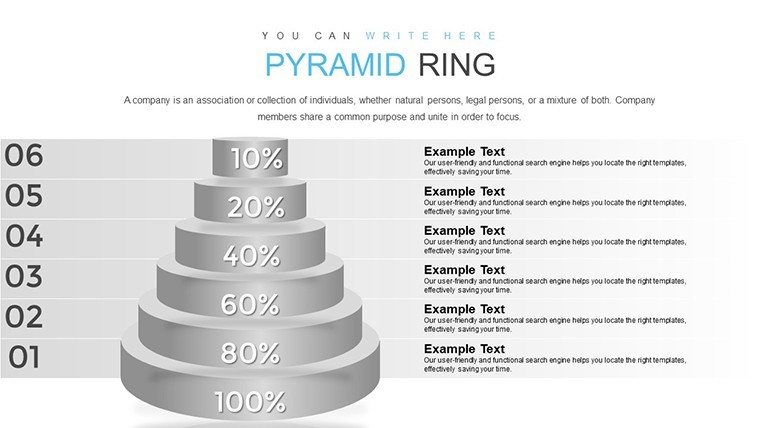
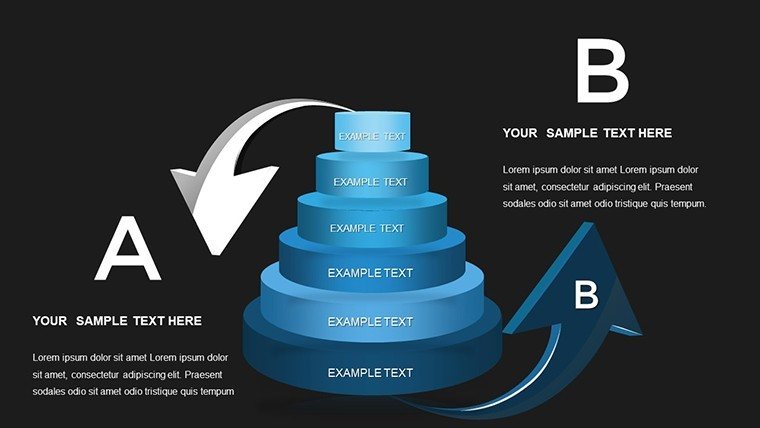
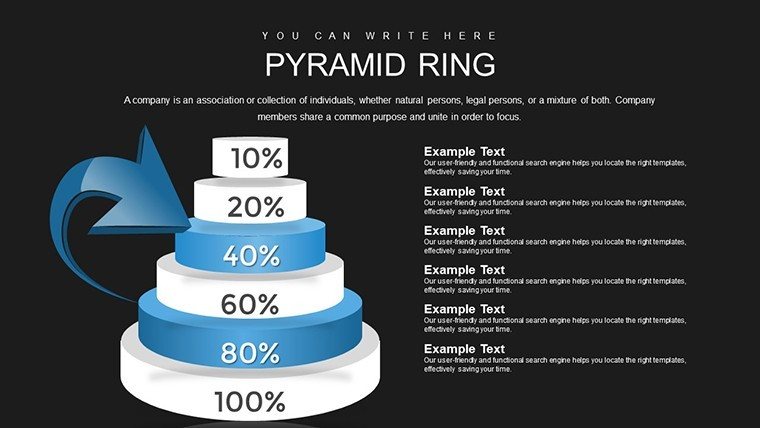
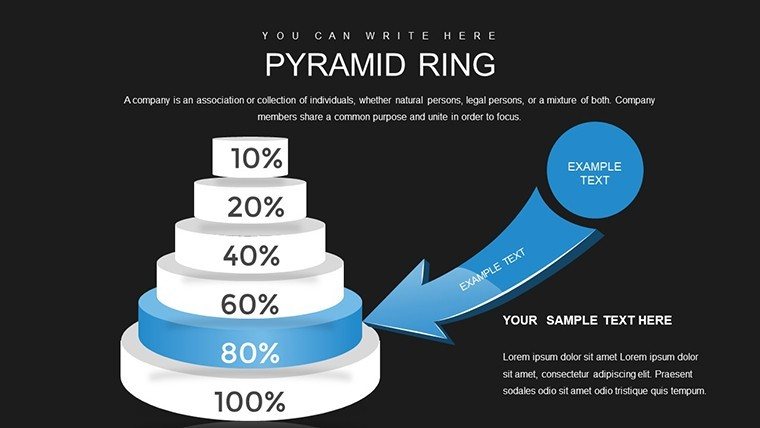
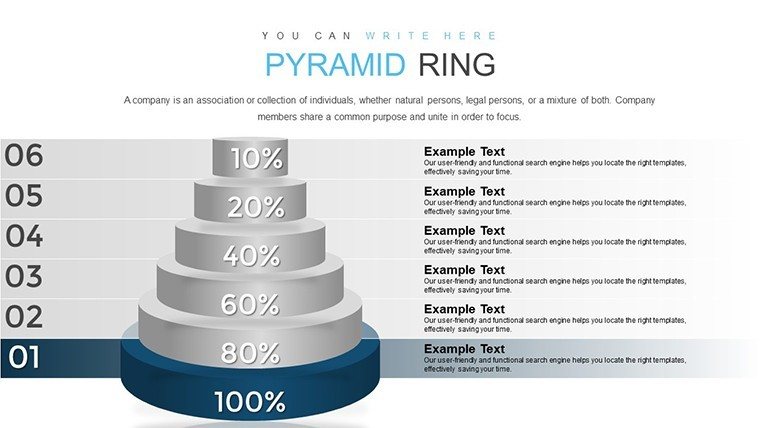
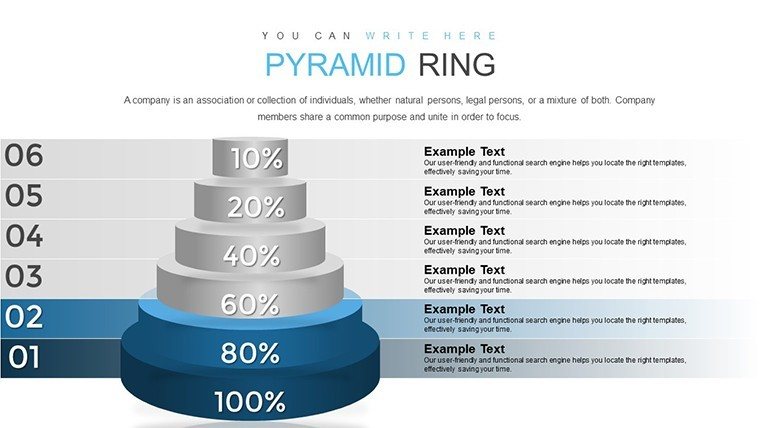
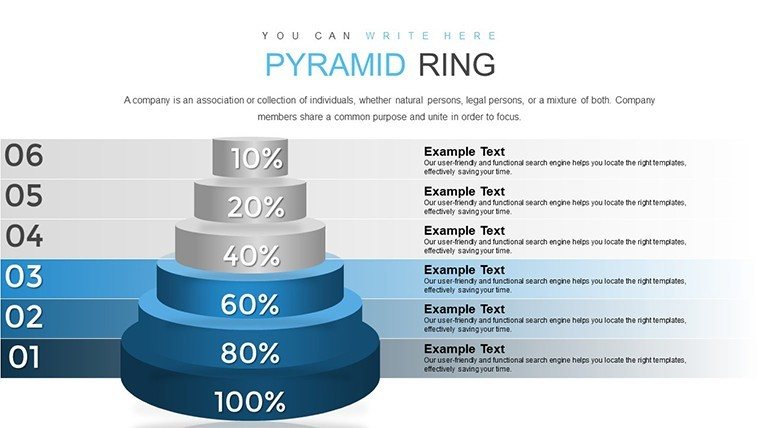
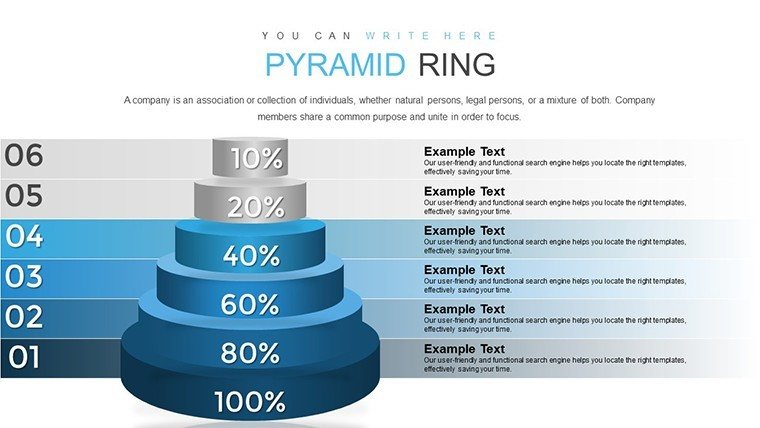
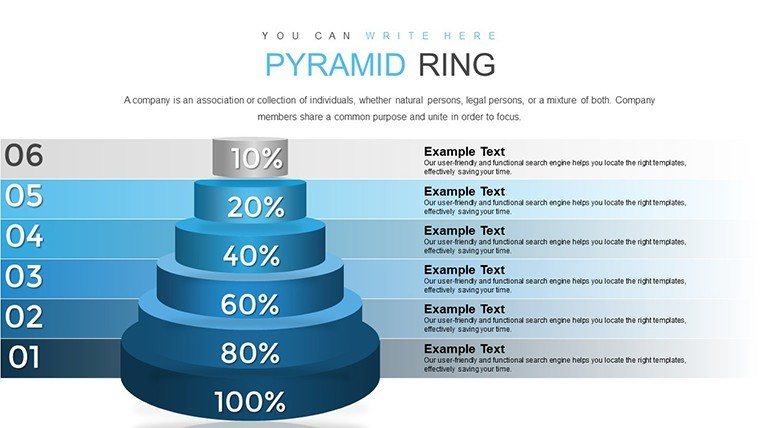
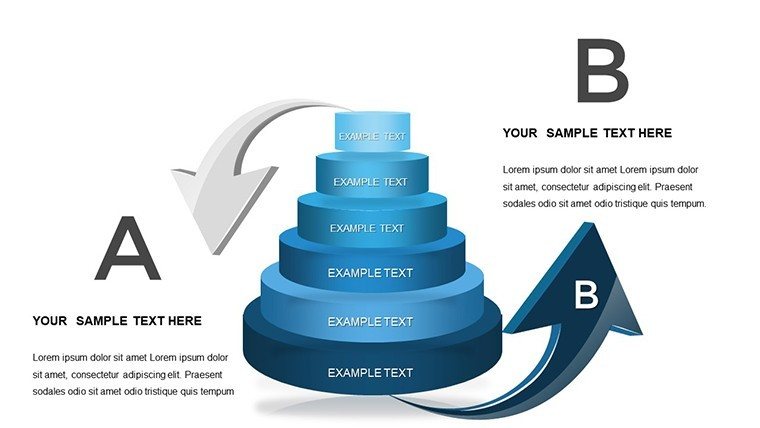
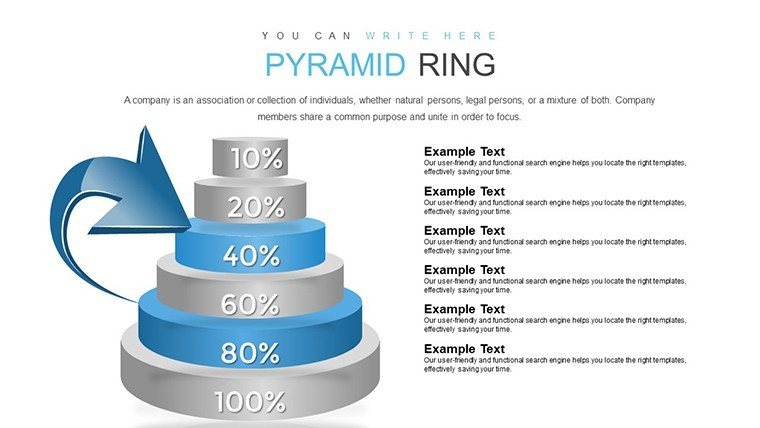
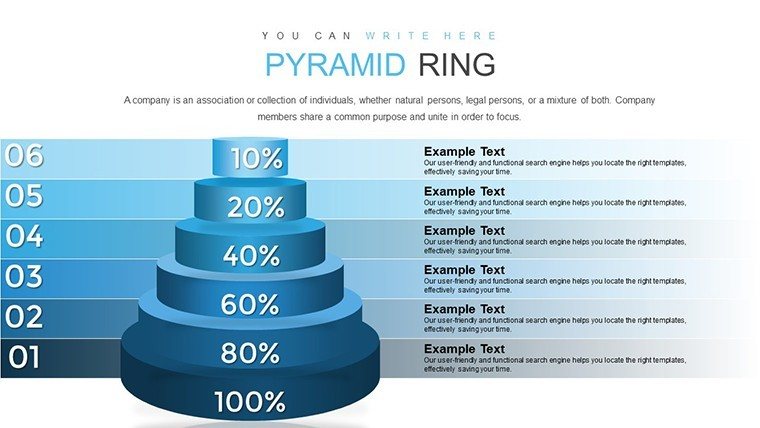
Envision stacking your architectural concepts like the layers of a grand pyramid, each ring revealing deeper insights into project hierarchies. Our Pyramid Ring PowerPoint Charts Template does just that, with 24 editable slides crafted for designers who turn blueprints into breakthrough presentations. Ideal for illustrating phased developments - from foundational site prep to crowning sustainable features - this tool aligns with AIA's emphasis on structured narratives. Whether you're an emerging architect pitching eco-towers or a seasoned pro detailing heritage restorations, these slides cut through complexity, highlighting rings of influence like stakeholder roles or material hierarchies. Say goodbye to flat, uninspiring decks; embrace a template that elevates your data visualization, making every ring a step toward client awe and project greenlights.
The Architectural Edge of Hierarchical Visualization
In architecture, hierarchy isn't just about scale - it's about storytelling. This template's pyramid rings offer a fresh take, far surpassing basic PowerPoint pyramids by incorporating concentric designs for multifaceted views. For a high-rise proposal, use rings to depict floors as layers, with outer rings showing environmental integrations. Inspired by award-winning firms like those behind the AIA Gold Medal projects, it infuses expertise into your slides, ensuring presentations resonate with precision and creativity.
Core Features That Build Strong Foundations
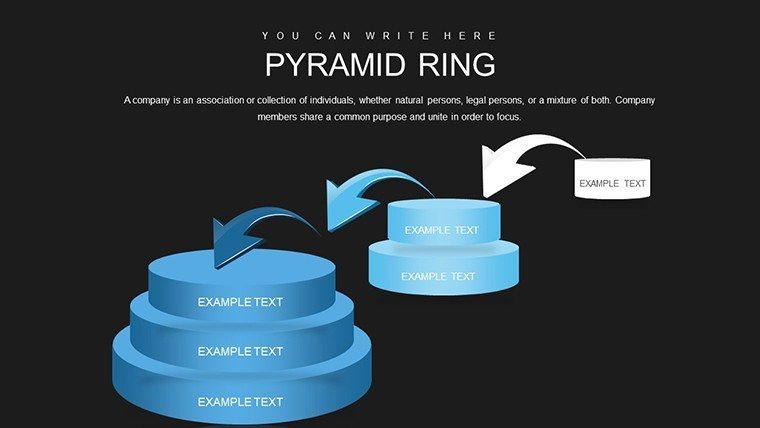
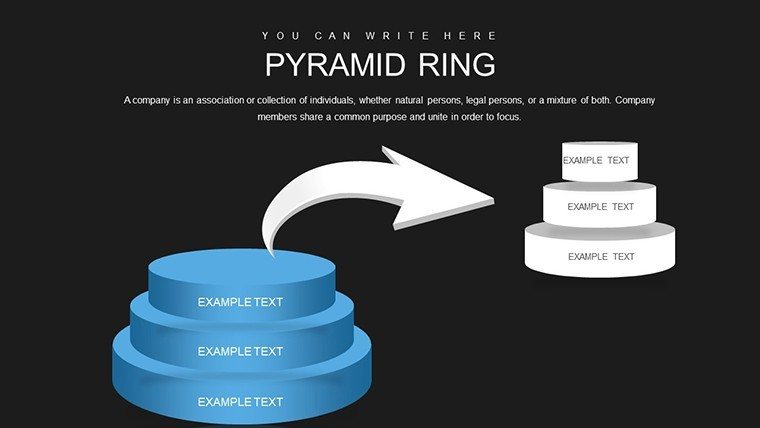
- Layered Pyramid Rings: Build customizable hierarchies for project phases or team structures.
- Infographic Versatility: Integrate icons and data points for rich, visual storytelling.
- Easy Personalization: Alter rings' colors and sizes to mirror architectural palettes, like earth tones for green builds.
- Seamless Compatibility: Works with PowerPoint and Google Slides, facilitating studio-wide use.
- High-Impact Graphics: Resolution-ready for projections or prints in design reviews.
These elements address pain points like conveying nested concepts, turning abstract hierarchies into tangible assets.
Integrating into Your Design Process
Apply it across scenarios: In urban planning, ring pyramids to show policy layers over physical designs. For interior architecture, illustrate spatial hierarchies from core rooms to peripheral zones.
Detailed Use Case: Phasing a Museum Expansion
- Outline Hierarchy: Start with core (exhibits) and add rings for expansions (galleries, public spaces).
- Add Data Layers: Embed metrics like budget allocations per ring.
- Enhance with Visuals: Use gradients for progression, simulating build timelines.
- Refine Iteratively: Adjust based on feedback, leveraging editable rings.
- Present Dynamically: Animate ring reveals for engaging stakeholder sessions.
This surpasses simple charts by providing depth, akin to how layered models enhance physical prototypes.
Fostering Innovation in Team Settings
Encourage creativity: Share templates for collaborative ring-building in charrettes, incorporating diverse inputs. For BIM-integrated workflows, align rings with model layers, supporting standards like ISO 19650. A case from a New York firm shows how pyramid visuals clarified a skyscraper's mechanical hierarchies, expediting approvals.
It's a catalyst for fresh perspectives, blending data with design intuition.
Pro Tips for Ring Mastery
Craft compelling rings by prioritizing clarity - limit to 5-7 layers for impact. Weave in LSI like "concentric hierarchies" or "phased infographics." Vary ring styles for emphasis, and ensure accessibility with text alternatives.
This template isn't static; it's a dynamic partner in your architectural journey.
Build Your Legacy - Download the Pyramid Ring Template
Layer up your presentations and ring in success. Customize to construct visions that endure.
Frequently Asked Questions
How many rings can I add to a pyramid?
Start with templates up to 6 rings, easily expandable for complex hierarchies.
Compatible with older PowerPoint versions?
Yes, from 2010 onward, with full features in newer editions.
Can I embed external images in rings?
Certainly - insert photos or renders for enhanced architectural context.
Suitable for non-hierarchical data?
Adaptable, but excels in layered concepts like project timelines.
Export options for sharing?
PDF, images, or video for versatile distribution.
Good for
- Project roadmaps and sprint plans
- Product launch timelines
- Quarterly or annual review decks
- Company history and milestone summaries
Licence
reviews
Pyramid Ring template's 24 slides layered hierarchies beautifully for my high-rise proposal. Concentric rings with gradients architectural feel. Custom icons enhanced.
Designer: phased developments visualized perfectly. Editable rings flexible. Professional polish.
The ring depths for material hierarchies impressive. Practical for reviews.
Student: stakeholder roles clear. Time-saving.
Mixed on limit to layers but expandable. Deadline winner.
Enthusiastic about AIA alignment and visual storytelling.
FAQ
Will it work in Google Slides?
Are fonts embedded?
Can I use this for client work?
What's the refund policy?
Do you update the template after purchase?
Similar templates
See all PowerPoint Charts →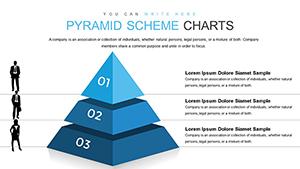
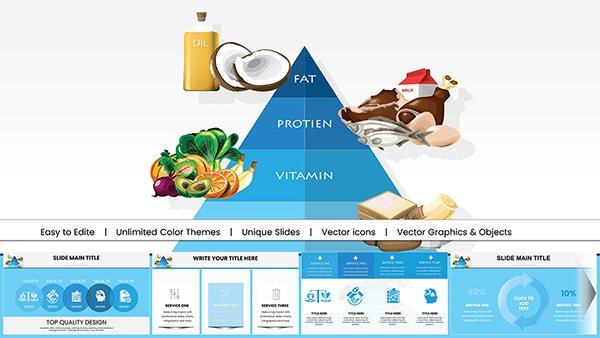


All 24 slides