 Click to zoom
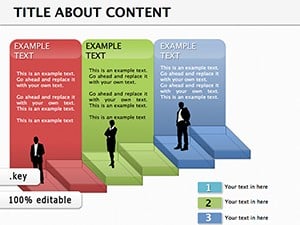
3D Blocks Keynote Diagrams Template
| Format | .pptx |
| Slides | 9 unique layouts |
| Aspect ratio | 16:9 |
| Compatibility | PowerPoint |
| Animated | No |
| Language | English |
| License | Commercial |
| File size | — |
| Version | v1.0 |
| Last updated | September 2023 |
What's inside
Ever watched a presentation where ideas literally stack up, layer by layer, until the full picture emerges? That's the magic this 3D blocks Keynote diagrams template brings to your slides. Tailored for educators, project managers, and business developers who want to make abstract plans tangible, it offers nine editable slides that turn flat concepts into multidimensional stories. Whether you're diagramming a product roadmap or breaking down lesson objectives, these blocks invite your audience to see the build from the ground up.
This template stands out by emphasizing progression - each block represents a step, risk, or achievement, with shadows and perspectives adding depth without complexity. Built for Keynote users on Apple devices, it's ideal for those collaborative sessions where visuals need to convey momentum. Say goodbye to boring bar charts; hello to structures that mirror how real projects assemble, one solid piece at a time.
Layering Depth into Every Slide
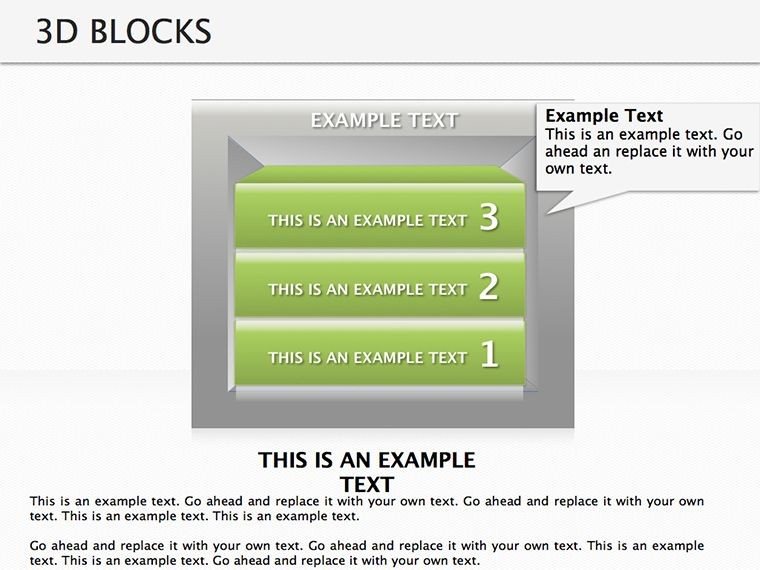
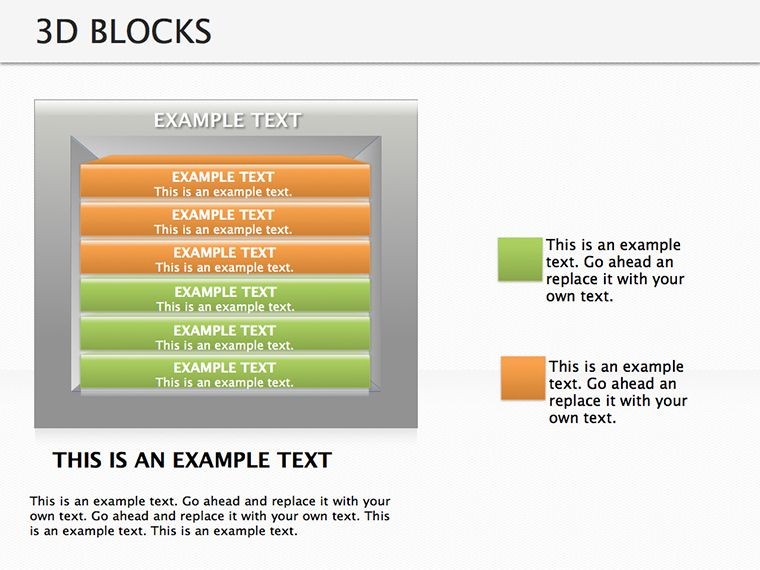
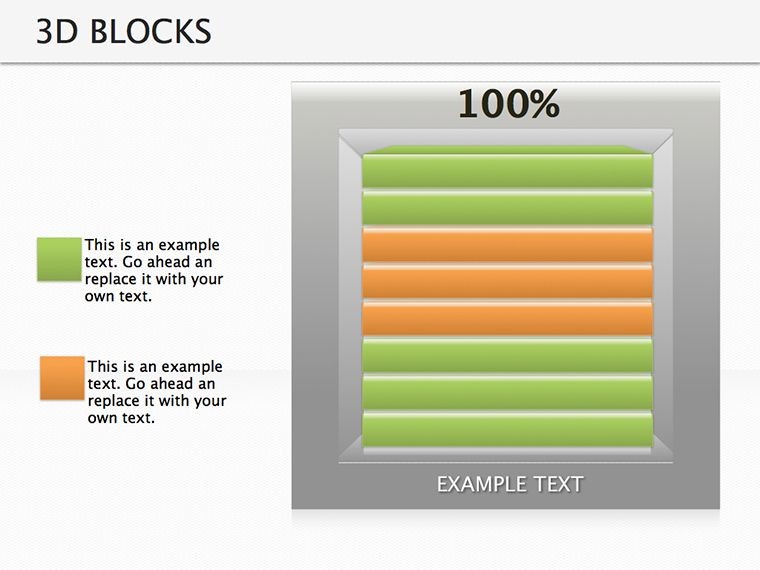
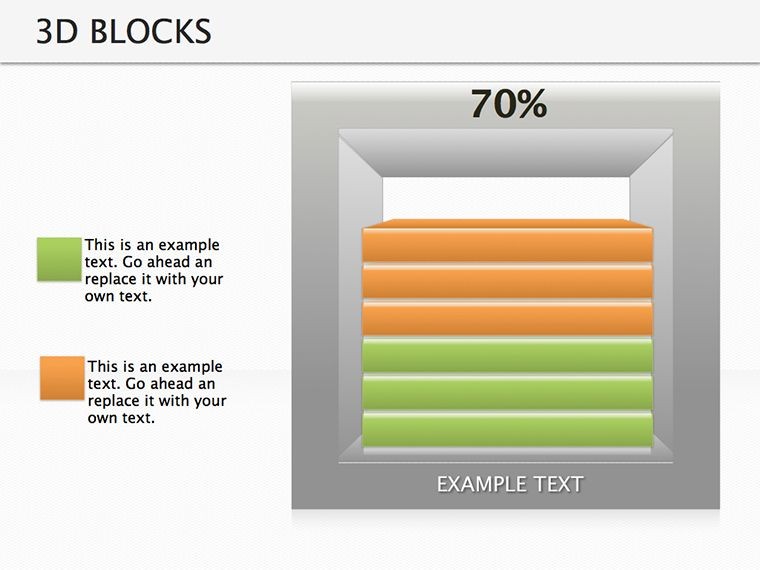
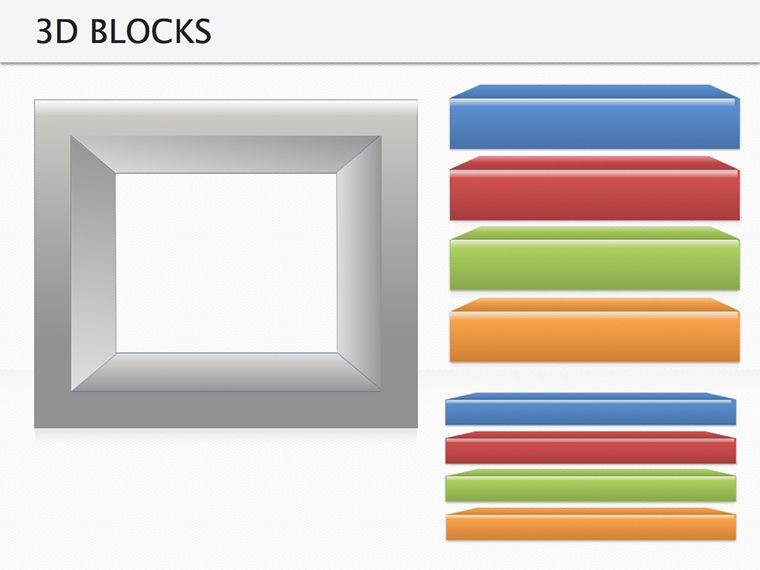
The heart of this template is its modular design, where 3D blocks snap together like digital Legos. Start with the foundational stack slide, stacking metrics from base (current state) to top (future goals). Edit heights by adjusting parameters in Keynote's shape editor, and watch proportions update instantly - perfect for showing growth trajectories in sales forecasts.
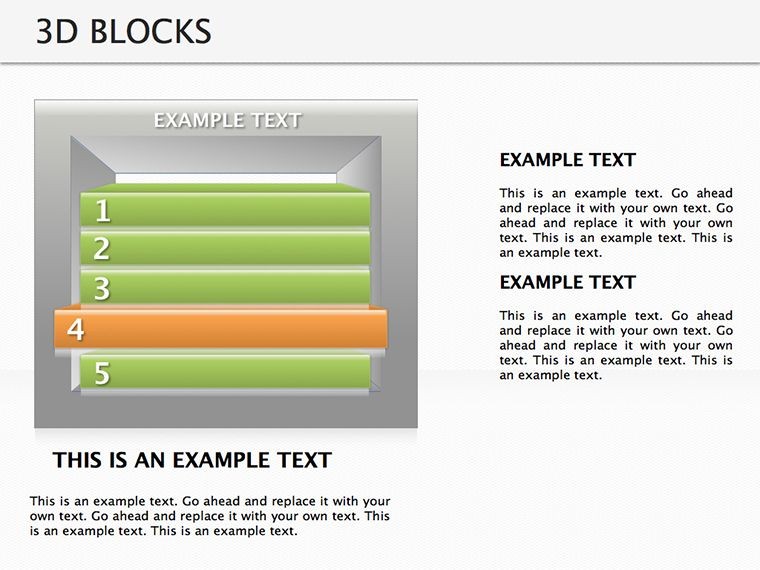
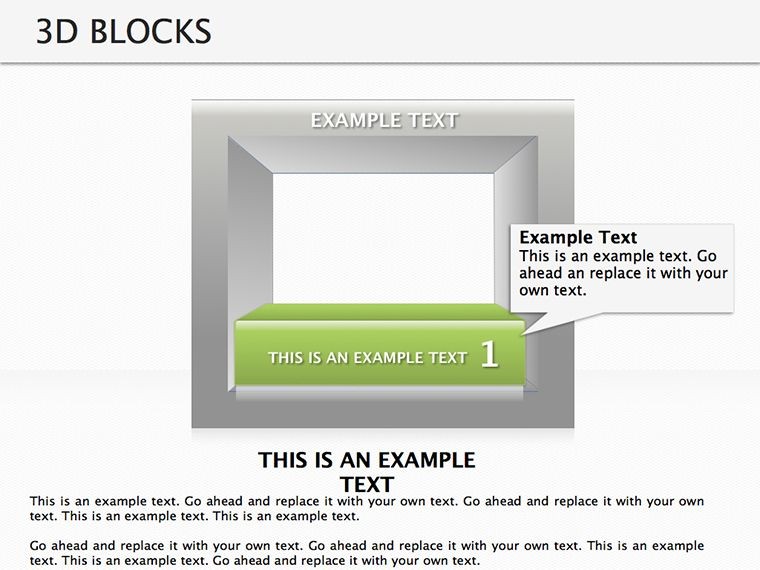
Another gem is the interlocking blocks layout, great for illustrating dependencies. Drag blocks to rearrange sequences, adding labels for tasks or phases. In a classroom setting, use it to model historical events, where each block links eras with key influences, making timelines feel interactive and sturdy.
- Stacked Growth Tower: Vertical build for progress visualization, scalable heights.
- Cube Matrix: Grid of blocks for multi-faceted comparisons, like SWOT analyses.
- Pyramid Build: Ascending structure for hierarchy breakdowns, from teams to executives.
Effortless Customization for Dynamic Builds
Integration is a breeze: Load the template, select a block group, and infuse your data via text tools or linked charts. Keynote's 3D controls let you rotate views for emphasis - tilt a stack to highlight a pivotal layer during live demos. This beats piecing together shapes manually, freeing you to refine your message.
- Choose a slide and populate block labels with your key points.
- Fine-tune perspectives using the 3D inspector for dramatic angles.
- Apply group animations to reveal blocks sequentially, building suspense.
- Share via iCloud for team edits, keeping versions synced.
Educators love the timetable slide, where blocks segment days into activities, color-coded for subjects. Adjust widths to reflect durations, creating a visual schedule that's as practical as it is engaging.
Versatile Uses That Construct Success
From boardrooms to classrooms, this template adapts seamlessly. Project leads can employ the barrier-breaking slide to depict challenges as removable blocks, strategizing solutions in agile sprints. In business action plans, the expansion grid shows market entries as outward-growing cubes, clarifying territorial strategies.
Picture a startup founder using the resource allocation pyramid: Base blocks for inputs like budget and team, tapering to outcomes - editable to simulate scenarios. Or, in training modules, stack competencies to outline career paths, inspiring participants with a clear ascent.
Unlike standard diagrams, these 3D elements add psychological weight - viewers perceive stability in aligned blocks, reinforcing your points subconsciously. Vector graphics ensure crispness across formats, from 4K projectors to mobile shares.
Pro Tips for Block-Busting Presentations
Enhance with subtle rotations on hover in export modes, drawing eyes to focal points. Always balance stacks to avoid visual overload - aim for 4-6 blocks per slide. For inclusivity, ensure high contrast between blocks and backgrounds, aligning with Apple's accessibility guidelines.
Grab this 3D blocks Keynote diagrams template for $22 and start constructing narratives that endure. Turn your next pitch into a blueprint for brilliance.
Frequently Asked Questions
Does this template require 3D rendering skills?
No, all 3D effects are pre-built and editable with standard Keynote tools.
How many blocks can I add or remove per slide?
Unlimited - duplicate or delete as needed, with automatic adjustments to connections.
Is it compatible with older Keynote versions?
Optimized for Keynote 2019+, but testable on earlier with minor tweaks.
Can I use this for non-business presentations?
Yes, it's versatile for education, events, or any stacked-concept scenario.
Are shadows and lighting customizable?
Absolutely, via Keynote's lighting controls for tailored depth effects.
What file format is provided?
A native .key file, ready for immediate use in Keynote.
Good for
- Project roadmaps and sprint plans
- Product launch timelines
- Quarterly or annual review decks
- Company history and milestone summaries
Licence
reviews
Used this for an IT infrastructure slide.
The connection lines are clear.
FAQ
Will it work in Google Slides?
Are fonts embedded?
Can I use this for client work?
What's the refund policy?
Do you update the template after purchase?
Similar templates
See all Keynote Diagrams →

All 9 slides