 Click to zoom
2D Puzzles PowerPoint Template: Unlock Creative Connections
| Format | .pptx |
| Slides | 22 unique layouts |
| Aspect ratio | 16:9 |
| Compatibility | PowerPoint |
| Animated | No |
| Language | English |
| License | Commercial |
| File size | — |
| Version | v1.0 |
| Last updated | May 2024 |
What's inside
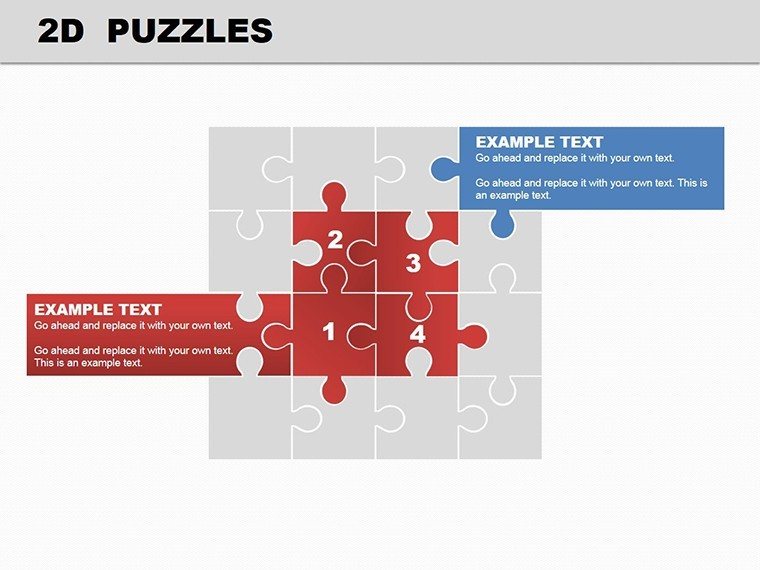
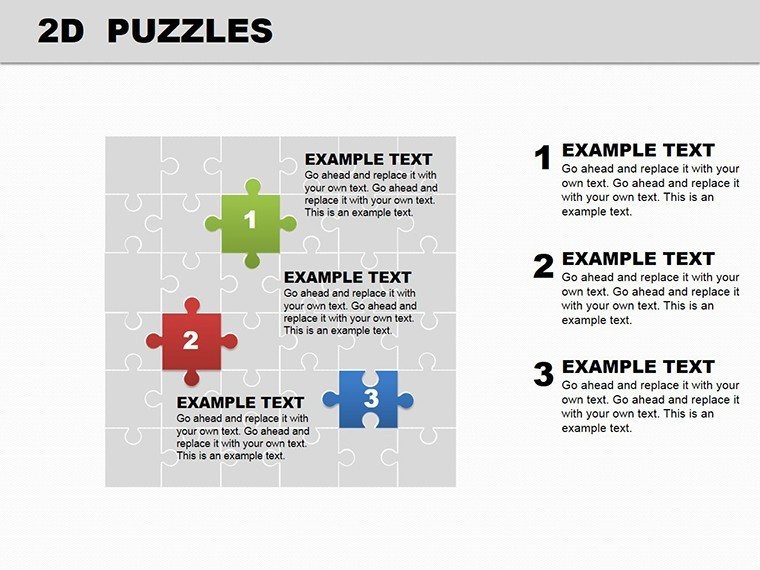
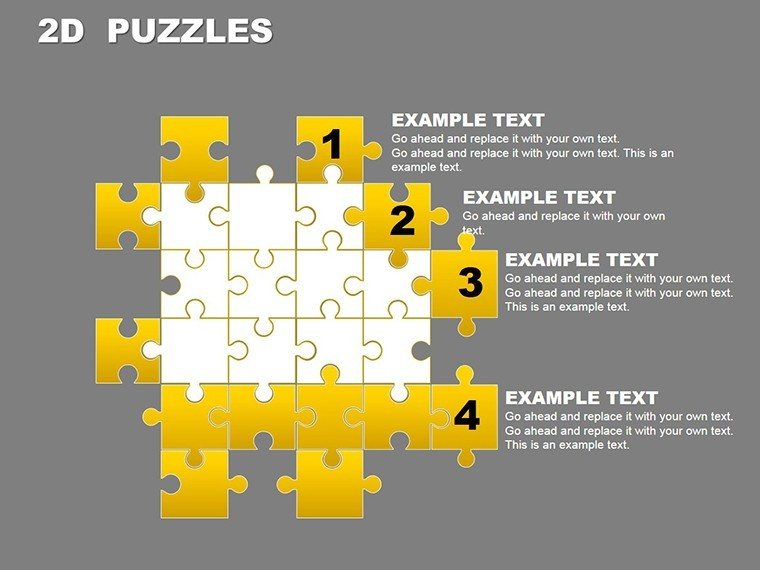
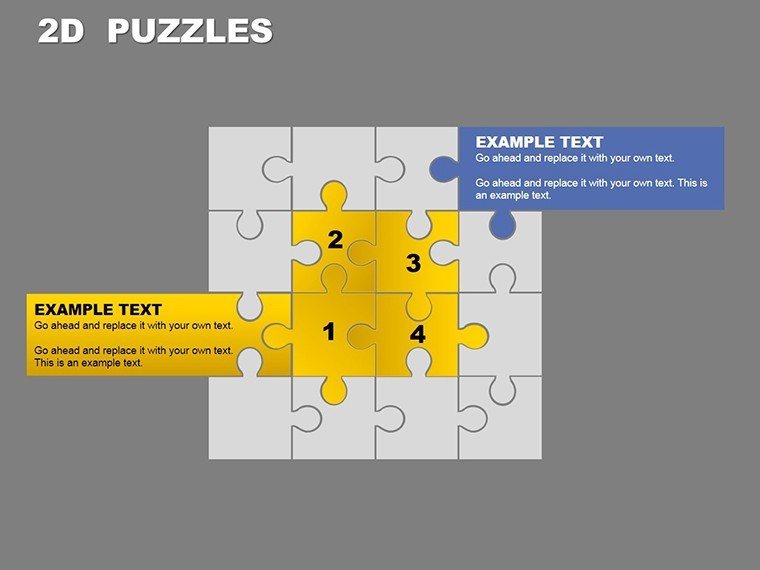
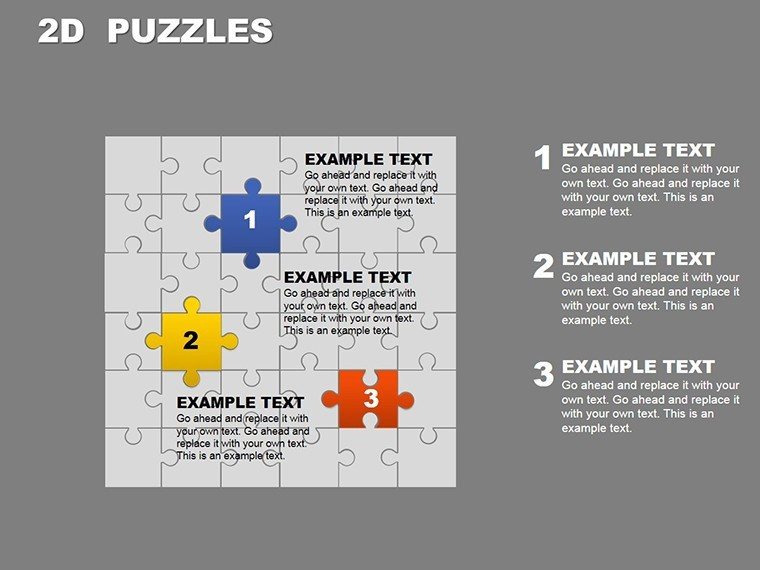
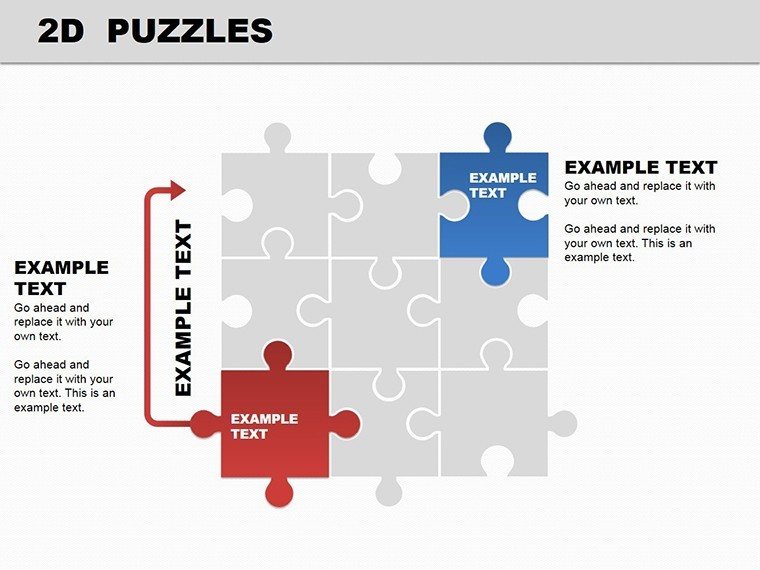
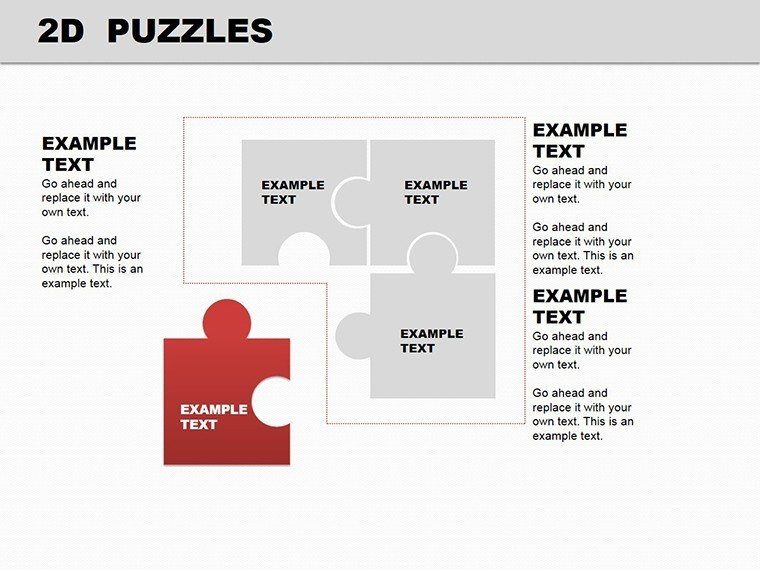
Imagine piecing together a narrative where every element fits perfectly, revealing a bigger picture that captivates your audience. That's the magic of the 2D Puzzles PowerPoint Template, a collection of 22 editable slides designed to turn abstract concepts into visually compelling diagrams. Whether you're a project manager outlining interconnected workflows or an educator breaking down historical events, this template helps you build presentations that resonate. With its clean, interlocking puzzle motifs, it simplifies complexity, making your message stick without overwhelming viewers.
Crafted for professionals who value clarity over clutter, this template shines in high-stakes settings like client meetings or training sessions. Each slide features scalable vector graphics that maintain sharpness on any screen, ensuring your ideas look polished from boardrooms to classrooms. At just $24, it's an affordable way to elevate your slides from standard to standout, saving you hours of design time while boosting engagement. Ready to connect the dots in your next talk? Let's explore how this template fits into your workflow.
Discover the Core Elements of This Puzzle-Inspired Design
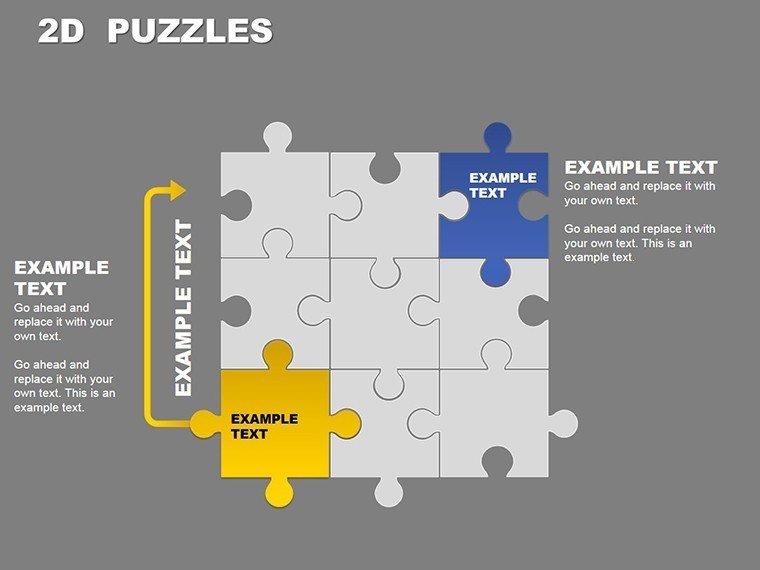
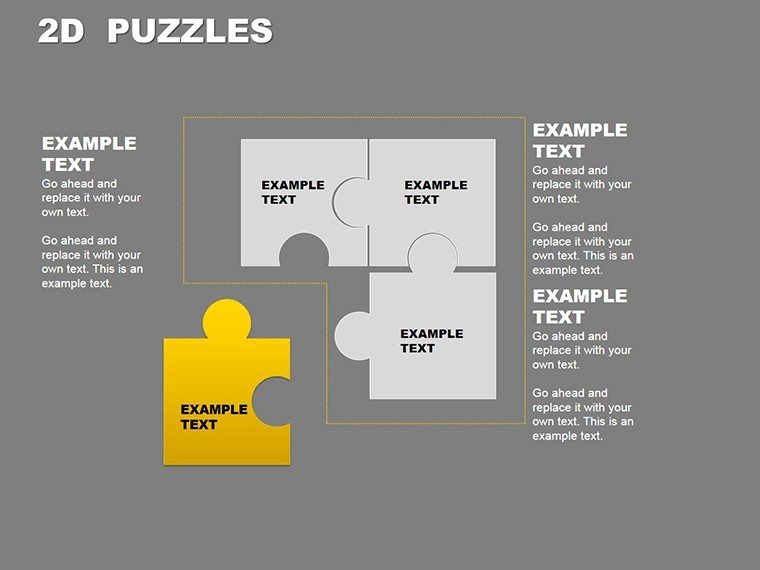
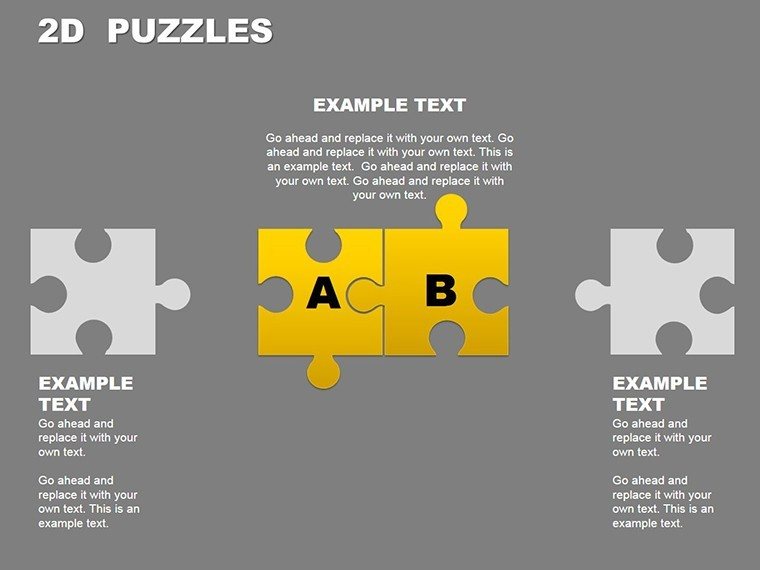
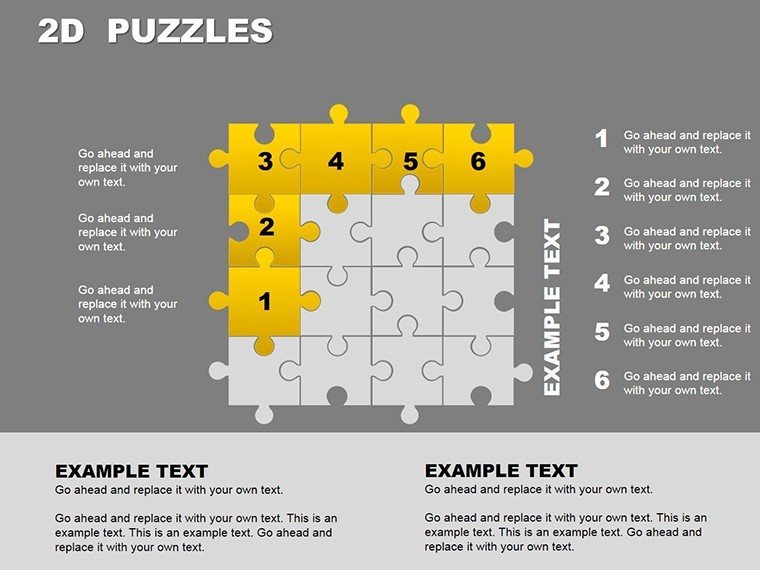
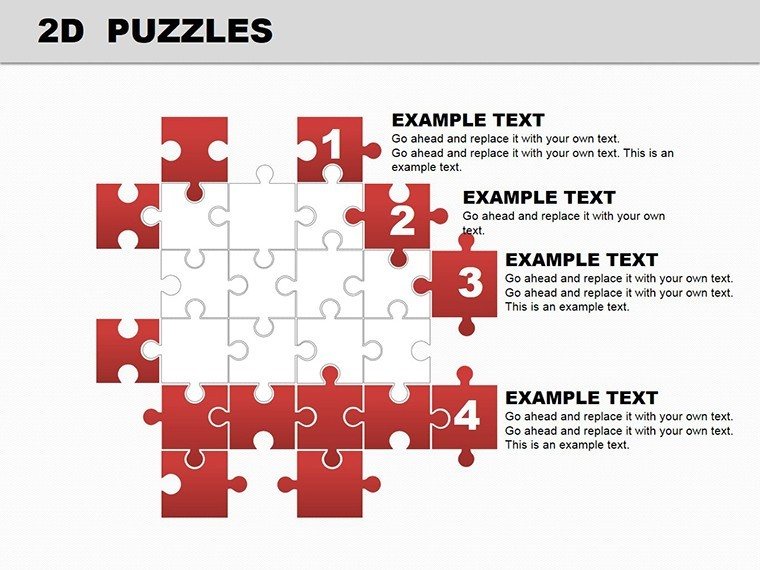
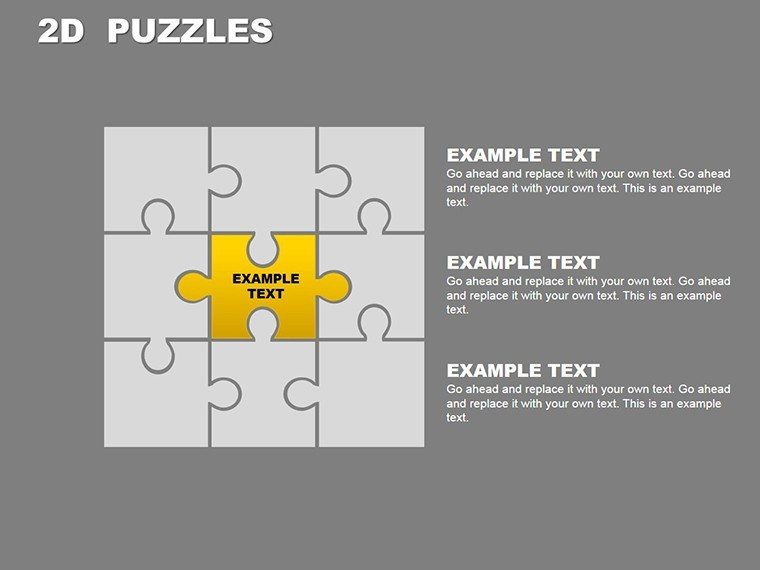
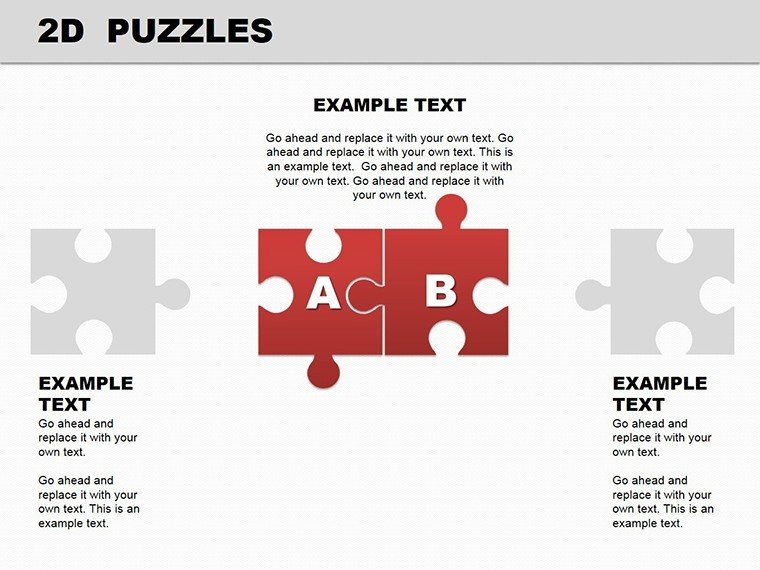
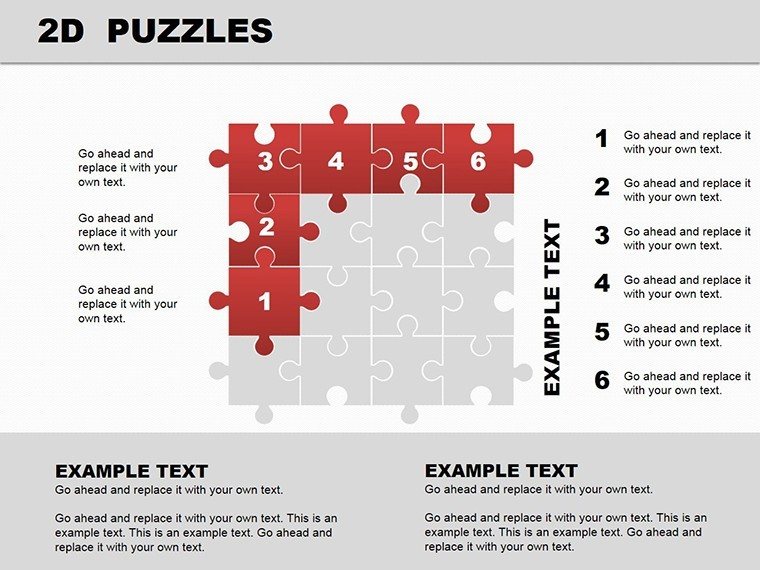
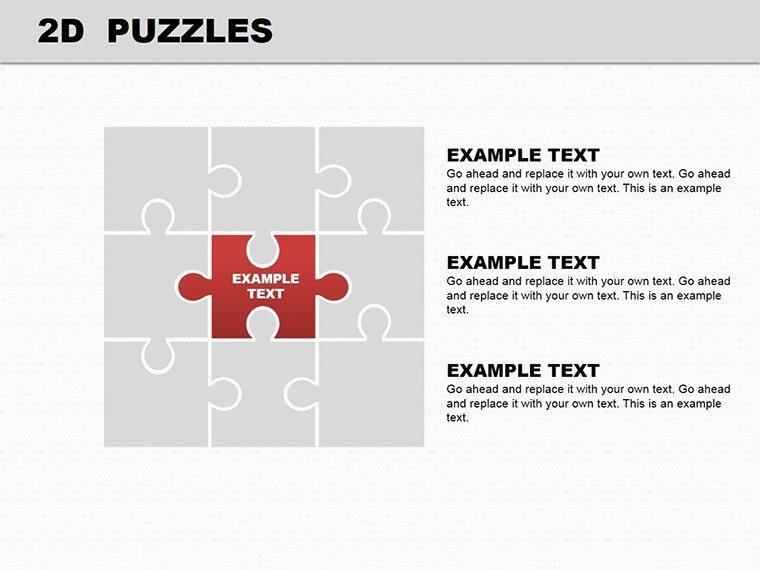
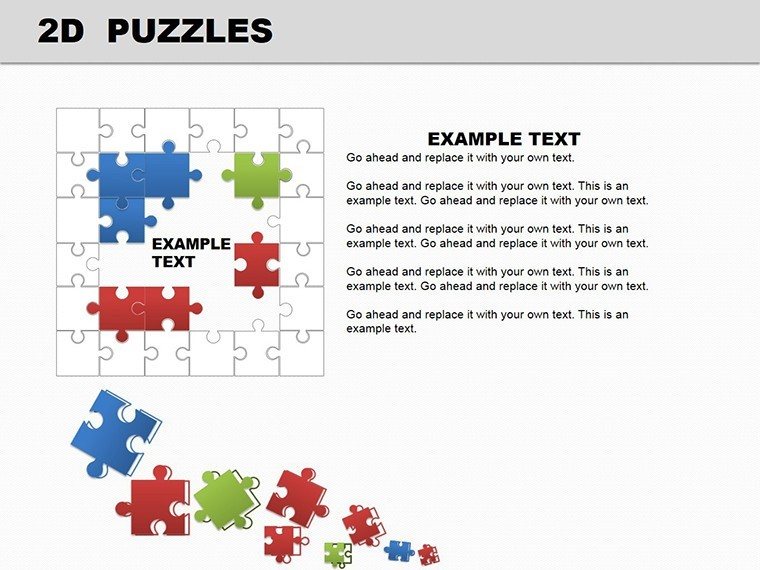
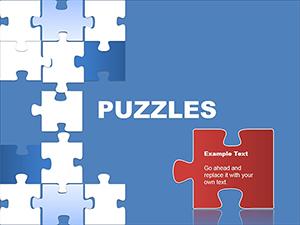
At its heart, the 2D Puzzles PowerPoint Template revolves around modular puzzle pieces that symbolize unity and progression. Slide 1 introduces a basic interlocking set, ideal for starting with a simple thesis or team overview. As you advance, slides 4 through 8 expand into multi-level mosaics, perfect for mapping out strategies where each piece represents a key tactic - think sales funnels or product development stages.
What sets this apart from generic shapes? The pieces aren't just decorative; they're intuitively grouped for easy animation. Drop in your text or icons, and watch transitions reveal connections smoothly, mimicking how ideas build in real conversations. For instance, slide 12 offers a circular puzzle variant, great for cyclical processes like feedback loops in agile teams. And with full compatibility across PowerPoint 2016 and later versions, you can tweak without compatibility headaches.
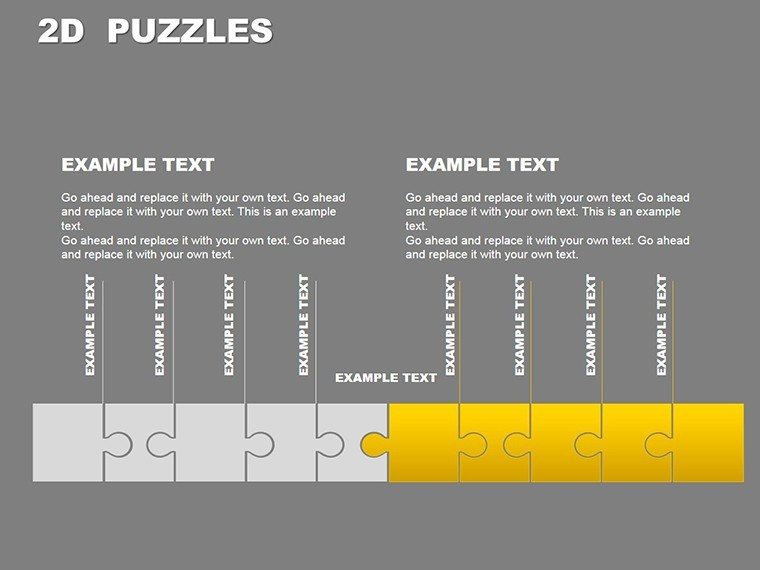
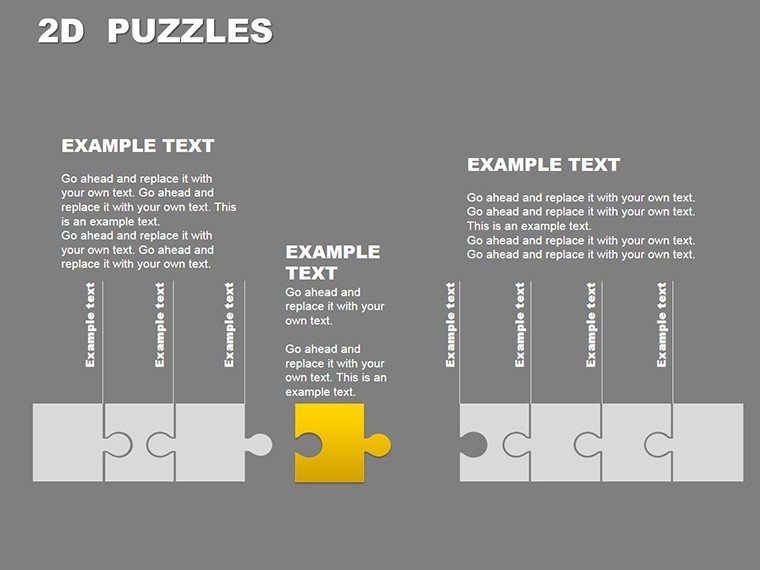
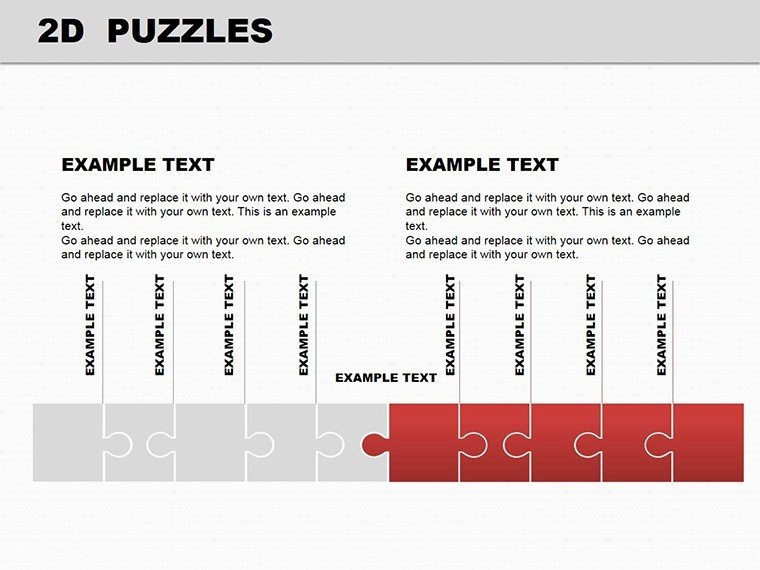
- Versatile Layouts: From linear chains (slides 15-18) for timelines to clustered groups (slides 19-22) for mind maps.
- Customization Freedom: Recolor pieces to match your brand palette or resize for emphasis.
- Built-in Icons: Over 50 puzzle-themed icons to denote actions like "fit," "expand," or "align."
These features make it a go-to for anyone tired of bland bullet points, turning data dumps into dynamic visuals that invite questions and spark discussions.
Practical Ways to Integrate Puzzles into Your Storytelling
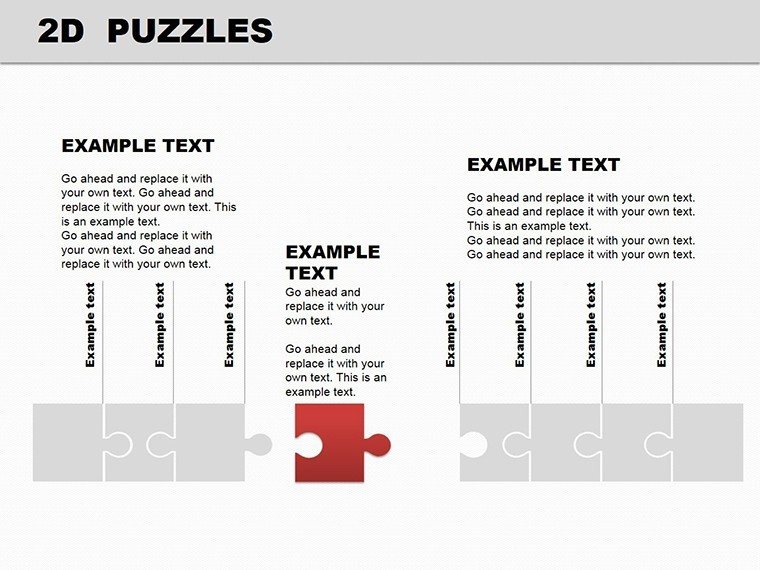
Start with a blank canvas: Open the template in PowerPoint and select slide 2 for an entry-level puzzle overview. Input your core message in the central piece, then branch out with supporting details in adjacent slots. This method works wonders for project planning, where you can illustrate dependencies - much like how a construction firm might map subcontractor roles.
For educational use, consider slide 9's fragmented puzzle, which rebuilds step-by-step via animations. Assign each piece to a learning objective, revealing them one by one to guide students through scientific methods or literary analyses. In business contexts, adapt slide 16 for stakeholder alignment: Label pieces with departmental inputs, showing how they interlock for company-wide goals.
- Import your data: Copy-paste from Excel into puzzle cells for seamless updates.
- Animate strategically: Use fade-ins to simulate assembly, keeping pacing natural.
- Test on devices: Preview in slideshow mode to ensure pieces align across projectors and laptops.
This approach not only clarifies relationships but also adds a layer of interactivity, encouraging your audience to mentally "solve" the puzzle alongside you.
Tailored Applications Across Industries
In marketing teams, this template excels at campaign roadmaps. Picture slide 7: Pieces forming a pathway from awareness to conversion, with metrics slotted in for quick scans. A creative director could use it to brainstorm ad series, where each interlocking element sparks collaborative tweaks during reviews.
Educators find value in historical timelines - slide 20's elongated puzzle chain traces events like the Industrial Revolution, with eras as distinct pieces. For workshops, trainers leverage the mosaic layouts in slides 10-13 to dissect skills training, fitting modules like communication or leadership into a cohesive whole.
Even in non-profits, it aids grant proposals: Assemble funding needs into a unified vision on slide 14, making abstract budgets tangible. The key? Always tie visuals back to outcomes - show how solved puzzles lead to resolved challenges, fostering trust and buy-in.
Pro Tips for Maximizing Impact and Ease
To avoid common pitfalls, layer text sparingly - aim for 5-7 words per piece to keep focus sharp. Pair with subtle backgrounds that don't compete, like soft gradients in neutral tones. For advanced users, group pieces into smart art for bulk edits, streamlining revisions mid-presentation.
Integrate with other tools by exporting puzzle sections as images for reports, or embed hyperlinks within pieces for deeper dives during Q&A. Remember, the template's strength lies in its adaptability: Swap puzzle edges for arrows in slide 3 to denote directionality in flowcharts.
As you refine, test with a small group - does the puzzle evoke the "aha" moment you intended? Adjustments here can amplify retention, turning passive listeners into active participants.
Why This Template Stands Out in a Sea of Diagrams
Unlike basic flowcharts that feel rigid, the 2D Puzzles approach invites creativity, mirroring how real-world problems interconnect. It's not just about looks; it's about making your audience feel involved, as if they're helping assemble the solution. Compatible with standard PowerPoint tools, it requires no plugins, letting you focus on content over tech.
Download the 2D Puzzles PowerPoint Template today for $24 and start crafting presentations that puzzle together perfectly. Your next big idea deserves visuals this engaging.
Frequently Asked Questions
What versions of PowerPoint does this template support?
The 2D Puzzles PowerPoint Template works with PowerPoint 2016 and newer versions, including Microsoft 365.
Can I add my own images to the puzzle pieces?
Yes, each piece is fully editable - insert photos or graphics via the standard PowerPoint insert menu for personalized touches.
Are animations included in the slides?
Basic entrance animations are pre-set for smooth puzzle assembly; customize further in the animations pane.
How do I change colors across multiple slides?
Use the slide master view to apply theme-wide color changes, ensuring consistency in under a minute.
Is this suitable for Mac users?
Absolutely, it's a native .pptx file compatible with PowerPoint on Mac.
What if I need more than 22 slides?
Duplicate and modify existing slides easily, or combine with other ImagineLayout templates for expanded decks.
Good for
- Project roadmaps and sprint plans
- Product launch timelines
- Quarterly or annual review decks
- Company history and milestone summaries
Licence
reviews
Grabbed this for a training presentation at work.
The step by step diagrams were easy for new employees to follow.
Some icons didn’t match each other stylistically.
I appreciated that the slides weren’t overloaded with effects.
Pretty useful if you need structure more than decoration.
FAQ
Will it work in Google Slides?
Are fonts embedded?
Can I use this for client work?
What's the refund policy?
Do you update the template after purchase?
Similar templates
See all Powerpoint Diagrams →
All 22 slides