 Click to zoom
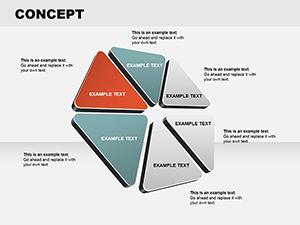
Blue Puzzle PowerPoint Diagrams: Assemble Insights That Fit
| Format | .pptx |
| Slides | 25 unique layouts |
| Aspect ratio | 16:9 |
| Compatibility | PowerPoint |
| Animated | No |
| Language | English |
| License | Commercial |
| File size | — |
| Version | v1.0 |
| Last updated | January 2025 |
What's inside
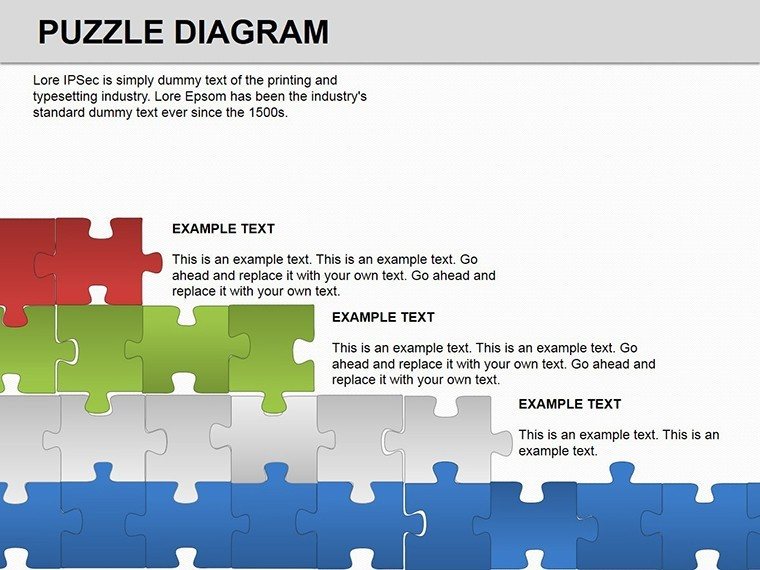
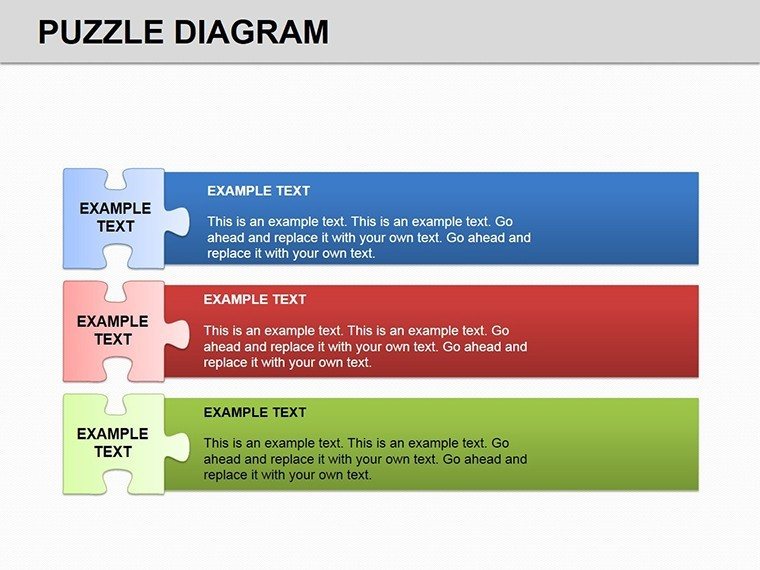
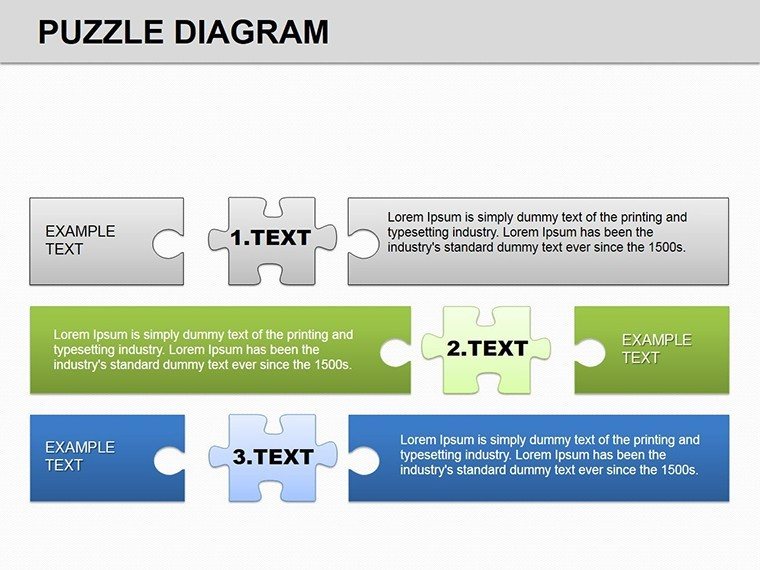
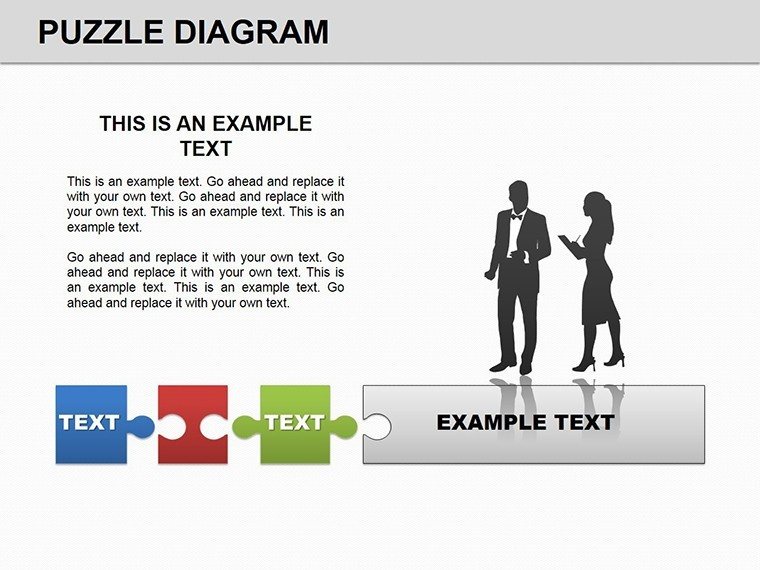
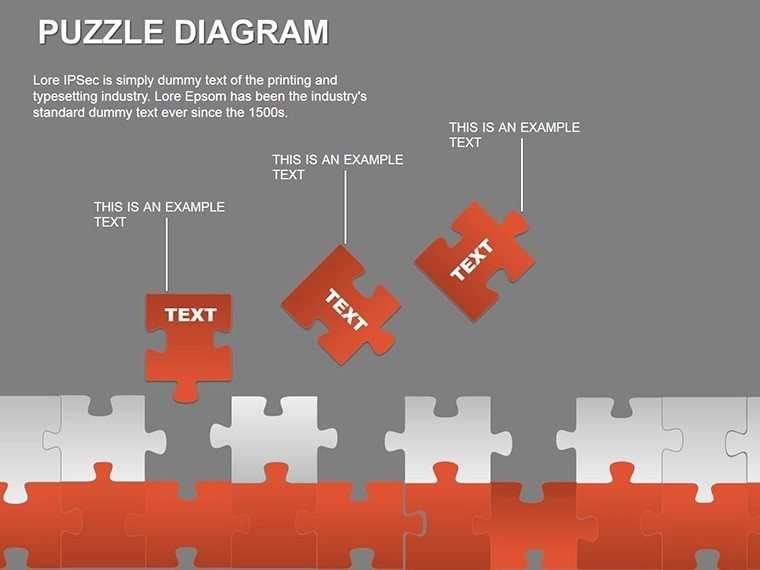
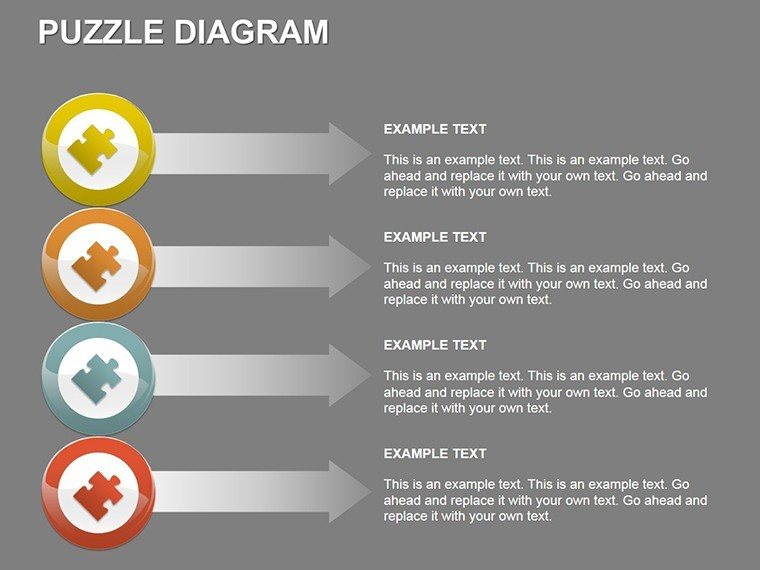
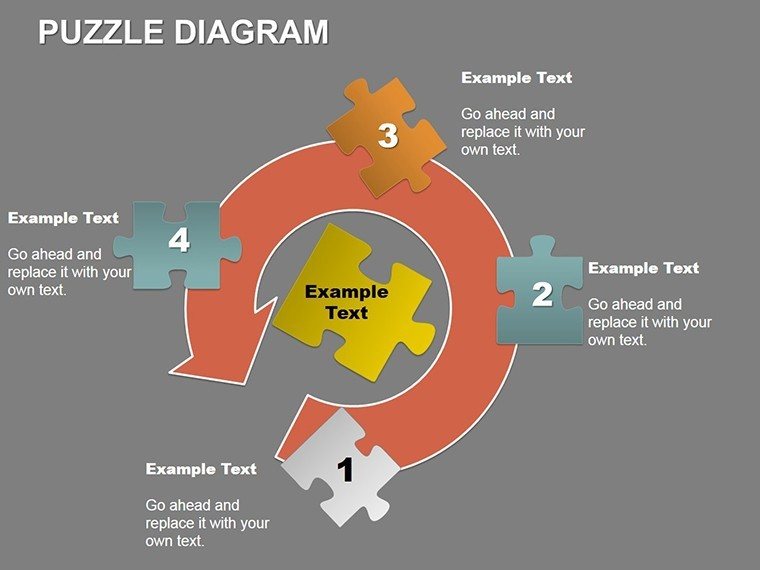
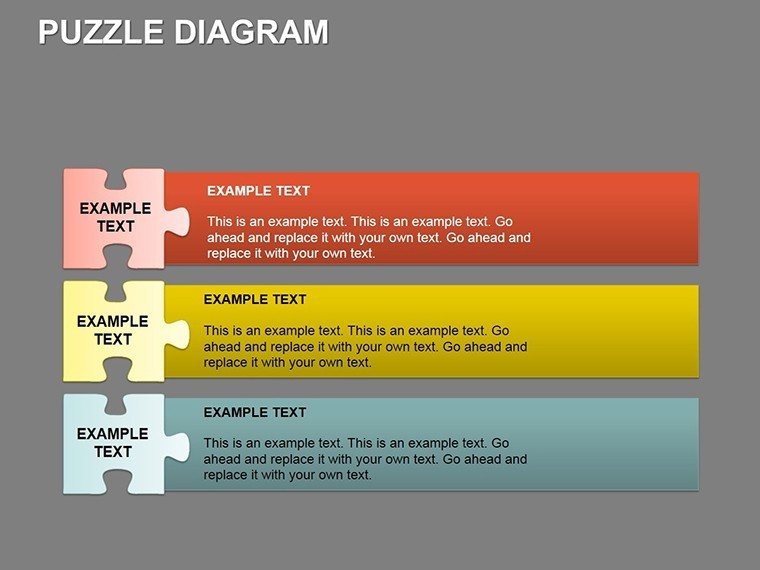
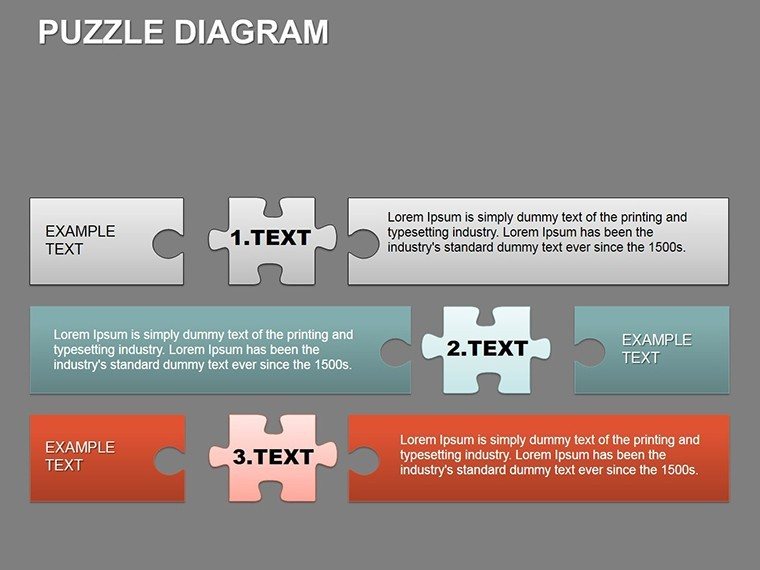
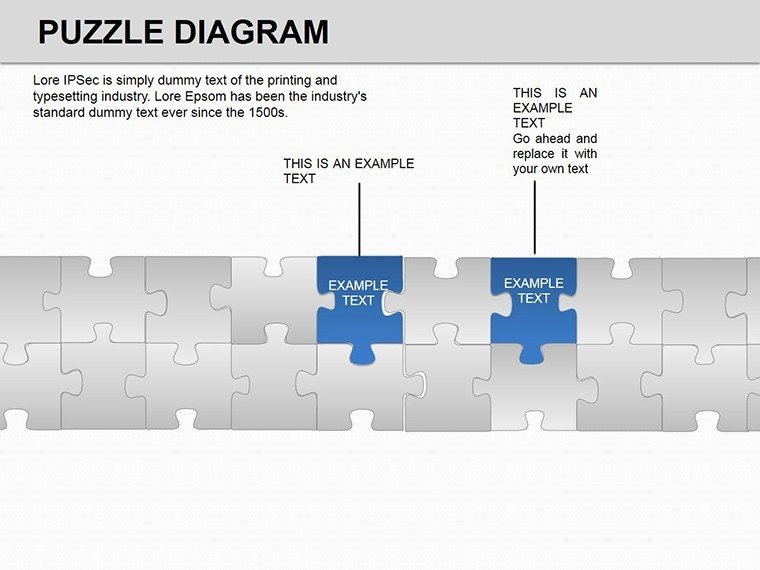
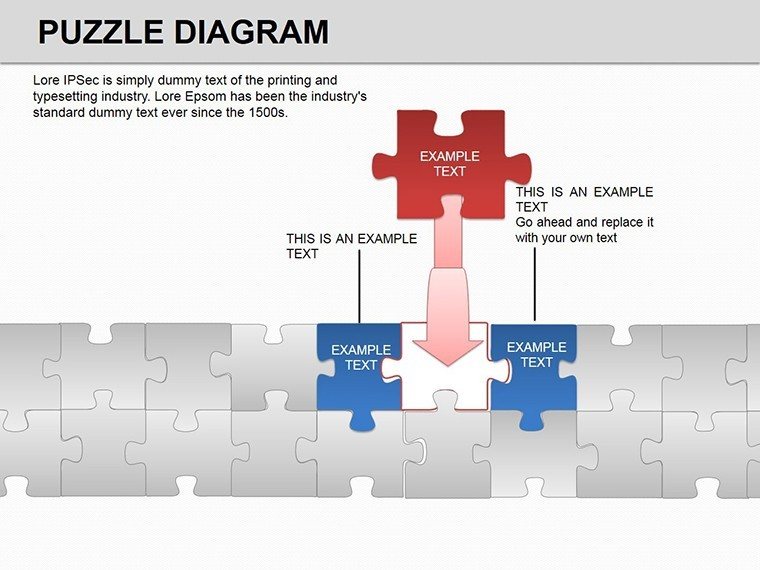
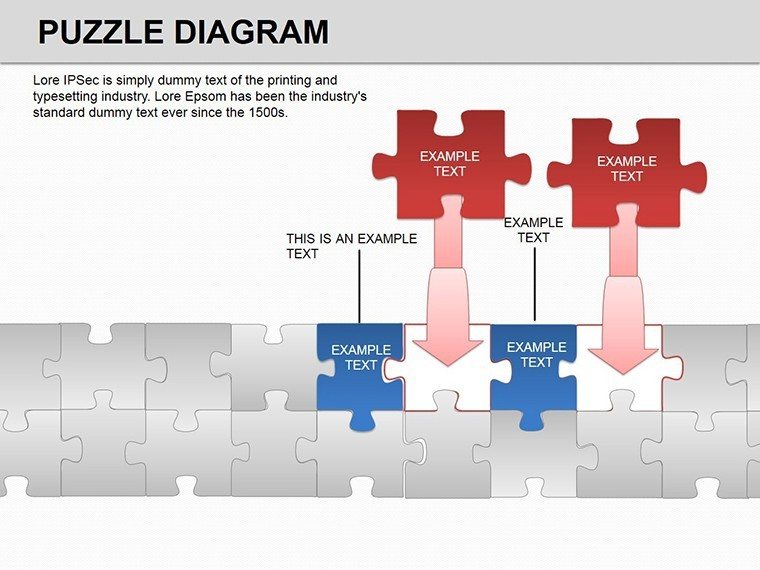
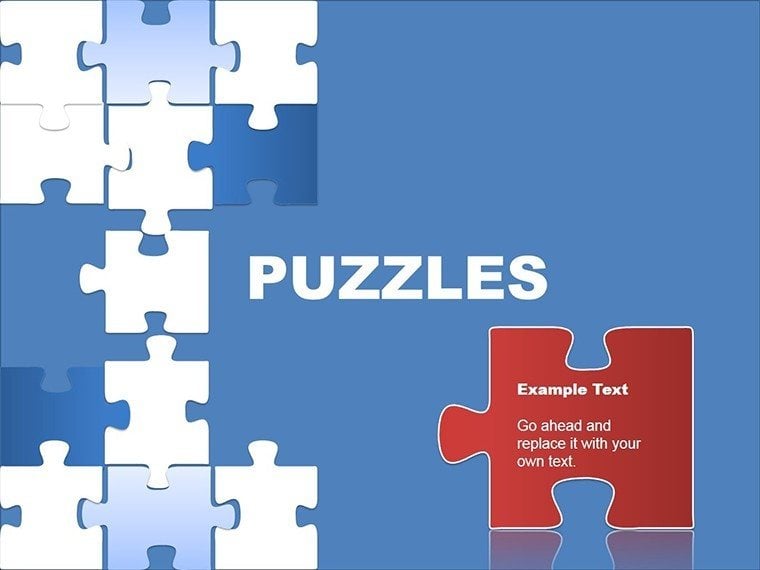
Puzzles aren't child's play - they're a metaphor for strategy, where every piece locks into place to reveal the full strategy. The Blue Puzzle PowerPoint Diagrams template captures this with 25 editable slides, crafted for executives, analysts, and leaders who build narratives from fragments. In PowerPoint's familiar turf, these cobalt-hued designs make complexity click, turning disjointed data into cohesive stories.
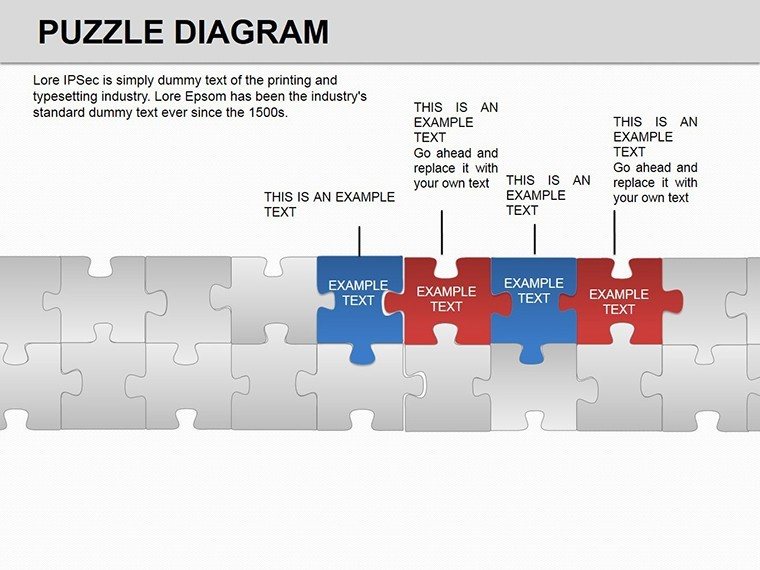
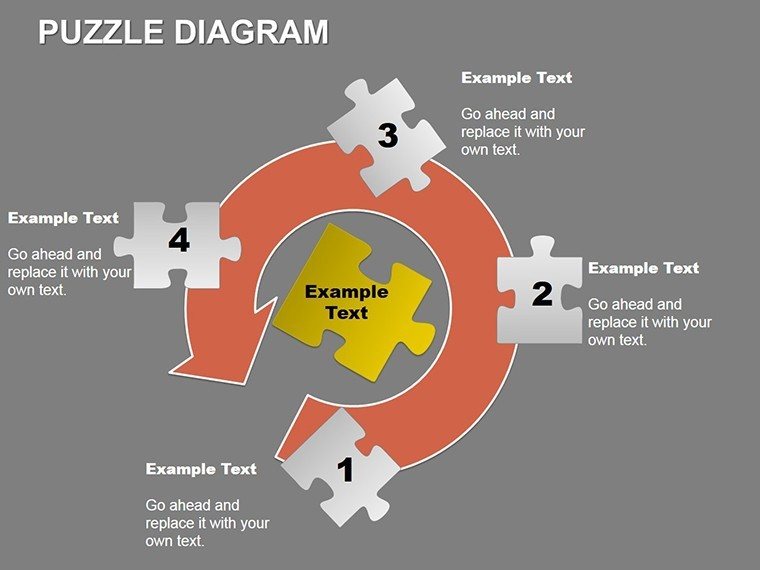
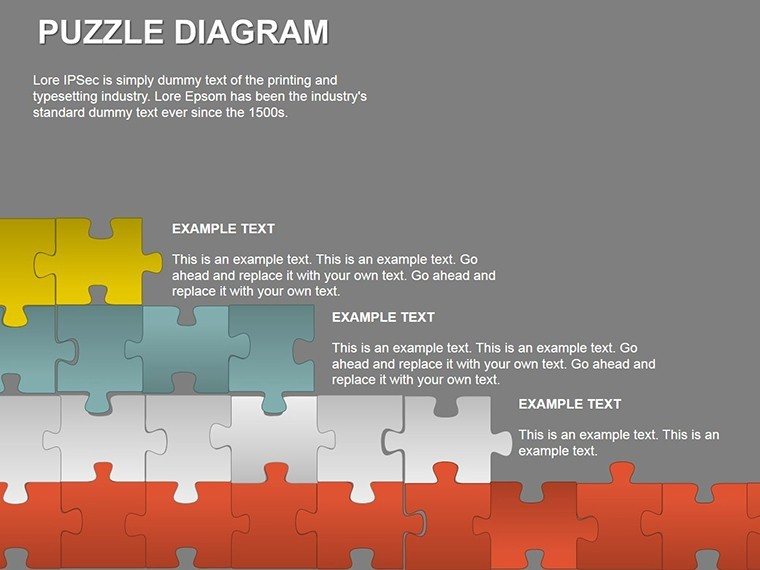
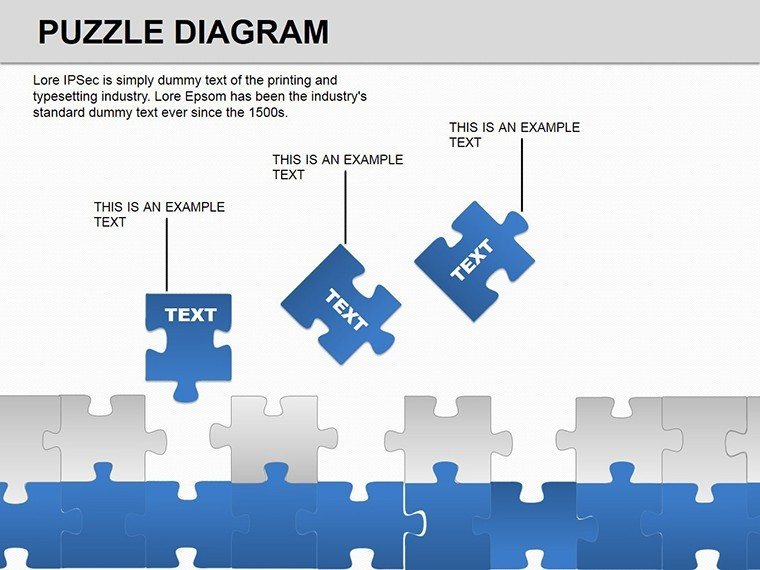
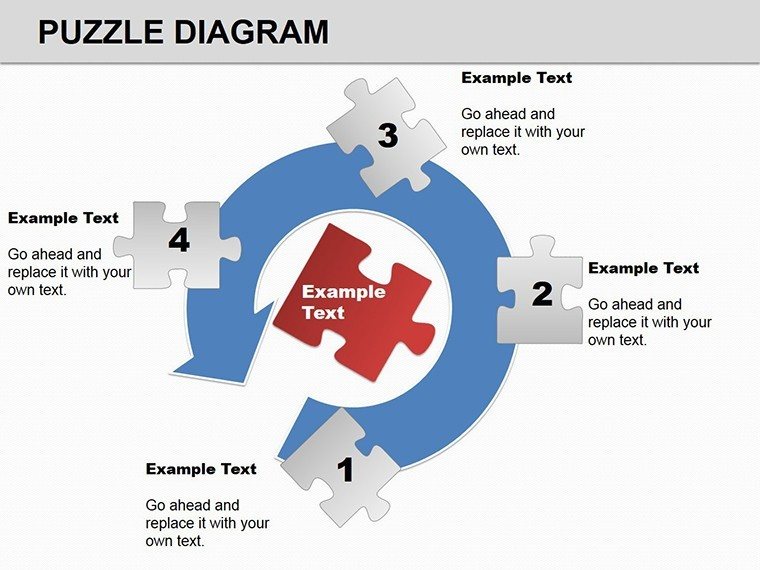
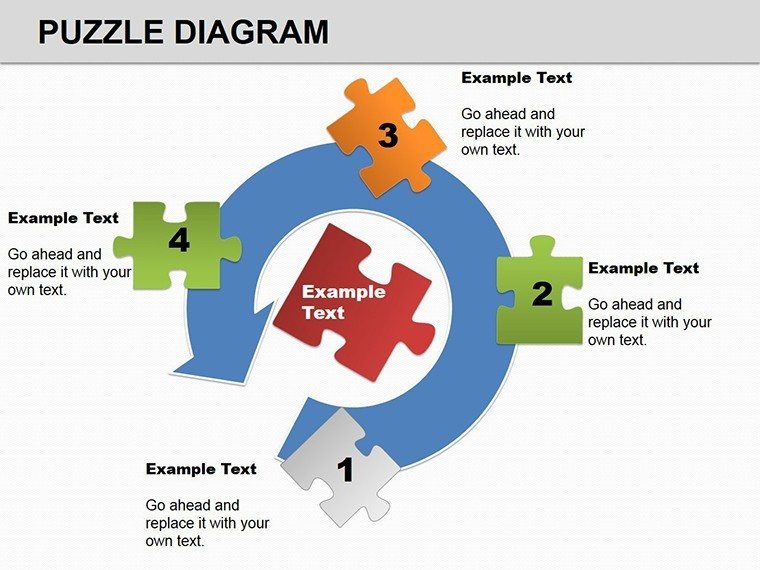
Centered on interlocking puzzle motifs, the template offers pyramids for hierarchies and scattered pieces for comparisons. Edit at will: Swap colors for emphasis, resize segments for balance, or layer text for depth. Compatible from PowerPoint 2007 through 2016 and even OpenOffice, it's a versatile ally for Windows warriors and cross-platform pros alike.
How Puzzle Diagrams Forge Connections in Leadership Talks
Leadership demands seeing the whole board, and puzzle diagrams deliver by visualizing fits and gaps. They're universal for their perceptual ease - audience eyes naturally seek completions, mirroring how teams align on goals. In a merger pitch, pyramid puzzles stack synergies from base risks to apex rewards, each piece a key metric.
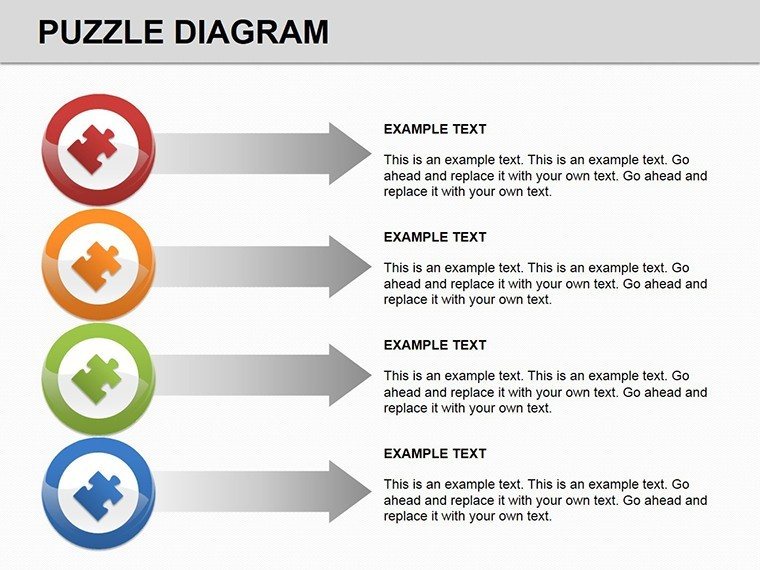
For sales teams, they're spot-on for opportunity mapping: Interlocking blues represent pipeline stages, with missing pieces highlighting nurture needs. Trainers use them for skill matrices, where completed sections show proficiencies and voids signal training gaps. This tactile logic boosts engagement, making your points as satisfying as a solved set.
Essential Features for Puzzle-Perfect Customization
- Interlock Precision: Snug-fitting edges that stay aligned during drags or resizes.
- Pyramid Variants: Tiered puzzles for top-down views, editable layers for granular control.
- Blue-Toned Harmony: Cohesive shades that evoke trust and calm, readily adjustable.
- OpenOffice Ready: Cross-tool compatibility without reformatting woes.
Fire up in PowerPoint, click a piece, and format - SmartArt-like but smarter, with no preset rigidity. Beats stock shapes by offering thematic cohesion, freeing you for content over cosmetics.
Targeted Applications: Comparisons That Compel
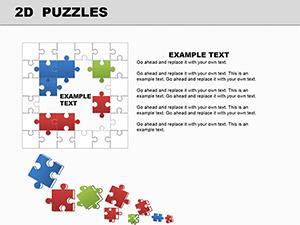
Market researchers adore these for SWOT assemblies: Corner pieces for strengths, edges for weaknesses, center for opportunities - snaps together to frame threats. In project recaps, scatter incomplete puzzles pre-meeting, then build live to demo progress, turning updates into interactive wins.
HR pros map talent pipelines with pyramid stacks, bases for recruitment and peaks for retention strategies. The blue palette adds a cool, analytical tone, ideal for data-heavy decks. Even in creative briefs, puzzles outline campaign elements, ensuring nothing falls through the cracks.
Step-by-Step: Crafting Your Puzzle Narrative
- Layout the Frame: Choose a full pyramid for structures or loose pieces for brainstorms.
- Label the Locks: Inscribe each with KPIs or steps, using fonts that pop against blue.
- Color the Gaps: Tint incompletes in lighter hues to signal priorities.
- Animate the Assembly: Sequence fades or flies to mimic piecing together, building suspense.
- Finalize the Fit: Group elements for easy moves, then align for flawless exports.
This routine slots into your PowerPoint flow, amplifying routine reports with strategic flair.
Layer with Symbols for Deeper Dimension
Enhance with subtle symbols - keys for unlocks, lights for insights - that nestle into edges. Vectors keep them crisp, and the puzzle grid ensures harmony. It's akin to how tacticians layer maps; this equips you similarly, for visuals that unlock discussions.
Users highlight the persuasion power: A director puzzled out budget allocations, clarifying trade-offs for approvals. From boardrooms to briefings, it crafts moments of clarity amid chaos.
Fit the pieces of success - download Blue Puzzle PowerPoint Diagrams for $24 and strategize smarter.
Frequently Asked Questions
Do the puzzles work in older PowerPoint?
Yes, fully functional from 2007, with core edits intact.
Can I change the blue theme?
Easily - select pieces and apply new fills or themes globally.
Are there pyramid-specific slides?
Plenty, with stacked variants for hierarchical breakdowns.
How editable are the interlocks?
Totally - adjust curves or add tabs for custom fits.
Compatible with OpenOffice?
Affirmative, imports as editable objects.
Good for
- Project roadmaps and sprint plans
- Product launch timelines
- Quarterly or annual review decks
- Company history and milestone summaries
Licence
reviews
I used this for a school project about logistics and the flowchart pages fit well.
The circular diagrams were easier to customize than I expected.
Honestly I just grabbed it because I was out of time and it worked.
Some font choices felt random but the structure was useful.
Nice simple slides for showing steps and connections without overthinking design.
FAQ
Will it work in Google Slides?
Are fonts embedded?
Can I use this for client work?
What's the refund policy?
Do you update the template after purchase?
Similar templates
See all Powerpoint Diagrams →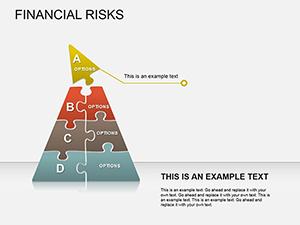
All 25 slides