 Click to zoom
Visual System Medicine PowerPoint Shapes: Eye Anatomy Slides
| Format | .pptx |
| Slides | 14 unique layouts |
| Aspect ratio | 16:9 |
| Compatibility | PowerPoint |
| Animated | No |
| Language | English |
| License | Commercial |
| File size | — |
| Version | v1.0 |
| Last updated | February 2026 |
What's inside
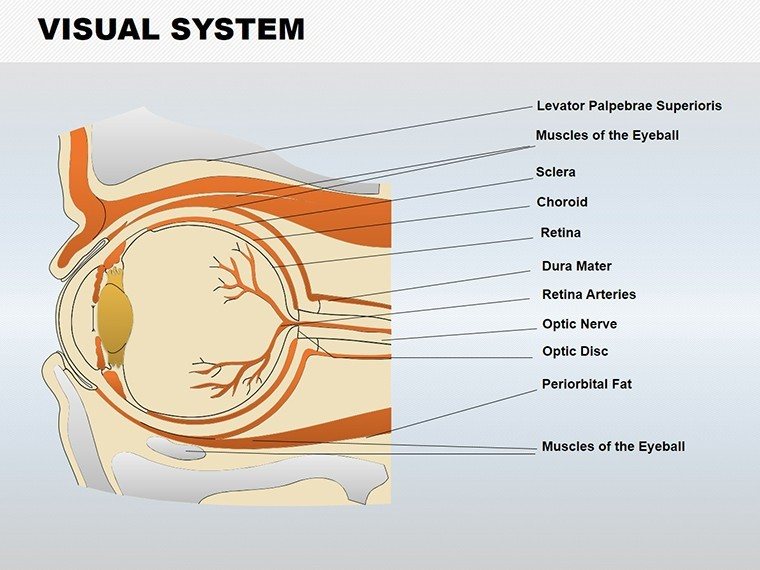
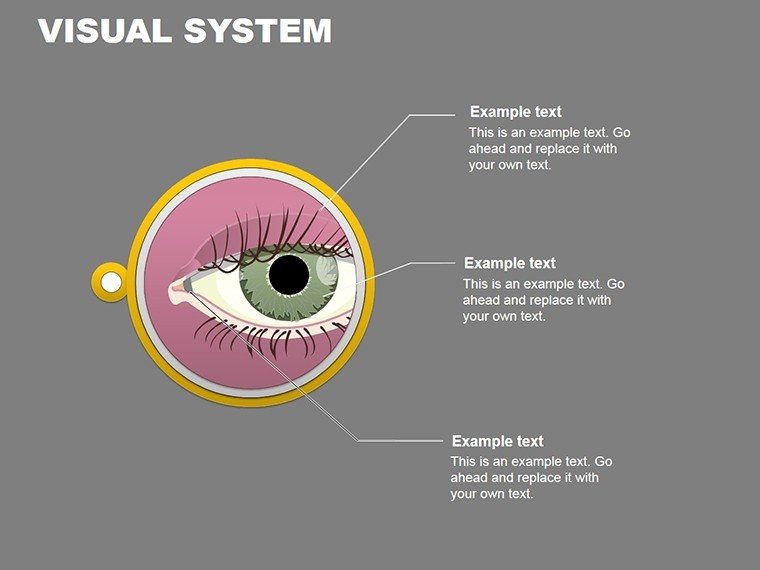
Picture this: You're in the midst of a bustling ophthalmology seminar, and your slides don't just inform - they illuminate the intricate wonders of the human eye, drawing gasps of recognition from fellow specialists. Enter our Visual System Medicine PowerPoint Shapes template, a powerhouse of 14 editable slides tailored for healthcare heroes who turn complex anatomy into accessible insights. Designed with the precision of a surgeon's scalpel, this template is your ally in crafting presentations that resonate, whether you're a medical student dissecting retinal pathways for the first time or a seasoned optometrist briefing on glaucoma advancements.
Inspired by the latest in medical visualization standards from bodies like the American Academy of Ophthalmology (AAO), these shapes blend anatomical accuracy with aesthetic appeal. Compatible with PowerPoint and Google Slides, they allow seamless collaboration across clinics or campuses. Forget the frustration of redrawing diagrams from scratch; here, every cornea cross-section and optic nerve illustration is pre-built, ready to layer with your case studies or research data. For busy professionals juggling patient consults and continuing education, this means more time healing and less time hunting stock images.
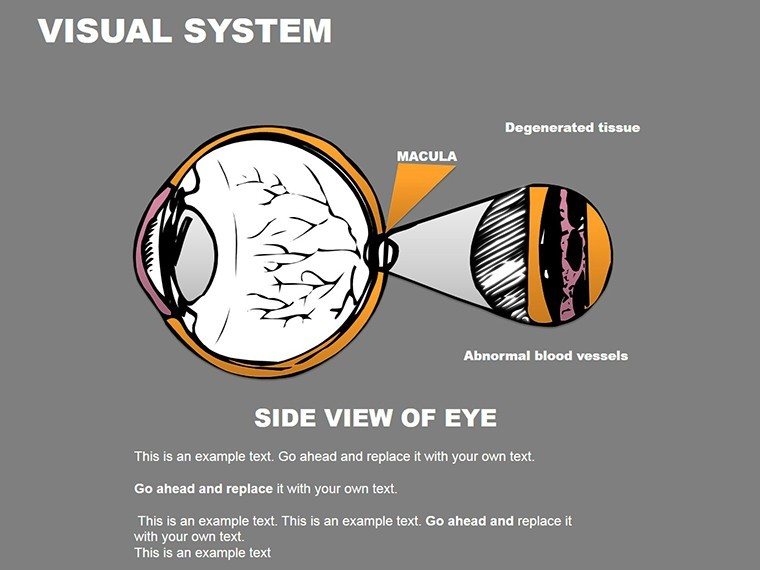
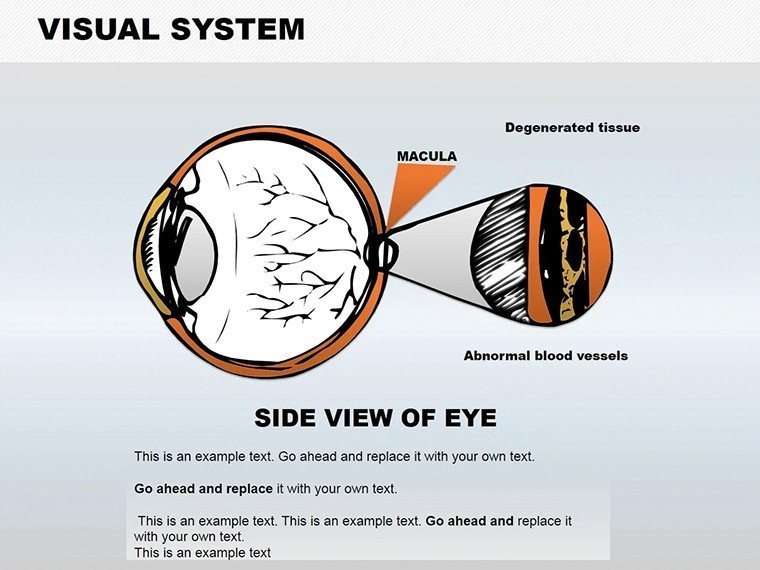
The template's clean, clinical color palette - soft blues for aqueous humor, warm ambers for vascular structures - evokes trust while highlighting pathologies like macular degeneration. With 14 slides, it's compact for focused sessions yet expandable for deeper dives, such as tracing light refraction through the lens. Let's curve through its features and see how it can sharpen your professional edge in the ever-evolving field of visual health.
Essential Features for Crystal-Clear Medical Visuals
This template isn't a one-size-fits-all; it's a bespoke toolkit for ocular education. Vector precision ensures diagrams scale flawlessly from lecture hall projectors to printed handouts, maintaining fidelity to real anatomy. Customization is at your fingertips: Recolor retinas to simulate diabetic retinopathy or animate pupil dilation for dynamic demos.
- Precise Anatomical Shapes: Over 50 vector icons covering iris, sclera, vitreous humor, and more - sourced from verified medical illustrations.
- Layered Customization: Adjust transparency for overlaying conditions, like cataracts over corneas, to simulate real diagnostics.
- Collaborative Compatibility: Google Slides integration for team reviews, ideal for multi-doc practices refining protocols.
- Engagement Boosters: Subtle animations, like light rays bending through the lens, to keep audiences locked in.
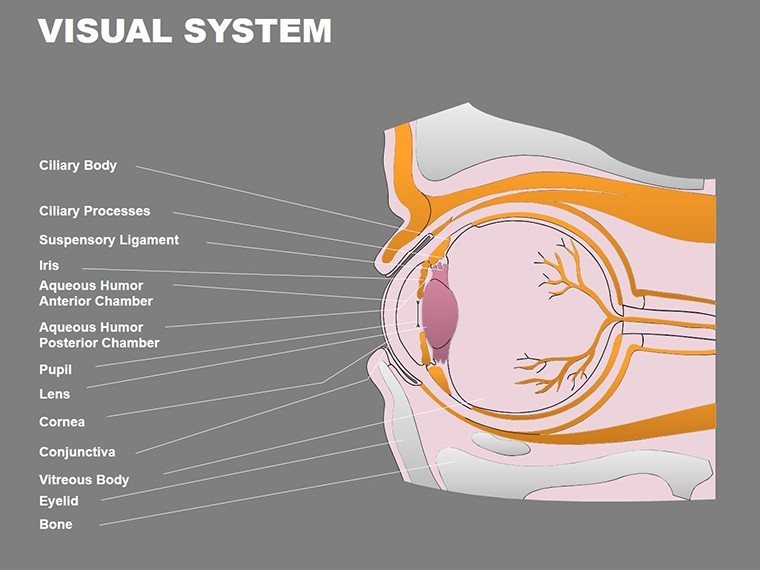
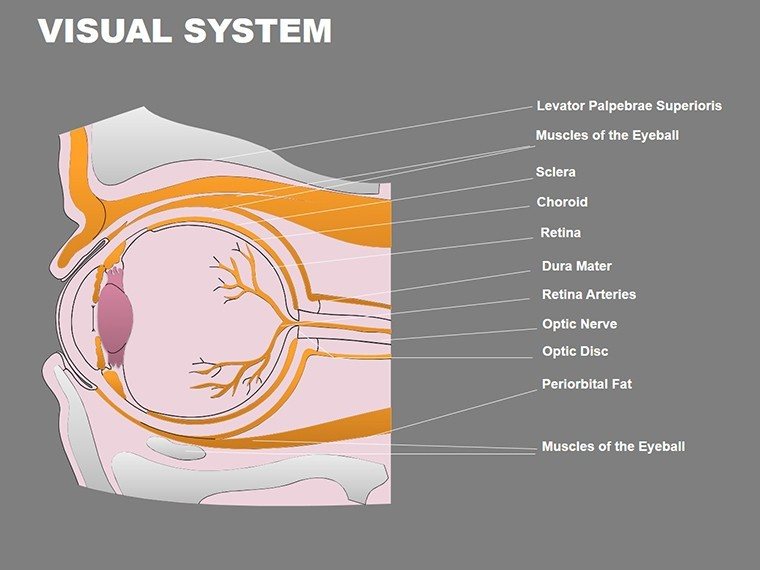
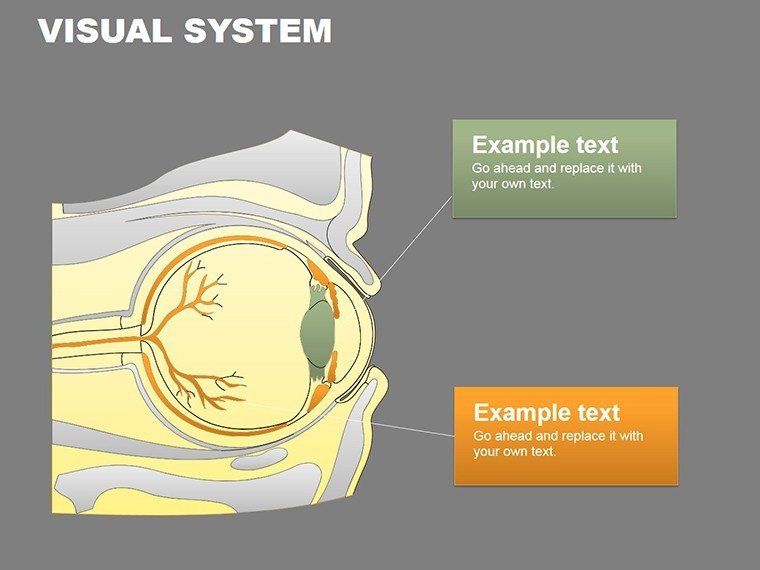
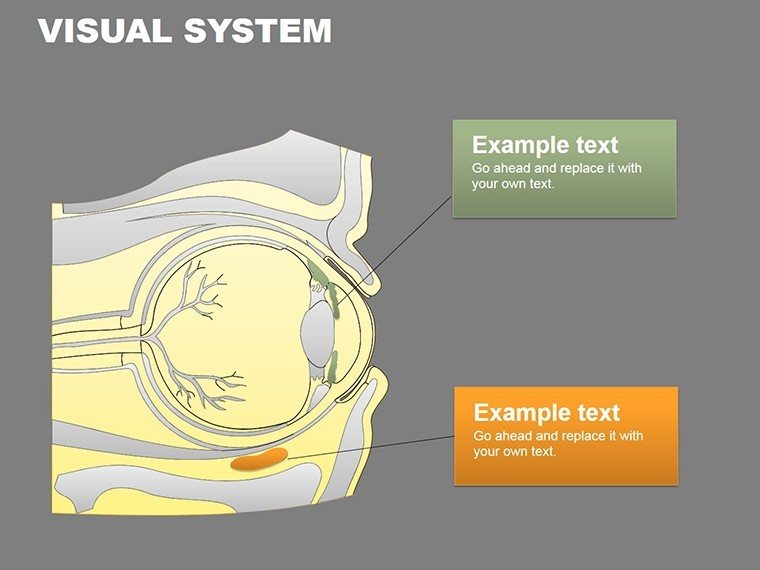
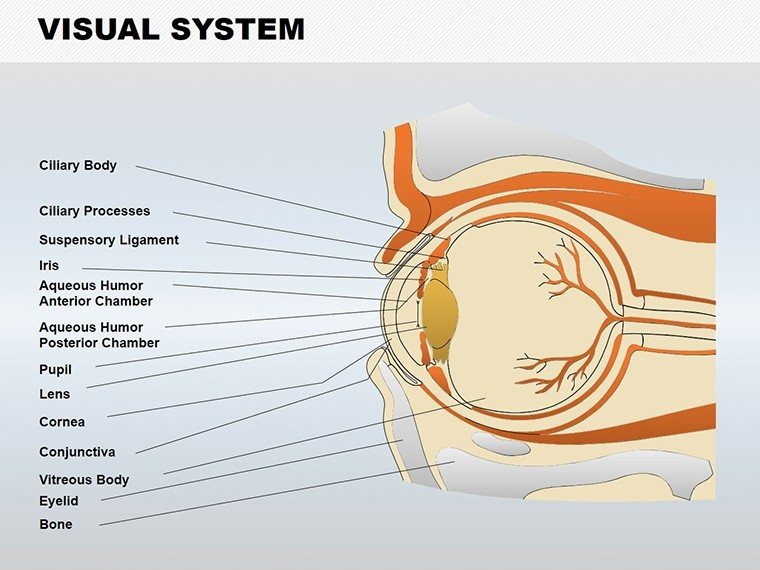
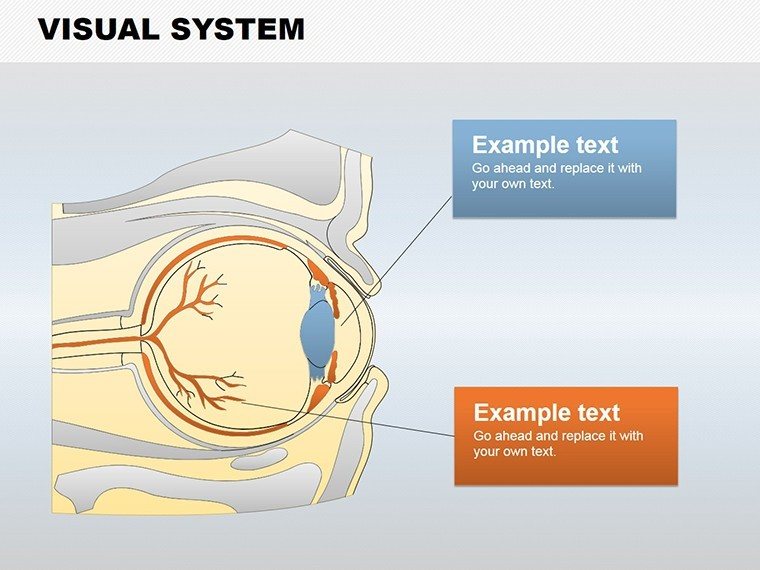
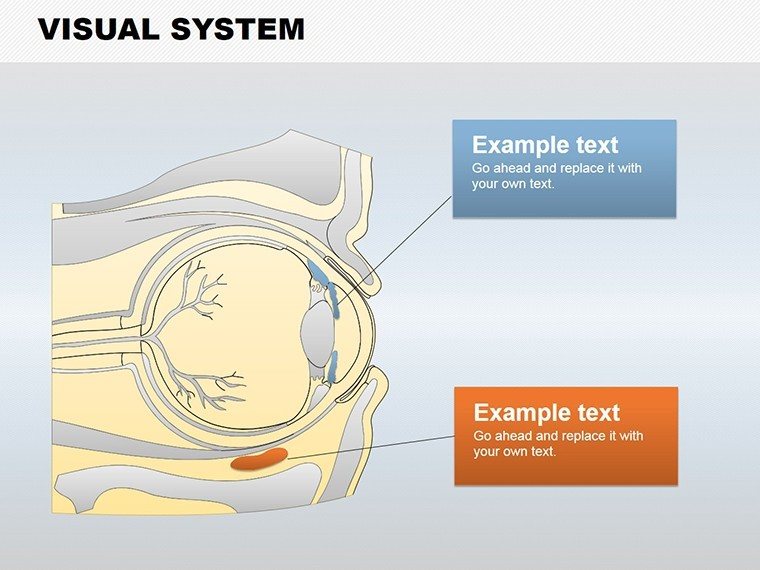
Slide 3 stands out with a comprehensive eye cross-section, where draggable labels pop for interactive quizzes - perfect for residency training. Meanwhile, Slide 9's condition flowchart uses branching shapes to map treatment paths for dry eye syndrome, integrating seamlessly with your EHR data exports.
Slide-by-Slide Spotlight: Building Your Ocular Narrative
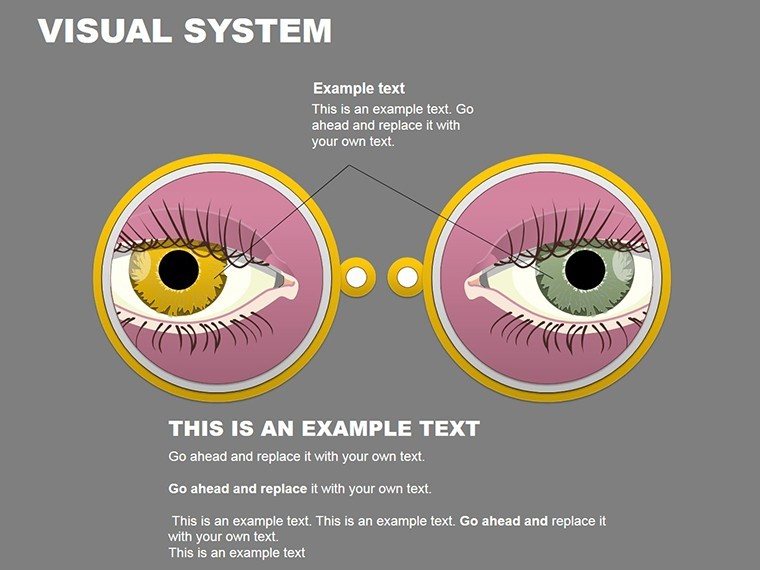
- Eye Overview Infographic (Slide 0): A holistic view labeling major components, customizable for pediatric vs. adult audiences.
- Retinal Layer Breakdown (Slide 4): Zoomable shapes detailing photoreceptors - add your OCT scan overlays for evidence-based talks.
- Pathology Icons Set (Slide 8): Modular pieces for conditions like uveitis, with color-coded severity indicators.
- Treatment Timeline (Slide 12): Curved paths showing progression from diagnosis to laser therapy, timeline-ready for CE credits.
Keep file sizes lean at around 5MB total, ensuring quick loads during telehealth sessions. Insider tip: Use PowerPoint's morph transition to evolve a healthy eye shape into a diseased one, driving home preventive care messages with visceral impact.
Practical Use Cases: Seeing Results in Real Clinics
From grand rounds at Johns Hopkins-inspired simulations to one-on-one patient counseling, this template adapts to your stage. A recent case: An eye clinic in Seattle used Slide 6's refraction diagram to explain LASIK candidacy, boosting consent rates by clarifying astigmatism visuals. Medical educators find it invaluable for flipping classrooms - assign students to remix shapes for group projects on visual field defects.
Versus basic anatomy apps, which lack integration, this template embeds directly into your workflow, syncing with tools like Epic for patient-specific customizations. Benefits abound: Enhanced comprehension (studies show visuals lift recall by 65%), time efficiency (build a deck in under an hour), and authority projection - position yourself as the go-to expert on visual system disorders.
For research symposia, layer in statistical curves from SPSS exports to correlate age with presbyopia incidence. Remote-friendly design supports hybrid formats, with shareable links for global collaborations on telemedicine advancements.
Pro Tips for Ophthalmic Presentation Excellence
- Contextualize Colors: Match palette to ethnicity studies for inclusive representations.
- Interactive Elements: Hyperlink shapes to video demos of fundoscopy exams.
- Compliance Check: Align labels with ICD-10 codes for audit-ready slides.
- Export Strategies: Save as interactive PDFs for post-session reference.
Clinicians report, "It demystified optics for my team overnight." Whether advancing your CME portfolio or patient outcomes, these shapes focus your vision forward.
The Visionary Choice for Medical Communicators
Why settle for blurry generics when clarity is this attainable? Our template fortifies your in ophthalmology, blending expertise with engaging delivery. Lifetime access means updates with emerging visuals, like gene therapy icons for retinal dystrophies.
Sharpen your presentations - download now and let your visuals see the light of day. Elevate every explanation, one precise shape at a time.
Frequently Asked Questions
Is this template AAO-compliant for educational use?
Yes, shapes adhere to standard anatomical nomenclature, suitable for accredited sessions.
Can I add my own medical images?
Effortlessly - drag-and-drop scans or photos onto shapes for personalized hybrids.
How does it handle color-blind accessibility?
Built-in patterns and textures ensure readability beyond color reliance.
What's the collaboration workflow?
Google Slides sync allows real-time edits, with version history for safety.
Are animations customizable for pacing?
Definitely - tune speeds to match your lecture rhythm via PowerPoint timelines.
Does it support multilingual labels?
Vector text is editable for any language, aiding international conferences.
Good for
- Project roadmaps and sprint plans
- Product launch timelines
- Quarterly or annual review decks
- Company history and milestone summaries
Licence
reviews
I used these shapes for a quick workflow presentation at work.
The slide elements were easy to recolor and resize.
Not the fanciest template but simple enough to use fast.
Some shapes looked slightly old-fashioned.
Still better than drawing everything manually.
FAQ
Will it work in Google Slides?
Are fonts embedded?
Can I use this for client work?
What's the refund policy?
Do you update the template after purchase?
Similar templates
See all PowerPoint Shapes →

All 14 slides