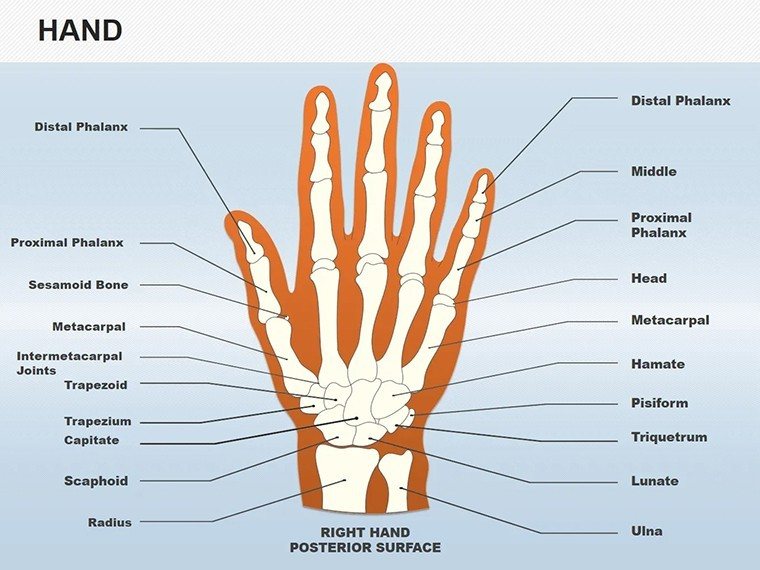
 Click to zoom
Medical Hand Anatomy Shapes - Editable PPTX | ImagineLayout
| Format | .pptx |
| Slides | 25 unique layouts |
| Aspect ratio | 16:9 |
| Compatibility | PowerPoint |
| Animated | No |
| Language | English |
| License | Commercial |
| File size | — |
| Version | v1.0 |
| Last updated | March 2026 |
What's inside
Package Contents
25 editable slides arrive in the download.
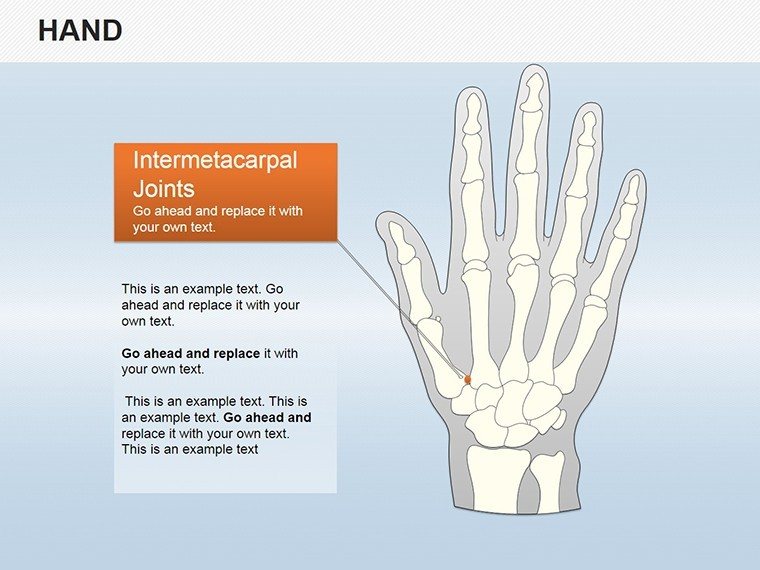
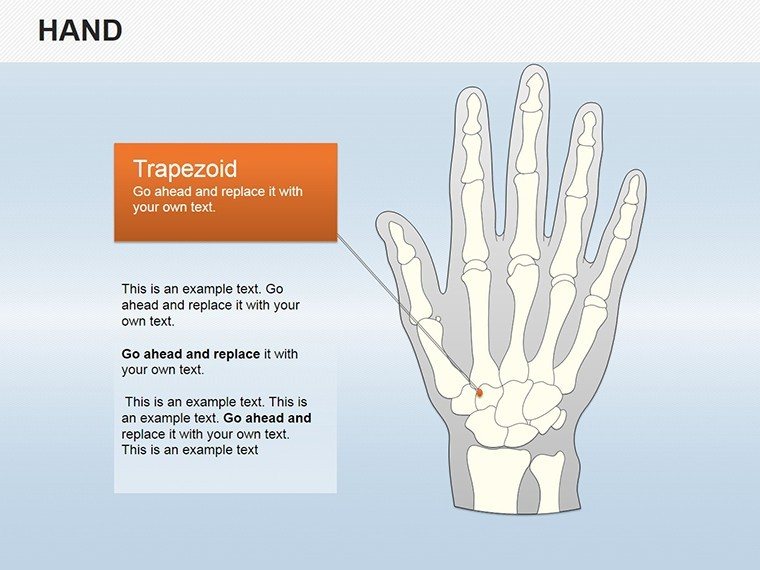
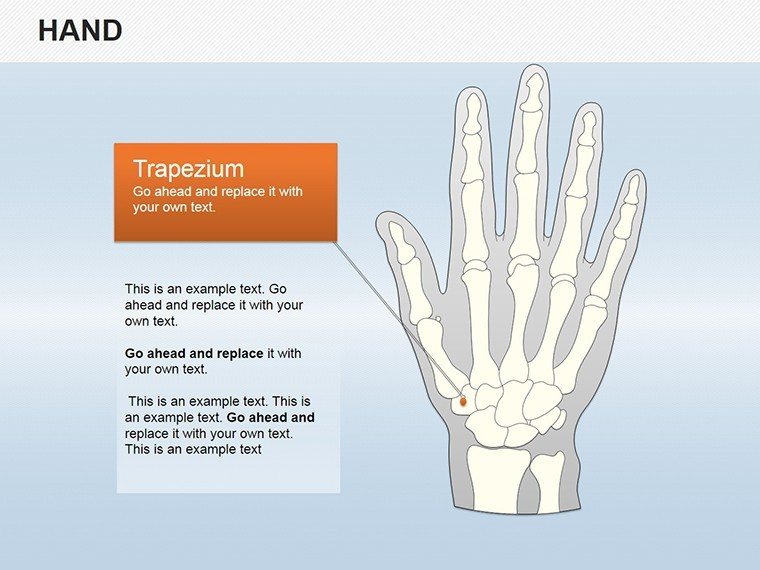
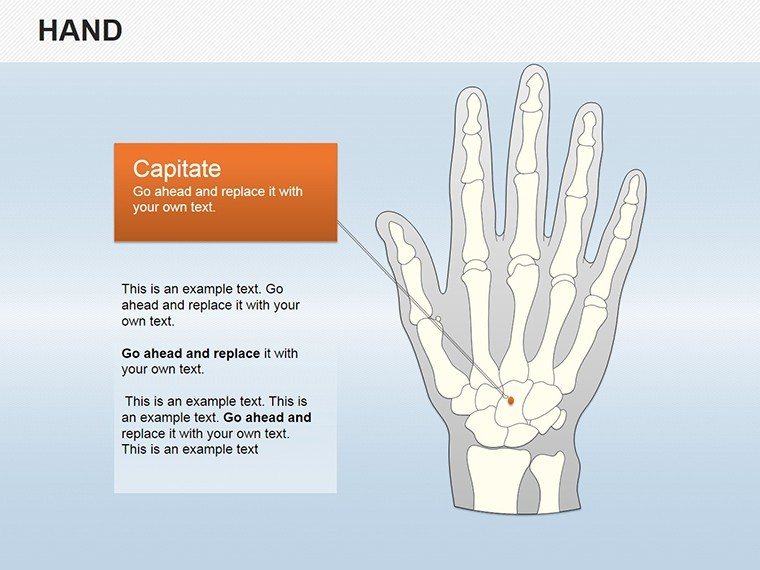
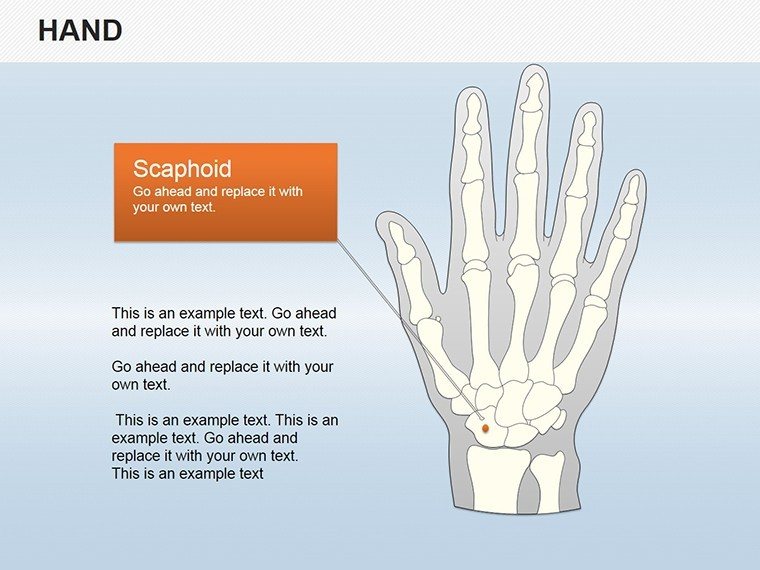
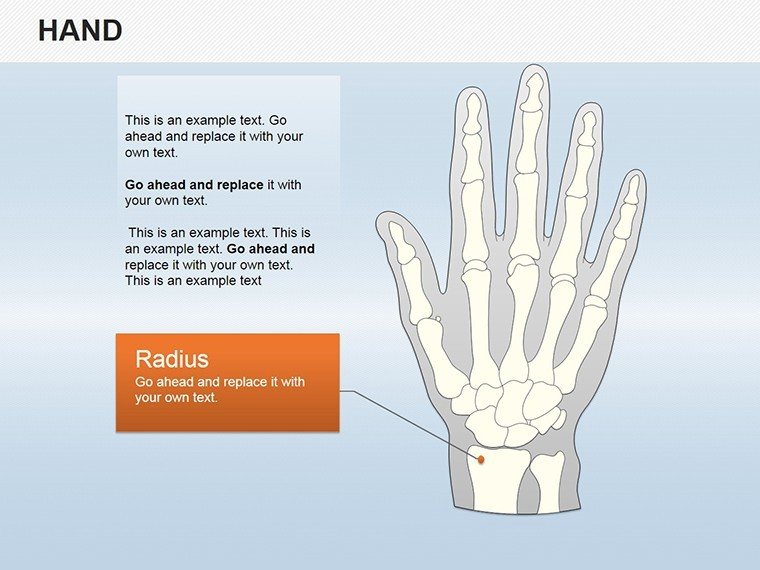
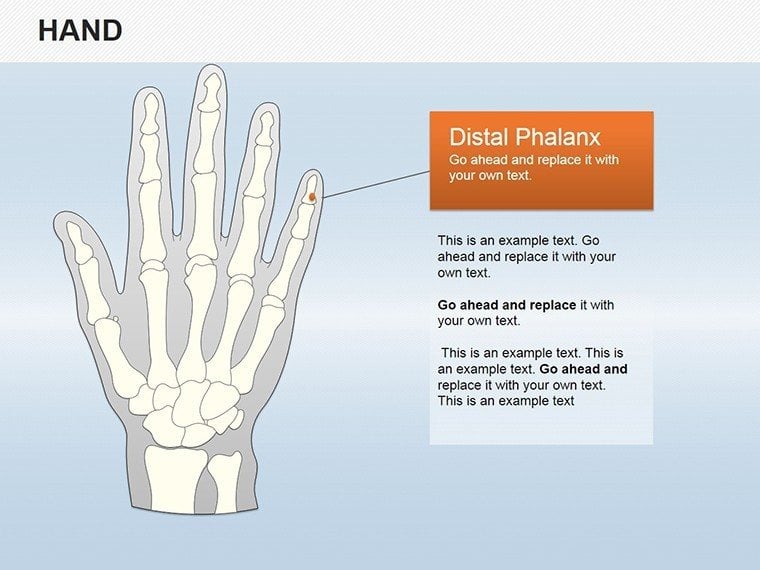
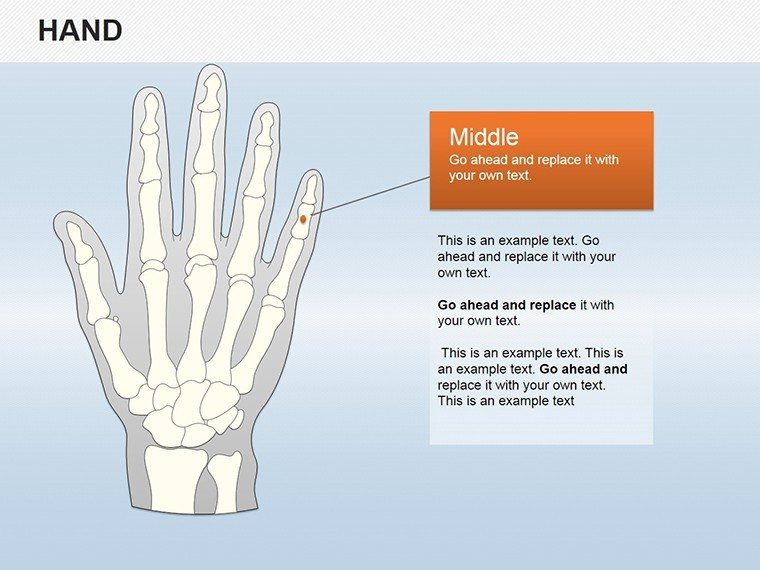
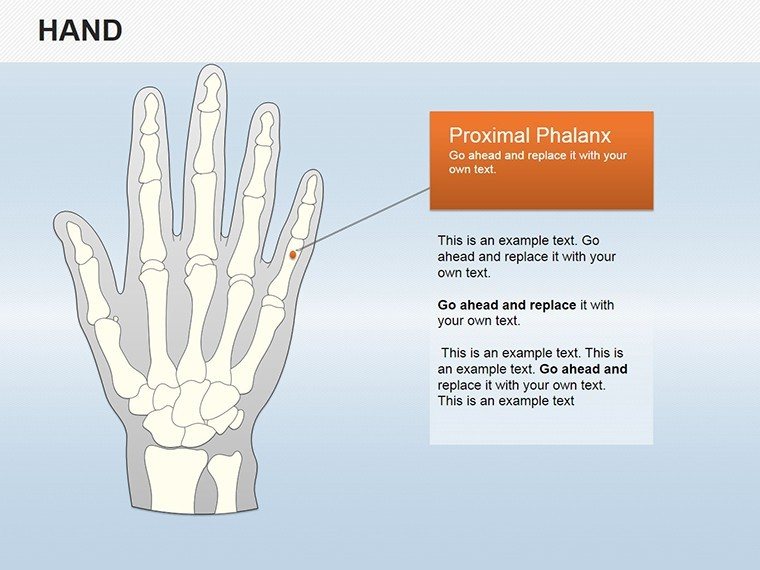
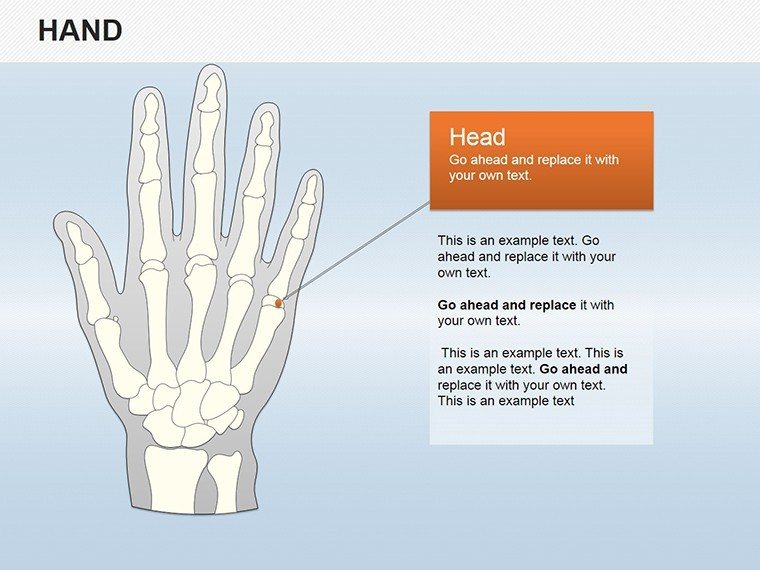
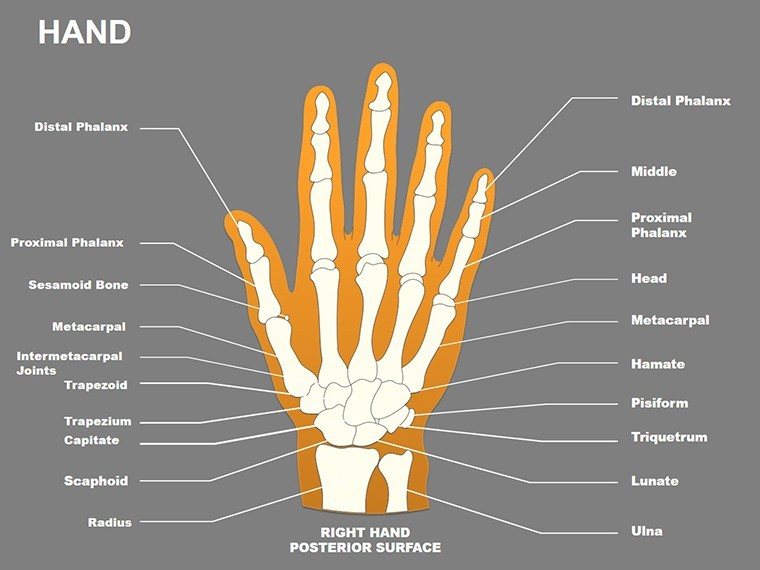
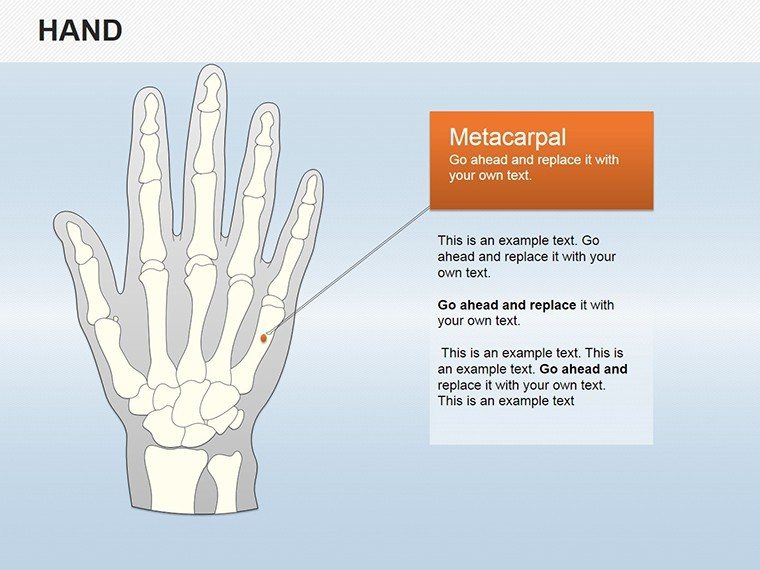
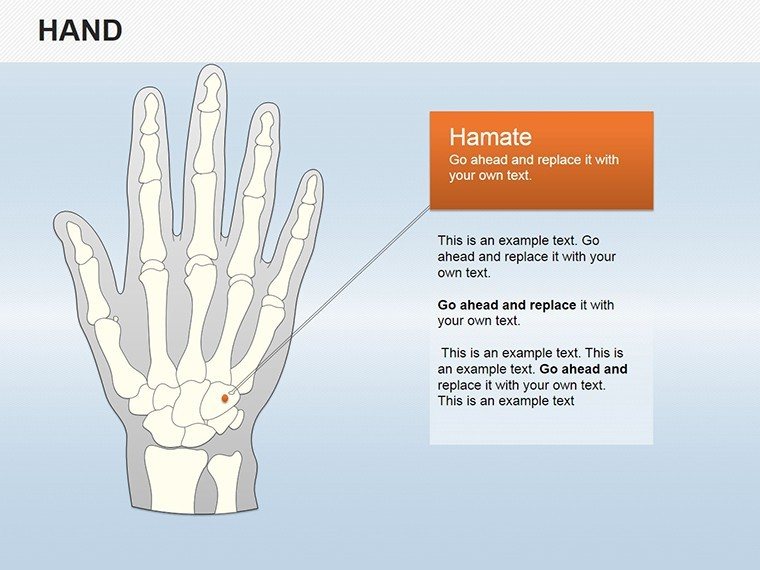
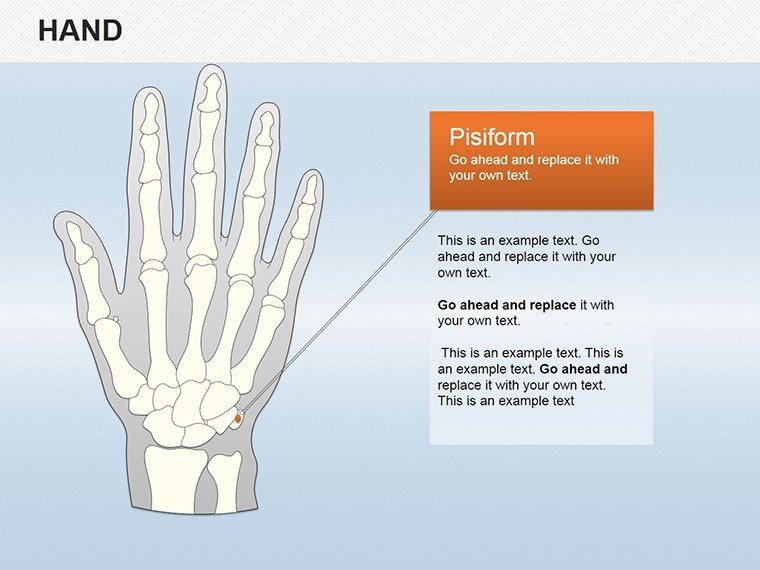
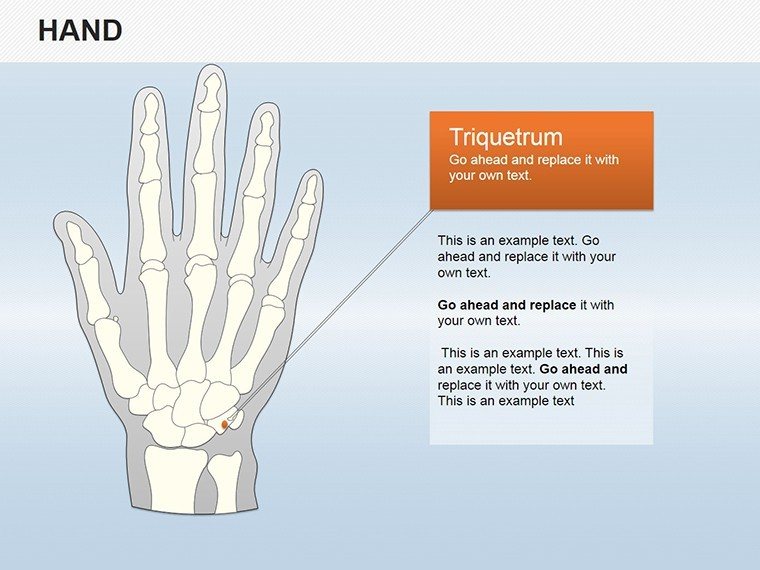
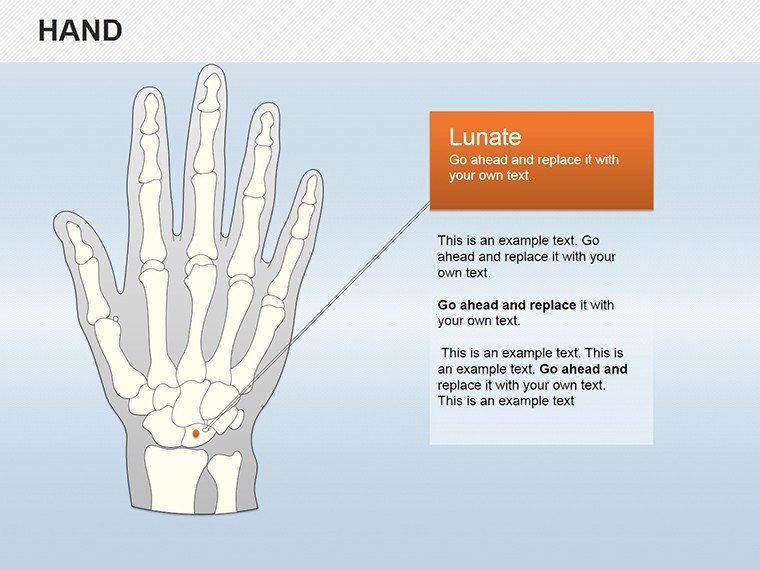
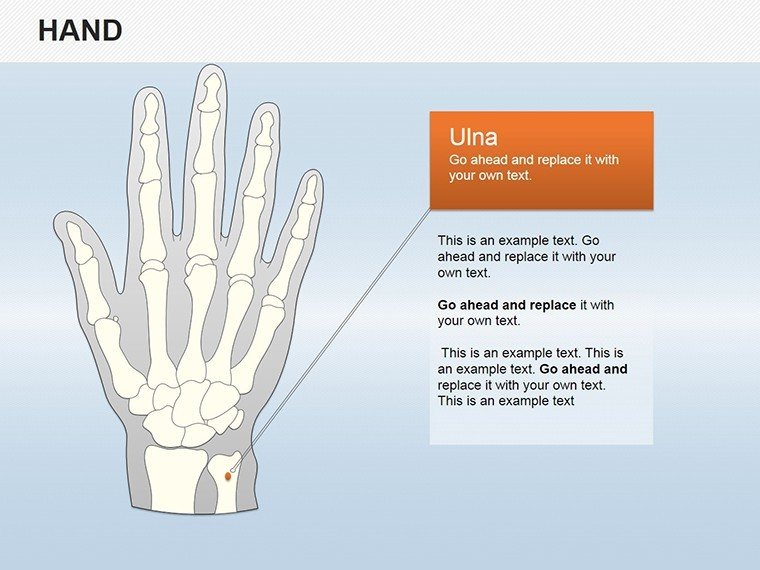
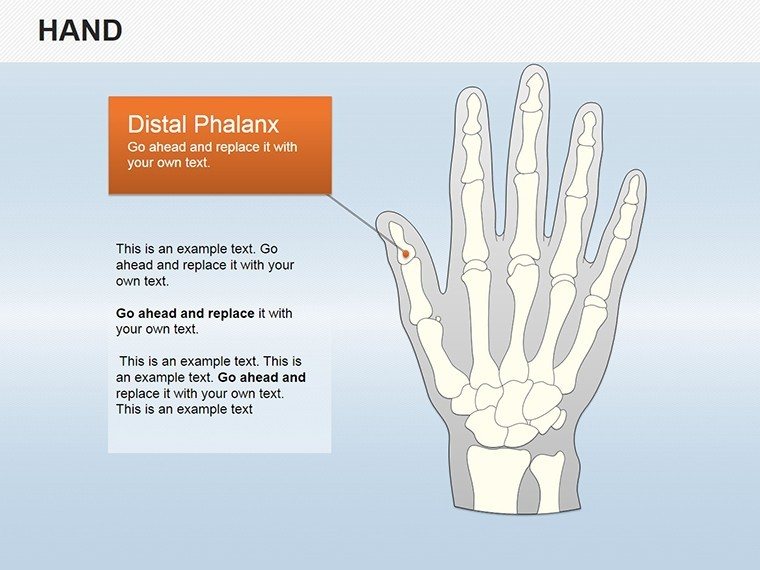
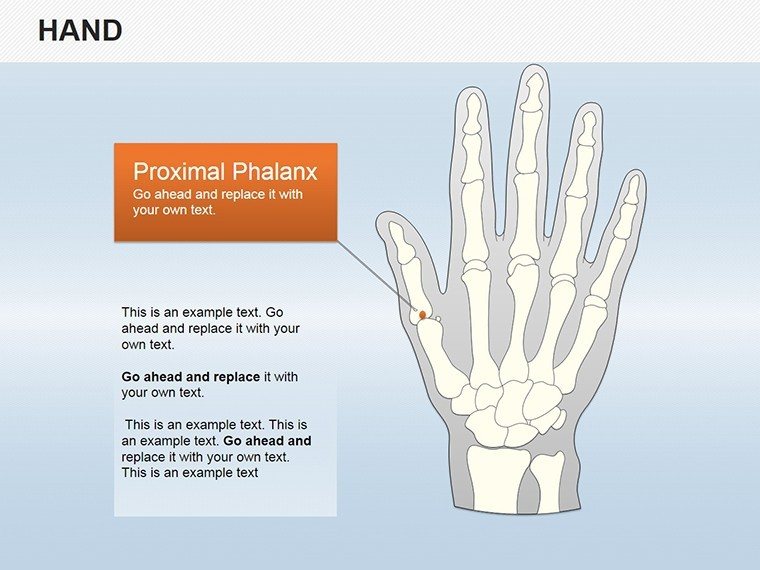
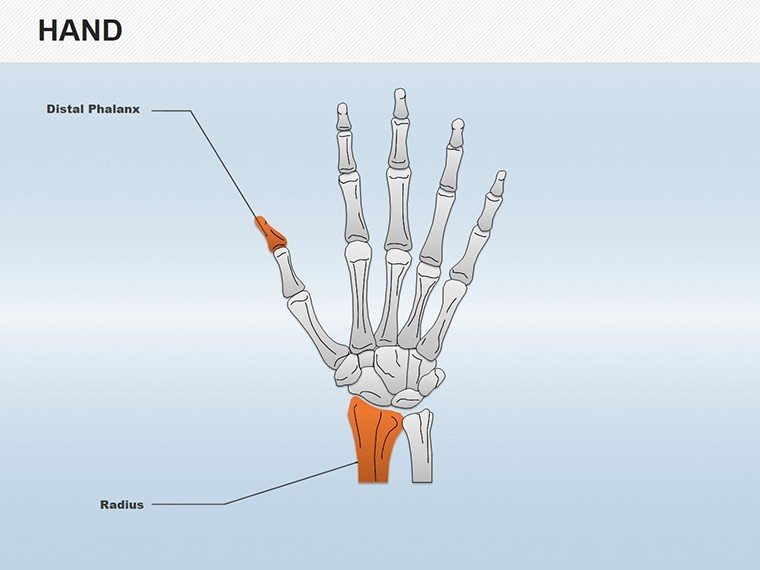
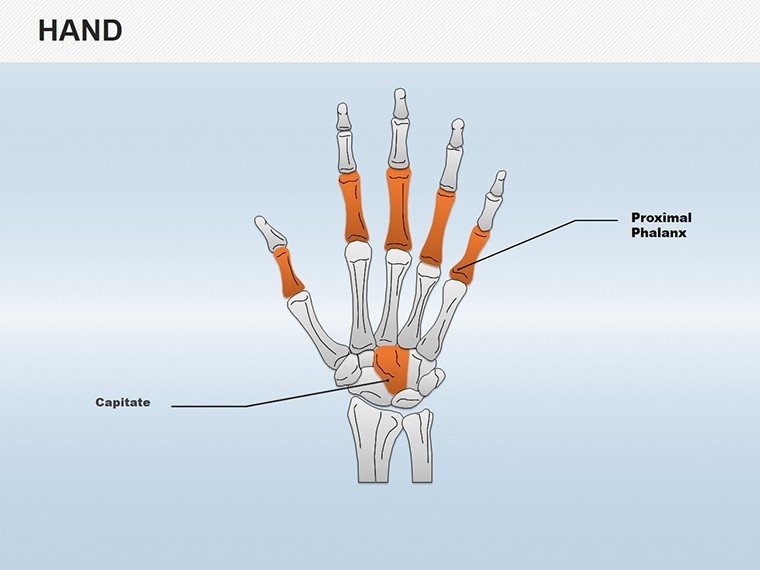
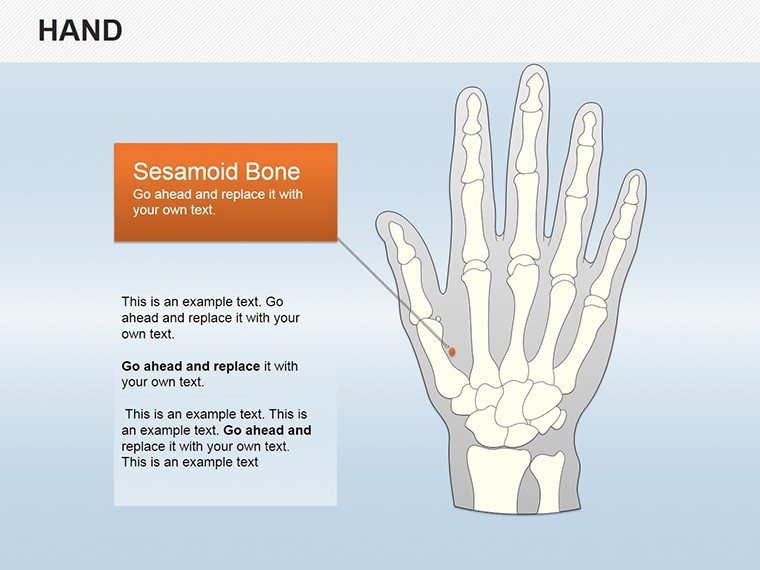
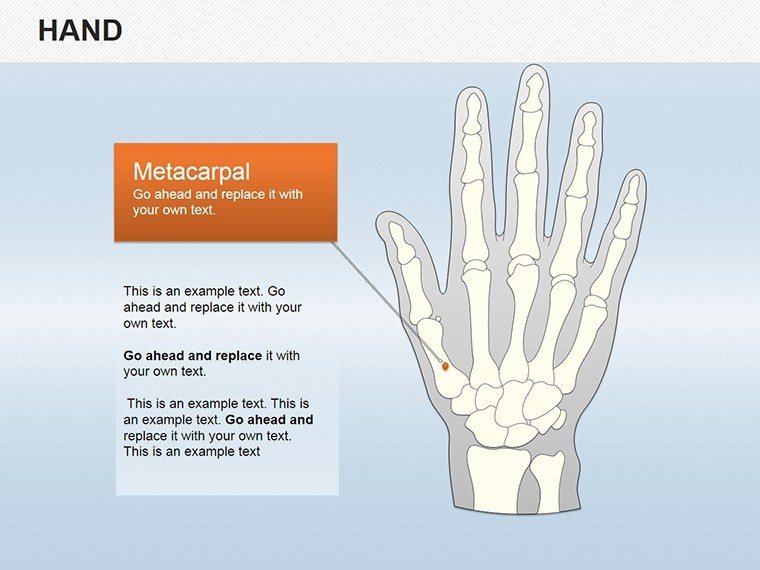
Over 100 high-fidelity vectors cover tendons bones and phalanges.
One single PPTX file contains the complete hand anatomy set.
Hand specific vectors separate this from eye anatomy or heart shapes listed in related products because external label lines improve flow direction during medical presentation.
Paid version includes full editable layers while free offers only static previews.
Editing Capabilities at a Glance
FeatureDetailsEditable shapestendon segments resize and recolor independentlyText labelseditable without unlocking grouped elementsColor themescompatible with PowerPoint slide master color paletteDiagram connectorsarrows and lines adjustable in direction and weightIcon placeholdersicons replaceable or recolorable without affecting layoutAspect ratio16:9 maintains visual hierarchy on projection screensWho Reaches for This Template
A university professor in medical education prepares anatomy lectures.
Deck preparation drops from 3 hours to 45 minutes after swapping labels on the vectors.
A pharma consultant reuses the same file across three client reports through color theme adjustments.
Download the editable PPTX now.
Adapting the Template to Your Brand
Customization needs moderate skill and stays under 15 minutes.
- Open the PPTX in PowerPoint (2 minutes).
- Replace text labels (3 minutes).
- Adjust color themes on slide master (2 minutes).
- Edit diagram connectors then export (4 minutes).
Why This Template, Not a Blank Slide
Manual hand diagrams require advanced vector skills plus 4 hours.
Labels placed inside shapes reduce readability on large screens.
External labels with thin lines boost information spacing and color contrast in board briefing.
Zone segmentation keeps flow direction clear without added complexity.
Get the full file and skip manual redesign.
Which PowerPoint versions are compatible?The PPTX opens in PowerPoint 2016 2019 and 365 without conversion. Older versions may need updates. Test immediately after download to confirm editable shapes and color themes work. Support handles any issue reported in the first week.
How do I change the color scheme?Access slide master view then pick new palette colors. All editable shapes diagram connectors and text placeholders update together. Process finishes in under 2 minutes while preserving layout composition. Repeat for any medical presentation.
Is the license suitable for client work?License allows full use in paid client work and presentations. Resale or sublicensing remains prohibited. Modified output fits consulting deck or medical presentation. Terms match all site downloads.
What does the free version include versus paid?Free version limits to static preview images only. Paid delivers complete editable PPTX with layers and vectors. No watermarks exist in paid download. Full access enables text placeholders and icon layers customization.
Which file formats are included and what software is required?Download contains one PPTX file. PowerPoint 2016 or newer opens and edits everything. PDF or JPG export works for distribution. Standard Microsoft Office suffices with no extra tools.
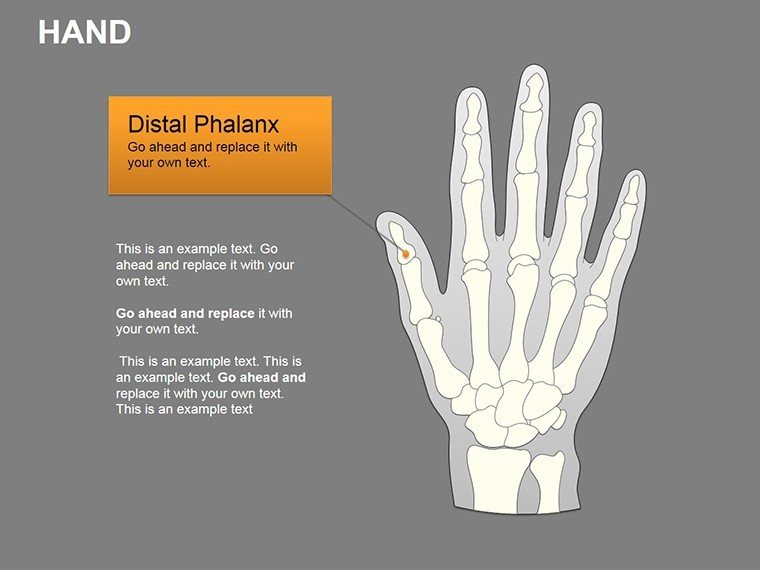
Suggested alt texts: hand anatomy diagram PowerPoint slide with editable arrows for medical lecture medical hand tendons presentation slide layout with phalanges
Good for
- Project roadmaps and sprint plans
- Product launch timelines
- Quarterly or annual review decks
- Company history and milestone summaries
Licence
reviews
Downloaded this for a school project and the shapes helped explain the topic clearly.
I liked that the layout stayed clean even after adding extra text.
The icons were okay but not very modern.
Worked fine for my deadline situation.
Would probably use it again for simple presentations.
FAQ
Will it work in Google Slides?
Are fonts embedded?
Can I use this for client work?
What's the refund policy?
Do you update the template after purchase?
Similar templates
See all PowerPoint Shapes →
All 25 slides