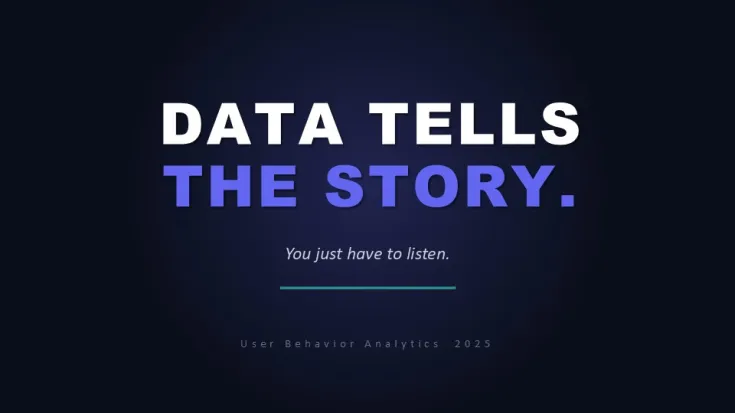
 Click to zoom
User Bahavior Analytics PowerPoint Template and Charts
| Format | .pptx |
| Slides | 21 unique layouts |
| Aspect ratio | 130/73 |
| Compatibility | PowerPoint |
| Animated | No |
| Language | English |
| License | Commercial |
| File size | — |
| Version | v1.0 |
| Last updated | June 2026 |
What's inside
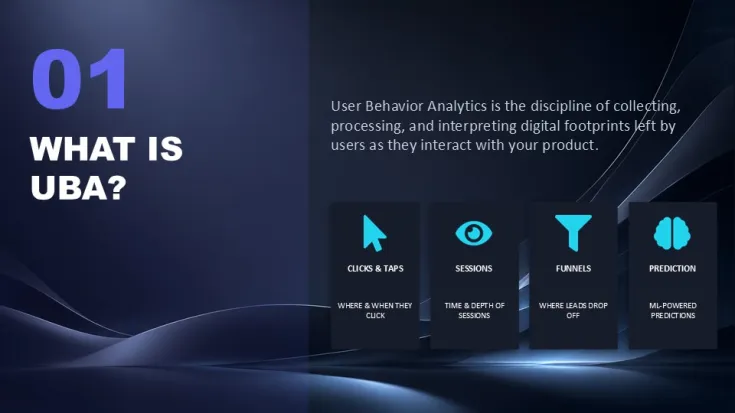
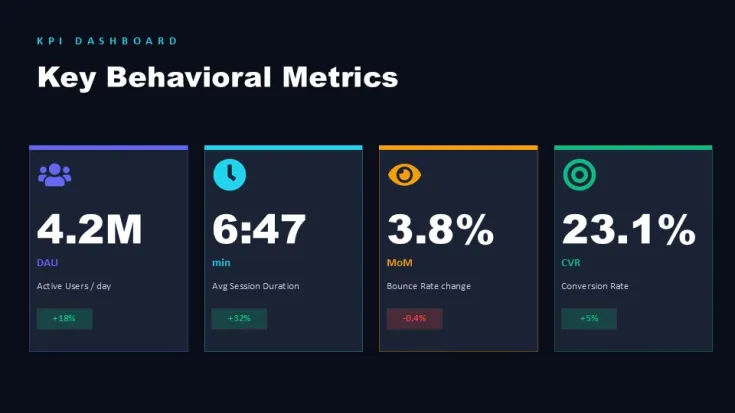
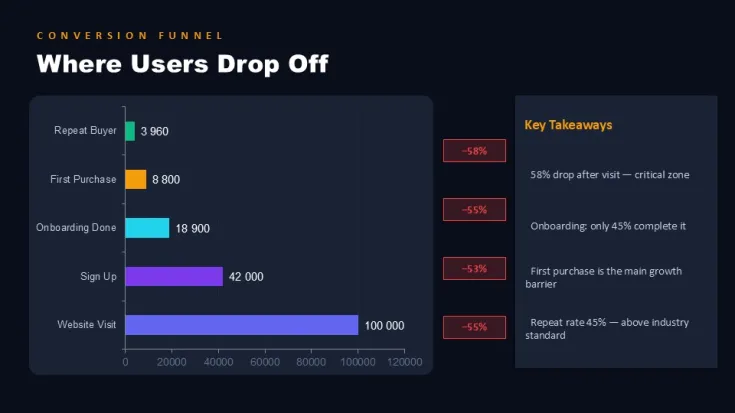
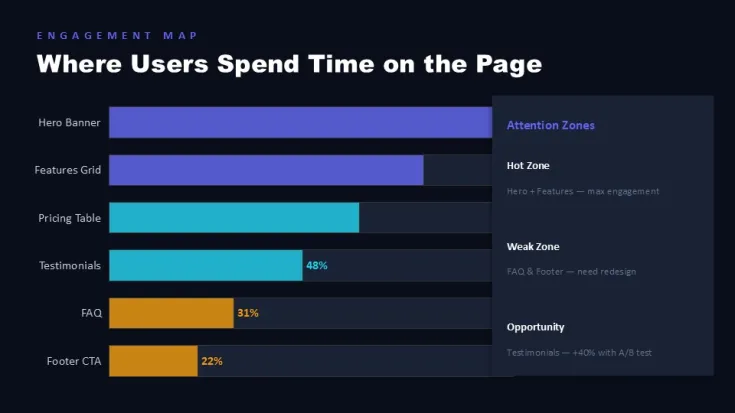
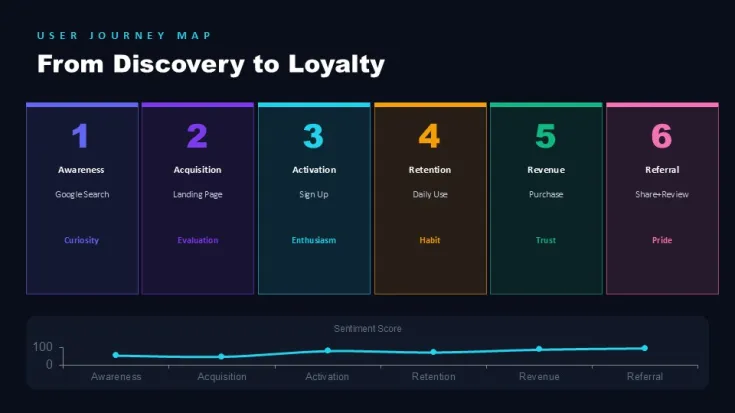
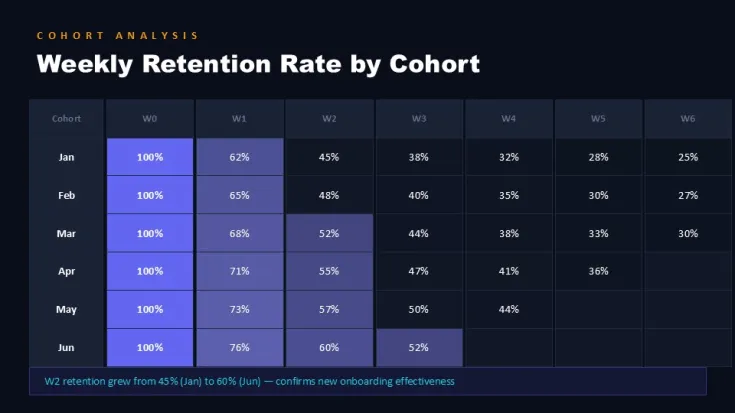
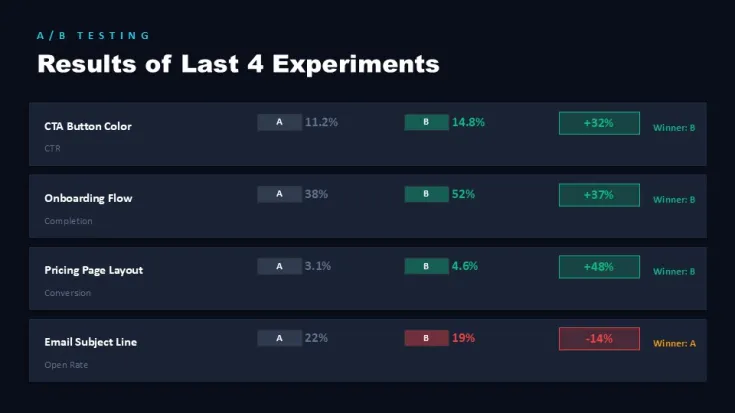
This PowerPoint charts template includes 21 slides focused on user behavior analytics. Product managers, marketing analysts, and data teams use these layouts to present session metrics, user journeys, retention patterns, and conversion data. The pre-structured charts maintain alignment when data values or labels are updated, solving a common pain point in analytics reporting.
Practical Editing Behavior
Charts use native PowerPoint elements that resize proportionally while preserving label positioning. Color themes applied through Slide Master update across all slides consistently. Grouped elements stay aligned after duplication, and data-driven charts accept direct value edits without breaking layout structure.
Technical Advantages
- Native PowerPoint charts allow quick data replacement while retaining formatting and axis scaling
- Consistent grid and spacing across slides supports professional multi-page reports
- Vector icons and shapes remain fully editable for custom branding adjustments
- Layouts handle variable text lengths without overlap in most dashboard-style slides
- Supports standard 16:9 aspect ratio with clean scaling for different screen setups
Specifications
ItemDetailsSlides21 editable slidesFormat.pptxAspect Ratio16:9Editable ElementsCharts, icons, text placeholders, shapesColor CustomizationSlide Master theme colorsSoftwarePowerPoint 2016 and laterRelated: Graphs PowerPoint Charts and Tables PowerPoint Charts.
FAQs
Can I edit the charts directly in PowerPoint?
Yes. All charts are native PowerPoint objects. You can replace data values, adjust series, and modify formatting using standard chart tools without losing layout integrity.
How does the Slide Master affect color changes?
Updating colors in the Slide Master propagates changes across all 21 slides. Individual slide overrides remain possible for accent elements.
Are the graphics suitable for commercial client presentations?
Yes. The template includes standard commercial usage rights for purchased files, allowing use in client deliverables and internal reports.
Good for
- Project roadmaps and sprint plans
- Product launch timelines
- Quarterly or annual review decks
- Company history and milestone summaries
Licence
reviews
No reviews yet. Be the first!
FAQ
Will it work in Google Slides?
Are fonts embedded?
Can I use this for client work?
What's the refund policy?
Do you update the template after purchase?
Similar templates
See all PowerPoint Charts →

All 21 slides