 Click to zoom
Timelines Stories Archive PowerPoint Charts Template - Download Now
| Format | .pptx |
| Slides | 15 unique layouts |
| Aspect ratio | 16:9 |
| Compatibility | PowerPoint |
| Animated | No |
| Language | English |
| License | Commercial |
| File size | — |
| Version | v1.0 |
| Last updated | June 2023 |
What's inside
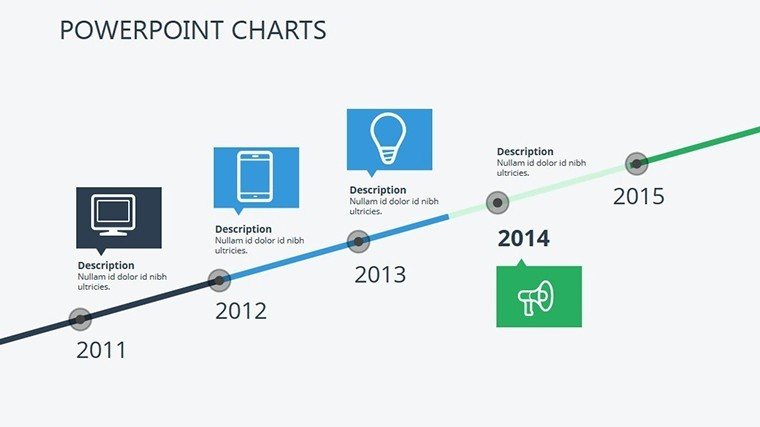
In the realm of effective communication, nothing captures attention quite like a well-crafted timeline. Imagine transforming your raw data and historical anecdotes into a visual journey that not only informs but also inspires your audience. Our Timelines Stories Archive PowerPoint Charts Template is designed precisely for that purpose. With 15 fully editable slides, this template caters to professionals in fields like history, project management, and education, where storytelling through chronology is key. Whether you're an archivist piecing together a company's legacy, a project manager outlining milestones in a construction bid, or a teacher illustrating the evolution of architectural styles, this template empowers you to create presentations that resonate. The benefits are clear: save hours on design, ensure consistency in branding, and boost audience engagement with professional-grade visuals. Users often report that their pitches become more persuasive, leading to better stakeholder buy-in, much like how AIA-award-winning architects use timelines to narrate design processes. Dive into this resource and see how it can elevate your next presentation from ordinary to unforgettable.
Unlock the Power of Visual Storytelling
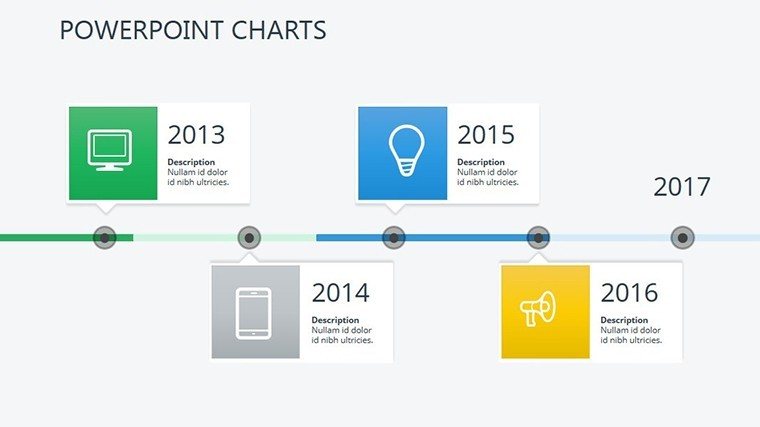
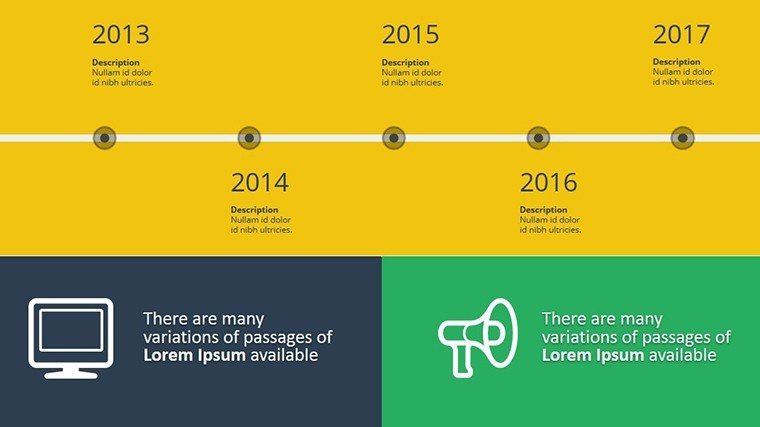
Visual storytelling isn't just a buzzword; it's a proven method to make complex information accessible. This template's core strength lies in its timeline charts, which allow you to map out events sequentially with elegance. Each slide is built with high-resolution graphics that maintain clarity even when projected on large screens. For instance, consider a scenario in urban planning: you could use one slide to depict the phased development of a cityscape, highlighting key architectural milestones from concept to completion. The template includes variations like horizontal timelines for linear narratives and vertical ones for in-depth archives, ensuring flexibility for diverse applications.
Key Features That Set This Template Apart
- Full Editability: Every element, from text boxes to icons, can be customized in PowerPoint or Google Slides, allowing seamless integration with your existing workflow.
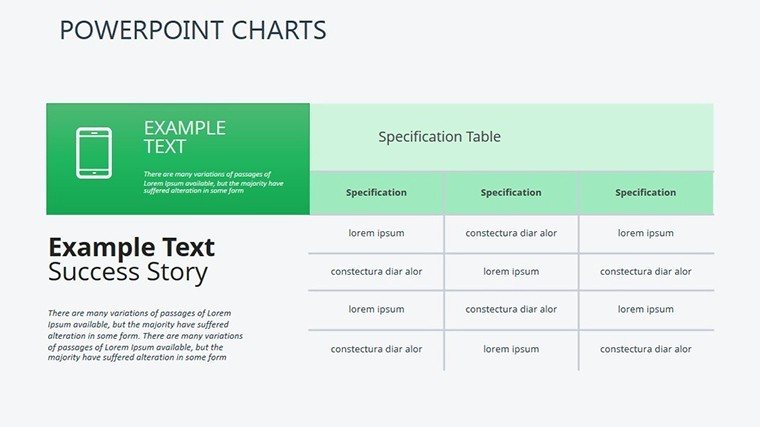
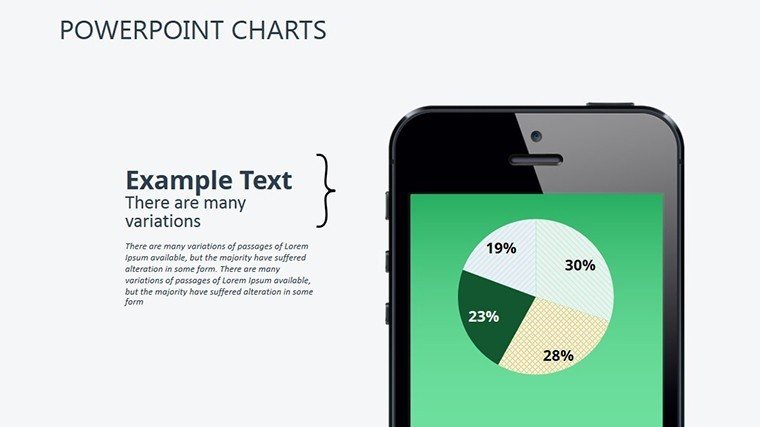
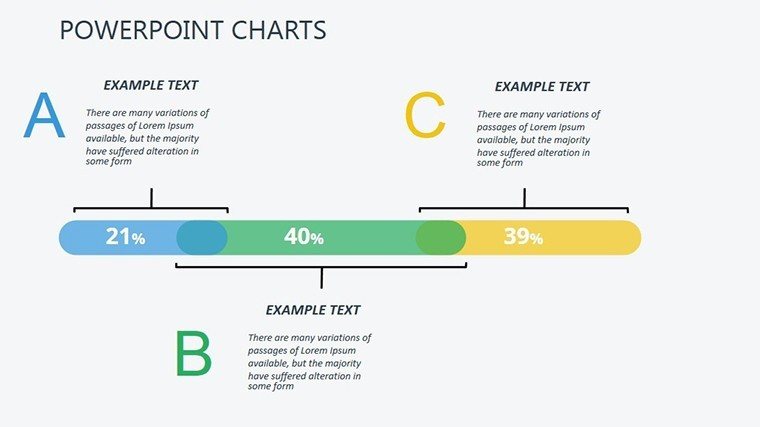
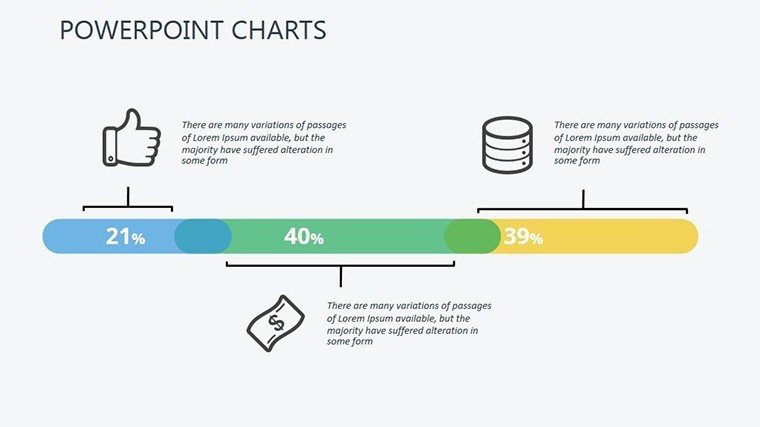
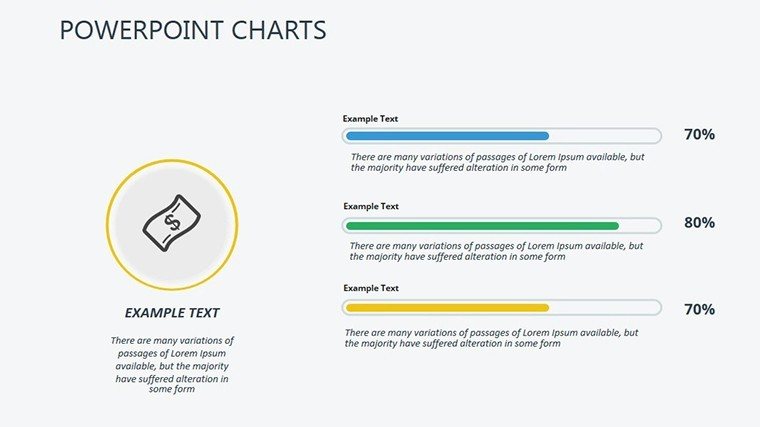
- Diverse Chart Types: Beyond basic timelines, incorporate bar graphs for comparative analysis or pie charts to show proportional contributions in story arcs.
- Themed Icons and Graphics: Access a library of archive-inspired icons, such as vintage scrolls or modern digital folders, to add thematic depth.
- Color Schemes: Pre-set palettes that evoke a sense of history, with options to adjust for modern twists, ensuring your slides align with brand guidelines.
- Animation Ready: Built-in transitions that reveal timeline elements progressively, keeping your audience hooked without overwhelming them.
These features aren't just add-ons; they're thoughtfully integrated to solve common pain points, like cluttered slides or mismatched aesthetics, drawing from best practices in information design.
Real-World Applications and Case Studies
Let's explore how this template shines in practical settings. In architecture firms, professionals use similar timelines to present project histories during client meetings. For example, visualize a case where an architect maps out the restoration of a historic building: Slide 1 could introduce the original blueprint era, Slide 5 the modern interventions, and Slide 10 the projected future state. This approach not only clarifies the narrative but also demonstrates expertise, aligning with AIA standards for clear communication. Educators might adapt it for lessons on architectural evolution, turning dry facts into engaging stories that students remember. Project managers in construction can track milestones, from site preparation to final handover, reducing miscommunications and enhancing team alignment. Compared to basic PowerPoint tools, this template offers pre-optimized layouts that cut design time by up to 70%, allowing focus on content over formatting.
Step-by-Step Guide to Customization
- Download and open the .pptx file in PowerPoint.
- Select a slide and input your data - dates, events, and descriptions flow intuitively into placeholders.
- Adjust colors and fonts via the theme editor to match your corporate identity.
- Add animations for dynamic reveals, testing in slideshow mode for smooth playback.
- Export or share directly, confident in cross-platform compatibility.
This straightforward process ensures even novices can produce pro-level results, with tips like using contrasting colors for key events to enhance readability.
Why Choose This Template for Your Next Project
In a world flooded with information, standing out requires tools that amplify your message. This Timelines Stories Archive template does just that, blending functionality with flair. It's not merely about charts; it's about crafting narratives that persuade and inspire. Users in creative industries rave about how it turns abstract ideas into tangible visuals, much like how award-winning presentations at design conferences use timelines to win over judges. Integrate it into your workflow for pitches, reports, or lectures, and watch engagement soar. With compatibility across PowerPoint versions and Google Slides, accessibility is never an issue. Ready to archive your stories in style? Customize this template and make your presentations timeless.
Frequently Asked Questions
How editable are the timeline charts?
The charts are 100% editable, allowing changes to text, colors, shapes, and layouts directly in PowerPoint.
Is this template compatible with Google Slides?
Yes, upload the .pptx file to Google Slides for full functionality and editing.
Can I use this for non-historical presentations?
Absolutely, it's versatile for project timelines, product roadmaps, or any sequential storytelling.
What if I need more slides?
Duplicate existing slides and customize them to expand your deck effortlessly.
Are there animation options included?
Yes, pre-set animations enhance transitions, with easy customization for your needs.
Does it support high-resolution exports?
Indeed, export in HD for professional prints or digital shares without quality loss.
Good for
- Project roadmaps and sprint plans
- Product launch timelines
- Quarterly or annual review decks
- Company history and milestone summaries
Licence
reviews
Used it for a team performance presentation.
The graph styles were clean and readable.
A few icons looked unnecessary.
I liked how quickly I could update the charts.
FAQ
Will it work in Google Slides?
Are fonts embedded?
Can I use this for client work?
What's the refund policy?
Do you update the template after purchase?
Similar templates
See all PowerPoint Charts →


All 15 slides