 Click to zoom
Modern Tube Timeline PowerPoint Charts Template
| Format | .pptx |
| Slides | 33 unique layouts |
| Aspect ratio | 16:9 |
| Compatibility | PowerPoint |
| Animated | No |
| Language | English |
| License | Commercial |
| File size | — |
| Version | v1.0 |
| Last updated | May 2025 |
What's inside
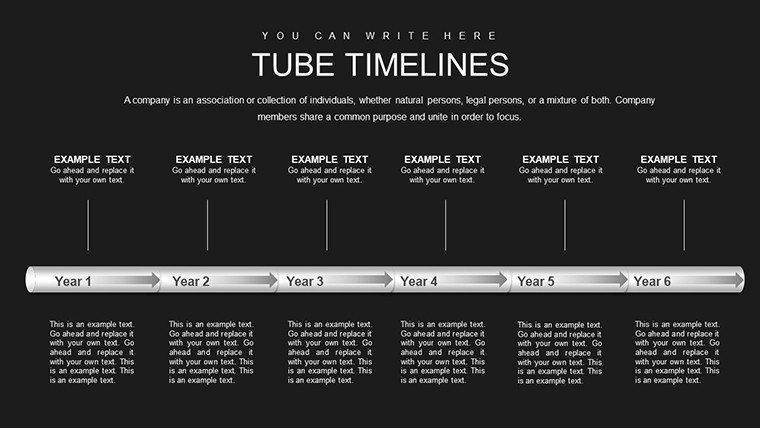
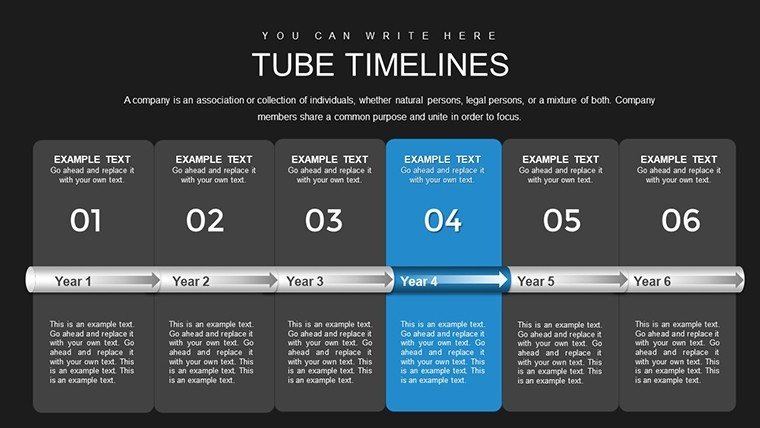
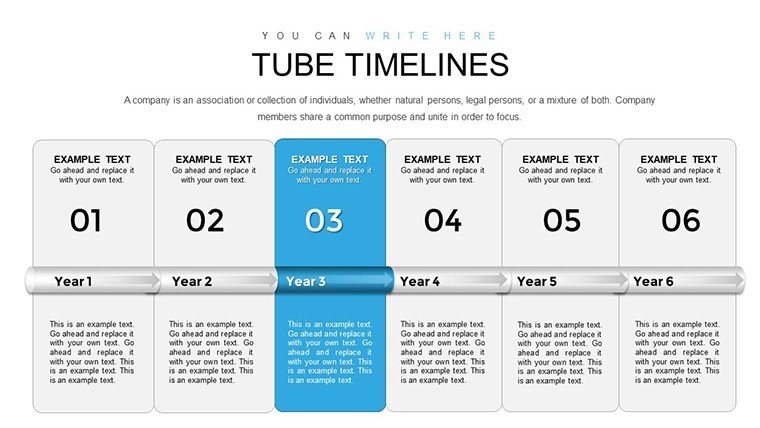
Visualizing the passage of time in a presentation can turn a mundane report into a compelling narrative, and that's where the Modern Tube Timeline PowerPoint Charts Template excels. With its sleek, tube-inspired design that evokes innovation and flow, this template features 33 editable slides tailored for professionals, educators, and marketers who need to showcase project milestones, historical events, or strategic roadmaps. Imagine guiding your audience through a product's evolution with fluid visuals that highlight key dates and achievements, making complex chronologies digestible and engaging. Compatible with both PowerPoint and Google Slides, it offers seamless customization to fit your brand's aesthetic, saving hours of design time. Drawing from design principles seen in award-winning presentations at conferences like TED, this tool empowers you to create slides that not only inform but inspire action, whether in boardrooms or classrooms.
Exploring the Innovative Features of Tube Design
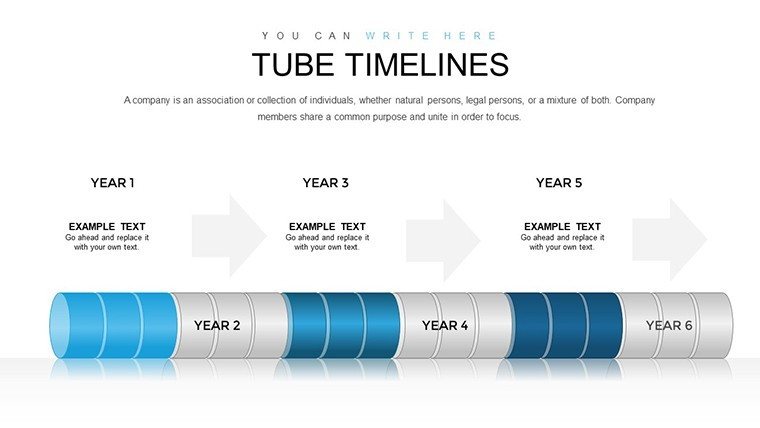
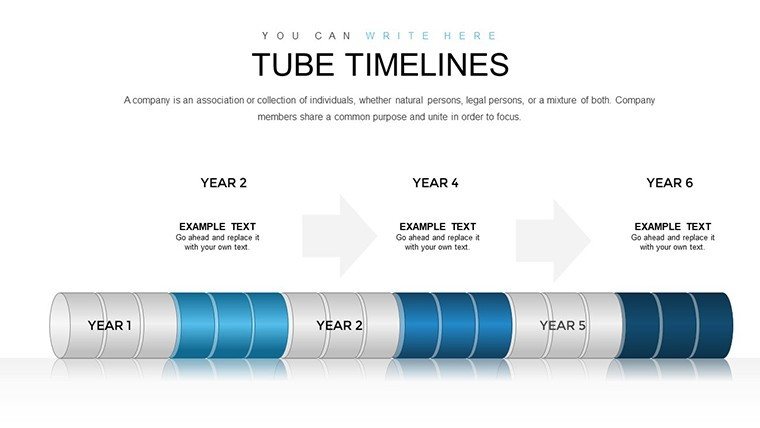
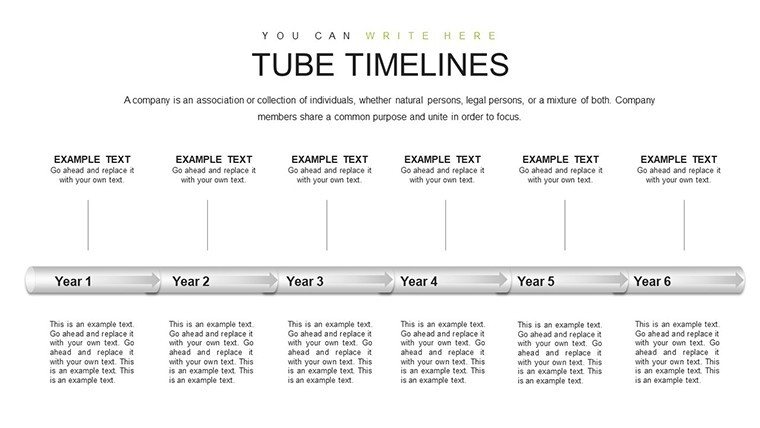
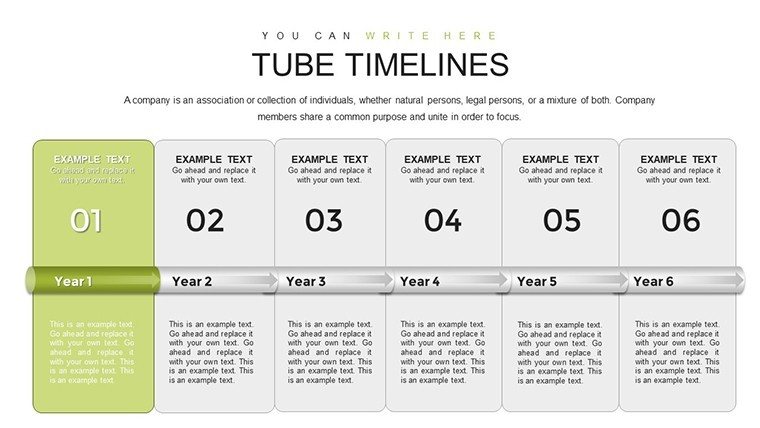
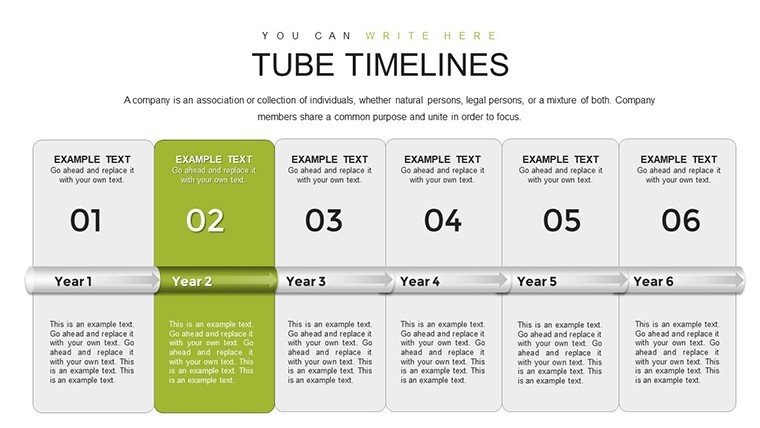
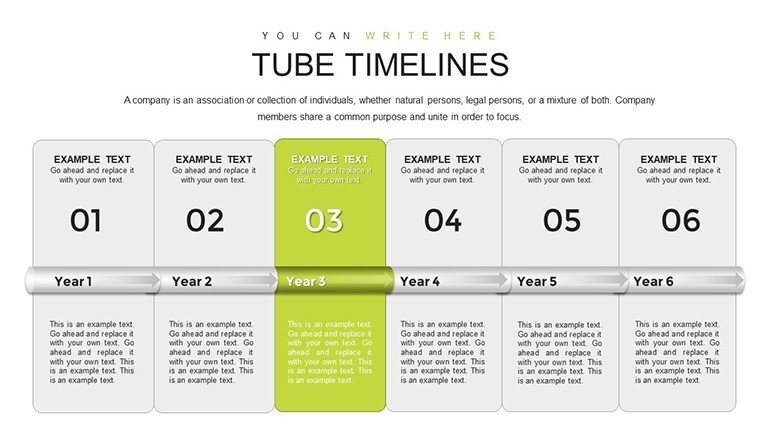
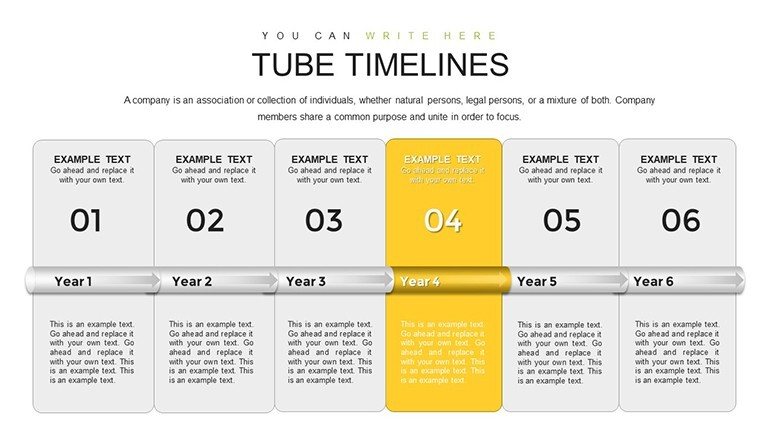
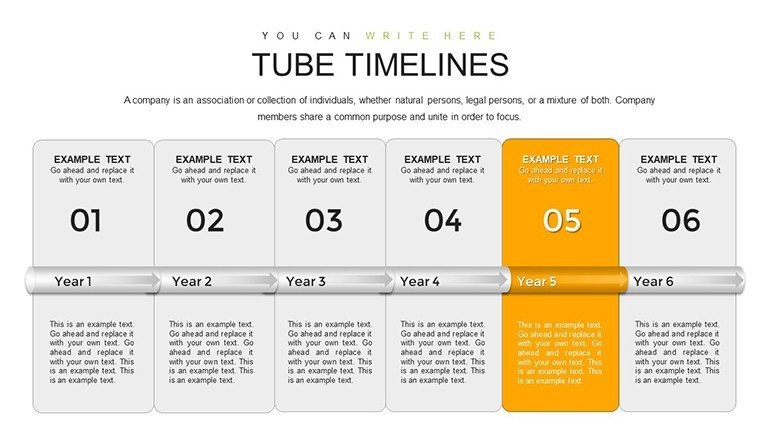
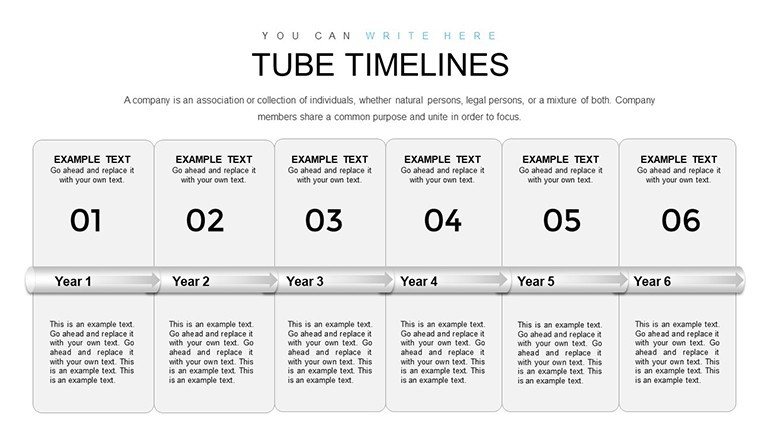
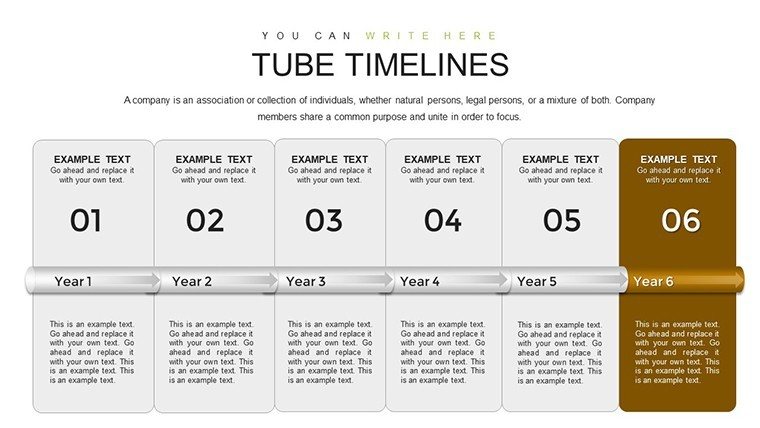
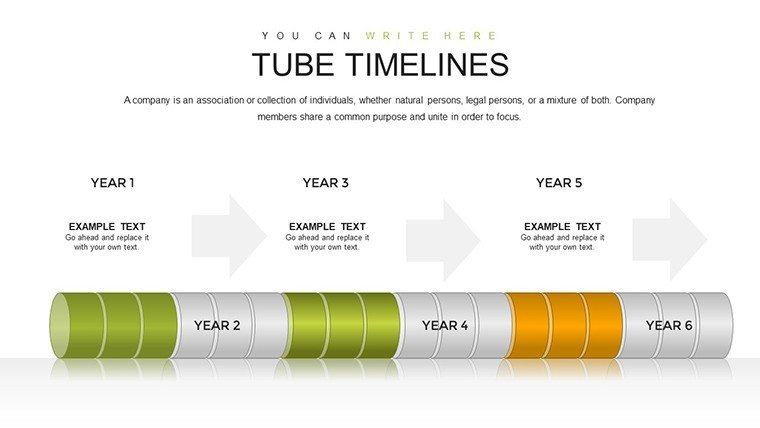
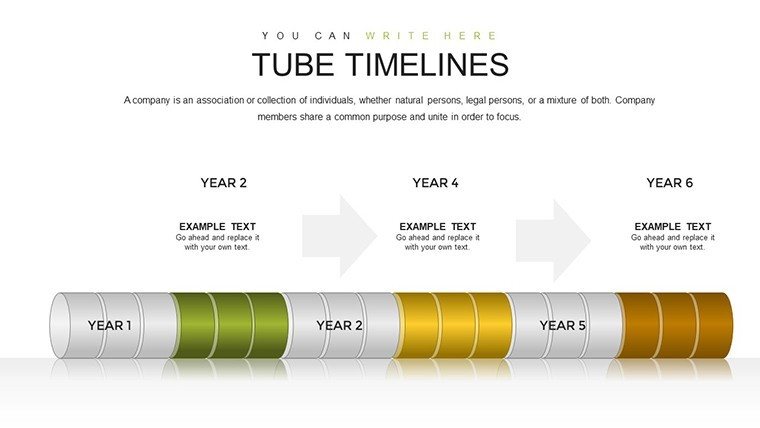
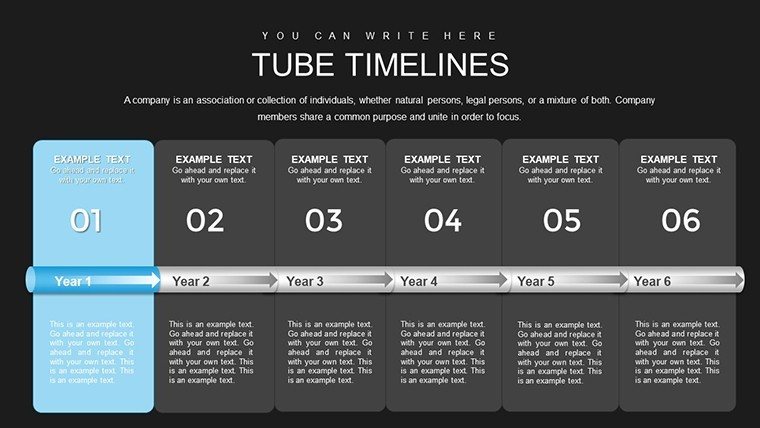
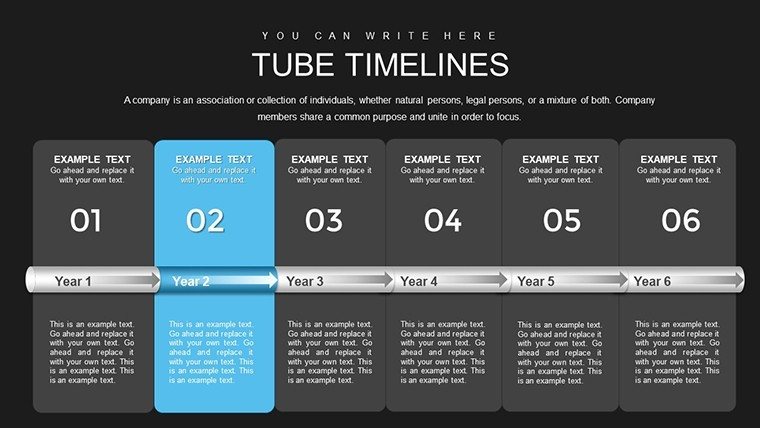
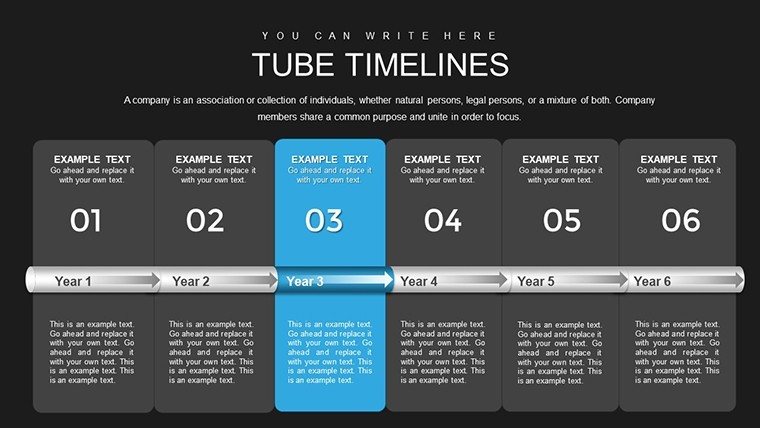
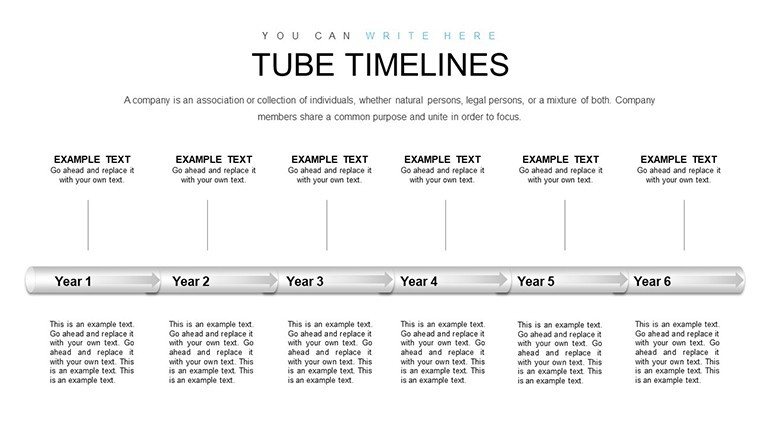
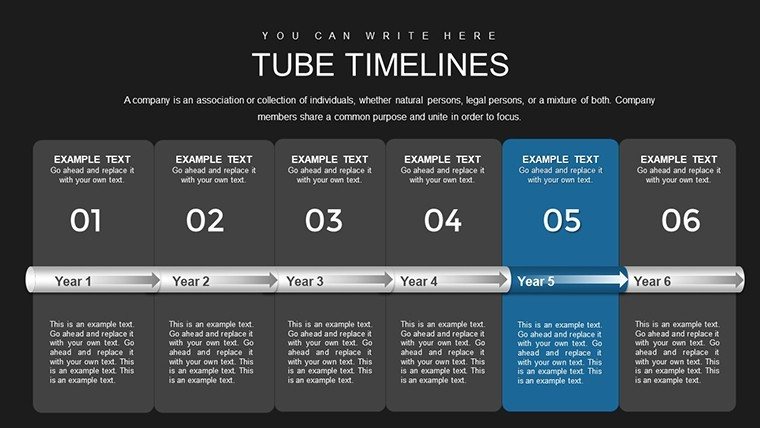
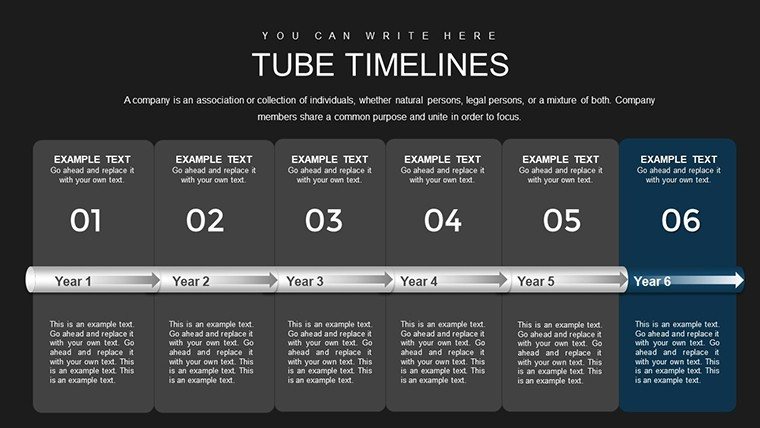
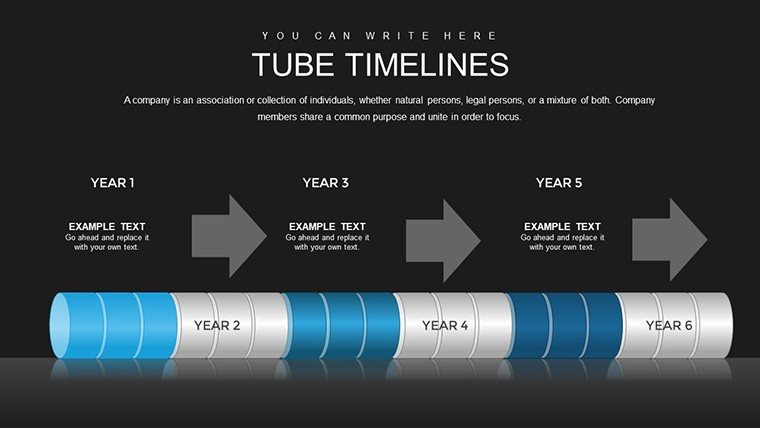
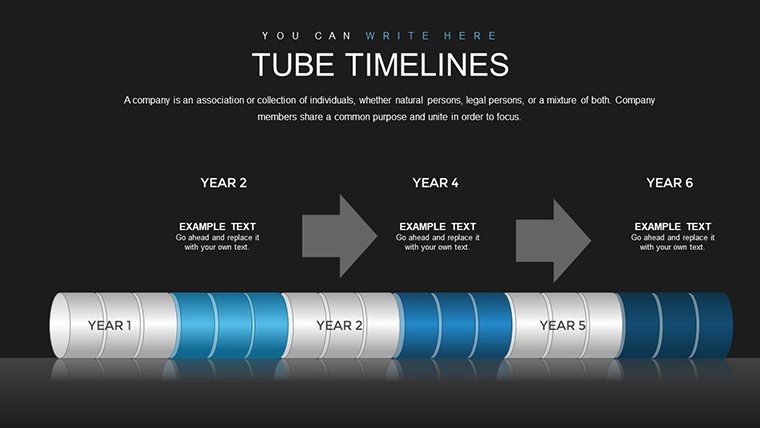
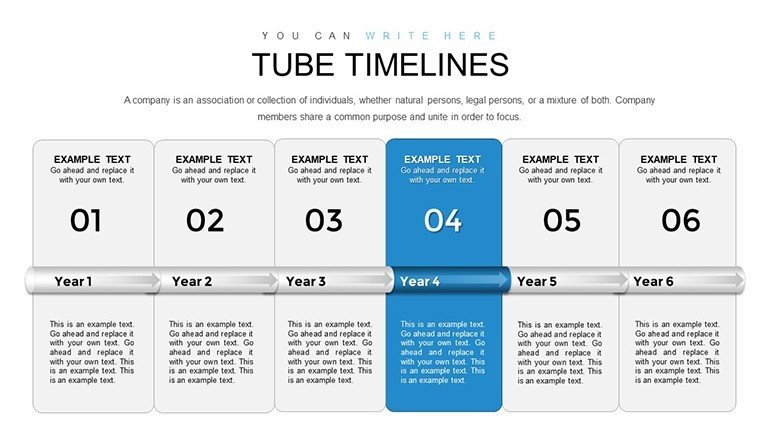
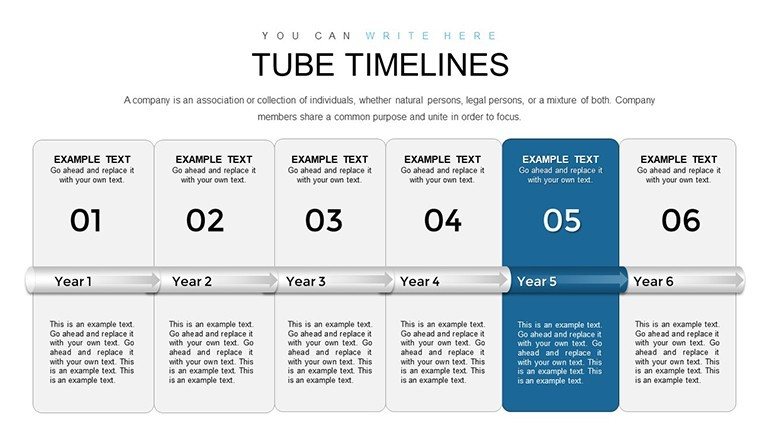
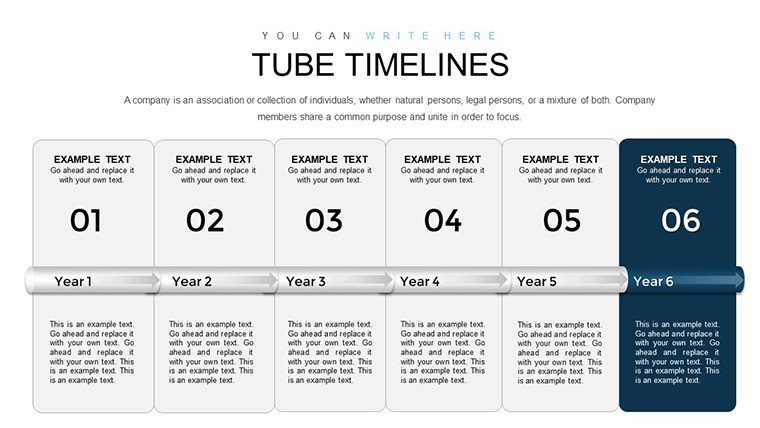
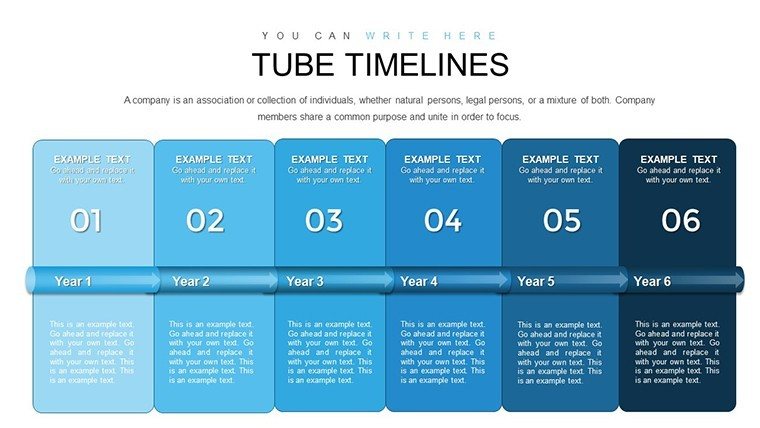
The template's standout feature is its modern tube design, which uses cylindrical elements to represent timelines, adding a three-dimensional flair that's both eye-catching and professional. Fully customizable, you can alter colors to reflect seasonal themes or corporate palettes, resize fonts for emphasis, and rearrange layouts for optimal flow. Multiple slide variations include horizontal tubes for linear progress, branched designs for diverging paths, and milestone markers with icons for quick recognition. High-resolution graphics ensure clarity on any display, from laptops to projectors, making it ideal for hybrid meetings.
In-Depth Look at the 33 Versatile Slides
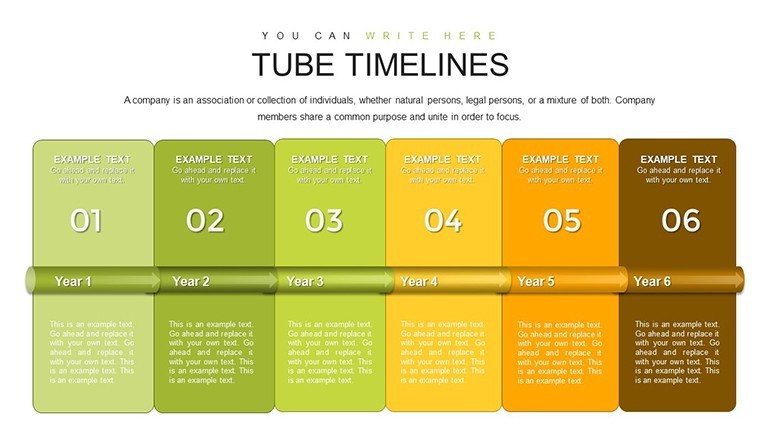
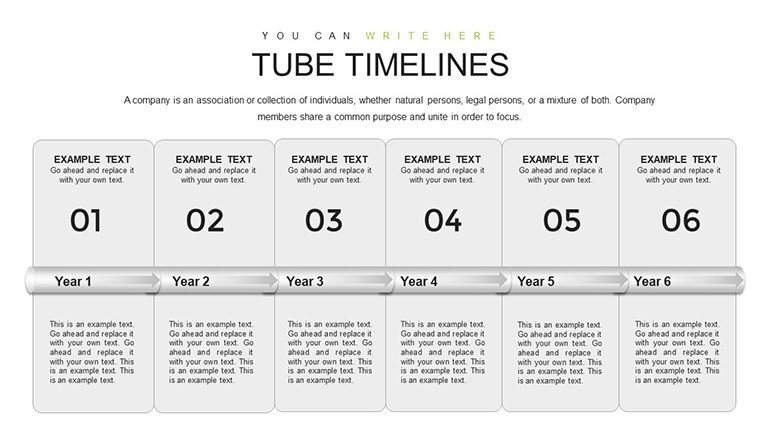
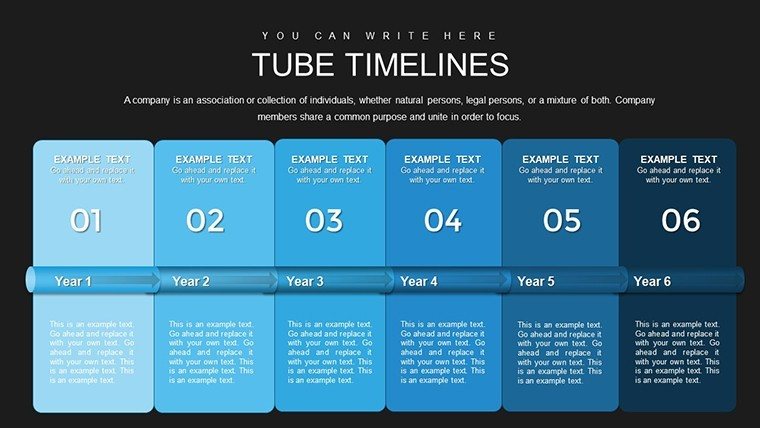
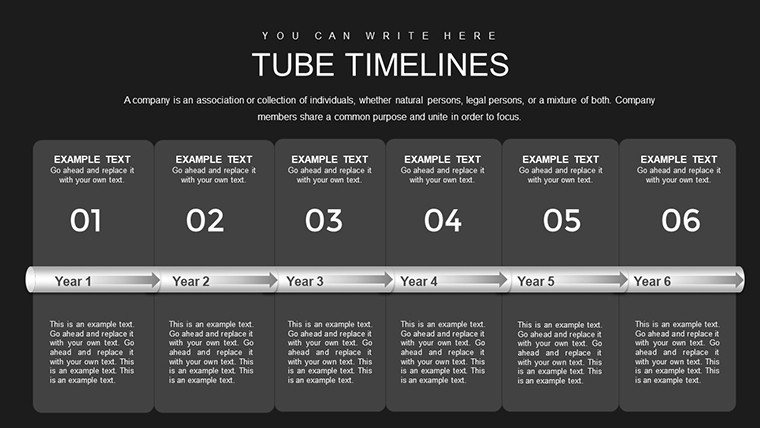
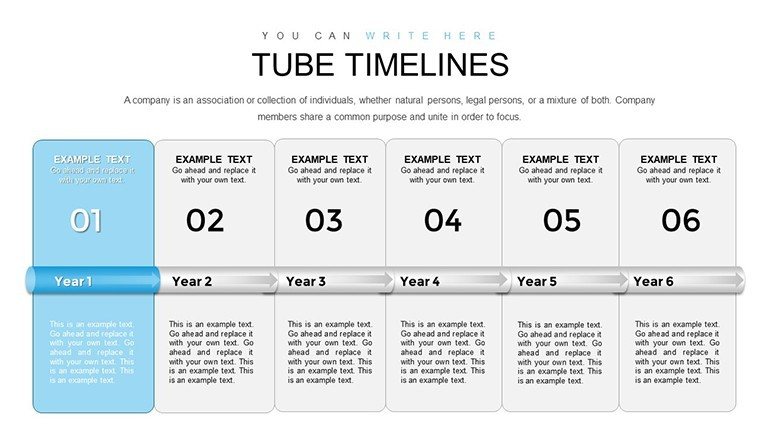
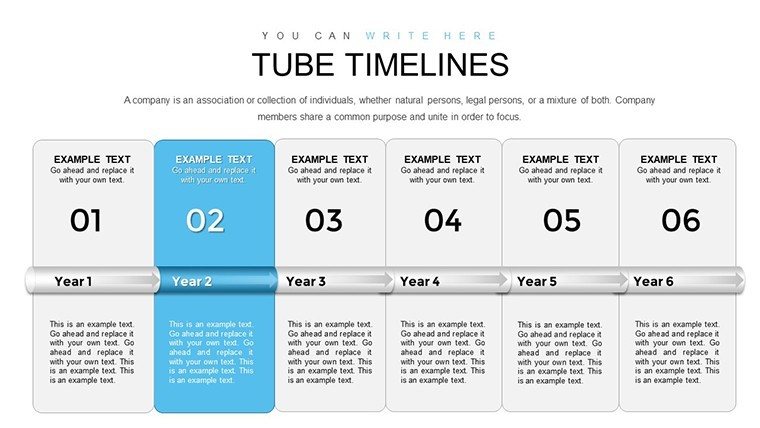
Breaking it down, the initial slides (1-5) set the stage with introductory timelines, featuring blank tubes ready for your dates and descriptions - perfect for overviews like company history. Slides 6-10 delve into detailed milestones, with numbered tubes allowing annotations for achievements, such as "Q1 Launch" or "Funding Round." For project roadmaps, slides 11-15 offer Gantt-like tube extensions, showing durations and overlaps to manage expectations effectively.
Midway through, slides 16-20 introduce thematic variations, like color-coded tubes for multi-team projects or vertical orientations for space-constrained decks. Educational users will appreciate slides 21-25, which include illustrative icons for events like "Discovery Phase" in scientific timelines. The latter slides (26-33) focus on summaries and futures, with forward-looking tubes for projections and recap dashboards that compile all milestones into a single view, aiding in reflective discussions.
Practical Use Cases Across Industries
This template adapts effortlessly to diverse scenarios. In business, project managers can map out development phases, illustrating how a software rollout progresses from ideation to deployment, much like how companies like Google visualize their product updates. Educators simplify history lessons by charting events like the Industrial Revolution, engaging students with interactive elements that encourage questions. Marketers leverage it for campaign timelines, showing phases from planning to analysis, helping teams align on deliverables and measure ROI.
For personal projects, it's a boon for planning weddings or travels, turning lists into visual stories that excite participants. In corporate training, trainers use it to outline program evolutions, highlighting skill-building milestones to motivate learners. The benefits are clear: it fosters understanding, reduces confusion in complex sequences, and elevates presentations beyond bullet points, aligning with user-centered design principles from experts like Edward Tufte.
Pro Tips to Enhance Your Timeline Presentations
- Layer Information Wisely: Use tube segments to build narratives progressively, revealing details via animations for dramatic effect.
- Integrate Multimedia: Embed images or links within tubes for richer context, like photos of milestones in event recaps.
- Balance Aesthetics: Alternate tube colors for visual interest, ensuring accessibility with high contrast for color-blind viewers.
- Collaborate Seamlessly: Share via Google Slides for real-time edits during team brainstorming sessions.
- Analyze Impact: Post-presentation, use feedback to refine tubes, focusing on what clarified timelines best.
These strategies, inspired by successful case studies from design firms, help you craft presentations that stick, outperforming standard timelines by adding depth and interactivity.
Why This Template Transforms Your Workflow
In a landscape where attention spans are short, this Modern Tube Timeline template stands as a beacon of clarity and creativity. It addresses common challenges like disjointed narratives or outdated visuals by providing a fresh, adaptable framework. Whether pitching to investors or teaching concepts, its versatility ensures relevance, backed by compatibility that prevents format issues. Picture concluding a quarterly review with a timeline that not only recaps successes but forecasts wins - that's the edge it provides. Embrace this tool to make your stories flow smoothly and leave lasting impressions. Step up your game; download and customize this innovative template now.
Frequently Asked Questions
What makes the tube design unique?
The tube design offers a modern, fluid aesthetic that represents progression dynamically, setting it apart from flat timelines with its 3D-like appeal.
Can I edit this in Google Slides?
Yes, the .pptx format uploads directly to Google Slides, preserving most edits and allowing cloud-based collaboration.
Is it suitable for non-business uses?
Certainly - it's great for personal timelines like family histories or educational modules on scientific discoveries.
How do I add more milestones?
Duplicate slides and extend tubes easily, maintaining the design integrity while expanding content as needed.
Are there animation options included?
Basic animations are pre-set for reveals, but you can customize them in PowerPoint for enhanced engagement.
Does it support high-res exports?
Yes, export to PDF or images in high resolution, ideal for printing or sharing digitally without quality loss.
Good for
- Project roadmaps and sprint plans
- Product launch timelines
- Quarterly or annual review decks
- Company history and milestone summaries
Licence
reviews
Modern Tube Timeline with 33 slides features cylindrical 3D-like tubes in sleek grays and accents. Perfect for my product roadmap - horizontal and vertical options saved the day in a hybrid meeting. High-res graphics looked sharp on projector.
Project manager here: branched tube designs for diverging paths helped visualize dependencies clearly. Customizable colors matched our brand. Slightly critical that some milestone markers need manual resizing but overall innovative.
Used for a history lesson - numbered tubes with icons engaged students better than flat timelines. Easy Google Slides import. The summary dashboard at the end is a nice touch for recaps.
Tight deadline for quarterly review: tube segments with fade animations revealed data nicely. Professional yet modern style. A few more color themes would be ideal but very usable.
Educator perspective: vertical orientations great for space-limited slides. Illustrations of milestones feel fresh. Took little time to add dates and descriptions. Reliable template.
The 3D tube flair stands out from standard timelines. Good for campaign planning too. Practical edits for fonts and layouts. Enthusiastic about the forward-looking projection slides.
FAQ
Will it work in Google Slides?
Are fonts embedded?
Can I use this for client work?
What's the refund policy?
Do you update the template after purchase?
Similar templates
See all PowerPoint Charts →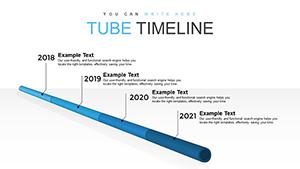

All 33 slides