 Click to zoom
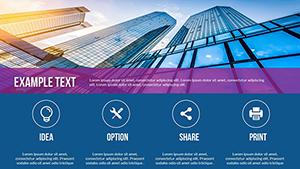
Timeline Maker PowerPoint Charts Template
| Format | .pptx |
| Slides | 21 unique layouts |
| Aspect ratio | 16:9 |
| Compatibility | PowerPoint |
| Animated | No |
| Language | English |
| License | Commercial |
| File size | — |
| Version | v1.0 |
| Last updated | June 2024 |
What's inside
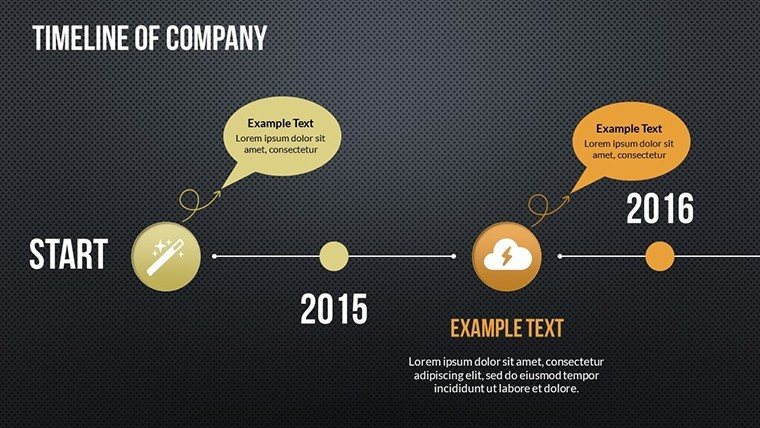
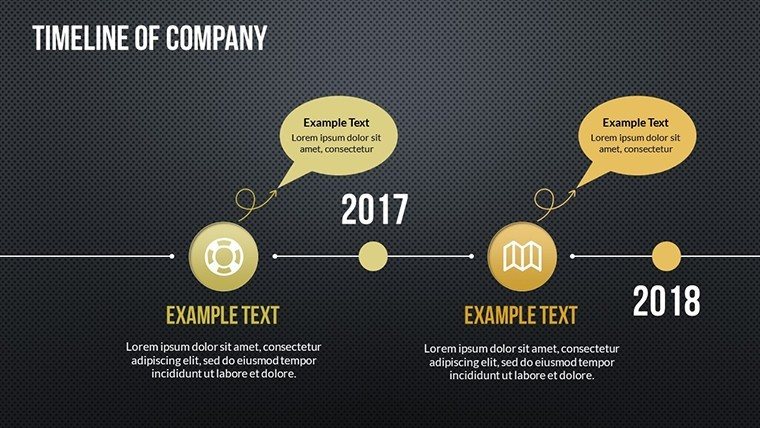
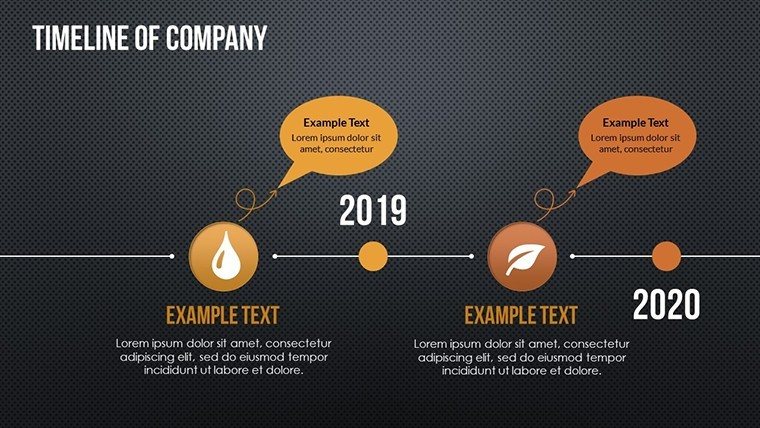
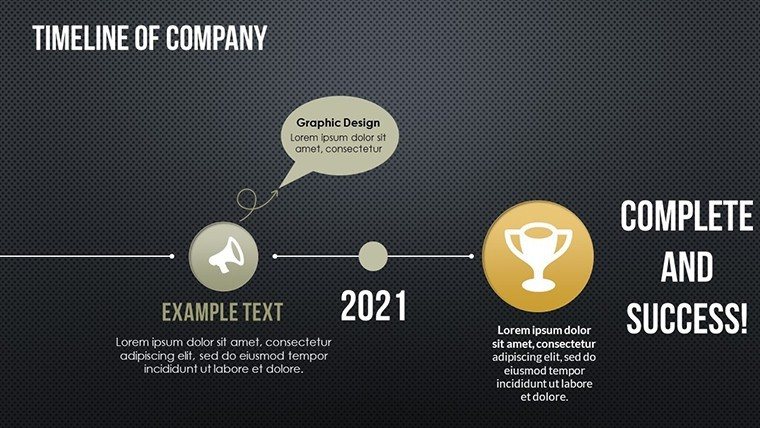
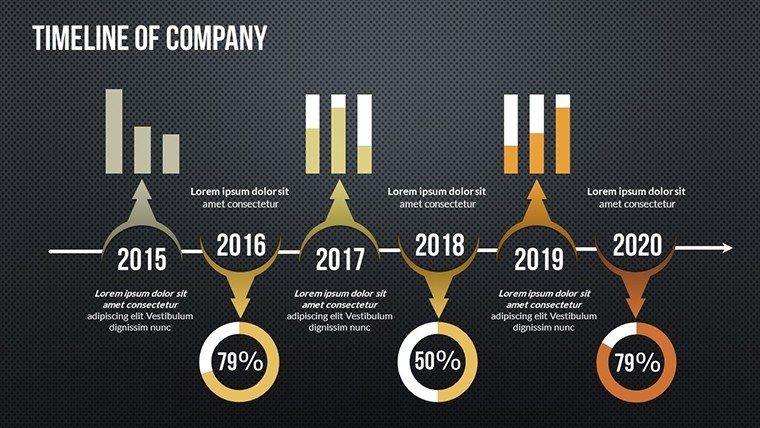
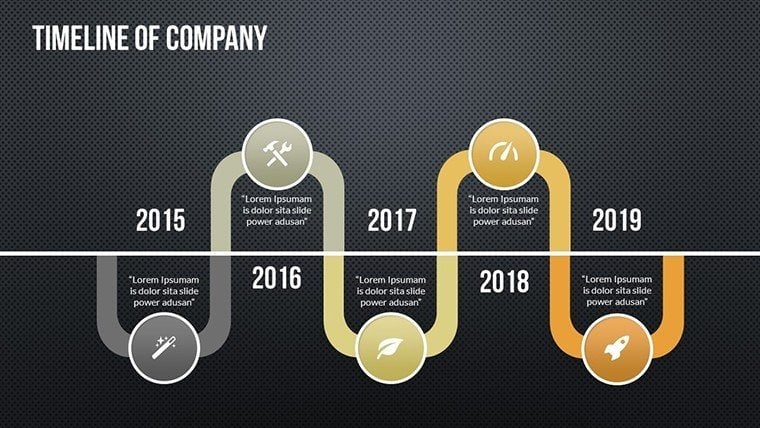
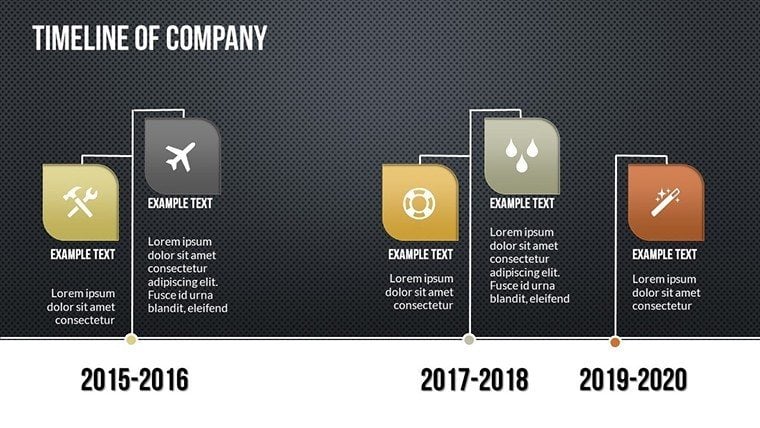
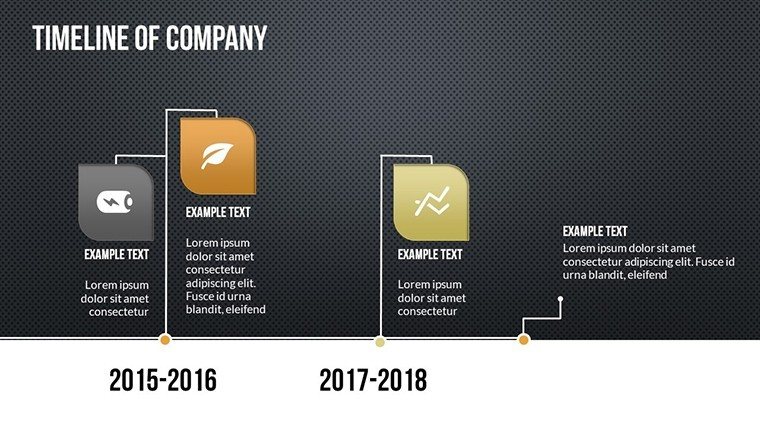
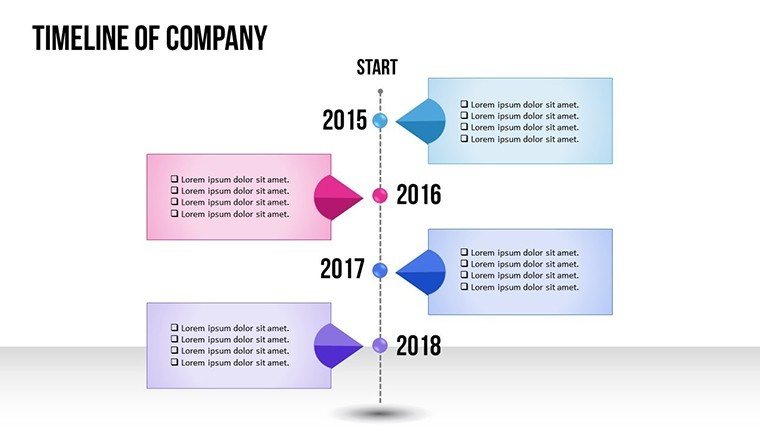
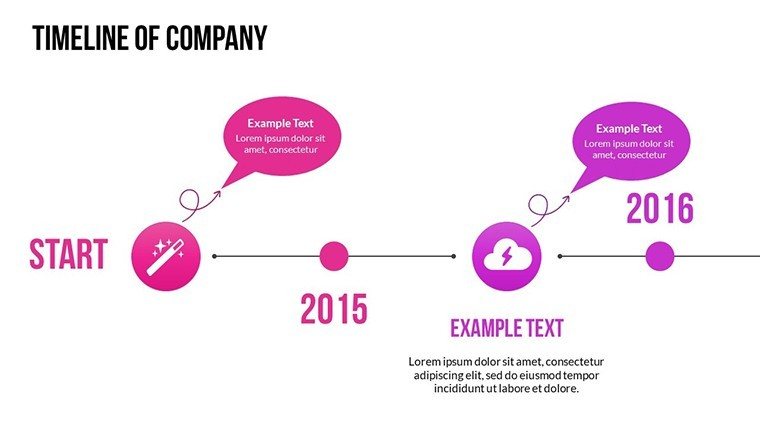
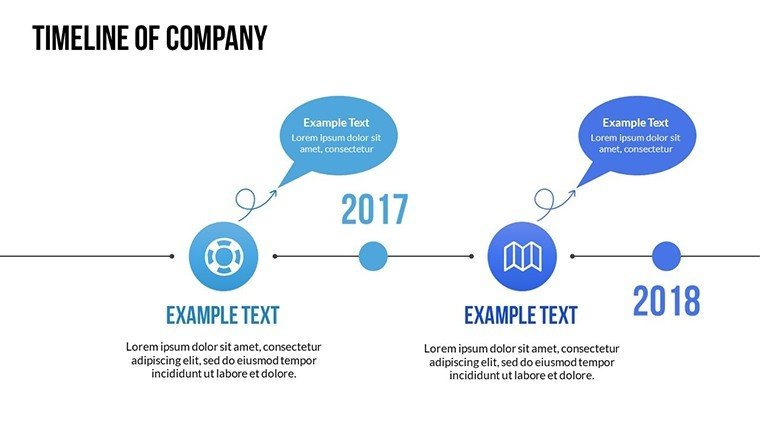
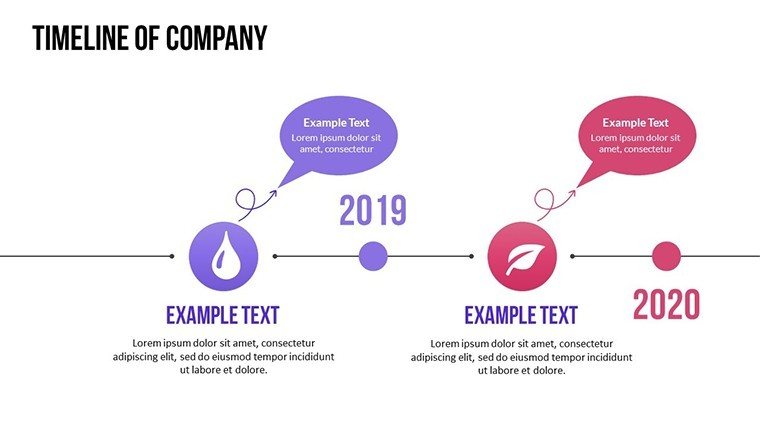
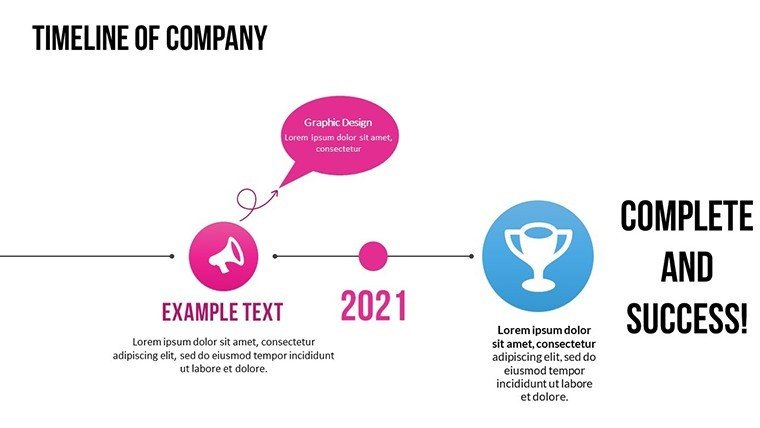
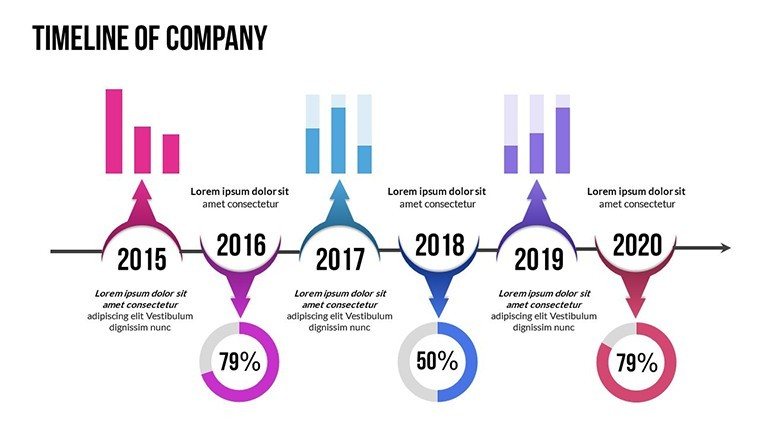
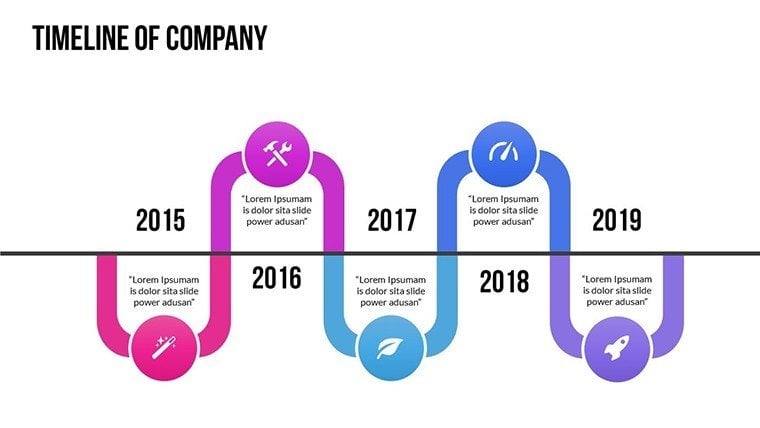
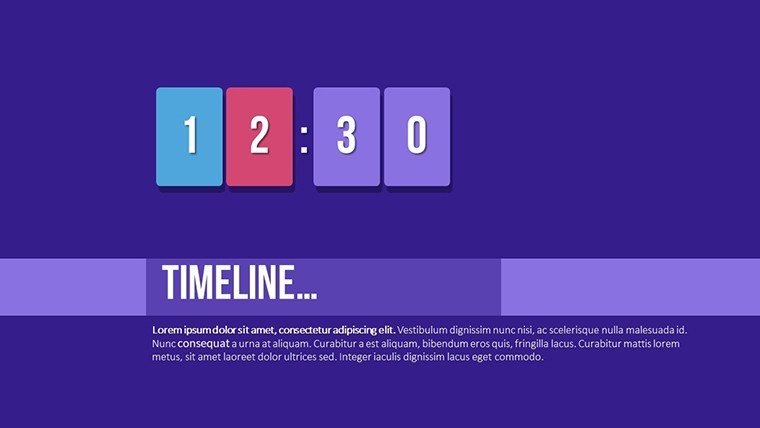
Navigating the intricate timelines of architecture projects demands tools that blend simplicity with sophistication. Our Timeline Maker PowerPoint Charts Template, featuring 21 editable slides, is engineered for architects, educators, and planners to craft timelines that illuminate paths forward. Imagine orchestrating a museum renovation presentation, where linear charts trace from artifact acquisition to grand opening, infused with circular elements for cyclical design iterations. This template's user-friendly design, rooted in educational best practices and professional standards like those from the Royal Institute of British Architects (RIBA), ensures your timelines are not only accurate but artistically compelling. From personal milestones in career portfolios to grand-scale event planning, it adapts seamlessly, enhancing communication and reducing the guesswork in project sequencing.
What Sets This Timeline Maker Apart
Uniqueness lies in its blend of high-quality graphics and versatile styles, from Gantt for dependency-heavy builds to historical for contextual lectures. Customization empowers you to reflect architectural themes, like incorporating grid patterns evocative of urban planning.
Key Features for Effortless Creation
- User-Friendly Interface: Intuitive for all skill levels, with pre-designed elements speeding up assembly.
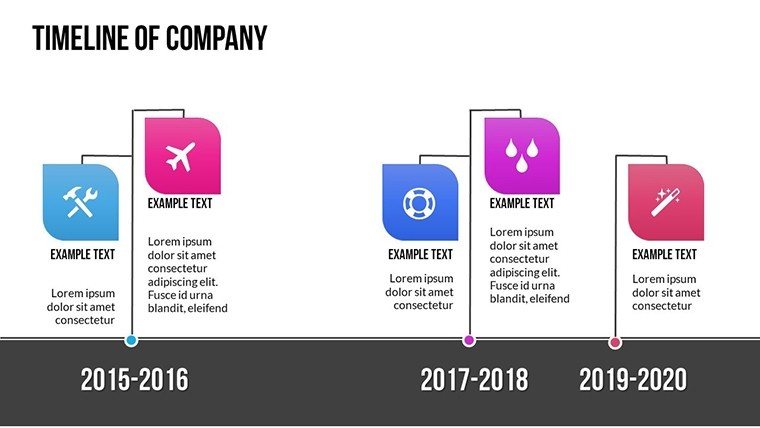
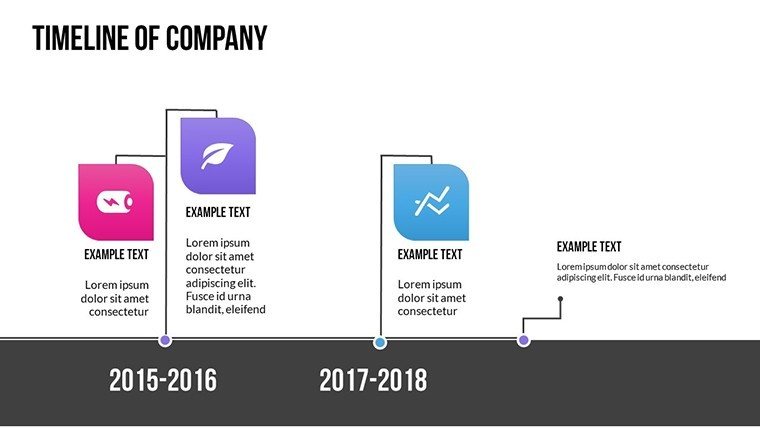
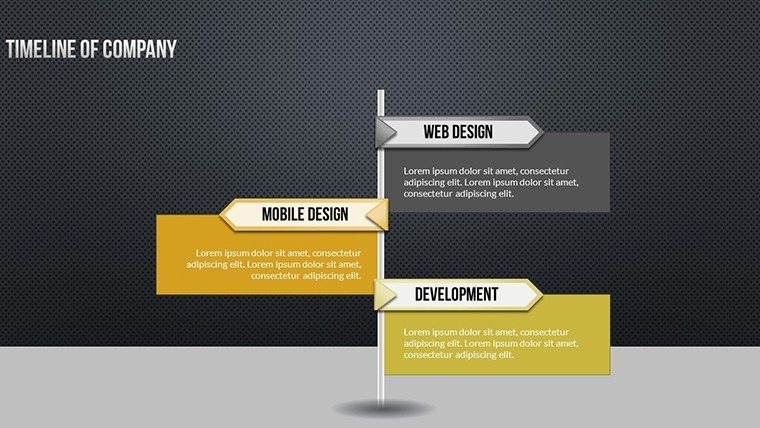
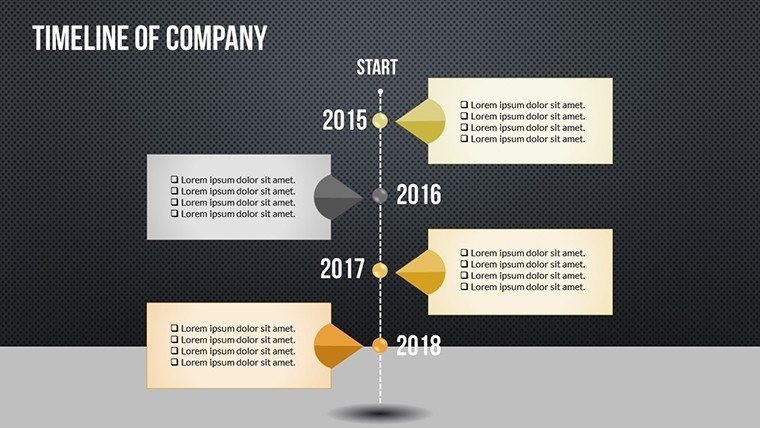
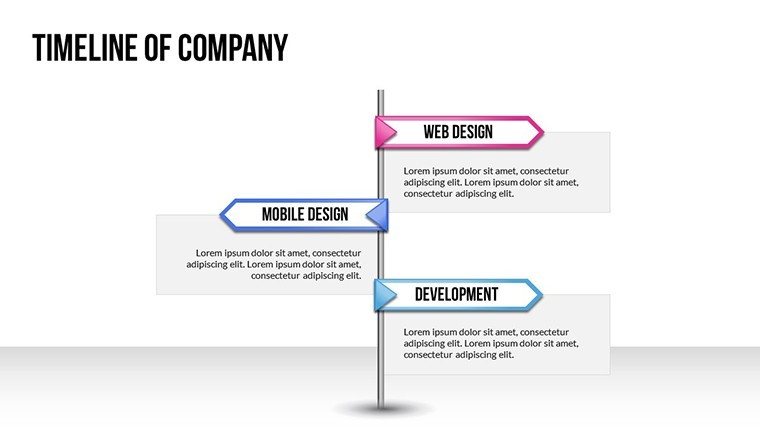
- Diverse Timeline Styles: Linear, circular, Gantt - tailored for architecture's varied needs.
- Customizable Components: Alter colors, fonts, and layouts for brand alignment.
- Professional Graphics: Elevate slides with icons suited to design narratives.
- Time-Saving Templates: Ready-to-update structures for quick adaptations.
These draw from expert uses, like in Zaha Hadid's fluid timelines for parametric projects.
Beneficiaries: From Architects to Planners
Corporate pros use it for strategy rollouts, educators for historical overviews, and planners for event orchestration, all benefiting from clear visualizations.
Why This Template is Essential
It addresses common pains like disorganized data, providing structured visuals that foster better understanding and decisions.
Inside the Template: Comprehensive Tools
21 slides encompass various formats, with placeholders for data integration, ensuring versatility across uses.
Practical Examples in Action
For architecture: Map a bridge construction from design to inauguration. In education: Chronical modernist movement evolutions.
Integration into Your Workflow
- Plan Your Timeline: Define events and sequence.
- Choose Style: Select from linear or Gantt based on complexity.
- Customize: Add architecture-specific details.
- Enhance: Incorporate visuals and animations.
- Deliver: Present with confidence.
This mirrors efficient methodologies in top firms.
Superior to Basics: Professional Edge
Offers depth over generic options, with benefits like audience retention and authoritative presence.
Expanded Impacts Across Fields
Enhances collaboration in multidisciplinary teams, clarifying roles in complex builds.
Experience the difference - download our Timeline Maker and craft timelines that inspire architectural innovation.
Frequently Asked Questions
What styles are available?
Linear, circular, and Gantt charts for diverse timeline needs.
Is customization easy?
Yes, user-friendly edits for colors, fonts, and more.
Compatible with what software?
PowerPoint and Google Slides for broad accessibility.
How many slides?
21 editable slides for thorough coverage.
Suitable for beginners?
Absolutely, designed for all levels with intuitive features.
Good for
- Project roadmaps and sprint plans
- Product launch timelines
- Quarterly or annual review decks
- Company history and milestone summaries
Licence
reviews
I used this for a group project and everyone could edit it easily.
The graph pages looked balanced and readable.
Some design elements felt unnecessary but nothing terrible.
The layout was simple which honestly helped.
Worked fine for comparing statistics in class.
FAQ
Will it work in Google Slides?
Are fonts embedded?
Can I use this for client work?
What's the refund policy?
Do you update the template after purchase?
Similar templates
See all PowerPoint Charts →
All 21 slides