 Click to zoom
Table Box Keynote Shapes: Box Up Data for Dynamic Displays
| Format | .pptx |
| Slides | 17 unique layouts |
| Aspect ratio | 16:9 |
| Compatibility | PowerPoint |
| Animated | No |
| Language | English |
| License | Commercial |
| File size | — |
| Version | v1.0 |
| Last updated | February 2026 |
What's inside
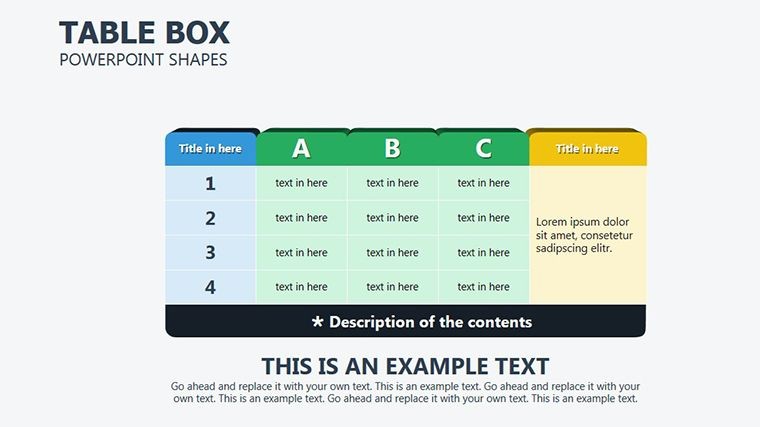
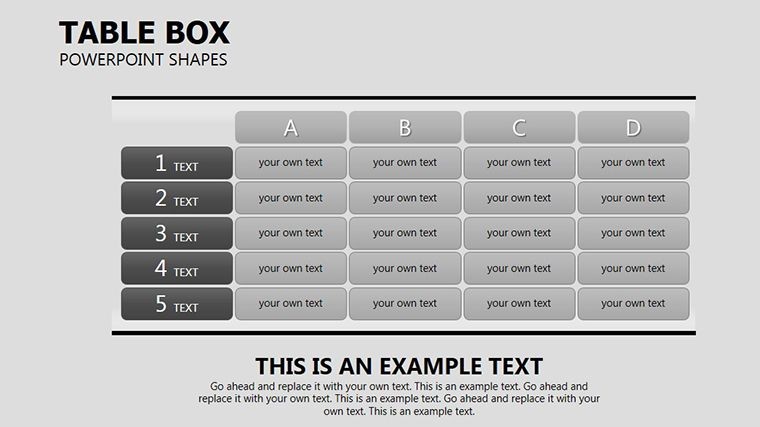
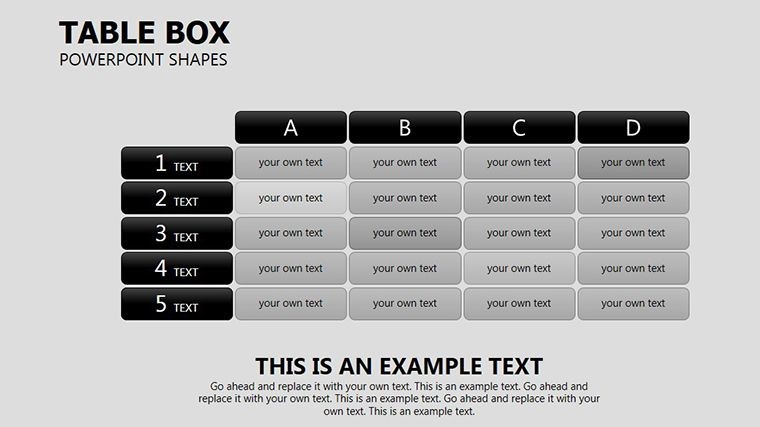
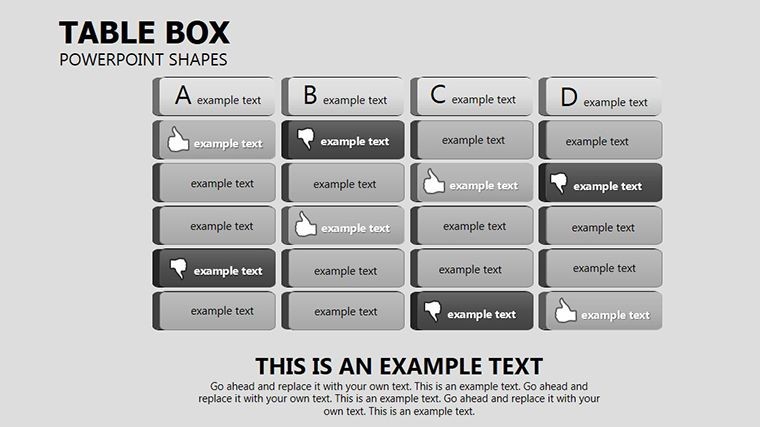
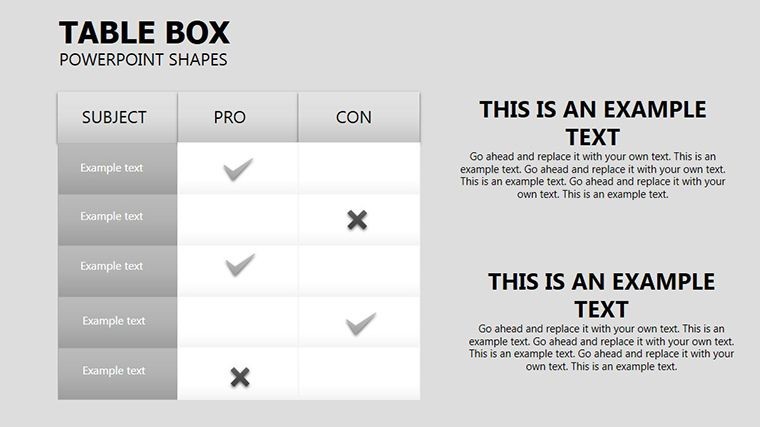
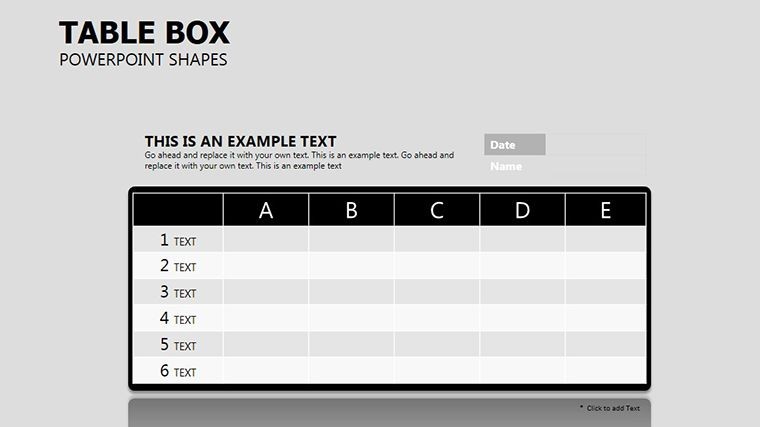
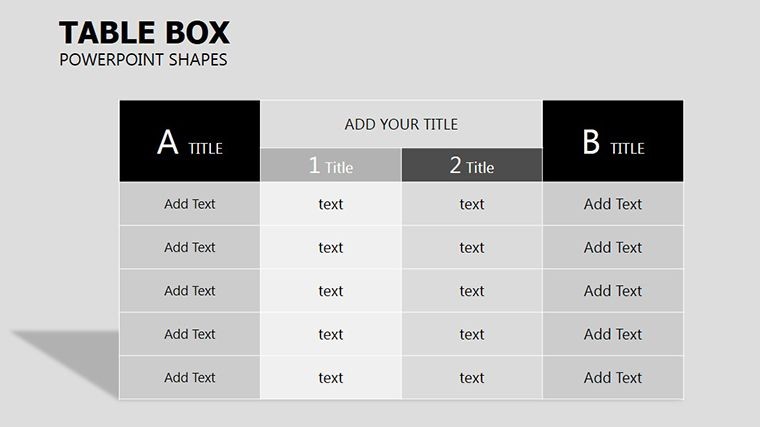
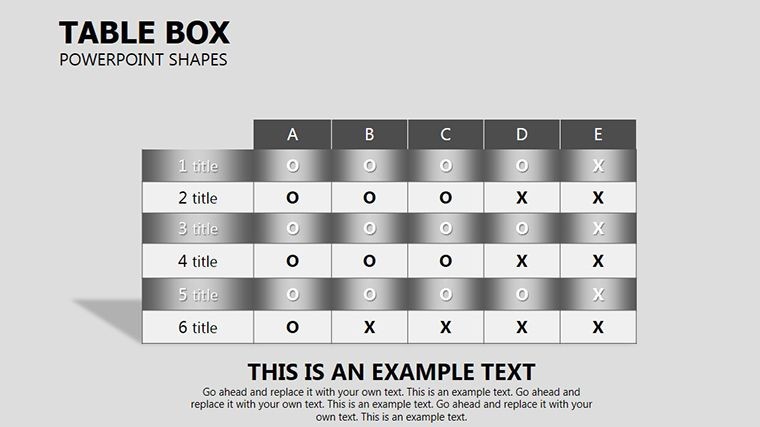
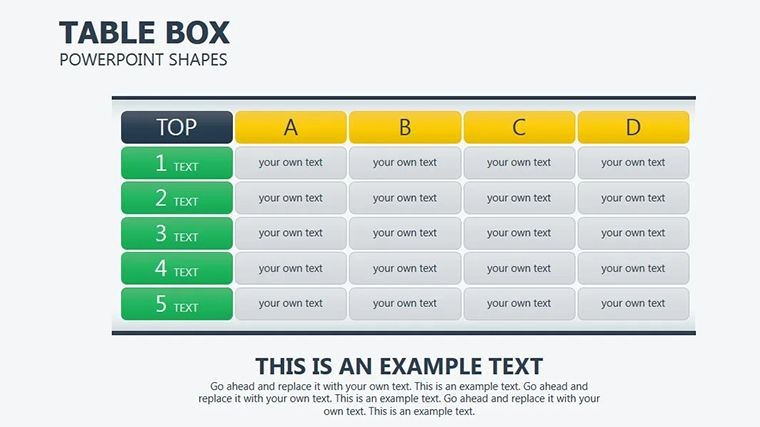
When data demands direction, nothing frames it finer than a well-wrought box. Our Table Box Keynote Shapes template offers 17 versatile enclosures that corral information into compelling containers, suited for analysts, educators, and execs who crave order amid output overload. These aren't stuffy spreadsheets; they're stylish boxes that beckon eyes and brains alike.
Keynote-native on Mac, the shapes nestle neatly - expand for depth, stack for sequences - breathing life into lists and ledgers. From quarterly recaps to lesson plans, they impose elegance on the everyday, making mundane metrics mesmerizing.
Enclosing Excellence in Every Box
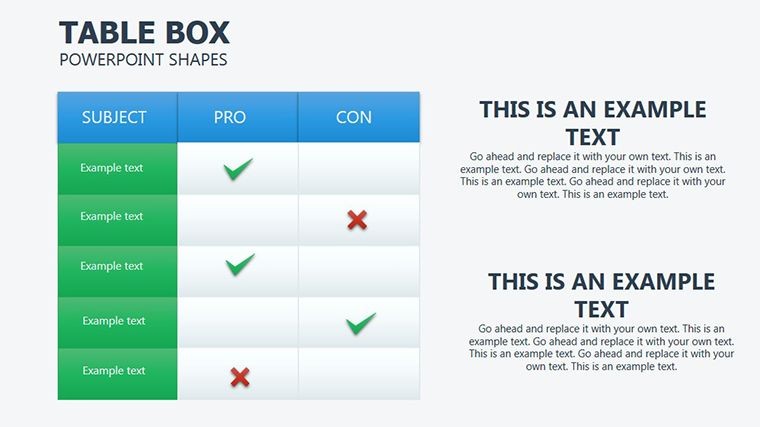
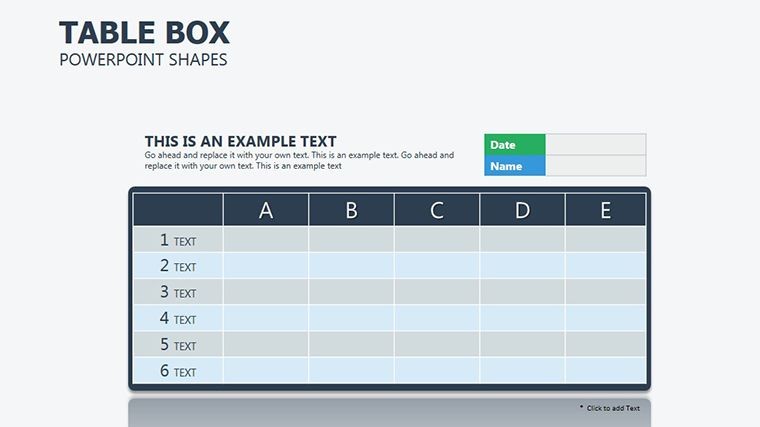
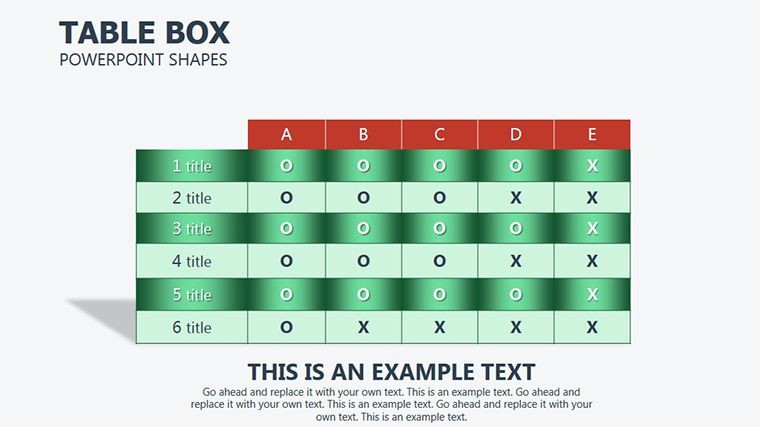
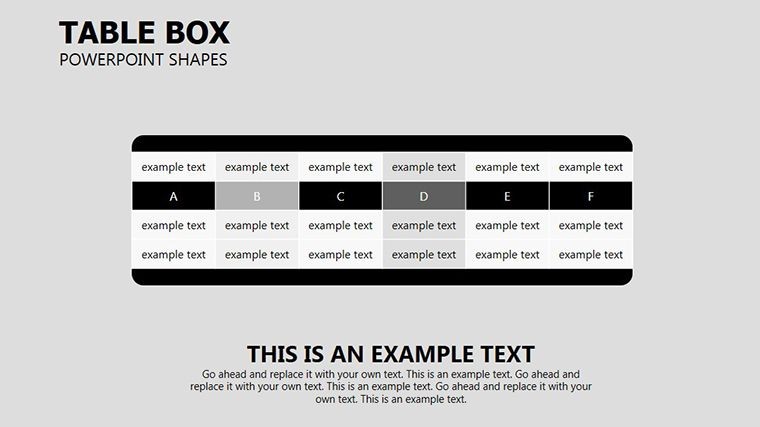
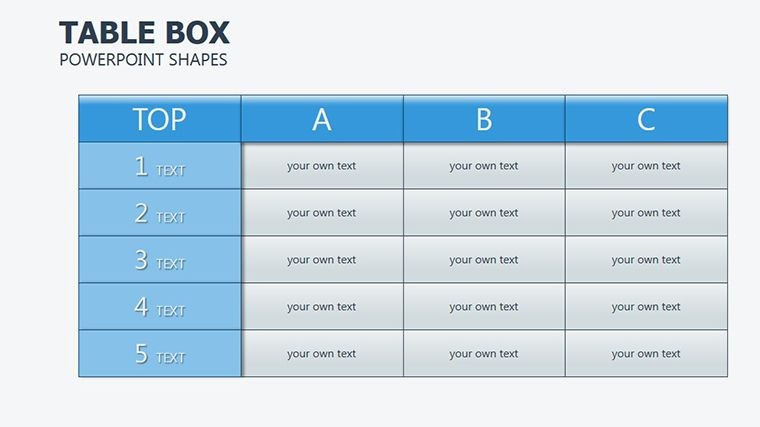
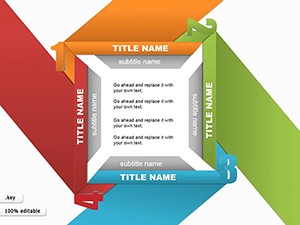
The template unfolds with basic boxes: single-cell wonders for spotlights, expandable to grids for ensembles. Inner padding and drop shadows lend lift, while corner radii soften edges for contemporary charm.
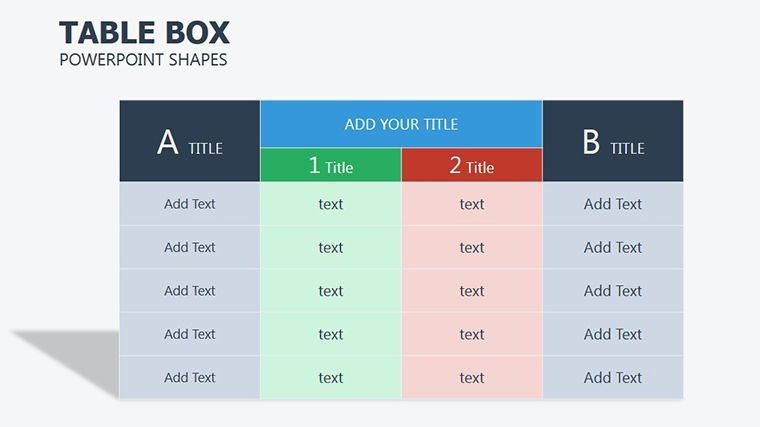
Advanced variants include timeline boxes, chaining cells horizontally with connectors, or comparison duo-boxes side-by-side for versus views. Nested designs burrow sub-data, like quarterly boxes within annual overviews.
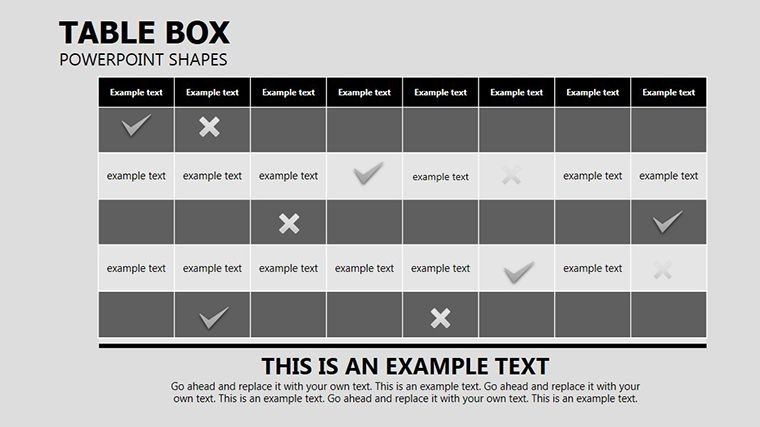
- Slide 1-5: Solo and Grid Boxes � From one-offs to 4x4 arrays for categorical data.
- Slide 6-10: Sequential Chains � Linked boxes for processes or progressions.
- Slide 11-14: Nested Hierarchies � Parent-child enclosures for layered info.
- Slide 15-17: Comparative Sets � Paired or clustered for contrasts.
Image alts such as "Nested table box showing sales hierarchy" aid screen readers and SEO.
Boxing In Breakthroughs: Use Case Spotlights
An analyst boxing Q4 figures uses grid slides, each cell a metric box - revenue in bold, margins inset - animating fills to surge on positives. Educators box timelines, chaining era boxes with icon insets for historical flows.
In sales huddles, comparative boxes pit quarters, shading deltas to spotlight shifts. Versatility vaults it beyond basics.
- Scope Your Structure: Decide box count - start small, scale as needed.
- Populate Precisely: Fill via text tools, aligning with guides.
- Embellish Edges: Tweak strokes and fills for thematic ties.
- Build Box by Box: Animate appearances to pace revelations.
- Distribute Dynamically: Share as embeds or prints, shapes intact.
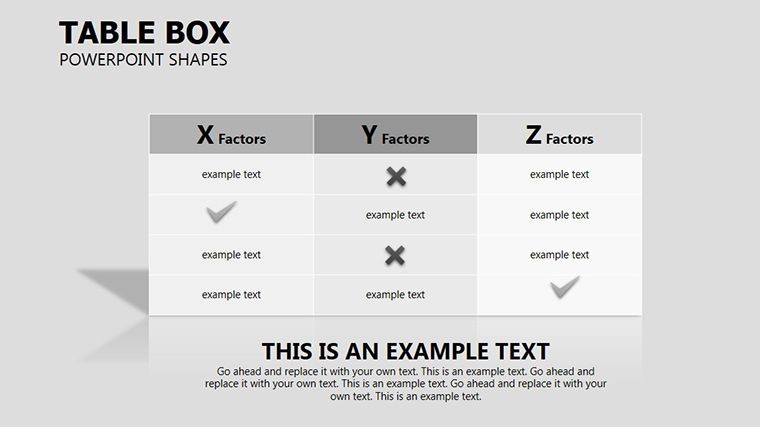
Superior to plain tables, these boxes bound beauty into brevity.
Boxes That Bound Brilliance
Key perks: modular merges for custom configs and gradient fills for gradient gains. Tailored for the tidy-minded: neat, notable, necessary.
A project lead boxed milestones to milestone a launch, the chained visuals chaining team focus to finish line. Boxes that build bonds.
Encase your essence - download these shapes and box boldly.
Frequently Asked Questions
Can boxes nest indefinitely?
Up to three levels smoothly, beyond that simplify for clarity.
Best for timelines?
Yes, chained variants excel at sequential storytelling.
Color integration tips?
Master slide globals ensure harmony across boxes.
Mac-only?
Keynote core, but exports broaden reach.
Resize without distortion?
Vectors guarantee - stretch freely.
Good for
- Project roadmaps and sprint plans
- Product launch timelines
- Quarterly or annual review decks
- Company history and milestone summaries
Licence
reviews
The curved arrow shapes are smooth.
The curve radius is generous.
Used this for a circular flow.
The arrow follows the curve nicely.
Better than straight arrows for some diagrams.
FAQ
Will it work in Google Slides?
Are fonts embedded?
Can I use this for client work?
What's the refund policy?
Do you update the template after purchase?
Similar templates
See all Keynote Shapes →
All 17 slides