 Click to zoom
Four Title Shapes Keynote Presentation Template
| Format | .pptx |
| Slides | 8 unique layouts |
| Aspect ratio | 16:9 |
| Compatibility | PowerPoint |
| Animated | No |
| Language | English |
| License | Commercial |
| File size | — |
| Version | v1.0 |
| Last updated | July 2019 |
What's inside
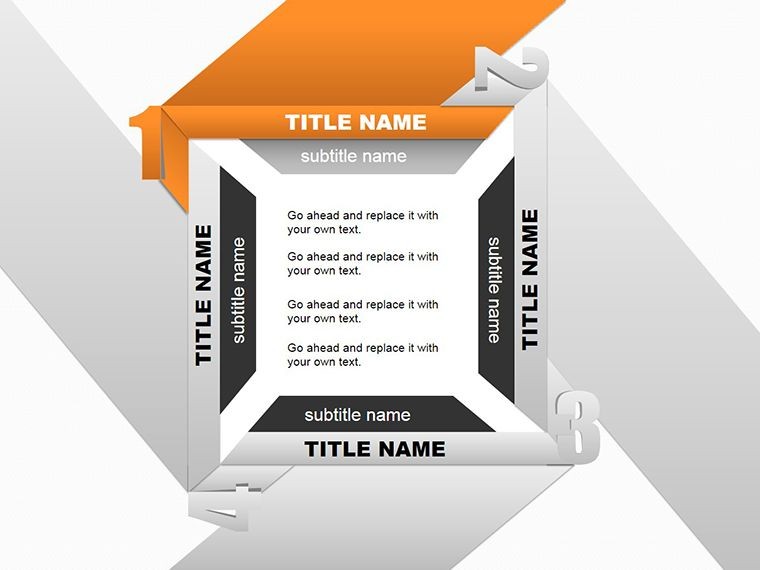
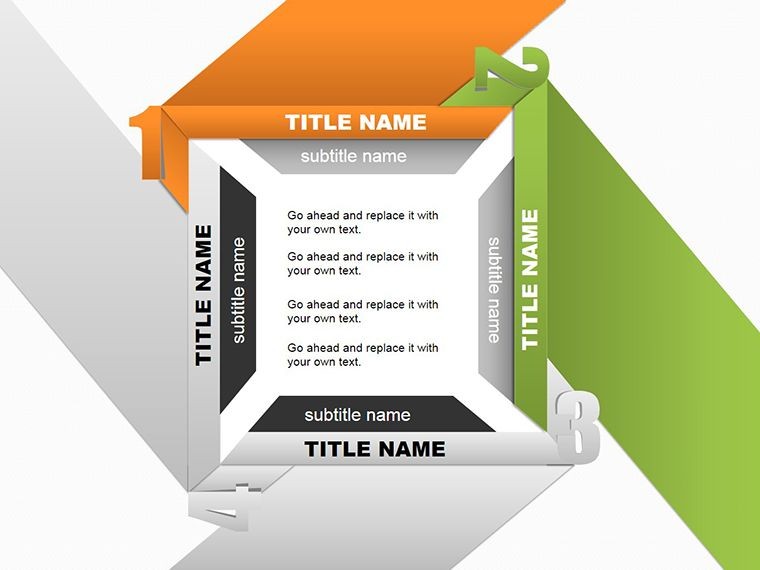
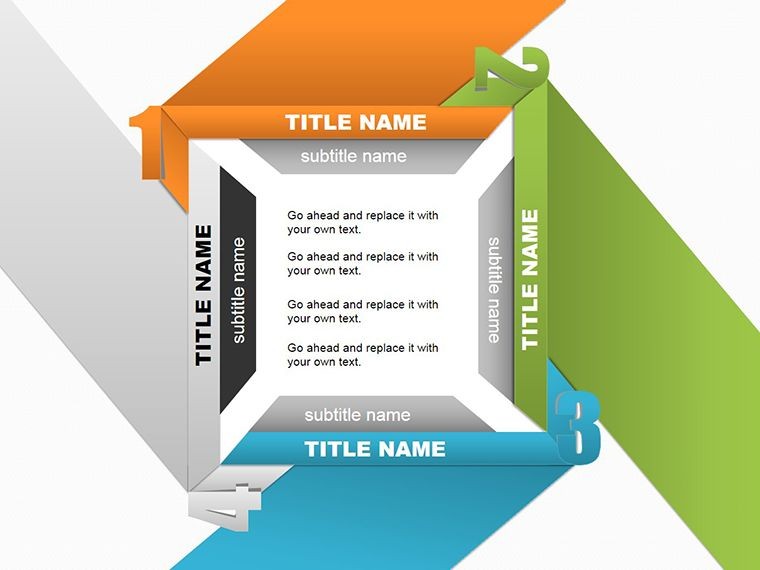
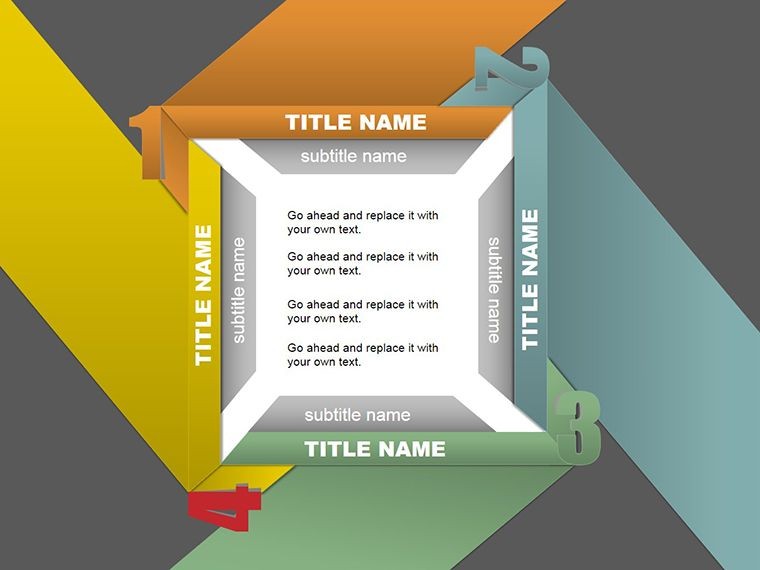
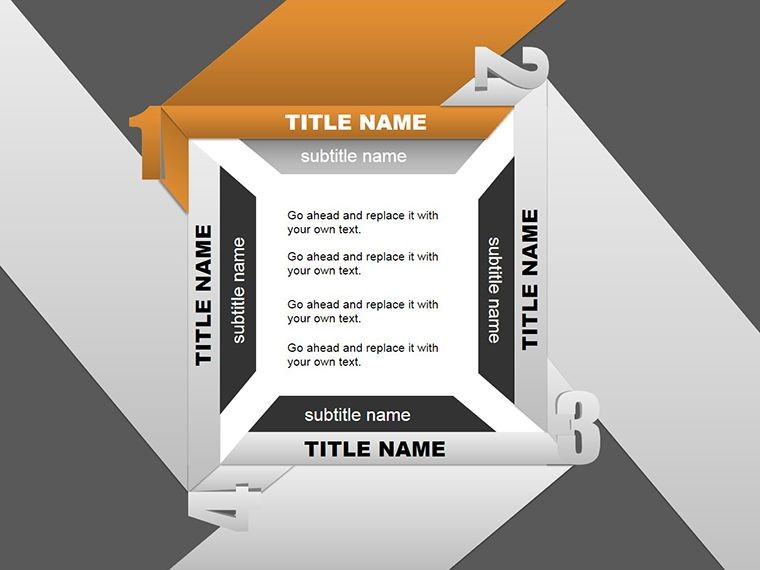
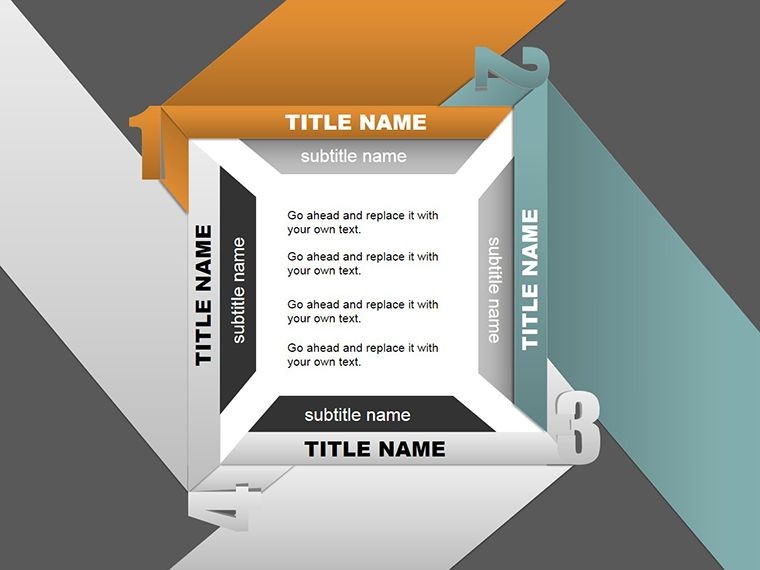
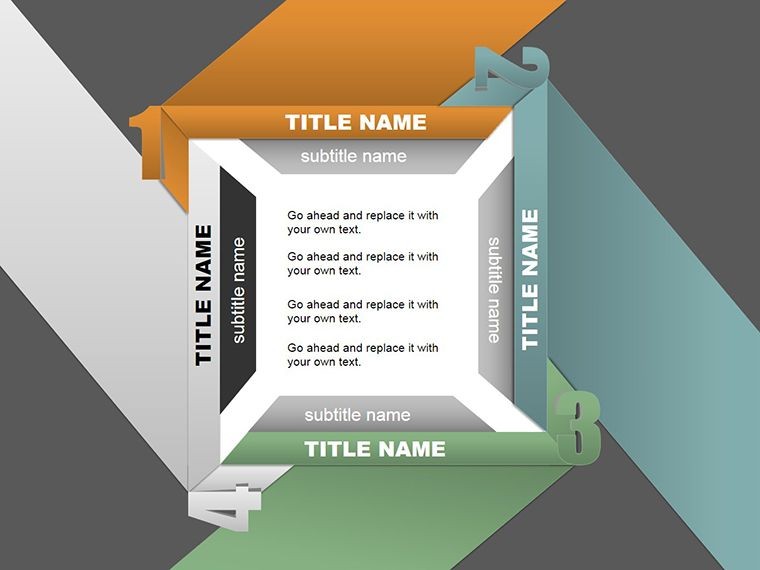
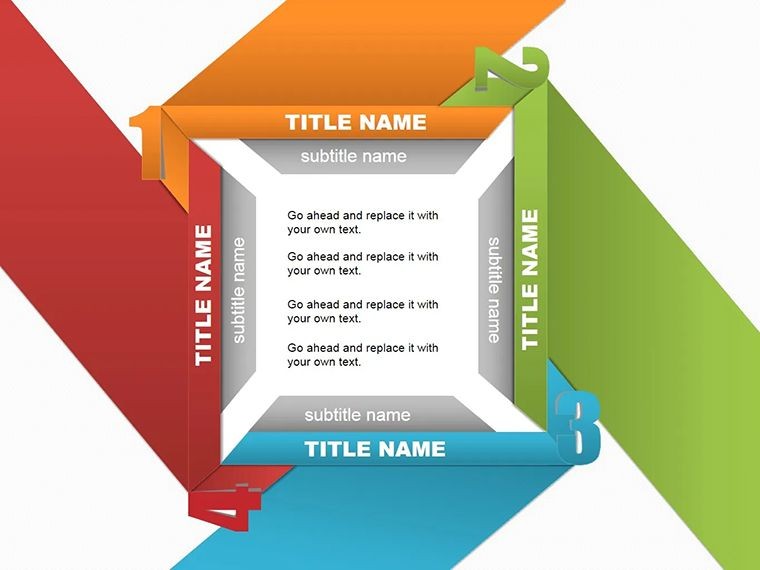
Ever opened a presentation only to feel the themes blur into a haze? The Four Title Shapes Keynote template flips that script, offering eight editable slides that spotlight your core messages with precision and flair. Tailored for those pivotal moments - client pitches, partner updates, or internal briefings - this pack uses geometric shapes to frame four distinct titles, turning scattered ideas into a focused spotlight.
Think of it as your thematic anchor: each slide deploys interlocking shapes that cradle headlines, subpoints, and visuals, ensuring your audience grasps the big picture without effort. For marketers unveiling campaign pillars or educators outlining lesson arcs, these designs whisper sophistication while shouting clarity. Built for Keynote on macOS, the shapes are native vectors, scalable without pixelation, and ready to infuse your deck with a modern edge that echoes the polish of Apple's own keynotes.
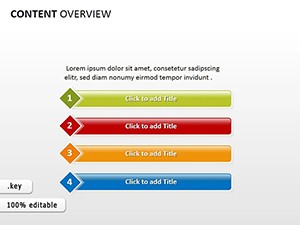
The beauty lies in its restraint - no over-the-top flourishes, just purposeful forms that adapt to your narrative. Slide one kicks off with a quartet of rounded rectangles, each housing a theme teaser, perfect for agenda-setting. As you progress, shapes evolve: ovals for fluid concepts, hexagons for interconnected strategies, all linked via subtle lines that guide the flow.
Shaping Themes That Stick
Delve into the features, and the template's ingenuity unfolds. Beyond basic tables, these shapes incorporate illustration-friendly zones - think embedded icons for quick thematic hits, like a lightbulb for innovation or gears for processes. Slide 3's four-title cluster allows drag-and-drop icon swaps, making it a breeze to align with brand guidelines.
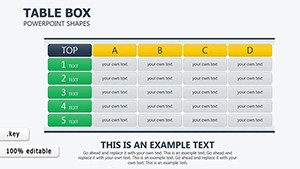
Compared to vanilla Keynote tables, this elevates with curved edges and shadow depths that add dimension without clutter. Users tweak fills to gradients for depth, or outline strokes for emphasis, all while preserving editability. It's especially potent for customer-facing decks, where visual hierarchy prevents theme overload.
One standout: the modular design lets you duplicate a shape across slides, maintaining consistency. For partners reviewing quarterly themes, slide 5's illustrated quadrants map objectives to outcomes, fostering dialogue that feels collaborative rather than lectured.
From Boardroom to Classroom: Versatile Use Cases
A marketing lead might deploy slide 2 to dissect brand pillars - audience insights in one shape, content strategy in another - prompting nods of recognition from stakeholders. In education, teachers use slide 6's thematic frames for unit overviews, embedding images of real-world applications to bridge theory and practice.
Consultants find gold in slide 4, where shapes segment advisory themes: diagnostics, recommendations, timelines. It streamlines complex advice into digestible chunks, much like how IDEO structures ideation sessions with visual anchors.
For team huddles, adapt slide 7 to spotlight weekly priorities, with shapes color-coded by urgency. This not only clarifies but energizes, turning routine check-ins into momentum-builders.
Seamless Integration: A Step-by-Step Blueprint
Launch Keynote and import the .key file - slides populate instantly. Start with slide 1: highlight the title text, format via the inspector panel, then resize shapes proportionally using shift-drag.
Move to slide 4: insert tables within shapes by selecting the build-in area and choosing Insert > Table. Populate with theme details, then animate rows to reveal progressively, building suspense.
For illustrations, drag from your assets library into designated zones; Keynote's smart guides snap them perfectly. Preview in play mode, tweaking transitions for shape-by-shape unveils.
Export as PDF or QuickTime for versatility - share via AirDrop for instant feedback loops.
Customization Hacks for Thematic Mastery
Layer shapes for depth: duplicate and offset slightly for a 3D effect, or union them via Path tools for seamless merges. Pair with Keynote's color themes to auto-sync across slides.
For humor in creative pitches, embed whimsical icons - like a puzzled emoji in a "challenges" shape - to lighten the load without losing professionalism.
Keep it fresh: rotate shape orientations quarterly to match seasonal campaigns, ensuring your themes always feel current.
Elevate your next briefing - download the Four Title Shapes template and shape themes that command attention.
Frequently Asked Questions
Which Keynote versions work with this template?
Optimized for Keynote 11 and later, including the latest macOS releases for full feature access.
Are the shapes vector-based for resizing?
Yes, all shapes are native vectors, allowing infinite scaling without quality loss.
Can I add my own illustrations?
Definitely - drag and drop images or icons directly into shape frames for personalized touches.
How do I animate the titles?
Use Keynote's Build inspector to sequence appearances, like fade-ins per shape for dramatic reveals.
Is it suitable for Windows users?
Keynote is macOS-exclusive, but export to PowerPoint for cross-platform sharing.
Does it support hyperlinks in shapes?
Yes, add links to text within shapes for interactive navigation.
Good for
- Project roadmaps and sprint plans
- Product launch timelines
- Quarterly or annual review decks
- Company history and milestone summaries
Licence
reviews
I grabbed this at midnight for a school presentation and just changed the colors.
The shapes are clean and easy to move around without breaking the slide.
Some slides felt repetitive but I still used most of them.
Helped me explain a process chart without drawing everything manually.
Not bad for a last minute download honestly.
FAQ
Will it work in Google Slides?
Are fonts embedded?
Can I use this for client work?
What's the refund policy?
Do you update the template after purchase?
Similar templates
See all Keynote Shapes →
All 8 slides