 Click to zoom
Round Sticker PowerPoint Diagrams Template
| Format | .pptx |
| Slides | 6 unique layouts |
| Aspect ratio | 16:9 |
| Compatibility | PowerPoint |
| Animated | No |
| Language | English |
| License | Commercial |
| File size | — |
| Version | v1.0 |
| Last updated | May 2024 |
What's inside
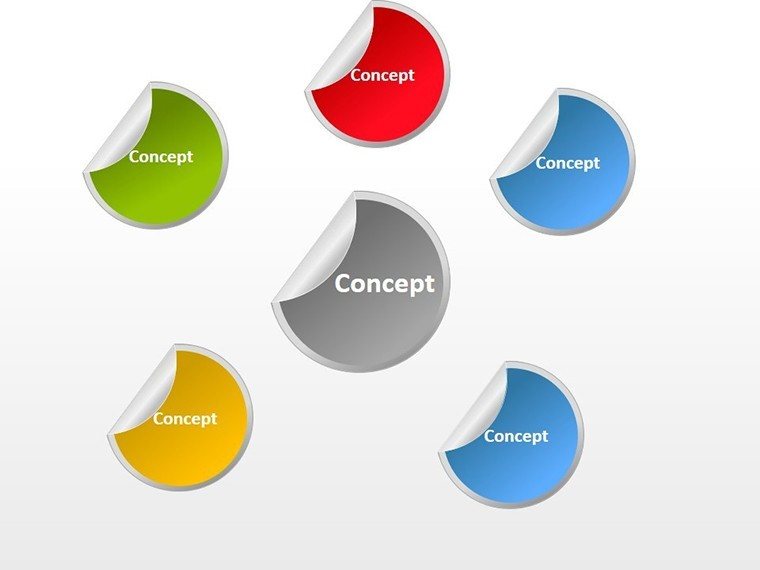
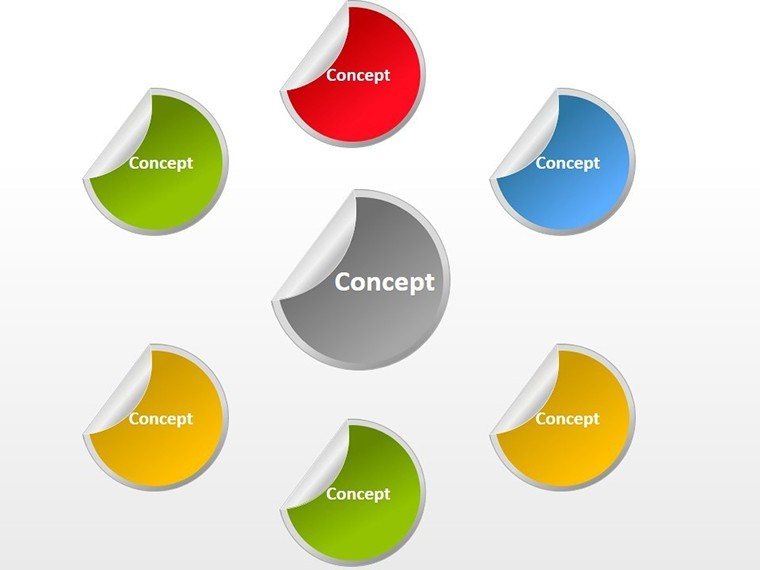
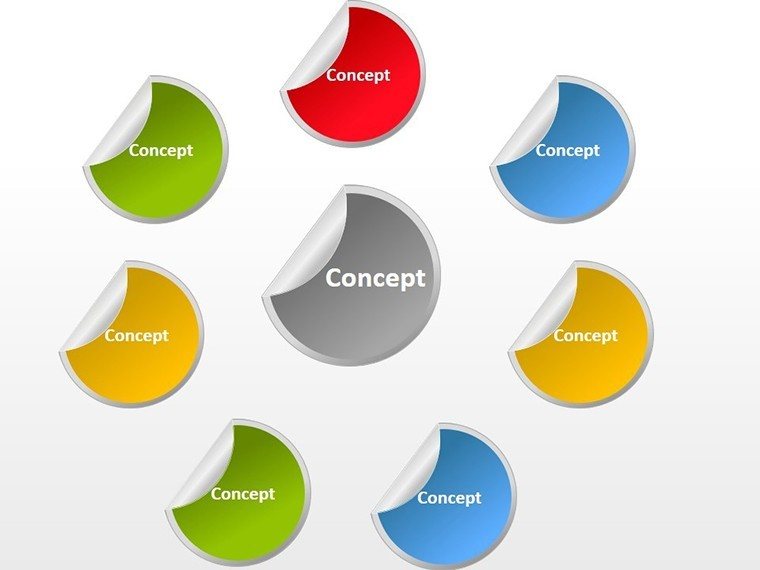
Ever felt like your presentations blend into the background, lost in a sea of text-heavy slides? Enter the Round Sticker PowerPoint Diagrams Template, a fresh take on cycle and process visuals that adds a playful yet professional pop to your decks. With just 6 editable slides, this compact powerhouse is crafted for busy corporate executives, marketers, and educators who want to illustrate loops, stages, or recurring themes without the hassle. Picture sticky notes come to life - rounded, vibrant badges that hold your key points, making complex ideas as approachable as a brainstorm session.
Built for Microsoft PowerPoint 2016+ and fully compatible with Google Slides, the .potx download slips right into your workflow. Each slide features layered stickers you can resize, recolor, or repopulate with custom text and icons, turning a dry quarterly review into an interactive story. It's not about gimmicks; it's about memory - those circular elements mimic how our brains process cycles, helping audiences retain your message longer. A product manager at a tech startup used these to map user feedback loops, transforming a standard demo into a conversation starter that sealed the deal.
Discover the Stick-to-It Features That Set This Template Apart
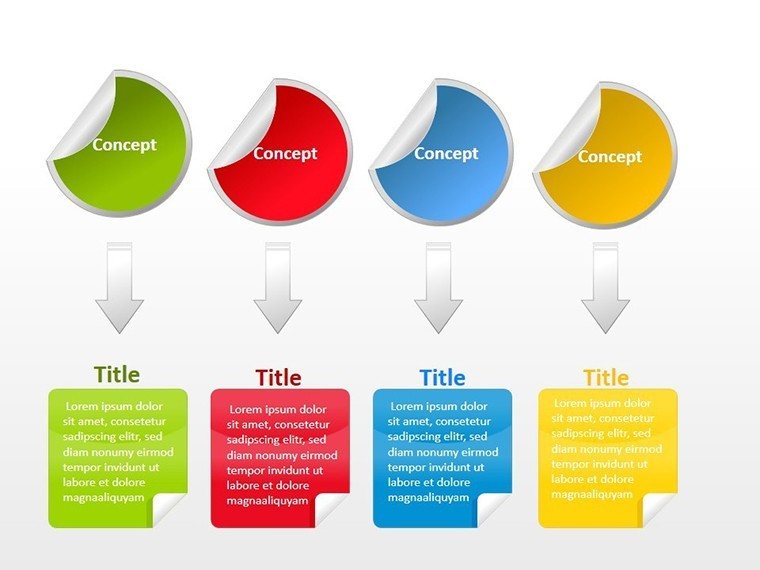
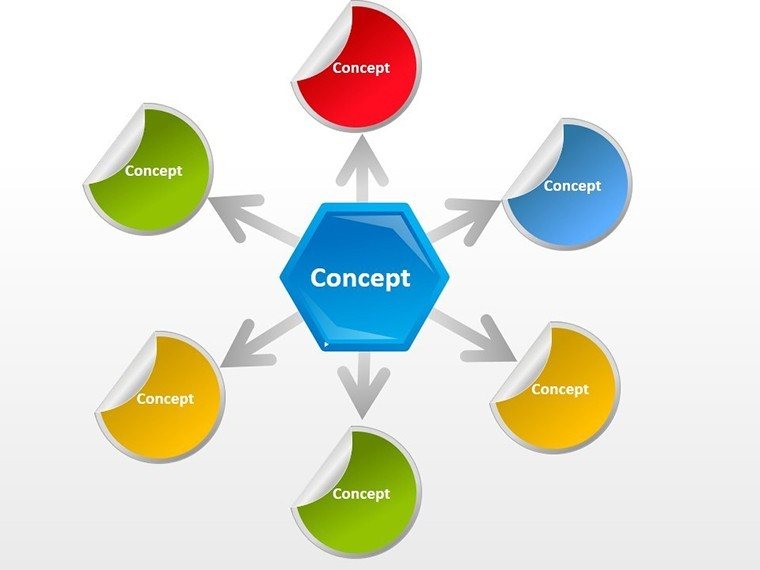
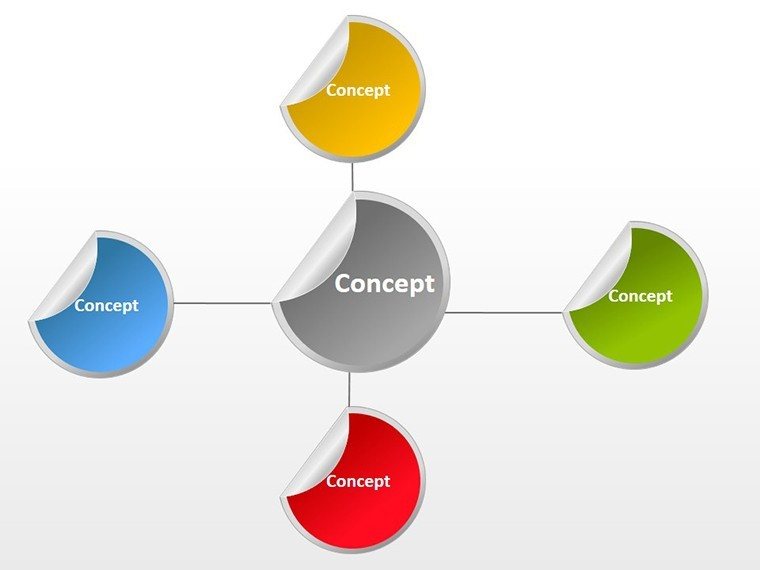
Diving deeper, slide 1 introduces a single oversized sticker for your core message, perfect as an opener or closer. From there, the progression builds: Slide 2 clusters three stickers in a triangular flow, ideal for tri-phase projects like plan-do-review. The real magic unfolds in slide 4's interconnected ring, where arrows link stickers to show cause-and-effect in processes, such as sales funnels or content calendars.
Customization flows naturally - drag to rearrange, swap fills for brand alignment, or embed subtle shadows for depth. Unlike rigid flowchart tools, these adapt to your narrative, whether you're charting a product lifecycle or a team's collaborative rhythm. High-res vectors ensure crisp prints or screens, and the minimal design keeps focus on your words.
- Modular Sticker Design: Easy-to-manipulate rounds for flexible layouts.
- Cycle and Process Focus: Arrows and overlaps for dynamic flows.
- Color and Size Versatility: Match any theme with one click.
- Platform Agnostic: Works across PowerPoint and Google Slides seamlessly.
Bringing Cycles to Life: Practical Use Cases for Everyday Pros
For marketers, envision slide 3's linear sticker chain to depict campaign stages - from ideation to analytics - each badge holding a tactic like "SEO Audit" or "Email Blast." It beats basic lines by adding visual weight, drawing eyes to priorities. Educators might leverage slide 5's radial burst for lesson cycles, with stickers radiating from a central theme like "Inquiry-Based Learning," making abstract pedagogy concrete.
In executive boardrooms, the full set shines for strategic overviews. A quick workflow: Start with your agenda on slide 0, then peel into specifics. Pro tip: Use contrasting colors for pain points versus wins, guiding discussions naturally. Compared to stock diagrams, this template's whimsy cuts through corporate fatigue, fostering engagement without sacrificing polish.
- Select Your Slide: Choose based on complexity - single for intros, clusters for details.
- Populate Content: Add text, icons, or data to each sticker.
- Connect the Dots: Insert arrows to link steps visually.
- Test and Tweak: Preview animations for flow, then present with poise.
One creative director noted how these stickers humanized a rebranding pitch, evoking post-it walls in a digital format. They're versatile for remote teams too, with shareable links that maintain fidelity.
Enhance Your Storytelling: Insider Tweaks for Lasting Impressions
To amplify, layer in micro-animations - watch stickers "peel" on click for reveal effects that mimic discovery. Pair with sans-serif fonts for readability, ensuring even back-row viewers stay hooked. For global teams, the neutral base lets you localize icons, like currency symbols for international cycles.
This template isn't just slides; it's a canvas for connection. Download the Round Sticker Diagrams for $12 now and stick your ideas where they count.
Frequently Asked Questions
Are the stickers fully resizable without losing quality?
Yes, vector-based elements scale perfectly for any slide size or export.
Can I add my own icons to the stickers?
Absolutely - import SVGs or use PowerPoint's built-in library for seamless integration.
Is this template best for short or long presentations?
Its 6 slides make it ideal for concise decks, but duplicate for longer narratives.
Does it support dark mode themes?
Custom colors adapt easily; start with light bases and invert as needed.
How quick is setup for a first-time user?
Under 10 minutes: Import, edit text, and align - ready to present.
Compatible with older PowerPoint versions?
Optimized for 2016+, but test in earlier for full feature support.
Good for
- Project roadmaps and sprint plans
- Product launch timelines
- Quarterly or annual review decks
- Company history and milestone summaries
Licence
reviews
Needed a pyramid diagram for a Maslow presentation and the layered pyramid was easy to edit.
The colors are a bit neon for my liking but I recolored everything in five minutes.
Used the funnel diagram for a sales pipeline and the percentage labels were helpful.
Honestly this was fine for my community college project nothing special but it worked.
The download link worked and the file didn't crash my old laptop.
FAQ
Will it work in Google Slides?
Are fonts embedded?
Can I use this for client work?
What's the refund policy?
Do you update the template after purchase?
Similar templates
See all Powerpoint Diagrams →
All 6 slides