 Click to zoom
Circular Flow Keynote Diagrams - Editable .key | ImagineLayout
| Format | .pptx |
| Slides | 6 unique layouts |
| Aspect ratio | 16:9 |
| Compatibility | PowerPoint |
| Animated | No |
| Language | English |
| License | Commercial |
| File size | — |
| Version | v1.0 |
| Last updated | March 2026 |
What's inside
Package Contents
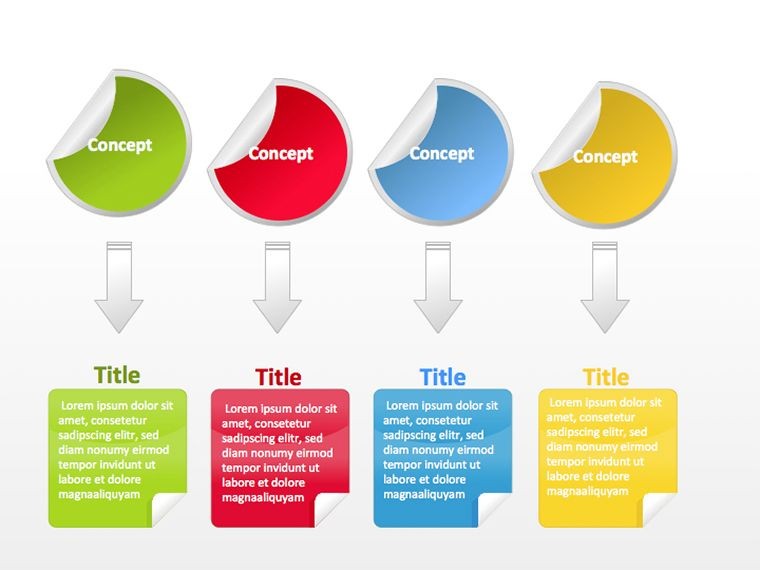
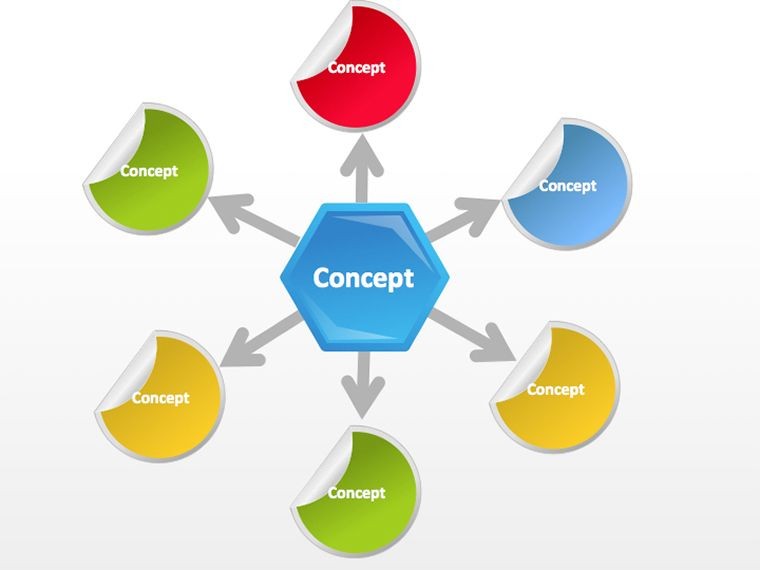
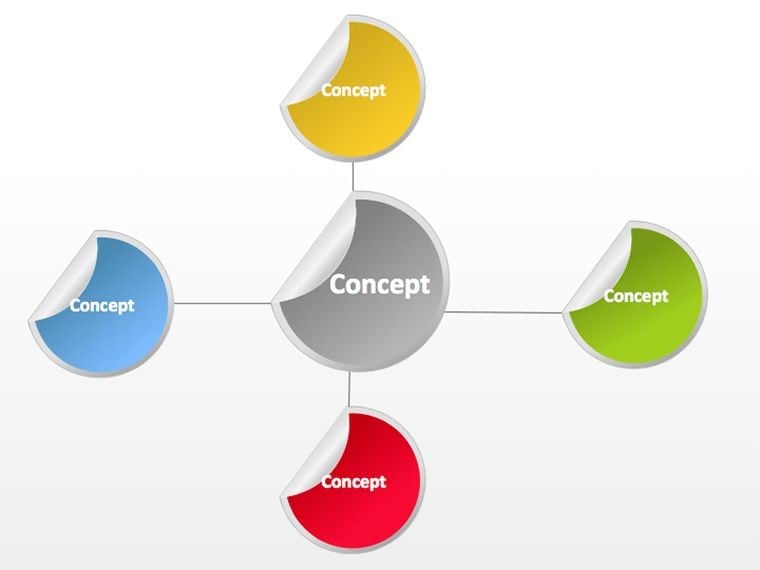
6 diagrams deliver circular layouts with editable loops and supporting flow slides.
The slides link continuous cycles to illustrate harmony in processes that return to start.
Unlike linear workflow sets this closed-loop design works better for repeating business presentation tasks by maintaining visual balance.
At a Glance
FeatureDetailsSlides / diagrams included6 circular diagramsDiagram categoriesflow and harmony loopsEditable elementsshapes text placeholders connectors icon layersAspect ratio16:9Keynote compatibilityversion 12 and laterFree vs paidfree at $5 basic paid at $20 full slidesFrom Download to Final Deck
Editing difficulty: Moderate.
- Open the .key file in Keynote 12 or later (1 minute)
- Replace placeholder text with your content (3 minutes)
- Apply brand colors through the master slide palette (2 minutes)
- Edit diagram labels and connectors (4 minutes)
- Export as .key or PDF (1 minute)
Teams building full process flows combine it with adjacent circular templates.
Three Situations Where This Pays Off
Marketing teams in education industry adapt circular flows for lesson plans and reuse the file across three client proposals by swapping schemes.
Financial analysts in sales presentation map product cycles and cut preparation time from 3 hours to 45 minutes.
Secure the Circular Flow Keynote Diagrams Now
Why This Template, Not a Blank Slide
Creating circular harmony from scratch takes 90 minutes per slide at advanced skill level.
This set reduces time to 15 minutes at moderate skill because loops stay perfectly centered.
Manual attempts often distort flow direction on large screens while radial balance here keeps information spacing readable.
Download the Circular Keynote Diagrams Template Now
Which Keynote versions are compatible?The file works in Keynote 12 and later on macOS. Earlier versions may fail to display all editable connectors. macOS Ventura or newer is recommended for full slide master access. Test the open step before full customization.
How do I change the color scheme?Open the slide master view in Keynote. Select the theme colors palette and update the circular segments. The changes propagate across all 6 slides automatically. Save the master once to lock brand consistency for future use.
What does the license permit?Internal company use and paid client work are allowed. Resale or sublicensing of the .key file itself is prohibited. You may export PDF versions for distribution. The single purchase covers perpetual use on your devices.
What is the difference between free and paid?Free version at $5 includes basic slides only. Paid at $20 unlocks all 6 editable diagrams and full color schemes. The paid file removes any watermarks present in free. Download links differ by tier.
Does the file support animations?No built-in animations are included. Users may add Keynote transitions manually after editing. Removing any default motion requires no extra steps. The layout remains static until user adds effects.
Good for
- Project roadmaps and sprint plans
- Product launch timelines
- Quarterly or annual review decks
- Company history and milestone summaries
Licence
reviews
Used this for a data engineering presentation.
The database and cloud icons are accurate.
FAQ
Will it work in Google Slides?
Are fonts embedded?
Can I use this for client work?
What's the refund policy?
Do you update the template after purchase?
Similar templates
See all Keynote Diagrams →


All 6 slides