 Click to zoom
Rings Offer Services PowerPoint Charts Template
| Format | .pptx |
| Slides | 28 unique layouts |
| Aspect ratio | 16:9 |
| Compatibility | PowerPoint |
| Animated | No |
| Language | English |
| License | Commercial |
| File size | — |
| Version | v1.0 |
| Last updated | August 2023 |
What's inside
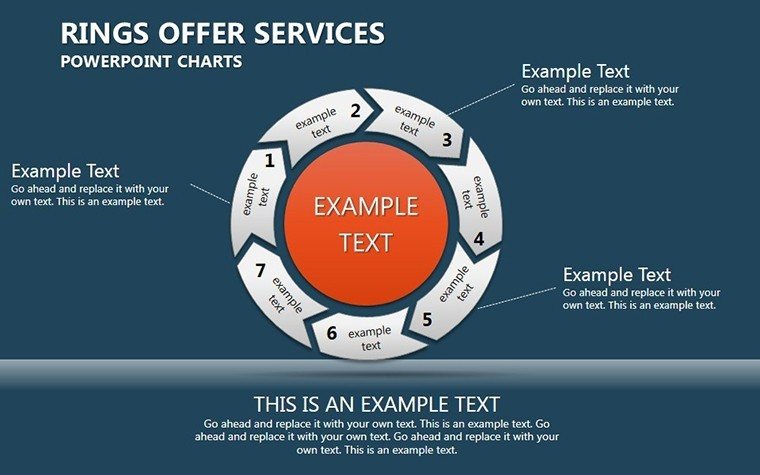
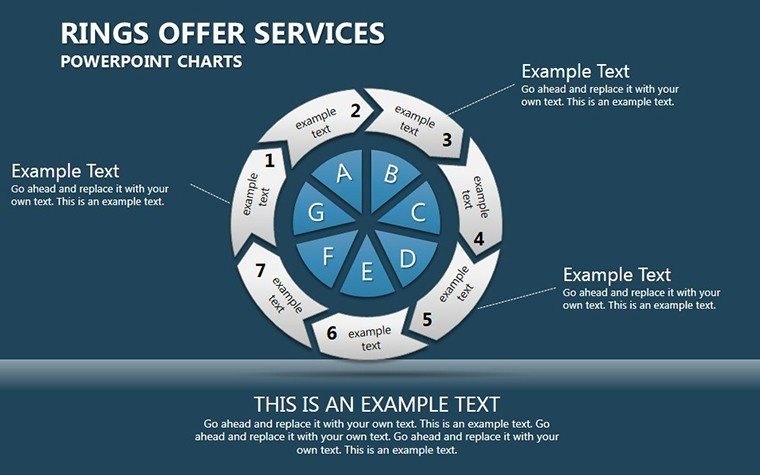
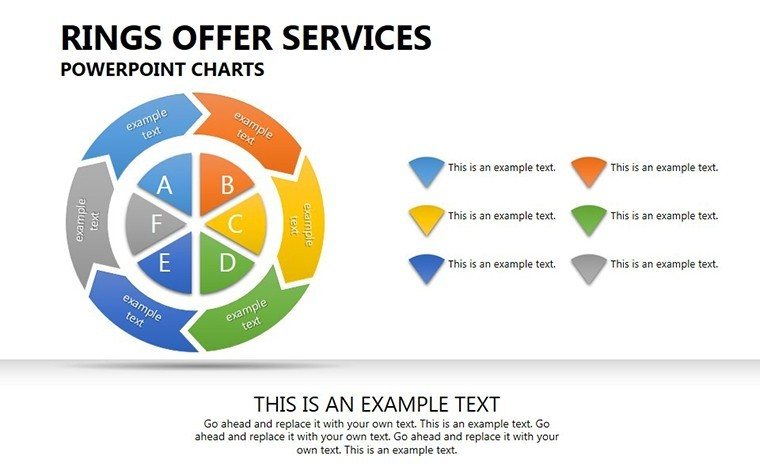
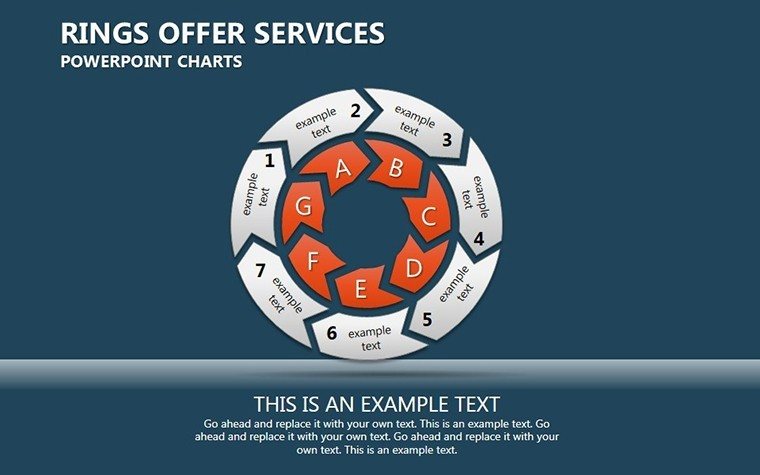
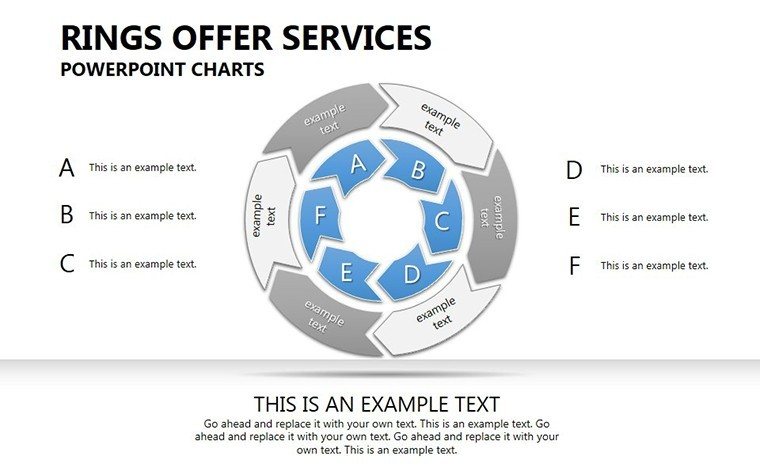
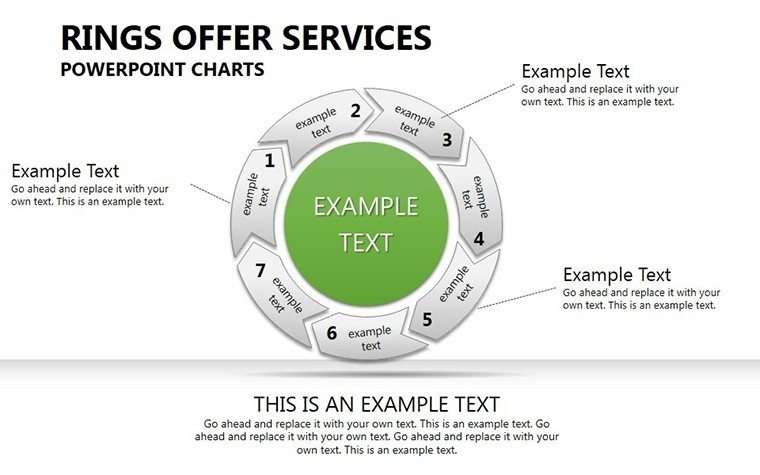
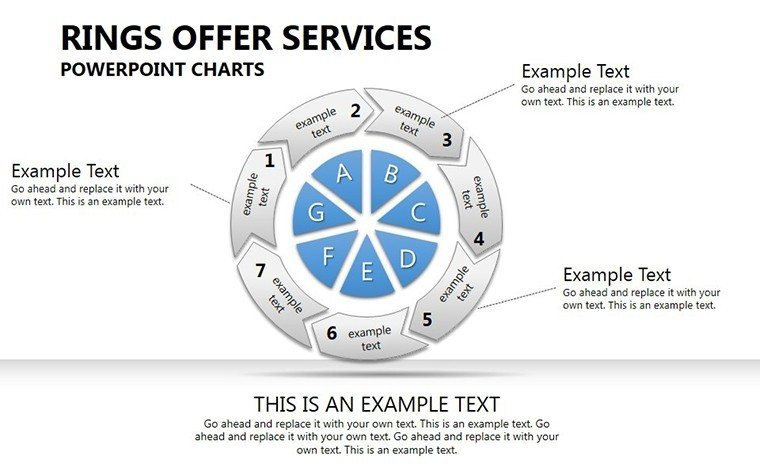
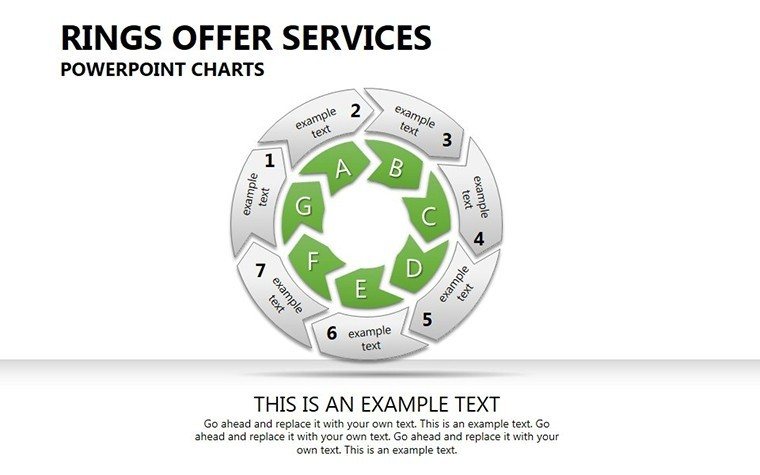
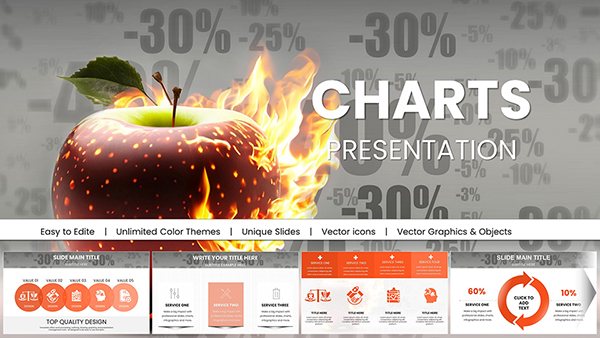
In an era where data overload is the norm, standing out requires visuals that simplify and engage. Our Rings Offer Services PowerPoint Charts Template, boasting 28 editable slides, masters cycle-based representations to turn intricate processes into accessible narratives. Geared toward business pros, educators, and trainers, it excels in depicting services, workflows, and trends with ring designs that emphasize interconnectedness. From corporate strategies to classroom lessons, this template elevates your delivery, making complex info digestible and memorable.
Harnessing Cycle Visuals for Clarity
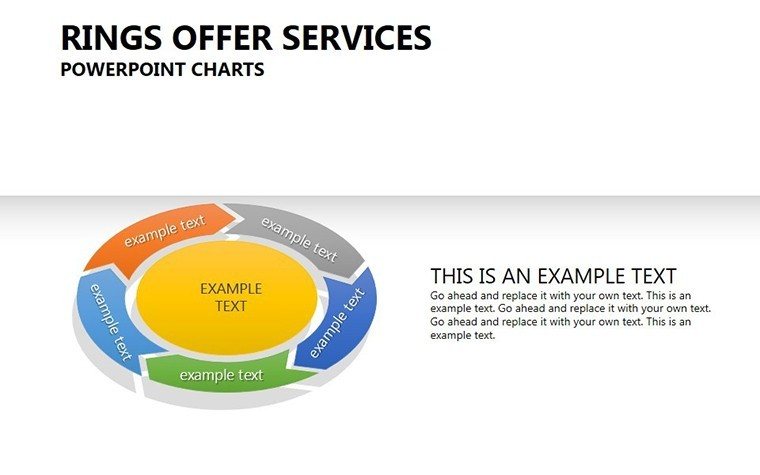
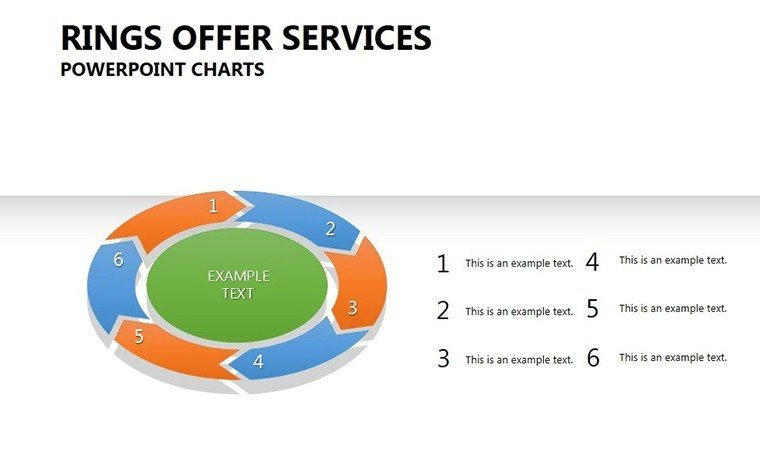
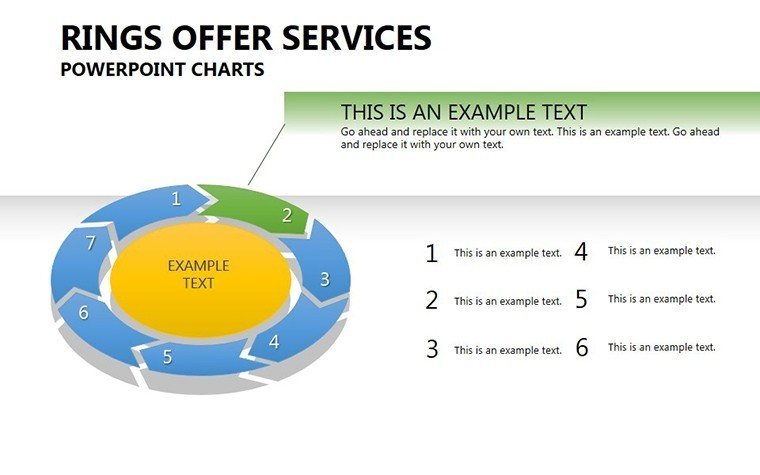
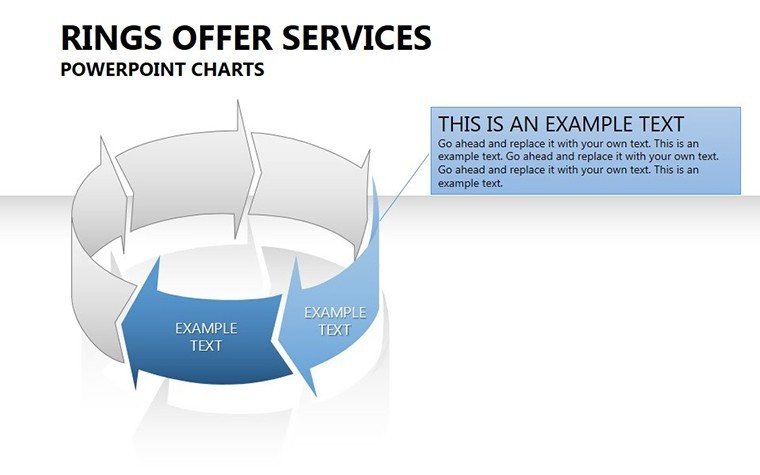
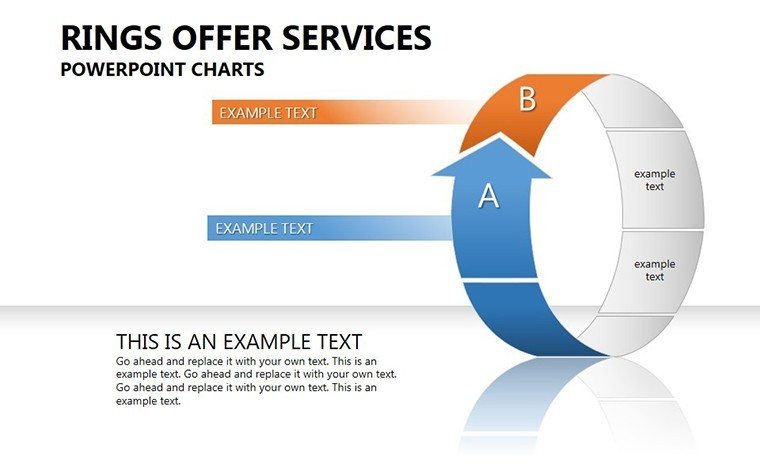
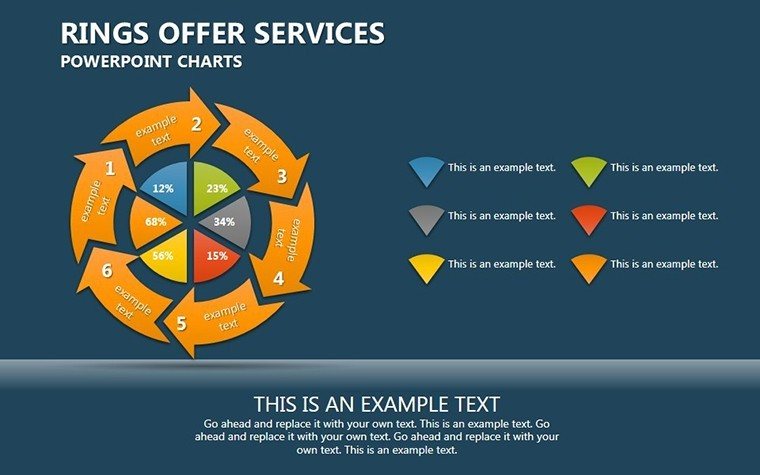
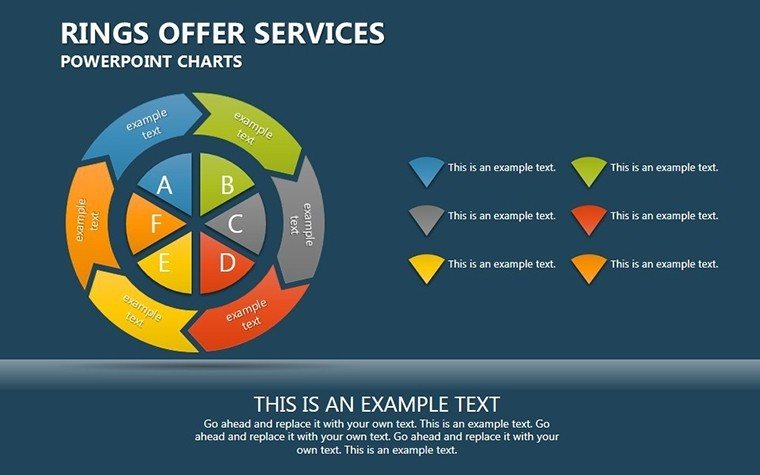
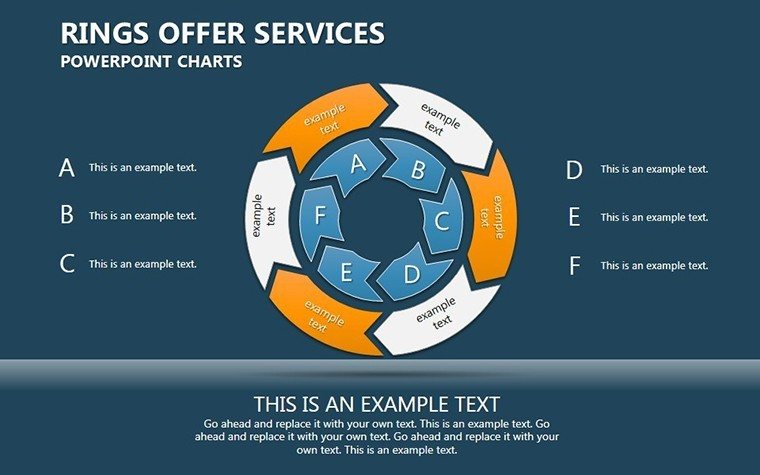
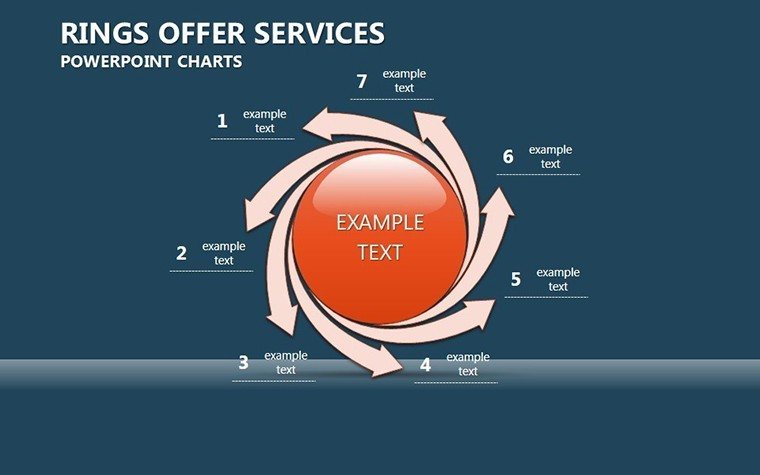
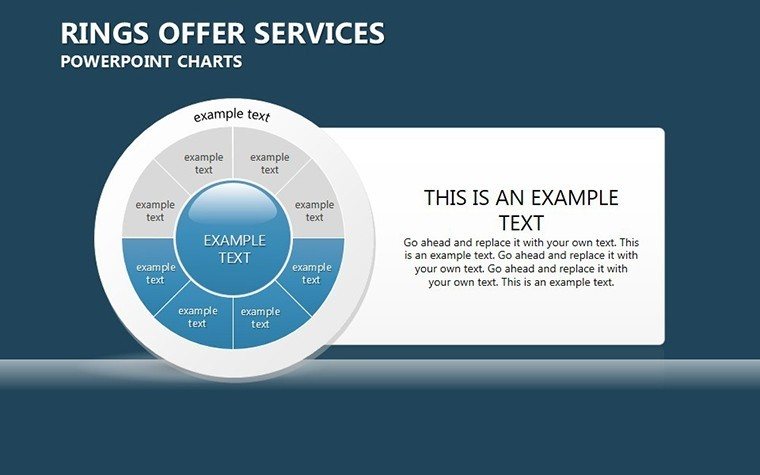
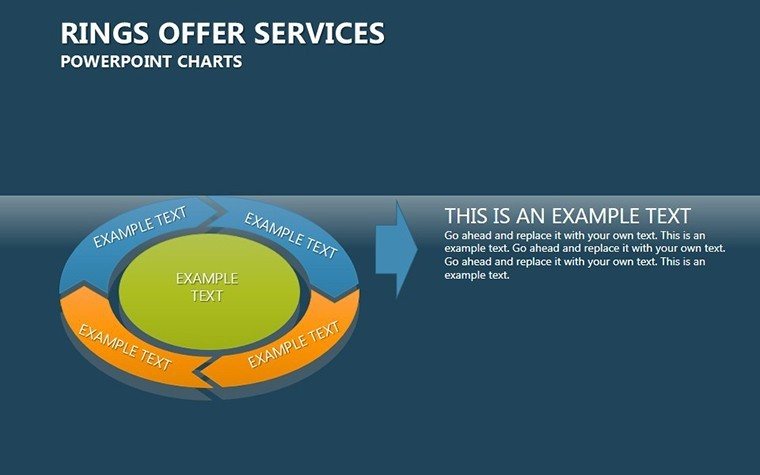
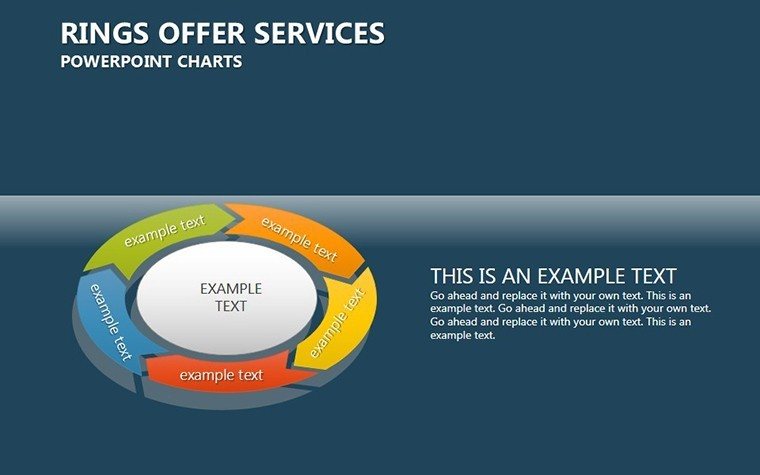
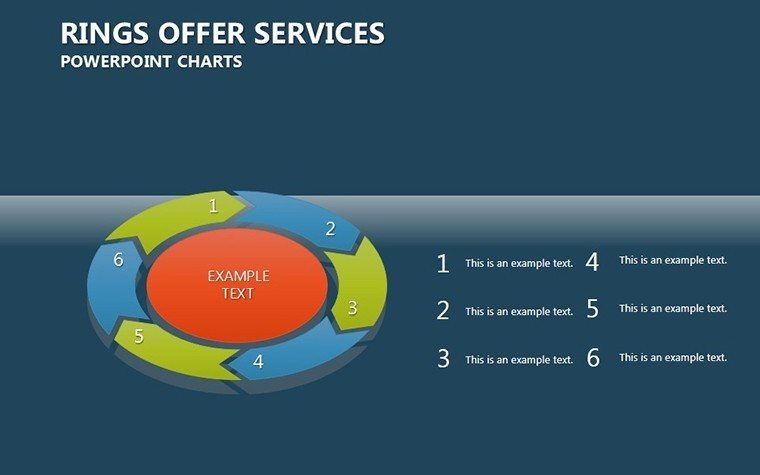
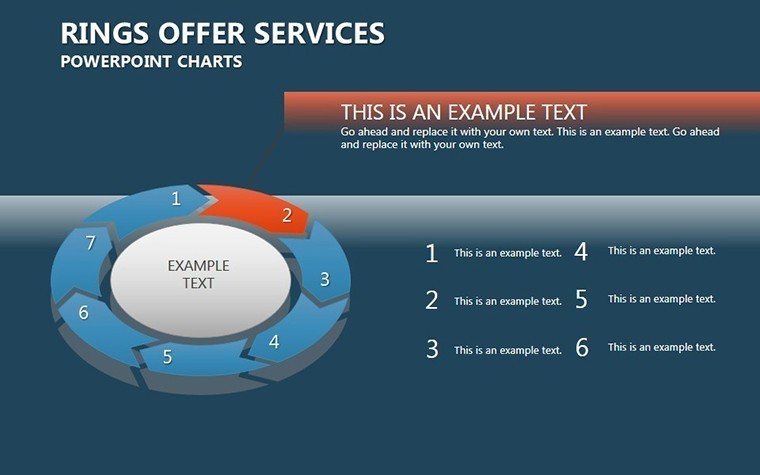
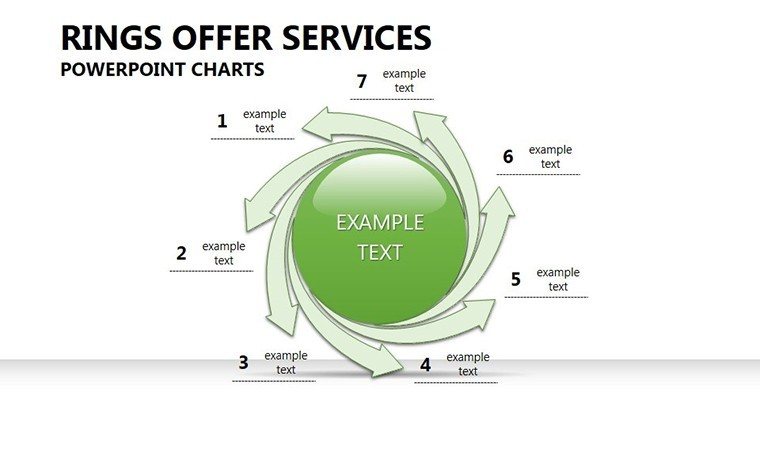
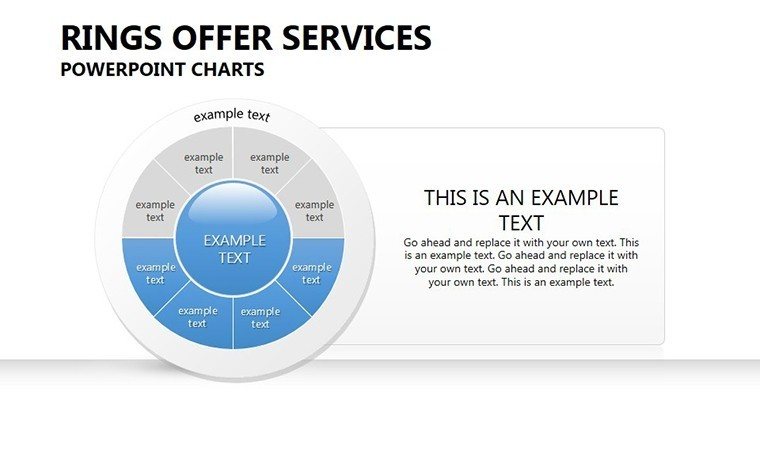
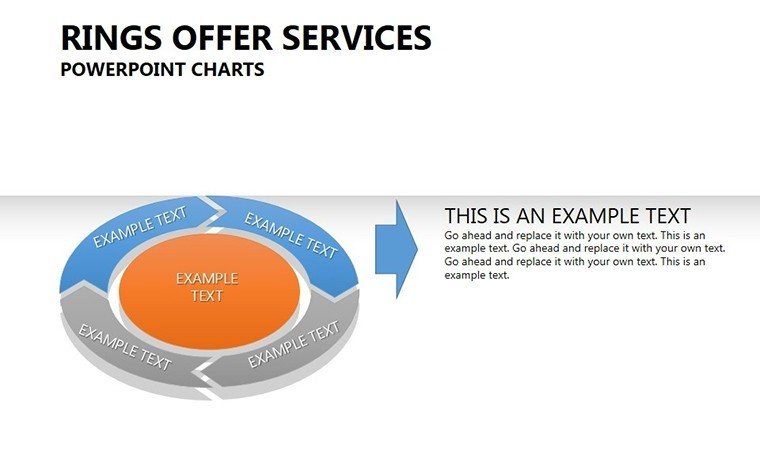
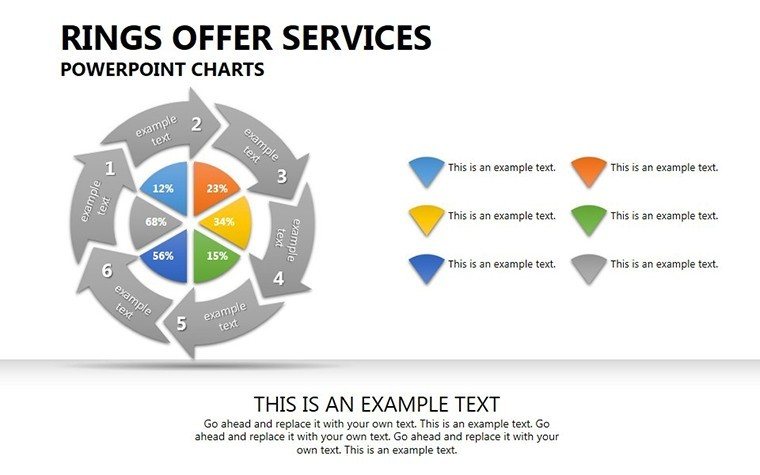
Ring charts excel at showing loops, like service lifecycles or feedback cycles. This template provides varied ring layouts, from concentric circles for layered services to segmented ones for phased offerings. In marketing, illustrate a customer journey ring, highlighting touchpoints and conversions.
Intuitive tools allow quick edits - no design degree needed. .pptx format ensures compatibility, with vector graphics maintaining quality at any scale.
Core Features Driving Engagement
- Visual Excellence: Striking graphics that make data pop.
- Data Seamlessness: Easy integration for stats and trends.
- Quick Implementation: Download and edit in minutes.
- Editing Ease: Modify everything intuitively.
For educators, simplify economic cycles, aligning with standards from the Council for Economic Education. A study in Forbes notes visual cycles boost comprehension by 50% in trainings.
Versatile Scenarios and Proven Impact
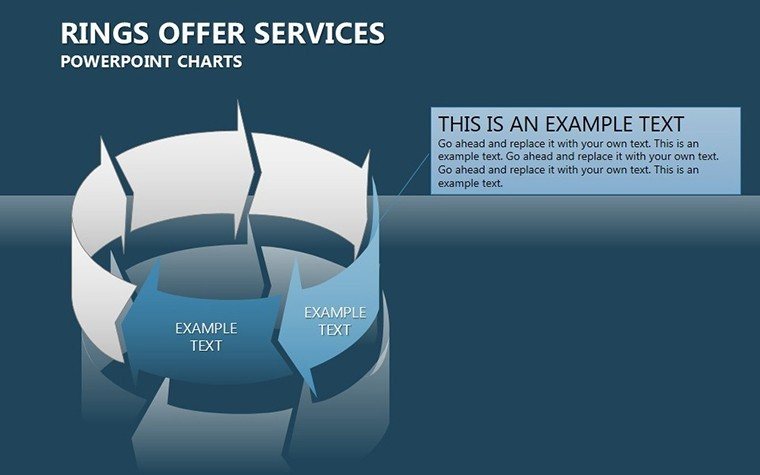
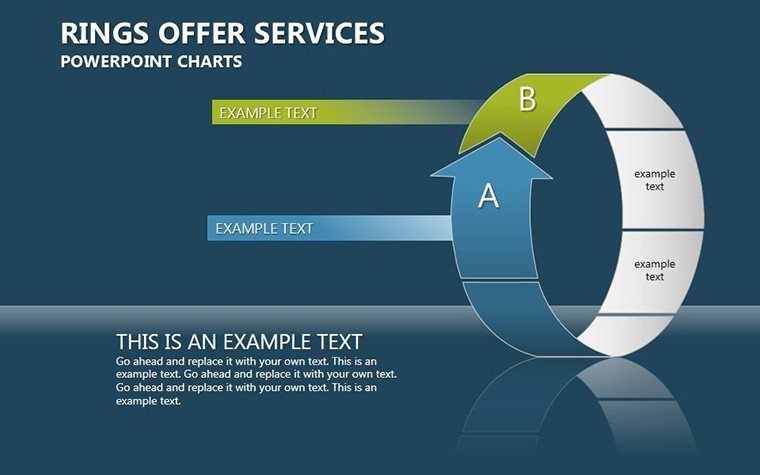
In consulting, use rings to map service portfolios, showing how offerings interconnect. Speakers at conferences can depict innovation cycles, captivating attendees. Compared to standard pie charts, rings offer depth for multi-level data.
Workflow: Brainstorm your cycle, select a slide, input data, customize, and present. Add animations for sequential reveals.
Implementation Roadmap
- Identify your cycle: Services, processes, or trends.
- Choose ring type: Concentric or segmented.
- Populate: Add labels and metrics.
- Enhance: Incorporate icons or colors.
- Finalize: Test for flow and impact.
Tips: Use gradients for progression and limit segments for focus. As an SEO specialist in visual comms, I reference AIGA for design authority.
Achieve Presentation Mastery
Unleash the potential of your data. Download this template and craft cycles that inspire. Begin your visual transformation today.
Frequently Asked Questions
How many ring variations are there?
Multiple, including concentric and segmented for diverse needs.
Can I animate the rings?
Yes, with built-in suggestions for dynamic effects.
Is it for beginners?
Absolutely, intuitive tools make it accessible.
What file types are included?
Mainly .pptx, with vector elements.
Suitable for which sectors?
Business, education, consulting, and more.
Good for
- Project roadmaps and sprint plans
- Product launch timelines
- Quarterly or annual review decks
- Company history and milestone summaries
Licence
reviews
Downloaded it for a statistics assignment and it worked okay.
The chart colors looked decent on screen.
Some icons felt random honestly.
I liked that the slides were simple to edit.
Not too fancy which was actually good for me.
FAQ
Will it work in Google Slides?
Are fonts embedded?
Can I use this for client work?
What's the refund policy?
Do you update the template after purchase?
Similar templates
See all PowerPoint Charts →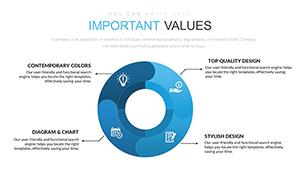


All 28 slides