 Click to zoom
Professional Keynote Charts - Fully Editable | ImagineLayout
| Format | .pptx |
| Slides | 22 unique layouts |
| Aspect ratio | 16:9 |
| Compatibility | PowerPoint |
| Animated | No |
| Language | English |
| License | Commercial |
| File size | — |
| Version | v1.0 |
| Last updated | March 2026 |
What's inside
Package Contents
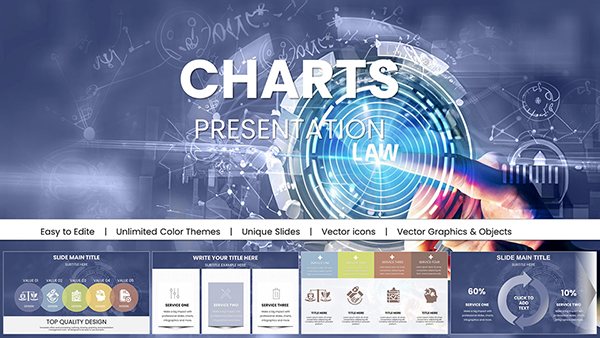
The download delivers a single .key file with 22 editable slides.
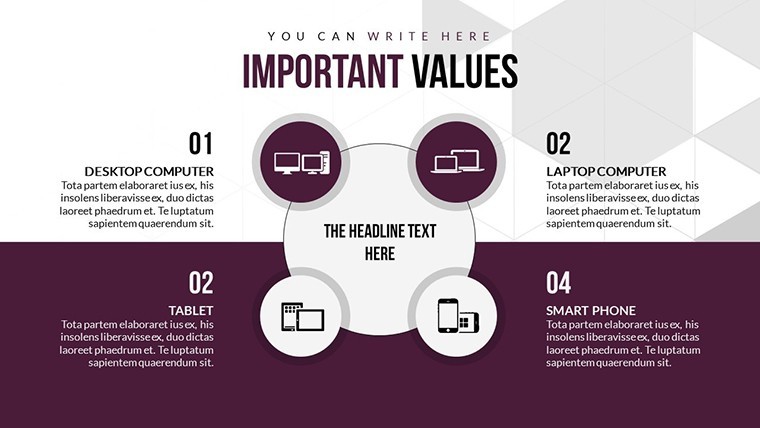
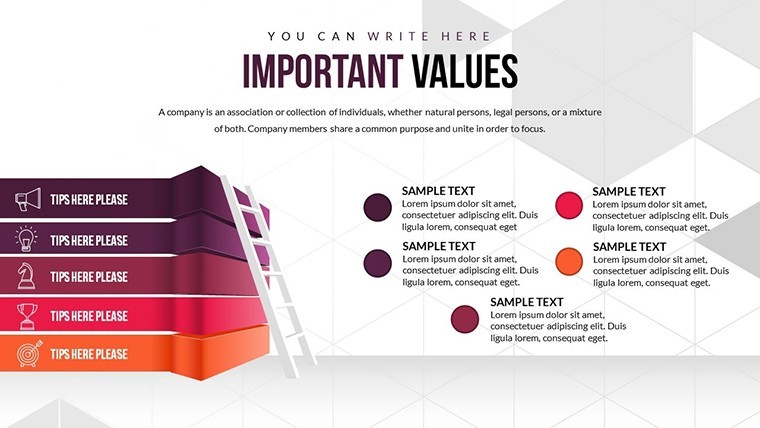
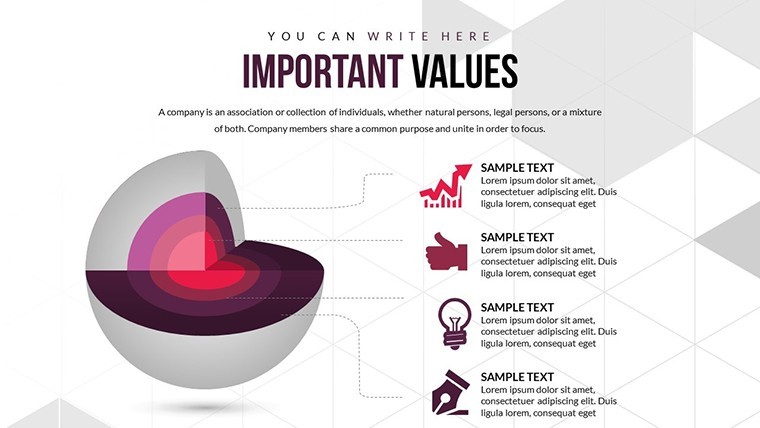
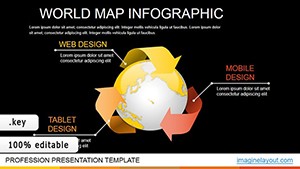
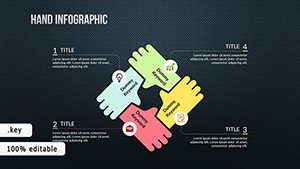
Slides use cycle and matrix styles to outline project flows and strategic matrices.
Compared to analysis-only sets, this one balances cycles and matrices in one toolkit with strong information spacing for performance reviews.
Editing Capabilities at a Glance
FeatureDetailsSlides included22 cycle and matrix diagramsDiagram categoriescycles plus matricesEditable elementssegments and labels independentAspect ratiostandard 16:9PowerPoint compatibilityKeynote onlyColor themesadjustable via format paneTypical Use Cases by Role
Corporate Executive
An executive outlines project cycles in a performance review. The outcome reuses the file across three briefings after color swaps.
Educator in Training
Educators map strategic matrices and reduce prep time significantly.
Download now for clear professional visuals.
Customization in 4 Steps
Moderate skill users complete changes in under 15 minutes.
- Open the .key file (1 minute).
- Update text in matrices (3 minutes).
- Recolor cycles (2 minutes).
- Export for sharing (1 minute).
Teams often pair it with a graphical analysis Keynote template for deeper reports.
Compared to Starting From Zero
Manual cycle creation requires hours of alignment and risks uneven spacing. Ready slides deliver consistent zone segmentation immediately.
Matrix labels sit outside shapes with thin lines. This design boosts readability on large screens during training sessions.
Get the download and deliver professional results.
Which Keynote versions does this template support?The file opens perfectly in Keynote 12 and newer on macOS. Older versions may need an update to unlock all editable layers. Open the .key file from Downloads to test compatibility right away. Keynote's repair tools fix most version issues in seconds.
How do I change the color scheme in Keynote?Select any shape or arrow then open the format pane on the right. Pick a new fill color or apply a preset theme to all slides at once. The slide master updates connected elements automatically. Save a custom palette for future decks in under two minutes.
What does the license allow for client work?You may use the slides in paid client presentations and consulting decks. The license covers commercial projects but prohibits resale or redistribution of the original .key file. Modify content freely for each engagement. Sublicensing the template itself remains forbidden.
How does the paid version differ from the free version?The paid version unlocks the complete 22 editable slides without watermarks. Free previews offer only three sample diagrams with locked layers. Paid buyers receive full icon layers and connector adjustments. This difference saves hours when building complete process decks.
What software is required and what formats are included?Apple Keynote on macOS is required to open the .key file. No other formats ship with the download. Export options include PDF and images after editing. The single file structure keeps everything organized in one place.
What is the refund policy?Refunds are available within 30 days if the file fails to open in supported Keynote versions. Contact support with your order details and a screenshot of the issue. Approved cases process within 48 hours. Technical support remains available before any refund request.
Good for
- Project roadmaps and sprint plans
- Product launch timelines
- Quarterly or annual review decks
- Company history and milestone summaries
Licence
reviews
Downloaded this for a quick business report and mostly used the comparison charts.
The graphs scaled correctly when I added more data.
A few layouts looked too crowded.
I appreciated the simple background colors.
FAQ
Will it work in Google Slides?
Are fonts embedded?
Can I use this for client work?
What's the refund policy?
Do you update the template after purchase?
Similar templates
See all Keynote Charts →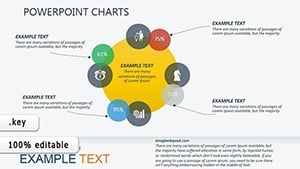
All 22 slides