 Click to zoom
Animated Infographic Keynote Charts: Dynamic Data Storytelling
| Format | .pptx |
| Slides | 14 unique layouts |
| Aspect ratio | 16:9 |
| Compatibility | PowerPoint |
| Animated | No |
| Language | English |
| License | Commercial |
| File size | — |
| Version | v1.0 |
| Last updated | January 2022 |
What's inside
Ever struggled to keep an audience hooked during a data-heavy presentation? Our Animated Infographic Keynote Charts template changes that, delivering 14 editable slides that turn static information into captivating animations. Tailored for professionals in organizational roles or those seeking 3D depth, this Keynote-compatible pack is your shortcut to polished, engaging visuals. Whether organizing project timelines for team leads or demonstrating 3D models in creative pitches, these charts make complex ideas flow seamlessly.
Animation isn't just eye candy - it's a proven way to enhance retention, with studies showing animated visuals can boost understanding by 65%. This template harnesses Keynote's powerful animation engine to reveal data progressively, building suspense and clarity. Ideal for business strategists mapping workflows or designers showcasing layered concepts, it supports a narrative approach that resonates. With its modern aesthetic and flexible structures, you'll craft presentations that not only inform but inspire action.
Discover the Animated Edge: Core Features Explored
This template's strength lies in its blend of animation prowess and infographic sophistication. Each of the 14 slides incorporates smooth transitions, from fade-ins for bullet points to path animations for flowing diagrams. Slide 2, for instance, features a 3D bar chart that builds bar by bar, perfect for revealing growth metrics without overwhelming viewers.
- Animated Elements: Pre-set animations for charts, icons, and text ensure professional motion without manual setup. Easily tweak timing or add effects like zoom or rotate for custom flair.
- 14 Versatile Slides: Covering organizational hierarchies (org charts with animated expansions) to 3D infographics (rotating pie slices), all vector-editable for sharp results.
- Keynote Optimization: Built for Apple's ecosystem, supporting high-fidelity exports and real-time collaboration via iCloud.
- Rich Icon Library: Over 40 animated icons, from gears for processes to arrows for flows, integrated into slides for thematic consistency.
Beyond basics, the template includes smart objects - placeholders that auto-adjust layouts as you input data - making it user-friendly for non-designers. Color gradients and shadows add that 3D pop, aligning with contemporary design trends seen in tools like Figma or Adobe XD.
Slide Spotlights: Animation in Action
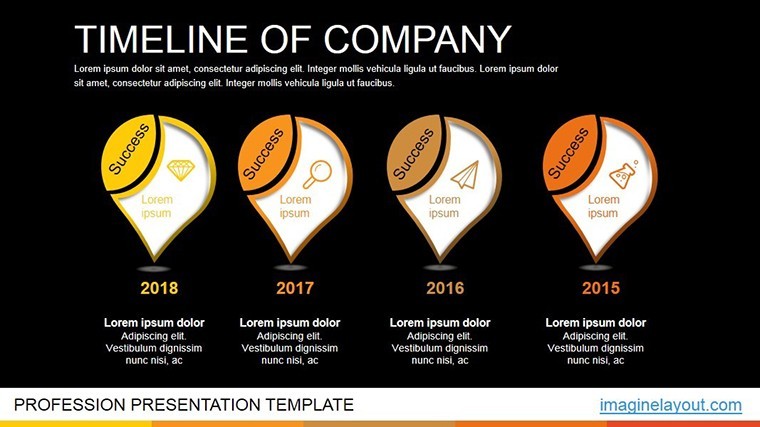
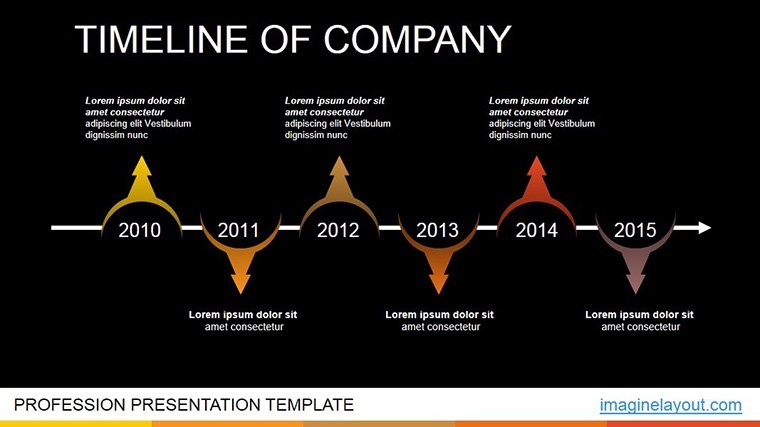
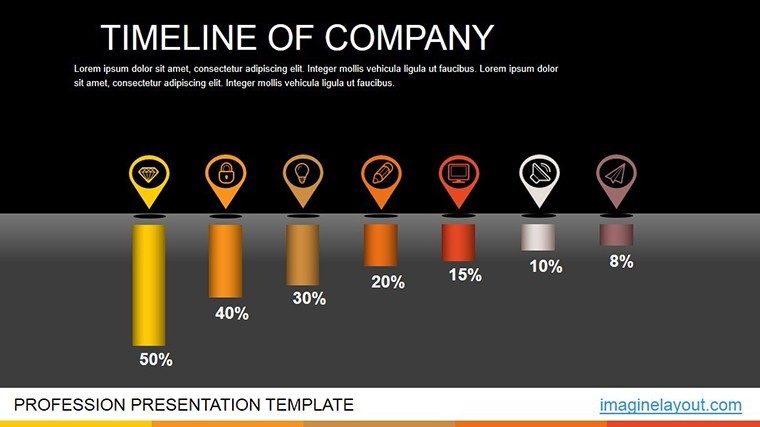
Dive deeper into specific slides to appreciate their utility. Slide 4's animated flowchart traces decision paths, with lines drawing themselves to simulate logical progression - great for training sessions on business processes. Meanwhile, Slide 9's 3D timeline unfurls like a scroll, ideal for project roadmaps where milestones appear sequentially.
For organizational use, Slide 11's hierarchy diagram expands branches with click triggers, allowing on-the-fly navigation during meetings. These animations aren't gimmicky; they're purposeful, guiding the eye and pacing information delivery for optimal engagement.
Practical Applications: Animate Your Ideas Across Scenarios
From corporate boardrooms to creative studios, this template adapts to myriad needs. Organizational managers at firms like McKinsey use animated org charts to illustrate team structures, making restructurings visually intuitive and less intimidating. One consultant noted how the 3D rotations helped clarify reporting lines, streamlining buy-in from executives.
In education, professors animate infographics for lecture enhancements, such as evolving ecosystem models in biology classes. The template's 3D elements bring abstract concepts to life, aligning with pedagogical best practices from sources like Harvard's teaching center.
Marketers love it for campaign overviews: Animate funnel charts (Slide 6) to show customer journeys, with drop-offs highlighted dramatically to underscore optimization needs. For startups pitching to VCs, the dynamic timelines demonstrate product evolution, turning pitches into memorable stories that secure funding.
Even in tech, software devs visualize algorithms with animated flowcharts, exporting slides for documentation. This versatility ensures the template pays dividends across industries, reducing design bottlenecks and elevating communication standards.
Customization Guide: Tailor Animations to Your Vision
Customization is intuitive, leveraging Keynote's interface for quick wins. Start by selecting an animation preset from the animate tab, then fine-tune paths or delays. For data integration, link charts to spreadsheets for live updates - imagine sales figures animating in real-time during a demo.
- Layer Animations: Stack effects, like text appearing before chart builds, for layered storytelling.
- Theme Synchronization: Match animations to your brand's energy - subtle for finance, bold for marketing.
- Performance Optimization: Test on target devices to ensure smooth playback, adjusting frame rates as needed.
- Export Flexibility: Save as video for social shares or interactive PDF for handouts.
Expert tip: Use build orders to sequence reveals, creating a guided tour of your data. This template pairs well with Keynote's presenter notes, adding speaker cues without cluttering slides.
Elevate Beyond Standard Tools
Why settle for flat charts when animation adds depth? Free templates often lack motion, resulting in dull deliveries, but this one delivers Keynote-native animations that rival custom designs from agencies. Users save up to 50% on prep time, focusing on strategy over styling.
Whether organizing vast datasets or 3D modeling concepts, it fosters creativity. Download now and infuse your presentations with motion that moves minds - animate your next big idea today!
Frequently Asked Questions
Are the animations easy to edit in Keynote?
Yes, all animations use Keynote's built-in tools, allowing simple adjustments to timing, direction, and order.
Does this template support 3D elements?
Absolutely, several slides feature 3D charts and icons with rotation and depth effects for immersive visuals.
How many slides are included?
There are 14 editable slides, each optimized for animation and customization.
Can I export to other formats?
Keynote files can be exported to PowerPoint, PDF, or video, preserving most animations.
Is it suitable for organizational presentations?
Yes, with dedicated slides for hierarchies, flows, and timelines tailored to business organization.
What if I'm new to animations?
Pre-set animations make it beginner-friendly, with options to disable for static use if preferred.
Good for
- Project roadmaps and sprint plans
- Product launch timelines
- Quarterly or annual review decks
- Company history and milestone summaries
Licence
reviews
Used for analytics slides the graphs were simple
Office report charts were fine after customization
Line charts showed trends clearly
I used it quickly and it worked
FAQ
Will it work in Google Slides?
Are fonts embedded?
Can I use this for client work?
What's the refund policy?
Do you update the template after purchase?
Similar templates
See all Keynote Charts →

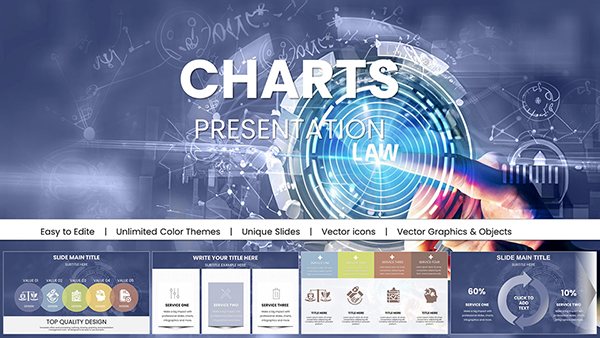
All 14 slides