 Click to zoom
Process Charts Keynote Template - Fully Editable Puzzle Pie 32 Slides | Instant Download
| Format | .pptx |
| Slides | 32 unique layouts |
| Aspect ratio | 130/73 |
| Compatibility | PowerPoint |
| Animated | No |
| Language | English |
| License | Commercial |
| File size | — |
| Version | v1.0 |
| Last updated | March 2026 |
What's inside
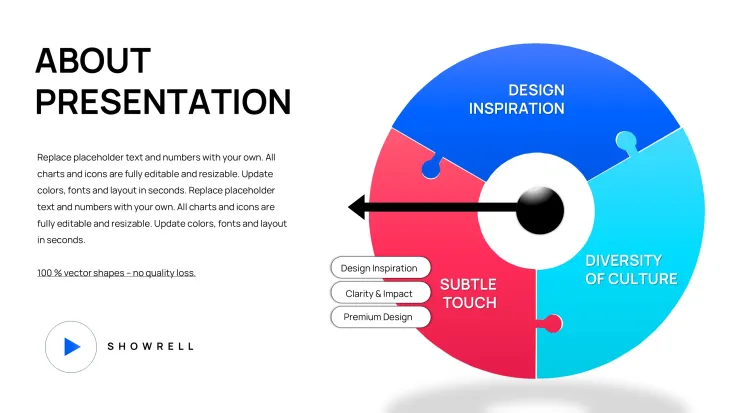
Download the fully editable Process Charts Keynote Template featuring interlocking puzzle pie designs. 32 slides perfect for workflows, milestones, supply chains and customer journeys in Keynote. Instant .key download for strategy presentations.
What's Included
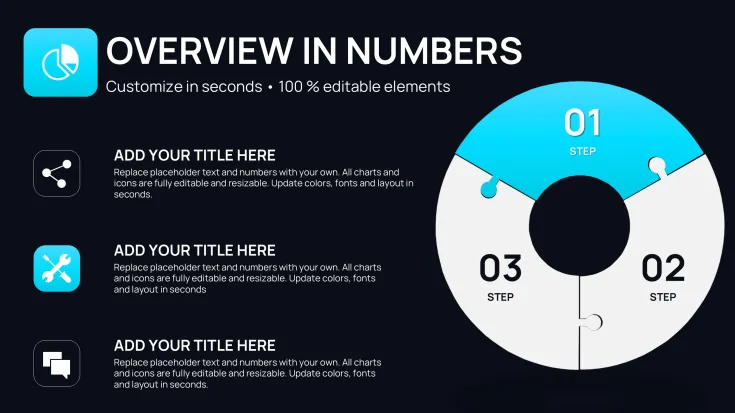
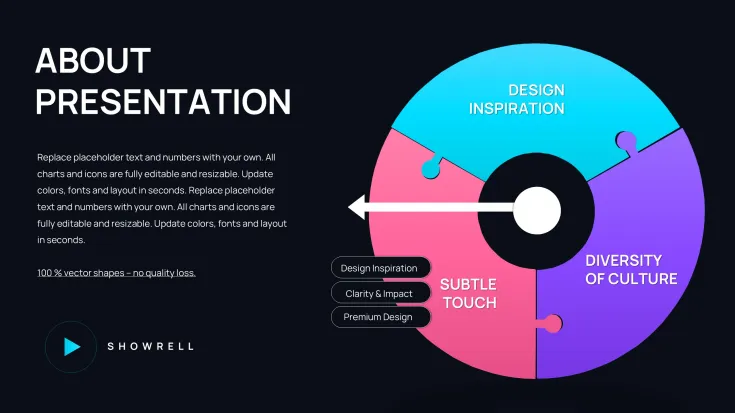
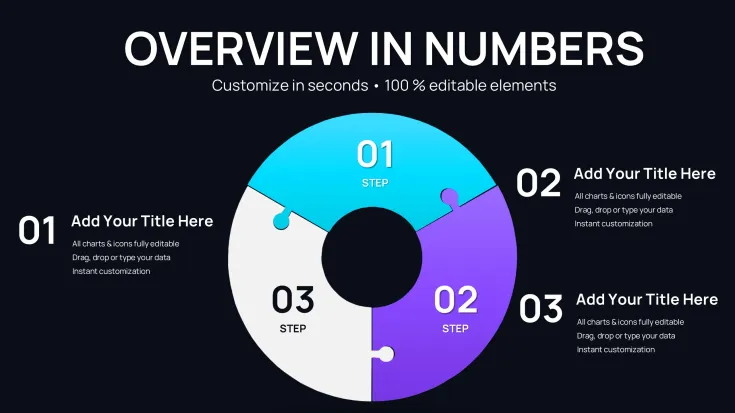
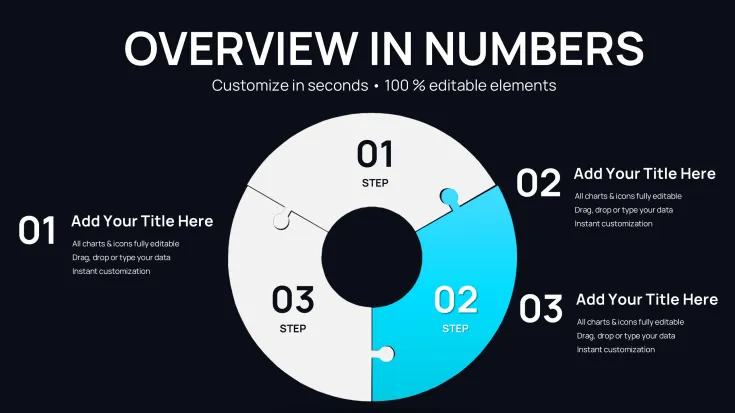
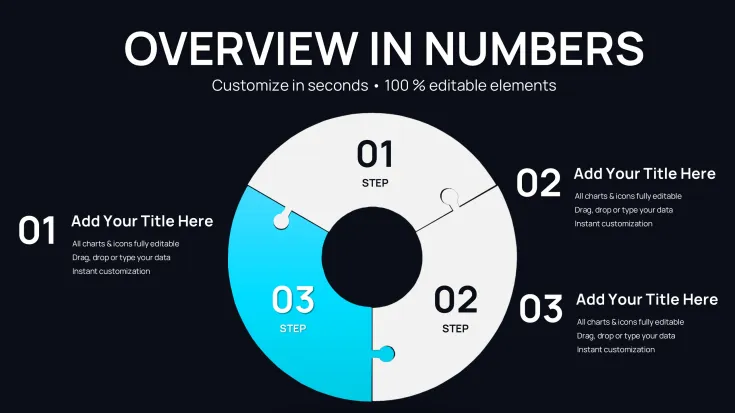
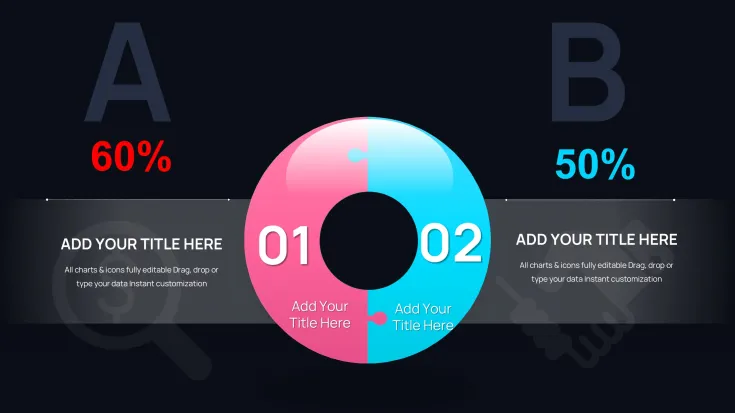
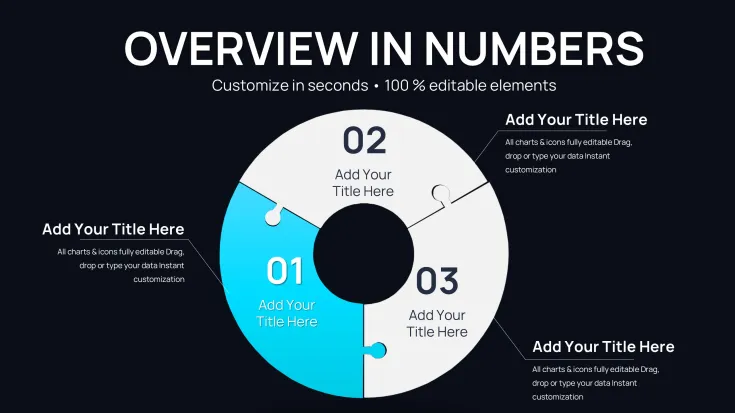
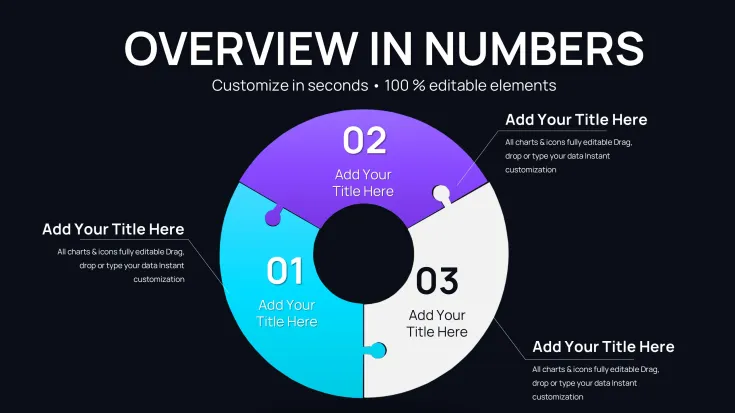
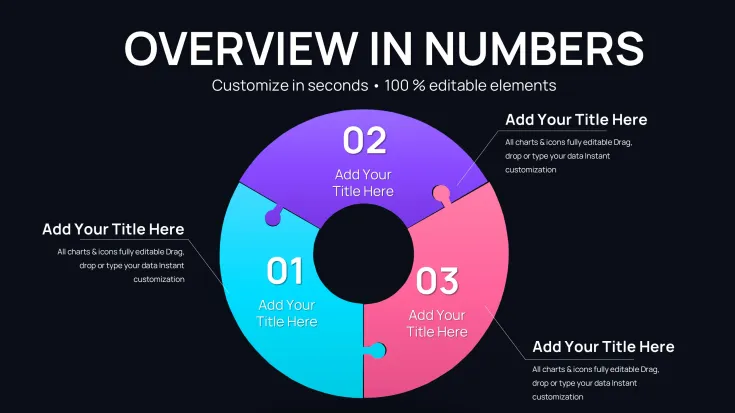
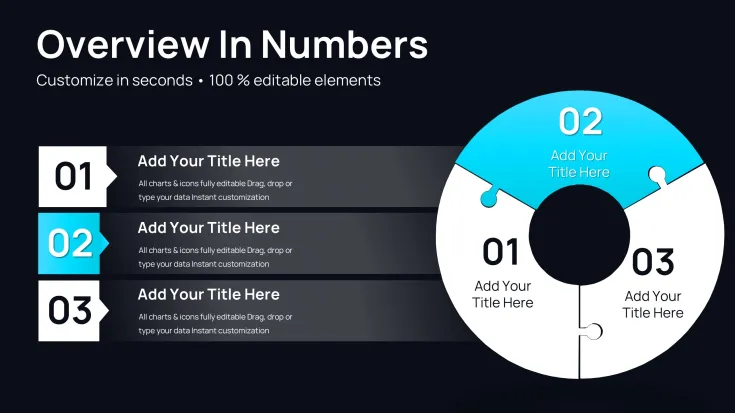
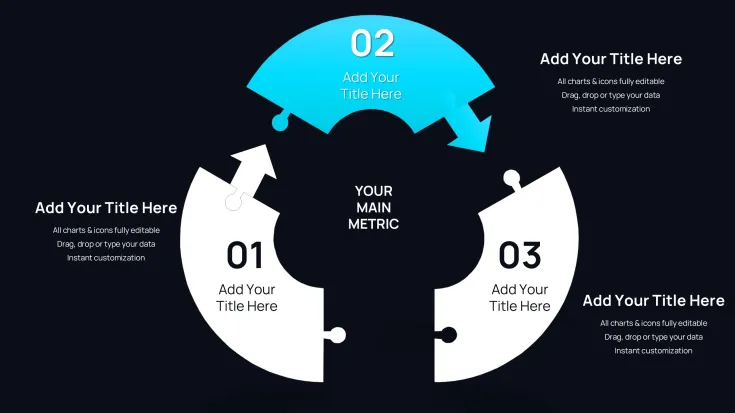
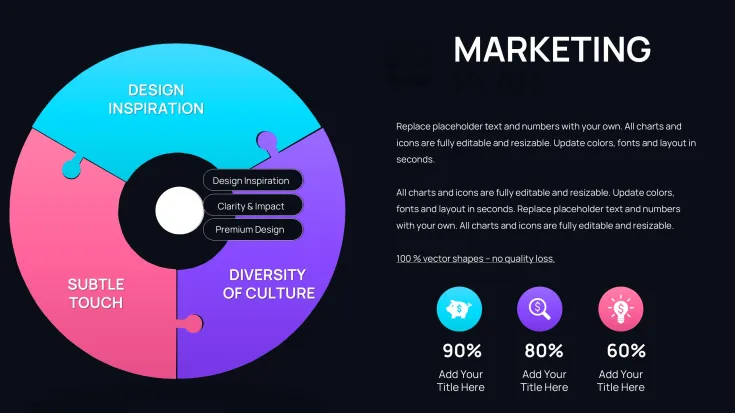
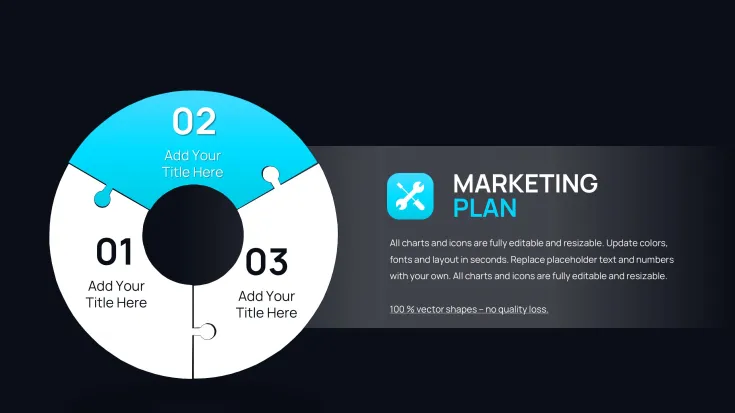
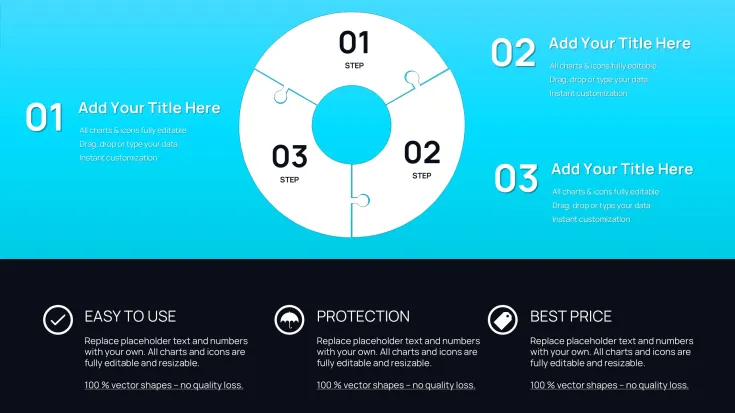
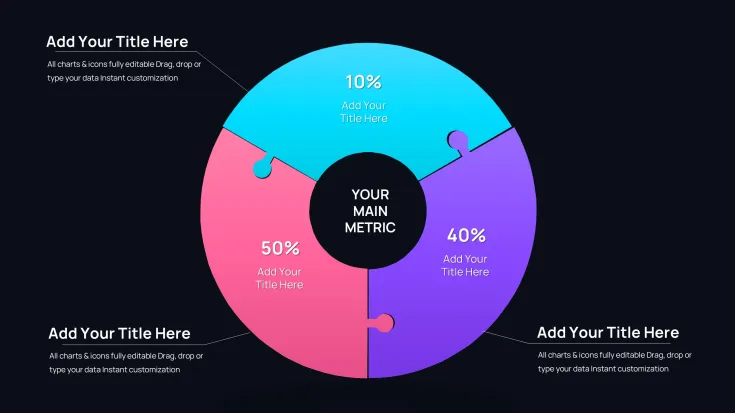
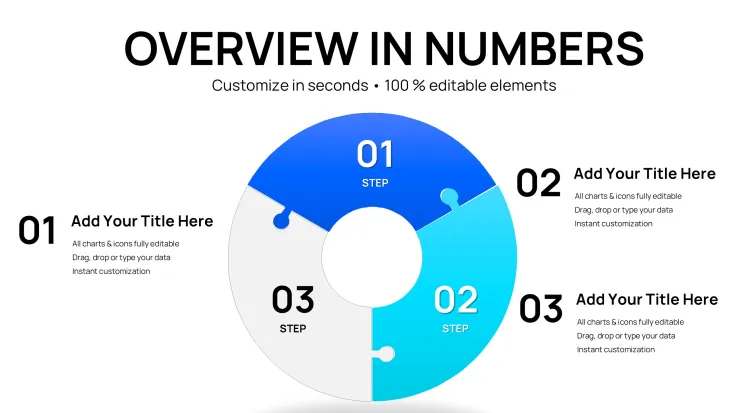
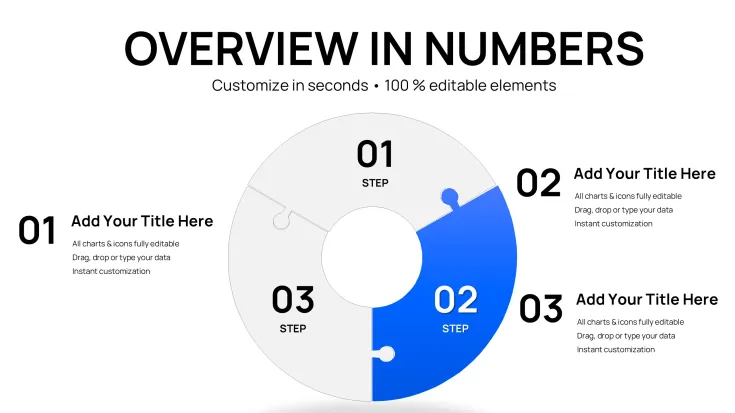
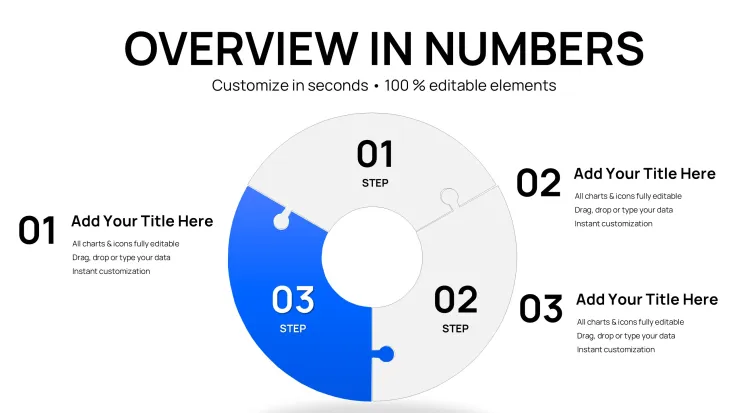
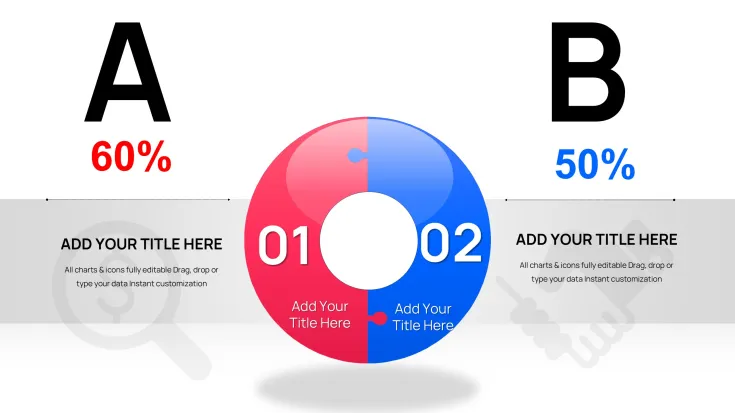
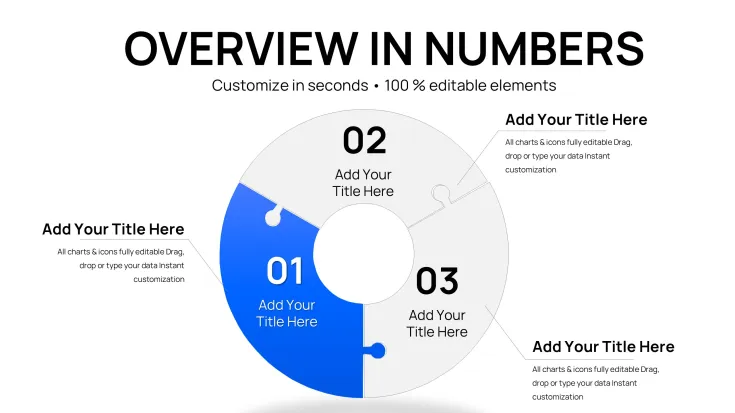
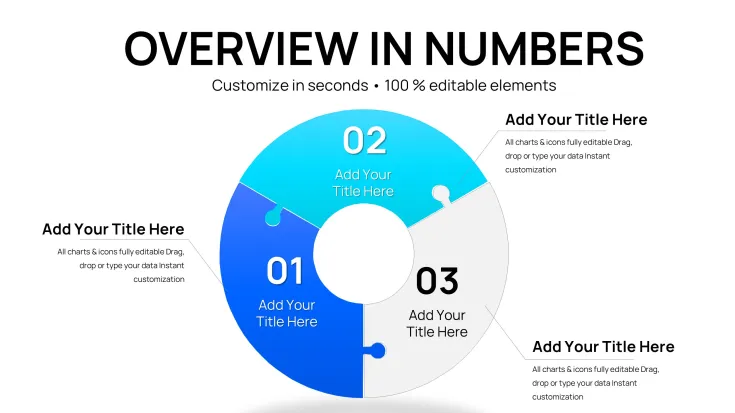
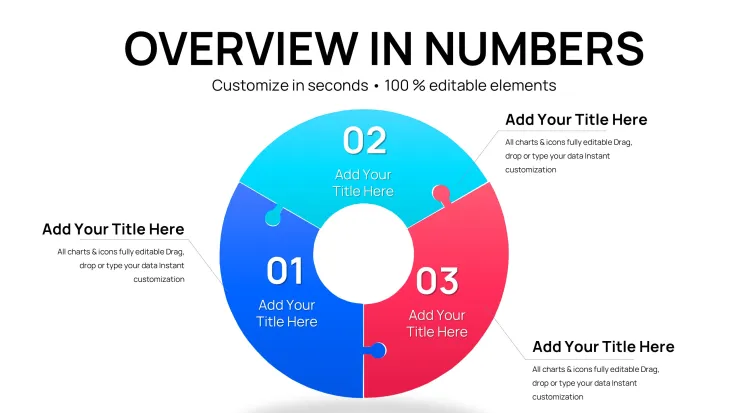
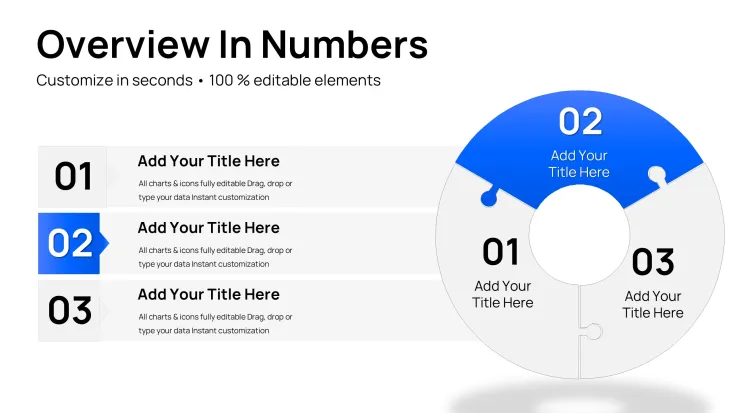
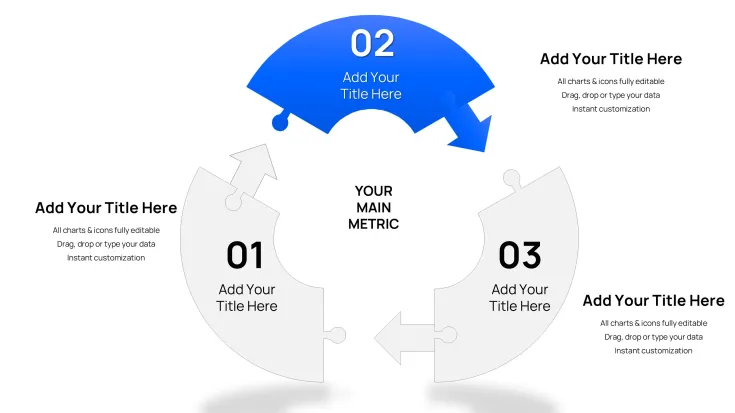
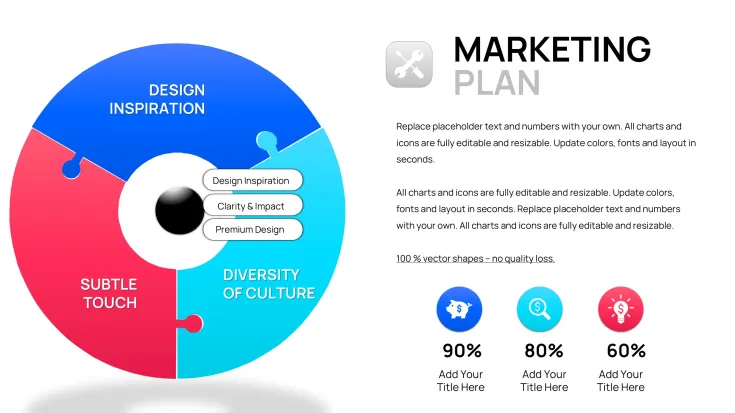
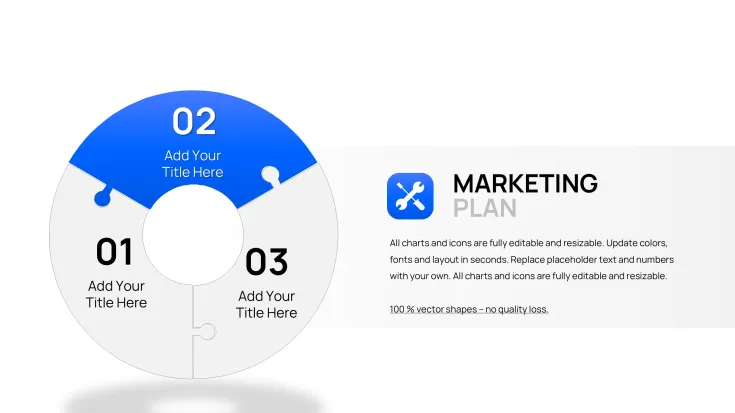
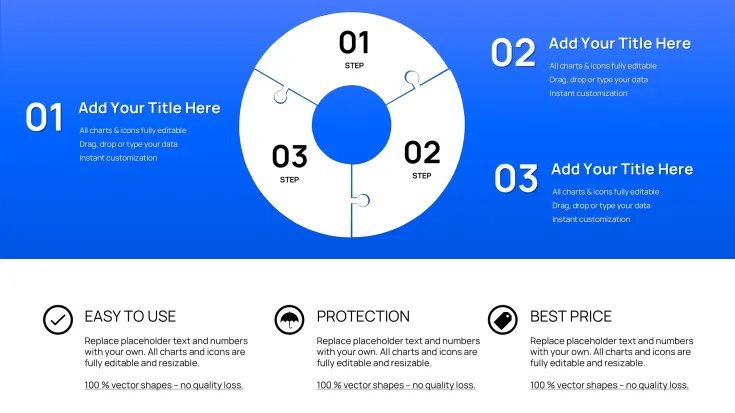
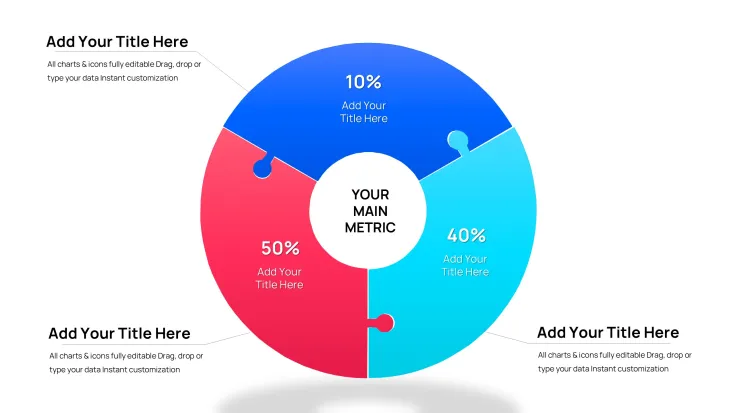
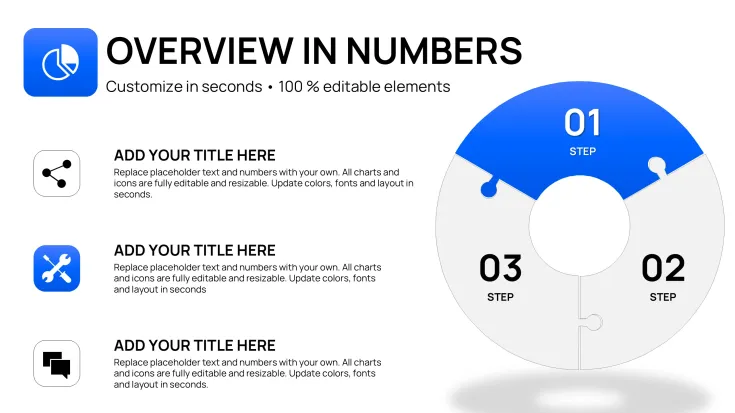
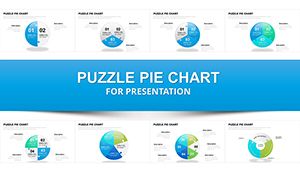
The Process Charts Keynote Template includes precisely 32 editable slides built around interlocking puzzle piece pie formats. Each slide shows how individual components combine into complete systems. You receive puzzle pie variations for project phase breakdowns, team contribution diagrams, value chain mappings, customer journey stages, supply chain flows, approval workflows, and continuous improvement cycles.
Core Slide Functions
Interlocking puzzle pieces represent milestones or departments and automatically align when data is updated. Pie segments resize proportionally while maintaining visual connection to adjacent pieces.
Key Features
Clean professional design with easy-to-modify text, colors, icons and data values. All 32 slides support mix-and-match layouts and duplicate functionality inside native Keynote. The puzzle pie format visually demonstrates collaboration and integration in business processes.
Editable Elements List
ElementCustomization OptionsPuzzle piecesResize, recolor, swap iconsPie segmentsAdjust percentages, add labelsConnection linesChange style or removeText placeholdersUpdate milestones instantlyColor fillsMatch brand paletteLayout variantsMix horizontal or circularProfessional Use Cases
A strategy consultant used the puzzle pie slide showing project phase breakdowns to present a digital transformation roadmap to an executive team. Each interlocking piece represented a completed milestone, allowing the client to see exactly how departments contributed to the final outcome. Another example: a supply chain manager replaced placeholder text with actual workflow stages and exported the deck for stakeholder updates, making complex approval processes instantly understandable.
Workshop Scenario
During strategy workshops facilitators use customer journey puzzle pies to let participants drag segments live in Keynote on iPad, instantly visualizing changes in value chains or product feature priorities.
How to Customize
Download the .key file, open in Keynote, click any puzzle piece to recolor or edit text, drag data values to resize pie segments, and duplicate slides for additional process variations. The interlocking design maintains visual cohesion even after heavy customization.
Time-Saving Comparison
Creating interlocking puzzle diagrams manually in Keynote requires hours of shape alignment and grouping. This template provides 32 pre-built, perfectly connected layouts ready in under 15 minutes.
Why Choose This Template
Unlike standard cycle or pie chart packs in related products, this template uniquely uses interlocking puzzle pieces arranged in pie formats specifically for process visualization. The 32-slide collection focuses on collaboration and system integration rather than generic data display.
Frequently Asked Questions
How do I resize puzzle pie segments?Click any segment in Keynote and drag the data value handles. The interlocking connections automatically adjust while preserving visual balance across all 32 slides. Text and icons inside pieces update instantly.
Does it work only in Keynote?Yes, native .key format optimized for Apple Keynote. Puzzle interlocking and animation builds are designed exclusively for Keynote’s editing engine.
Can I mix slides with other decks?All 32 slides are self-contained and can be copied into larger presentations. The clean design integrates seamlessly with any corporate template.
How many variations are included?32 fully editable slides covering project phases, value chains, customer journeys, supply chains and approval workflows. Duplicate any for unlimited extensions.
What file format is delivered?Single .key file with all 32 slides. Instant download, no additional files needed.
Good for
- Project roadmaps and sprint plans
- Product launch timelines
- Quarterly or annual review decks
- Company history and milestone summaries
Licence
reviews
The interlocking puzzle pie charts in this 32-slide Keynote template really helped me show how project phases connect during a strategy workshop. The way segments resize while keeping visual links is smooth. Colors are clean and professional but I wish there were more vibrant options for creative pitches.
Used this for a supply chain presentation - the puzzle pieces aligning perfectly made complex workflows easy to explain to executives. 32 slides give plenty of layout choices. Editing text and icons was quick in Keynote.
As a student rushing a deadline, the pre-built puzzle pie designs saved hours. The milestone breakdown slides look sharp on screen. Slightly limited connection styles but overall solid for process visuals.
The professional interlocking puzzle pie format stood out in my consulting deck. Great for demonstrating collaboration. Customization of colors and data worked flawlessly but took a bit to master the grouping.
Downloaded for a customer journey map - the pie puzzle integration is clever and visually cohesive. 32 editable slides covered most variations I needed. Clean design integrates well with corporate themes.
Practical template with puzzle pieces that maintain alignment after edits. Used the workflow variations successfully. Colors are neutral which is good for business but feels a tad plain for marketing.
FAQ
Will it work in Google Slides?
Are fonts embedded?
Can I use this for client work?
What's the refund policy?
Do you update the template after purchase?
Similar templates
See all Keynote Charts →

All 32 slides