 Click to zoom
Petal Flower PowerPoint Charts Template: Blossom Your Ideas into Visual Masterpieces
| Format | .pptx |
| Slides | 23 unique layouts |
| Aspect ratio | 16:9 |
| Compatibility | PowerPoint |
| Animated | No |
| Language | English |
| License | Commercial |
| File size | — |
| Version | v1.0 |
| Last updated | September 2023 |
What's inside
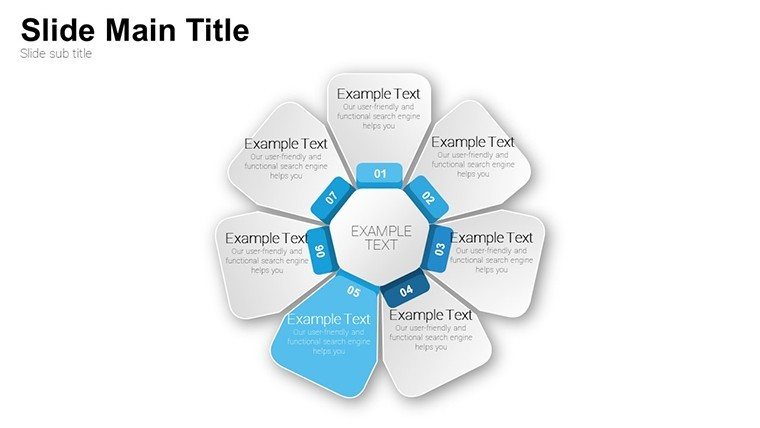
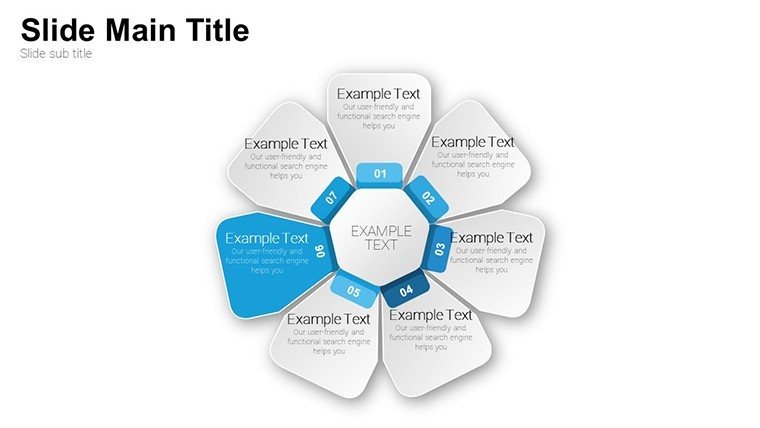
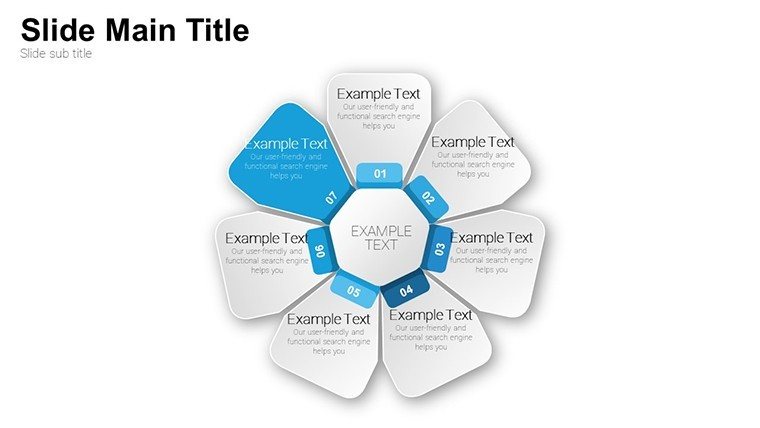
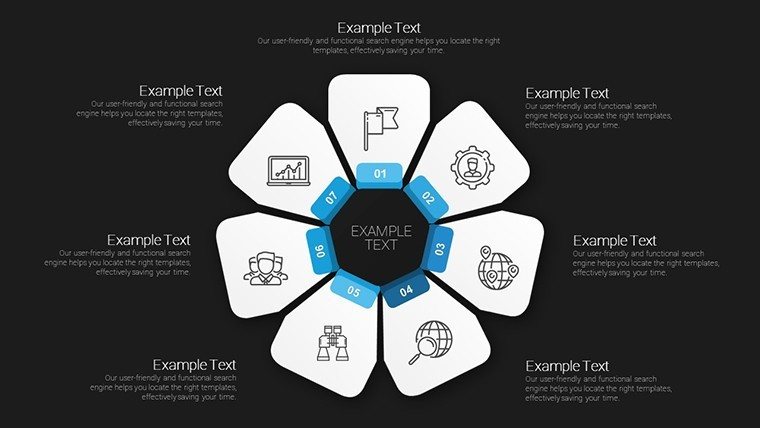
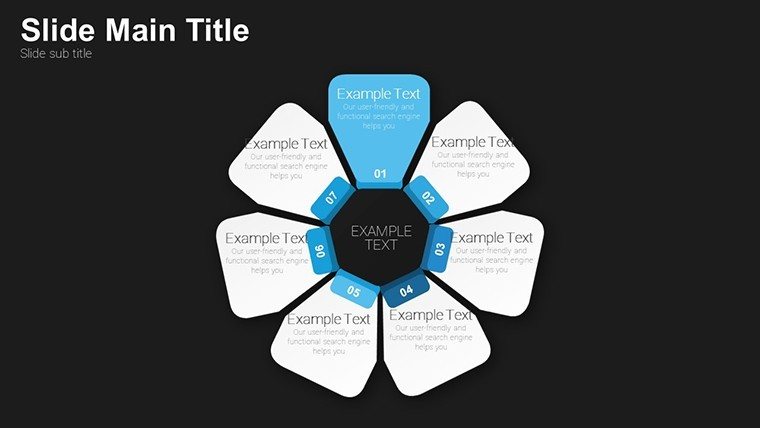
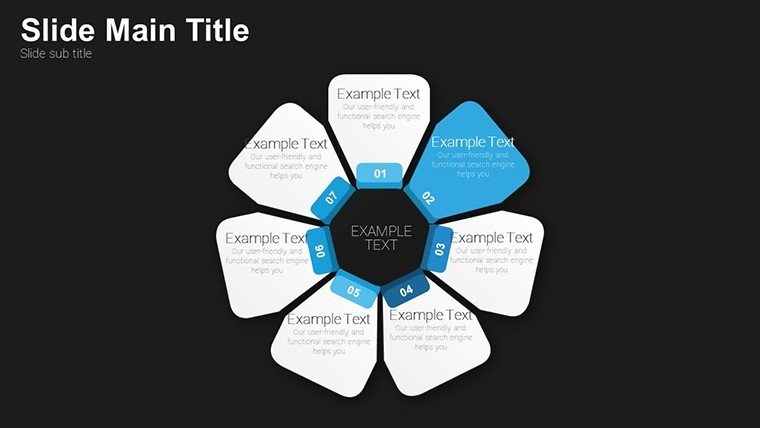
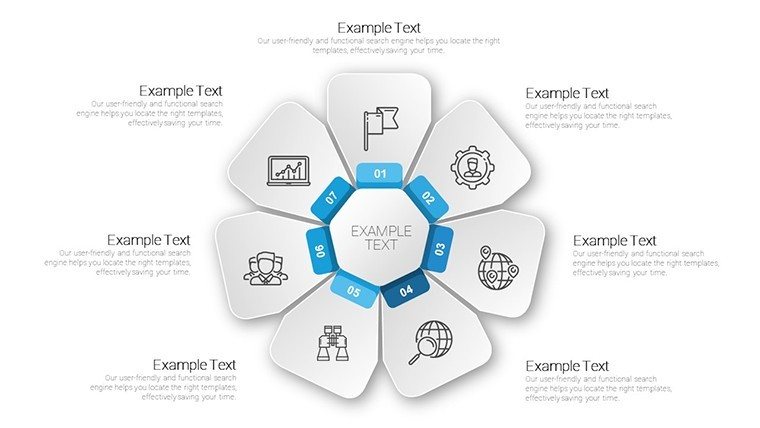
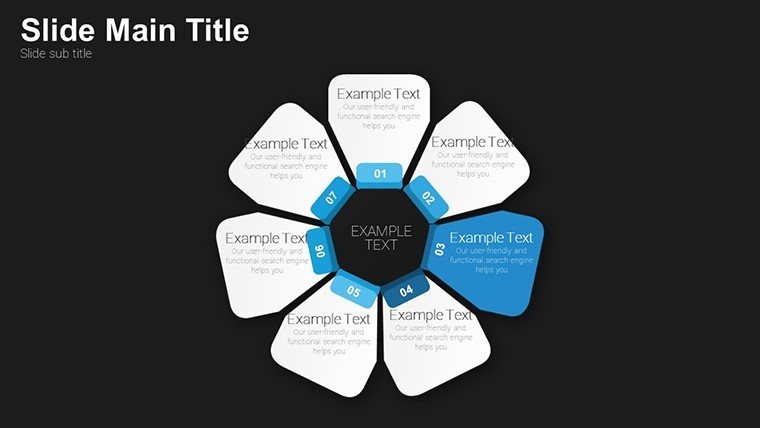
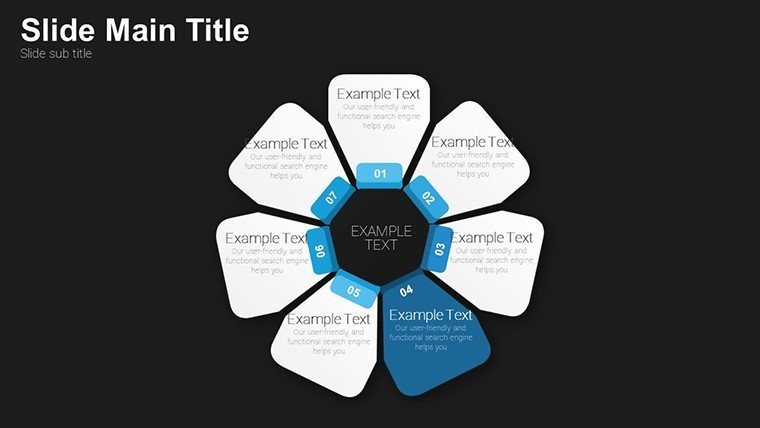
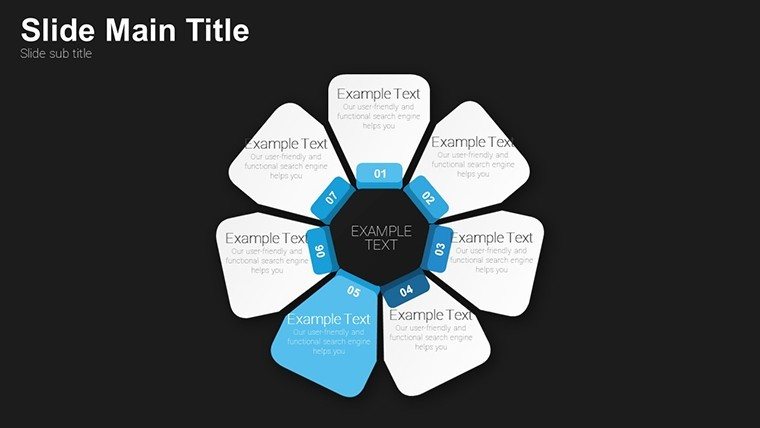
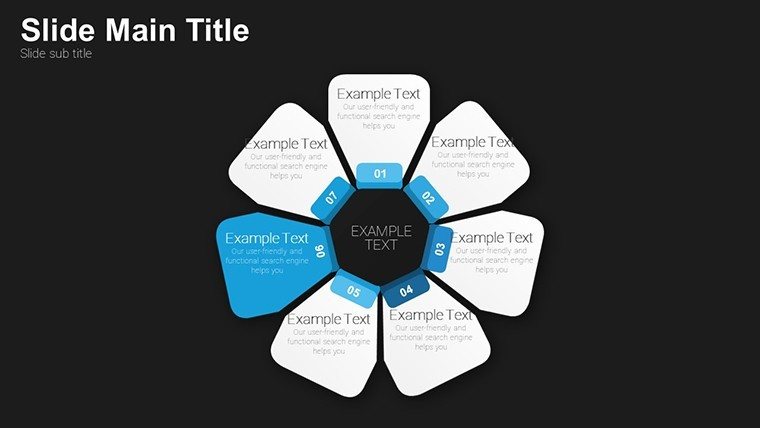
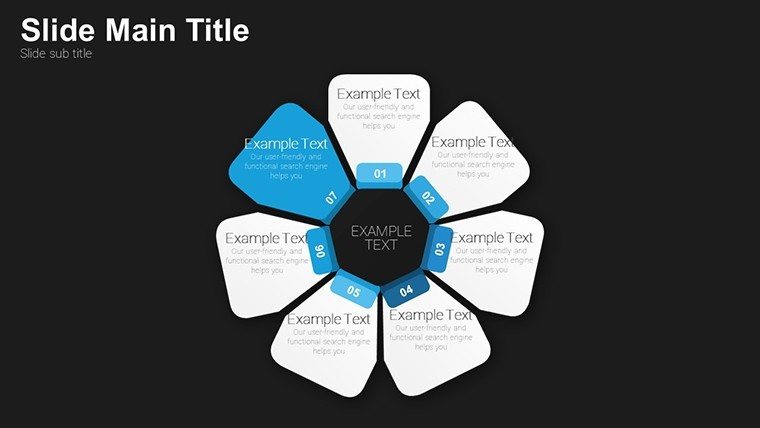
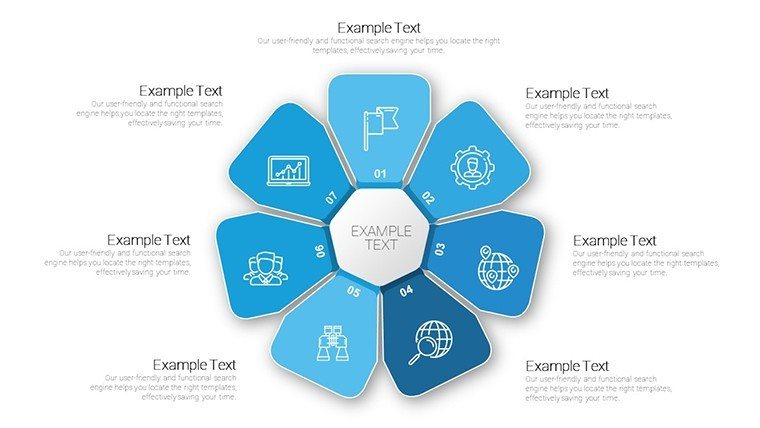
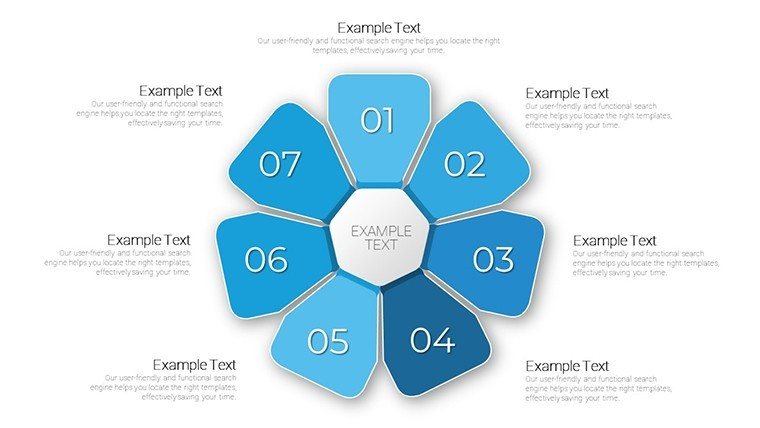
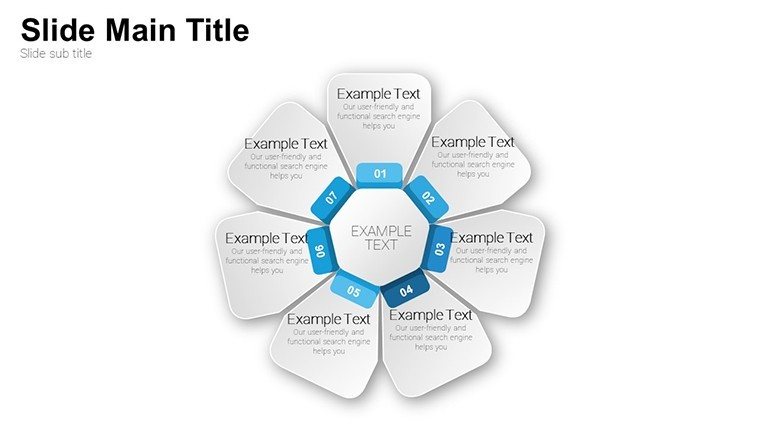
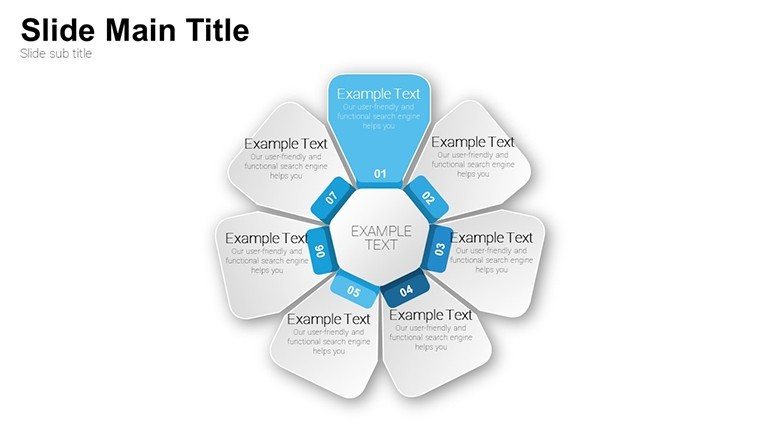
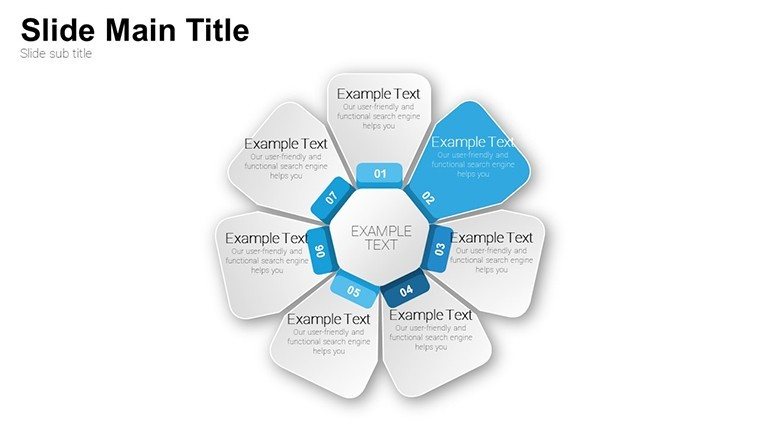
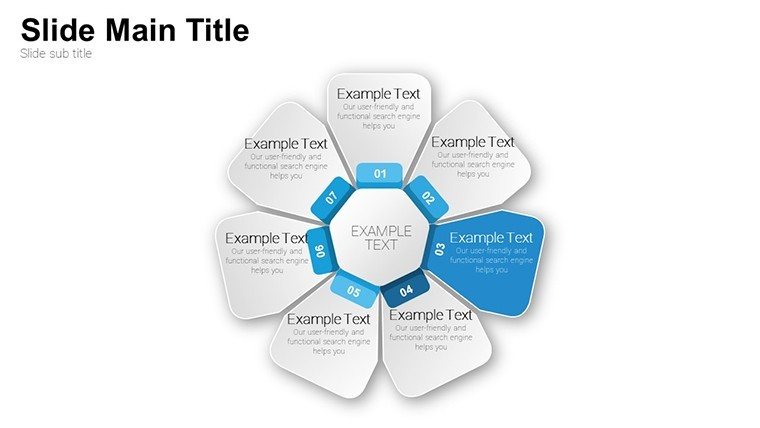
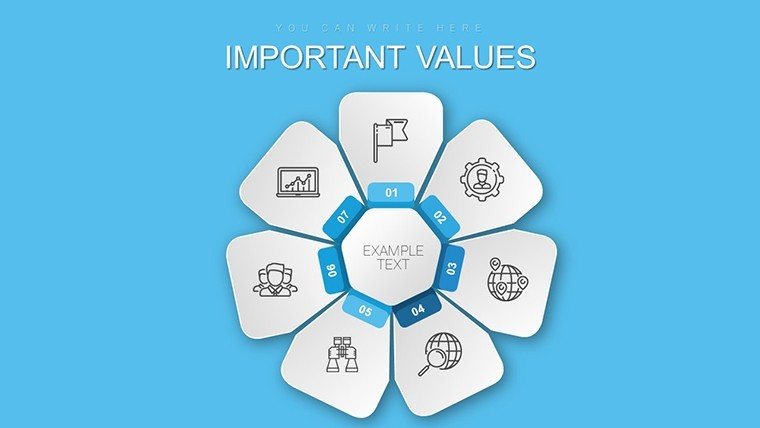
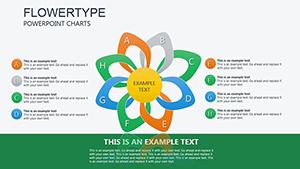
Step into a realm where data meets artistry with our Petal Flower PowerPoint Charts Template. Boasting 23 editable slides, this innovative design uses petal motifs to transform mundane information into blooming visuals that engage and enlighten. Tailored for creative minds in education, marketing, and entrepreneurship, it addresses the challenge of presenting processes without losing audience interest. Each petal unfurls to reveal steps, ideas, or metrics, creating a natural flow that's as beautiful as it is functional. Elevate your next pitch or lesson plan, drawing from nature-inspired aesthetics to make complex concepts accessible and memorable.
Embracing Nature's Design in Professional Visuals
Inspired by biomimicry principles, much like those explored in Janine Benyus's works, this template mimics floral structures for intuitive data mapping. Petals radiate from centers, ideal for hub-and-spoke models like mind maps or workflow diagrams. This approach enhances cognitive processing, as organic shapes foster better recall compared to rigid grids.
An entrepreneur once utilized petal charts to outline a startup's growth strategy in an investor deck. By assigning petals to phases like ideation and scaling, they conveyed progression vividly, securing seed funding through clear, aesthetic communication.
Standout Features for Creative Expression
- Intricate Petal Designs: Layered flowers for multi-level data, with options to expand or contract for detail control.
- Vibrant Customization: Alter hues, sizes, and fonts to match moods - pastels for calm overviews or bold for urgent calls.
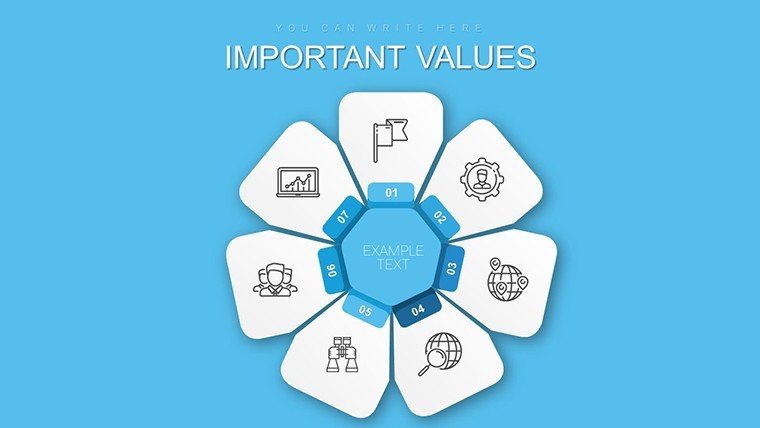
- Engaging Integrations: Embed icons or images within petals, enriching narratives with visual metaphors.
- Process-Oriented Layouts: Slides for cycles, hierarchies, or comparisons, all with floral flair.
- Resolution Excellence: Vector-based for scalability, ensuring petal precision on any display.
Far superior to stock flower clipart, these are fully manipulable elements that integrate with PowerPoint's ecosystem.
Diverse Applications That Inspire Innovation
Educators can map lesson progressions, with petals branching into subtopics for interactive classrooms. Marketers visualize campaign ecosystems, centering on goals with petals as tactics. Entrepreneurs diagram business models, petals representing revenue streams or partnerships.
In corporate settings, use for team structures, flowering out roles from leadership cores. This adaptability extends to non-profits, charting program impacts with petals for outcomes and beneficiaries.
Guided Path to Petal Perfection
- Pick Your Bloom: From 23 slides, choose the petal count that fits your process - five for simple cycles, more for intricate webs.
- Layer Your Content: Assign text or data to each petal, using gradients for progression emphasis.
- Infuse Personality: Customize with brand colors or thematic images, like leaves for growth themes.
- Animate the Unfold: Set petals to bloom on cue, revealing information dynamically.
- Polish and Present: Review for balance, ensuring the flower doesn't overshadow the message.
Unlike linear charts, petal designs encourage holistic views, aligning with systems thinking for deeper insights.
Creative Tips from Design Pros
Balance symmetry with asymmetry for interest; offset petals slightly for organic feel. Pair with subtle animations to mimic growth, enhancing emotional connections. Avoid overfilling - limit to key points per petal for clarity.
A marketing team's case: They revamped a product launch presentation with petal charts, mapping features radially. The engaging format led to higher stakeholder buy-in and faster approvals.
Unmatched Elegance in Template Choices
Our petal template outblooms generics with its depth and editability, often reducing design time by thirds. PowerPoint compatibility ensures seamless use, making it a go-to for creative workflows.
Let your presentations flower - customize this template now and watch your ideas take root.
Frequently Asked Questions
How many petals can I add or remove?
Unlimited flexibility - duplicate or delete as needed within PowerPoint.
Ideal for what presentation styles?
Creative, process-driven ones like workshops or pitches.
Does it support animations?
Yes, with built-in effects for blooming reveals.
Can I integrate photos?
Easily embed images into petals for personalized touches.
Suitable for virtual meetings?
Absolutely, high-res ensures clarity on screens.
Good for
- Project roadmaps and sprint plans
- Product launch timelines
- Quarterly or annual review decks
- Company history and milestone summaries
Licence
reviews
I used this for a small report and it was straightforward
Charts are simple and not overloaded
Easy to replace sample data
Good for quick use in office
FAQ
Will it work in Google Slides?
Are fonts embedded?
Can I use this for client work?
What's the refund policy?
Do you update the template after purchase?
Similar templates
See all PowerPoint Charts →

All 23 slides