 Click to zoom
Organizational Keynote Chart Template - Instant Download | ImagineLayout
| Format | .pptx |
| Slides | 6 unique layouts |
| Aspect ratio | 16:9 |
| Compatibility | PowerPoint |
| Animated | No |
| Language | English |
| License | Commercial |
| File size | — |
| Version | v1.0 |
| Last updated | April 2026 |
What's inside
Free Organizational Keynote Chart Template: Structure Your Success Visually
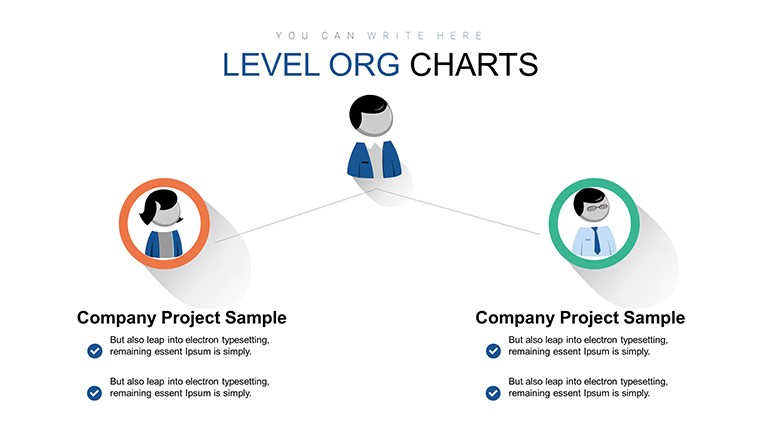
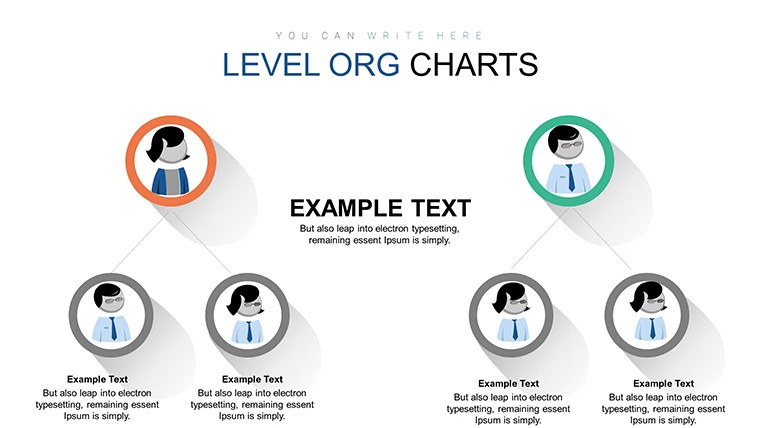
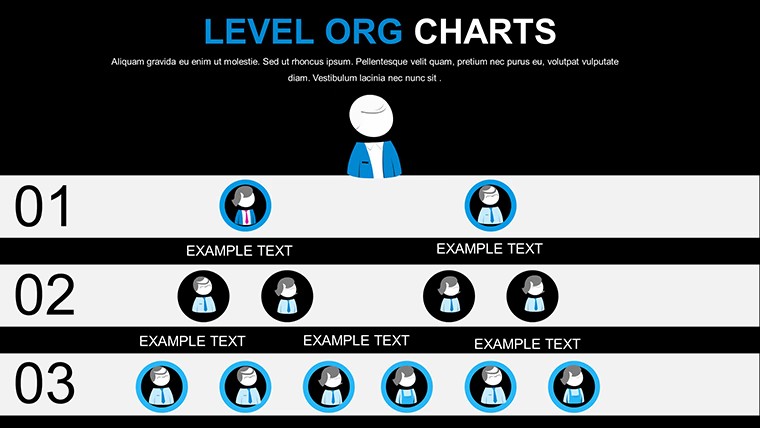
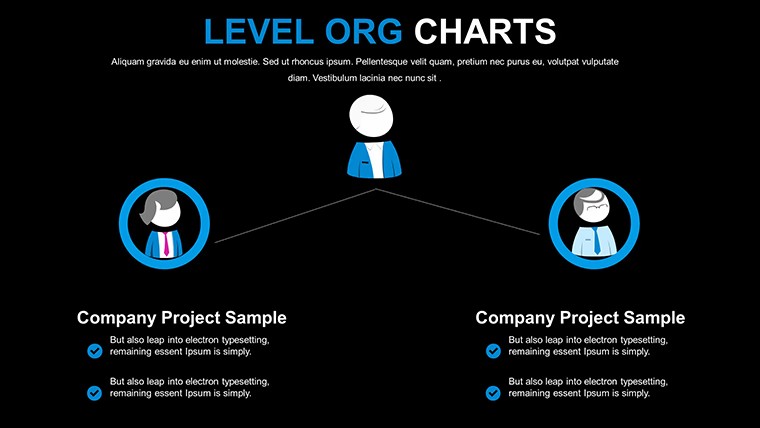
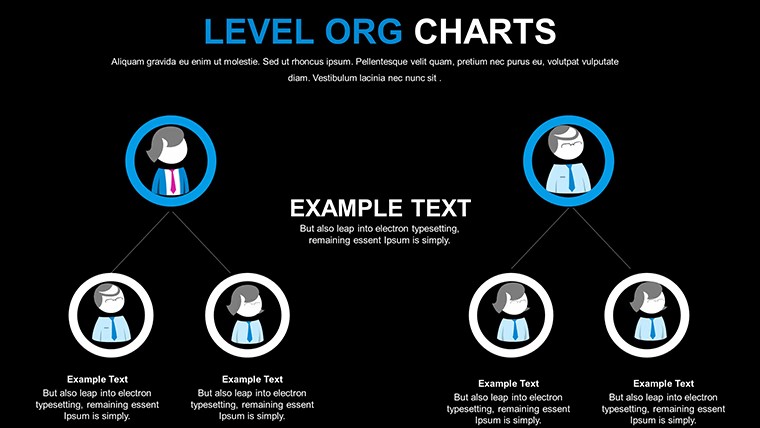
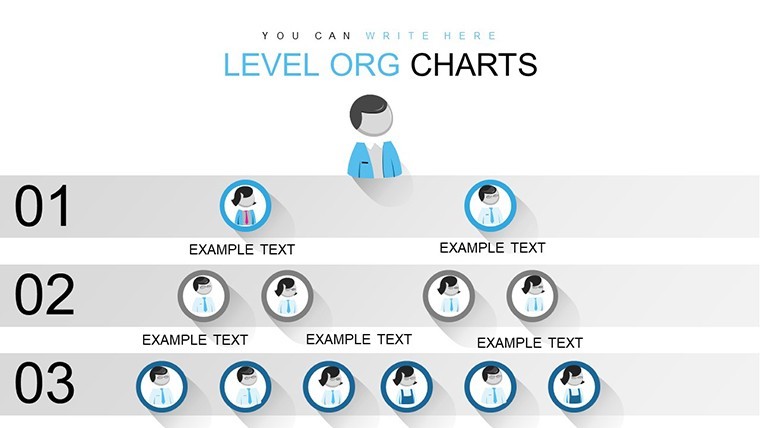
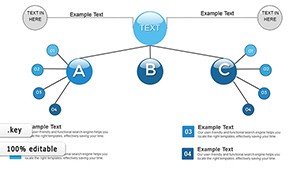
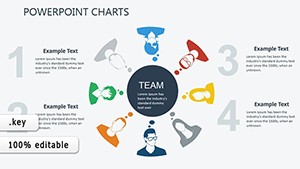
Color-coded hierarchical elements in the KEY file turn abstract team structures into clear visuals for HR managers and executives.
No sprawling org charts just structured blocks keep every reporting line visible without manual alignment.
No complex layouts just structured blocks.
This Keynote chart template suits internal reporting when you present department roles or annual structures to the board. In practice you replace text and the layouts stay intact across multiple updates.
The page does not list exact preview details or paid options but the files follow standard KEY formats compatible with current installations.
Use this instead of arranging shapes manually in Keynote. The predefined hierarchy prevents spacing issues and delivers clean results every time.
It is not ideal for creative storytelling slides that require freeform illustrations.
Business professionals rely on it for restructuring presentations because the color-coded elements update via the slide master in seconds.
FeatureDetailsSlides / diagrams6 editable hierarchical chartsFile formatKEYSoftware versionKeynote 12+ on macOS and iOSColor schemesUpdate via slide master for instant deck-wide changesEditable elementsText icons and hierarchy blocks resize and recolor independentlyAspect ratio16:9 widescreenFree vs PaidFull set of 6 slides included at no cost no paid version listedMasters / BackgroundsMaster slides enable global palette switchesEverything is already structured.
Download and start editing immediately
How do I change colors across all slides?Switch to slide master mode then modify the color theme once. All hierarchical elements adopt the new palette without extra clicks per slide. Teams reuse this approach for recurring organization updates.
Can I use this template for client work?Yes the license permits client work under standard terms. Deliver finished presentations created with the template as part of your services. You cannot resell or redistribute the original KEY files themselves.
What is the difference between free and paid versions?This template is offered completely free with all 6 slides included. No paid version appears on the page so the download gives you the full set immediately. Everything required for editing is already inside the file.
What are the refund conditions?As a free template no refund process applies. Download and open the file in Keynote to verify compatibility first. Reach out to support only if the KEY file fails to load on supported software.
Is the template compatible with PowerPoint?The native format is Keynote yet you can export directly to PowerPoint 2016 or newer. Results stay clean when exported from Keynote. Test the output file on your target device for best alignment.
Good for
- Project roadmaps and sprint plans
- Product launch timelines
- Quarterly or annual review decks
- Company history and milestone summaries
Licence
reviews
Used this for a school presentation and the charts were easy
Added it to a meeting and the arrows helped explain workflow
Worked fine for basic slides
Just used it quickly and it was okay
FAQ
Will it work in Google Slides?
Are fonts embedded?
Can I use this for client work?
What's the refund policy?
Do you update the template after purchase?
Similar templates
See all Keynote Charts →
All 6 slides