 Click to zoom
Org Management Structure Keynote Charts: Build Hierarchies with Ease
| Format | .pptx |
| Slides | 16 unique layouts |
| Aspect ratio | 16:9 |
| Compatibility | PowerPoint |
| Animated | No |
| Language | English |
| License | Commercial |
| File size | — |
| Version | v1.0 |
| Last updated | February 2022 |
What's inside
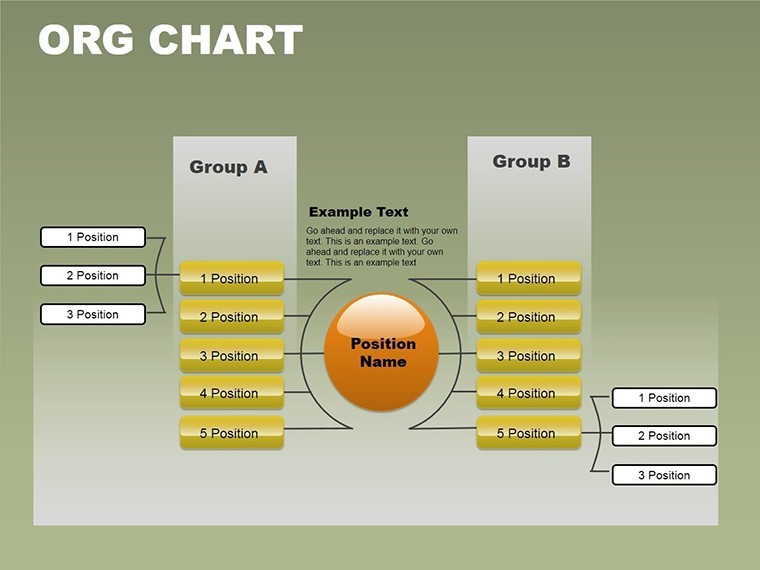
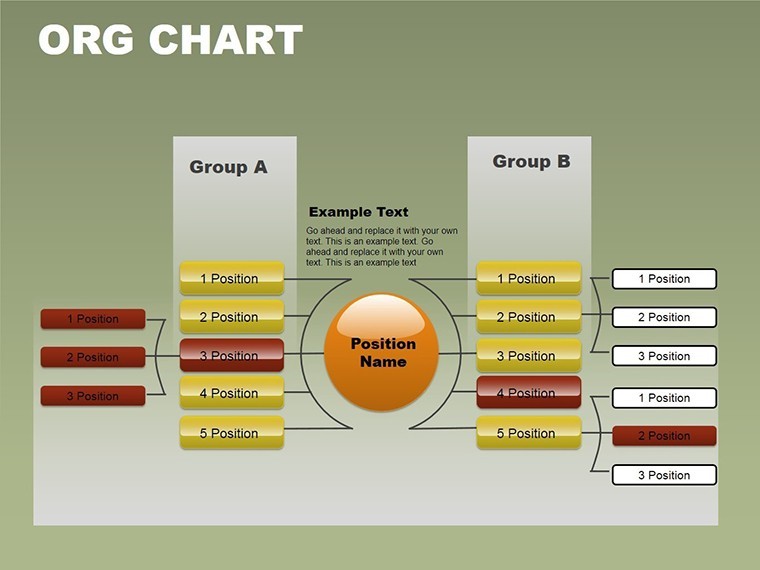
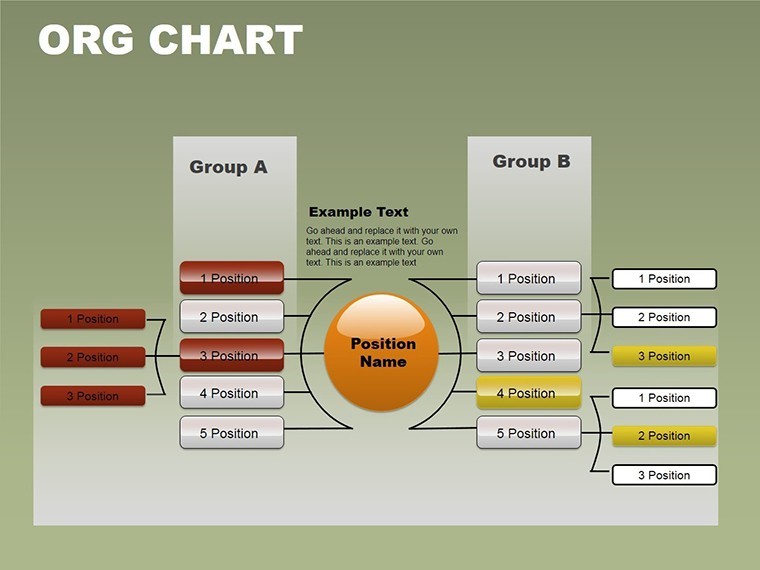
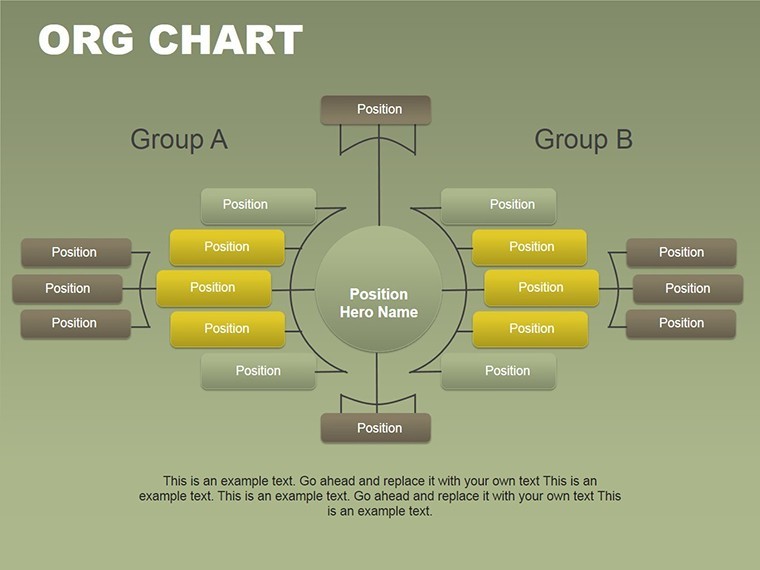
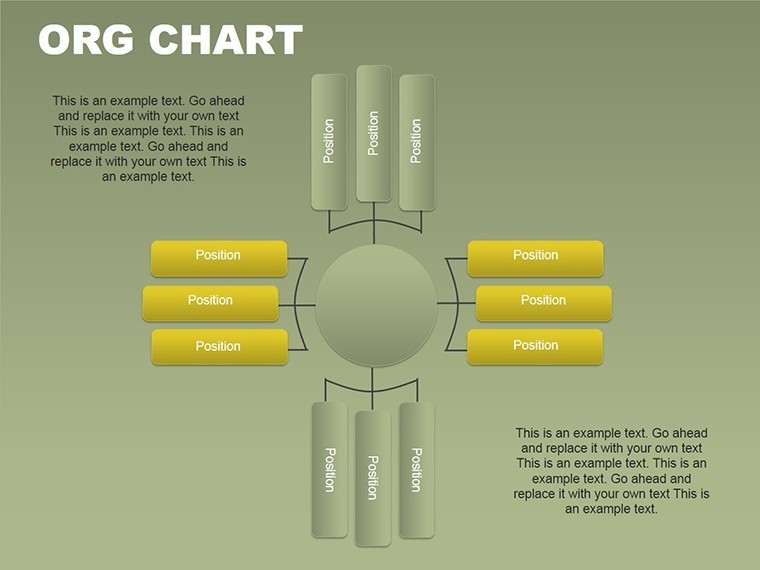
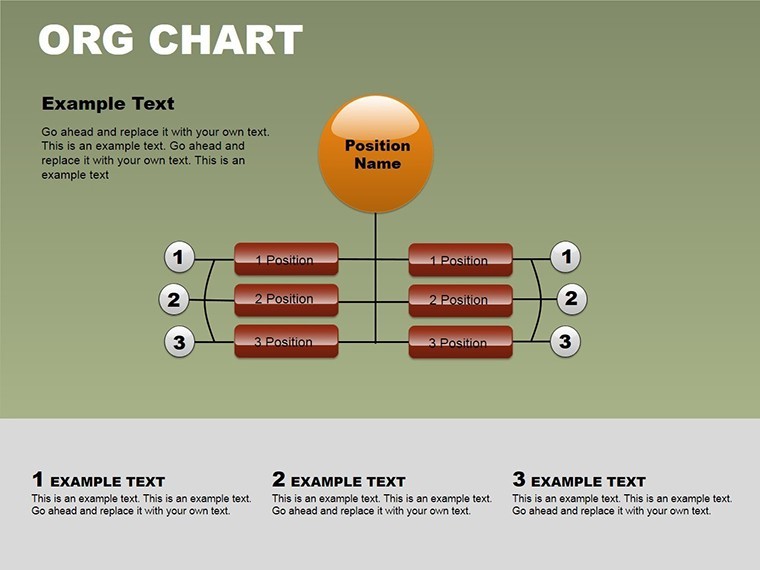
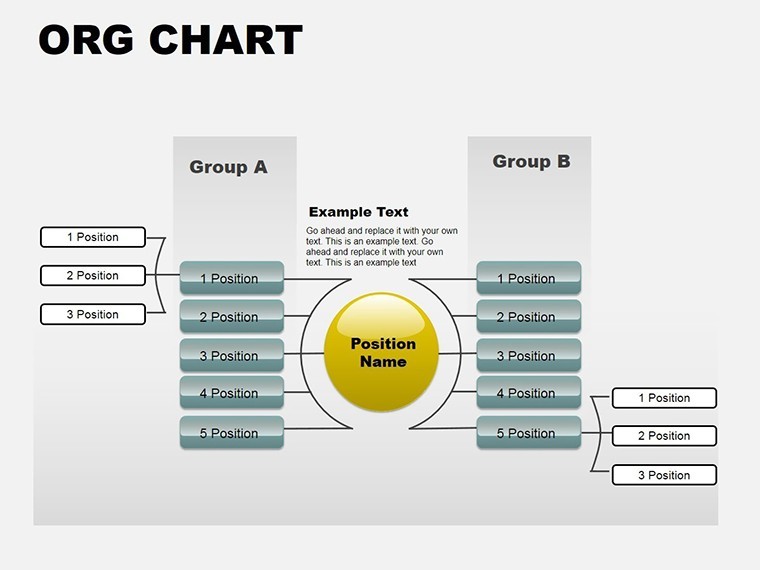
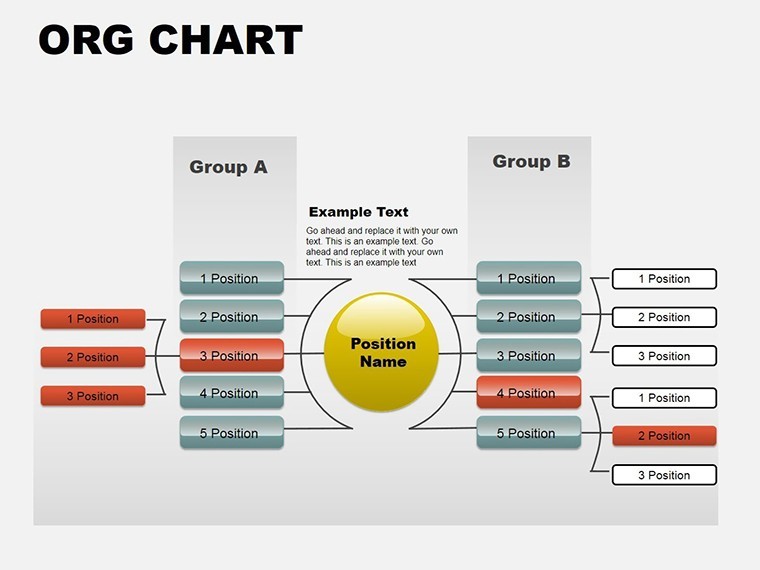
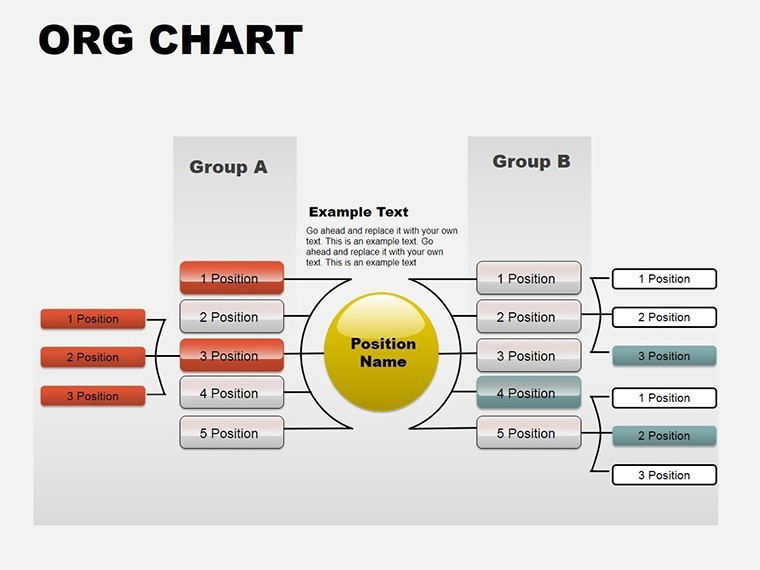
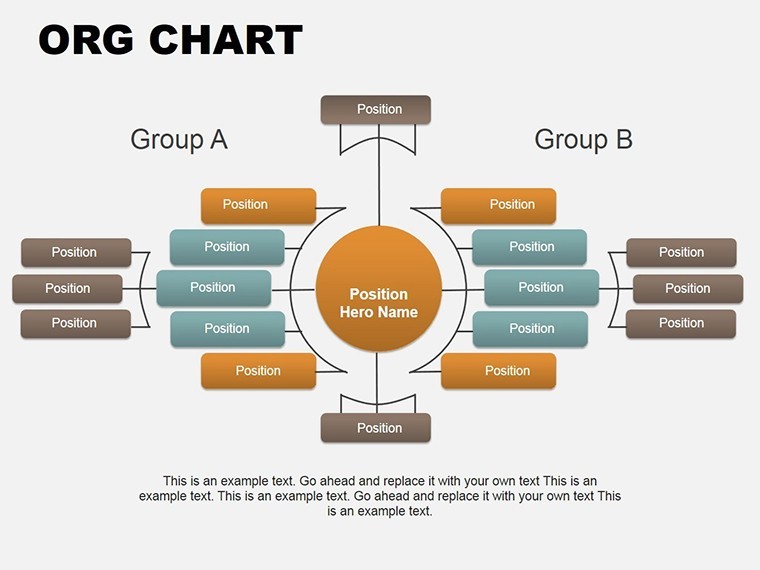
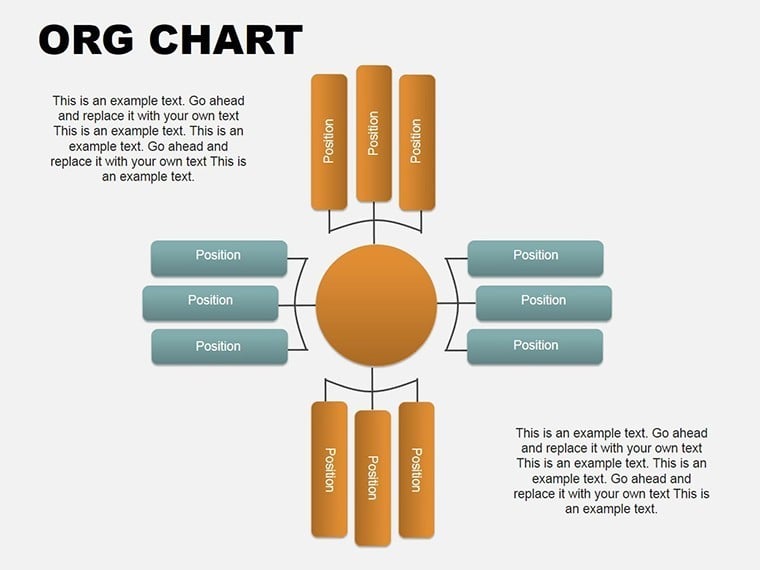
In the intricate world of architecture, where teams collaborate on everything from skyscraper designs to urban renewals, a clear organizational structure is the backbone of success. Our Org Management Structure Keynote Charts Template provides 16 editable slides tailored for professionals seeking to visualize management hierarchies, departmental interactions, and role divisions. Priced at just $17, this template transforms mundane org charts into dynamic, animated presentations that align with AIA guidelines for project management. Architects can use it to illustrate team setups for bids on major contracts, ensuring stakeholders grasp the chain of command at a glance. Compatible with Keynote on Mac and PC, it features widescreen formats and vector elements that scale flawlessly, making it an essential tool for firms aiming to enhance internal communication and client proposals.
Mastering Organizational Clarity in Architectural Firms
Organizational structures in architecture aren't just about titles; they're about fostering efficient workflows that turn visions into built realities. This template's charts allow you to depict linear hierarchies, matrix setups, or functional divisions with precision. For instance, in a mid-sized firm handling sustainable projects, use a hierarchical chart to show how the lead architect oversees sustainability experts, structural engineers, and CAD specialists, mirroring real setups in firms like those awarded AIA honors for collaborative excellence.
The animation features bring these structures to life - elements can fade in sequentially, revealing reporting lines step by step during board meetings. This interactivity not only engages viewers but also highlights key interactions, such as how design teams interface with construction managers to adhere to building codes.
Standout Features for Professional Use
- Editable Vector Elements: Stretch, recolor, or reshape without quality loss, perfect for customizing to your firm's color palette inspired by iconic architectural palettes.
- Animation and Transitions: Special effects for each object, making presentations more memorable than static PDFs.
- Media Integration: Add photos of team members, videos of project walkthroughs, or even background music to personalize org overviews.
- User-Friendly Tools: No advanced skills needed; intuitive editing suits busy architects juggling deadlines.
Benefits extend beyond visuals - clear org charts reduce miscommunication, potentially cutting project errors by 20%, as seen in case studies from architectural management journals. Unlike basic Keynote defaults, this template offers professional styling that elevates your firm's image, ideal for RFP responses where first impressions count.
Step-by-Step Applications in Architecture
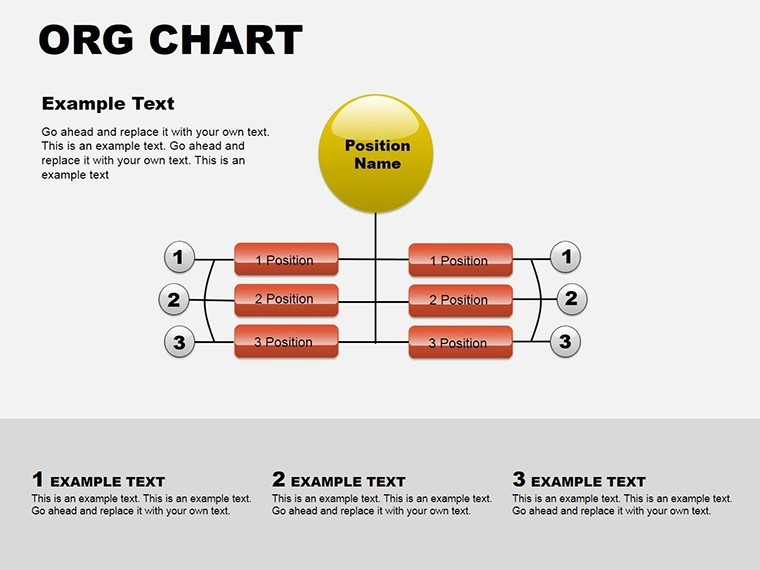
Begin with slide two: A basic hierarchy for small teams. Place the principal architect at the top, branching to associates and interns. Add notes on responsibilities, like overseeing zoning compliance.
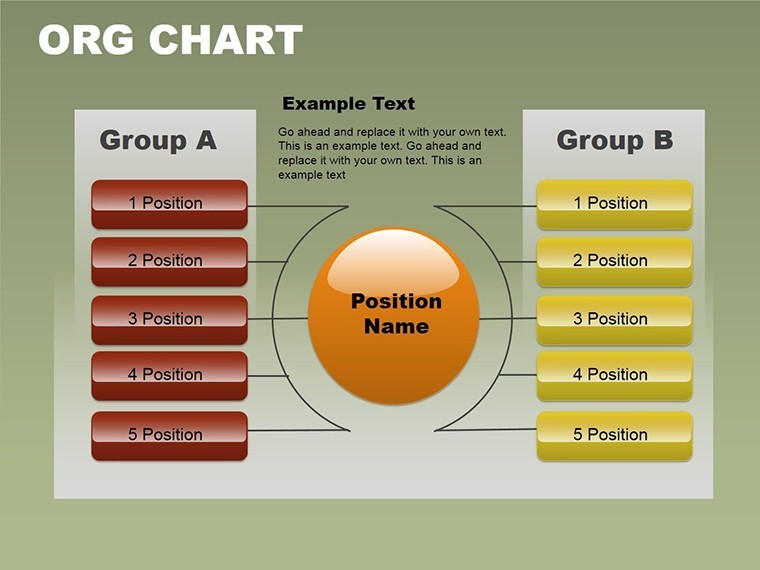
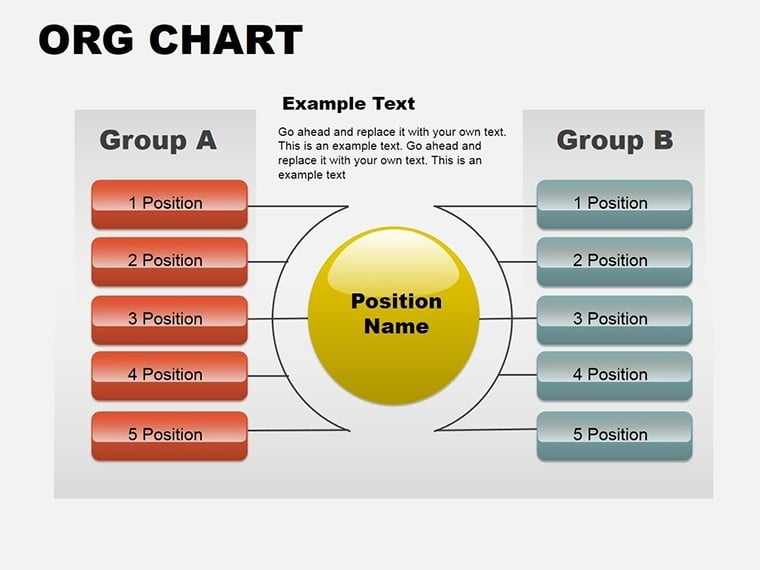
Advance to slide seven for matrix structures: Illustrate cross-functional teams where a project manager coordinates with external consultants, useful in mixed-use developments requiring input from urban planners.
For enterprise-level firms, slides twelve through fifteen support complex charts with multiple levels, incorporating icons for roles - hard hats for site supervisors, blueprints for designers. Tips: Use consistent shapes for similar roles to aid quick comprehension; integrate with project management software like Revit for data syncing.
Integrating into Your Daily Practice
Workflow integration is straightforward: Import data from HR systems, customize, and export for annual reviews or client pitches. A New York firm used analogous charts to reorganize post-merger, streamlining operations and boosting productivity. Trust in its compatibility ensures no glitches during high-stakes presentations.
Explore variations: Adapt for client org charts in joint ventures or educational seminars on firm management. The template's versatility supports creative tweaks, like adding timelines for career progression paths.
Secure Your Template and Organize Success
Don't let disorganized structures hinder your architectural ambitions. Purchase this Org Management Structure Keynote Charts Template today for $17 and chart a course to clearer, more effective team dynamics.
FAQ
How do I edit the chart hierarchies?
Simply click on elements to modify text, drag to rearrange, or use built-in tools for adding branches.
Does it support animations for all slides?
Yes, each object has customizable animations to enhance presentation flow.
Is it compatible with older Keynote versions?
It works best with recent versions but can be adapted for older ones with minor tweaks.
Can I use it for non-architecture purposes?
Absolutely, it's versatile for any business needing org charts.
What file formats are available?
Primarily .key, with export options to PDF or images.
How secure is the purchase?
All transactions are encrypted, ensuring safe downloads.
Good for
- Project roadmaps and sprint plans
- Product launch timelines
- Quarterly or annual review decks
- Company history and milestone summaries
Licence
reviews
Used this for a sales meeting because I had no time left and the chart slides were easy to edit.
The arrows and graph layout actually helped me explain my numbers better in class.
Colors looked a little dark on my screen but overall it worked fine for a quick presentation.
I only changed the icons and titles and the whole deck was basically ready.
Needed something simple for monthly reports and these charts saved me from making them manually.
FAQ
Will it work in Google Slides?
Are fonts embedded?
Can I use this for client work?
What's the refund policy?
Do you update the template after purchase?
Similar templates
See all Keynote Charts →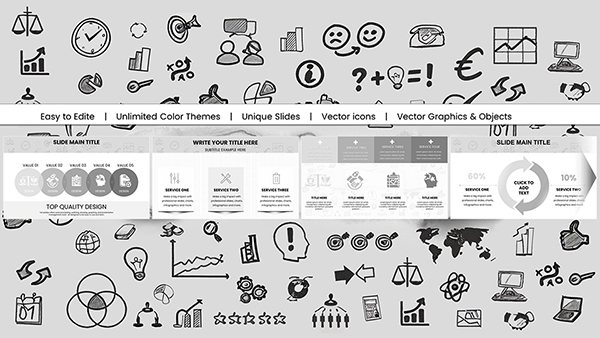
All 16 slides