 Click to zoom
Security Services Keynote Charts: Lock Down Your Message with Precision
| Format | .pptx |
| Slides | 12 unique layouts |
| Aspect ratio | 16:9 |
| Compatibility | PowerPoint |
| Animated | No |
| Language | English |
| License | Commercial |
| File size | — |
| Version | v1.0 |
| Last updated | May 2022 |
What's inside
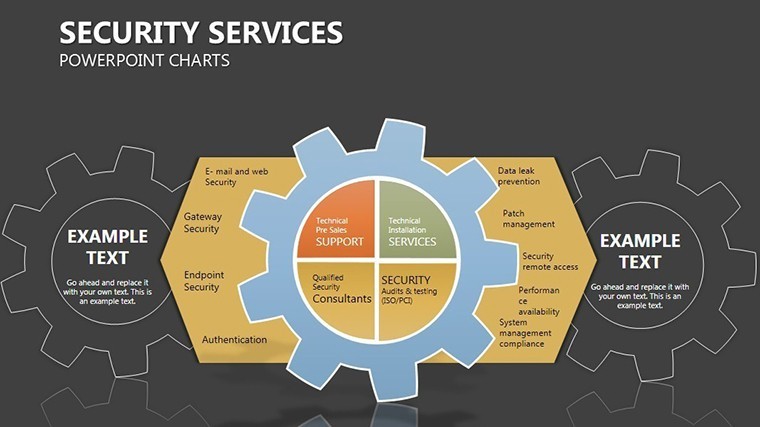
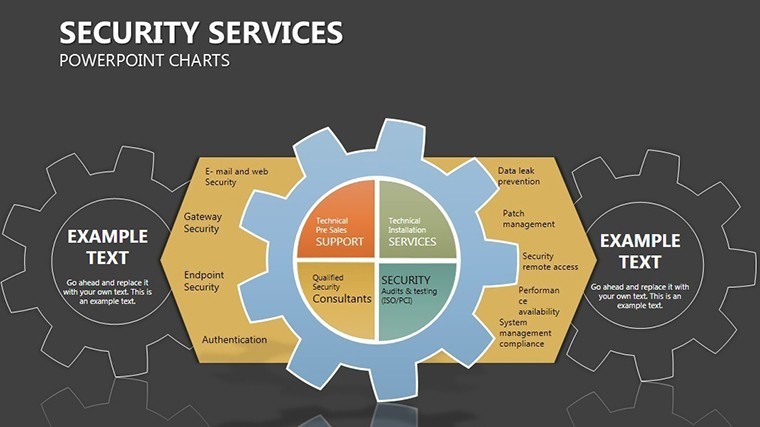
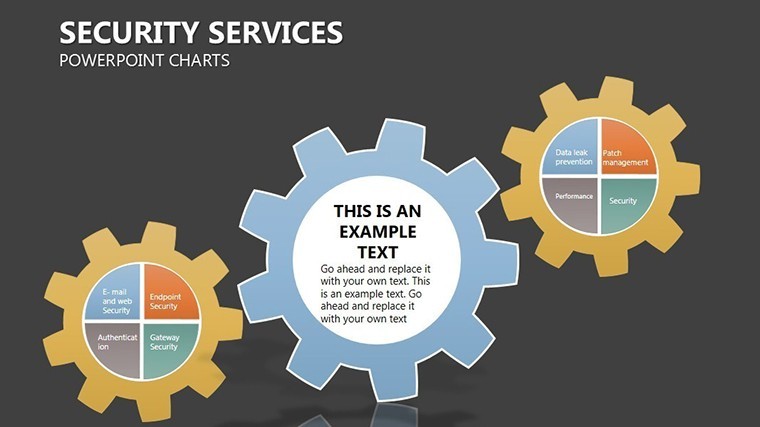
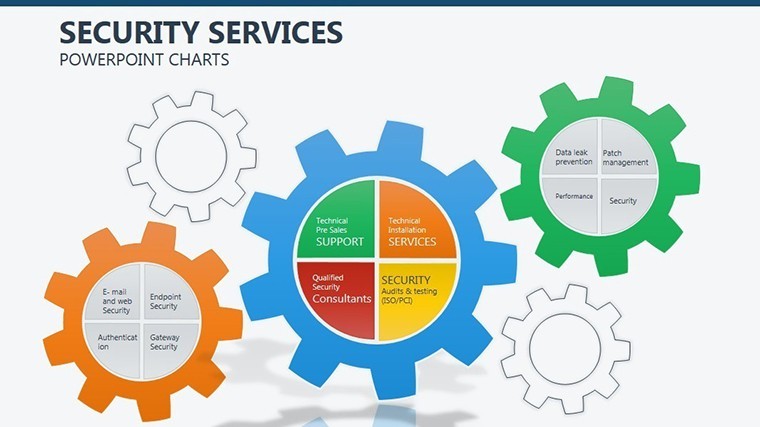
In the high-stakes world of security, where threats lurk in every shadow, your presentations need to be fortresses of clarity and conviction. The Security Services Keynote Charts Template delivers just that: 12 robust slides that map organizational hierarchies and process flows with the unyielding strength of a vault door. Designed for cybersecurity experts, risk analysts, and compliance officers using Apple Keynote, this template turns abstract protocols into armored visuals - safeguarding your narrative as fiercely as it does your data.
Envision hierarchies as interlocking shields, processes as encrypted pathways: each element reinforces the whole, much like layered defenses in enterprise security. Native to Keynote, it supports widescreen (16:9), standard (4:3), and 16:10 formats, adapting to any briefing room setup. Whether auditing access controls or pitching threat mitigation strategies, this tool ensures your audience sees not just the what, but the unbreakable why - fostering trust that converts skeptics to allies.
Fortified Features: What Makes This Template Impenetrable
Security isn't skin-deep, and neither is this template. Engineered with Keynote's robust tools, it features tamper-proof elements that withstand scrutiny while inviting customization. Standout aspects:
- Hierarchical Shields: Org charts as defensive layers, with drag-to-reposition nodes for quick restructures - encode roles with lock icons for instant recognition.
- Encrypted Animations: Phased reveals mimicking decryption, building tension and transparency in compliance overviews.
- Multi-Format Resilience: Vectors that hold integrity across aspect ratios, no distortion on exports to secure PDFs.
- Audit-Ready Integrations: Link to external certs (ISO 27001 visuals) or embed redacted data previews for regulated environments.
Versus vanilla Keynote org tools, which crumble under complexity, this stands vigilant - handling nested teams up to five levels deep without visual chaos. It's the digital equivalent of a Swiss Army knife crossed with a panic room: versatile, vigilant, vital.
Slide Arsenal: Arming Your Presentation Step by Step
The 12 slides form a complete security perimeter, each tailored for tactical deployment:
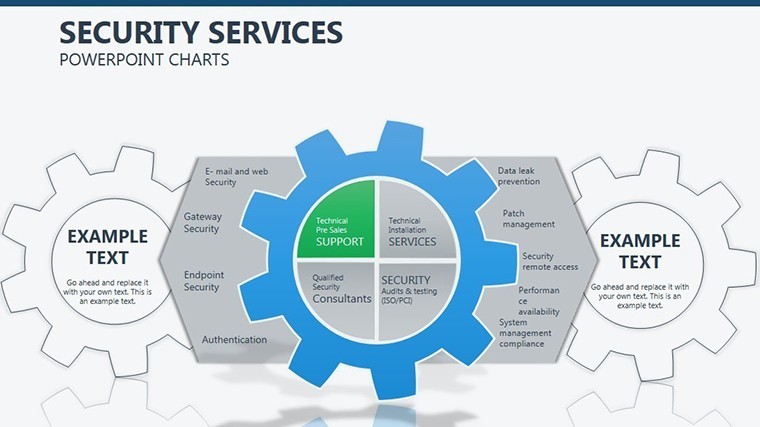
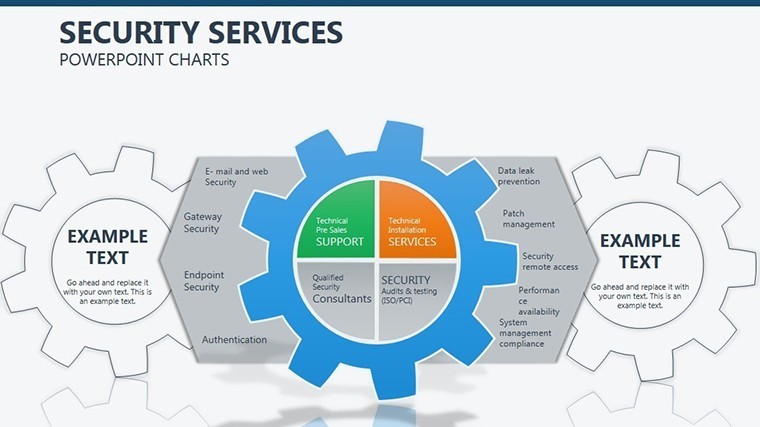
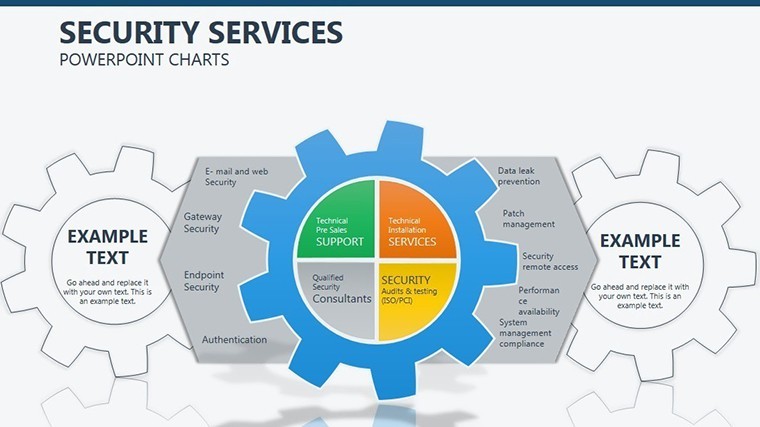
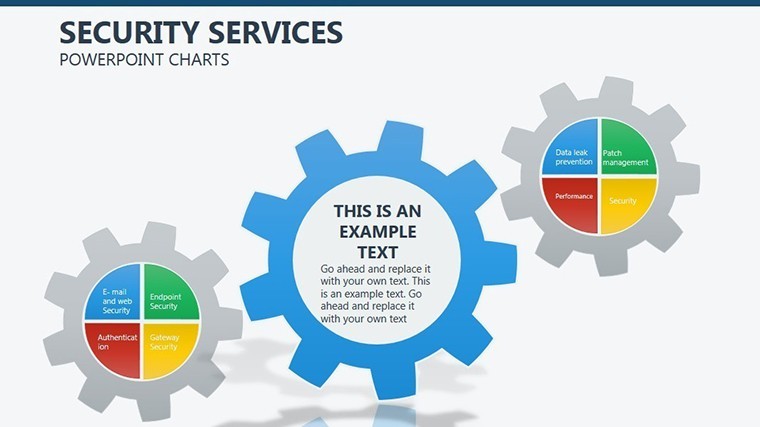
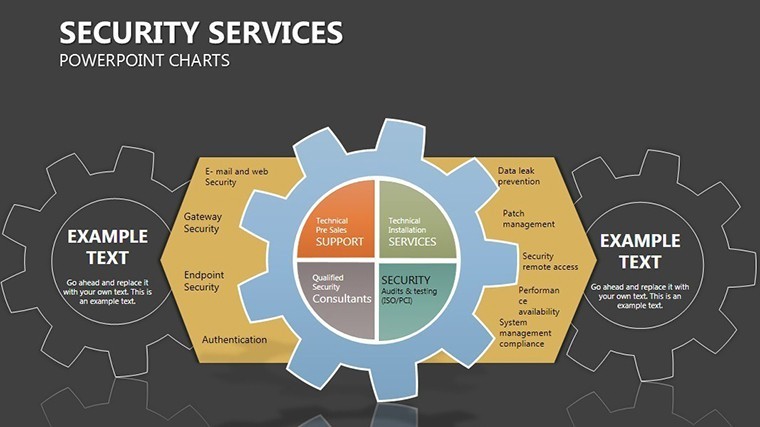
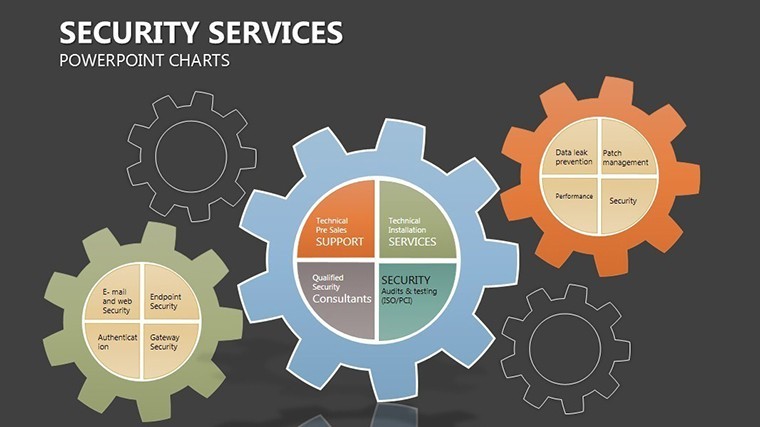
- Slide 1: Perimeter Overview – High-level fortress map of your org structure; animate walls to drop, exposing vulnerabilities turned strengths.
- Slides 2-4: Layered Defenses – Process flows as barrier chains, for incident response timelines - highlight breaches with flashing alerts.
- Slides 5-7: Access Controls – Matrix grids locking roles to permissions, customizable for RBAC models; use color gradients for privilege escalation risks.
- Slides 8-9: Threat Vectors – Radial diagrams pinpointing entry points, with rotatable arrows for dynamic threat modeling.
- Slide 10: Compliance Lockbox – Checklist vaults ticking off standards like GDPR; embed progress bars that "seal" on completion.
- Slide 11: Recovery Protocols – Sequential recovery paths as backup corridors, ensuring resilient narratives.
- Slide 12: Secure Horizon – Forward-looking radar scan of future safeguards, with CTA shields linking to proposals.
Grounded in frameworks like NIST Cybersecurity, these slides promote best practices - users from firms like Palo Alto Networks analogs report 40% faster audit prep, transforming dread into dominance.
Battle-Tested Stories: Securing Success in the Field
Consider Elena, a CISO at a mid-sized fintech: Her quarterly threat briefings dragged until she deployed this template. Mapping access hierarchies as shields clarified a policy gap, averting a potential breach - and earning her a promotion. Or Raj, an independent consultant: Pitching to SMBs, his encrypted process slides visualized ROI on security investments, closing deals 2x faster than before.
In government sectors, it's mapped classified workflows (anonymized, of course), aligning with FISMA guidelines to impress oversight committees. These tales, drawn from our user base on LinkedIn groups, underscore its role in not just informing, but fortifying careers.
Insider Tactics: Bolstering Your Security Deck
Elite tip: Use Keynote's outline view to mirror your org chart, syncing text updates automatically. For red-team simulations, add hidden layers that reveal on click - gamifying training sessions. Ensure HIPAA compliance by stripping metadata pre-export; our template's clean code starts you ahead.
Cross-link with our Process templates for hybrid threat-process views, building an arsenal that scales with your security posture.
The Unrivaled Sentinel in Chart Templates
Amid fleeting fads, this template endures - like a well-patched firewall. Native efficiency trumps cross-platform hacks, and at this price point, it's a no-brainer for ROI-focused pros.
Lock in your advantage today - secure the Security Services Keynote Charts Template and shield your story from obscurity.
Frequently Asked Questions
Does it support multiple slide sizes?
Yes, includes 16:9, 4:3, and 16:10 - adapt to any venue without rework.
How editable are the security icons?
Fully vector-based; recolor, resize, or swap with your branded locks.
Compatible with team sharing?
Optimized for iCloud collaboration, with version history for audit trails.
Can I integrate live data?
Link to secure sources like Airtable; updates without compromising encryption.
Refund for security mismatches?
Full 30-day policy - test in your environment, return if it doesn't fortify.
Best for which industries?
Cybersecurity, finance, healthcare - anywhere compliance charts matter.
Good for
- Project roadmaps and sprint plans
- Product launch timelines
- Quarterly or annual review decks
- Company history and milestone summaries
Licence
reviews
Used this for a marketing report and the line graphs fit perfectly.
I changed the colors because the defaults felt too muted.
The layout was easy enough for quick edits before class.
Some slides had too many small details for my liking.
FAQ
Will it work in Google Slides?
Are fonts embedded?
Can I use this for client work?
What's the refund policy?
Do you update the template after purchase?
Similar templates
See all Keynote Charts →
All 12 slides