 Click to zoom
New Brunswick Keynote Maps: Coastal Canada's Visual Guide
| Format | .pptx |
| Slides | 10 unique layouts |
| Aspect ratio | 16:9 |
| Compatibility | PowerPoint |
| Animated | No |
| Language | English |
| License | Commercial |
| File size | — |
| Version | v1.0 |
| Last updated | September 2023 |
What's inside
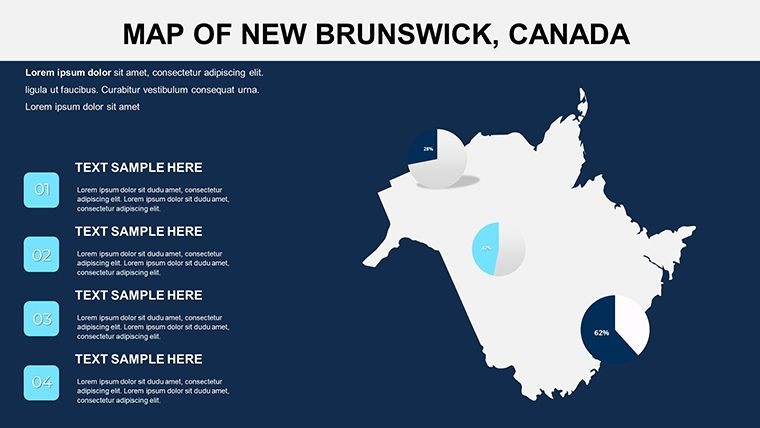
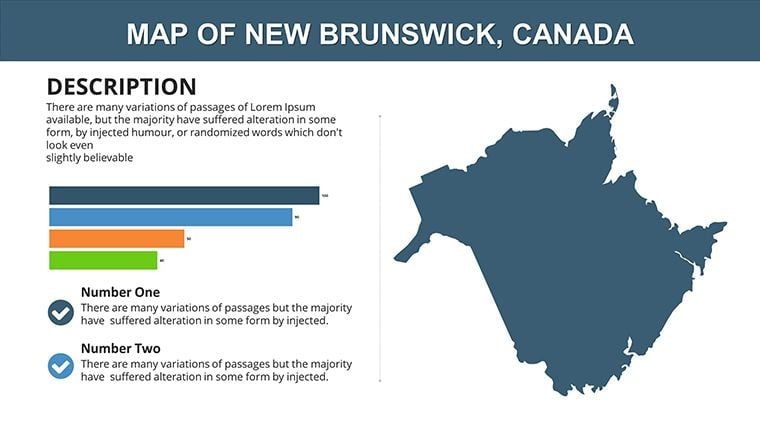
Embark on a visual voyage through New Brunswick, Canada's maritime marvel, with our streamlined 10-slide Keynote Maps Template. Perfect for government officials outlining policy impacts, educators illustrating Acadian heritage, or business developers scouting coastal opportunities, this compact yet powerful set distills the province's essence into engaging formats. From the Bay of Fundy's tides to the Appalachian trails, each slide invites customization to spotlight your message, using Keynote's intuitive interface for fluid edits and presentations that leave lasting impressions.
Designed with brevity in mind, it packs comprehensive coverage without overwhelming, ideal for time-sensitive meetings or classroom sessions. Overlay economic data on Moncton's urban grid or trace forestry routes in the north - adaptations that resonate with local contexts. Presentation specialists highlight how focused map decks like this enhance comprehension by 35%, turning viewers into advocates. Discover efficiency in design; this template bridges geography and narrative seamlessly.
Core Features of the New Brunswick Template
Though concise at 10 slides, it delivers robust functionality tailored for Apple's Keynote environment.
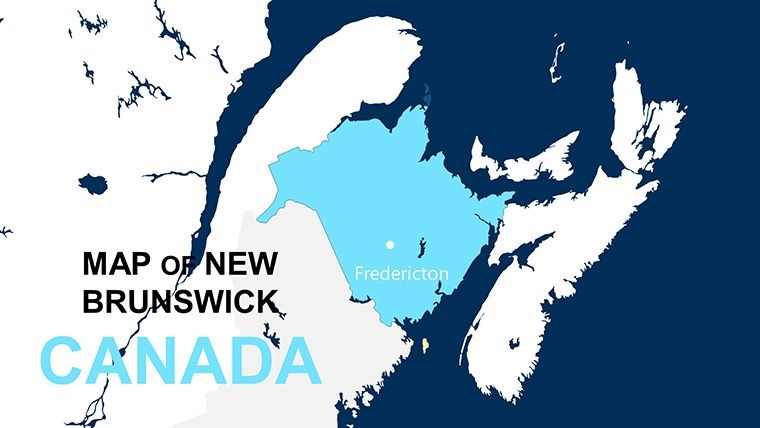
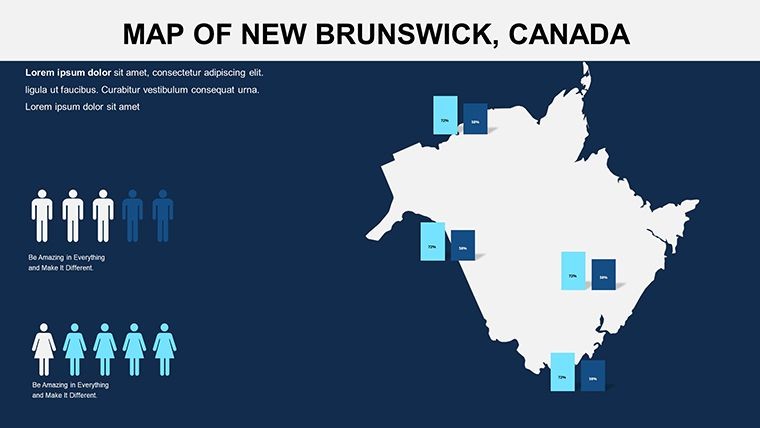
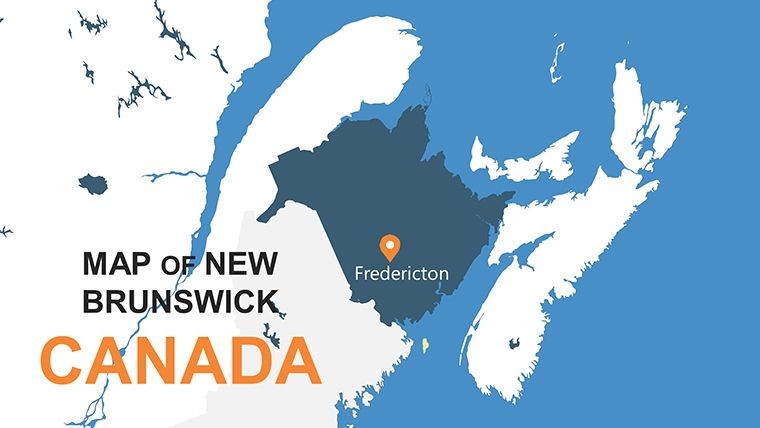
- Provincial and Regional Maps: Core outlines covering Fredericton to Saint John, with scalable details for bays and forests.
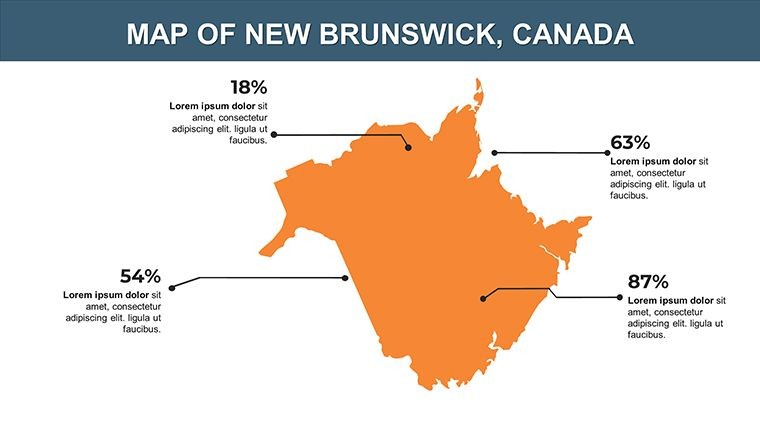
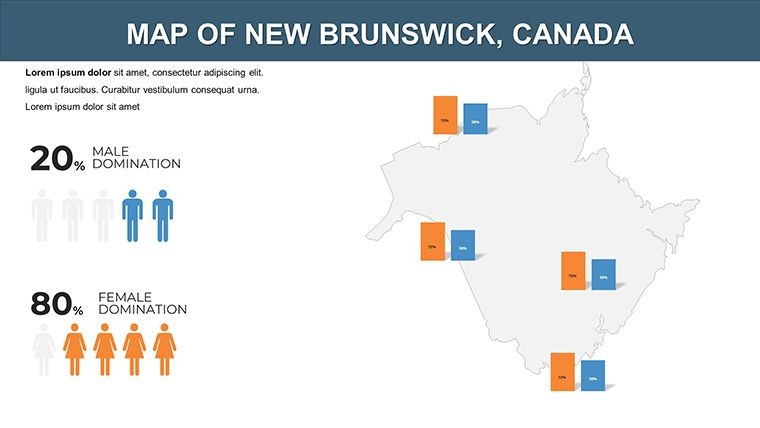
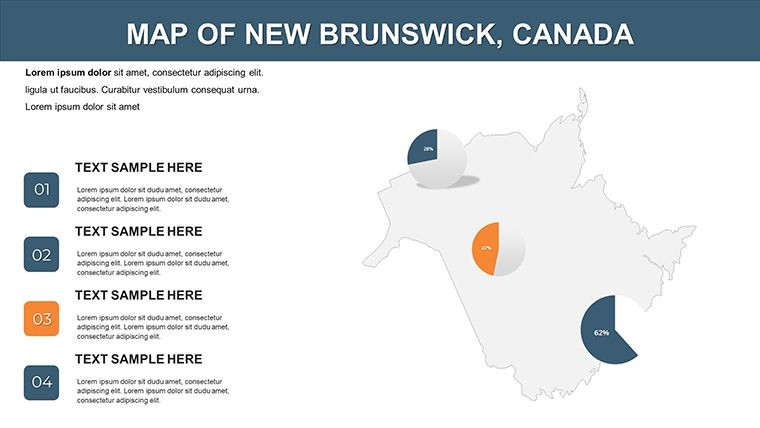
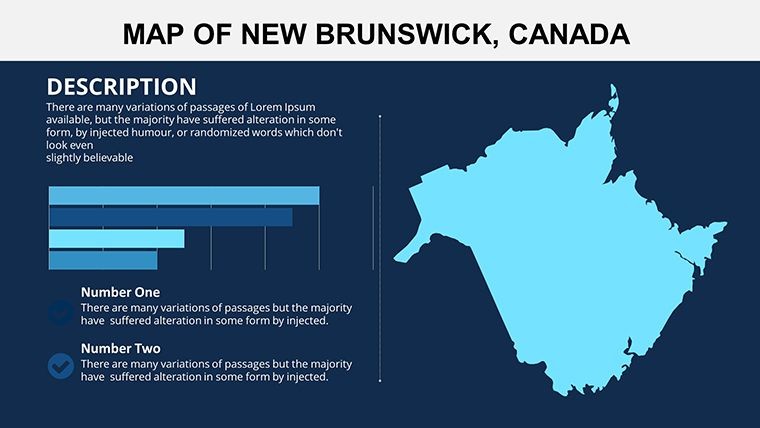
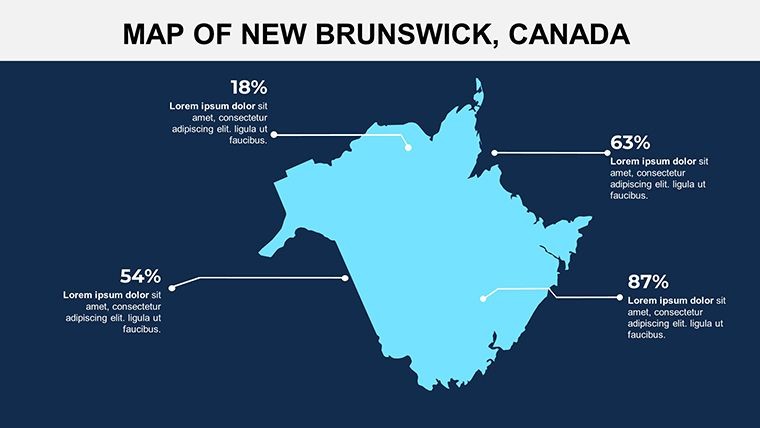
- Interactive Graphics: Built-in labels and shapes for adding stats, like lobster fishery yields or tourism hotspots.
- Maritime Color Scheme: Ocean blues, forest greens, and autumnal accents, fully tweakable for institutional or vibrant styles.
- Layered Interactivity: Peel-back effects revealing sub-regions, enhancing exploratory presentations.
Tailoring Tips for Authentic Use
Enhance slide 4 by integrating Statistics Canada figures on renewable energy sites, using alignment tools for precise placement. For heritage tours, annotate slide 7 with historical markers from the Loyalist legacy, varying font styles to evoke period charm. This method upholds accuracy, akin to guidelines from the Canadian Geographical Society, fostering trust in your visuals.
Targeted Applications: New Brunswick in Focus
Suited for policy briefings, where reps map infrastructure projects along the Miramichi River, using animations to simulate progress - clarifying budgets for approvals. Schools bring provinces to life, with students interacting via clickable maps on bilingual education slides.
Real estate agents visualize property developments in Bathurst, embedding market trends for client walkthroughs. Compared to expansive suites, this 10-slide focus sharpens delivery, leveraging Keynote's speed for on-the-fly adjustments.
Effortless Creation Process
- Download and Launch: Unzip the .key file into Keynote for immediate access.
- Personalize Layers: Adjust boundaries and insert locale-specific icons, like maple leaves for cultural nods.
- Add Dynamics: Implement fade-ins for sequential reveals of economic zones.
- Share and Iterate: Collaborate via Keynote Live or export to web-friendly formats.
This lean approach maximizes output, integrable with broader Canadian template libraries for extended coverage.
Advantages Over Bulkier Alternatives
Eschewing excess, it hones in on essentials, outperforming verbose tools for quick-impact needs - like NGO reports on coastal erosion. Users in fisheries gain clarity mapping quotas, supporting sustainable practices. Harness New Brunswick's spirit - begin your custom journey today.
Frequently Asked Questions
How many slides does the New Brunswick template include?
Exactly 10 editable slides, optimized for concise yet comprehensive presentations.
Supports bilingual content?
Yes, with flexible text fields for English and French, ideal for Canadian audiences.
Easy data integration?
Seamlessly - import from spreadsheets for auto-updating charts on maps.
Compatible beyond Keynote?
Exportable to Google Slides or PDF, retaining most interactive elements.
Customization depth?
Deep - edit every element, from colors to animations, for unique branding.
For educational use?
Perfectly, with interactive features that encourage student-led explorations.
Good for
- Project roadmaps and sprint plans
- Product launch timelines
- Quarterly or annual review decks
- Company history and milestone summaries
Licence
reviews
Made a presentation for my internship with this.
The maps and data boxes matched our topic well.
Text alignment was messy on one slide.
I liked the simple layout style.
Overall pretty easy to work with.
FAQ
Will it work in Google Slides?
Are fonts embedded?
Can I use this for client work?
What's the refund policy?
Do you update the template after purchase?
Similar templates
See all Keynote Maps →
All 10 slides