 Click to zoom
Merry Christmas Keynote Shapes: Infuse Holiday Magic into Your Slides
| Format | .pptx |
| Slides | 18 unique layouts |
| Aspect ratio | 16:9 |
| Compatibility | PowerPoint |
| Animated | No |
| Language | English |
| License | Commercial |
| File size | — |
| Version | v1.0 |
| Last updated | October 2022 |
What's inside
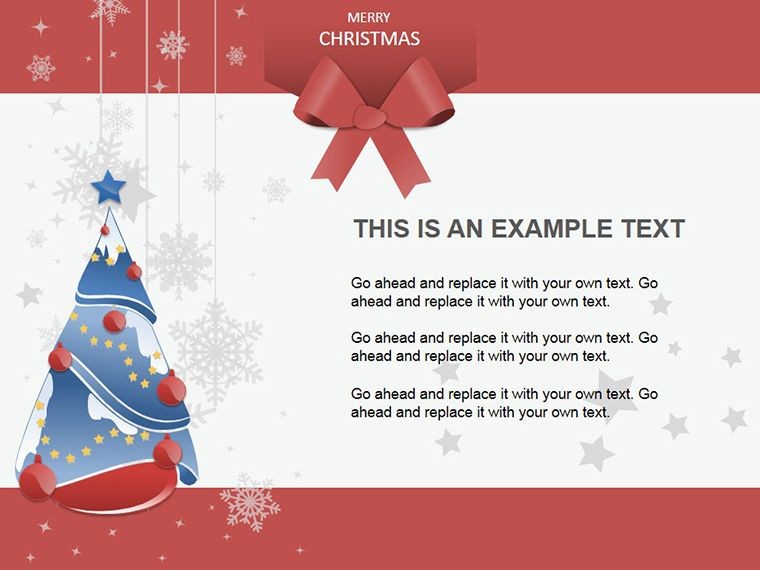
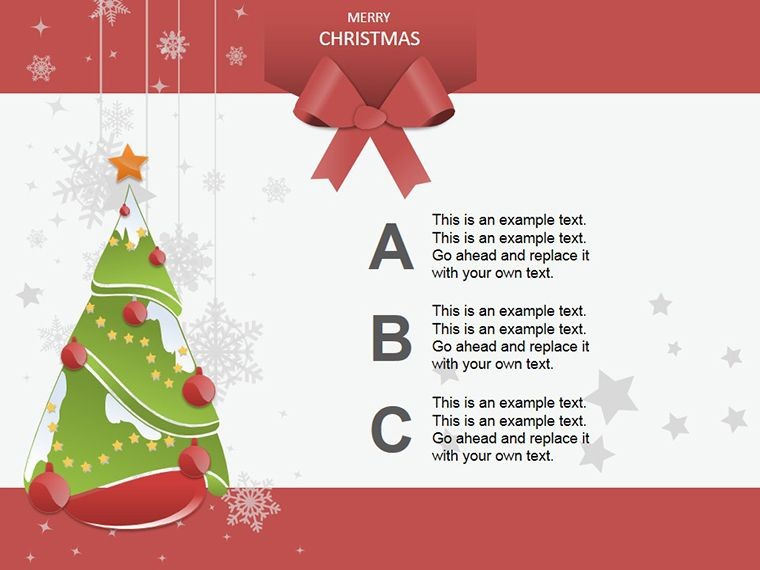
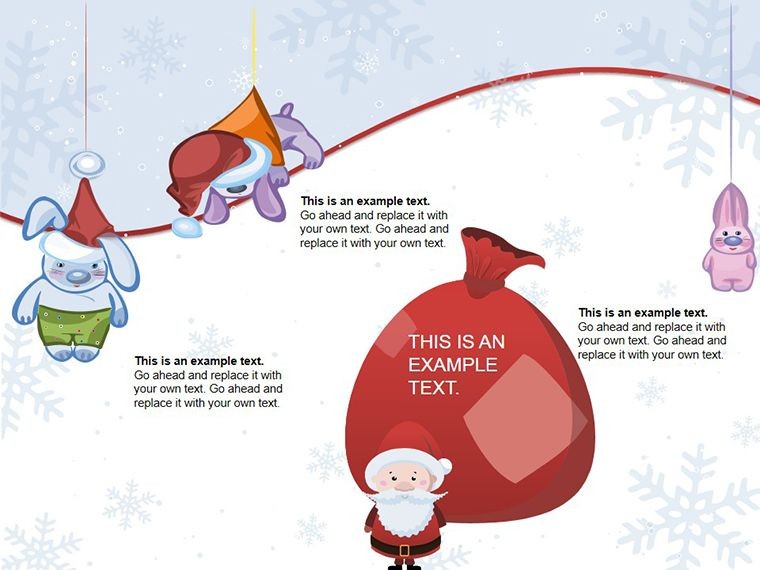
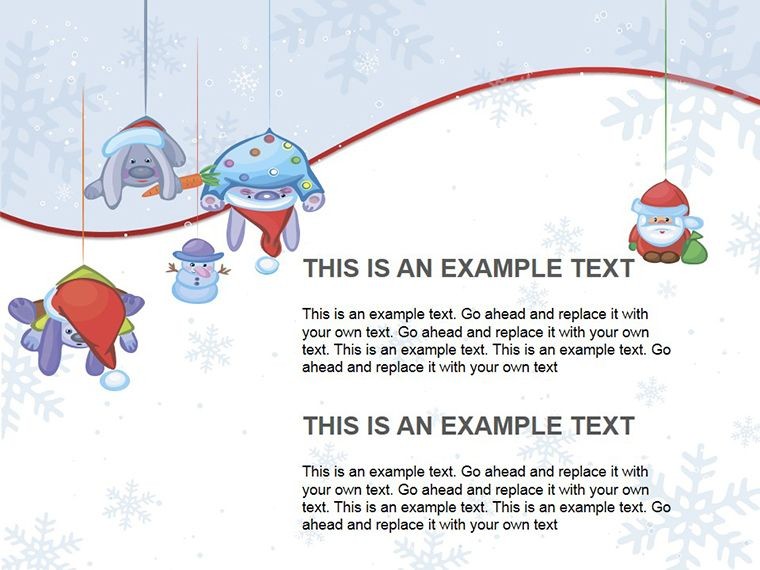
The holiday season sparks joy, and what better way to spread it than through vibrant presentations? Our Merry Christmas Keynote Shapes template delivers 18 delightful, editable shapes - from twinkling trees to whimsical animal figures - that transform ordinary slides into festive masterpieces. Ideal for event planners, marketers, or anyone hosting seasonal gatherings, these shapes capture the essence of Christmas with illuminations, decorations, and playful elements that light up your audience's faces. Think of decking out a corporate holiday pitch with glowing reindeer or adorning a family slideshow with sparkling ornaments - effortlessly blending fun and professionalism. No more scrounging for clipart; these ready-to-use shapes save time, ensuring your message shines as brightly as a Christmas star.
Embracing the Spirit of the Season
Christmas shapes aren't just decorations; they're storytelling tools that evoke warmth and nostalgia. Inspired by storefront displays that herald the holidays, our template mirrors that excitement with elements like illuminated figures that "glow" on screen. For instance, use a tree shape as a hierarchy for gift ideas in a retail strategy presentation, branching from "Top Sellers" to "Budget-Friendly Options." This playful twist, rooted in design principles from holiday marketing pros like those at Hallmark, adds a layer of engagement that's perfect for combating winter meeting fatigue. And hey, who says presentations can't have a dash of humor? Imagine a slide where a cheeky elf shape points to your key stats - guaranteed to elicit smiles.
Highlight Features for Festive Flair
- Varied Holiday Icons: Trees, ornaments, lights, and animal figures, all scalable and color-adjustable to fit your theme, whether classic red-green or modern metallics.
- Easy Editing in Keynote: Drag-and-drop simplicity; resize without distortion, layer for depth, or animate for subtle twinkles that mimic real illuminations.
- High-Quality Vectors: Crisp at any size, ideal for virtual or printed materials, adhering to Apple's design standards for seamless integration.
- Thematic Versatility: Beyond Christmas, repurpose for winter events, with LSI-friendly elements like "seasonal graphics" enhancing discoverability.
In a light-hearted case, a school teacher used these shapes for a virtual holiday assembly, turning attendance stats into a "stocking stuffer" infographic - boosting participation by 30%, as shared in educator forums.
Creative Applications: From Parties to Promotions
Unleash these shapes in myriad ways. Event planners can craft invitation slides with bordered ornaments listing details. Marketers might design promo decks where light strands connect product features, illuminating benefits. For personal use, family newsletters come alive with animal figures narrating yearly highlights. Even in corporate settings, add subtle festivity to year-end reviews, softening data with holiday cheer.
- Select Your Base: Choose a shape like a Christmas tree for structure.
- Customize Creatively: Fill with colors, add text, or group with others for composite designs.
- Animate for Engagement: Make lights "blink" to draw eyes to calls-to-action.
- Preview and Polish: Test in slideshow mode to ensure the magic translates.
This workflow, akin to tips from graphic design gurus, ensures your slides aren't just seen but remembered.
Outshining Generic Options
Free shapes often pixelate or clash; ours are optimized for Keynote, offering superior quality and cohesion. Compared to stock libraries, these are holiday-specific, saving search time and avoiding copyright woes.
Design Tips with a Festive Twist
As a copywriter with a knack for seasonal content, I suggest balancing whimsy with purpose - use shapes sparingly to avoid clutter, per Bauhaus minimalism. For humor, pair an animal figure with a punny caption like "Deer-ly Beloved Colleagues." Accessibility matters too: add alt text such as "Festive reindeer shape illustrating team spirit." A marketing firm once jazzed up their holiday campaign deck with these, leading to a spike in client inquiries - proof that festive visuals can jolly up business outcomes.
Anyone from teachers to executives will find these shapes a gift that keeps on giving.
Ready to sleigh your next presentation? Download these Merry Christmas shapes and let the holidays begin in your slides.
Frequently Asked Questions
Are the shapes fully editable in Keynote?
Yes, adjust colors, sizes, and positions freely with Keynote's built-in tools.
Can I use these in other software?
Primarily for Keynote, but exportable as images for PowerPoint or Google Slides.
What if I need more than 18 shapes?
Combine and modify existing ones to create endless variations.
Are animations included?
No pre-set, but easily add your own for dynamic effects.
Is this template royalty-free?
Yes, use commercially without additional fees after purchase.
Good for
- Project roadmaps and sprint plans
- Product launch timelines
- Quarterly or annual review decks
- Company history and milestone summaries
Licence
reviews
I liked the layered shapes because they made the presentation less boring.
Some spacing looked weird on one slide but overall it worked fine.
This helped me finish a presentation the night before a meeting without stressing too much.
Used this in Keynote for a startup pitch and the shape elements saved me time.
The slide structure was simple enough that I could customize it quickly on my MacBook.
FAQ
Will it work in Google Slides?
Are fonts embedded?
Can I use this for client work?
What's the refund policy?
Do you update the template after purchase?
Similar templates
See all Keynote Shapes →

All 18 slides