 Click to zoom
Marketing Mix Keynote Charts Template - Fully Editable | Instant Download | ImagineLayout
| Format | .pptx |
| Slides | 41 unique layouts |
| Aspect ratio | 130/73 |
| Compatibility | PowerPoint |
| Animated | No |
| Language | English |
| License | Commercial |
| File size | — |
| Version | v1.0 |
| Last updated | March 2026 |
What's inside
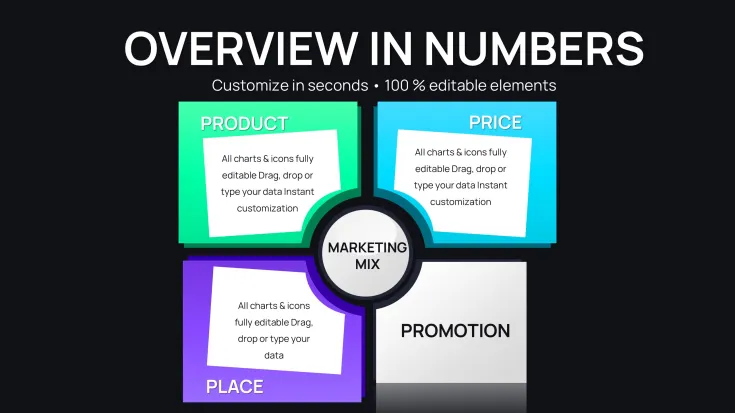
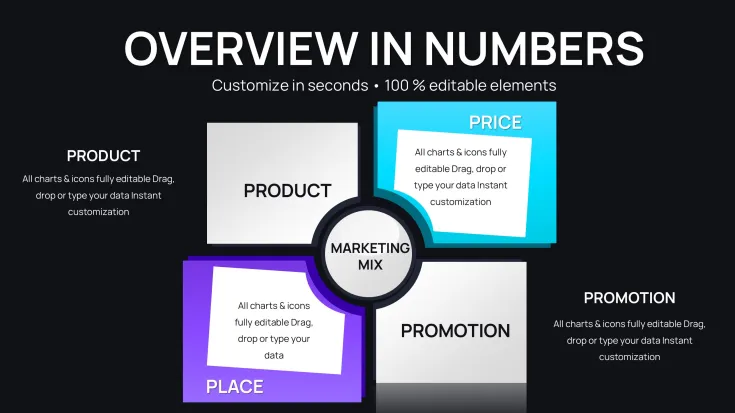
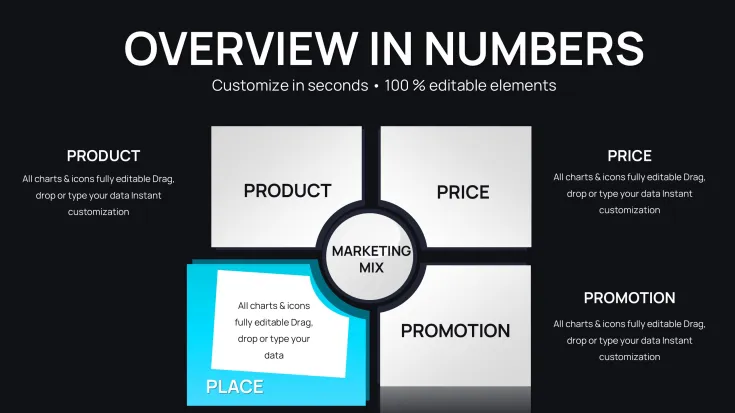
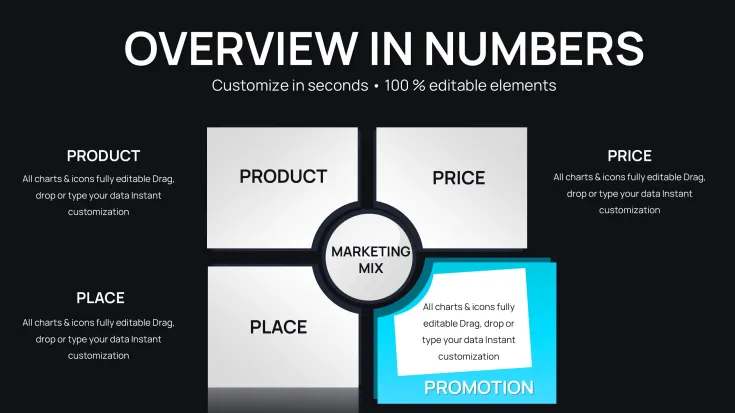
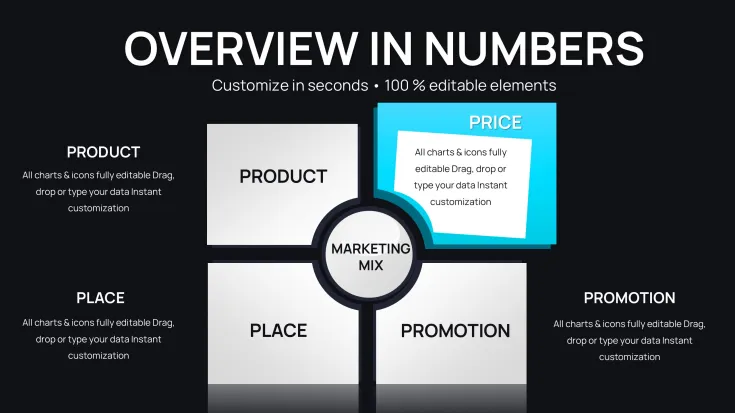
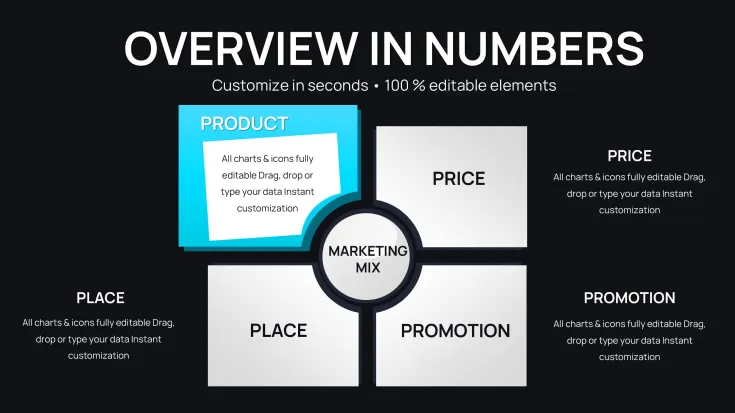
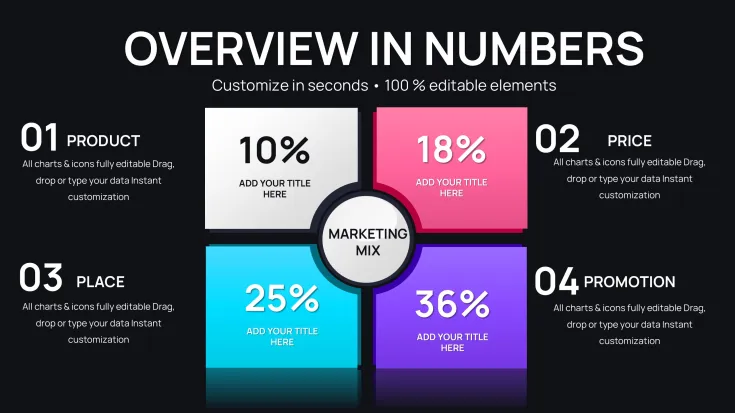
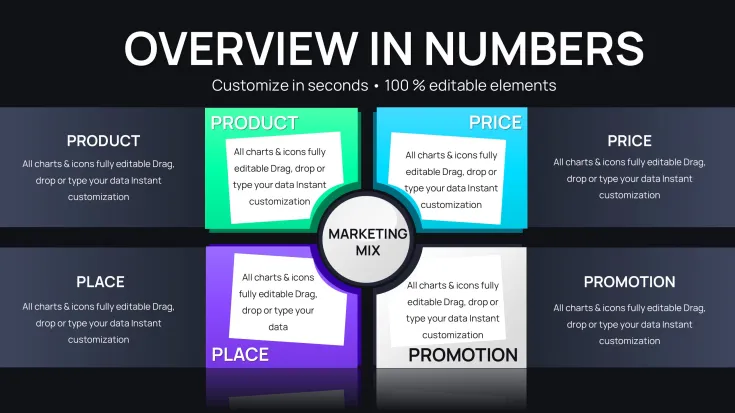
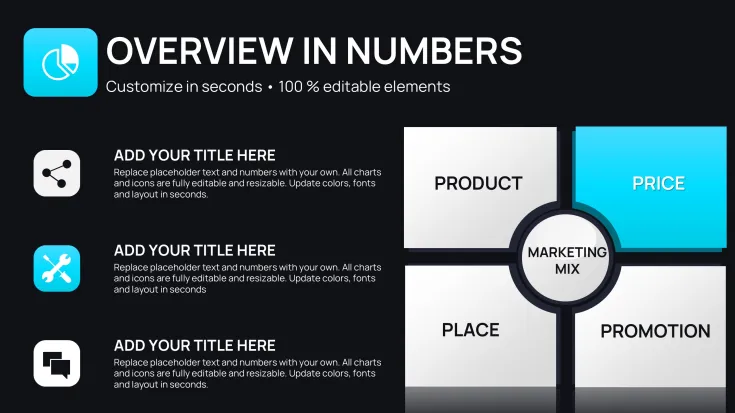
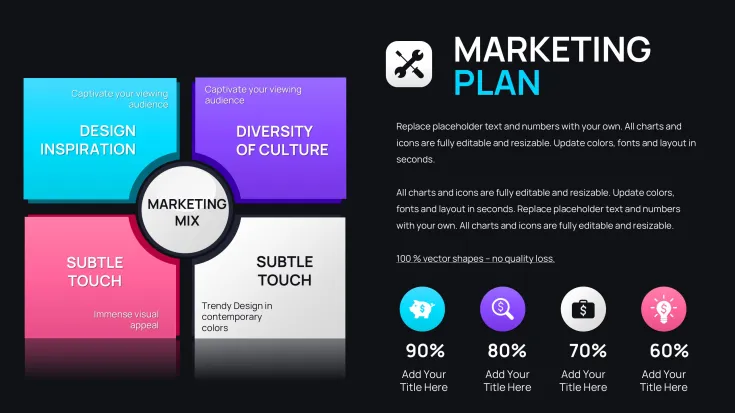
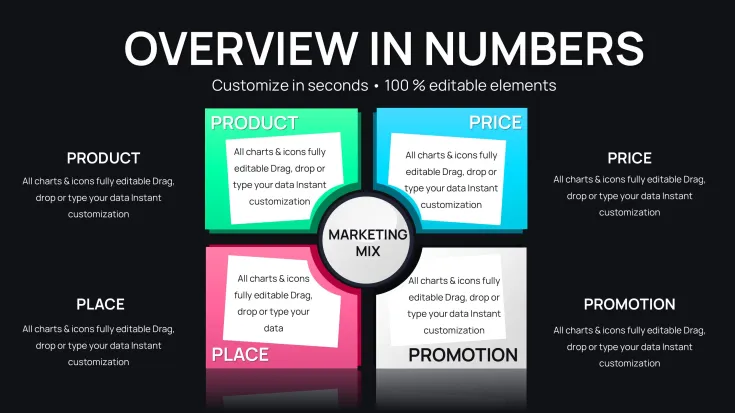
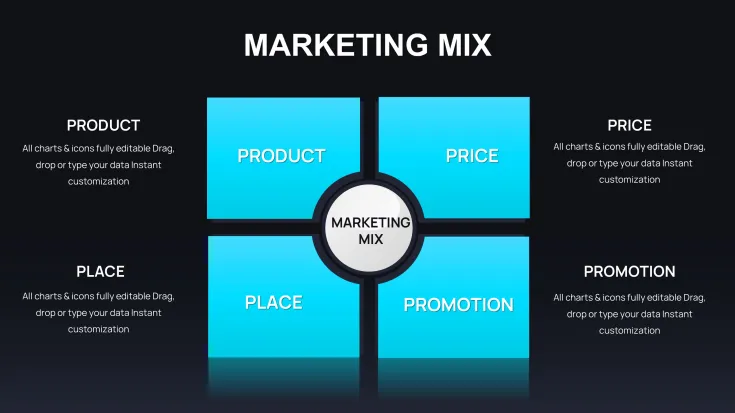
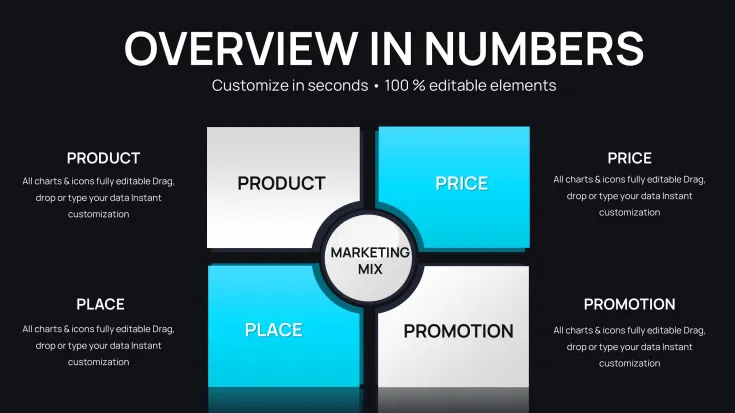
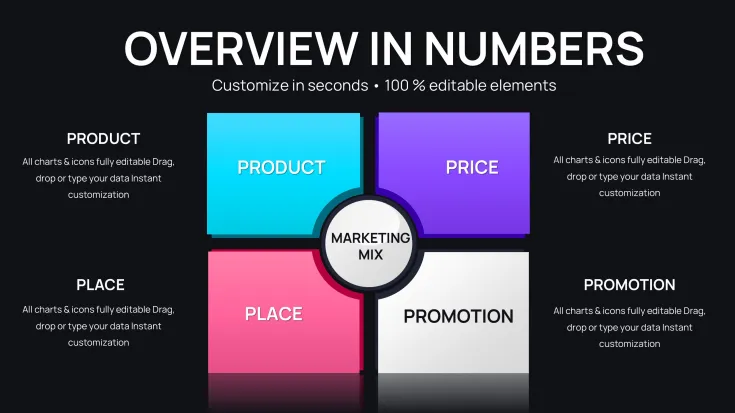
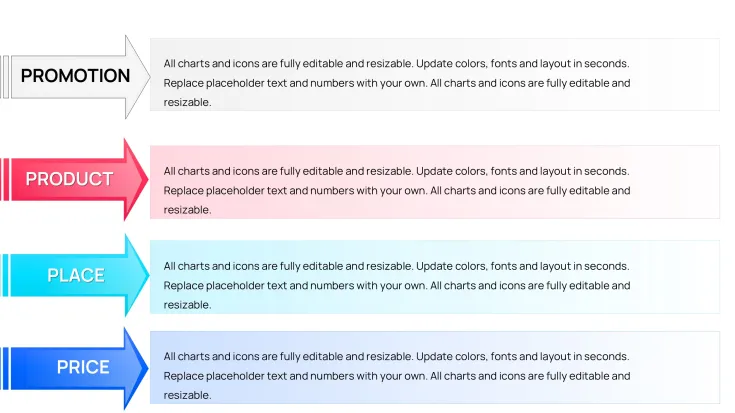
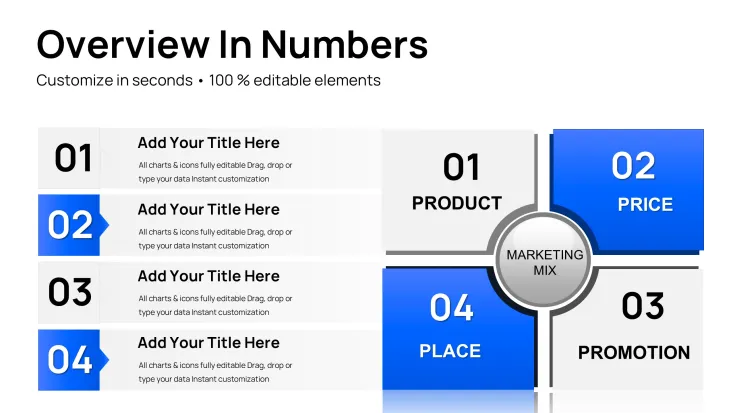
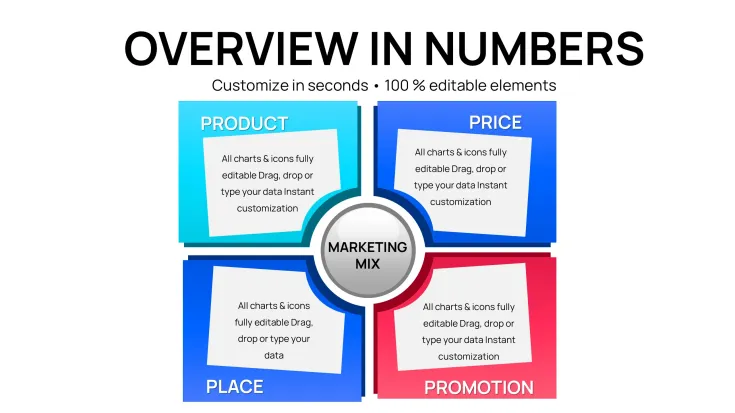
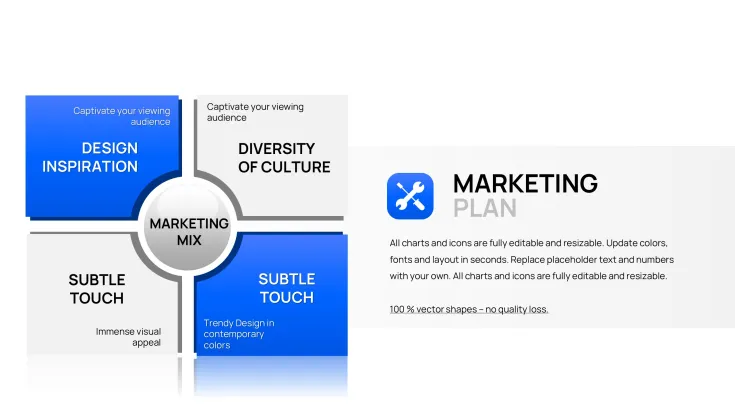
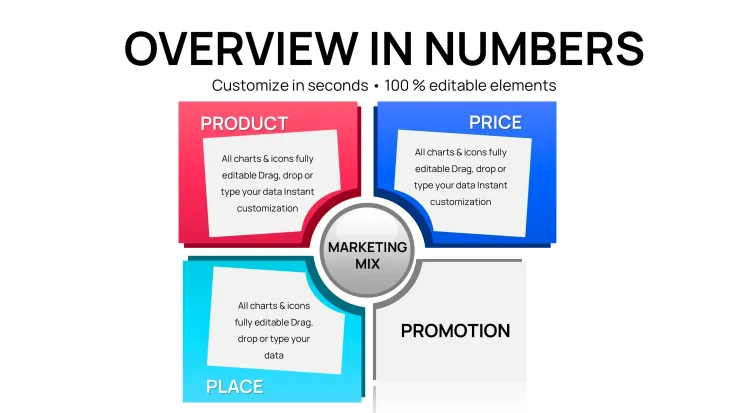
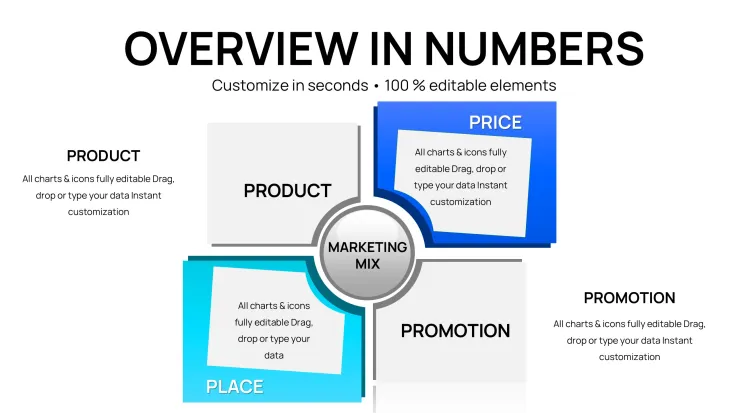
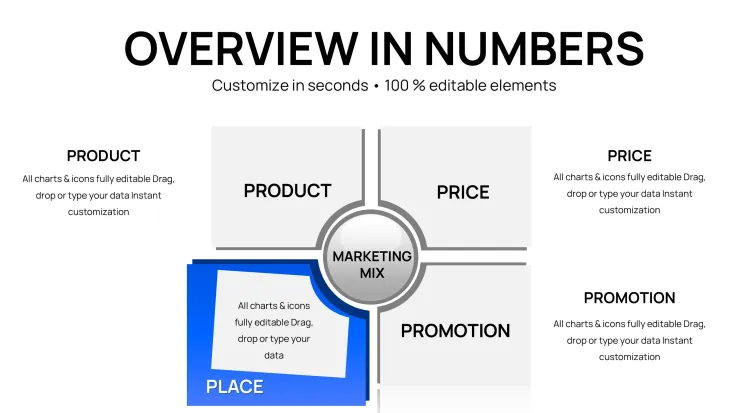
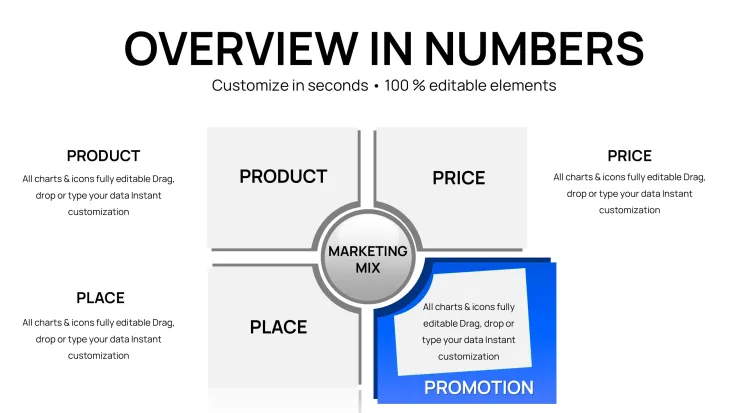
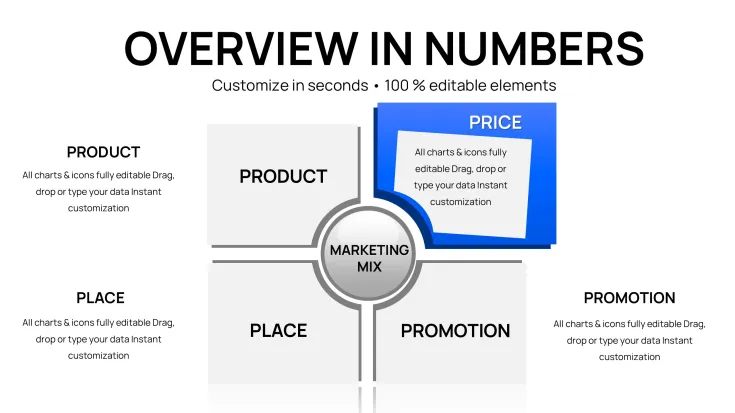
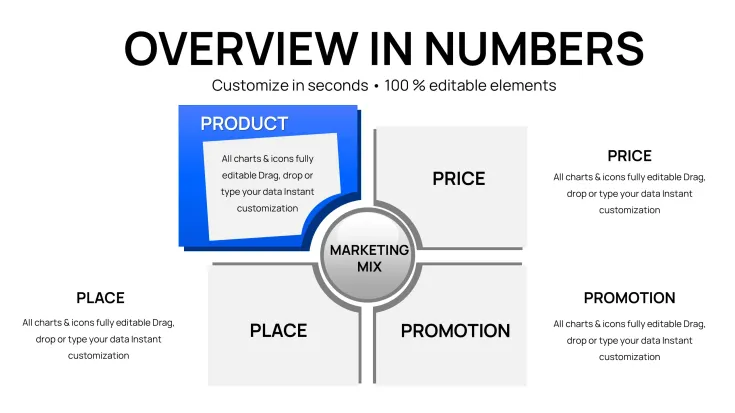
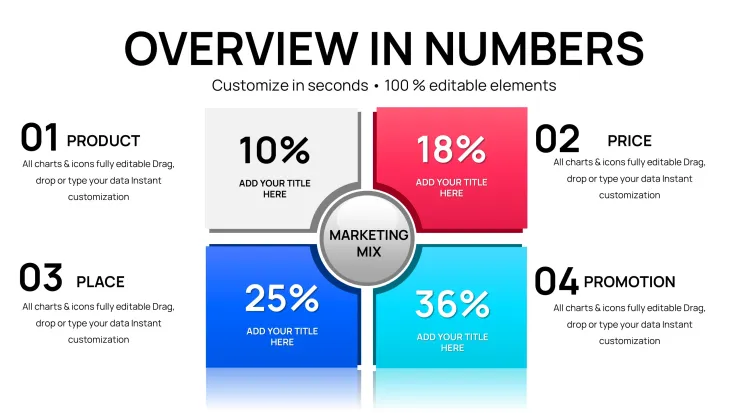
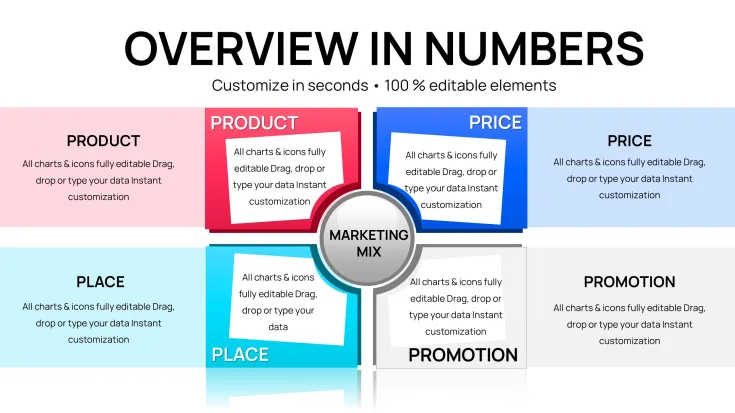
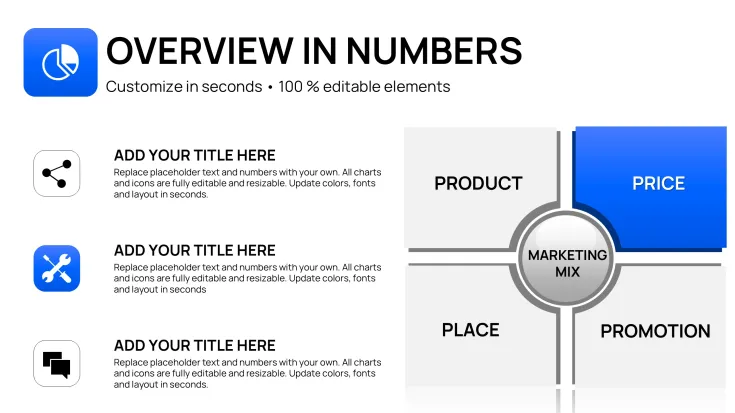
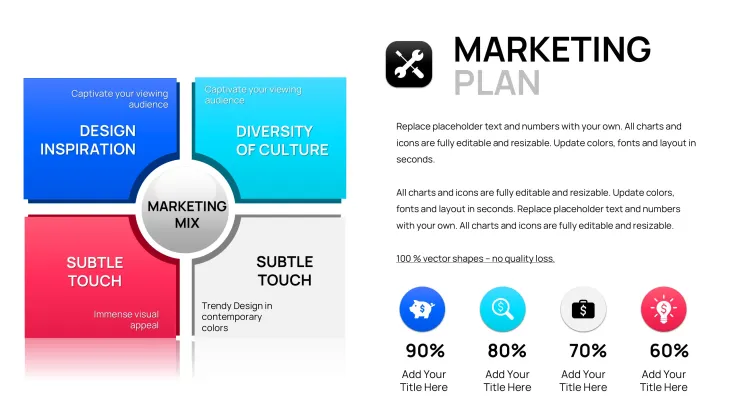
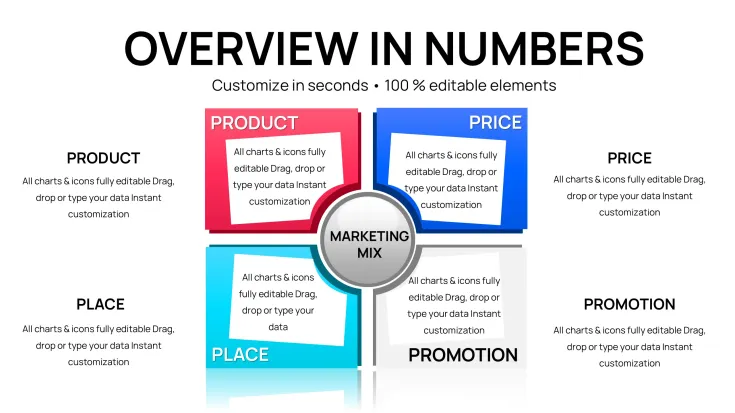
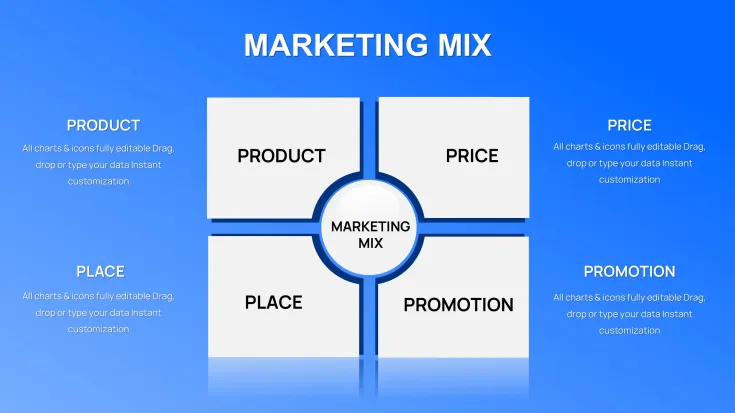
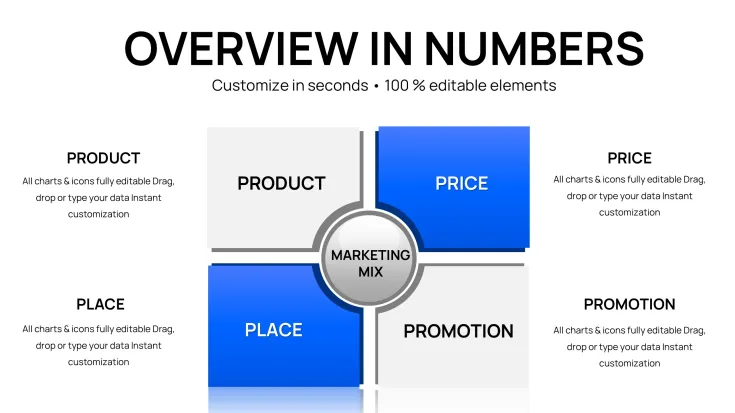
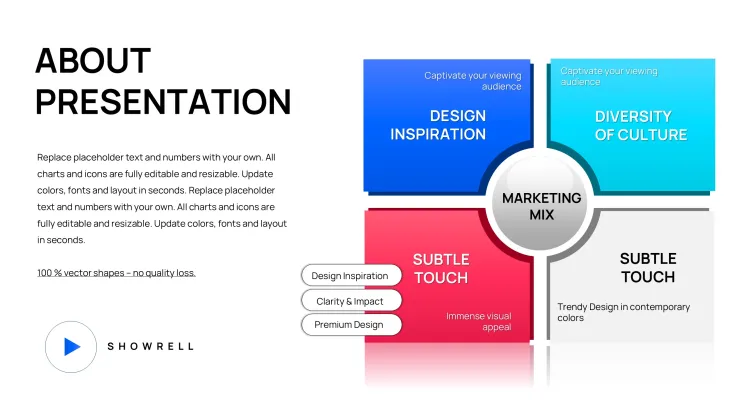
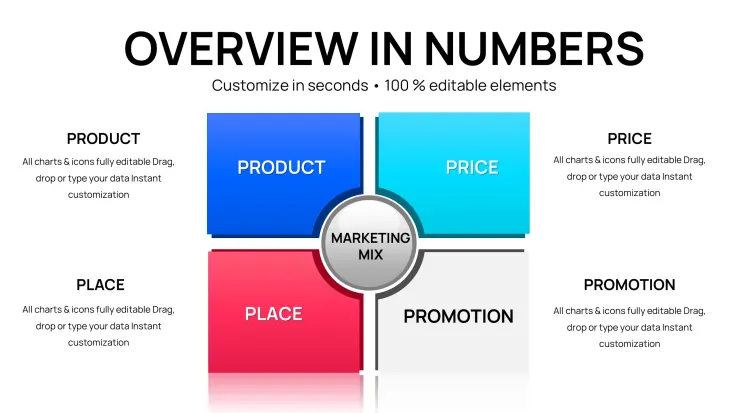
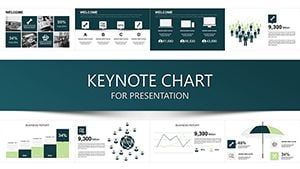
Download the Marketing Mix Keynote Charts Template with 41 fully editable slides for professional visualization of Product, Price, Place and Promotion strategies. Instant .key download, compatible with Keynote. Customize data and colors in minutes for business presentations at just $15.
What's Included
The Marketing Mix Keynote Charts Template includes exactly 41 editable slides in a single .key file ready for immediate use. This pack is built exclusively for Keynote users who need clear data-driven visuals to present the four core elements of any marketing strategy. Every slide contains vector-based charts, text placeholders and color layers that can be adjusted without quality loss. The package also provides master slides for consistent branding across the entire deck. After purchase you receive instant download access along with basic usage notes inside the file. No additional software or fonts are required beyond standard Keynote installation.
With 41 slides you gain multiple layout variations for each marketing mix component, allowing you to choose the best chart style for your specific data set or audience. The file size remains light for fast loading even on older Mac computers. All charts are native Keynote objects so data updates happen directly inside the app without external links breaking.
Key Features
This template stands out with its dedicated focus on chart-heavy layouts for marketing mix analysis. The 41 editable slides offer extensive options for quantitative comparison without any filler content. Every element supports drag-and-drop image or chart insertion, native Keynote animations for smooth builds and full color scheme customization to match your brand palette. The pack works seamlessly with Keynote versions from 10 upward and exports cleanly to PDF or PowerPoint while preserving layout integrity.
Unlike generic chart packs, these slides are pre-structured around the classic marketing mix framework so you spend zero time aligning axes or labels to Product, Price, Place or Promotion discussions. Vector scalability ensures charts look sharp on any screen size from laptop to projector.
FeatureBenefit41 editable slidesMultiple layout choices for every marketing mix elementNative Keynote chartsDirect data editing inside the appVector graphicsPerfect scaling on any displayBuilt-in animationsProfessional reveal effects without extra workMaster slide systemConsistent fonts and colors across deckInstant download .key fileStart creating in under 60 secondsProfessional Use Cases
A regional marketing manager at a consumer electronics company used this Marketing Mix Keynote Charts Template to present quarterly pricing and distribution adjustments to the executive team. By populating the included charts with real sales data the manager highlighted price elasticity trends and channel performance gaps in a single deck. The board approved the revised strategy within the meeting because the visuals made complex relationships immediately understandable. The entire presentation was prepared in less than two hours instead of the usual full day of manual chart building.
Business school lecturers rely on the same 41-slide pack when teaching the marketing mix to undergraduate classes. The volume of layout options lets instructors demonstrate different visualization approaches for the same dataset, helping students see how chart choice affects audience perception. One professor reported that student project scores improved because teams could focus on strategic analysis rather than learning charting software.
How to Customize
Customization follows a simple four-step workflow that works every time. First download the .key file immediately after purchase and open it in Keynote. Second replace placeholder numbers and text in any chart by double-clicking the data table that appears. Third adjust fill colors, line styles and fonts using the format sidebar to match your corporate identity. Fourth add your logo to the master slide so it appears on every page automatically. The process takes minutes because all charts are already grouped and aligned. Export the finished deck as PDF for client sharing or keep it native for live presentations with animation builds intact.
Because the template uses only native Keynote elements you never lose formatting when switching between Mac devices or updating Keynote versions. Text placeholders expand automatically so longer bullet points never break the layout.
Why Choose This Template
Building marketing mix charts from scratch in Keynote typically consumes four to six hours per deck when you factor in aligning axes, choosing colors and testing animations. This 41-slide template eliminates that entire phase and delivers consistent professional results every time. The difference is not just speed but quality: pre-tested layouts prevent common alignment errors that make homemade charts look amateur. Teams report saving an average of three hours per presentation while achieving higher audience engagement scores because the focus stays on strategy discussion rather than slide design.
Compared with the companion 31-slide 4Ps narrative template, this pack provides almost 30 percent more chart variations so you can present deeper quantitative analysis when numbers matter more than storytelling. The larger slide count also supports multi-version decks for different audiences without recreating content.
Add to cart now and start your next marketing mix presentation with confidence.
Frequently Asked Questions
Is the Marketing Mix Keynote Charts Template compatible with my version of Keynote?Yes, the template works with Keynote 10 and all newer versions on both Mac and iPad. All 41 slides use only native Keynote chart objects and master slides so no compatibility issues arise. If you are on an older version the file will still open but some animation options may need manual reapplication. The pack has been tested across multiple devices and updates without layout shifts.
How do I edit the charts in the 41-slide pack?Editing is straightforward: double-click any chart to open its embedded data table, replace the sample numbers with your own figures and close the table. Colors update via the format panel and text is changed by selecting placeholders. Because every slide is fully grouped you can move or resize entire chart blocks without breaking connections. The process takes seconds per slide and preserves all original alignments.
What licensing terms apply after purchase?You receive a standard commercial license that allows unlimited personal and client use. The 41 slides may be incorporated into paid presentations, reports or training materials without additional fees. Redistribution of the original .key file is not permitted. The license is tied to your purchase account and never expires.
Can I add my own images and branding to the template?Absolutely. Every slide contains dedicated image placeholders and the master slide accepts your logo once for automatic application across all 41 pages. Drag-and-drop your photos or icons into the vector frames; they scale perfectly without distortion. Color fills can be changed globally through the theme editor so your brand palette applies in one click.
What happens after I click Add to Cart?Payment processes instantly and the .key file becomes available for download in your account dashboard within seconds. No account registration is required for purchase. You receive an email receipt with direct download link as backup. The entire transaction to first slide edit normally takes under two minutes.
Good for
- Project roadmaps and sprint plans
- Product launch timelines
- Quarterly or annual review decks
- Company history and milestone summaries
Licence
reviews
41 marketing mix slides for 4Ps with charts helped quarterly pricing presentation. Data tables update fast. Board approved strategy quickly.
Lecturer: teaching marketing mix with quantitative visuals. 41 layouts demonstrate approaches well. Excellent for classes.
The dedicated charts for Product/Price/Place/Promotion are focused. Master slides keep branding consistent. Professional output.
Regional manager: channel performance and elasticity trends visualized clearly. Animations add polish. Time saver.
The 41-slide volume supports deep analysis. Native editing is seamless. Good for data-driven marketing.
Practical pack for strategy sessions. Colors and placeholders customizable quickly. Reliable for business presentations.
FAQ
Will it work in Google Slides?
Are fonts embedded?
Can I use this for client work?
What's the refund policy?
Do you update the template after purchase?
Similar templates
See all Keynote Charts →
All 41 slides